Leaderboard
-
TricoBren
Member++9Points169Posts -

Guyver1
Member++4Points534Posts -
Gazham
Member++2Points529Posts -

jerrygoodman
Member++1Points1,240Posts




Popular Content
Showing content with the highest reputation on 02/26/2016 in all areas
-
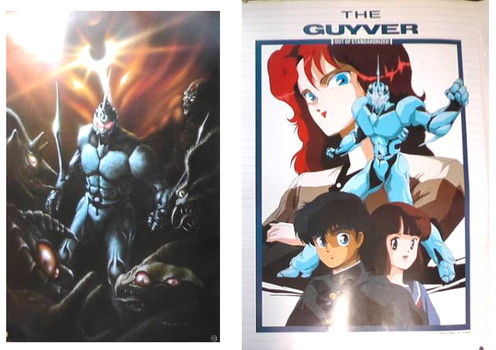
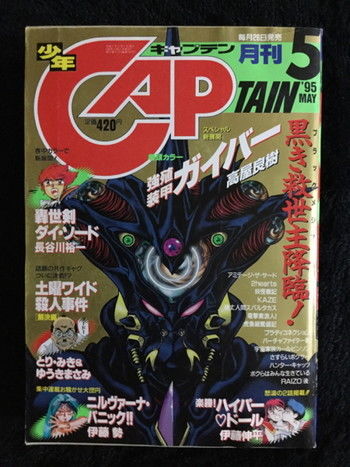
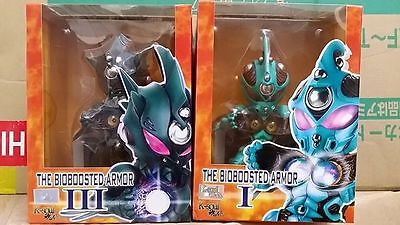
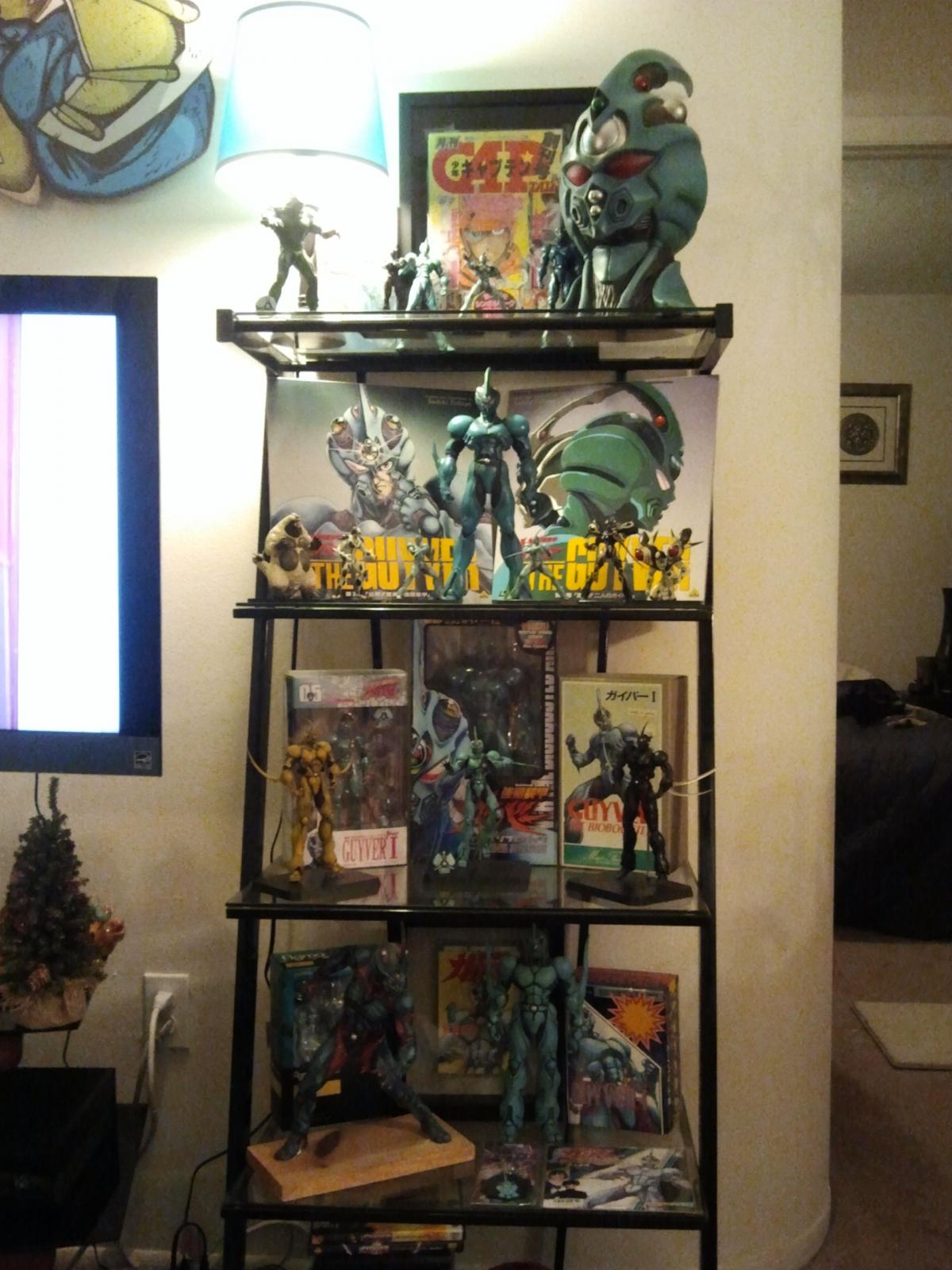
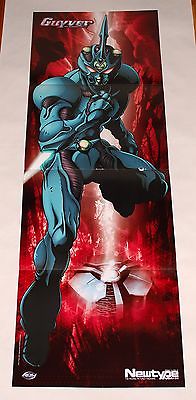
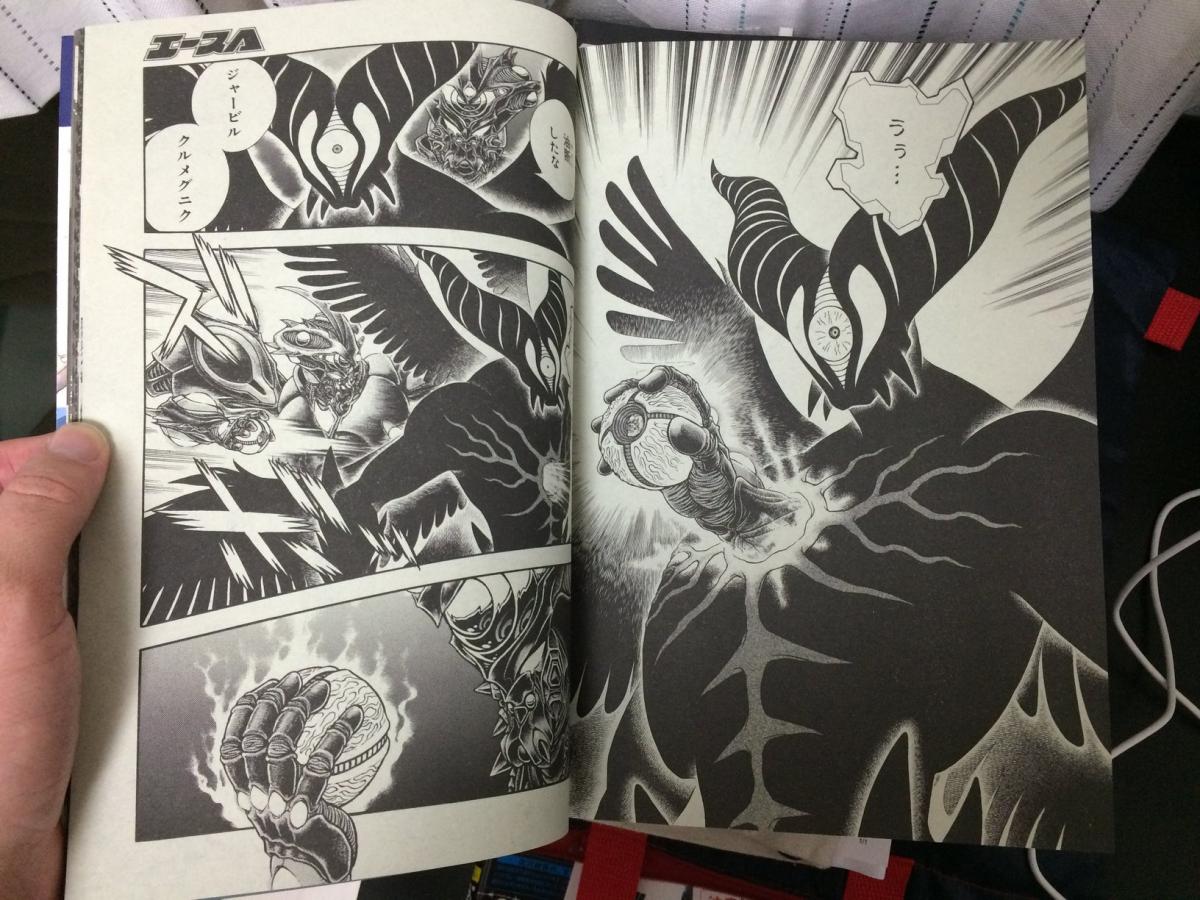
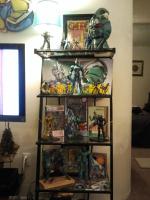
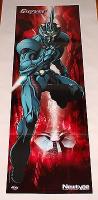
3 pointsOk all, I have LOTS more coming for my collection. Pics attached. I will be getting all 3 of the novels, all of the newest versions of the tanks from 1-32 (most of which I had previously, but I wanted a matching set for the shelf) 2 posters and the 2 K soul figures. Also, check out the 2 Monthly Shonen Captains... both with AWESOME covers!! I also placed a pic of my soon to be upgraded shelf to include the mini figures I also have recently gotten. More to come as I get it! Thanks!



 3 points
 -
3 points
-
2 points
-
2 pointsWonder if he even have any internet connection But WOW! I also don't own a smartphone or any other mobile device other than my simple "cellphone with MP3 ability"! EDIT: wait, Guyver 2 F and Guyver 3 figma? https://twitter.com/Hobby_Log/status/702808145299578880 Ah yes, I wasn't gonna spoil the figma announcement but yeah, it's been announced now!2 points
-
2 pointsIs there any way you could give a few parts of it in english? Like any future plans or special commentary? Sorry to ask but I cannot read Japanese. I ordered my volume 32 and it should be here soon. Can't wait! I have a strong feeling that the interview will be translated by the Advocacy but I can give you some huge spoilers like: Takaya doesn't own a smart phone He knows that he needs to pull his finger out and finish the story. ......The rest will come to light eventually I'm sure.2 points
-
1 point
-
1 pointIs there any way you could give a few parts of it in english? Like any future plans or special commentary? Sorry to ask but I cannot read Japanese. I ordered my volume 32 and it should be here soon. Can't wait! I have a strong feeling that the interview will be translated by the Advocacy but I can give you some huge spoilers like: Takaya doesn't own a smart phone He knows that he needs to pull his finger out and finish the story. ......The rest will come to light eventually I'm sure. HA!! That is awesome! Thanks so much for doing that!1 point
-
1 pointWonder if he even have any internet connection But WOW! I also don't own a smartphone or any other mobile device other than my simple "cellphone with MP3 ability"! EDIT: wait, Guyver 2 F and Guyver 3 figma? https://twitter.com/Hobby_Log/status/7028081452995788801 point
-
1 point
-
1 point
-
1 point
-
1 pointI recall that on the top right hand corner of the amazon site somewhere there is the option to view the site in English. Once in English it's easier to log in and do what you need. I think it needs a separate account for Amazon.co.jp1 point
-
1 pointAmazon.co.jp has an option to order in English. I've bought books from them to Ireland with no issues at all. A single book cost in the end about 12 Euro shipped.1 point
-
1 pointEnglish is clearly not their main language, nor did they even use the "official" names from the most recent sources. I was going to buy it as a joke just to see how bad it was... But there was a preview available... And nope. I mean "Edward Lister"?1 point
-
1 pointHey Kenji, just wanted to give you the updates now that the site is back. Further revisions have been made but the page is still being edited. The page still is in need of further information, expansion and images. I shall keep posting the updates as they occur. Link: http://guyver.wikia.com/wiki/Archanfel1 point