PrimalNemesis
*VIP member
-
Joined
-
Last visited
-
Pre-ordered!
-
It's magnificent!
-
This was incredibly interesting to watch! Thank you for sharing this.
-
Excellent find! Thank you for sharing this.You can always check eBay for used monster figures, especially if they're a bit older. Any Resident Evil Hunter figure could be used for a Gregole stand in. A Star Wars Wampa figure could be used for Ramotith Kaiju vinyl figures could also fit the bill nicely. You'll have plenty of options ranging from Ultraman, Godzilla, Gamera, and so on. The Neca Rhino Xenomorph figure could be a good stand in for the rhino looking zoanoid from Guyver 2: Dark Hero. Hope these help!PrimalNemesis changed their profile photoOne of my personal favorites! Universe Nemesis Prime still holds up nicely!
 What kind of mobile game is this? Either way I'm stoked!I'd love to have a Gregole. Can't beat a classic!Just messing around with Studio Series 106 Optimus Primal.
 Hands down my favorite Waspinator figure!
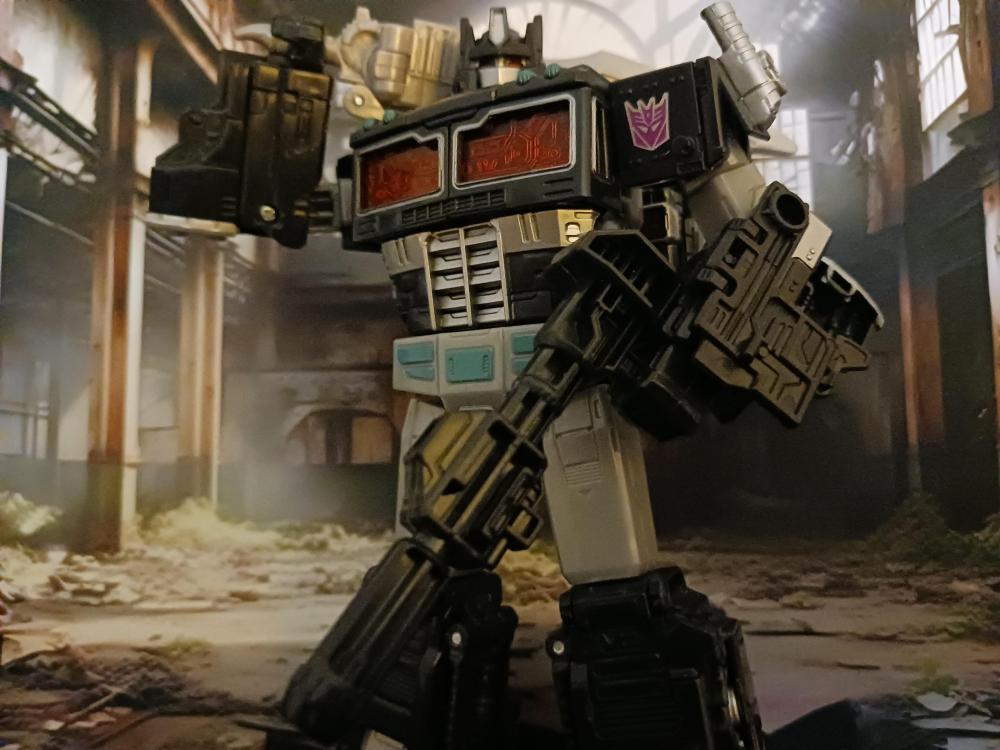
 One of my acquired grails! It took me quite a while, but Nemesis Prime was worth it!
 Yes please! I'd absolutely love to see some of those scans!On his own I think Aptom might have plateaued a bit. However, his current symbiotic relationship with Guyver 1 might prove quite fruitful. I'd be curious to see if he could use Sho's access to the boost dimension to amp up his abilities like a bio-boosted energizer bunny.