Guyver1
Member++
-
Joined
-
Last visited
-
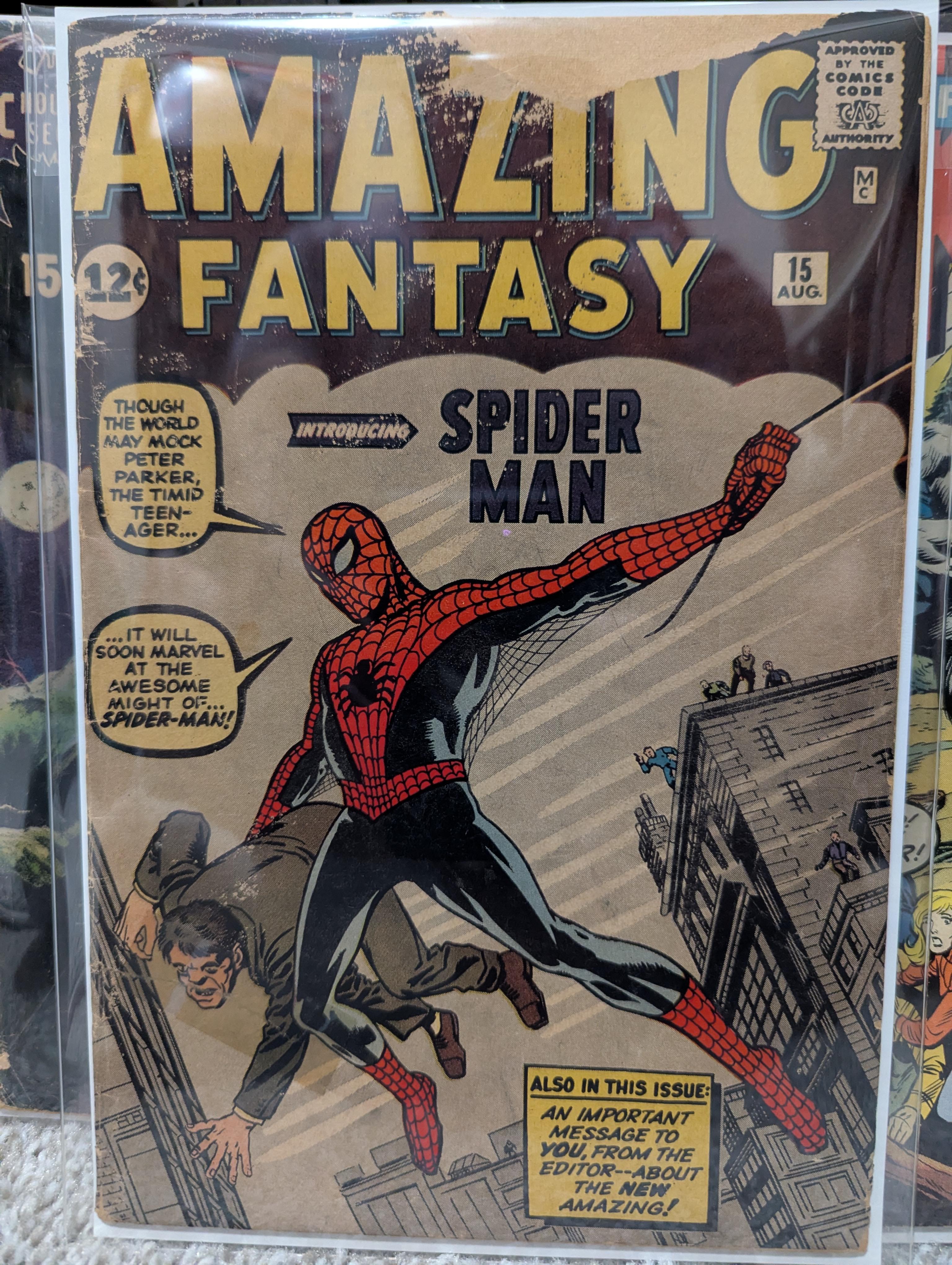
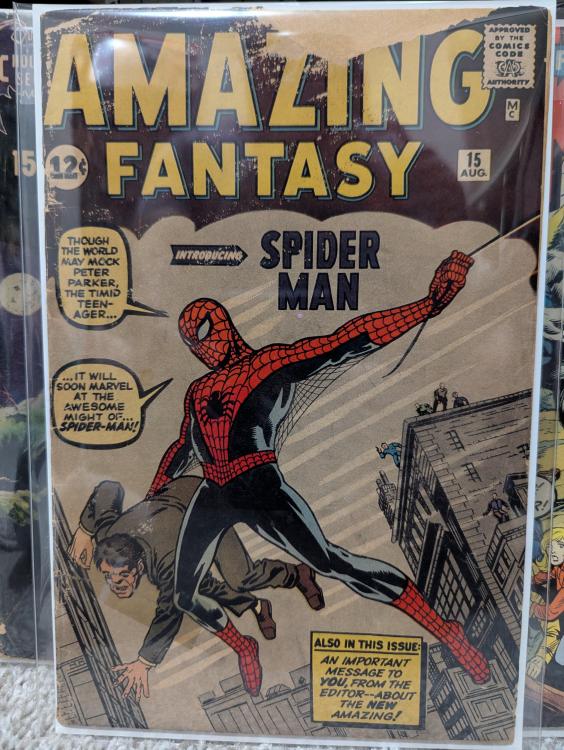
Yeah, it's a bit beat but complete! My favorite book in my collection.
-
Spidey is one of my favorite characters. I got this bad boy back in 1999 from a local comic shop. Just before my 18th birthday. Hopefully this new movie will keep the glory going!!
-
That was pretty awesome! The short film was ok, but it's hard to like anything new because it's hard to beat.
-
Ha! Definitely... But anything Guyver tends to be!
-
Got my pre order on! I have one already but want to support the greatness!
-
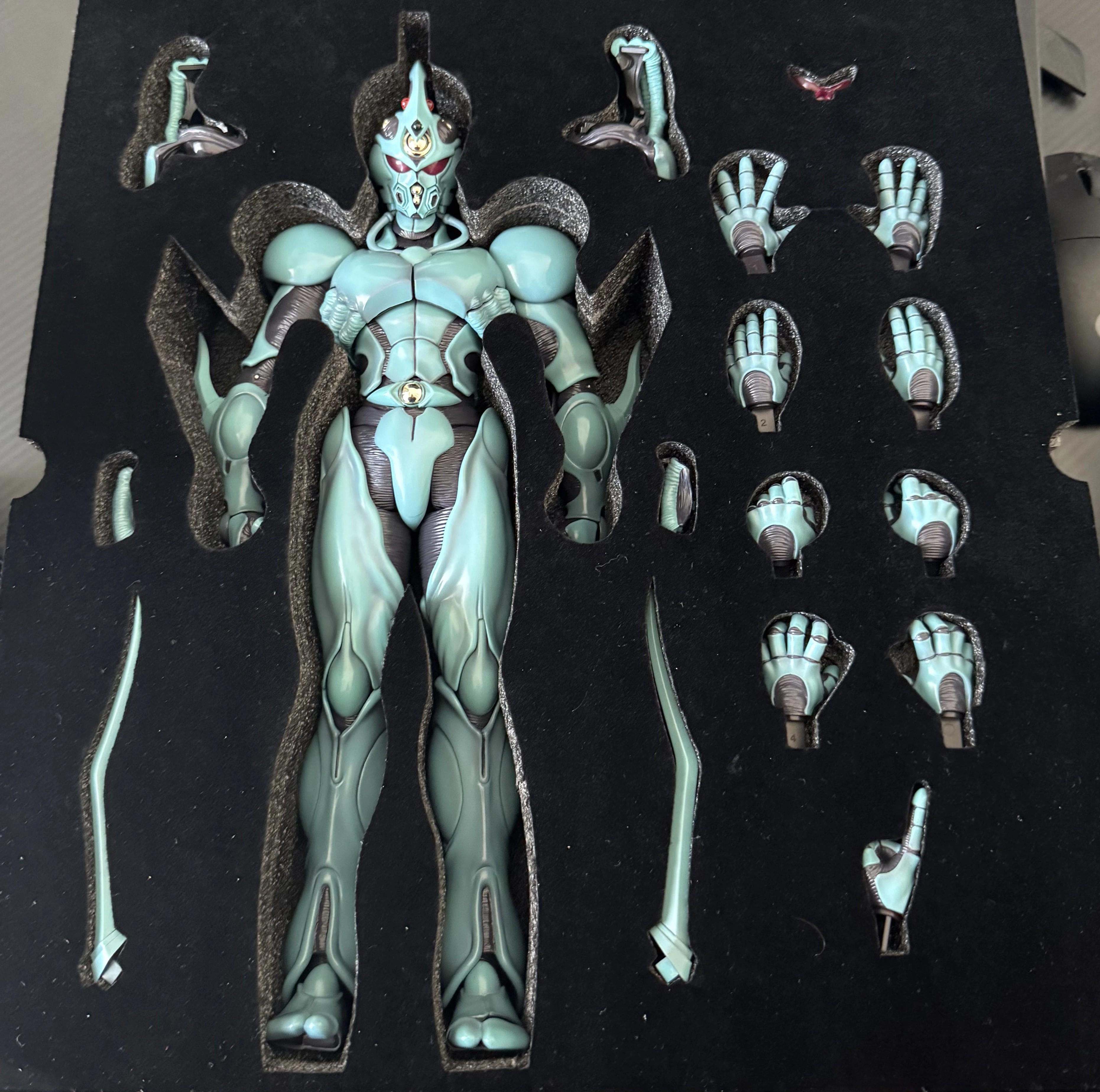
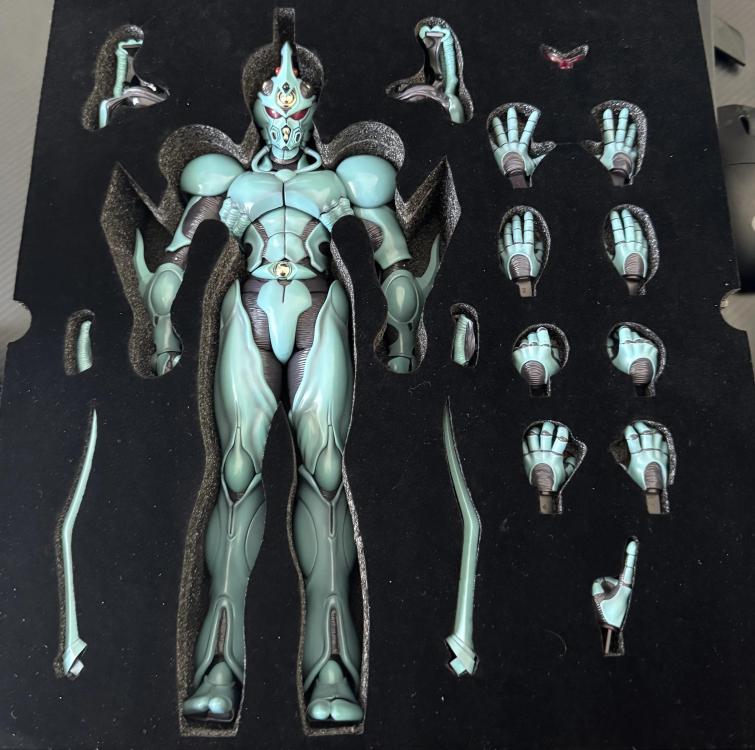
Oh yes, I also got the 1/6 Guyver1! Super awesome!
-
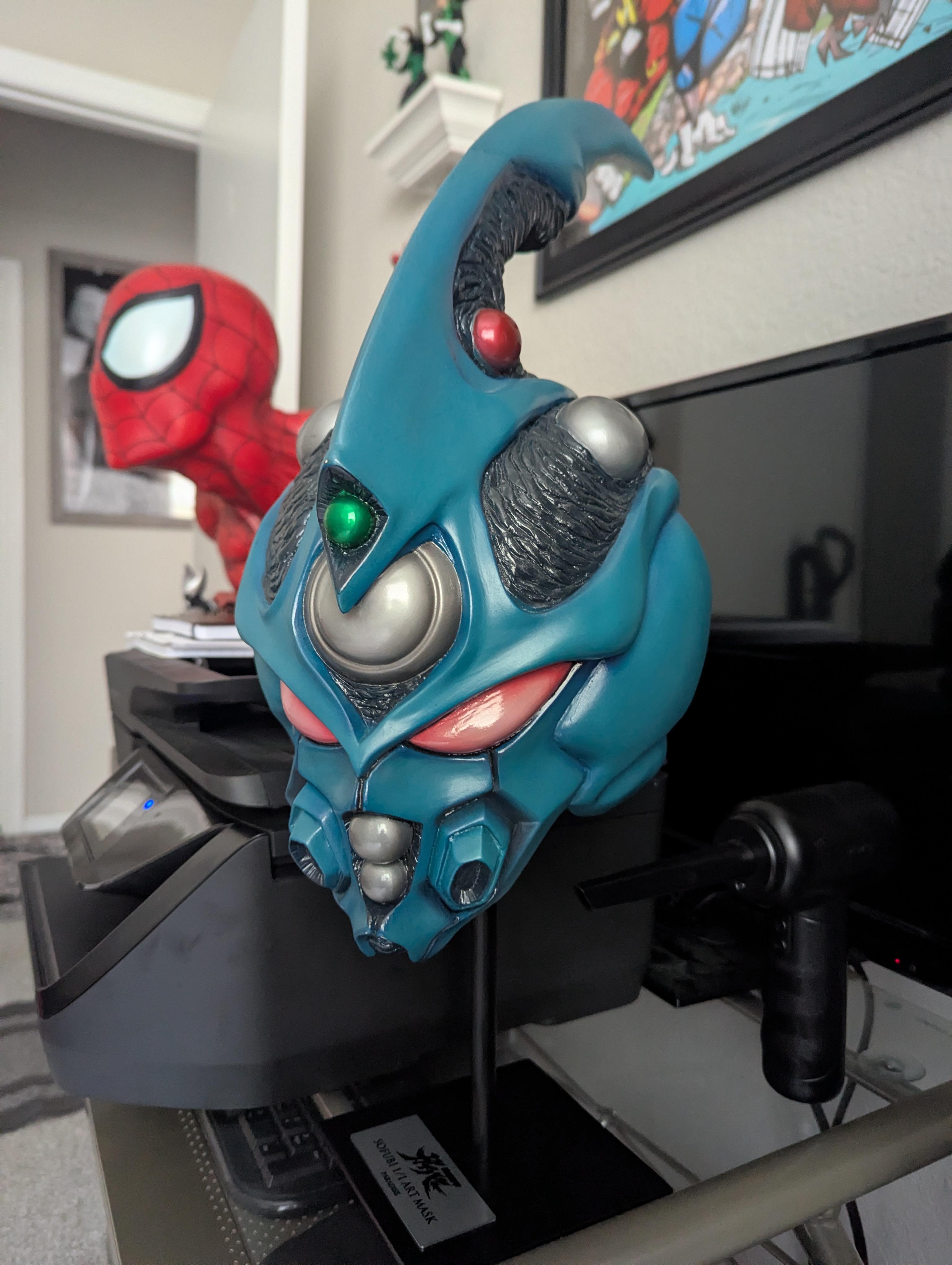
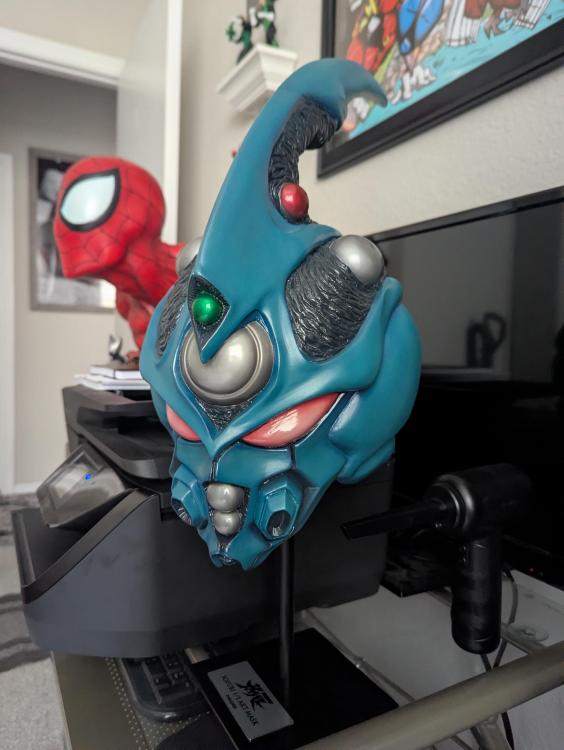
Check this Guyver1 1:1 head sculpt!!
-
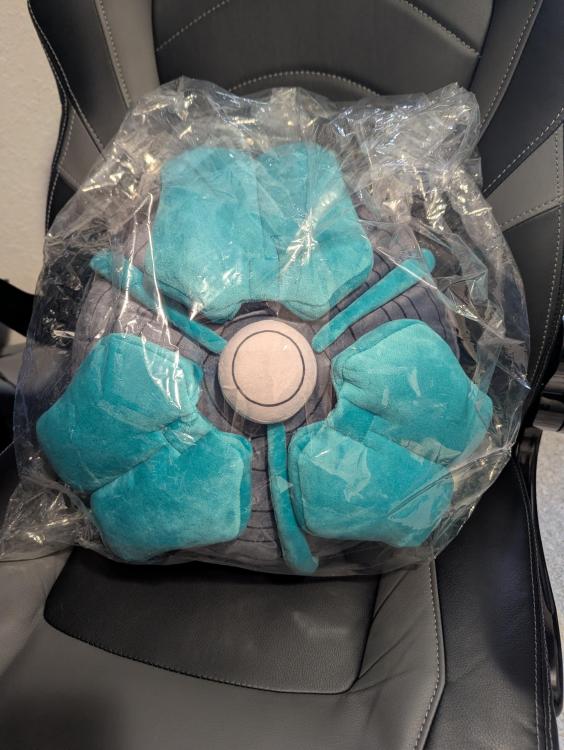
Got me one! It's pretty cool actually...
-
Sweet update dude! I too am getting used to the newness, but no worries!
-
I just ordered mine from Amiami! I only need one for my collection, but a buck forty is amazing!
-
Just pre ordered mine! I really hope they do a 1/6 scale version. That would be so sweet!
-
Meh. I am stoked for this one. I think it'll be like fight club with a superhero. Oscar Isaac is cool, I dig the mummified look of the costume... it could be horrible, but it could also be pretty kick ass too. Either way, I'm glad MK is getting some love.
-
My condolences to his family and loved ones.
-
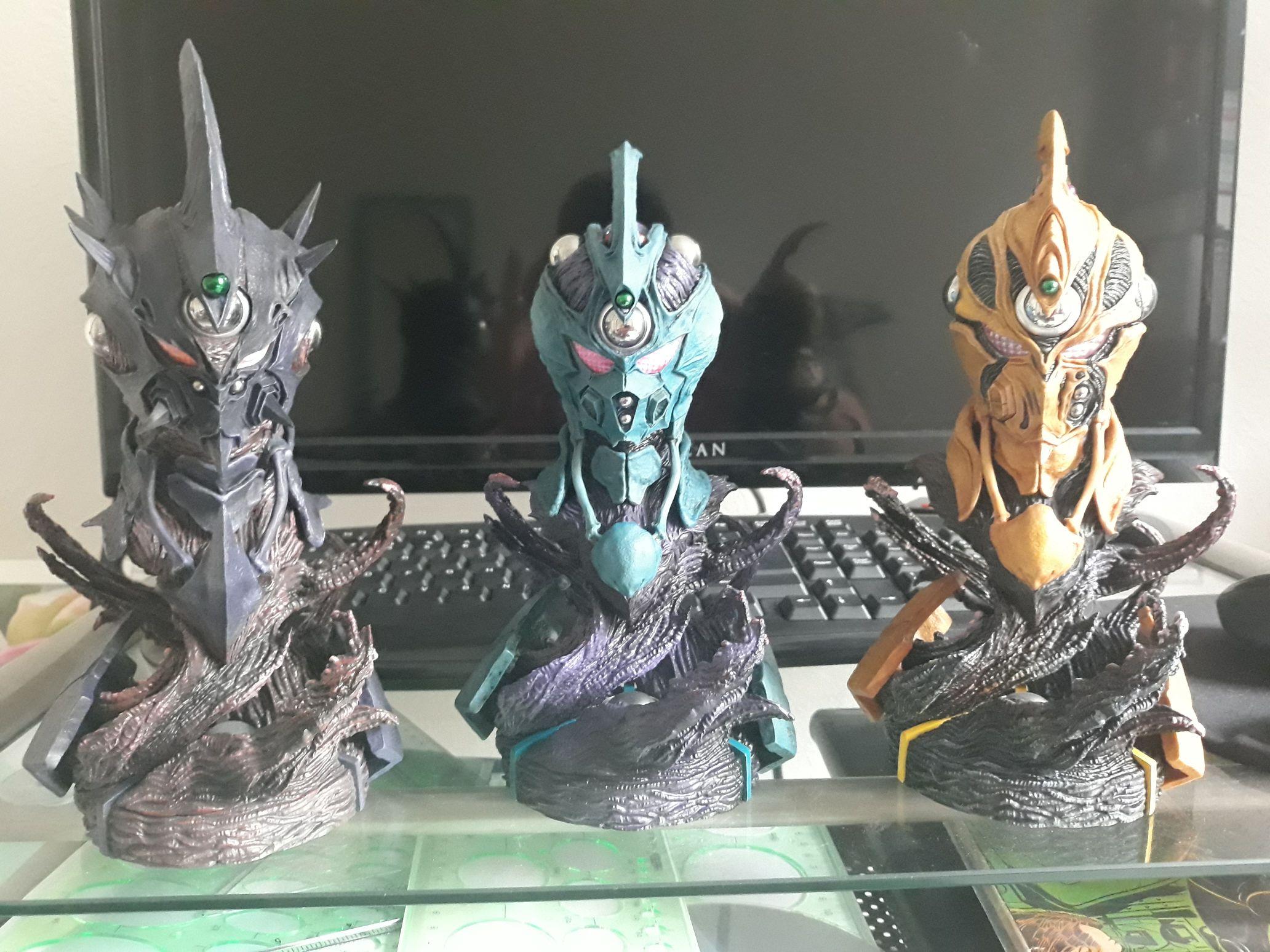
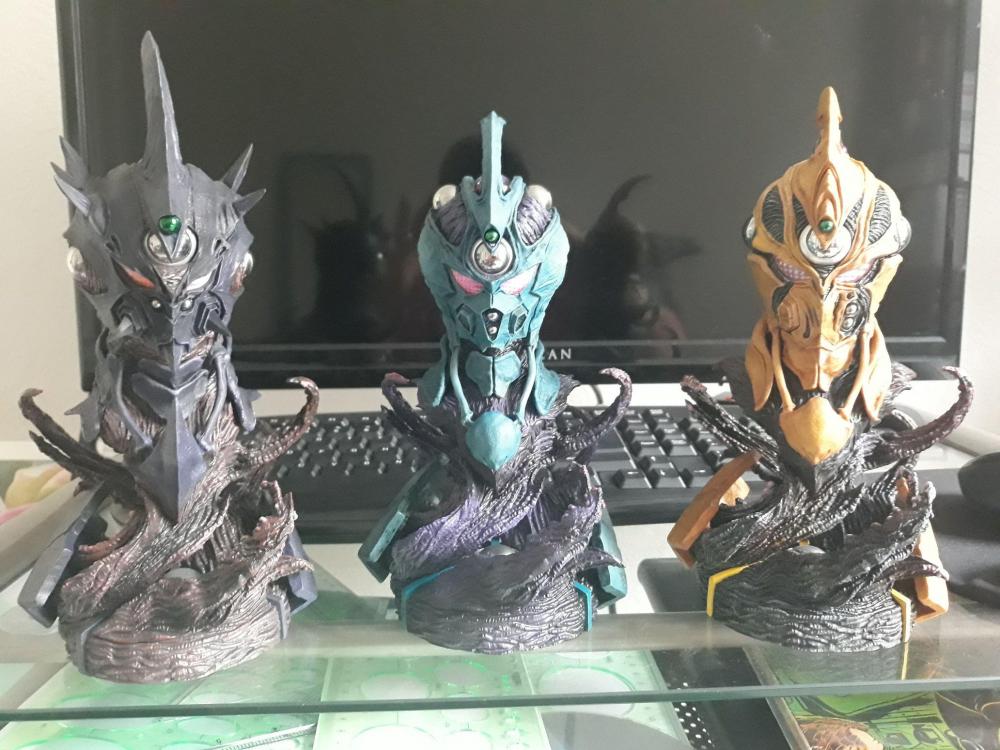
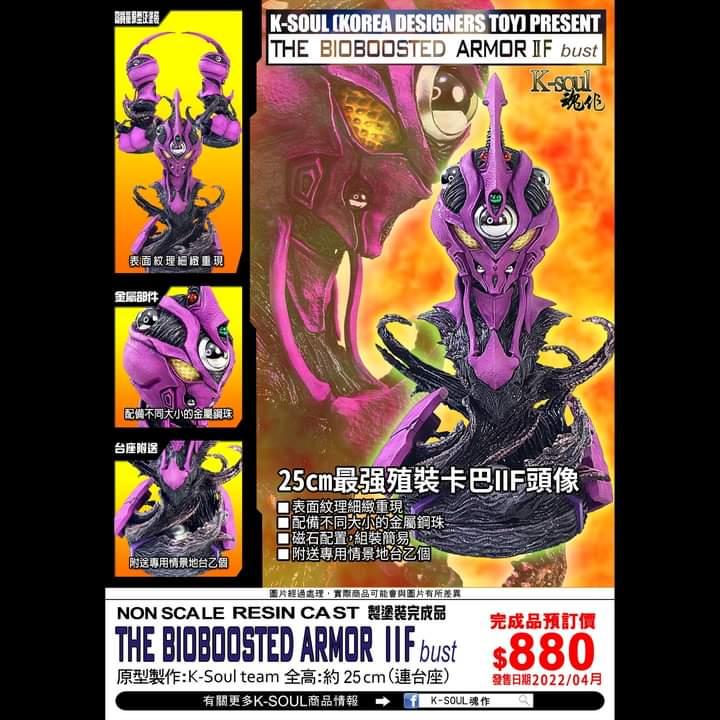
All 3 busts from K-Soul. Pretty badass. I just preordered Guyver IIF as well.
-
All I know is I made the mistake of watching this before bed the night of release and I couldn't fall asleep for 2 hours because I was so hyped... "Hello Peter." This is going to be so... amazing!