Skip to content
View in the app

A better way to browse. Learn more.

Japan Legend / Guyver Forum

A full-screen app on your home screen with push notifications, badges and more.

To install this app on iOS and iPadOS
  1. Tap the Share icon in Safari
  2. Scroll the menu and tap Add to Home Screen.
  3. Tap Add in the top-right corner.
To install this app on Android
  1. Tap the 3-dot menu (⋮) in the top-right corner of the browser.
  2. Tap Add to Home screen or Install app.
  3. Confirm by tapping Install.

jerrygoodman

Member++
  • Joined

  • Last visited

Everything posted by jerrygoodman

  1. EAT THIS, YOU GRAVY SUCKING DOOOOOOGS!!!!!
  2. Oh man, who remembers Ecto Cooler?
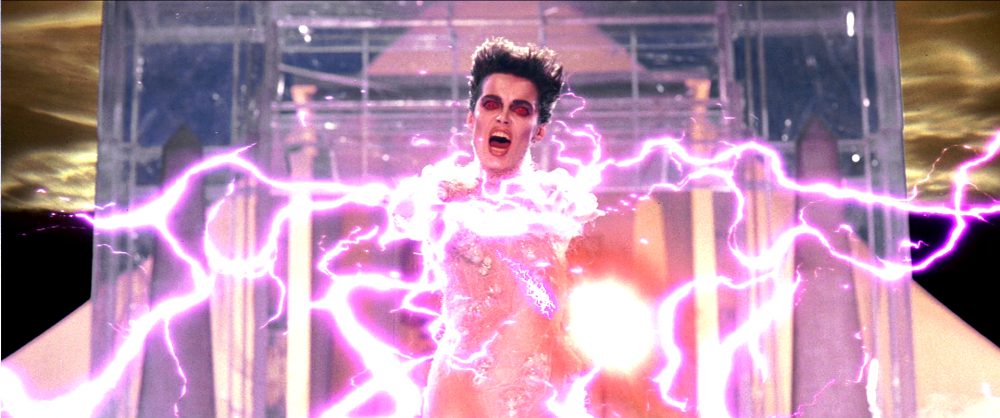
  3. Steering away from Marvel for awhile, lately I have had Ghostbusters on the brain, and I was thinking...what would happen if Archanfel took on Gozer the Gozerian? And before anyone asks, no I am not necessarily suggesting Gozer would take the form of the Stay-Puft Marshmallow Man (although seeing that fight would be freaking hilarious)...
  4. "I like to eat the peanut butter first."
  5. Preach!
  6. I dunno - Show him how much we care?
  7. Players to stadium now...players to stadium now...
  8. Soda, OJ, purple stuff...and the Sunny Delight! Do none of these families drink milk?!?
  9. So...I'm guessing the well's still coming up dry right now?
  10. YOU CANNOT BEAT US...YOU CANNOT BEAT US...
  11. Can we all just agree that PSAs during the early nineties were just friggin' scary?
  12. So, whaddya think? An actual update, or more girls in bunny suits? (at this point, I'd even take a group of Gregoles and Vamores in funny hats doing the Harlem Shake if it meant we got something new)
  13. It keeps going and going and going...
  14. It's six feet of bubble gum for you...not THEM!
  15. Step into a Slim Jim...OOOOOOH YEAH!!!!

Account

Navigation

Search

Search

Configure browser push notifications

Chrome (Android)
  1. Tap the lock icon next to the address bar.
  2. Tap Permissions → Notifications.
  3. Adjust your preference.
Chrome (Desktop)
  1. Click the padlock icon in the address bar.
  2. Select Site settings.
  3. Find Notifications and adjust your preference.