Leaderboard
-
Kanji
Member++3Points231Posts -
Larz Zahn
Member++1Points1,098Posts -

jerrygoodman
Member++1Points1,240Posts -

Guyver1
Member++1Points534Posts



Popular Content
Showing content with the highest reputation on 06/07/2020 in all areas
-
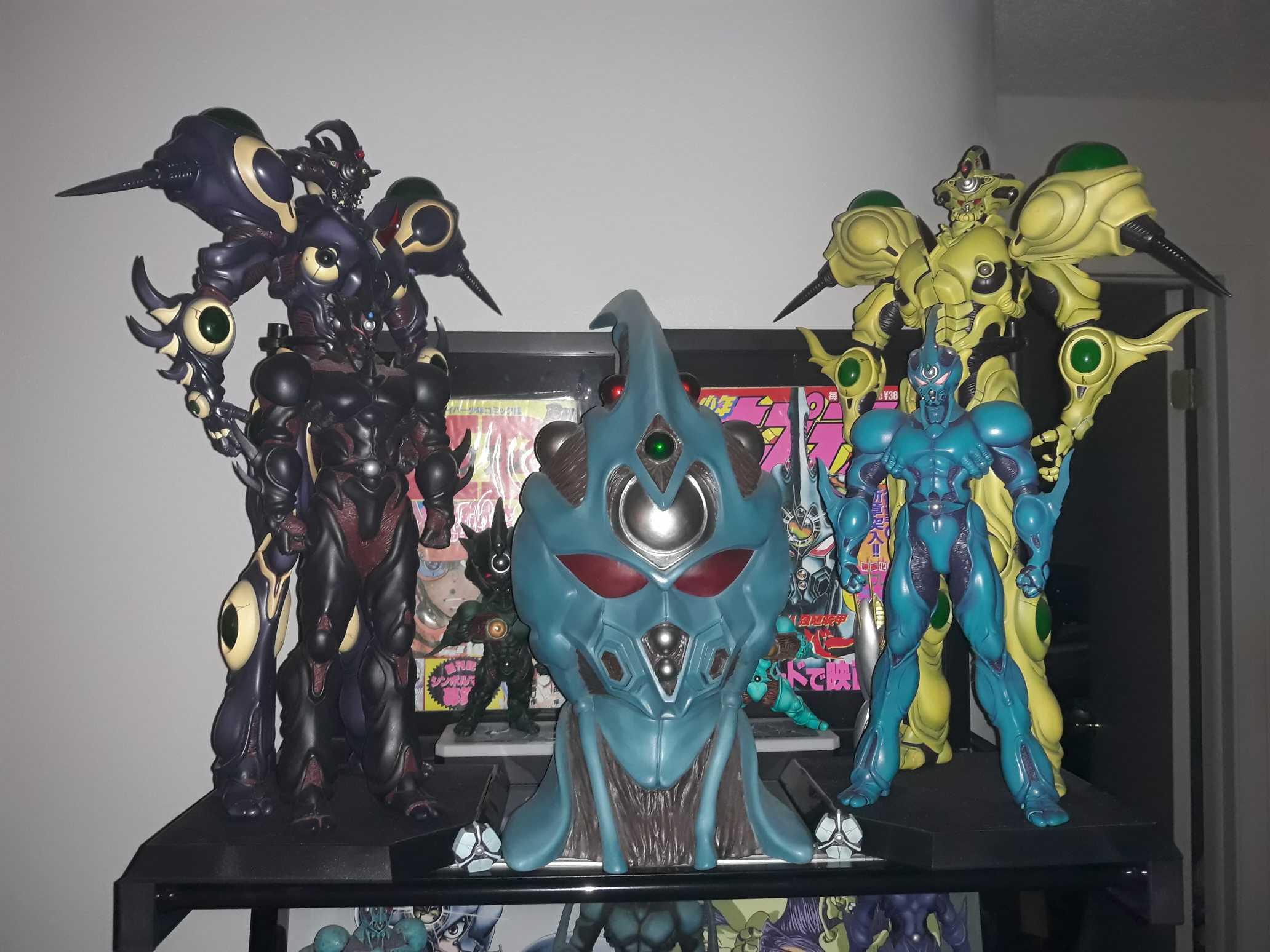
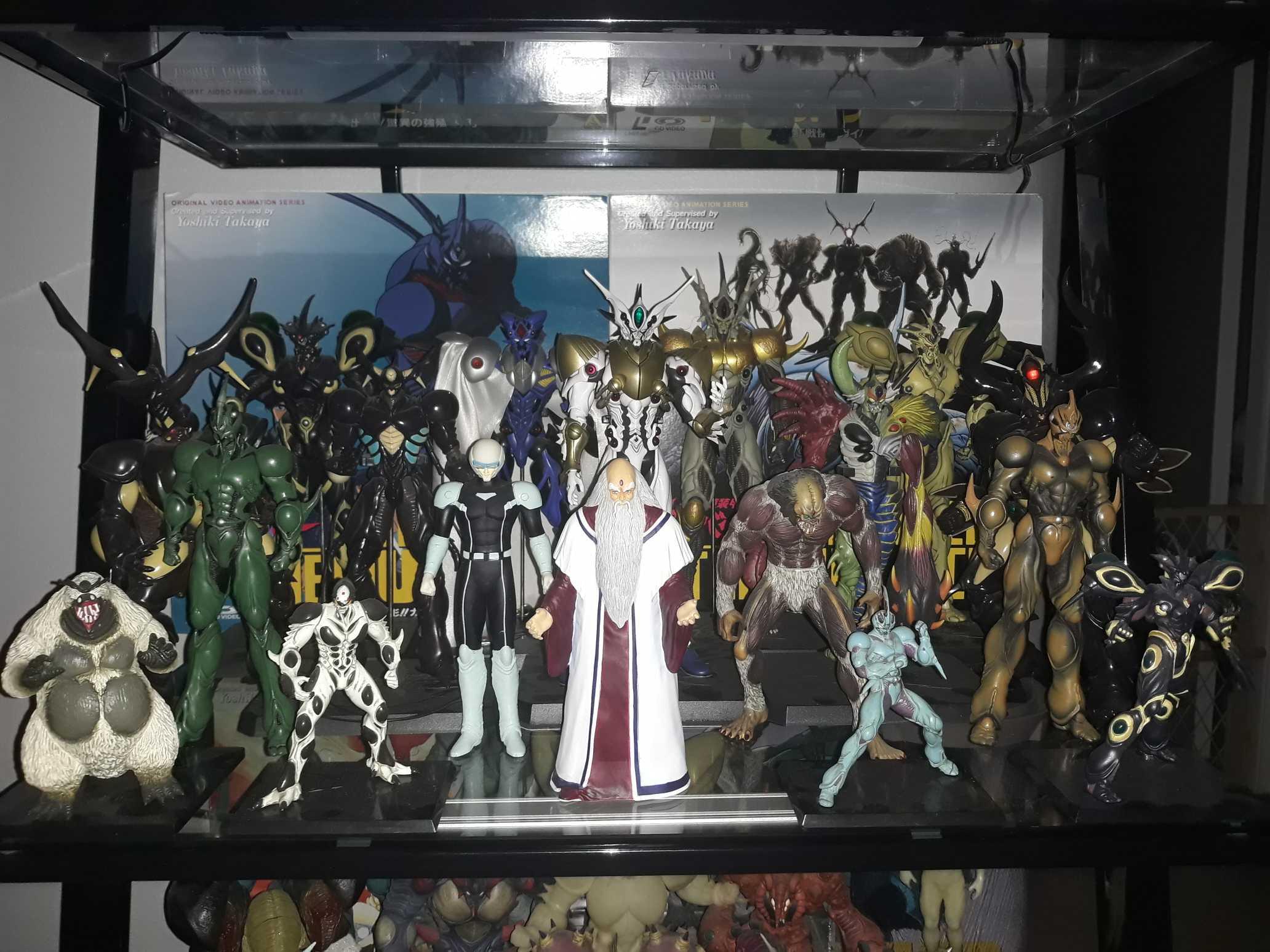
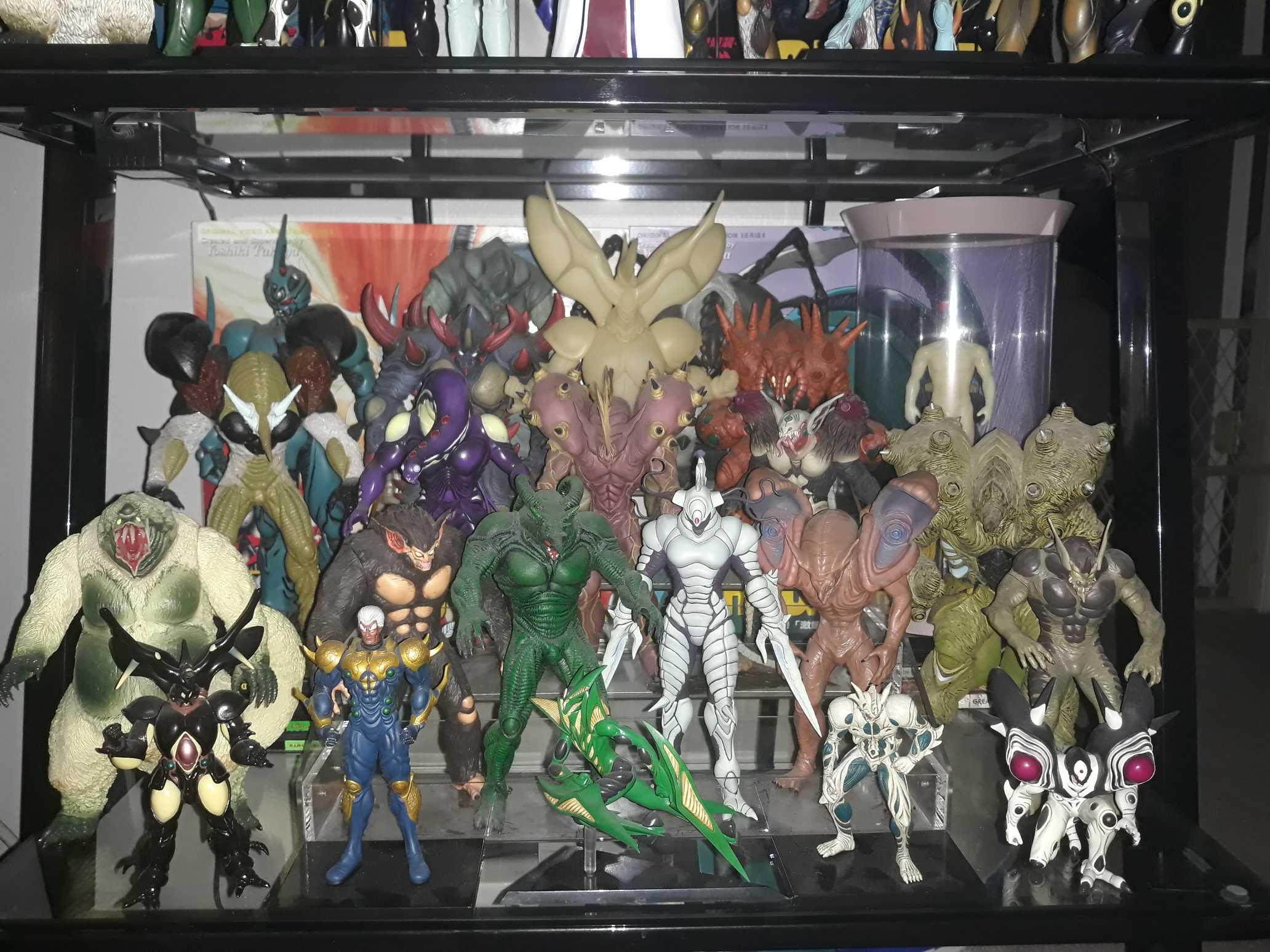
Nice collection man! I was jealous of you having barcus until I lucked up yesterday and got a notification from Mandarake a week after scoring the adjustment tank! It must be fate!! It's from the same store as well! I will finally have it next week! Can't wait! It's hard to be believe there are only 30 of these in existence in the world!!1 point
-
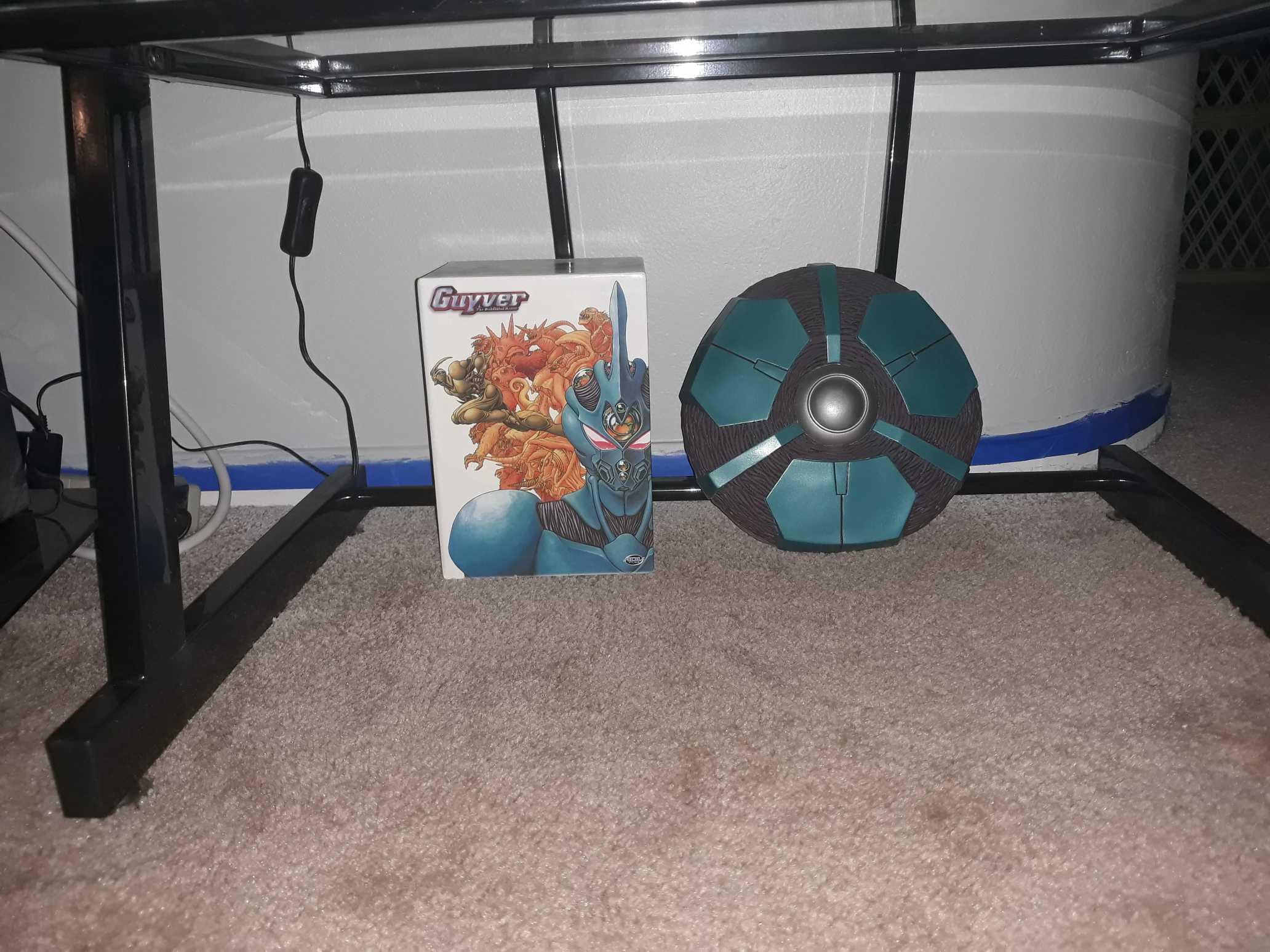
1 point1 point1 pointI think tora wants to start a new "storm area 51". Heck, I'm in. ... Let's just storm relics point, they can't stop all of us.1 pointSo we painted the wall behind the shelf and I had to move it. By doing so, I was able to redo the placement of all the greatness...
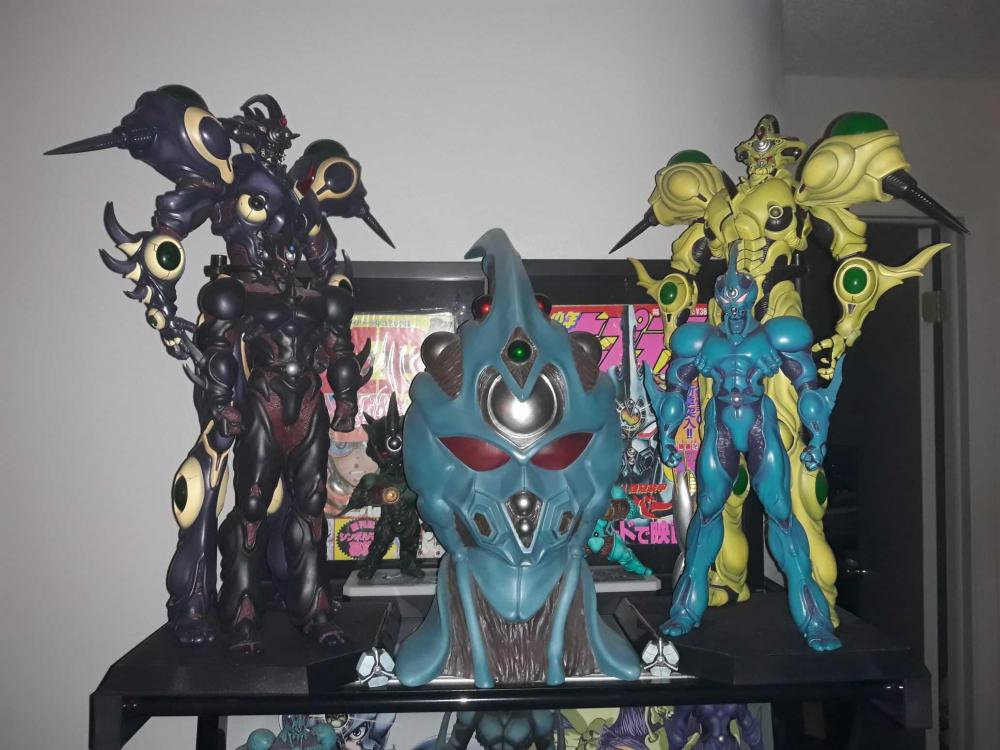


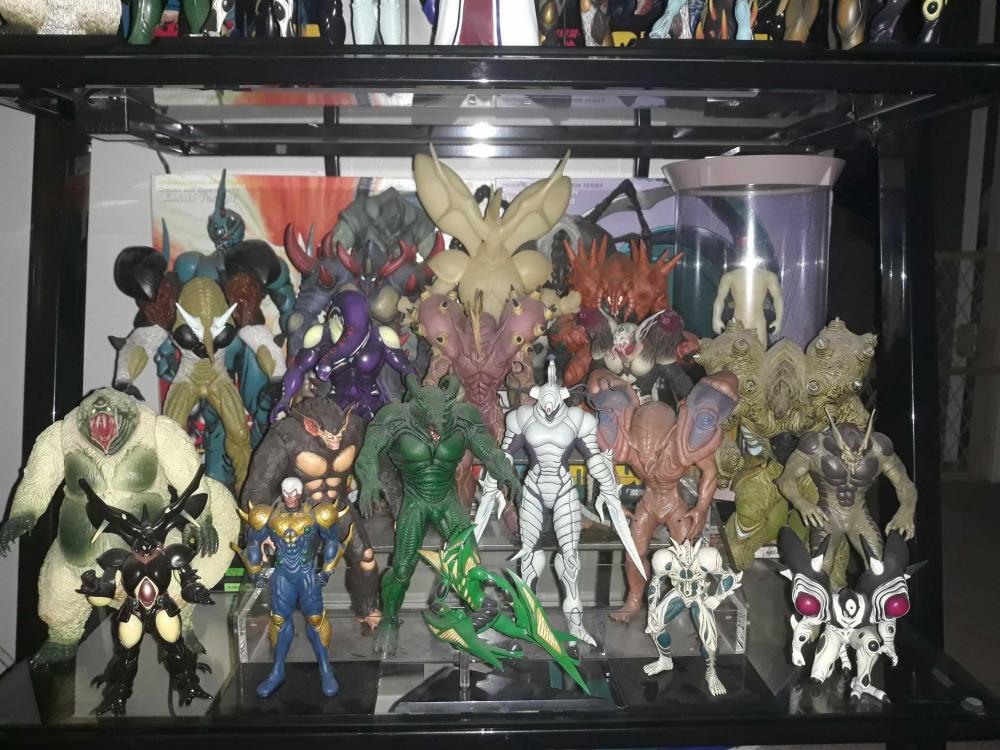
 1 pointYeah, I didn't even realize it glowed in the dark. Wondering if I can do something cool with a UV up light. Now I just need to find a Barcas!! Took a new photo of my Guyver 1 & Aptom. Really hoping we see some more Guyver figures soon.1 pointGot my hands on a processing tank last week. Haven't unpacked it yet. Waiting until I get a new display cabinet. Wouldn't mind getting a few of these and display them in a line.1 point