

Skip to content
View in the app

A better way to browse. Learn more.

Japan Legend / Guyver Forum

A full-screen app on your home screen with push notifications, badges and more.

To install this app on iOS and iPadOS
  1. Tap the Share icon in Safari
  2. Scroll the menu and tap Add to Home Screen.
  3. Tap Add in the top-right corner.
To install this app on Android
  1. Tap the 3-dot menu (⋮) in the top-right corner of the browser.
  2. Tap Add to Home screen or Install app.
  3. Confirm by tapping Install.

Leaderboard

Popular Content

Showing content with the highest reputation on 12/29/2016 in all areas

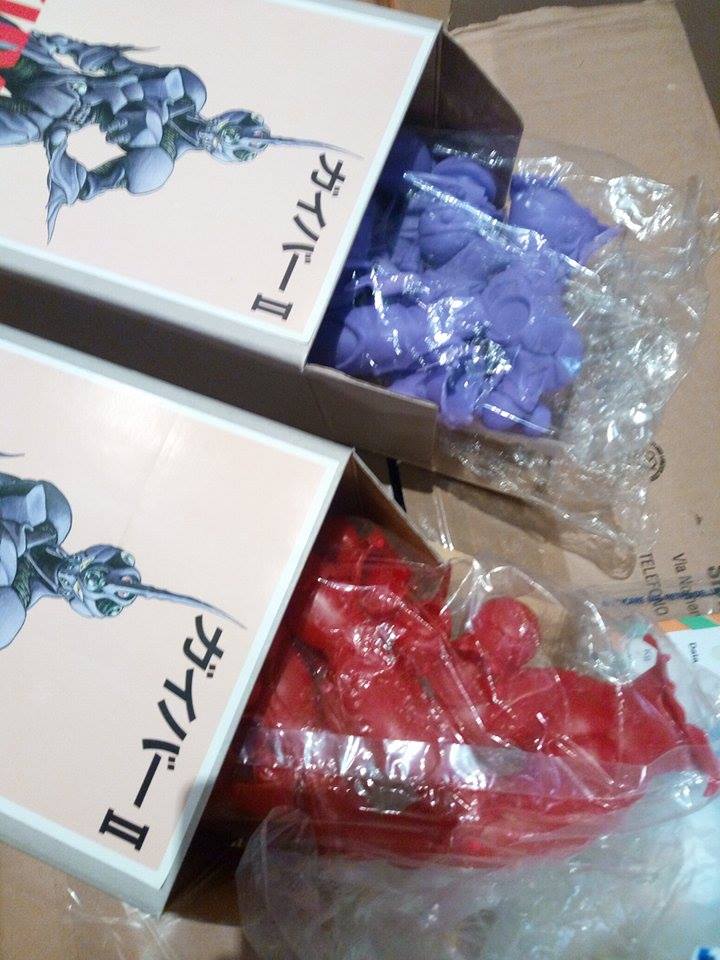
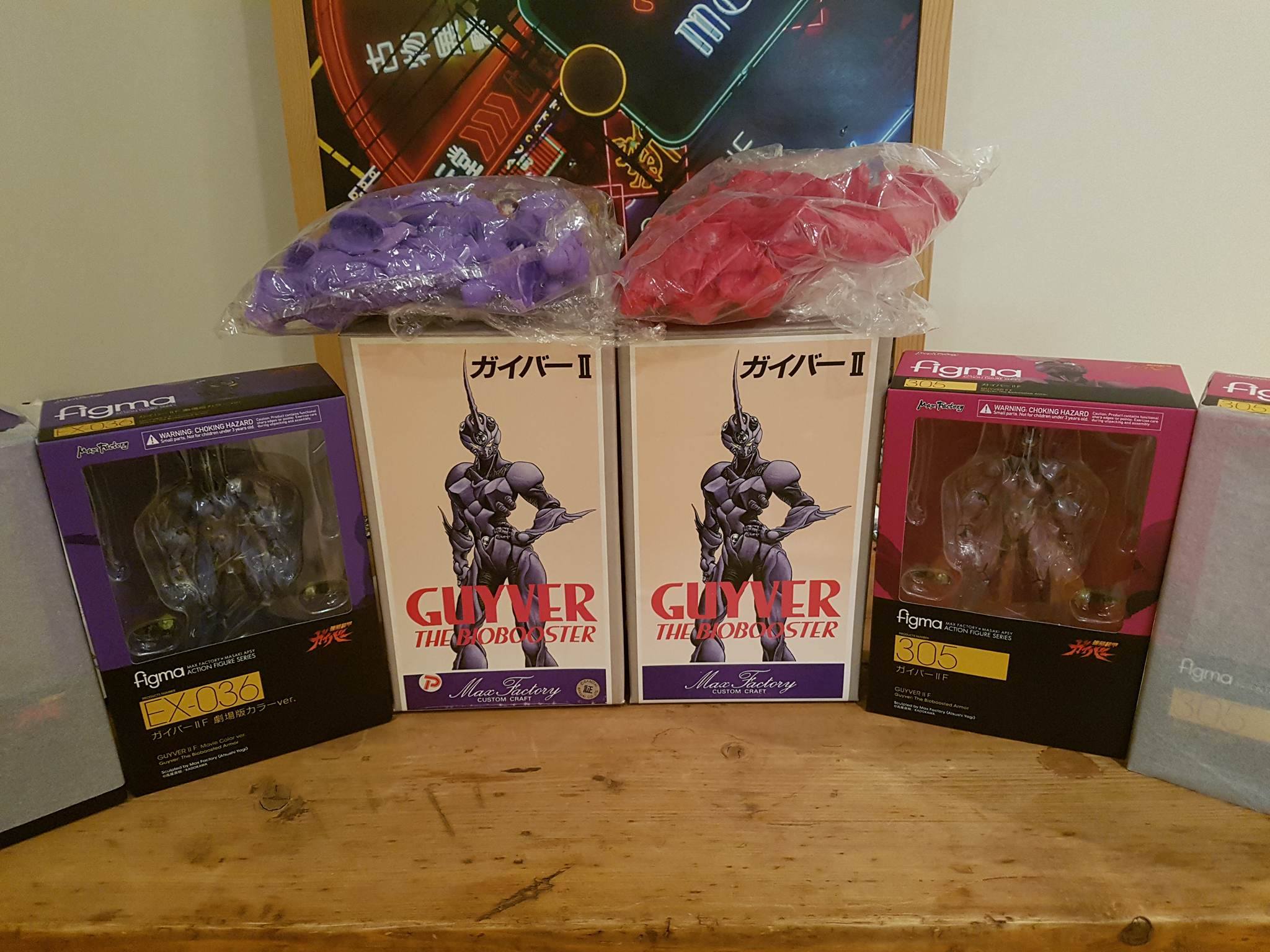
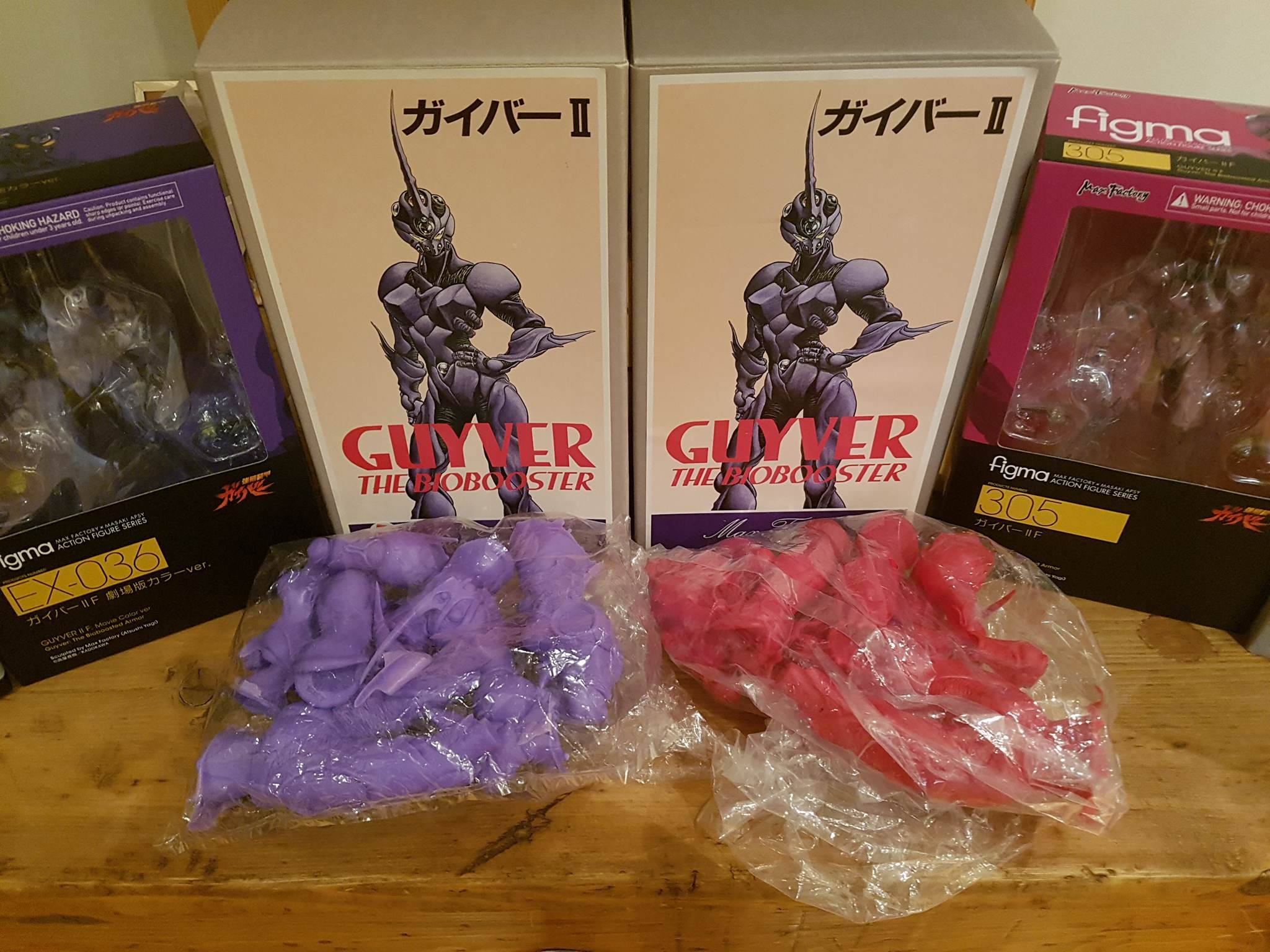
  1. Look what I got today!! More tomorrow!!
  2. “My heart has joined the Thousand, for my friend stopped running today.” What a year.
  3. Got my Guyver IIF for Xmas!! Moved my other guyvers to my bedside shelf and set them up!! I've said it before, but the scale with the Gigantics is amazing!! I can't wait for Guyver III!! Also collecting my Sanken Studio Gigantics tomorrow!!
  4. Damn, looks like they are now doing a bundle deal! http://www.collectiblegroup.com/product-page/f080571b-edb9-90b1-017d-82531034b320 Both for $350. That's another $48 off what I paid! I'm hoping to collect mine on Wednesday!!
  5. Pre-ordered two, naturally. One to stock one to display.
  6. 1 point
    Looking at the boxes I'd guess they are different productions. These are meant to be painted by the person who builds them. Doesn't really matter what colour the plastic is.

Account

Navigation

Search

Search

Configure browser push notifications

Chrome (Android)
  1. Tap the lock icon next to the address bar.
  2. Tap Permissions → Notifications.
  3. Adjust your preference.
Chrome (Desktop)
  1. Click the padlock icon in the address bar.
  2. Select Site settings.
  3. Find Notifications and adjust your preference.