
Everything posted by jerrygoodman
-
Since my grasp of Japanese is...lacking, I have to ask -- what in the Sam Hill is going on here?
-
Part 8 coming soon! This is the big one...https://en.wikipedia.org/wiki/LangrisserThought you might want to see this...Part 7 is up!His is a voice that can never be replaced..."Anything the Avengers can do, I can do BETTER!"
 Happy Godzilla Day Everyone!Chronos just picked the wrong guy to mess with...
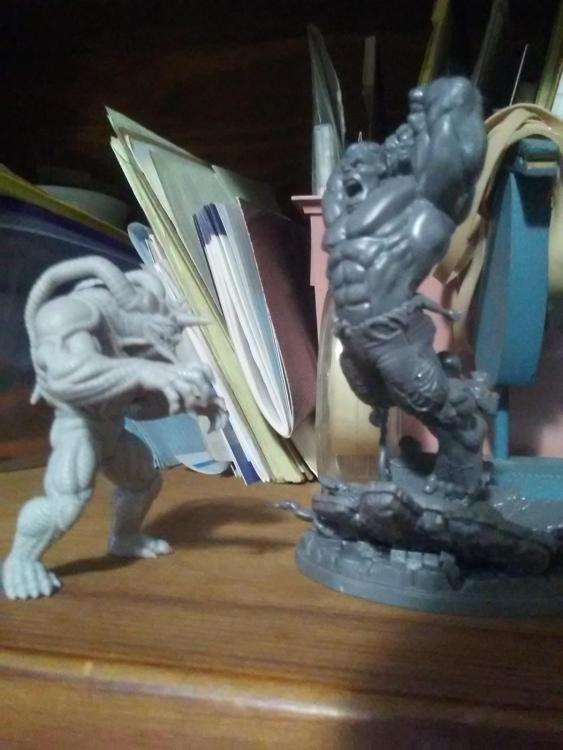 This Halloween...Personally, I'd rather stick with my optimism. Can't stand the idea of not seeing an ending...Avengers Assemble!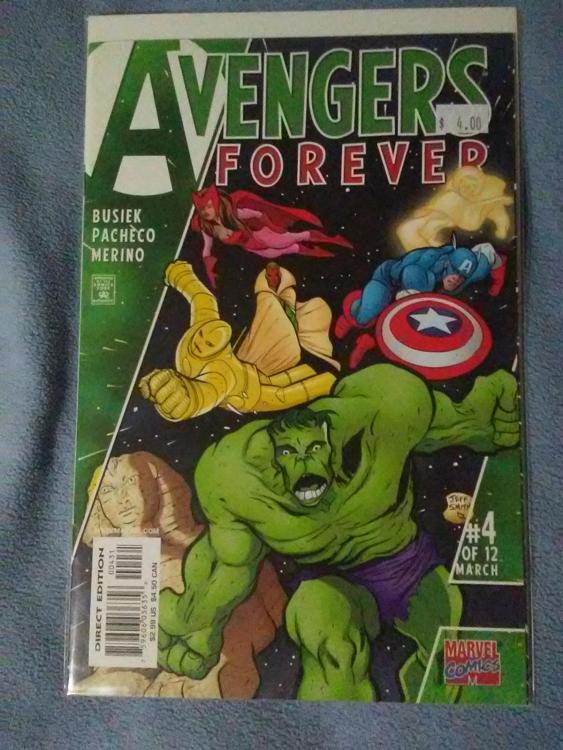
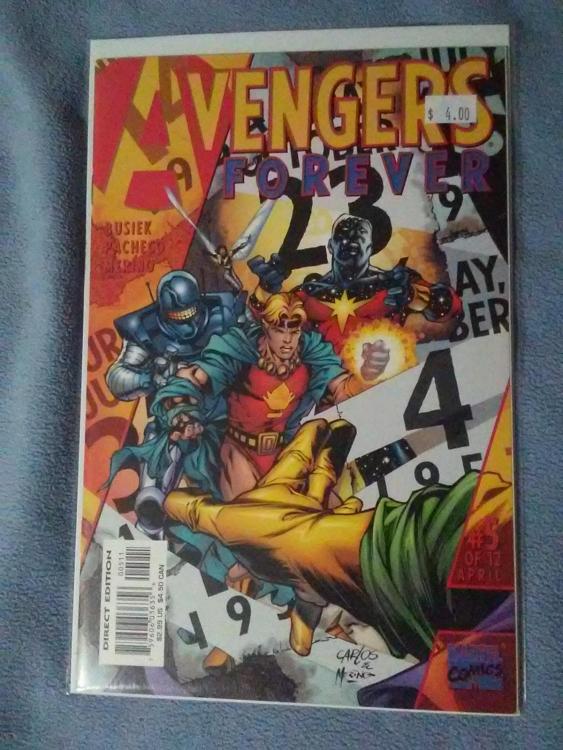
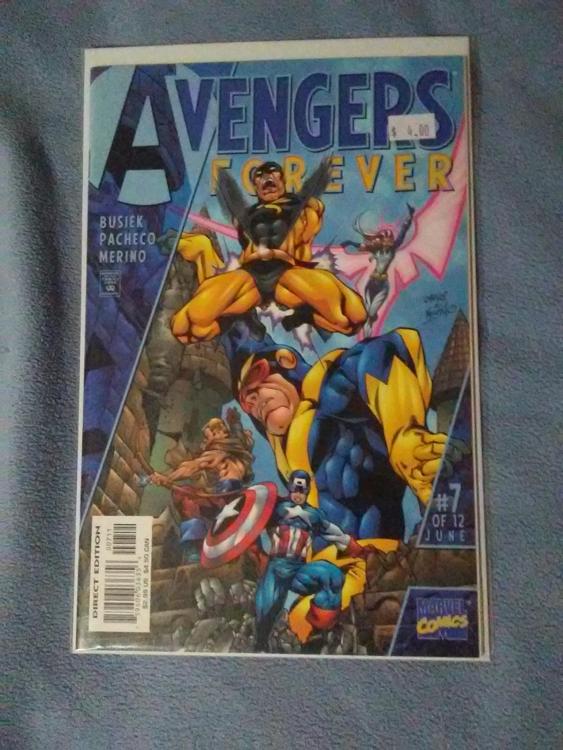
Account
Navigation
Search
Configure browser push notifications
Chrome (Android)
- Tap the lock icon next to the address bar.
- Tap Permissions → Notifications.
- Adjust your preference.
Chrome (Desktop)
- Click the padlock icon in the address bar.
- Select Site settings.
- Find Notifications and adjust your preference.
Safari (iOS 16.4+)
- Ensure the site is installed via Add to Home Screen.
- Open Settings App → Notifications.
- Find your app name and adjust your preference.
Safari (macOS)
- Go to Safari → Preferences.
- Click the Websites tab.
- Select Notifications in the sidebar.
- Find this website and adjust your preference.
Edge (Android)
- Tap the lock icon next to the address bar.
- Tap Permissions.
- Find Notifications and adjust your preference.
Edge (Desktop)
- Click the padlock icon in the address bar.
- Click Permissions for this site.
- Find Notifications and adjust your preference.
Firefox (Android)
- Go to Settings → Site permissions.
- Tap Notifications.
- Find this site in the list and adjust your preference.
Firefox (Desktop)
- Open Firefox Settings.
- Search for Notifications.
- Find this site in the list and adjust your preference.