Skip to content
View in the app

A better way to browse. Learn more.

Japan Legend / Guyver Forum

A full-screen app on your home screen with push notifications, badges and more.

To install this app on iOS and iPadOS
  1. Tap the Share icon in Safari
  2. Scroll the menu and tap Add to Home Screen.
  3. Tap Add in the top-right corner.
To install this app on Android
  1. Tap the 3-dot menu (⋮) in the top-right corner of the browser.
  2. Tap Add to Home screen or Install app.
  3. Confirm by tapping Install.

Leaderboard

Popular Content

Showing content with the highest reputation on 11/09/2016 in all areas

  1. 2 points
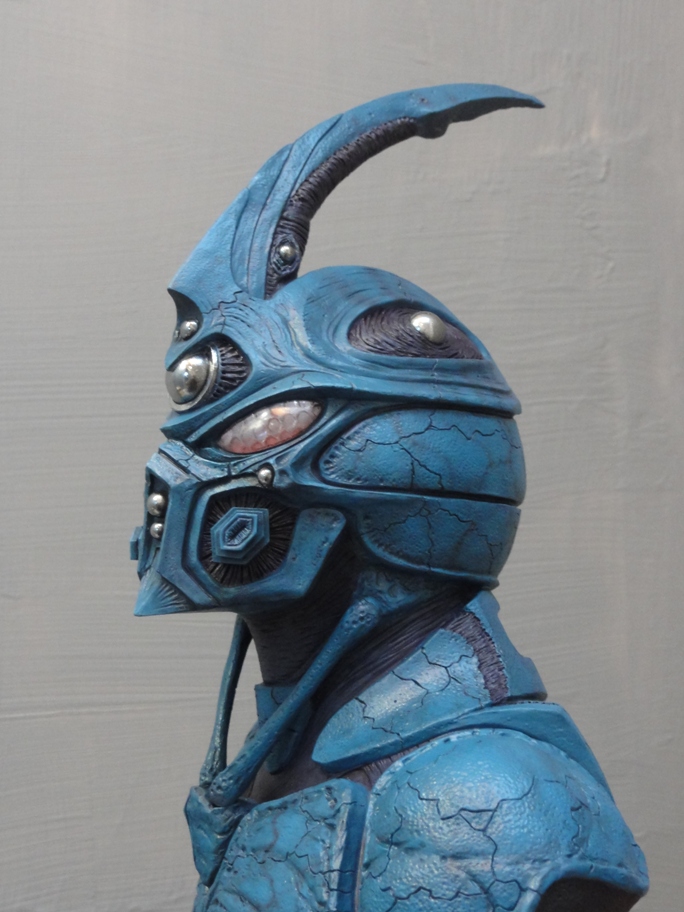
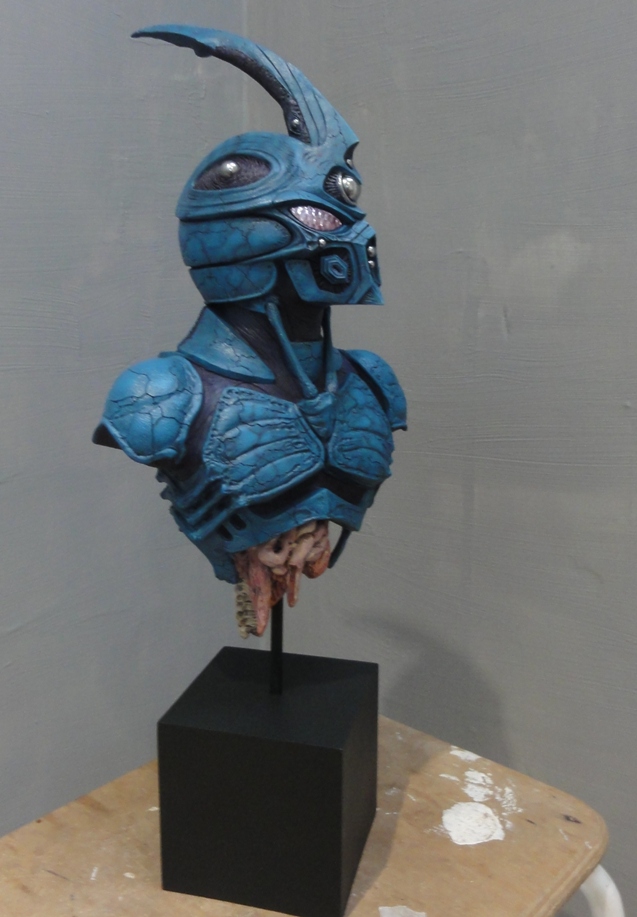
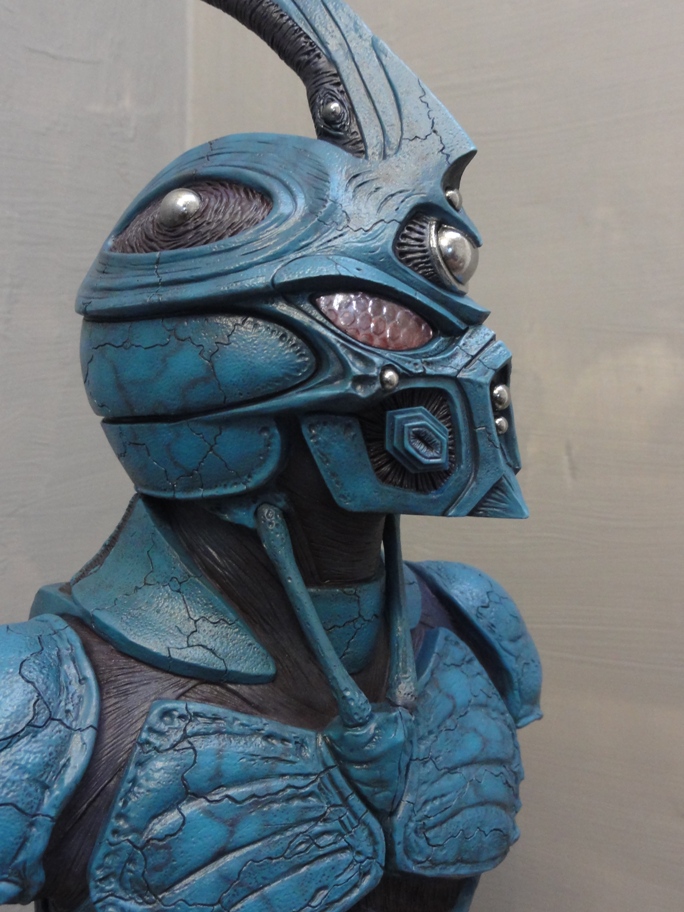
    The paint job is amazing. It looks just the way guyver 1 should do!
  2. 1 point
    Thanks guys! glad you like him!
  3. 1 point
    That looks pretty awesome! Thanks for posting!
  4. 1 point
    He's all wired up and finished finished.
  5. The sad thing about Enterprise was it was ruined by Time Travel stories. It had the best effects of a series and has some great episodes but that was overshadowed by the desire to use Time Travel A LOT. It would have being a 20 times better story if they abandoned all that shit and simply put it at the start of the Romulan vs Earth war and done something more similar to DS9 with the overriding arc being the War. But no we got NONE of that and got a time travel story no one cared about.

Account

Navigation

Search

Search

Configure browser push notifications

Chrome (Android)
  1. Tap the lock icon next to the address bar.
  2. Tap Permissions → Notifications.
  3. Adjust your preference.
Chrome (Desktop)
  1. Click the padlock icon in the address bar.
  2. Select Site settings.
  3. Find Notifications and adjust your preference.