Skip to content
View in the app

A better way to browse. Learn more.

Japan Legend / Guyver Forum

A full-screen app on your home screen with push notifications, badges and more.

To install this app on iOS and iPadOS
  1. Tap the Share icon in Safari
  2. Scroll the menu and tap Add to Home Screen.
  3. Tap Add in the top-right corner.
To install this app on Android
  1. Tap the 3-dot menu (⋮) in the top-right corner of the browser.
  2. Tap Add to Home screen or Install app.
  3. Confirm by tapping Install.

Leaderboard

Popular Content

Showing content with the highest reputation on 12/06/2015 in all areas

  1. https://www.youtube.com/watch?v=2SE7iYDeBho
  2. Kinghts of Sidonia, very nice op song http://www.youtube.com/watch?v=7mZKO2ol9Zs
  3. this is what I think, guyver gigantic, it has the habiilidad of portals like those worn by the ships of the creators and habriendo a similar goal to that entered his arm into the body of the zoalord that or cut his arm and remote controls and his fight in Arizona
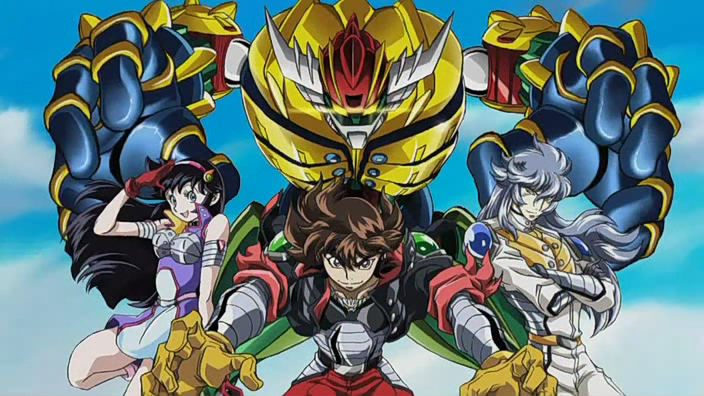
  4. Tengen Toppa Gurren Lagann Kotetsushin Jeeg
  5. Macross any of it except Macross 7.... that is an aquired taste.
  6. Just about anything Gundam related
  7. Just finishing up 97 of Kai, that's the end of the cell saga.

Account

Navigation

Search

Search

Configure browser push notifications

Chrome (Android)
  1. Tap the lock icon next to the address bar.
  2. Tap Permissions → Notifications.
  3. Adjust your preference.
Chrome (Desktop)
  1. Click the padlock icon in the address bar.
  2. Select Site settings.
  3. Find Notifications and adjust your preference.