
Larz Zahn
Member++
-
Joined
-
Last visited
Everything posted by Larz Zahn
-
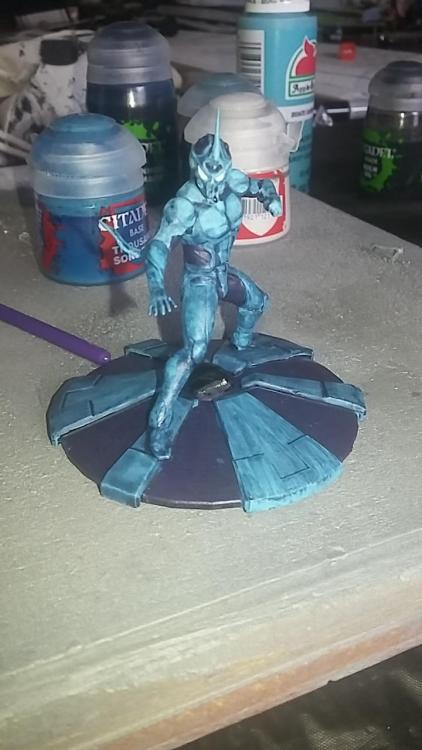
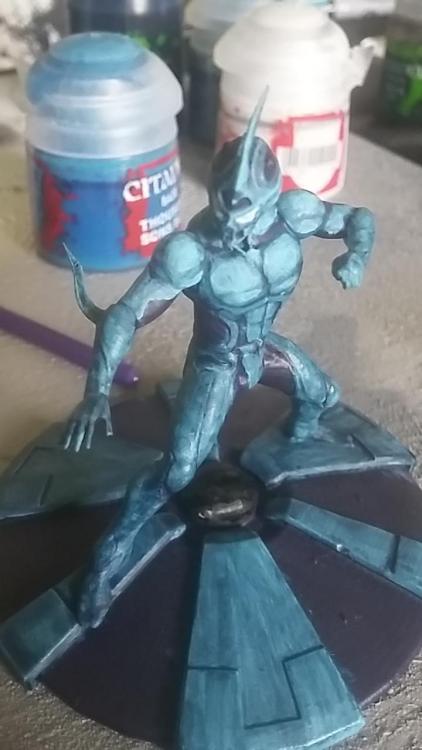
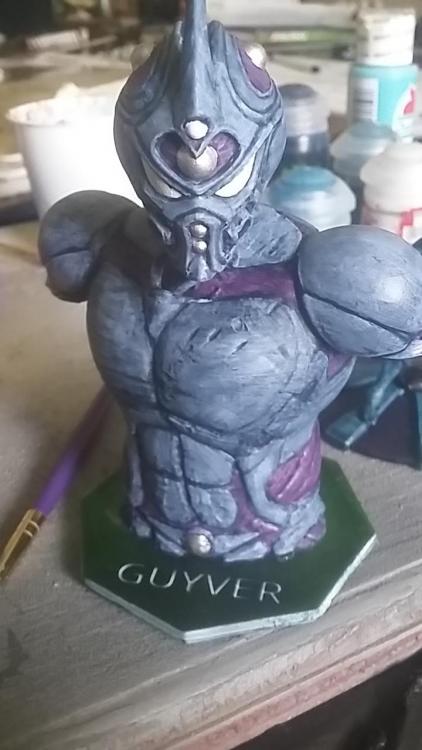
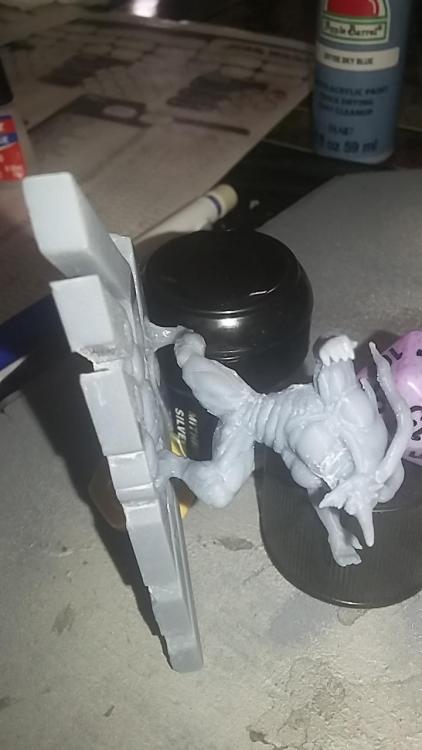
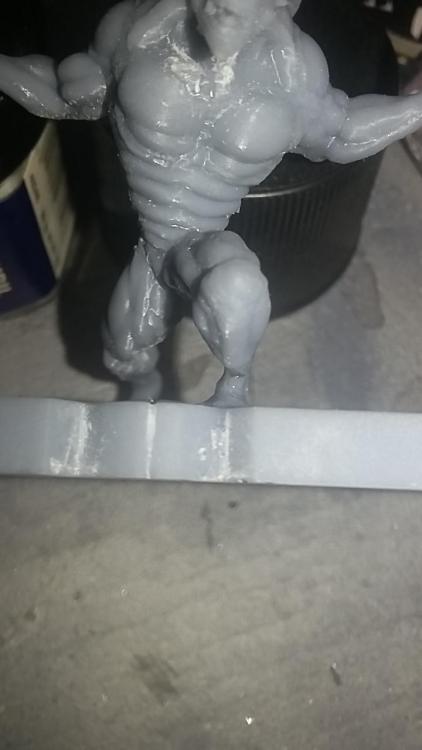
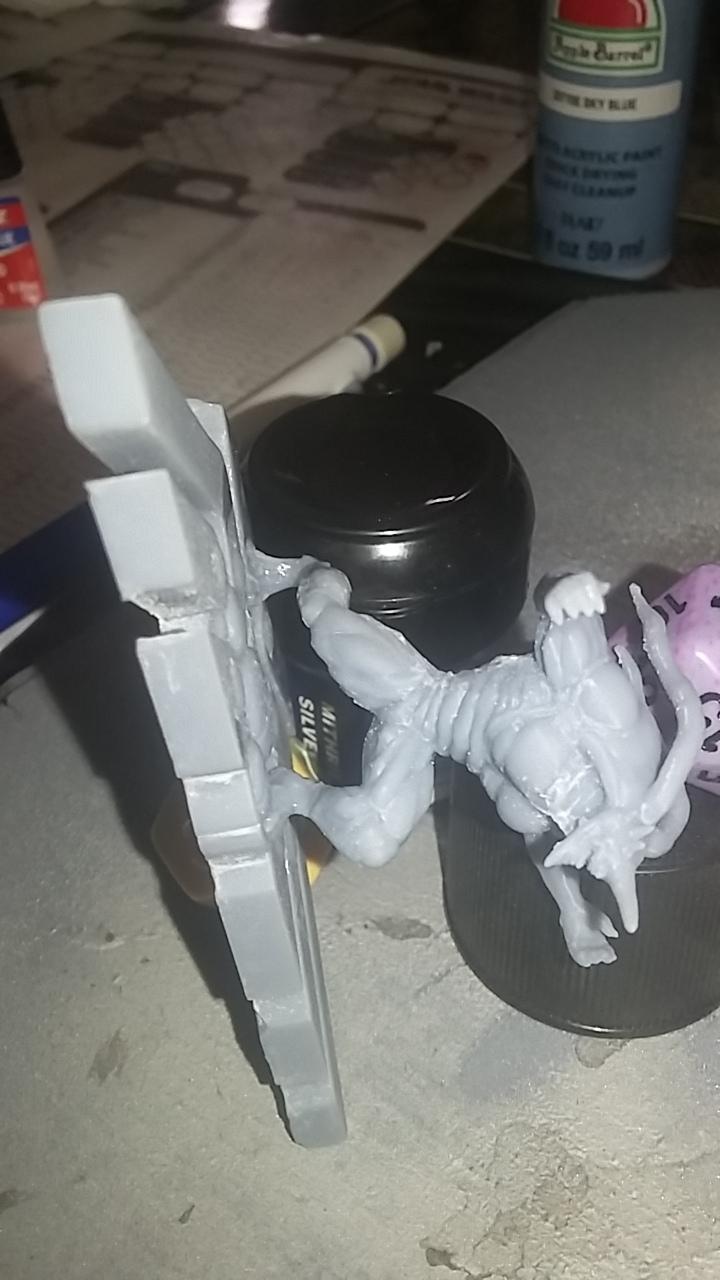
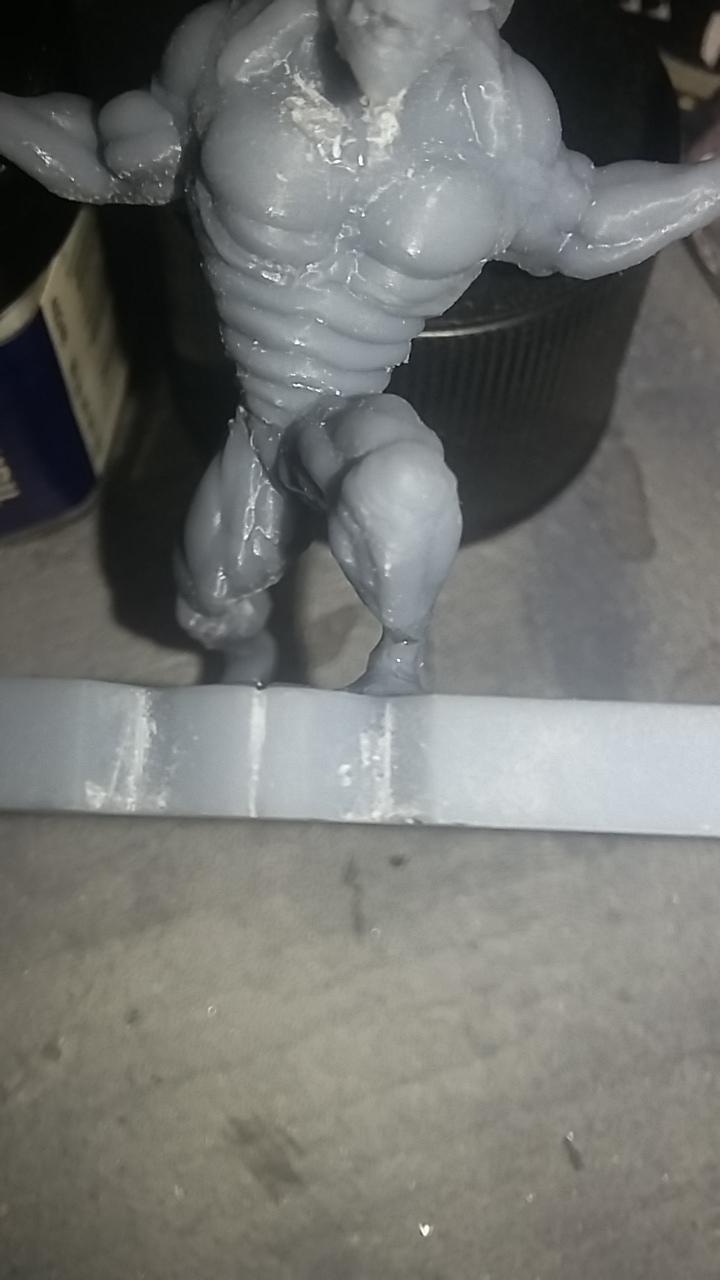
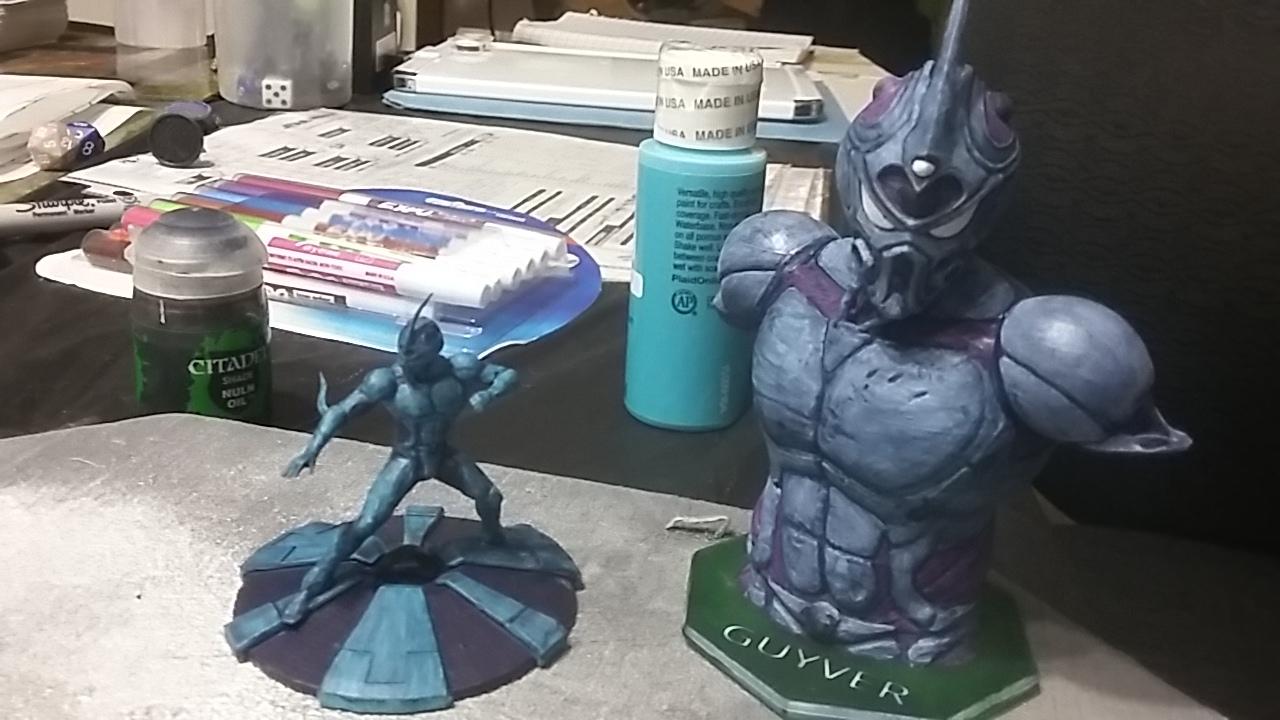
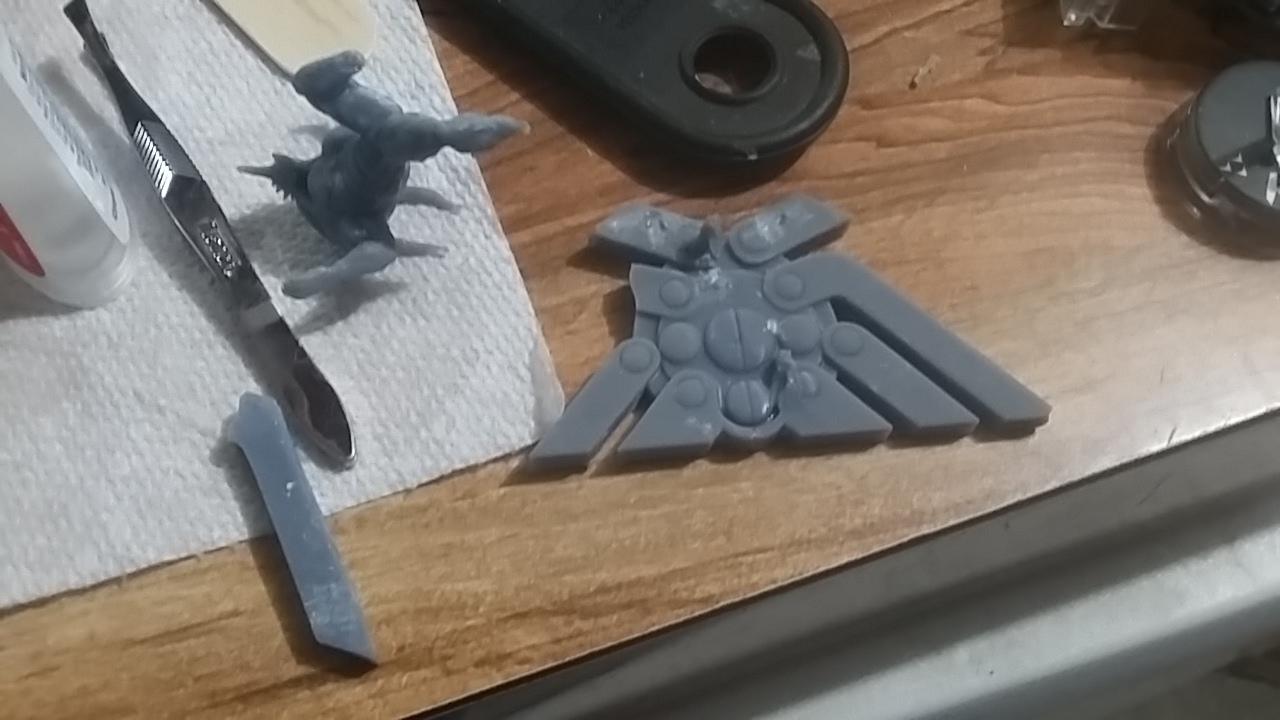
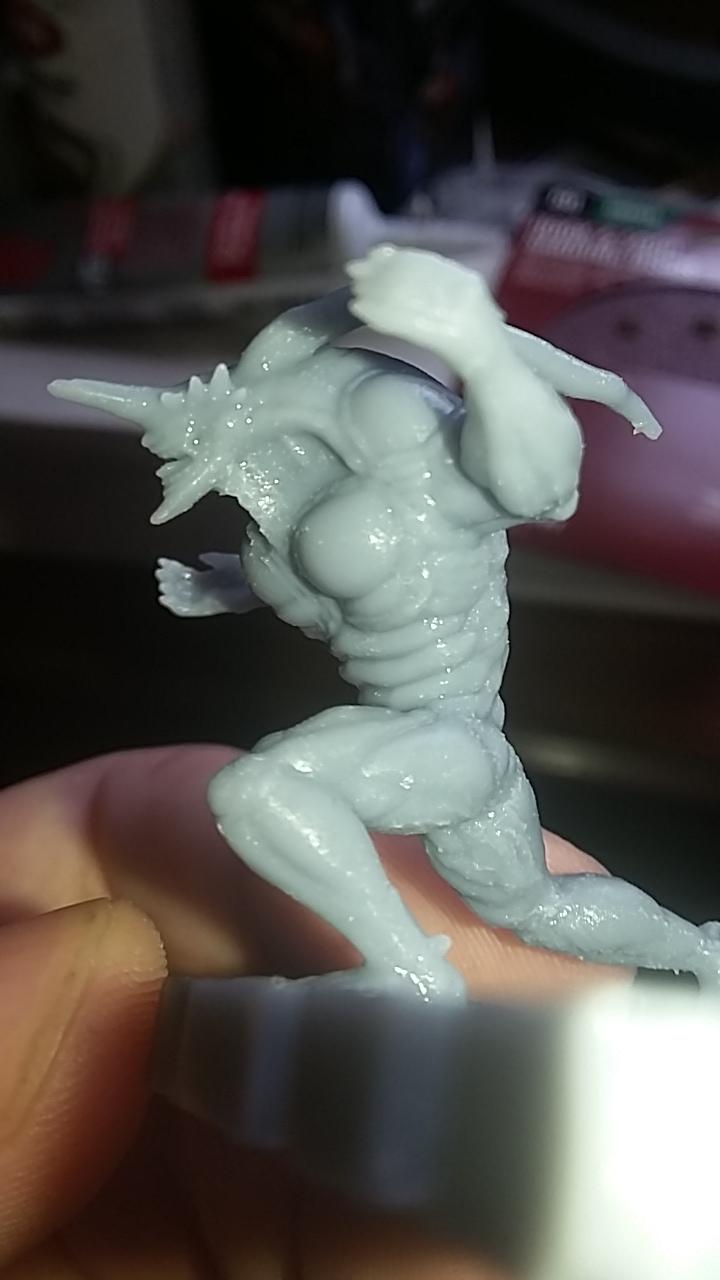
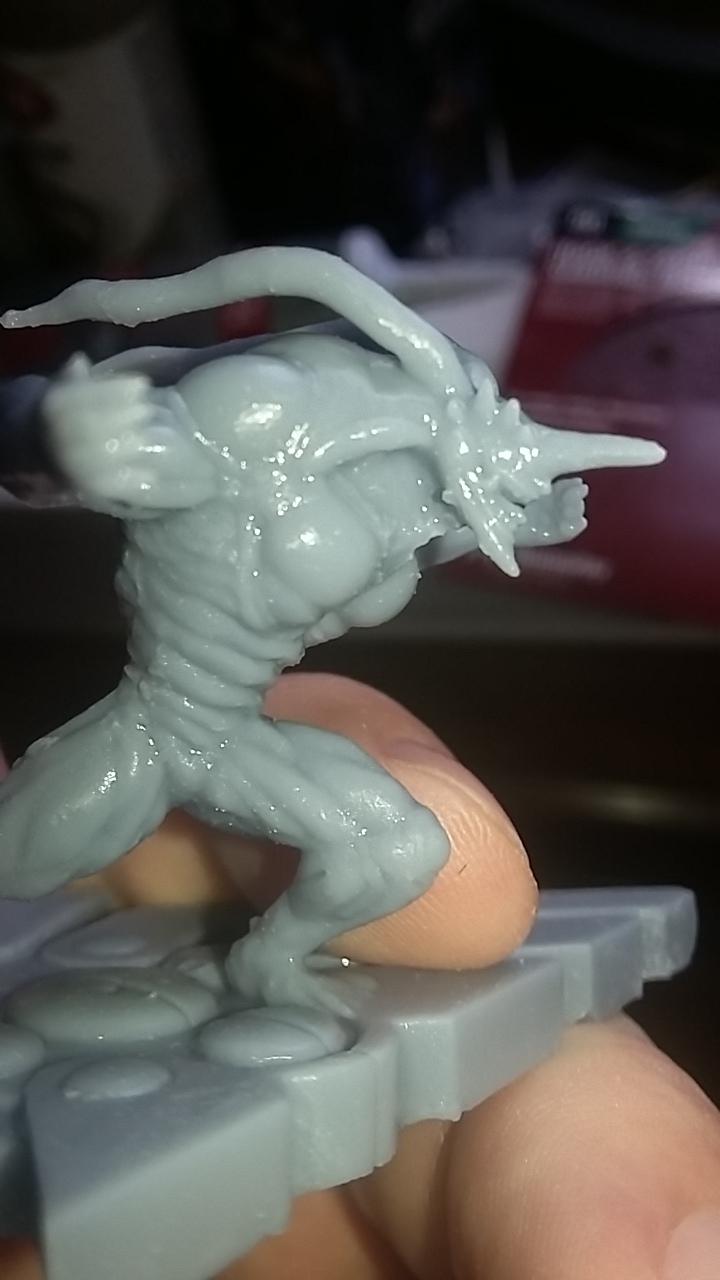
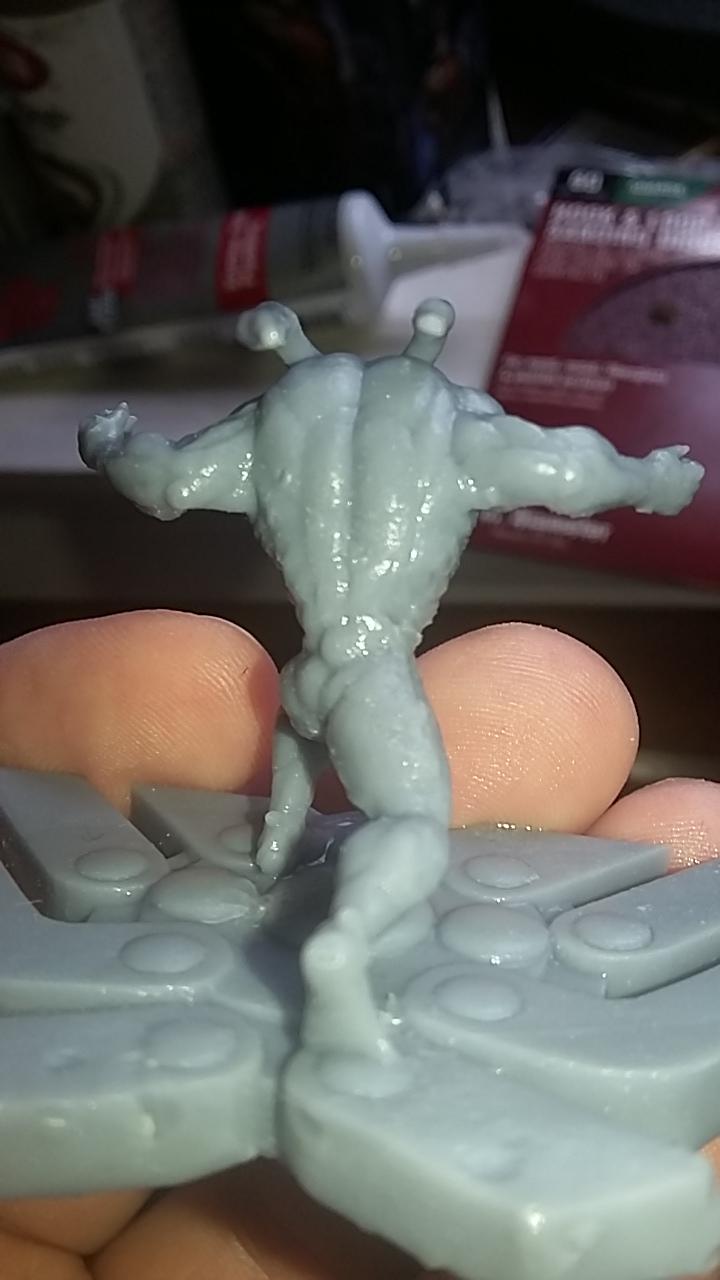
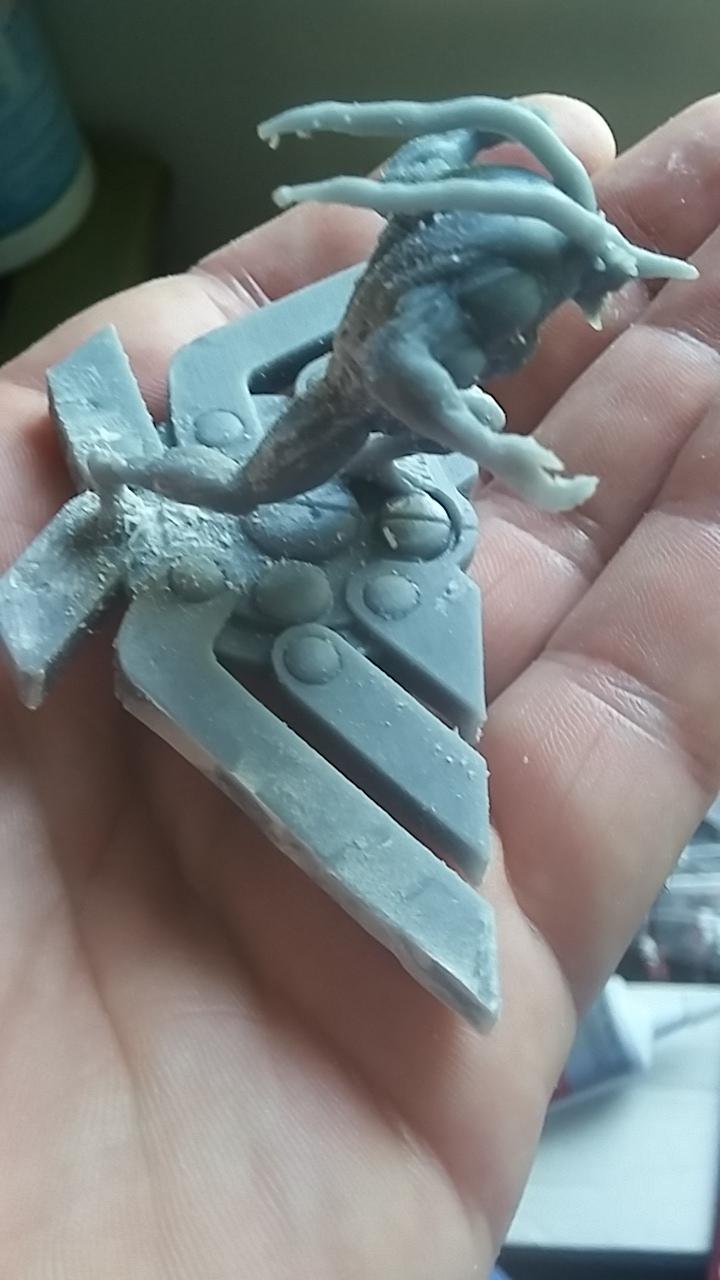
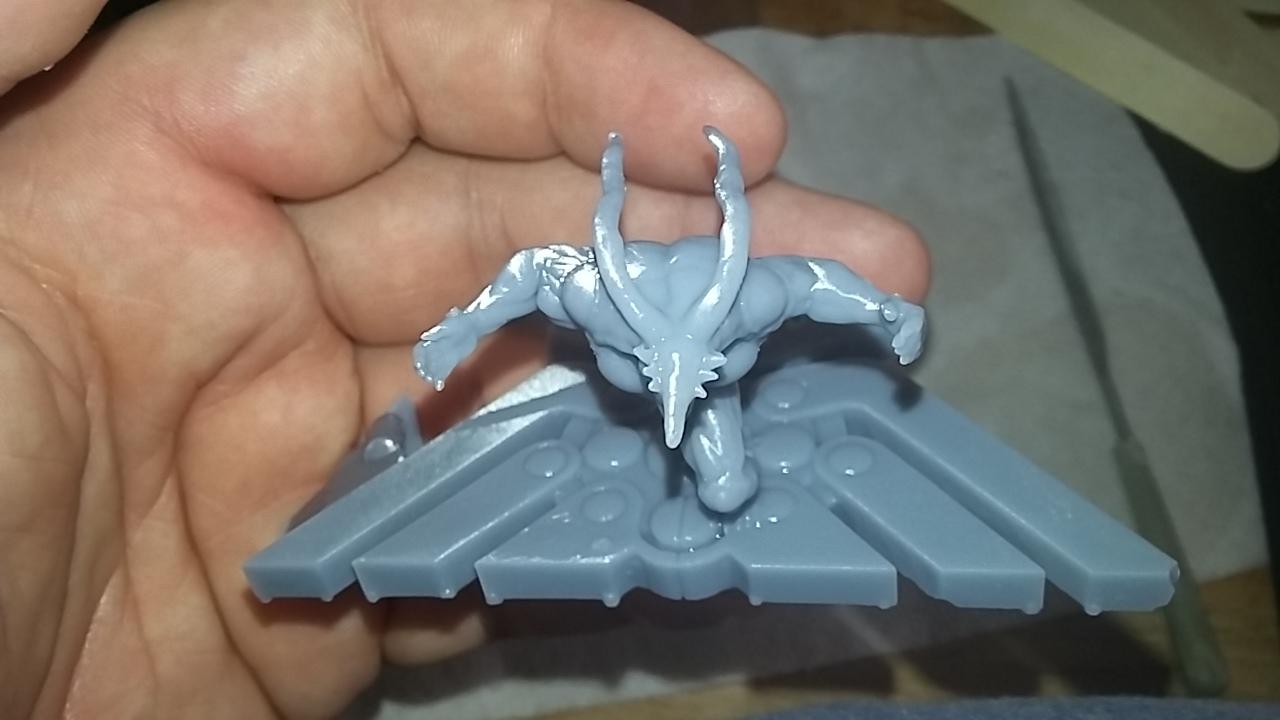
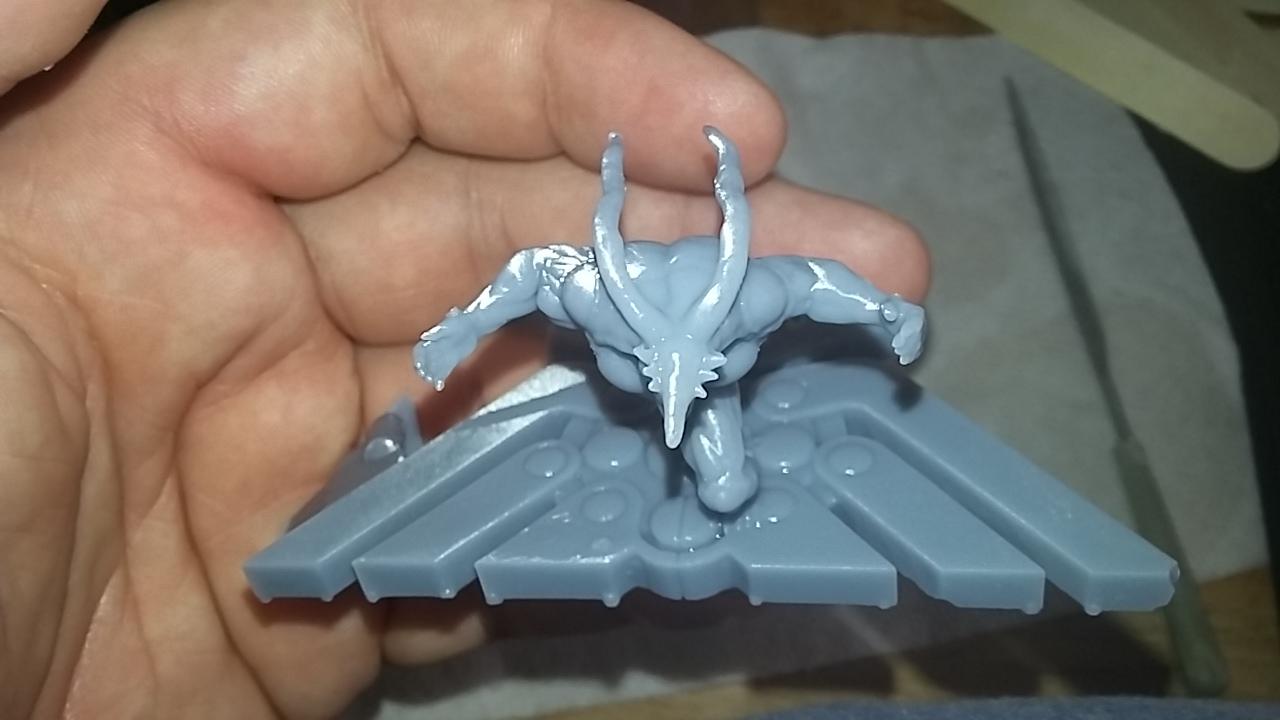
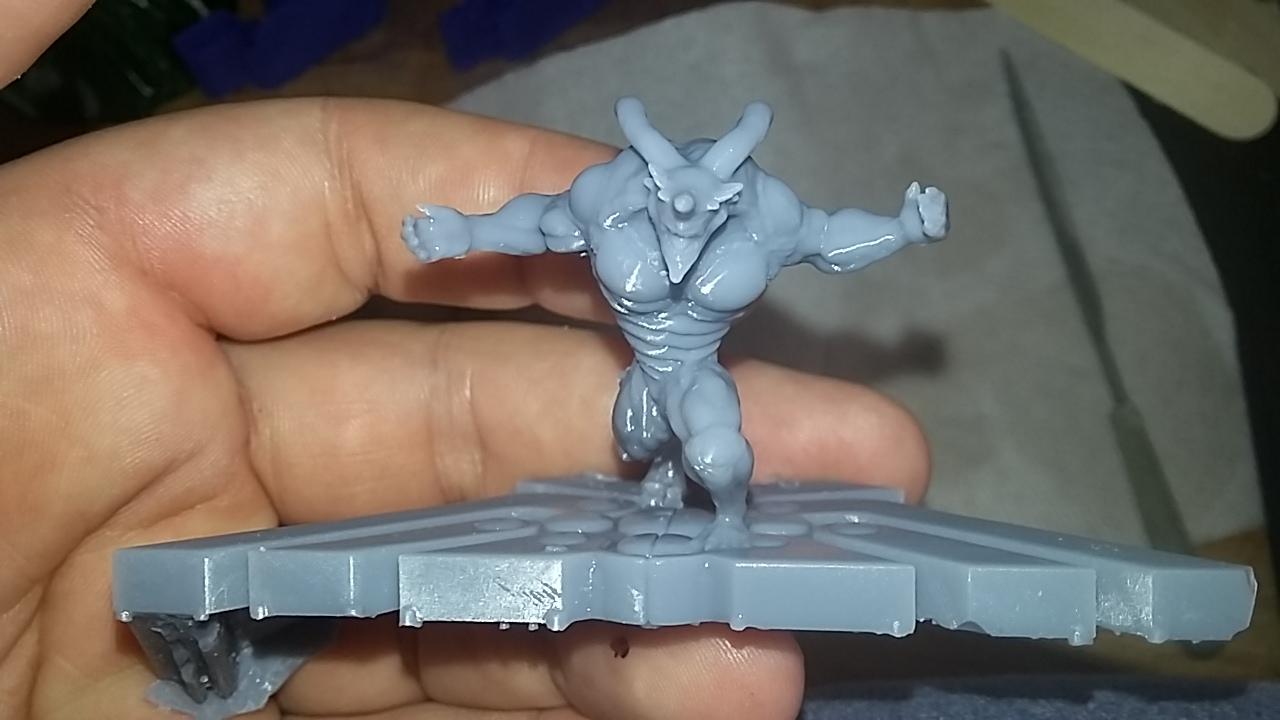
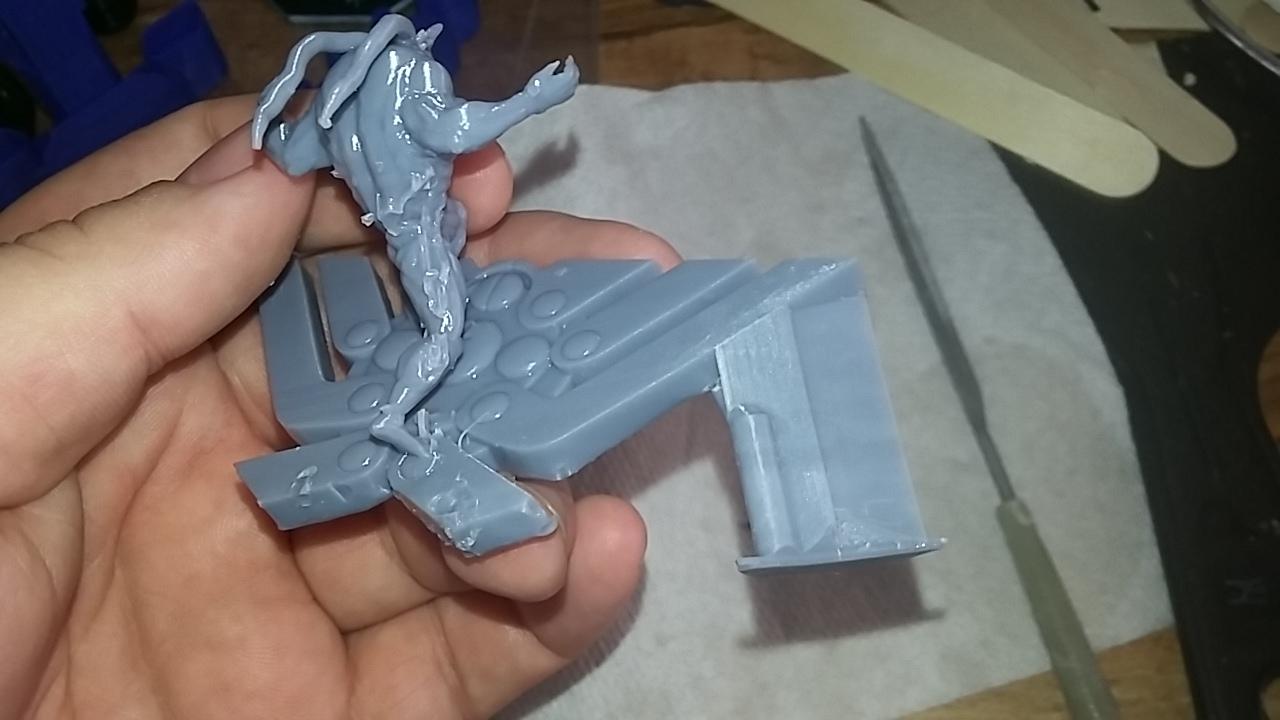
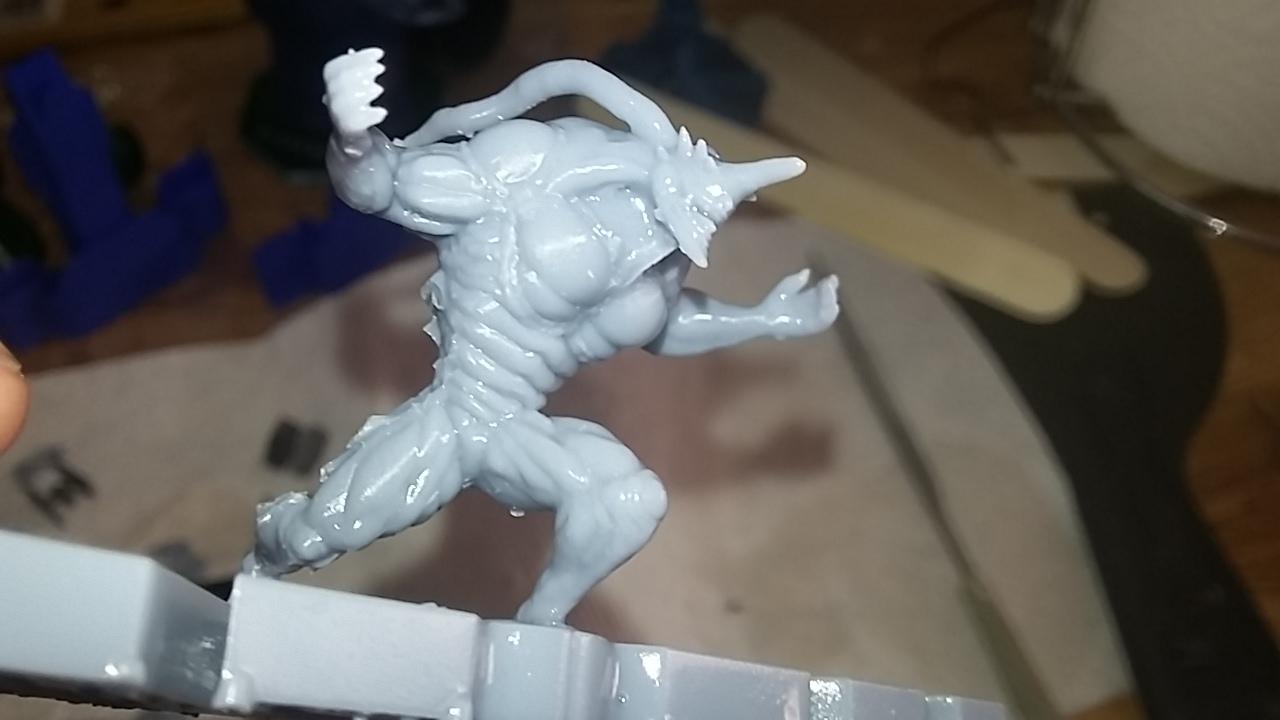
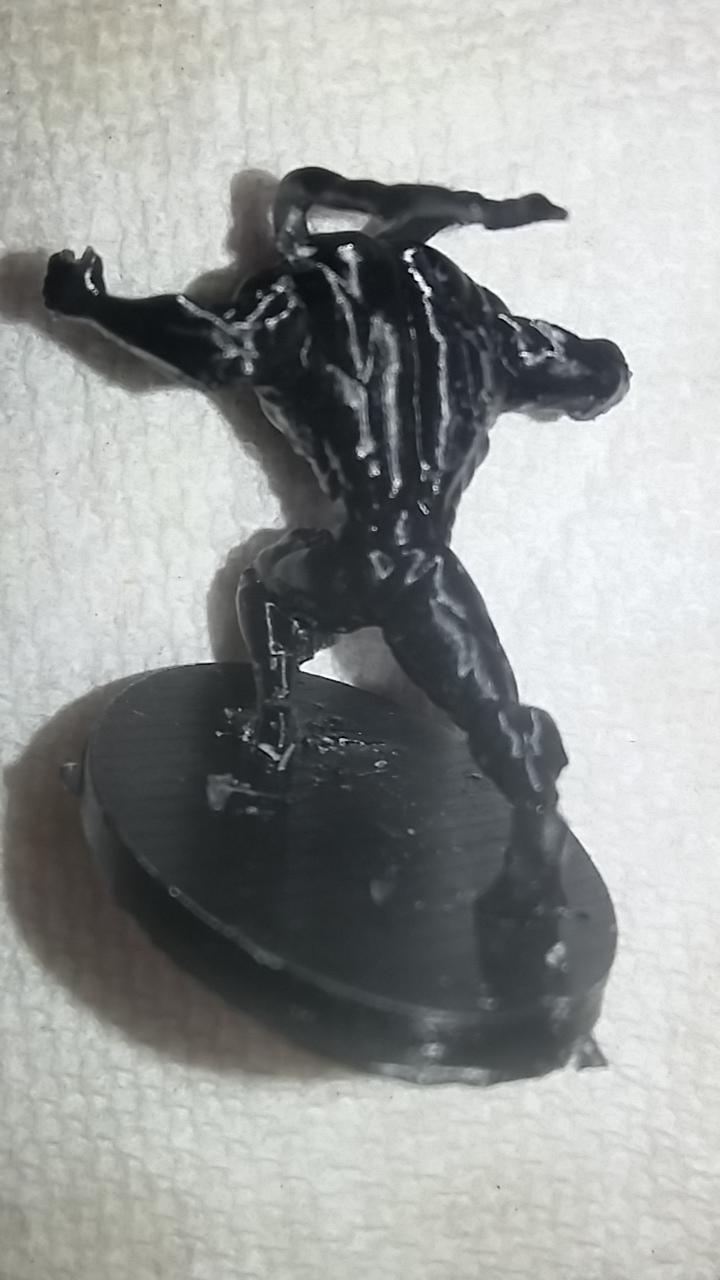
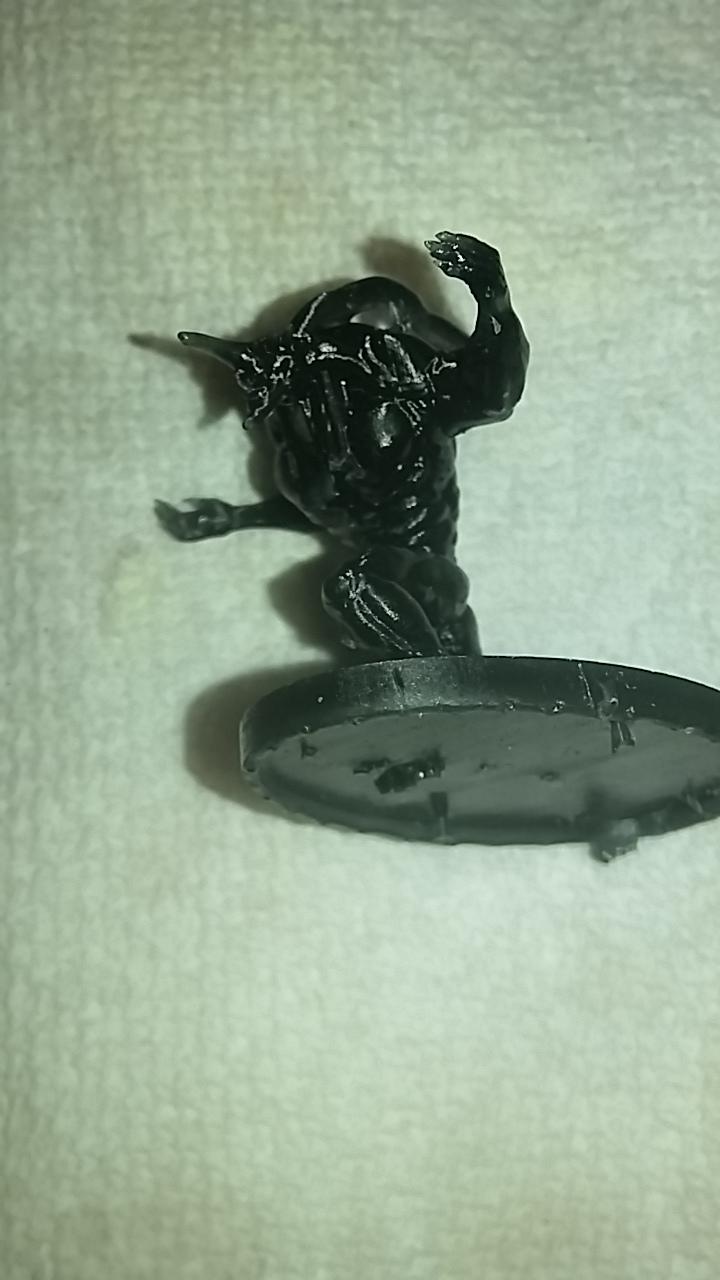
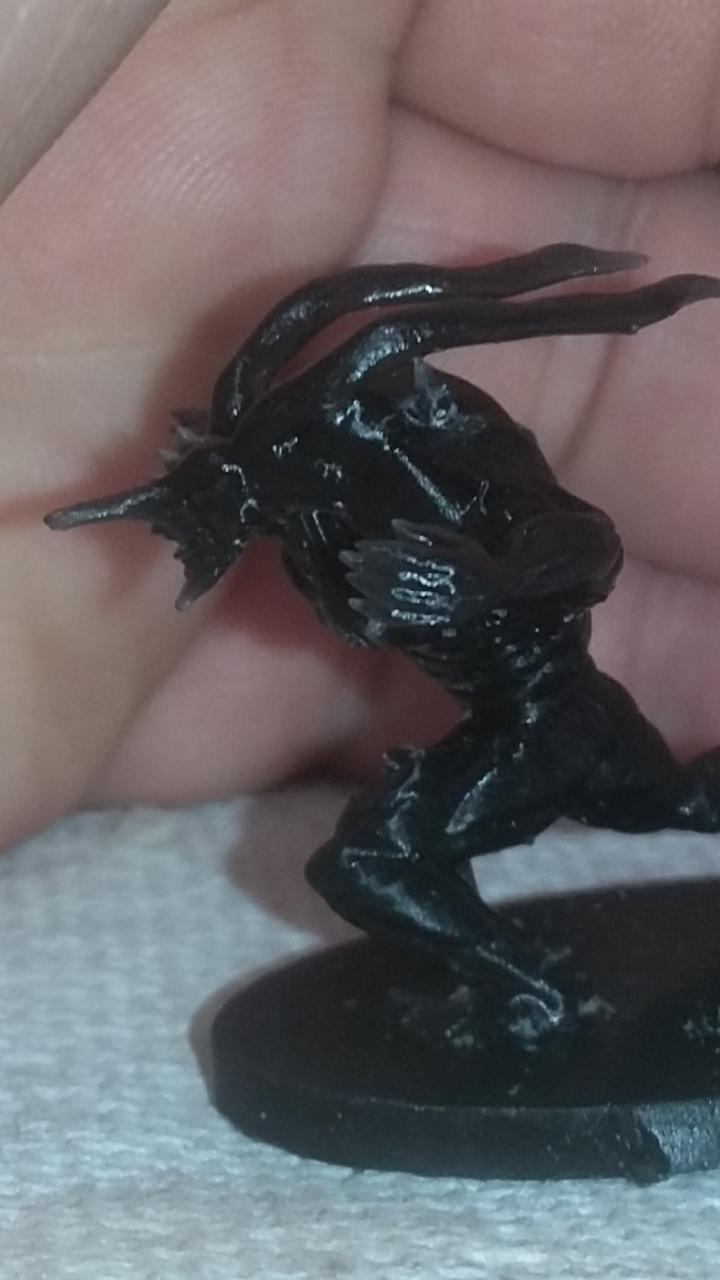
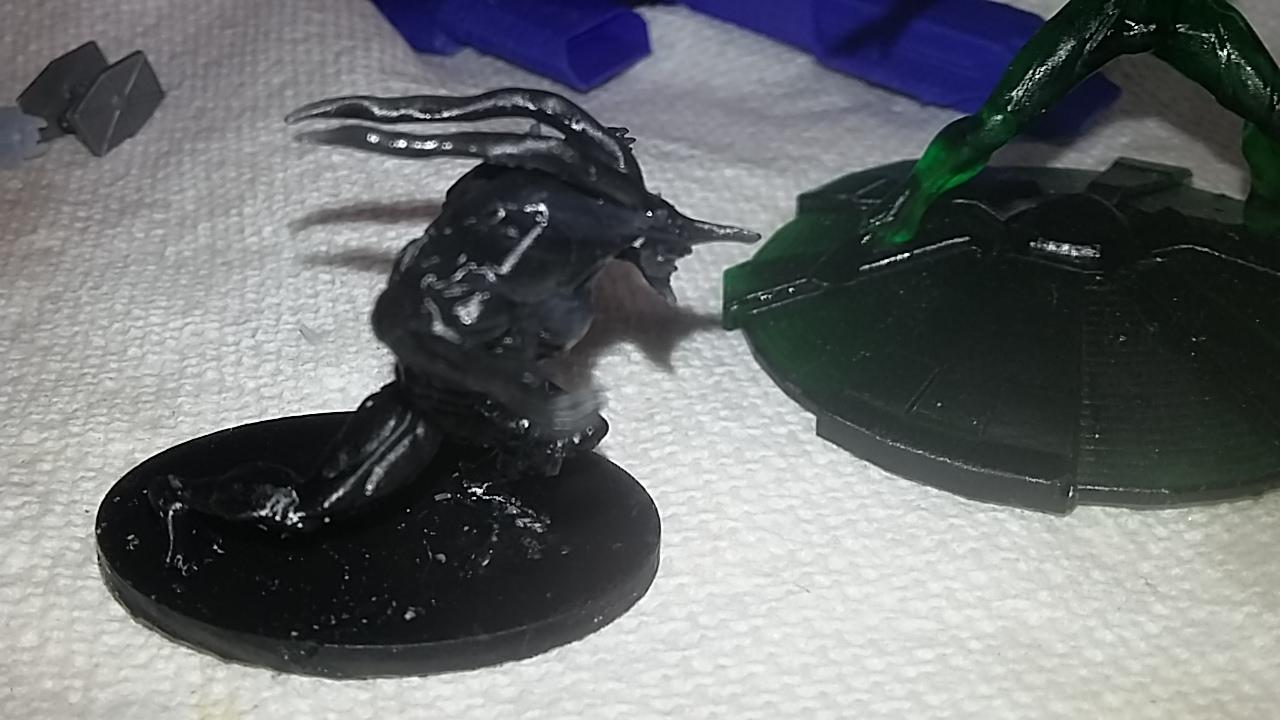
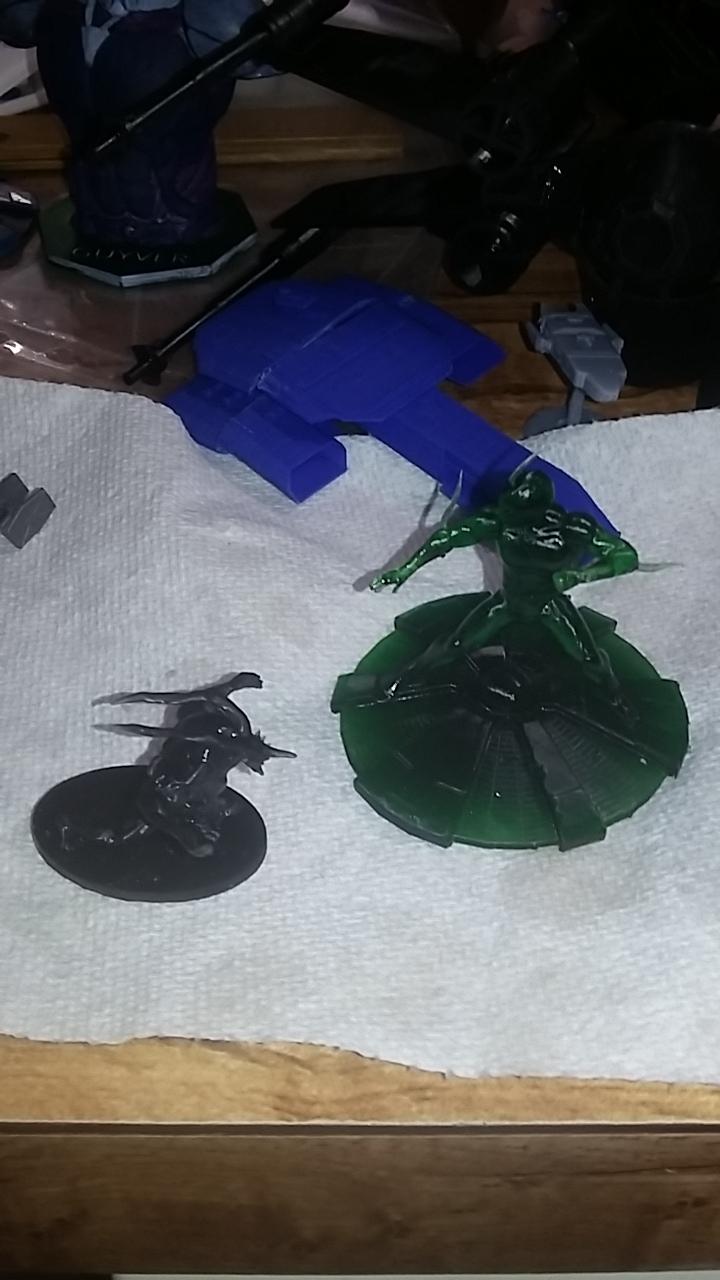
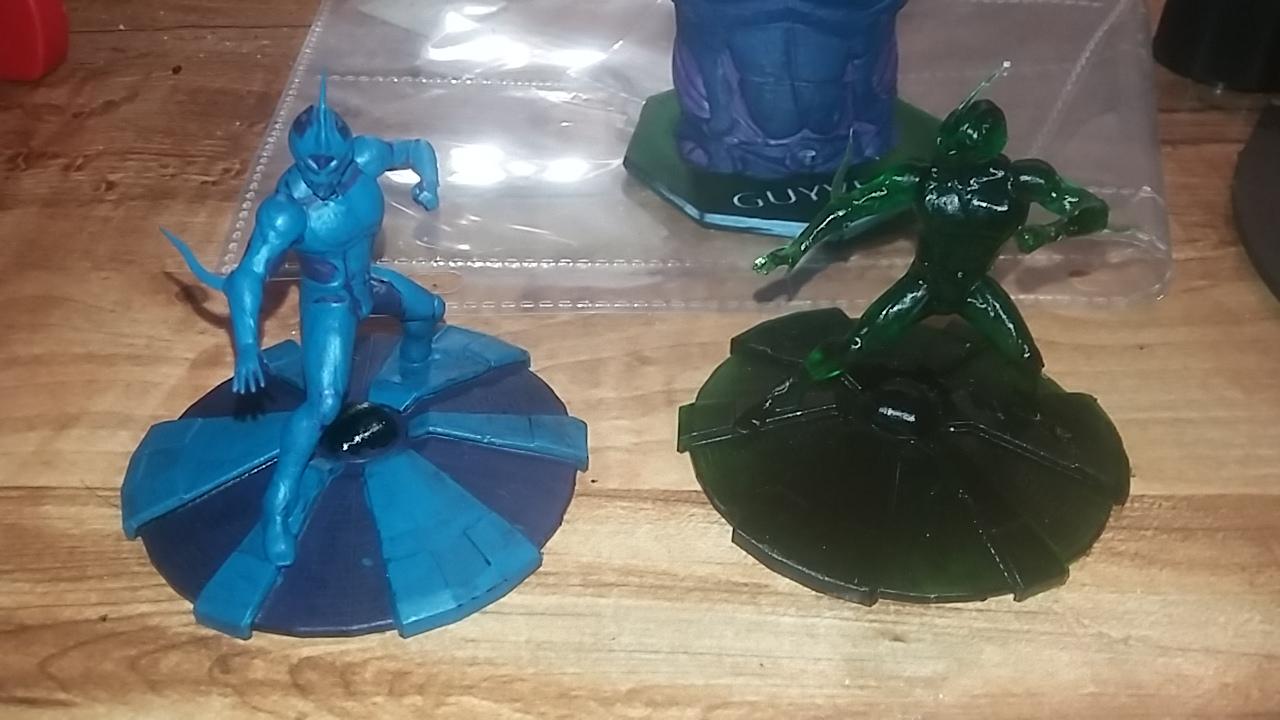
It's alive!!!! So some luck with my gregole project. It's back in one piece, but I'm 1000% positive if you even breath on it, it'll snap. I tried to take some real close up photos to show off one leg, it's got a hage gap in it. Trying to fill it, but it will be a major structural weakness for all eternity. And a few touch ups on the guyvers. Haven't decided about the busts base yet. I'm sorta liking the green look.
-
Heh... I broke it as I was about to paint it... I picked it up to get a good look aND see what color I should use 1st, sat it down and big clumsy moron(me) back handed it off the table as I was reaching for the paint!! You ever look into the mesh mixer program?
-
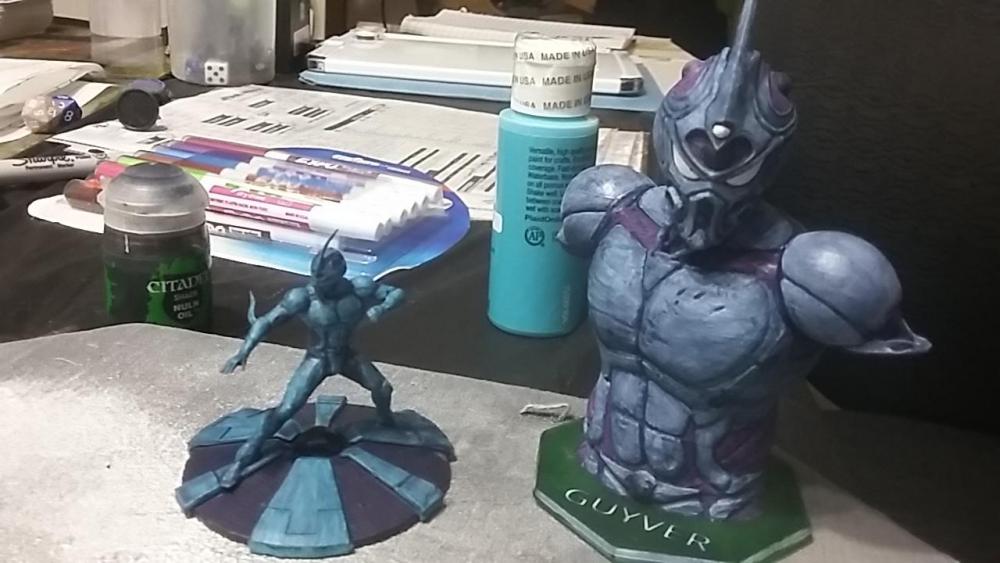
I'm taking a break from my zoanoid heartbreak. So I started paint my two guyvers again.
-
And.... I broke it...
-
Still wet.
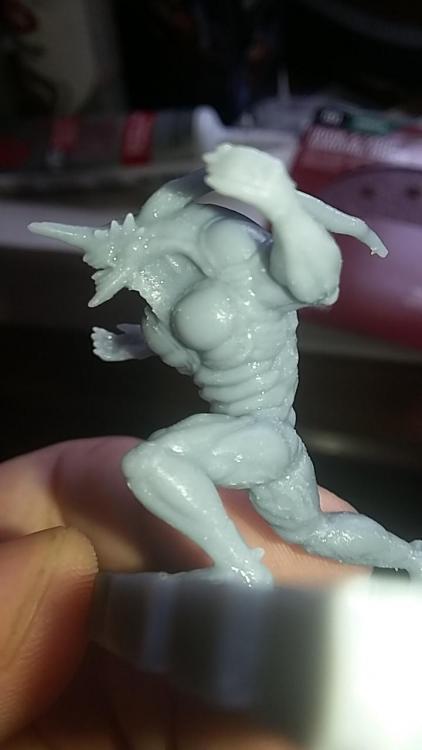
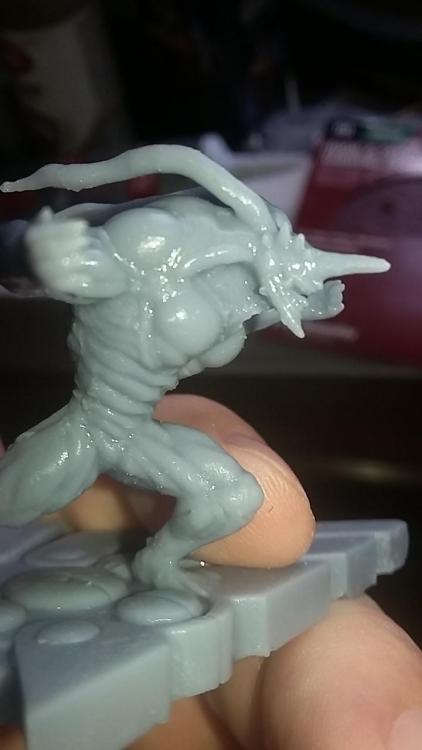
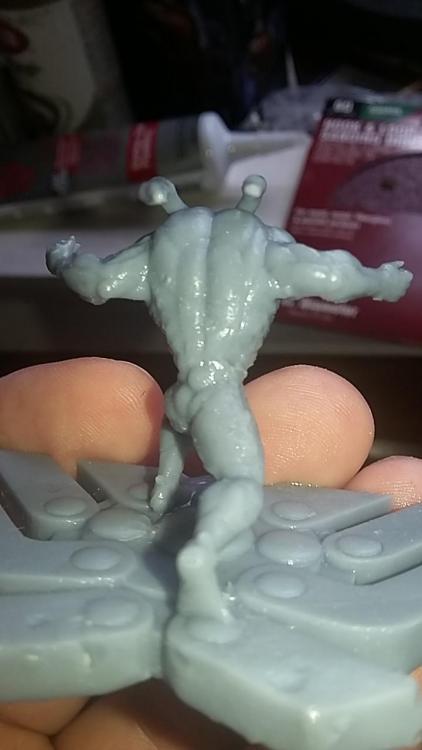
-
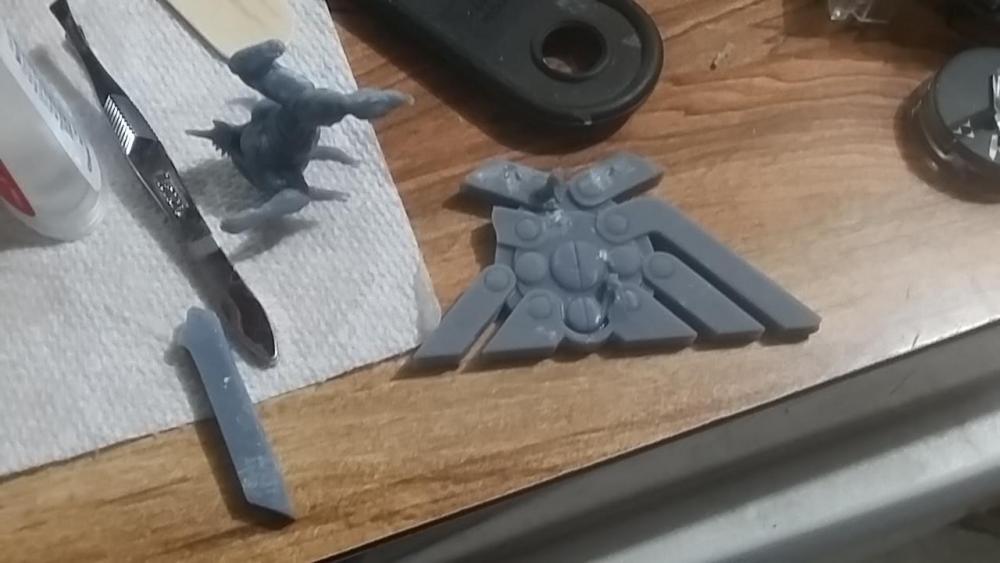
I don't know why that big chunk is on the corner there. Must be a fault when the slicer converted the file for printing... something I'll have to look into I guess. What ya think?
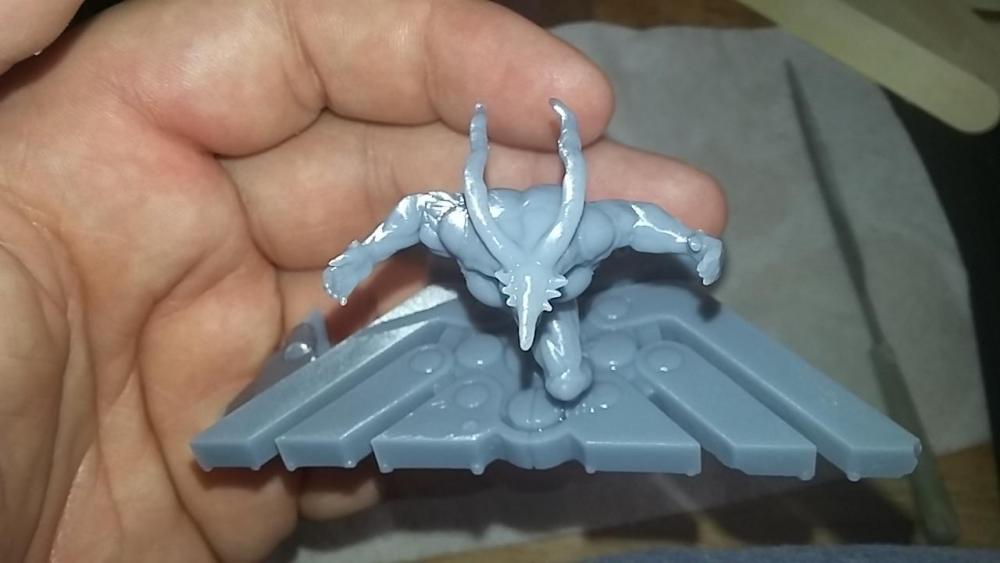
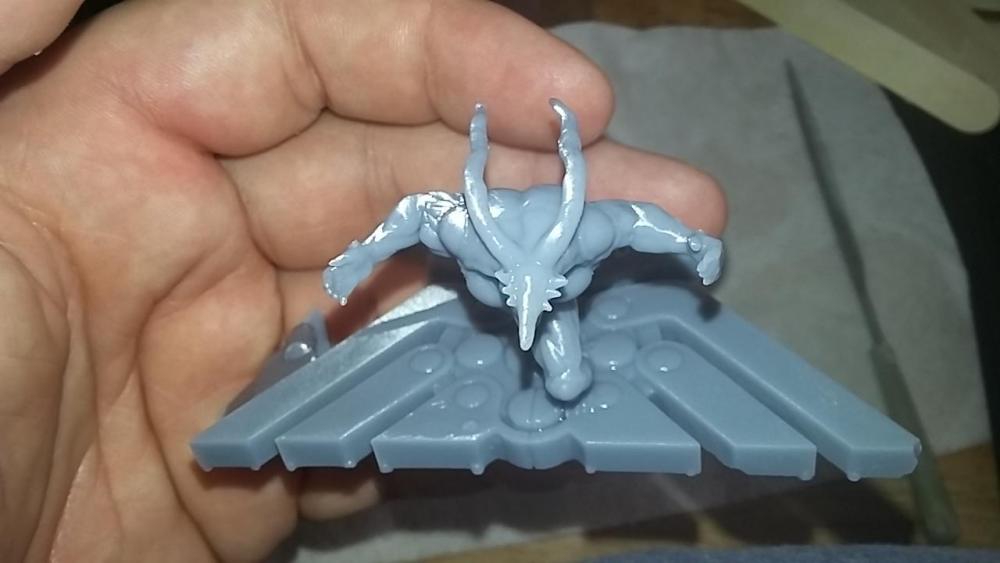
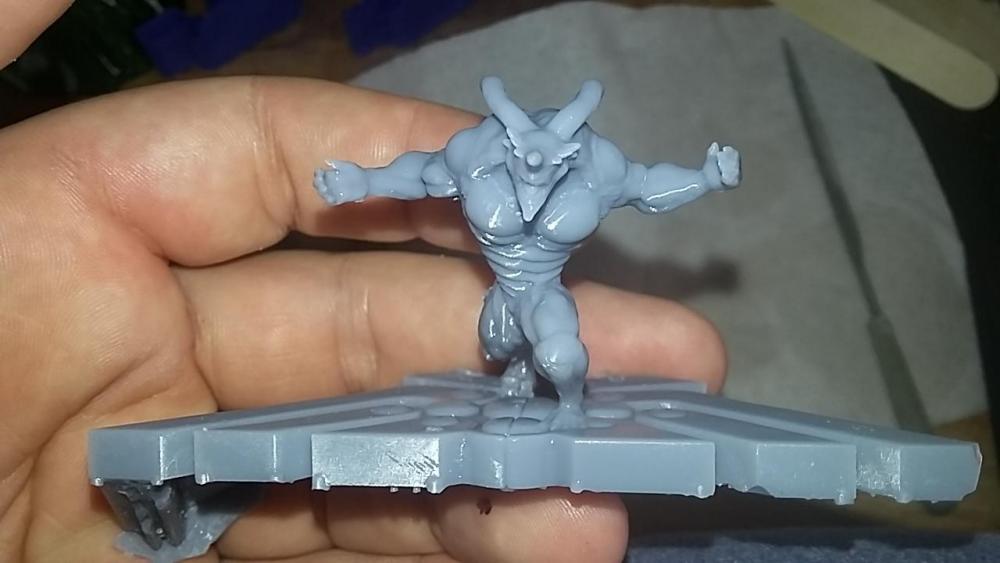
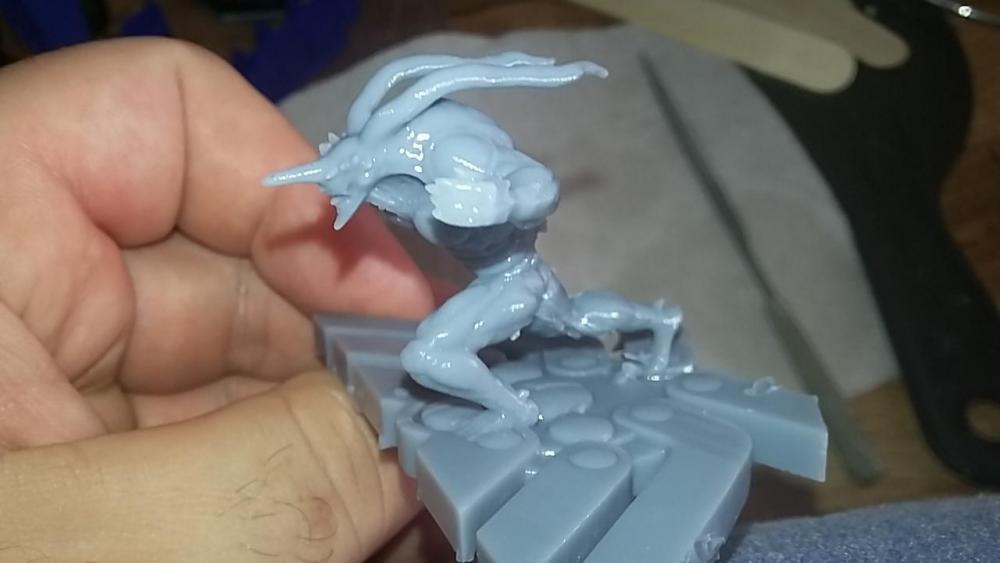
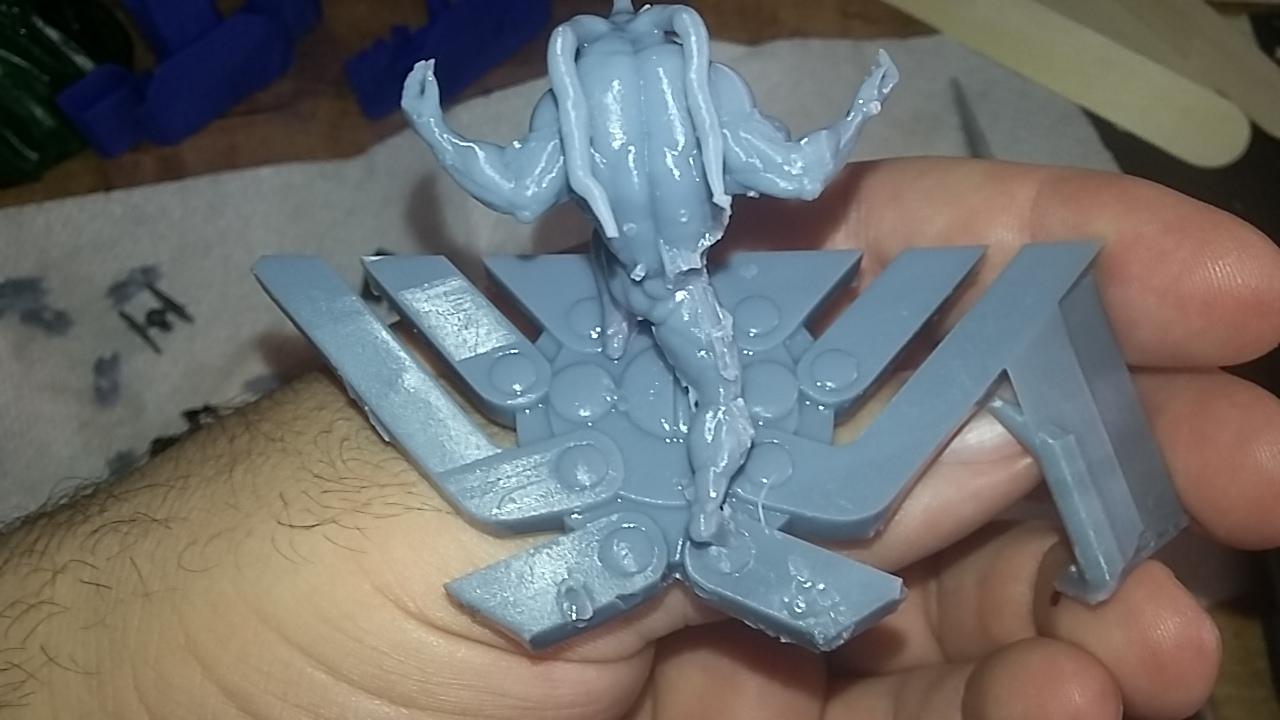
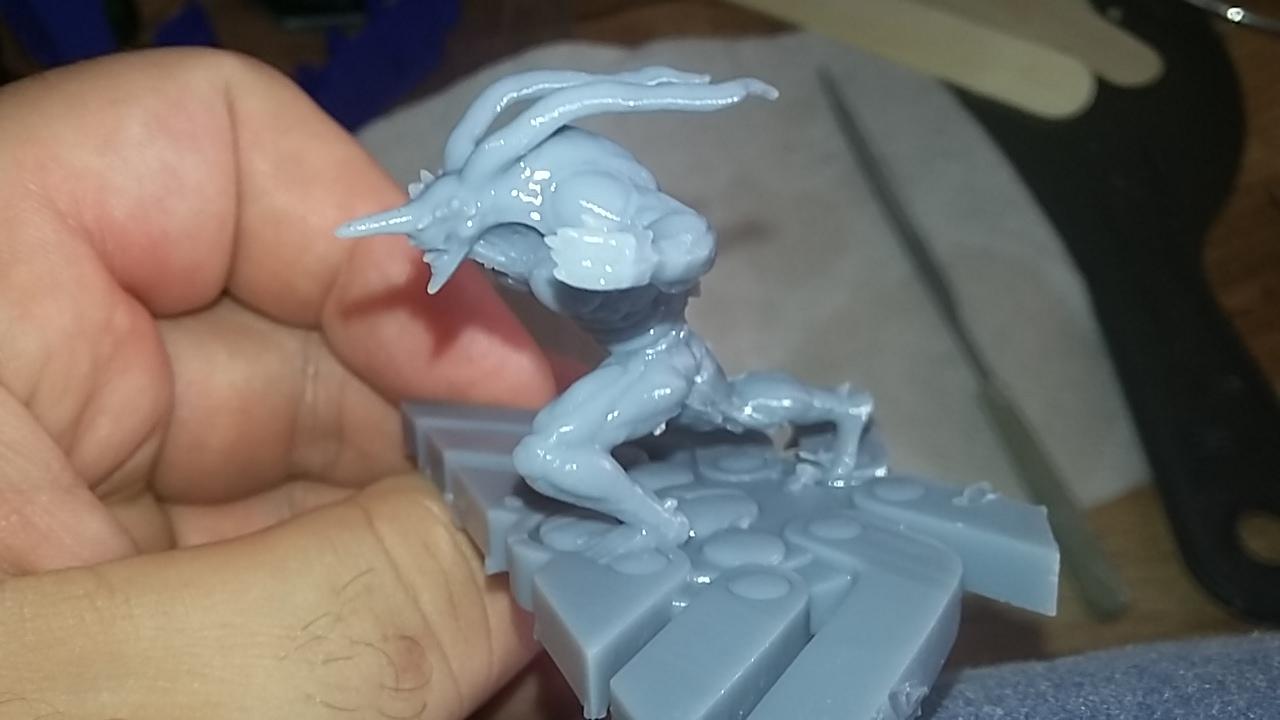
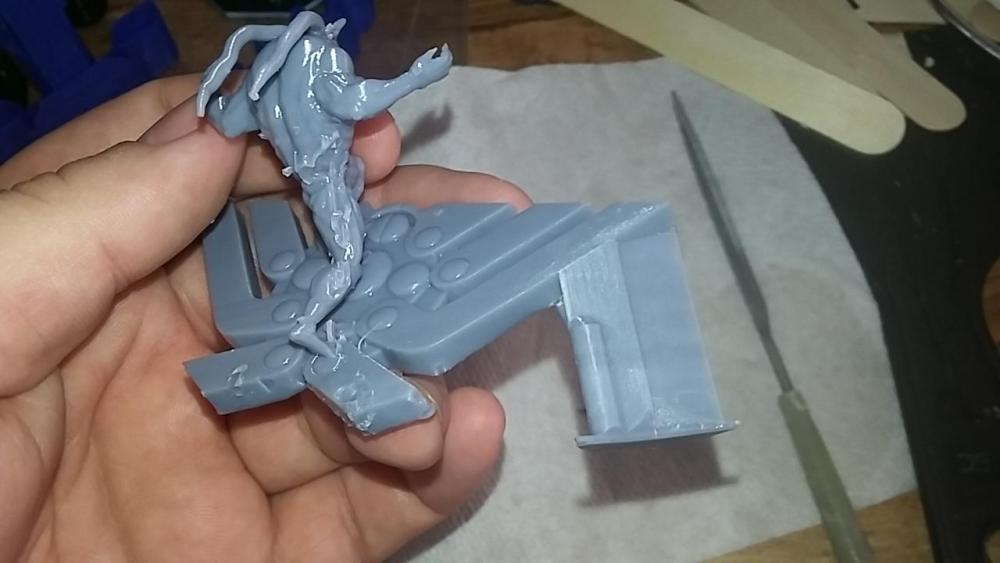 Here it is! Now bare in mind that this is right off the printer and all I did was remove the supports. I haven't cleaned it up or touched up anything yet. Just by looking at it here, it's still smaller than I had intended, guess I didn't realize how big that base really was. And Im still not able to see those striped lines on his shin. So... no need for the extra work on smaller miniatures. But if I ever intend to cut em up and print by pieces, I'll have to do those lines.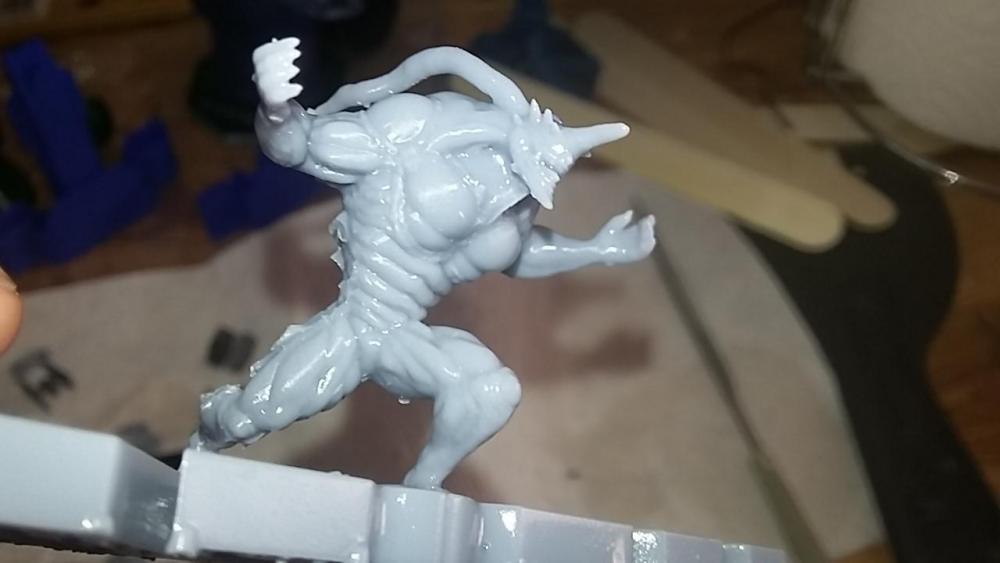

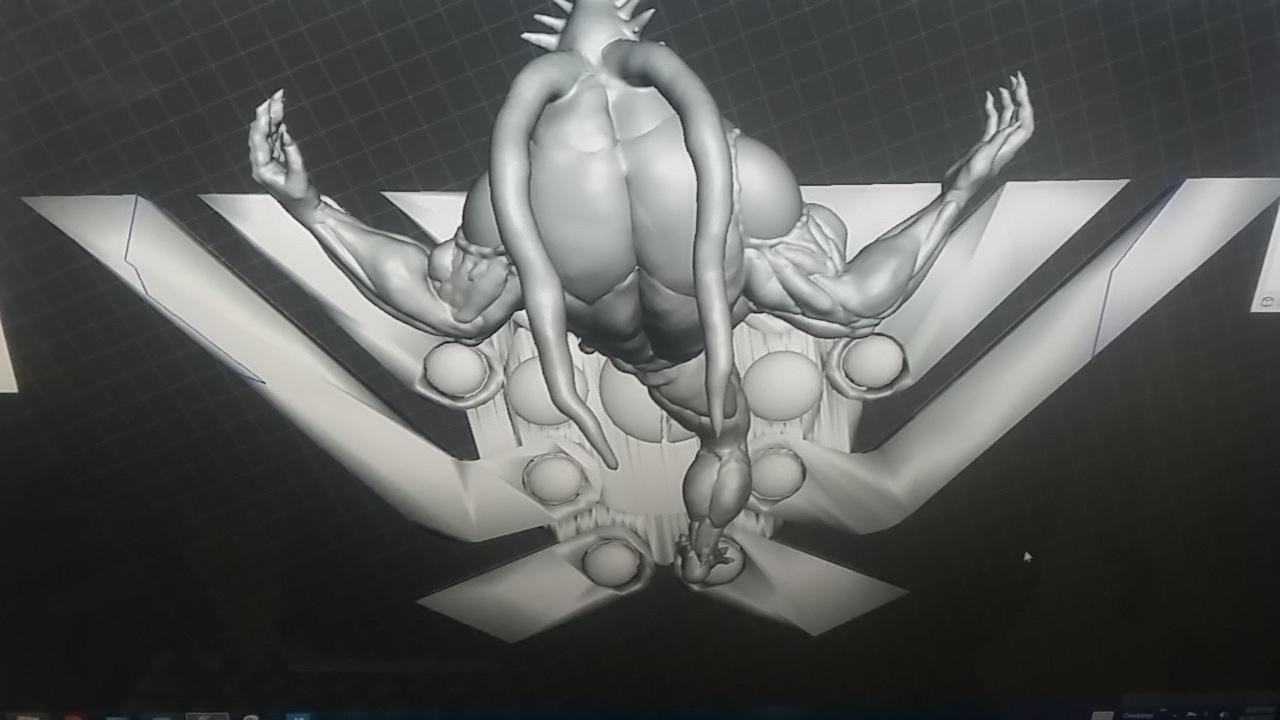
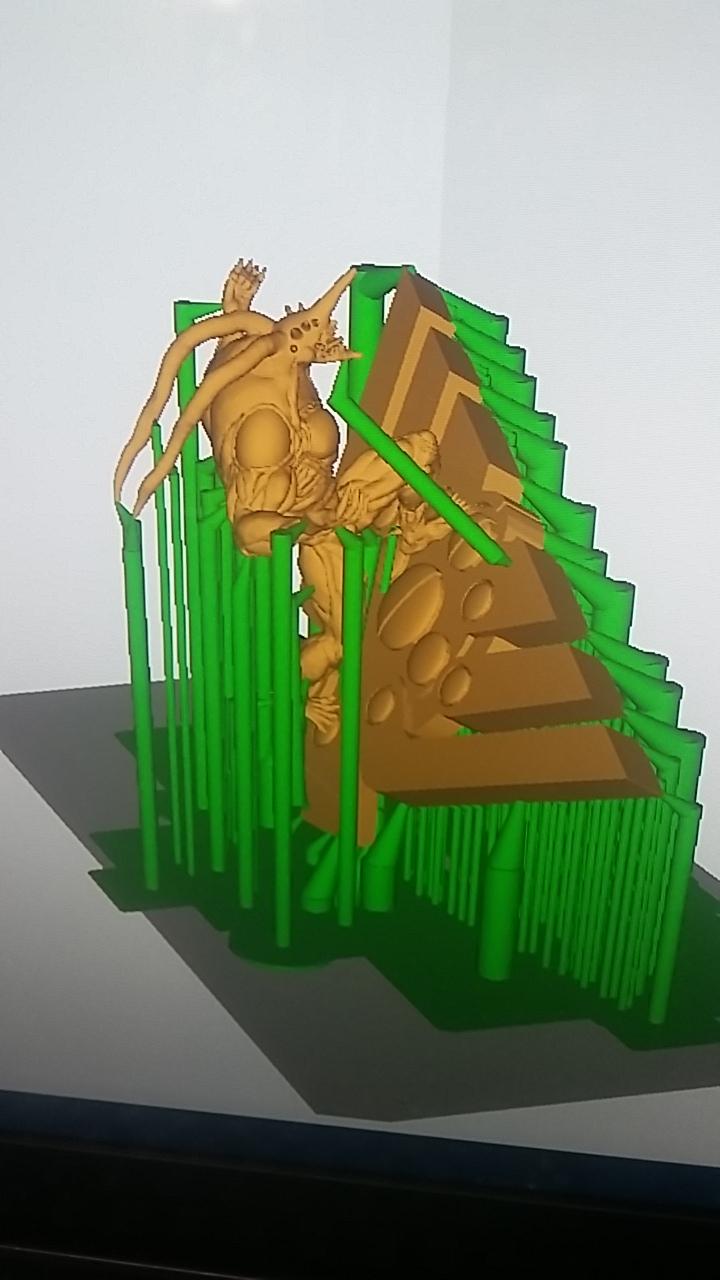
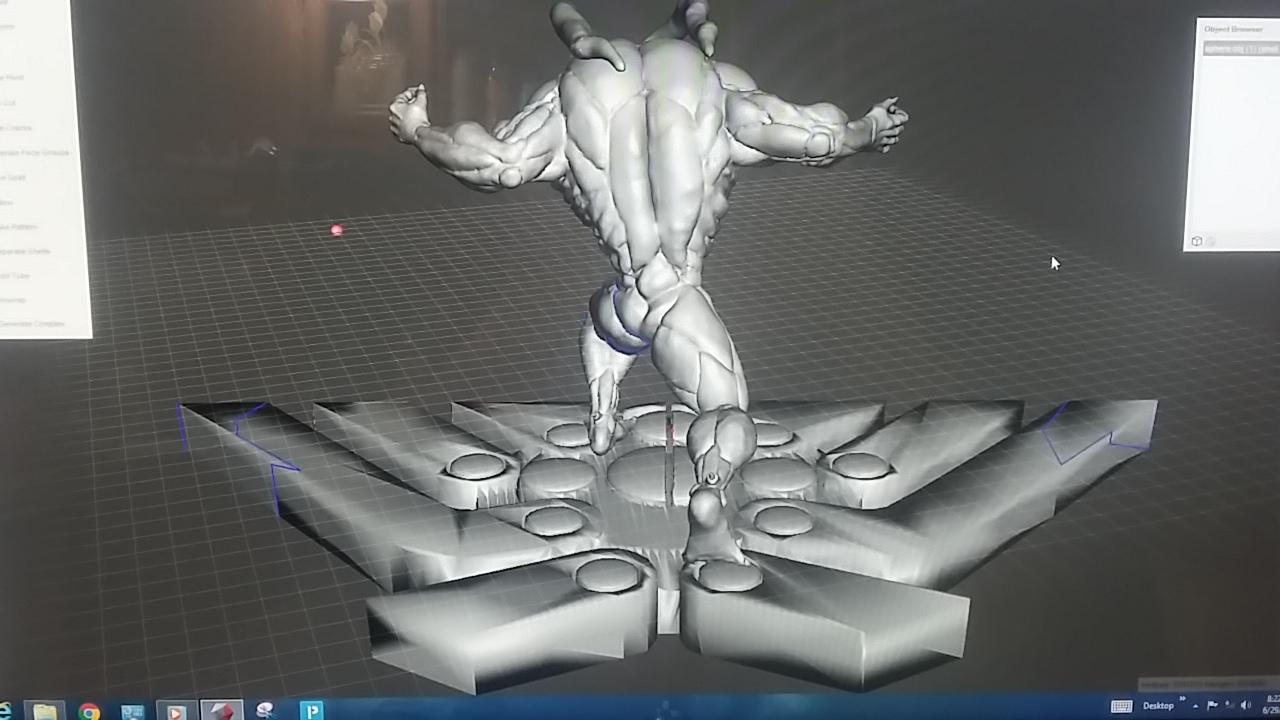
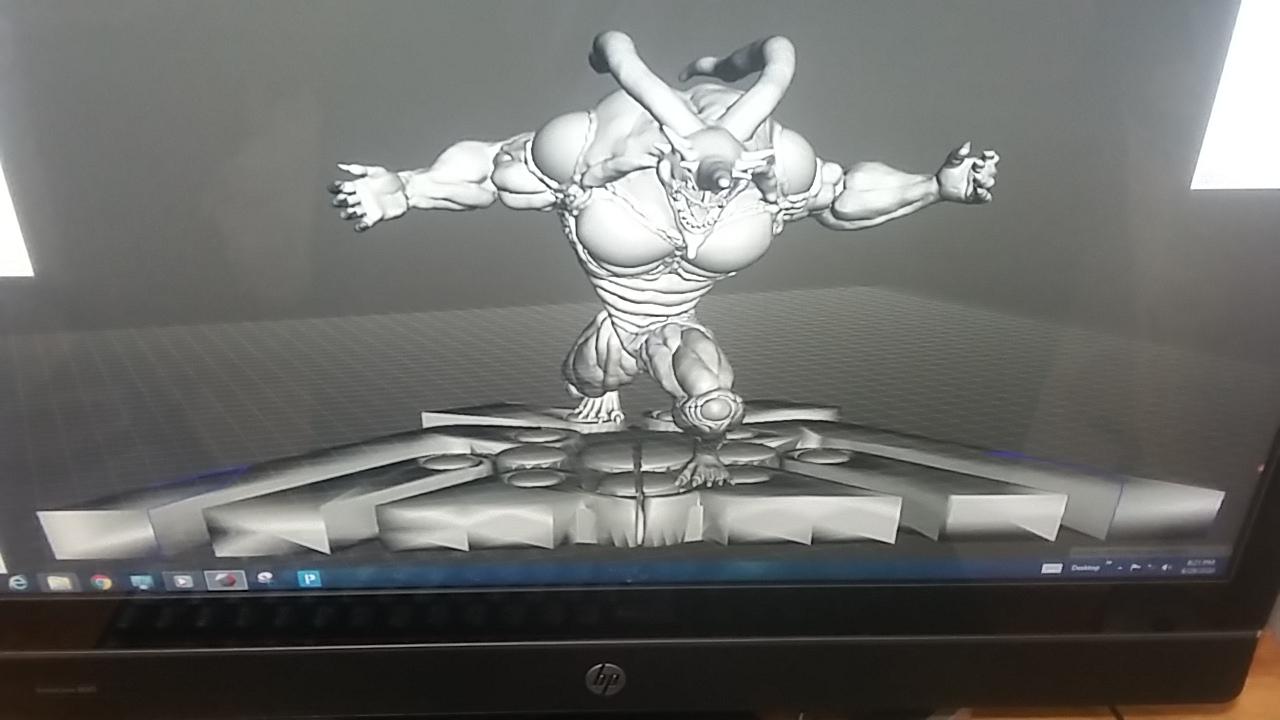
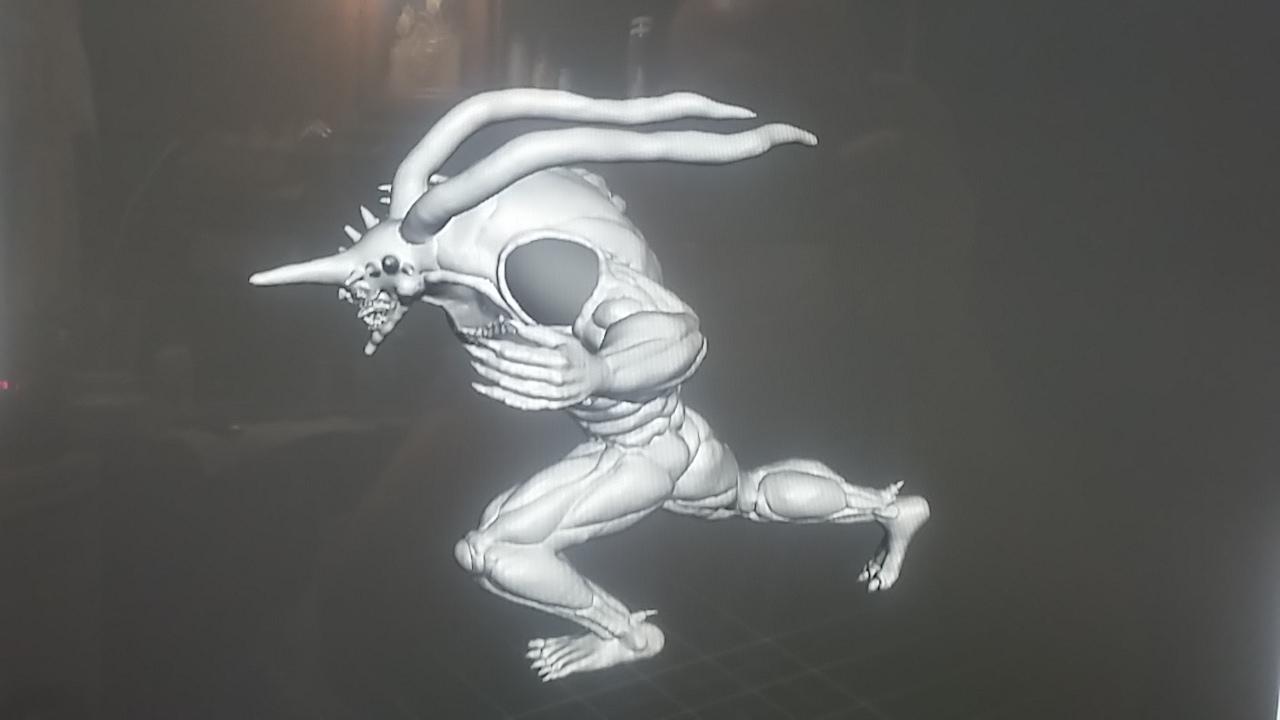
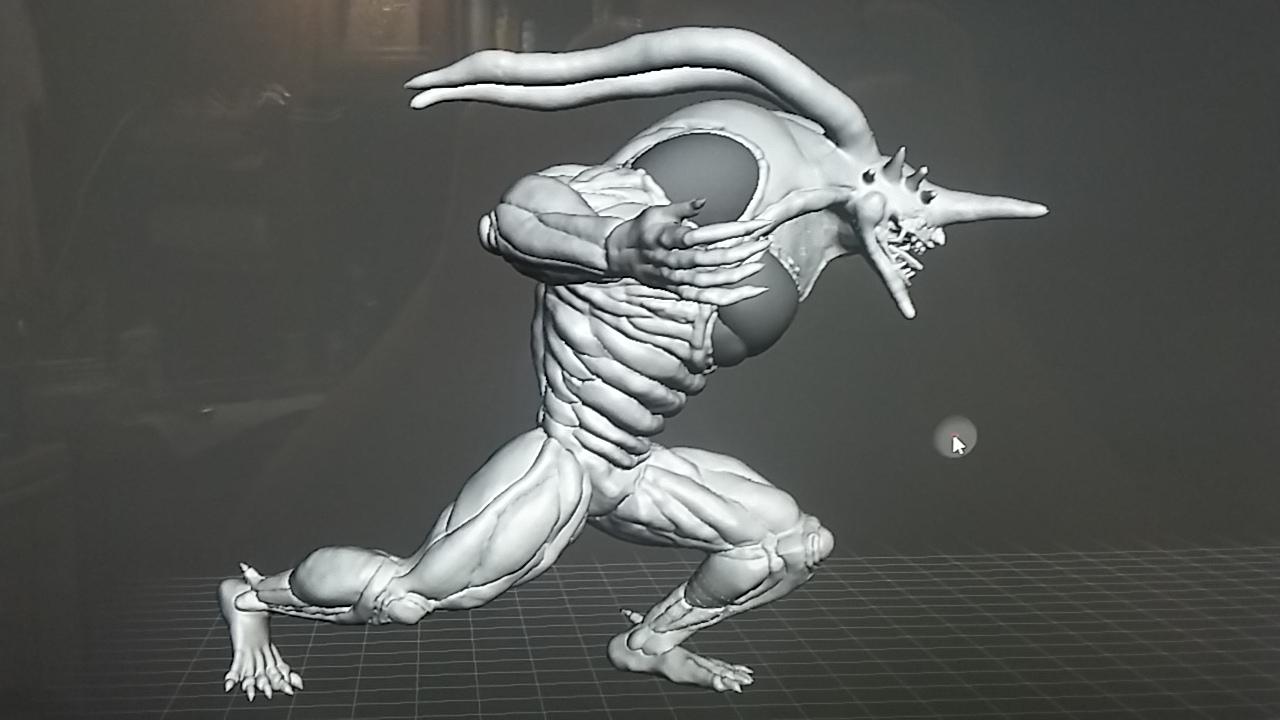
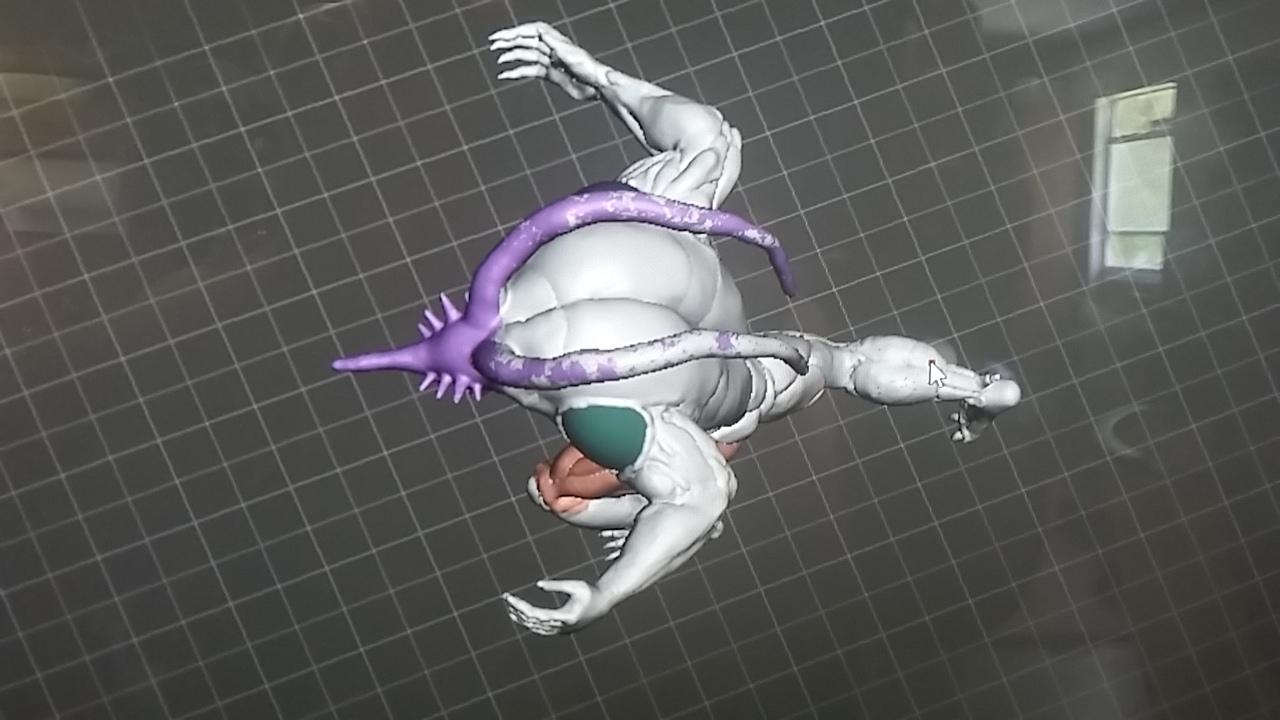
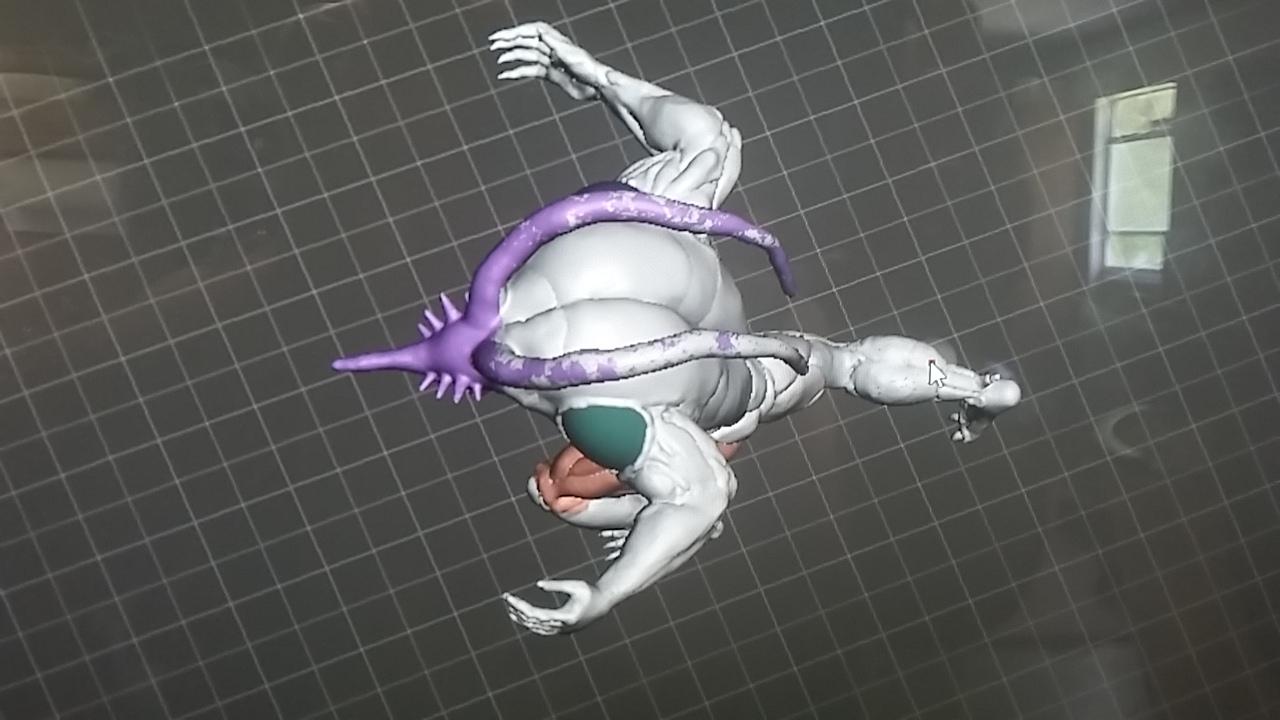
 Better angle of the stand and then the whole model in a slicer program to get it printed. The whole model is so... comelex, it's bogging down the slicer. Can't use auto supports, have to add them in manually (the green things.) I tried shrinking it down 1st before I load it in the slicer, but it still boggs it down no matter what size I save it as. Dunno. Hope it works. Lol.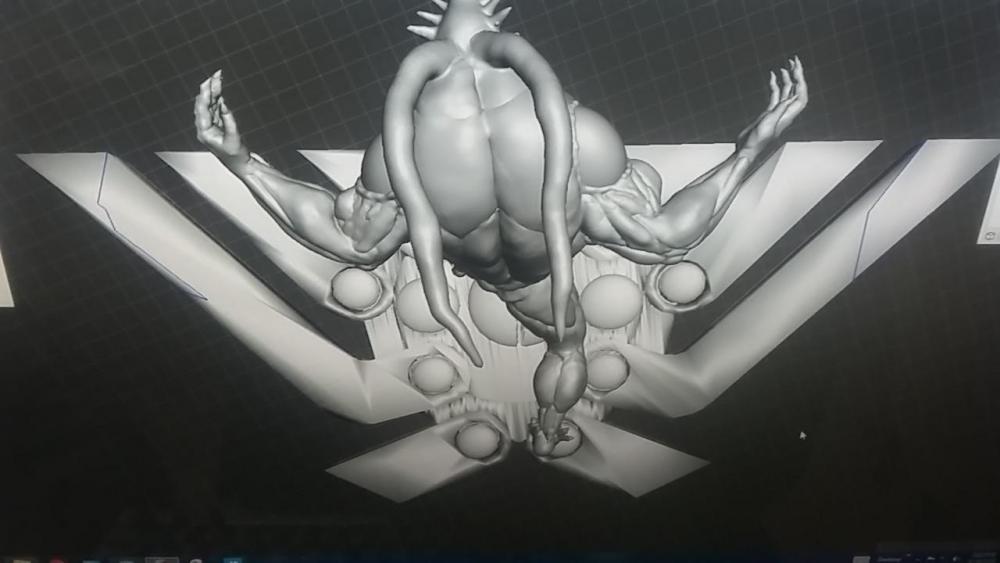

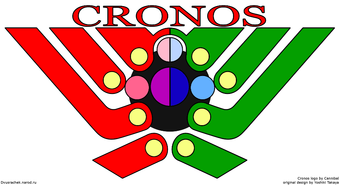
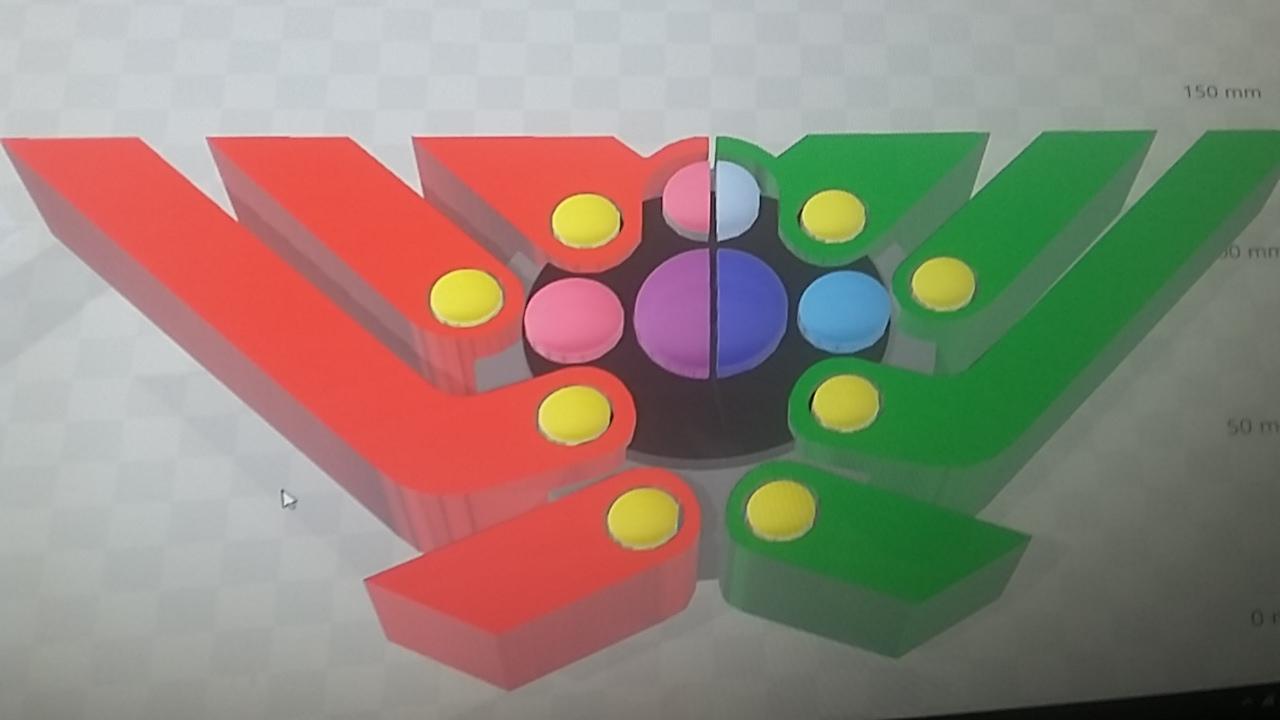
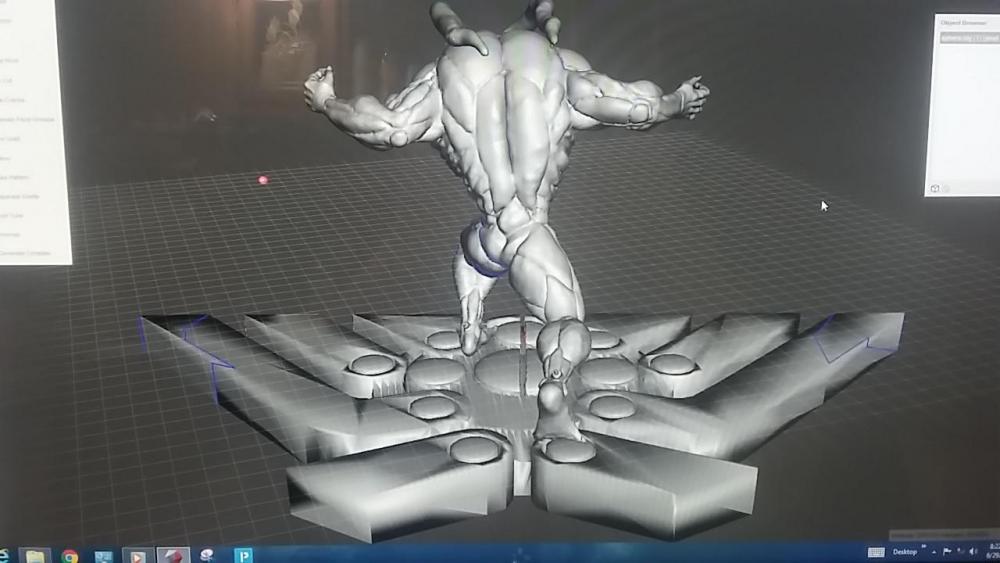 Chronos symbol, and then the symbol as a stand.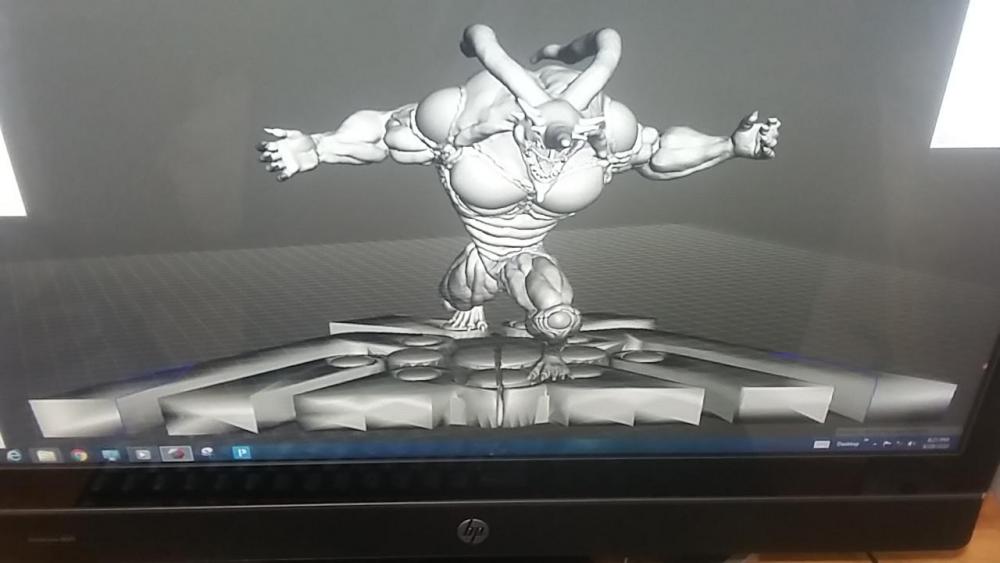
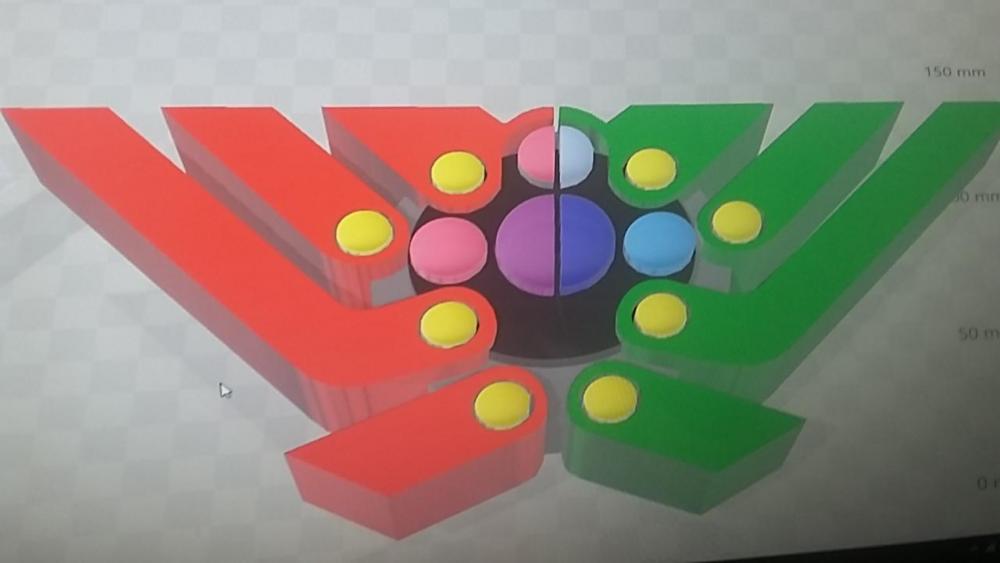
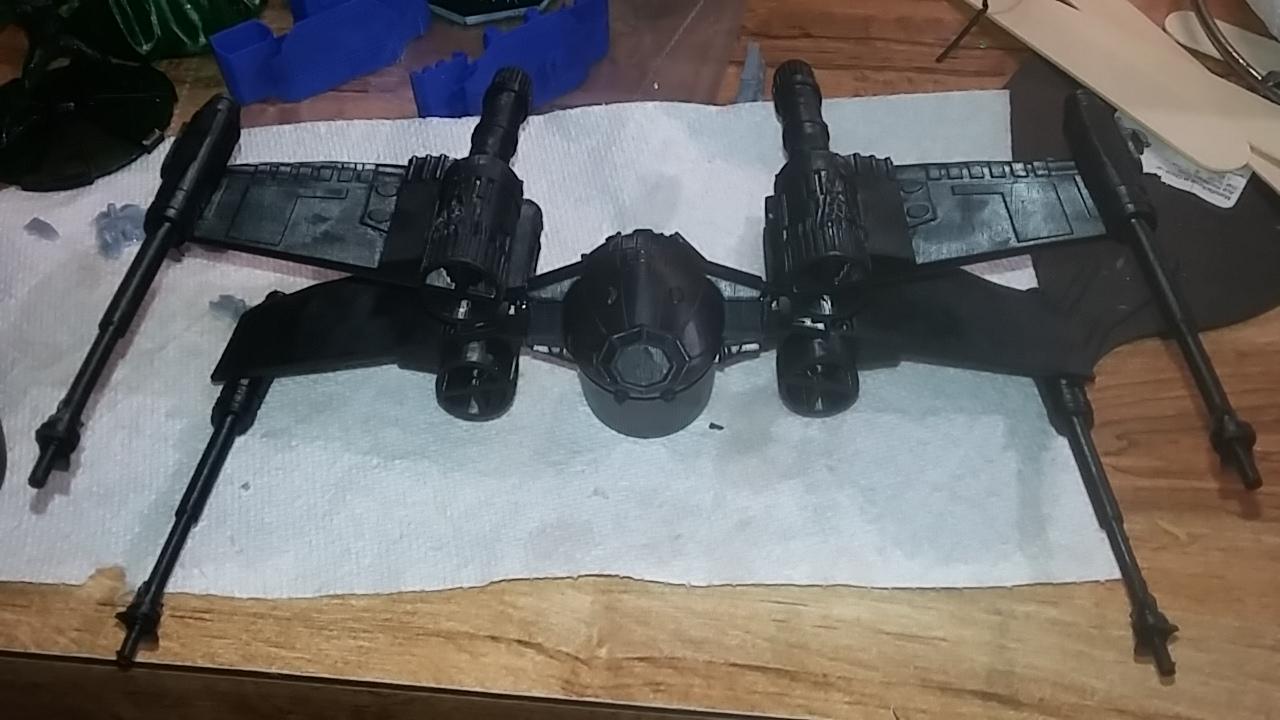
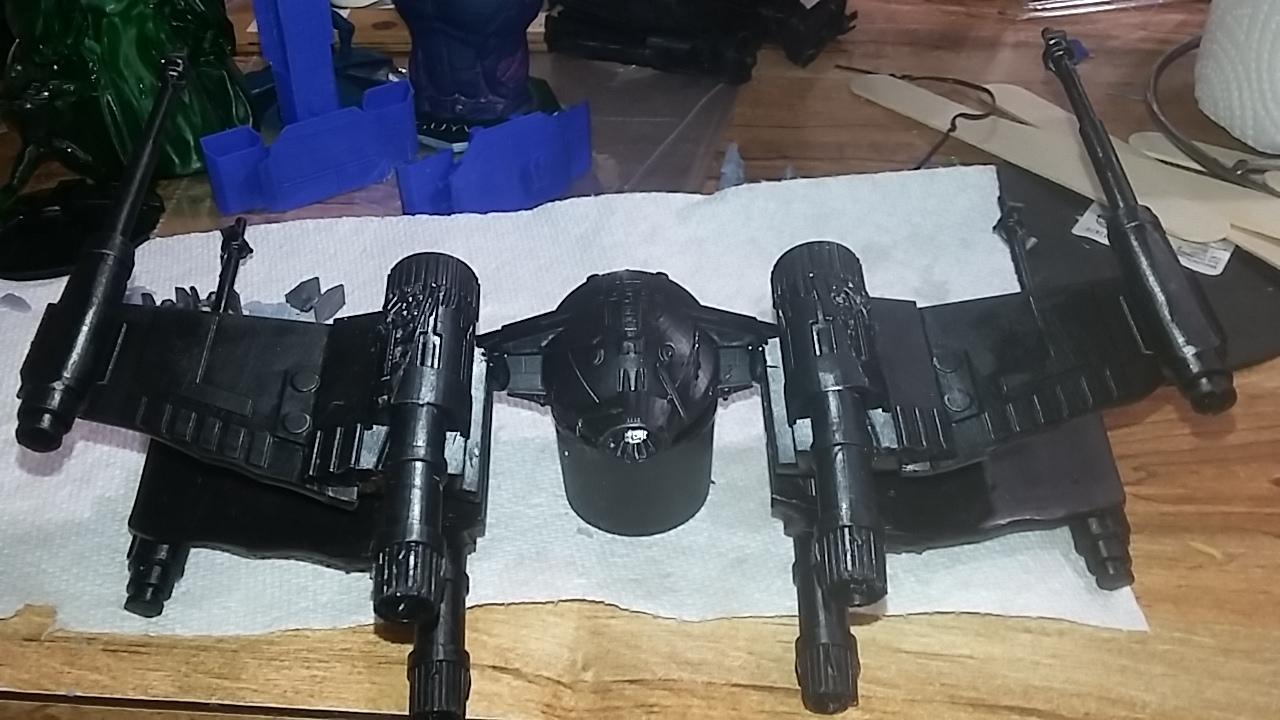
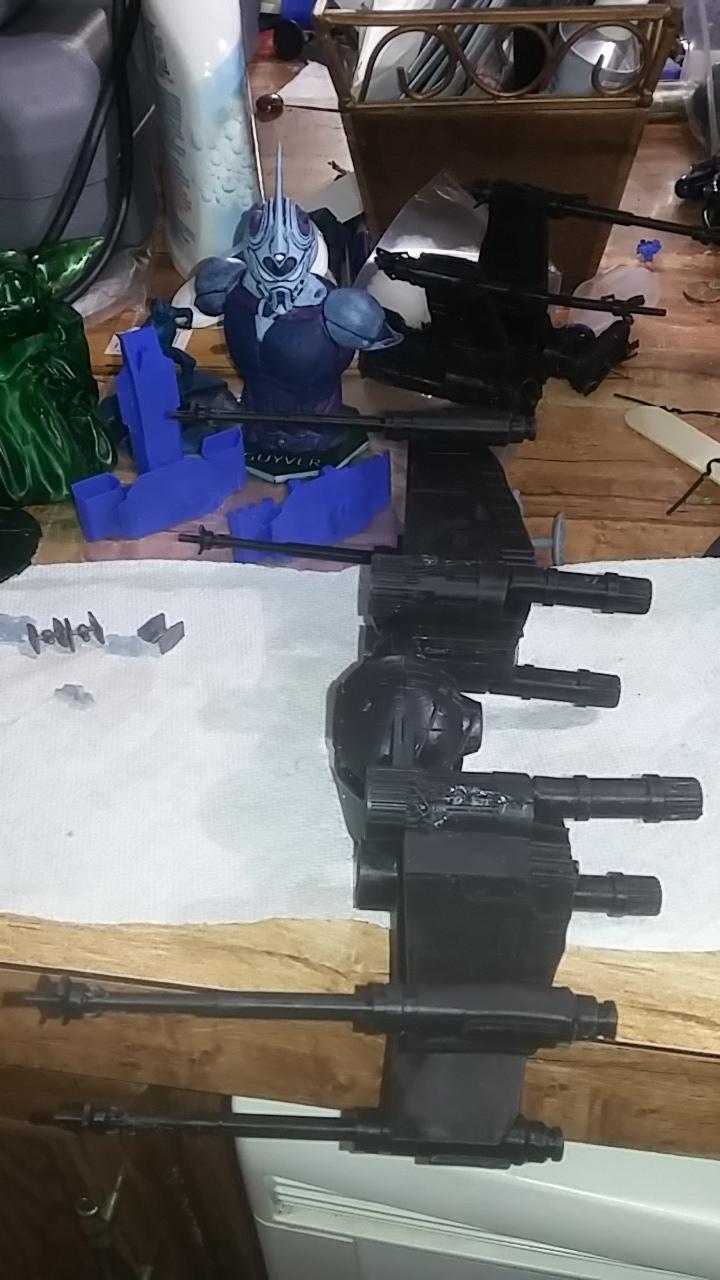
 Ok something I was printing while working on getting gregole right. Just finished it together. Some of you already know, I'm a huge star wars fan. And this is my favorite ship.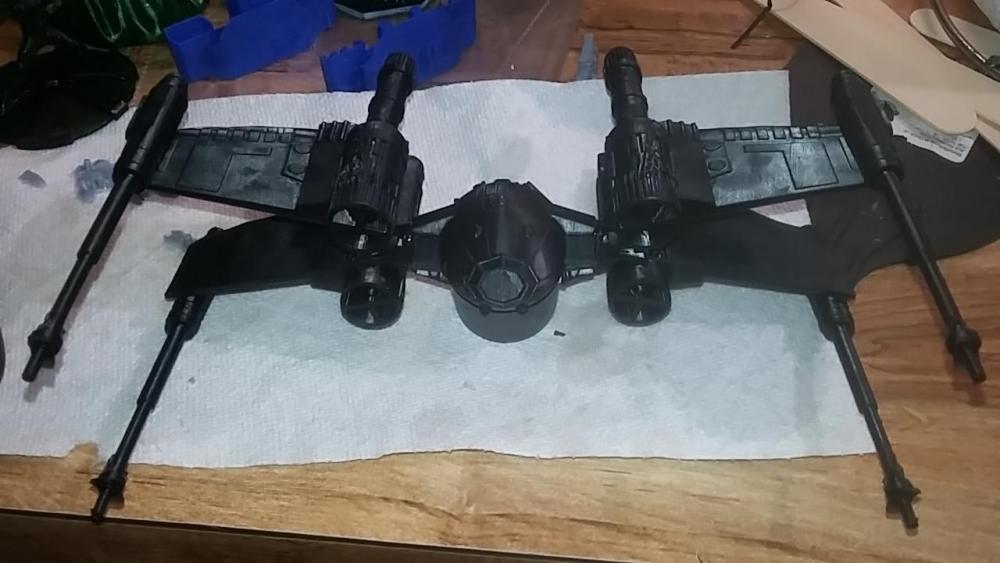

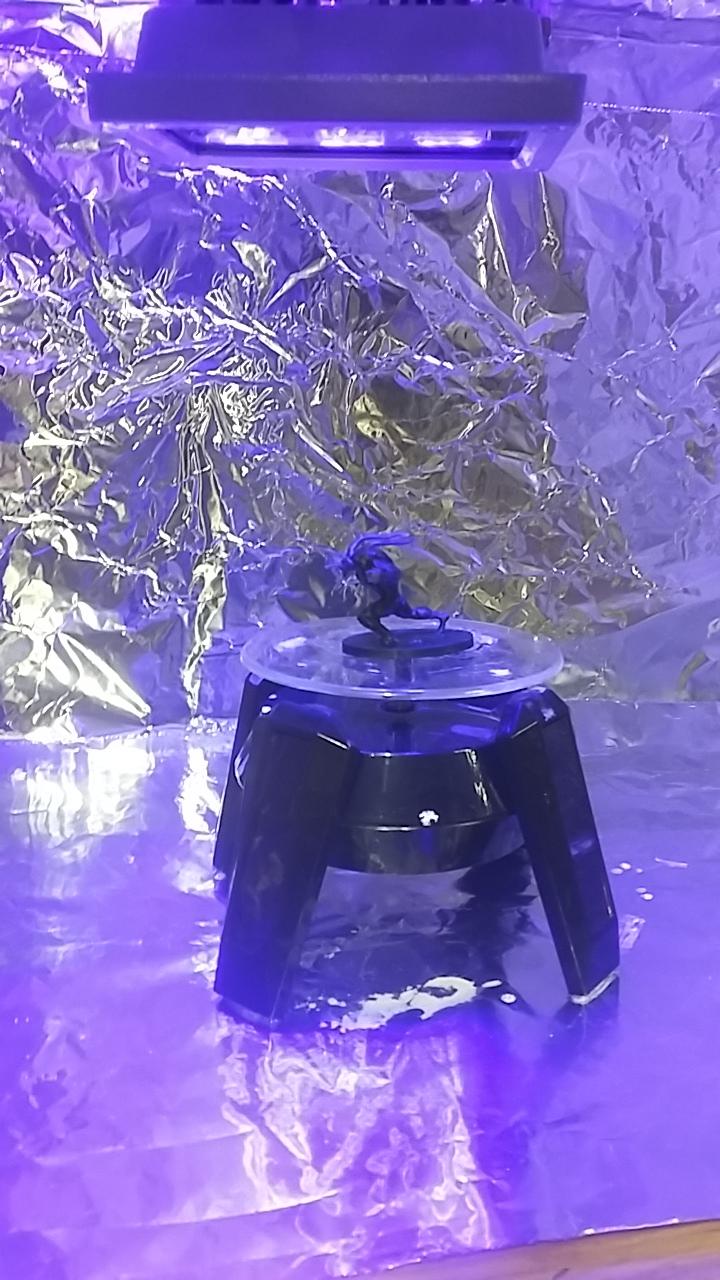
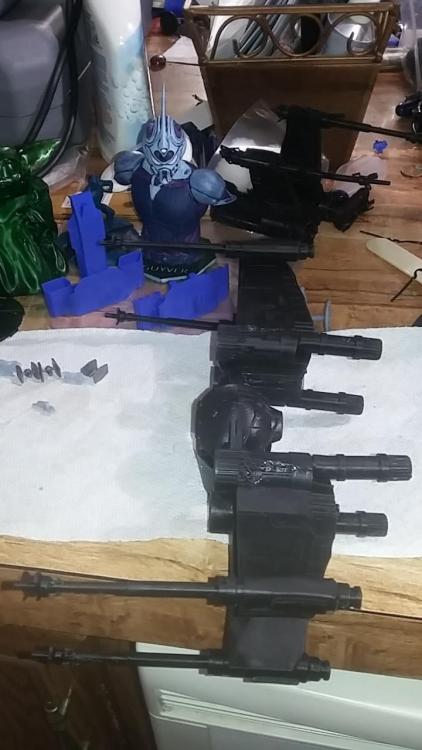 Here's me cooking him in my totally professionally made UV chamber. After he's cured i. Going to take a dremel to him and fix a lot of small bits of resin I couldn't reach with my cutters. A small bit got removed from his left leg, his left, not my left. Wasnt too bad but it will be noticeable when I paint him. Also noticed that those lines I made on his leg didn't show up either. Not surprising seeing how small I made him. I was shooting for the same size as the green Guyver I made.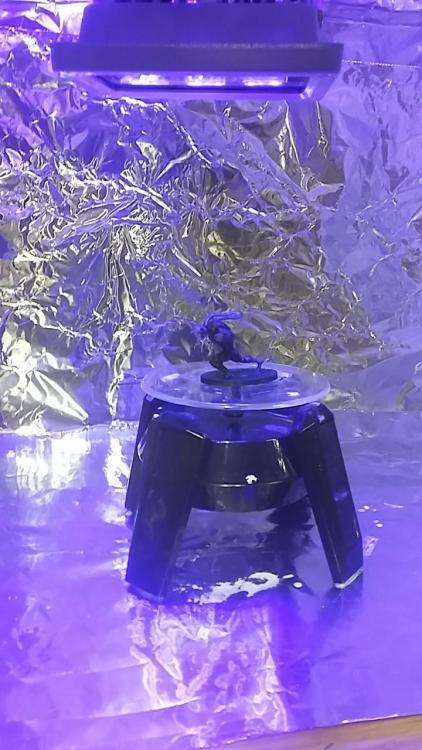
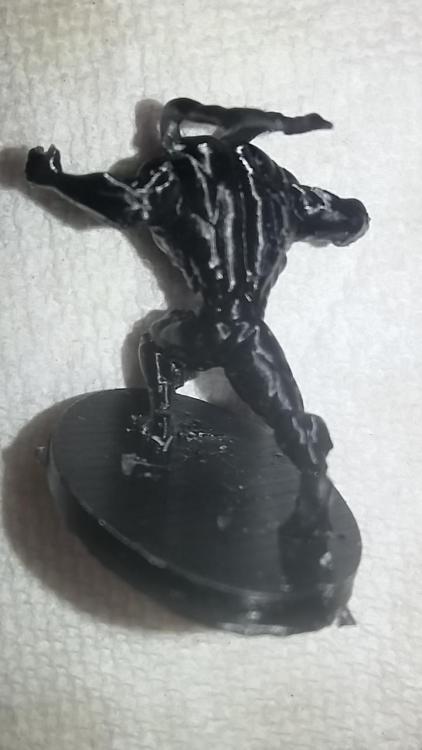
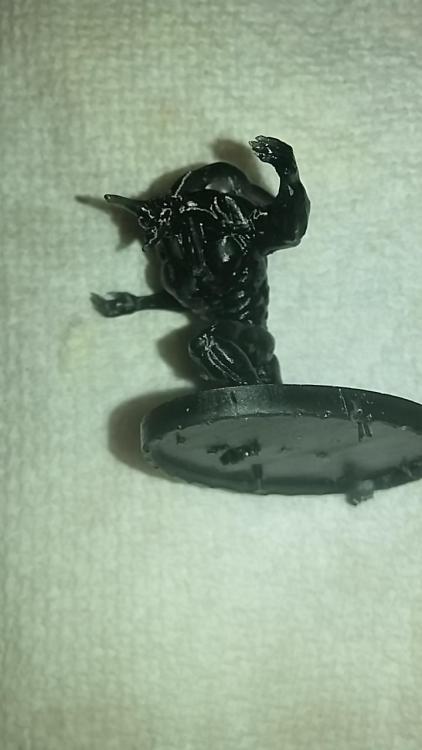
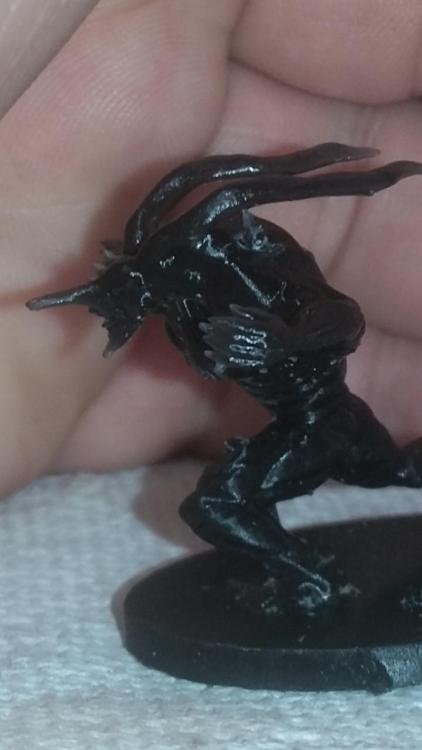 OK!! I printed off gregole! But I miscalculated! He tiny! No big, I'll resize him when I repro t him with a better base.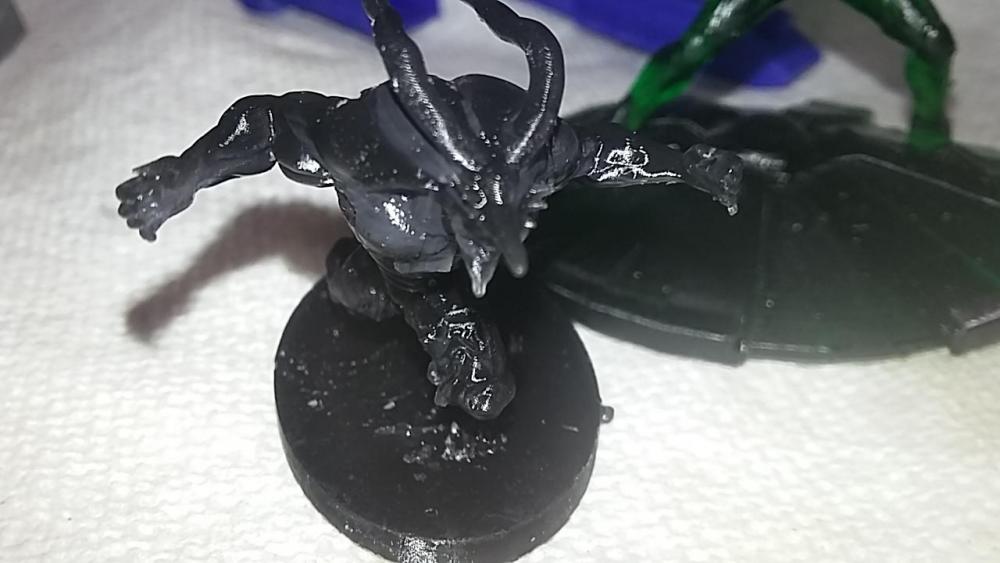
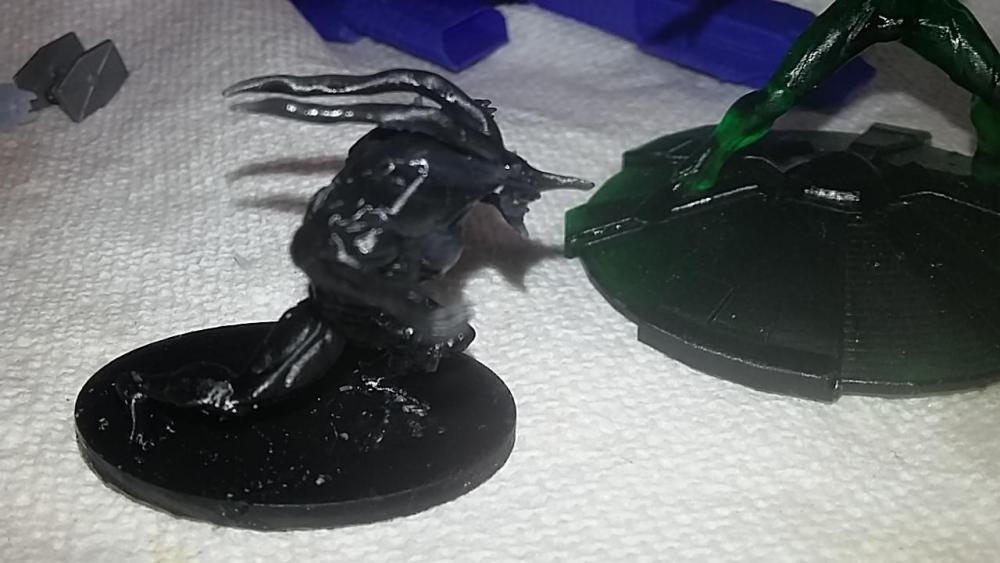
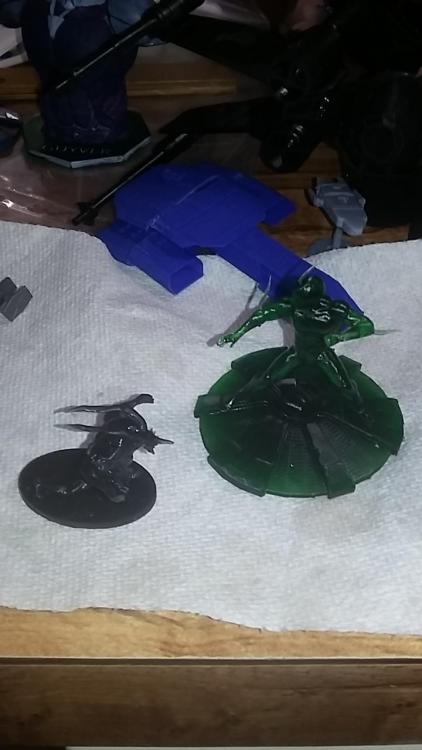 Printing off dome tank models for my dad and his friends, after that I'll start on gregole.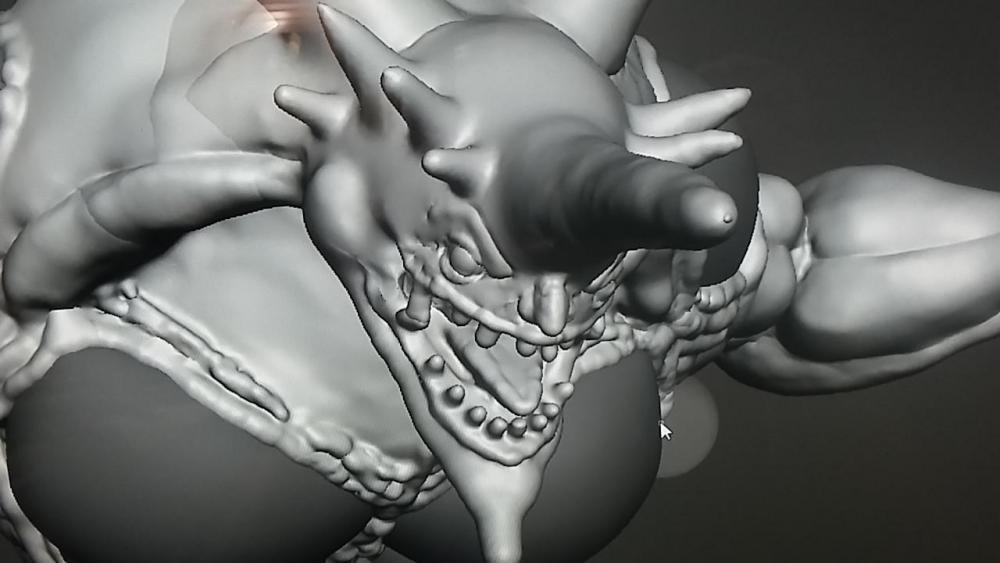
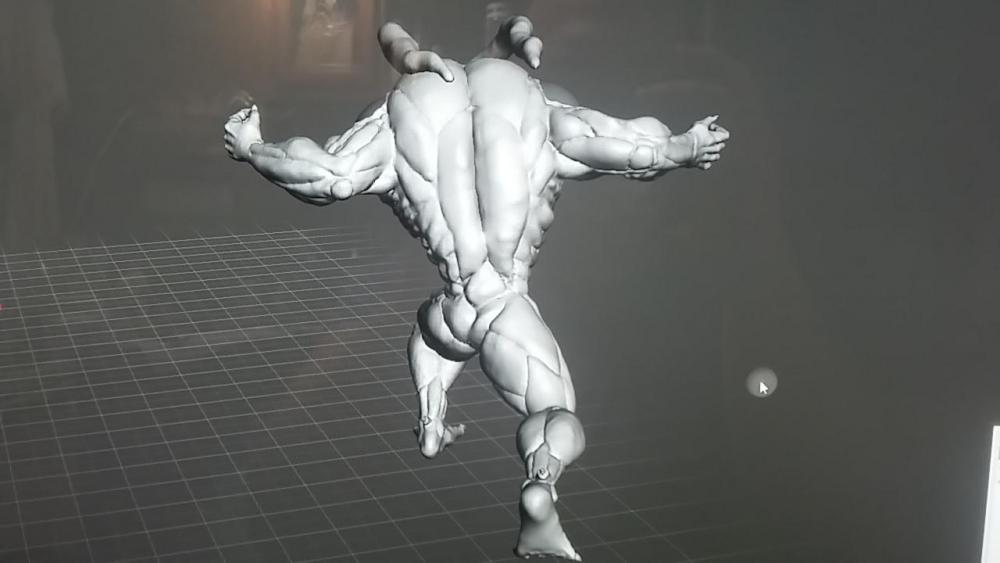
 Ok! Finished with gregole. I'm not going to cover the whole model with the stripes, I want to see if they'll even come thru when being printed, no sense doing all that work if it isn't going to show. If the lines on the shin show then I'll finish. Ok so, all that is left is to print it!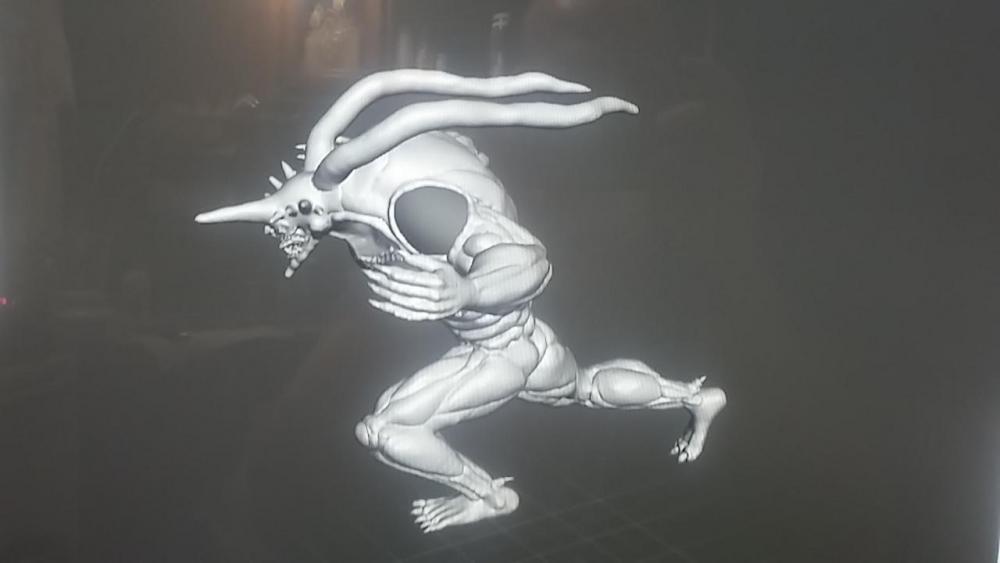
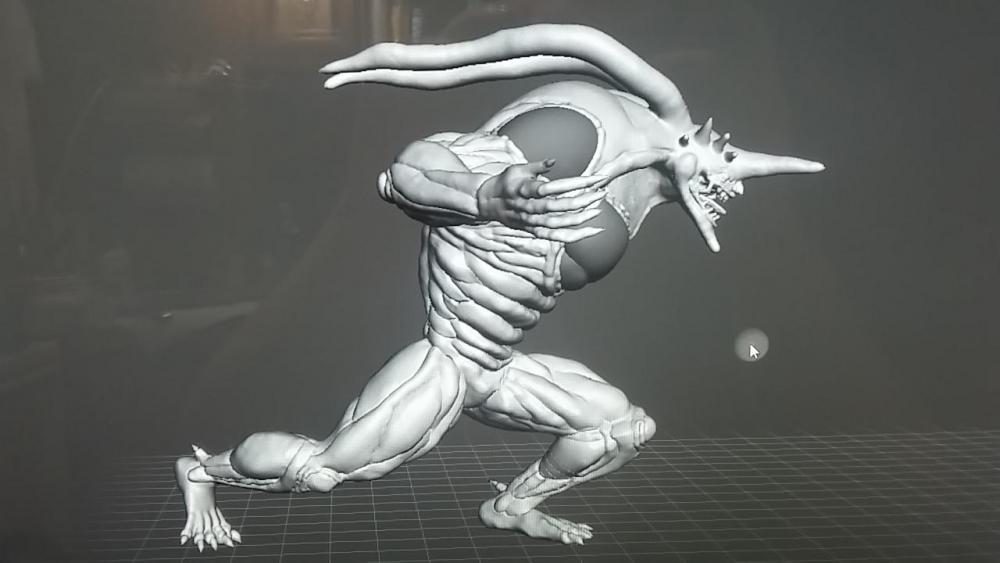
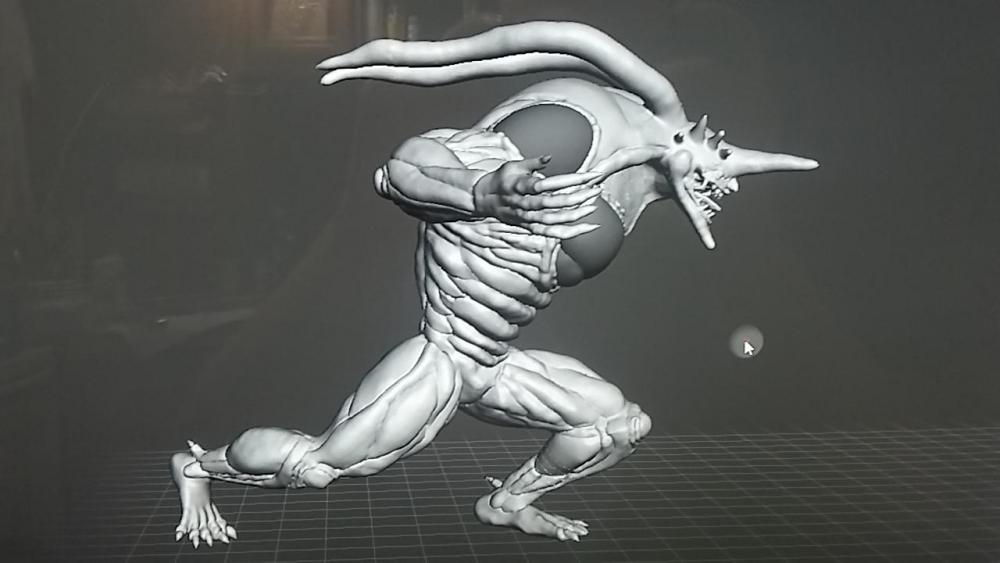 This is what I'm thinking about for the base. This or a Guyver unit like I did for the the Guyver model.
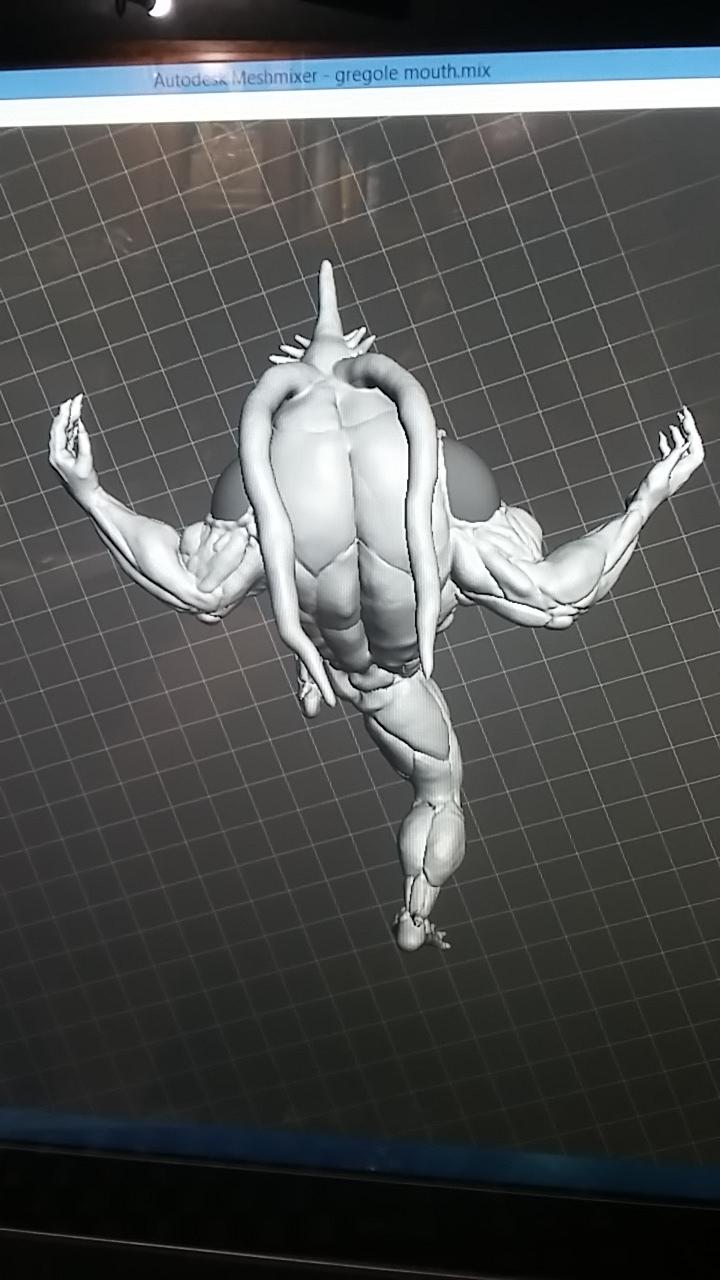
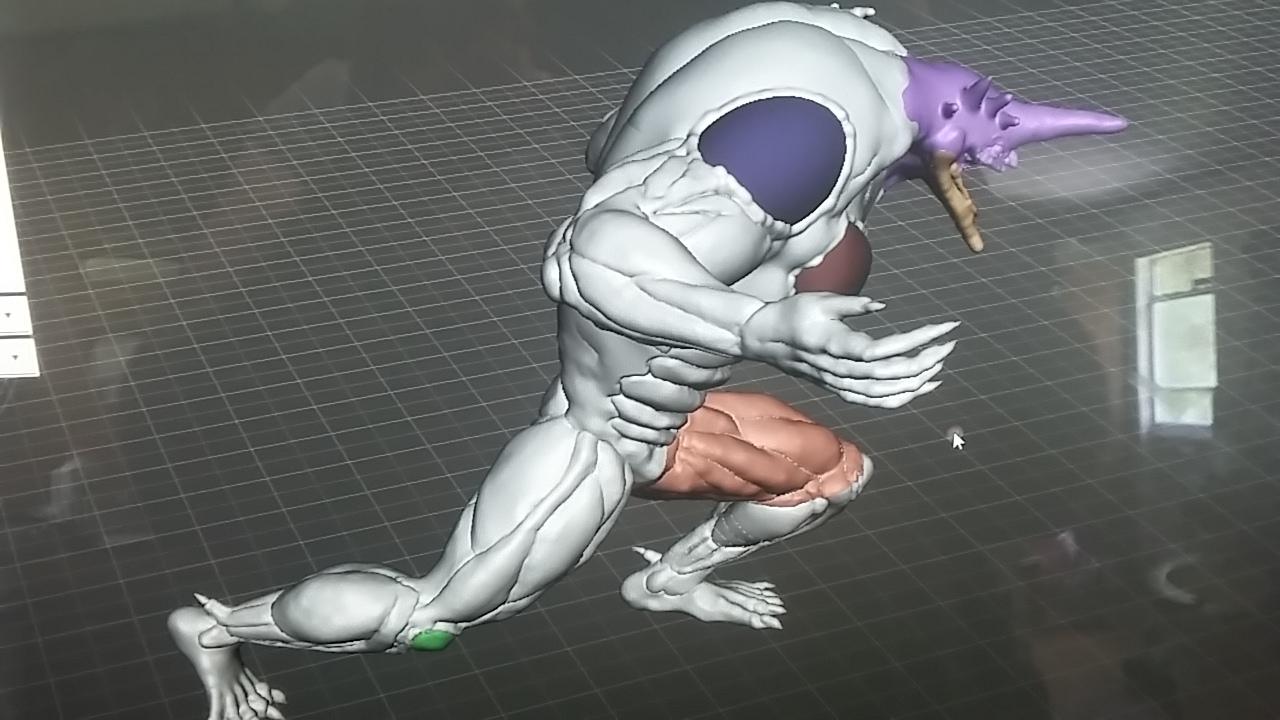
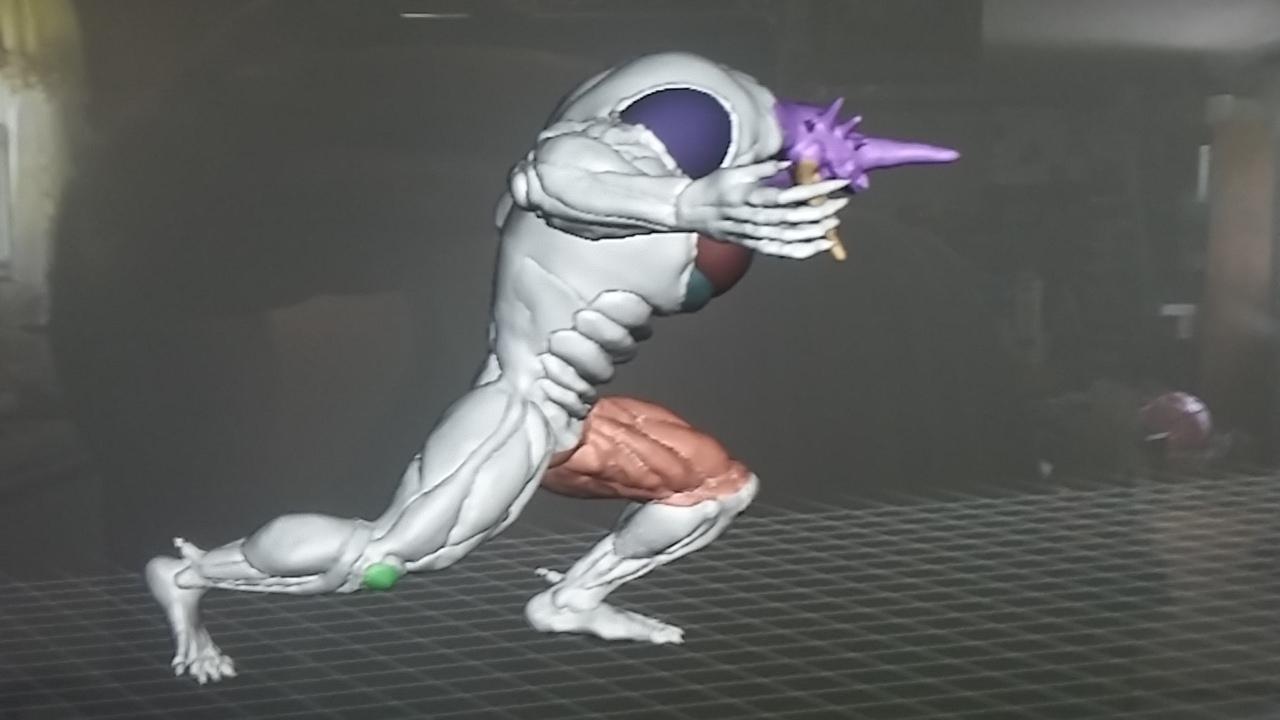
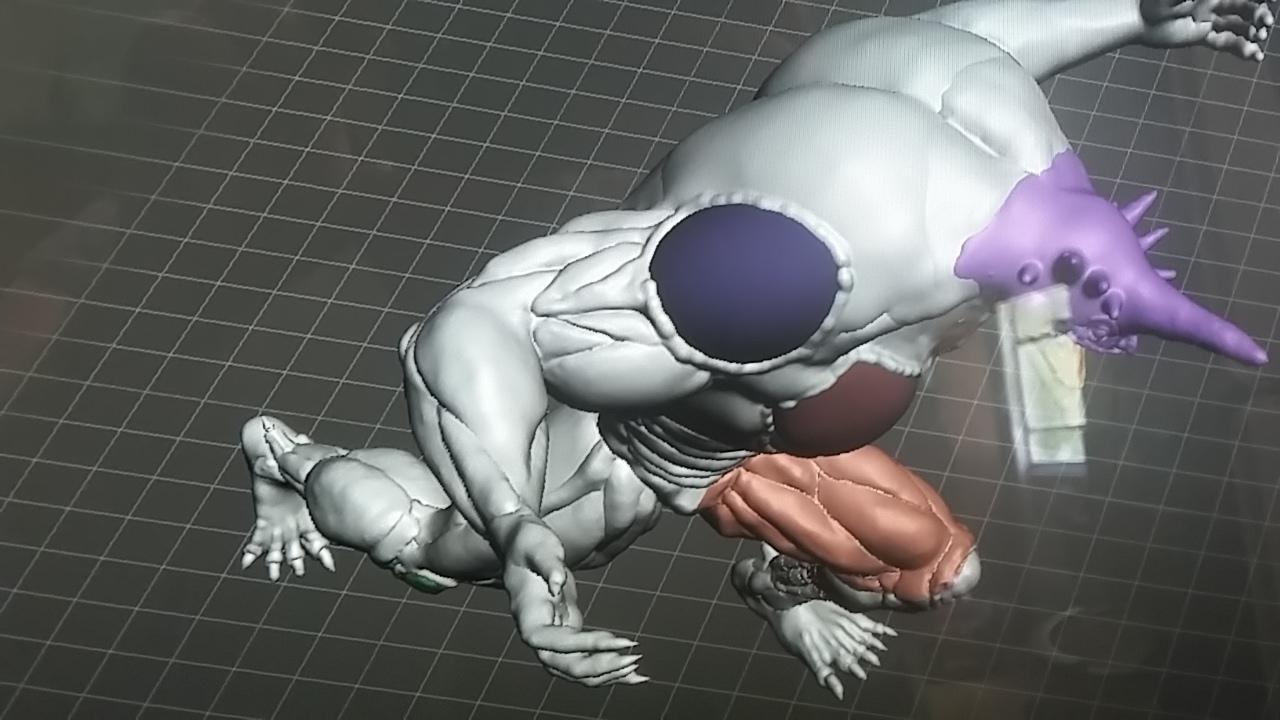
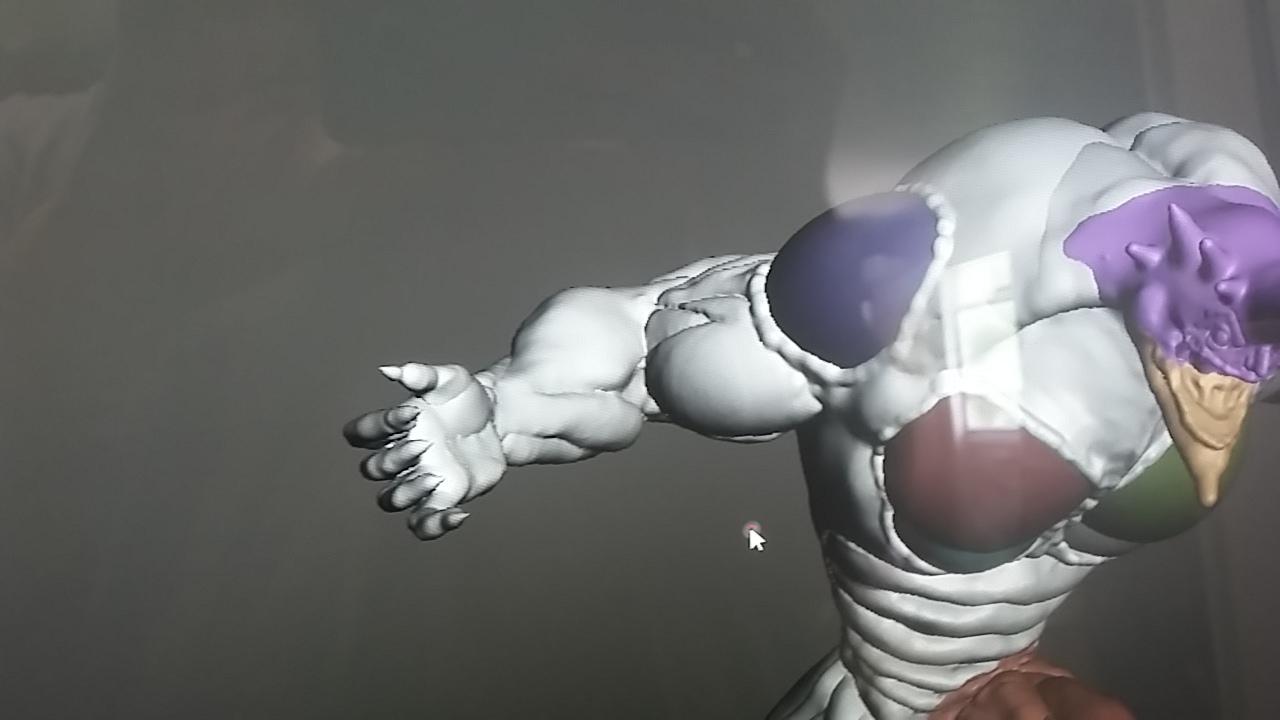
 And now I started the last arm, and on a whim I tried my hand at those balancer tendril thingys. That's the technical term. And I could leave him toothless like a really old gregole in a nursing home that uses dentures, but I can try to add some teeth to him. The feet turned out great but those hands are giving me pangs of grief. I'm going to have to fix them.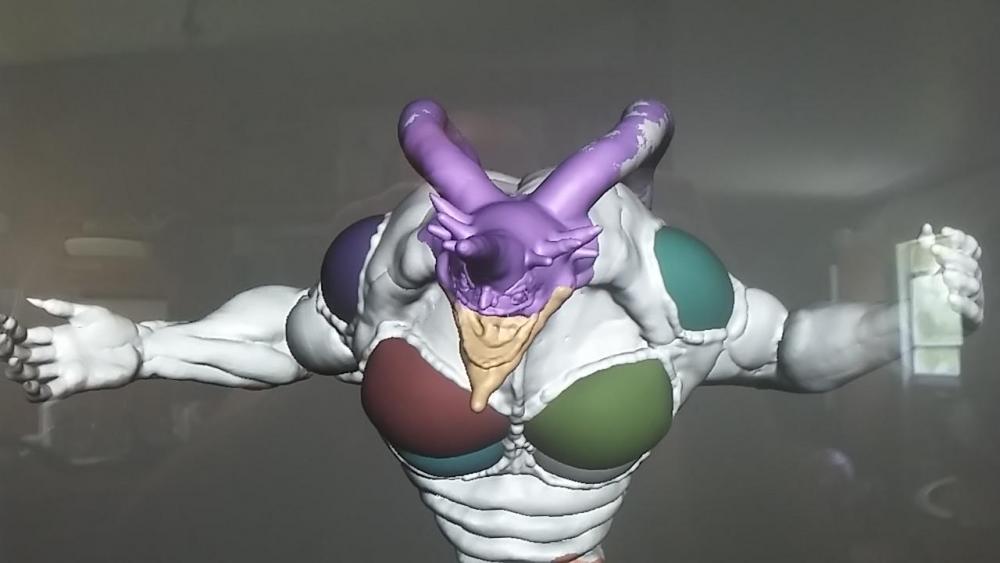
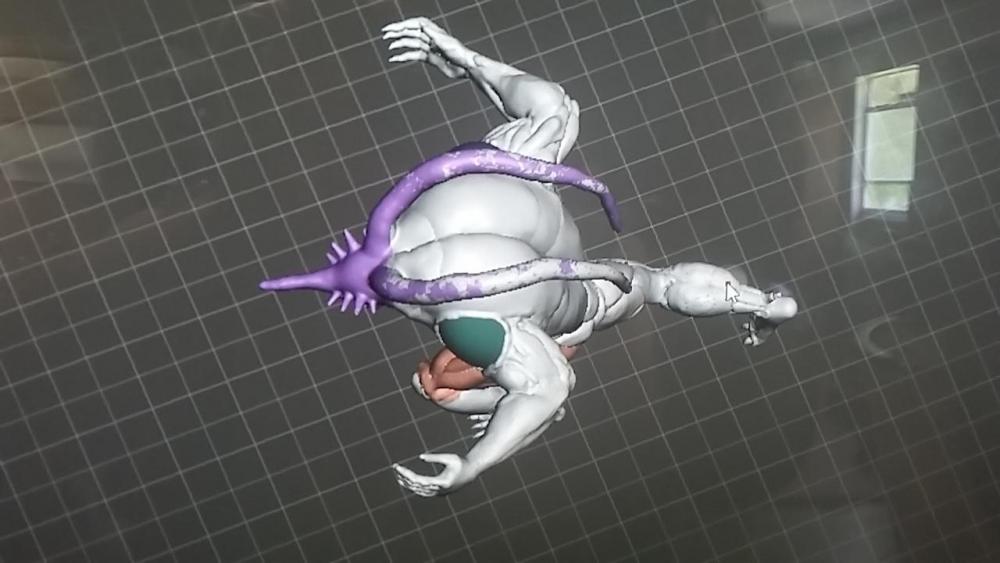
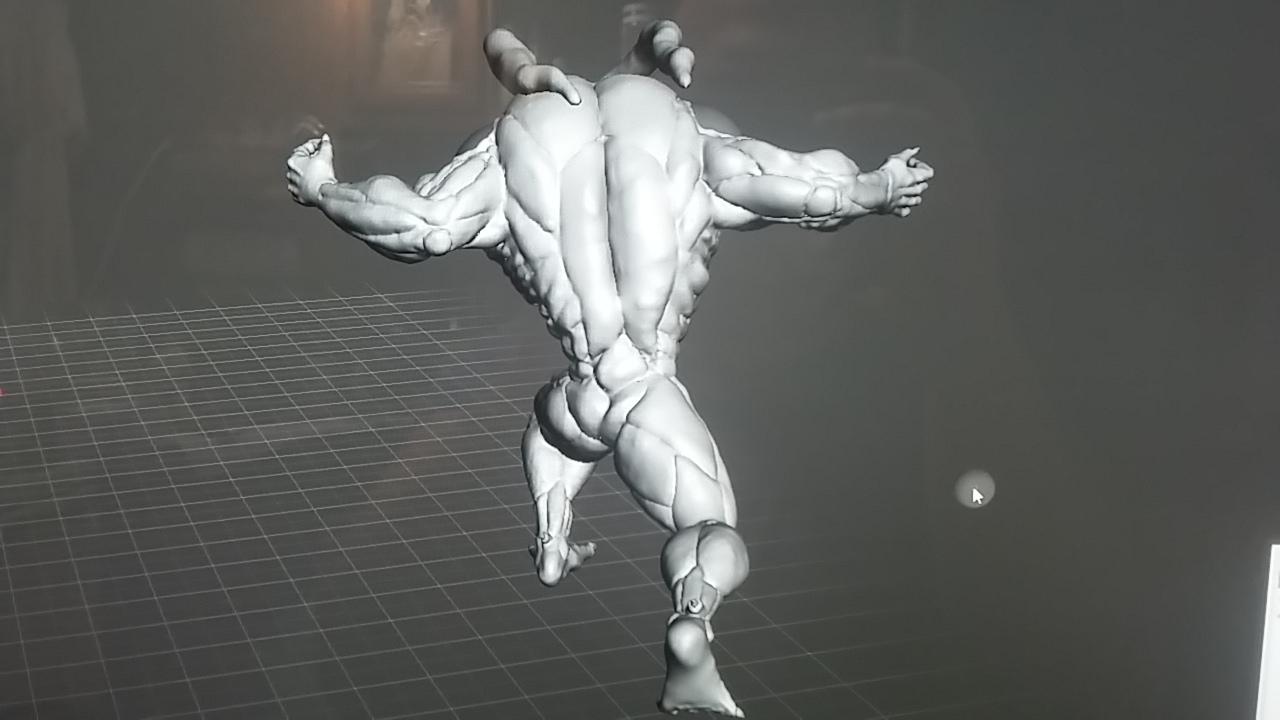
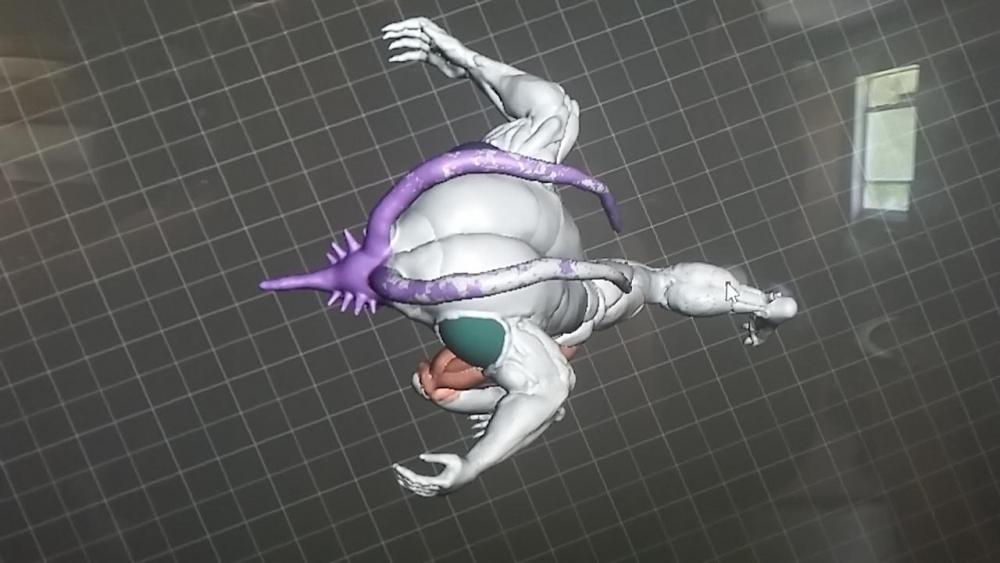 Alrighty then. I finished both legs and an arm. I had asked a friend for some advice and it was pointed out that gregoles torso proportion was a bit too big. So I tried to shrink it, bUT I'm not that savy on how, but I decided if i can't make the torso smaller, then why not make limbs bigger?? Yes, I'm a genius. All jokes aside, I bulked up the arms and legs in hopes that it pulls the model together. Also, gregole is difficult.Bbdude, thank you so much for finding g this. Now I can't wait to get home and try it out. I been wanting to sit down long enough and watch the 12 ova again, (I been waiting to take a closer look at gregole for a while now) and hopefully this'll get me stirred up. Dang I'm actually excited to play the Guyver 3. I remember someone did a rpg maker short game with 3 or for Guyvers that he had made up for the game. Anybody else remember that?I think tora wants to start a new "storm area 51". Heck, I'm in. ... Let's just storm relics point, they can't stop all of us.Ok so again I didn't design these, but I did take two different models and combine them. I took a large model of the American Guyver from dark hero, shrank it and put it on top of a Guyver unit to make it a base/stand. When I finish my gregole, I'm open to suggestions for something similar, like use the same g unit, or maybe the kronus symbol from the 2005 anime. Anyways, I'm in the middle of painting it now. Im... slightly more ahead on Gregole than where I showed you all last, hadn't hit it too hard as I wanted to print out the yodas and some game pieces. One leg is totally finished, and the shin has all the horizontal lines on it. Started on the thigh, bit I stopped because after seeing the detail that was lost on the Guyver statue, I wanted to see how great the result would be first before I went crazy detailed with it. Plus..... TIME CONSUMINGGGGGGGGGG.
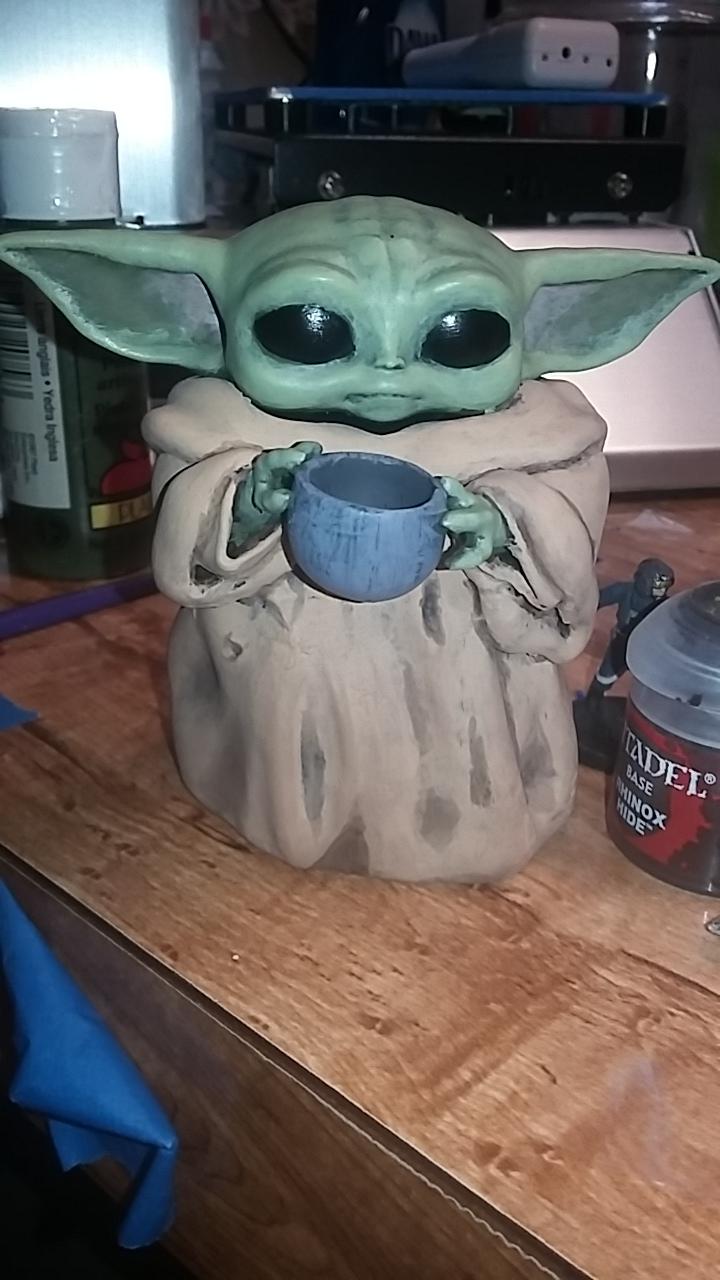
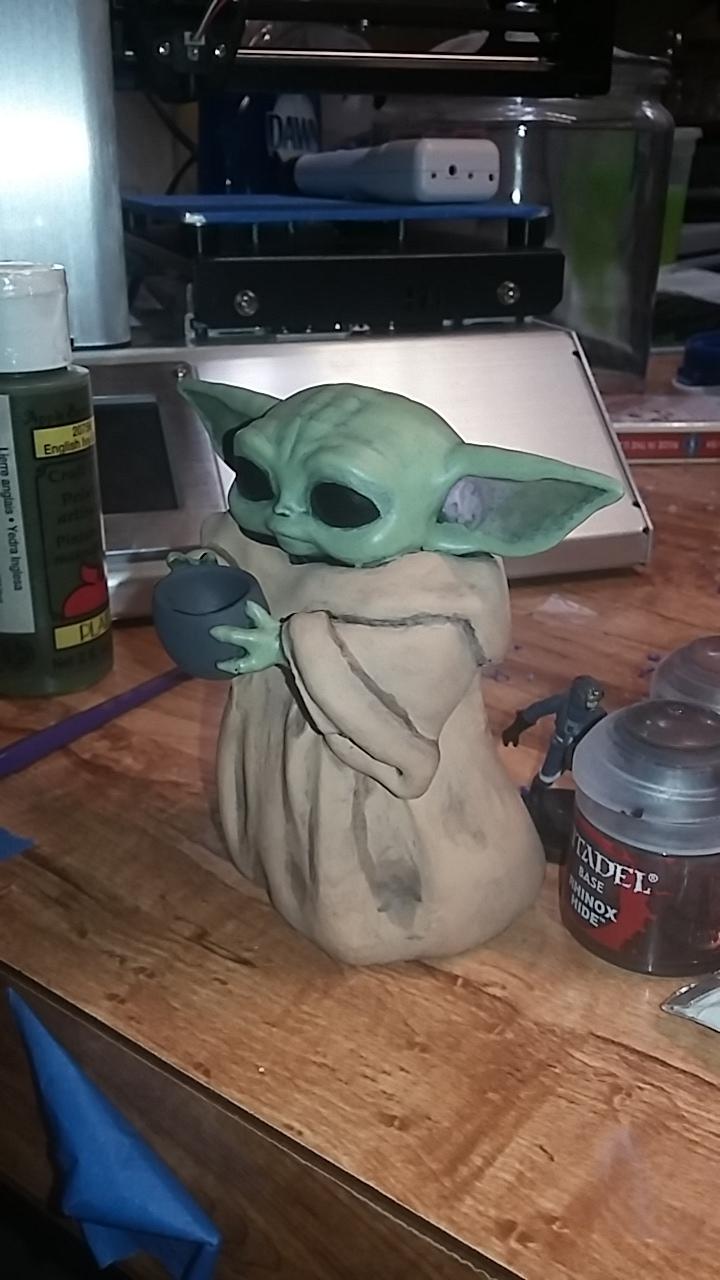
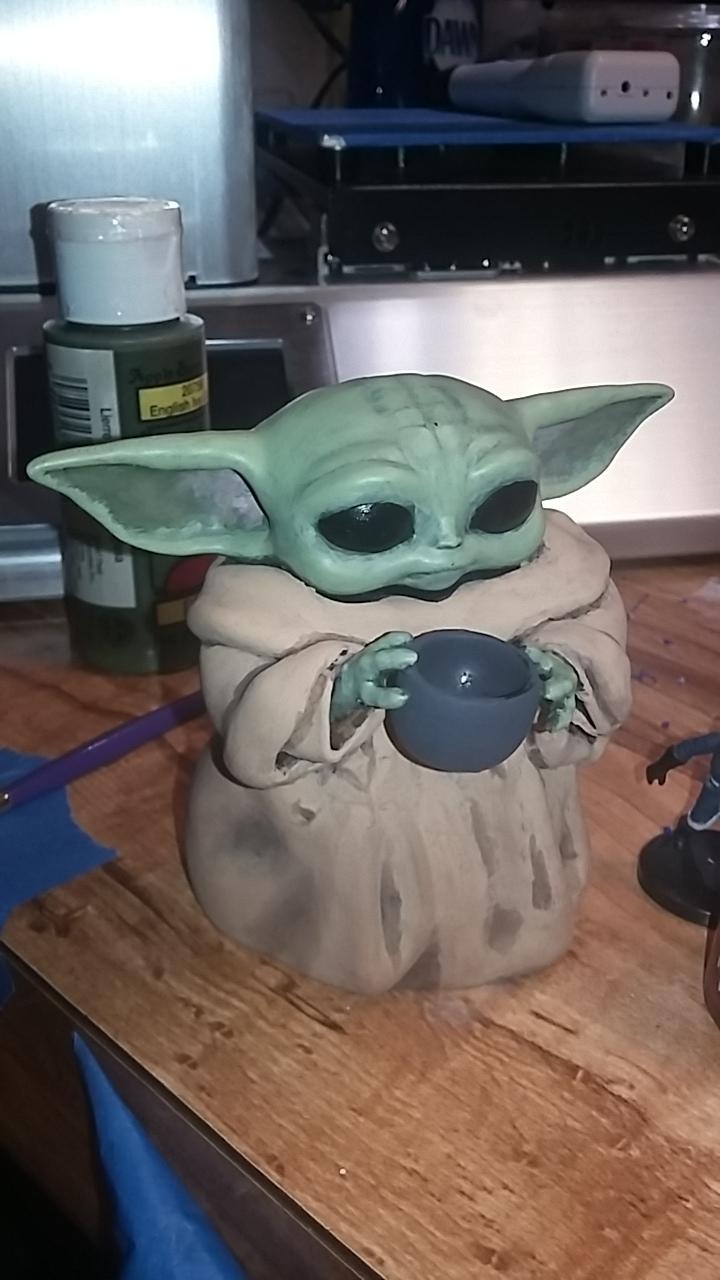
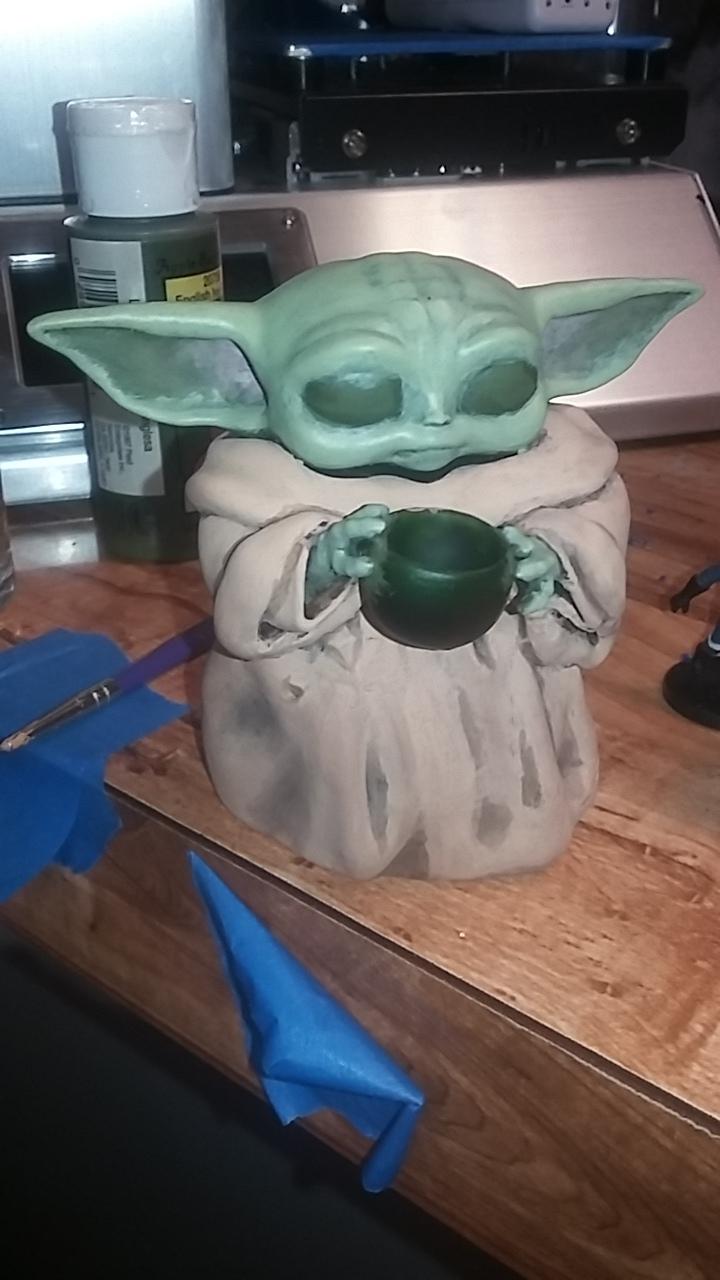
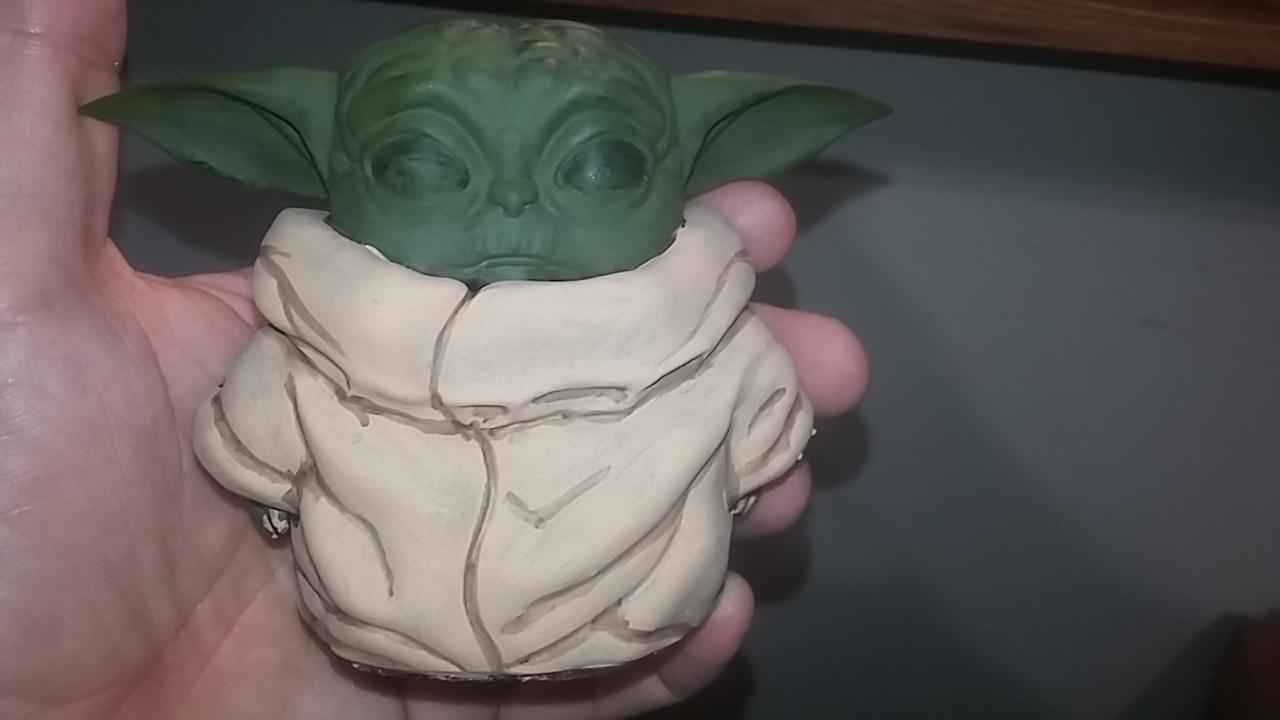
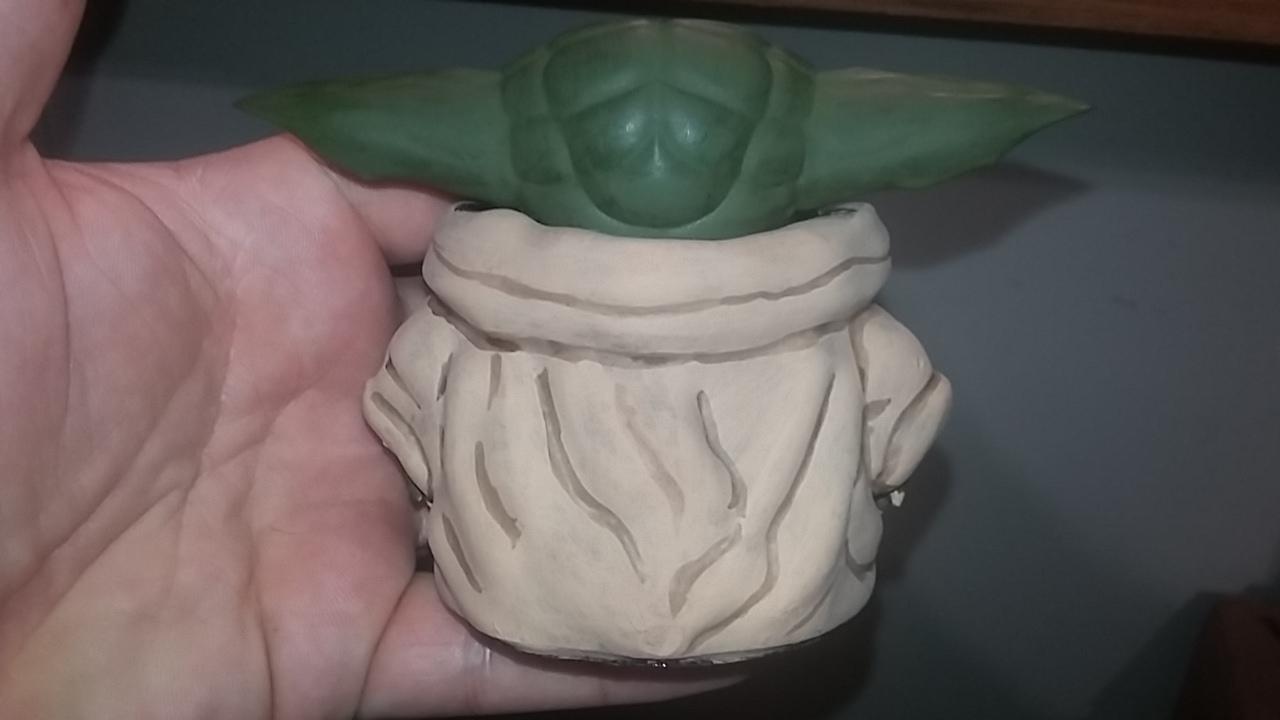
 And baby yodas Final Form!!!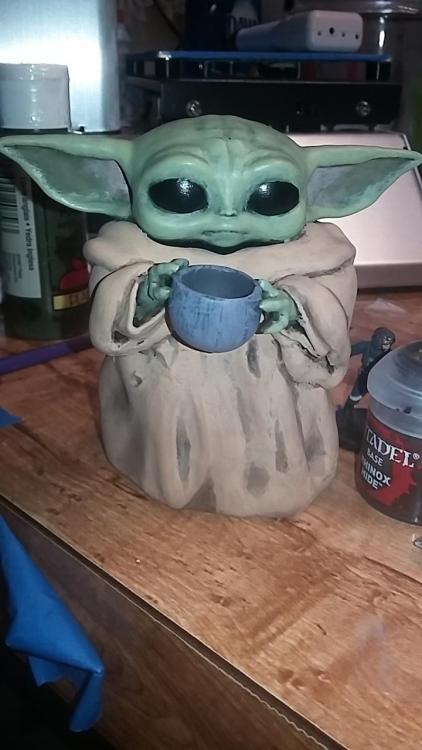
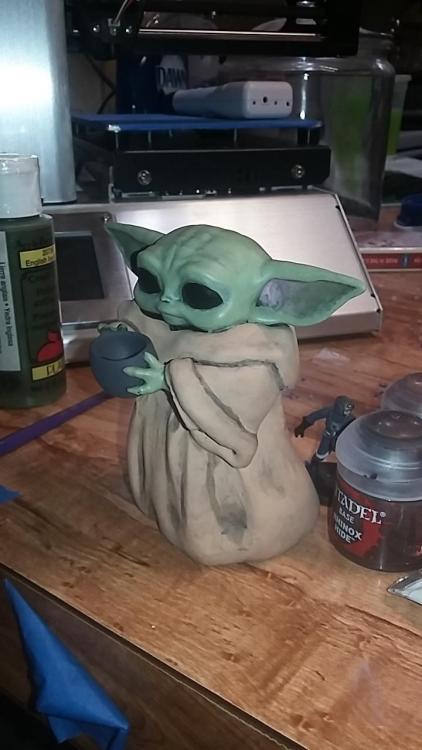
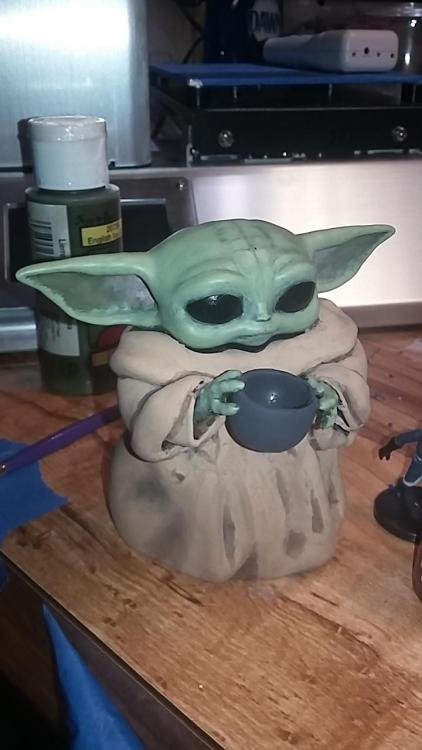 Huh... I guess I hit my data limit for uploads. I'll add more later, including the final picture of that yoda.

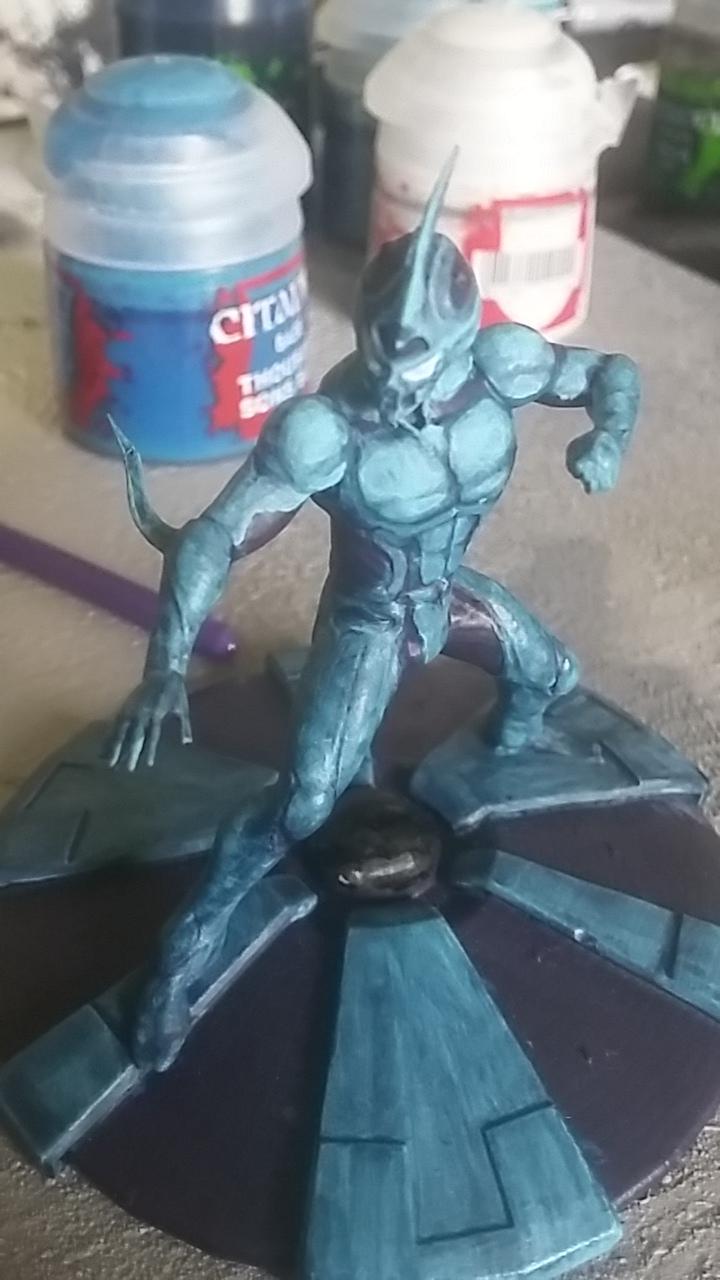









Account
Navigation
Search
Configure browser push notifications
Chrome (Android)
- Tap the lock icon next to the address bar.
- Tap Permissions → Notifications.
- Adjust your preference.
Chrome (Desktop)
- Click the padlock icon in the address bar.
- Select Site settings.
- Find Notifications and adjust your preference.
Safari (iOS 16.4+)
- Ensure the site is installed via Add to Home Screen.
- Open Settings App → Notifications.
- Find your app name and adjust your preference.
Safari (macOS)
- Go to Safari → Preferences.
- Click the Websites tab.
- Select Notifications in the sidebar.
- Find this website and adjust your preference.
Edge (Android)
- Tap the lock icon next to the address bar.
- Tap Permissions.
- Find Notifications and adjust your preference.
Edge (Desktop)
- Click the padlock icon in the address bar.
- Click Permissions for this site.
- Find Notifications and adjust your preference.
Firefox (Android)
- Go to Settings → Site permissions.
- Tap Notifications.
- Find this site in the list and adjust your preference.
Firefox (Desktop)
- Open Firefox Settings.
- Search for Notifications.
- Find this site in the list and adjust your preference.