Leaderboard
-
Bio-Boosted Dude
Staff1Points639Posts -

Matt Bellamy
Admin551Points1,477Posts


Popular Content
Showing content with the highest reputation on 09/13/2026 in all areas
-
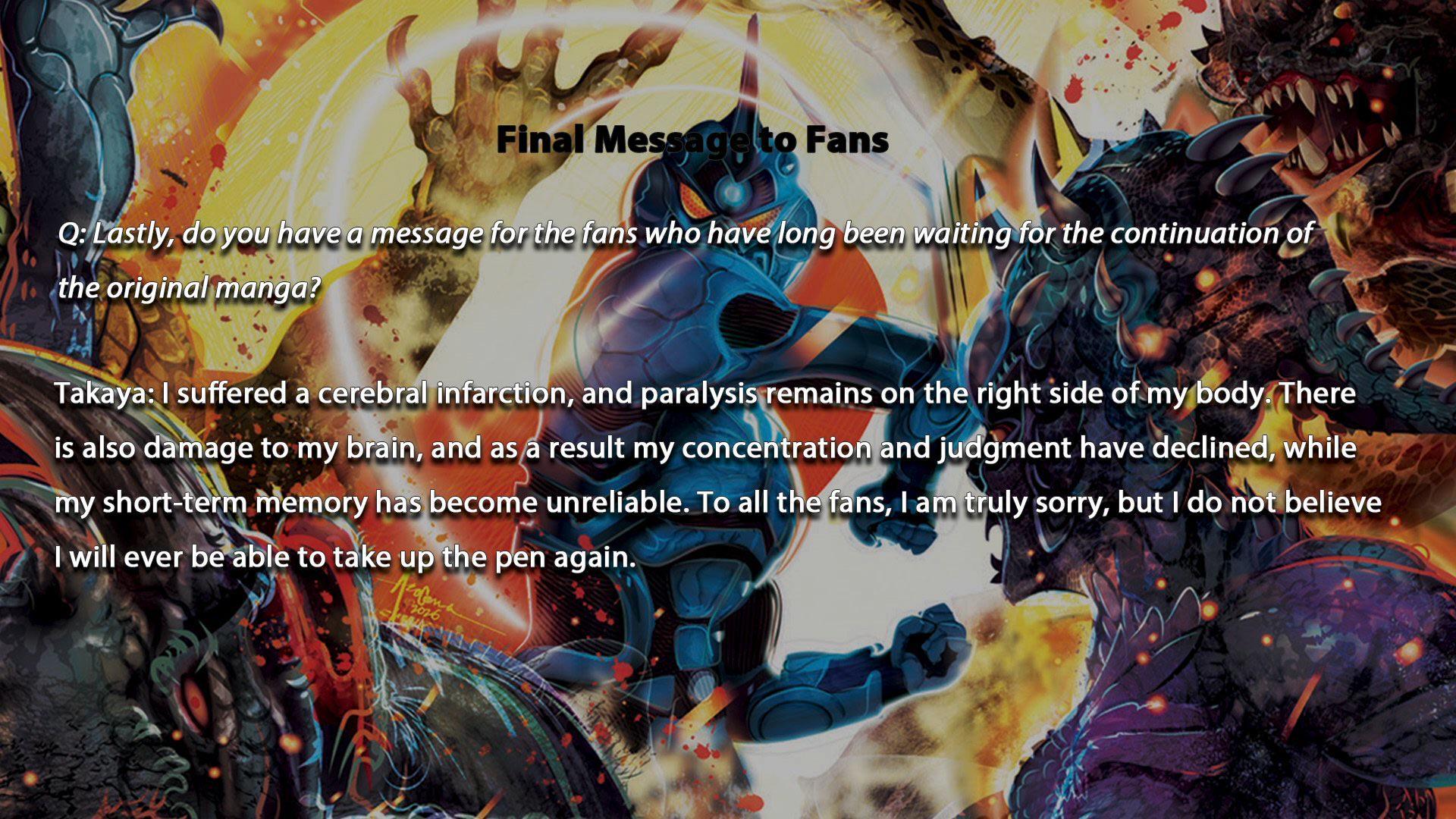
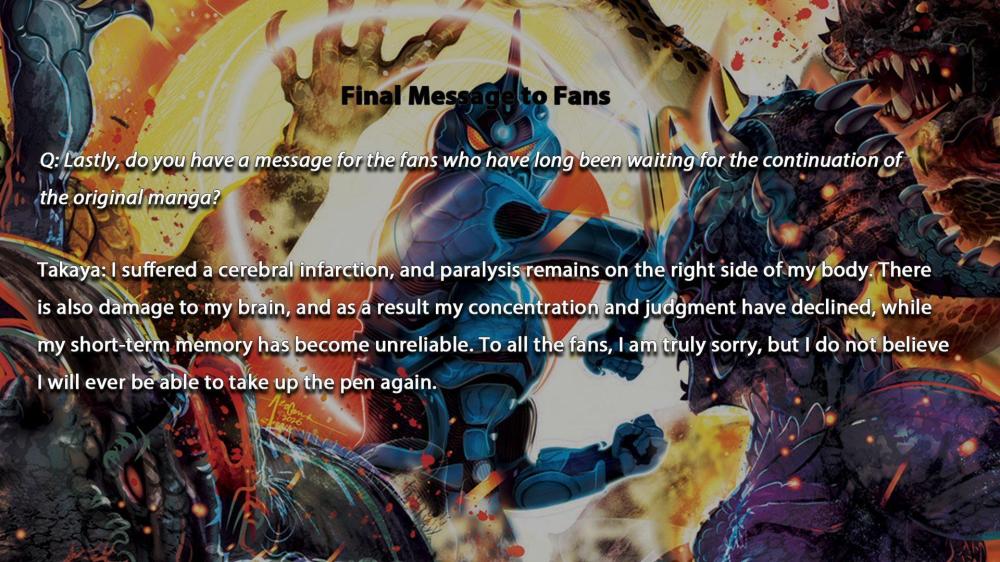
1 pointYeah I've also seen some of the japanese fans' confusion (upset?) by the way its been announced. A small few are choosing to not believe it until an official announcement happens via japanese channels... I'd like him to pass it on to someone else but I also feel like if he was confident he could find someone he would have done so at some point in the last 10 years. On another note, because the topic of his assistants has been so pertinent to the hiatus and to this revelation, here's a picture of him with his assistants from 1987: "A scene from the workspace where assistants and staff are all mixed together. Surprisingly, the two main assistants are girls." Taken from Shonen Captain Jr Vol. 2 which has a few pages of behind the scenes of his early guyver days. i picked this up some time ago. that's takaya in the back with the white cloth on his head.
 1 point
 -
0 pointsSource: https://x.com/Vintageweeb8/status/2096065869981929773
 0 points