Leaderboard
-

Matt Bellamy
Admin2Points1,477Posts -

Sully
Admin1Points2,794Posts -
Tonzye
Member+1Points5Posts



Popular Content
Showing content with the highest reputation on 08/07/2022 in all areas
-
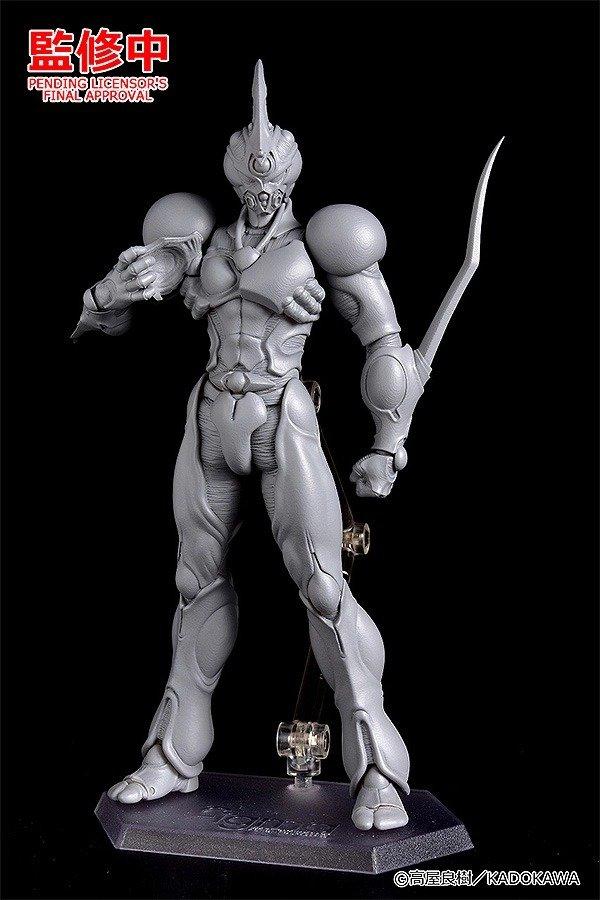
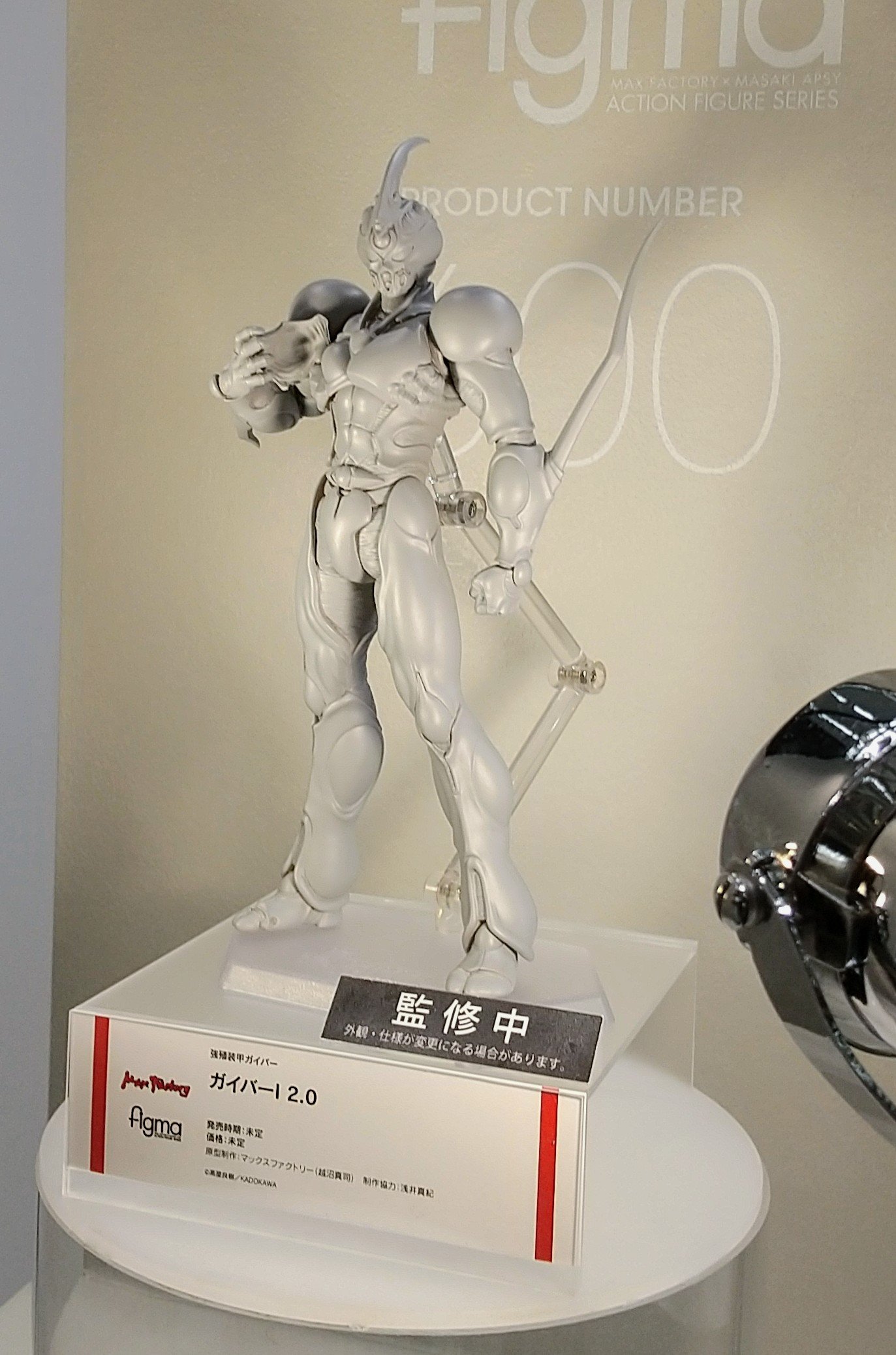
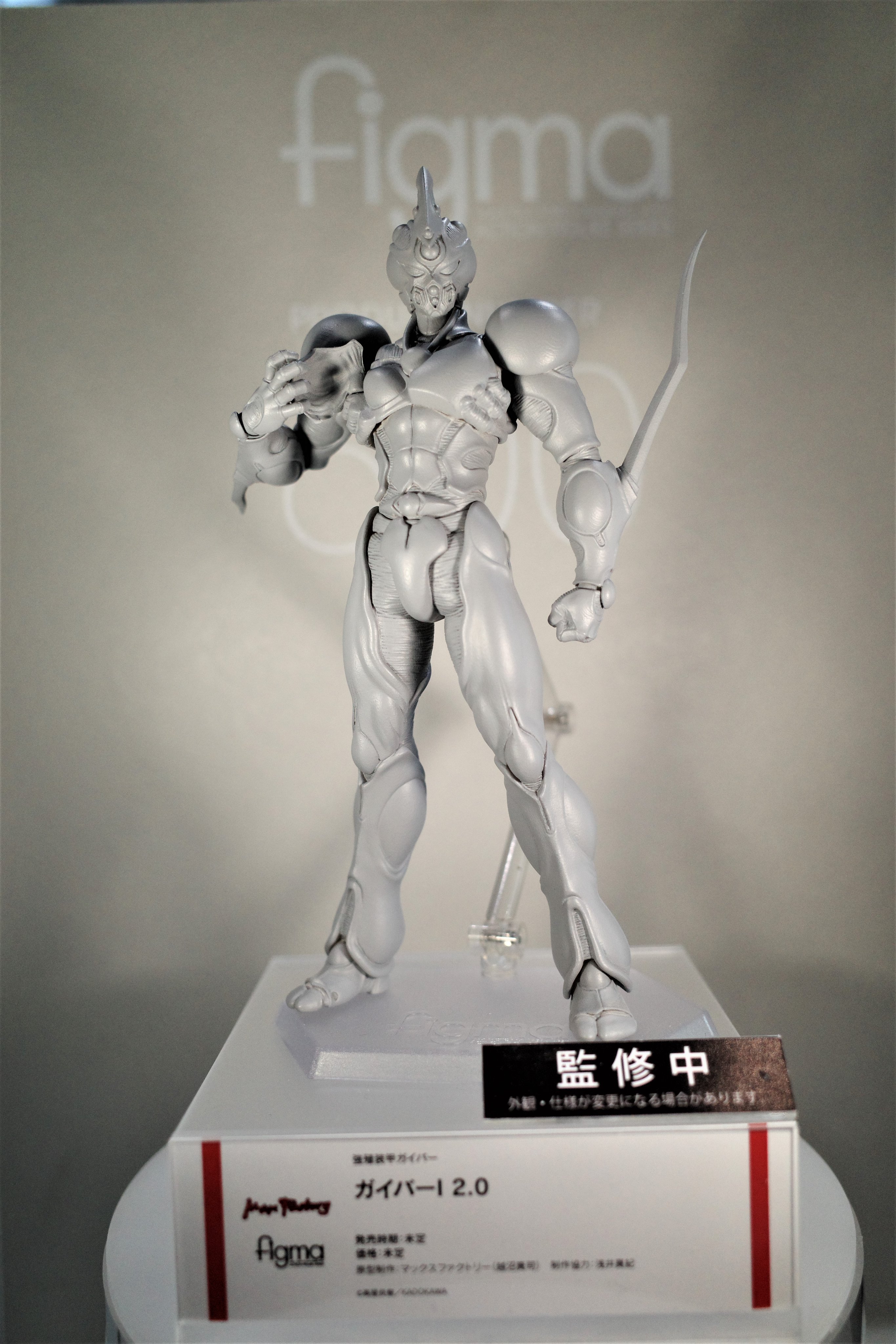
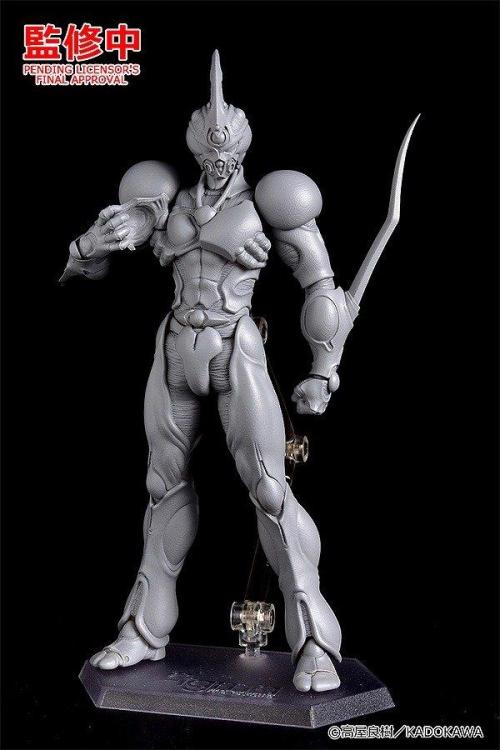
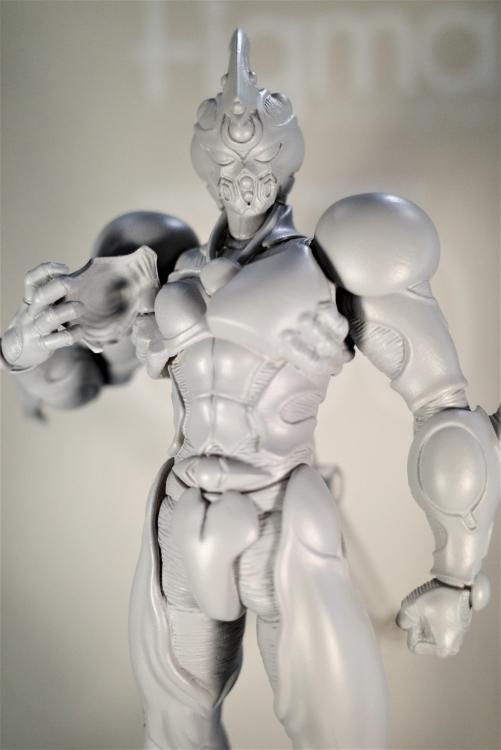
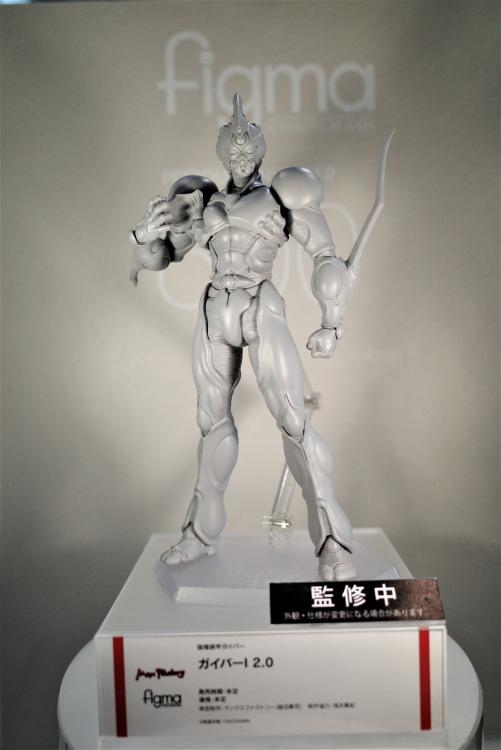
Pre-order is up! https://www.goodsmileus.com/product/figma-guyver-1-ultimate-edition-10337 Just saw this image, and it seems to be legit. Guyver 1 is getting a what looks like, a completely new Figma release. Kind of makes sense when you compare the quality of the two Female Guyver 2's and Guyver 3... the original Guyver 1 Figma was pretty poor in comparison. The two big difference seems to be the megasmasher area of the chest and the head. No longer has the figma joint sticking out like a sore thumb, but the additional ab piece has been removed. The head proportions also seem to be improved. Much smaller eyes than the original figma. *EDIT* Added more pics that were found on twitter.

 1 point
 -
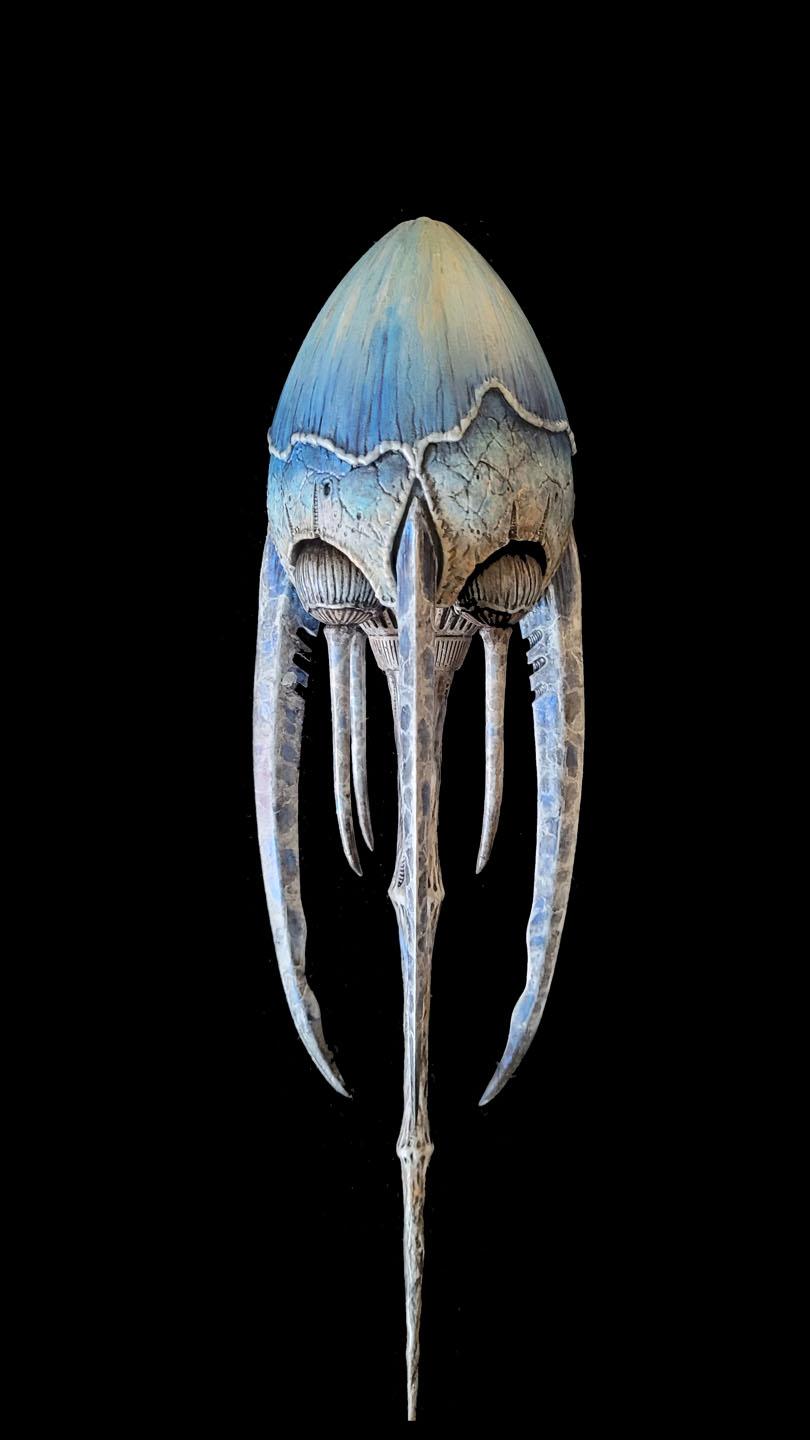
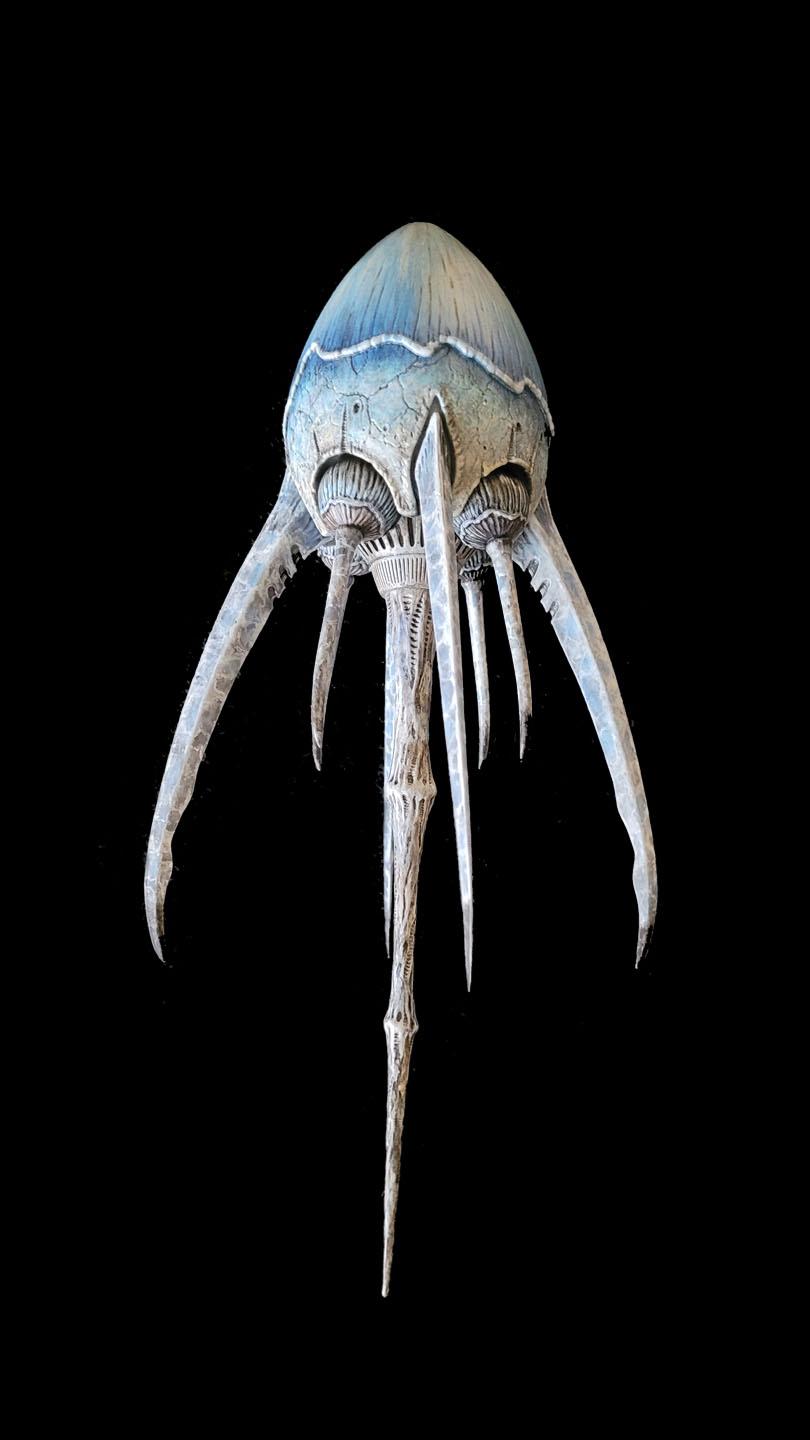
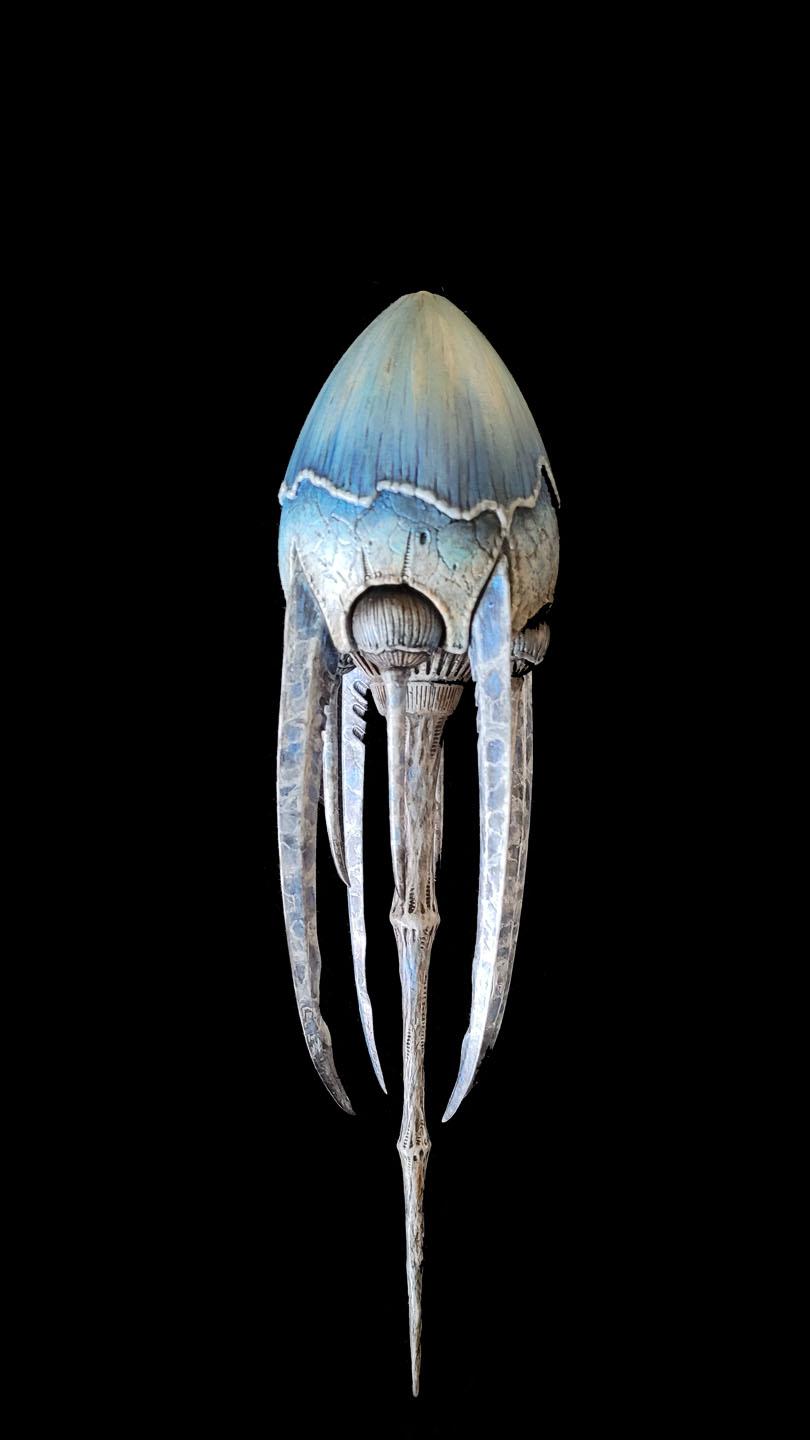
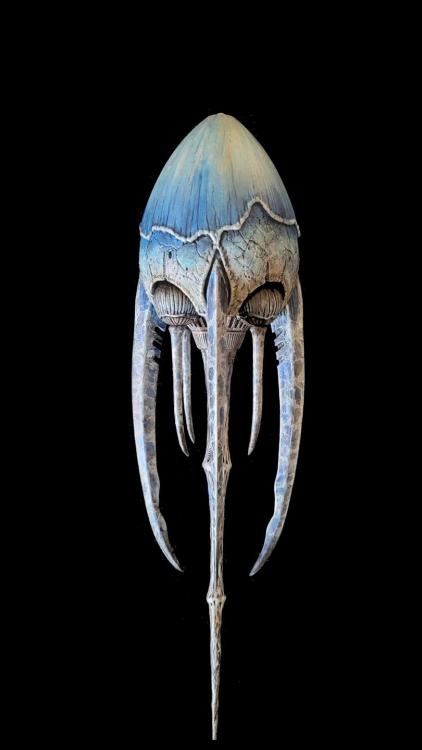
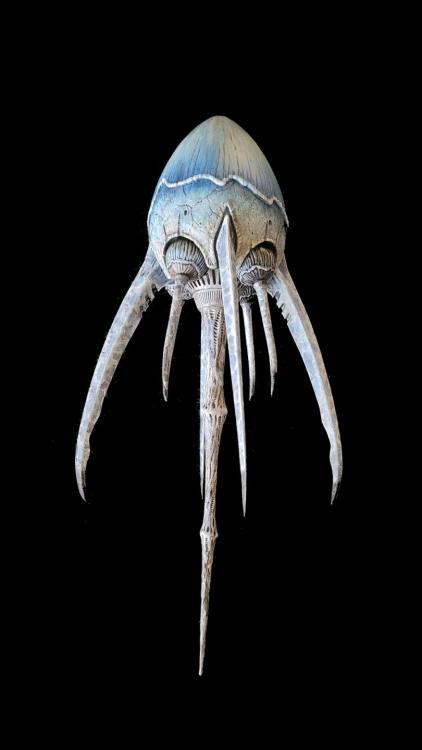
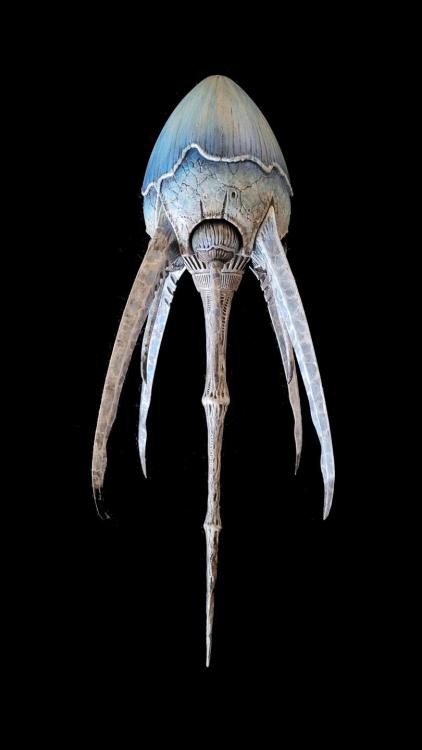
1 pointHi Guys , Im new here and come bearing gifts I hope . I have been a fan for years and a model builder and producer . I recently released a model kit of the Relic ship from the Guyver movie Dark Hero, I hope you like and if you interested in getting one please contact me. Enjoy the pics anyway . Thanks for looking ....Tony
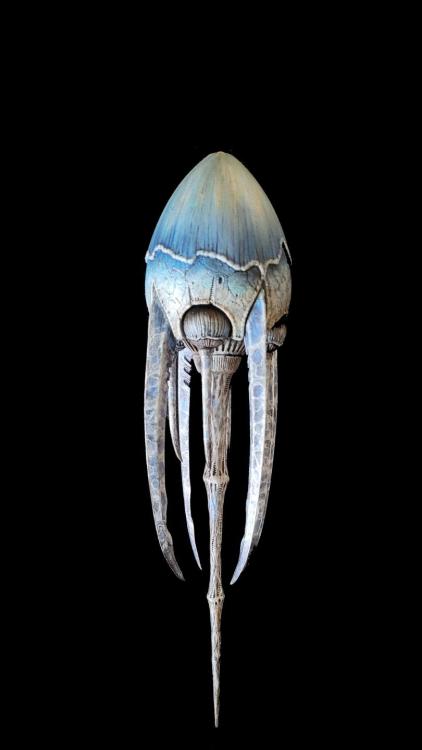 1 point
 -
1 point
-
1 pointWell, the person uploading them says it is their own translation. So it's the way that we have always said someone should do it if they wanted it all out there for free: Go do it yourself. It's not nearly as hard as it used to be with translation software getting better and better. But no one ever wanted to put the time in for Guyver. Now someone finally has, and the rest of the free readers can now access what they new person is posting.1 point