
Leaderboard
-

Matt Bellamy
Admin1Points1,477Posts -
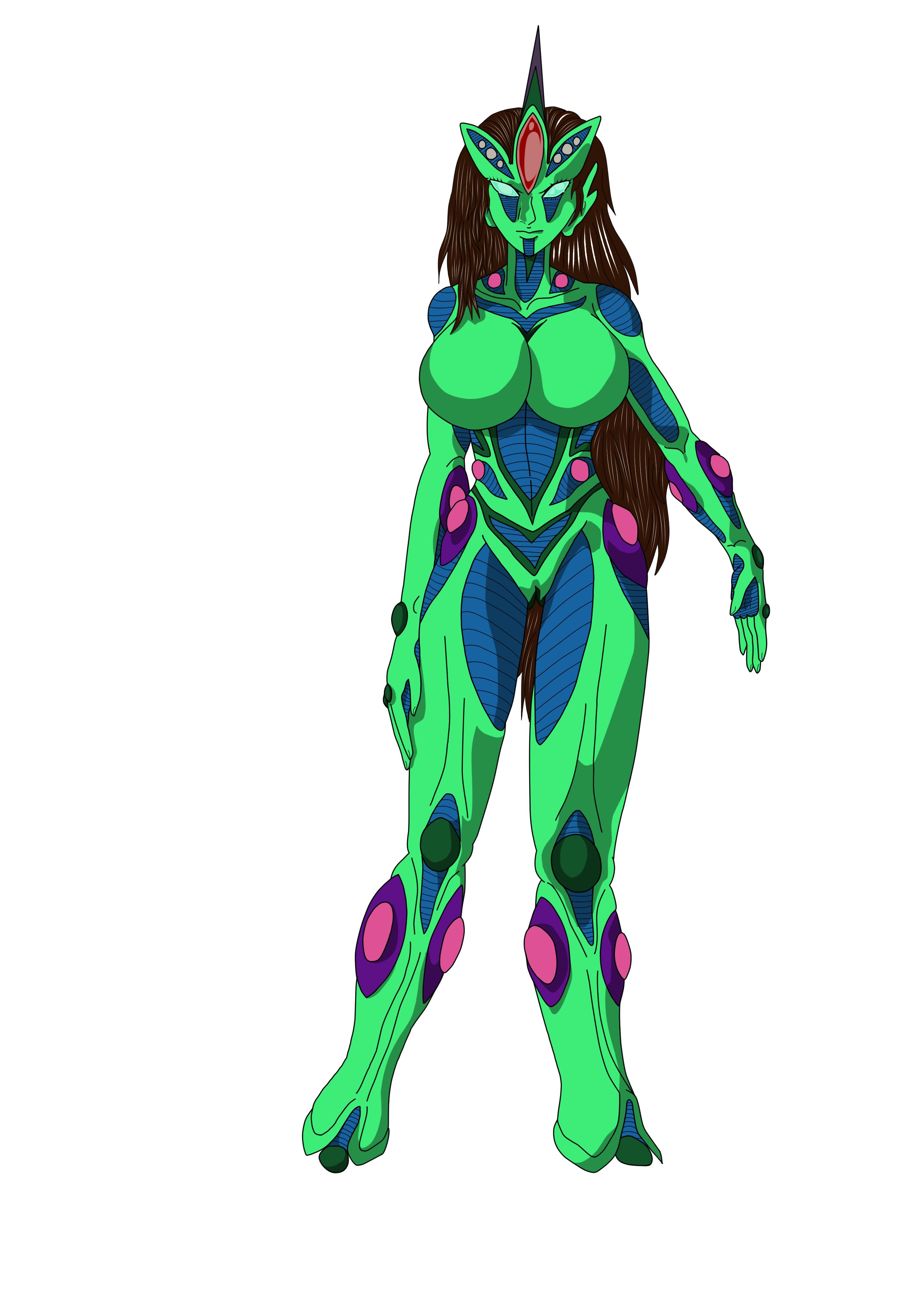
Ultimate W'kar
Member++1Points137Posts

Popular Content
Showing content with the highest reputation on 11/15/2022 in all areas
-
1 pointThanks, yes that was the tutorial I was thinking of and these tip will help me greatly. That old Ultimate W'kar design kind of needs an overhaul, So I figure if I'm going to create a logo using him I might as well try to update his design. You know, now that I think about I believe the only reason I didn't have the vents on Ultimate W'kar was because it was such a pain for me to draw them at the time, thin again I was drawing traditional at the time so correcting mistakes was way hard, especially compared to now where I draw everything in clip studio paint. This sketch is the by the way an excellent reference for the design and posture I was trying to go for with the rough line art.1 point