Leaderboard



Popular Content
Showing content with the highest reputation on 05/29/2020 in all areas
-
Woooooow!!! I had no idea on either. Exclusive club we are in!! Woot!1 point
-
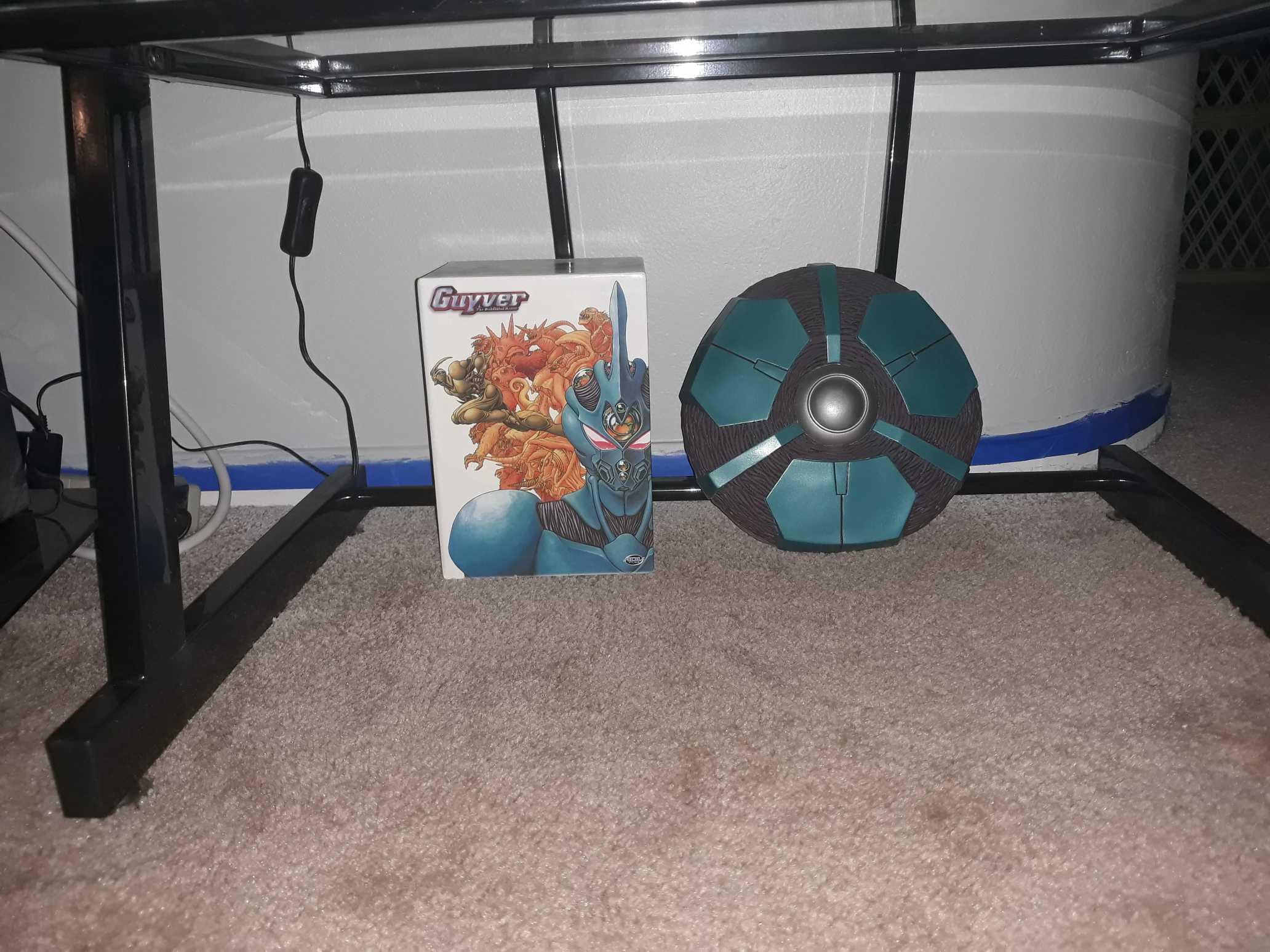
Yep. 30 of Barcas and 40 of the processing tank. Considering they're 16 years old i'd imagine there are a even less now, what with loss and damage. It's crazy what they go for now!1 point
-
That is so awesome!!! I didn't know there were only 30 made?!1 point
-
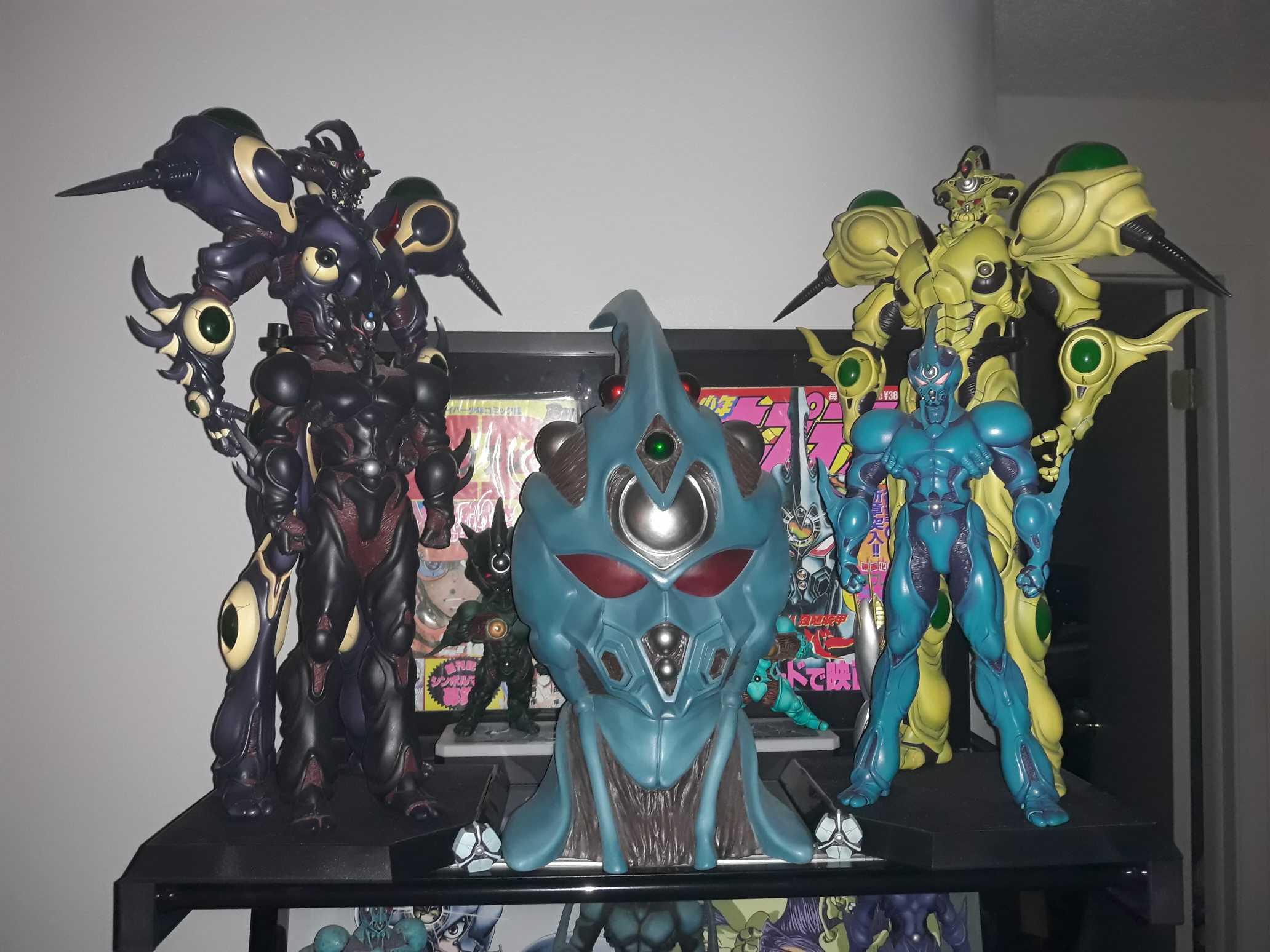
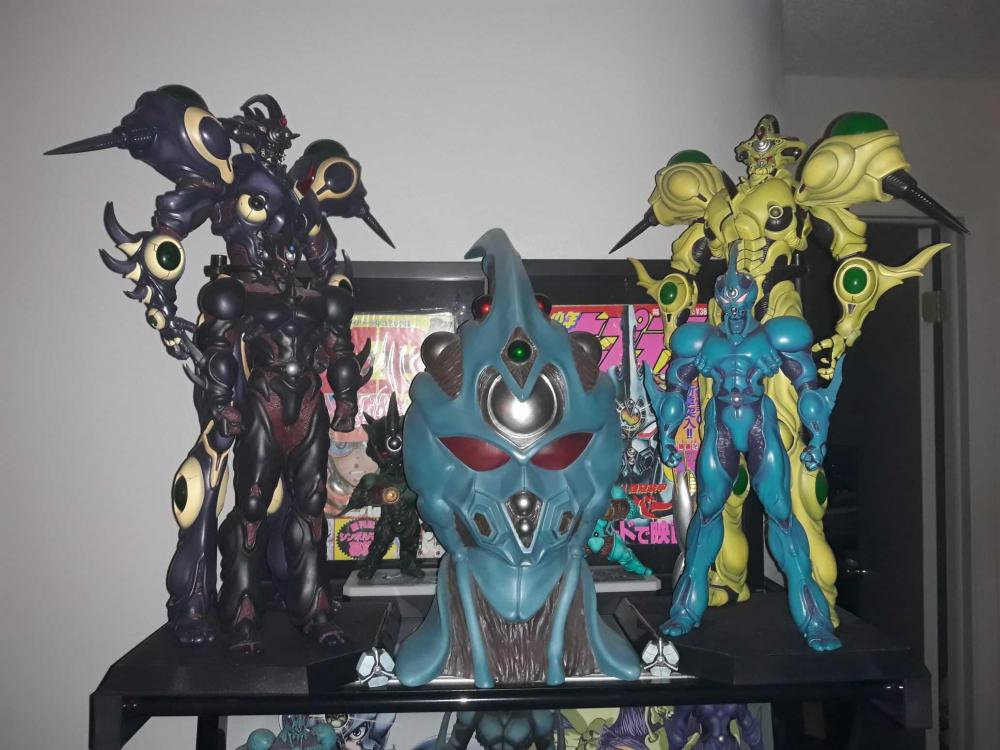
Nice collection man! I was jealous of you having barcus until I lucked up yesterday and got a notification from Mandarake a week after scoring the adjustment tank! It must be fate!! It's from the same store as well! I will finally have it next week! Can't wait! It's hard to be believe there are only 30 of these in existence in the world!!1 point
-
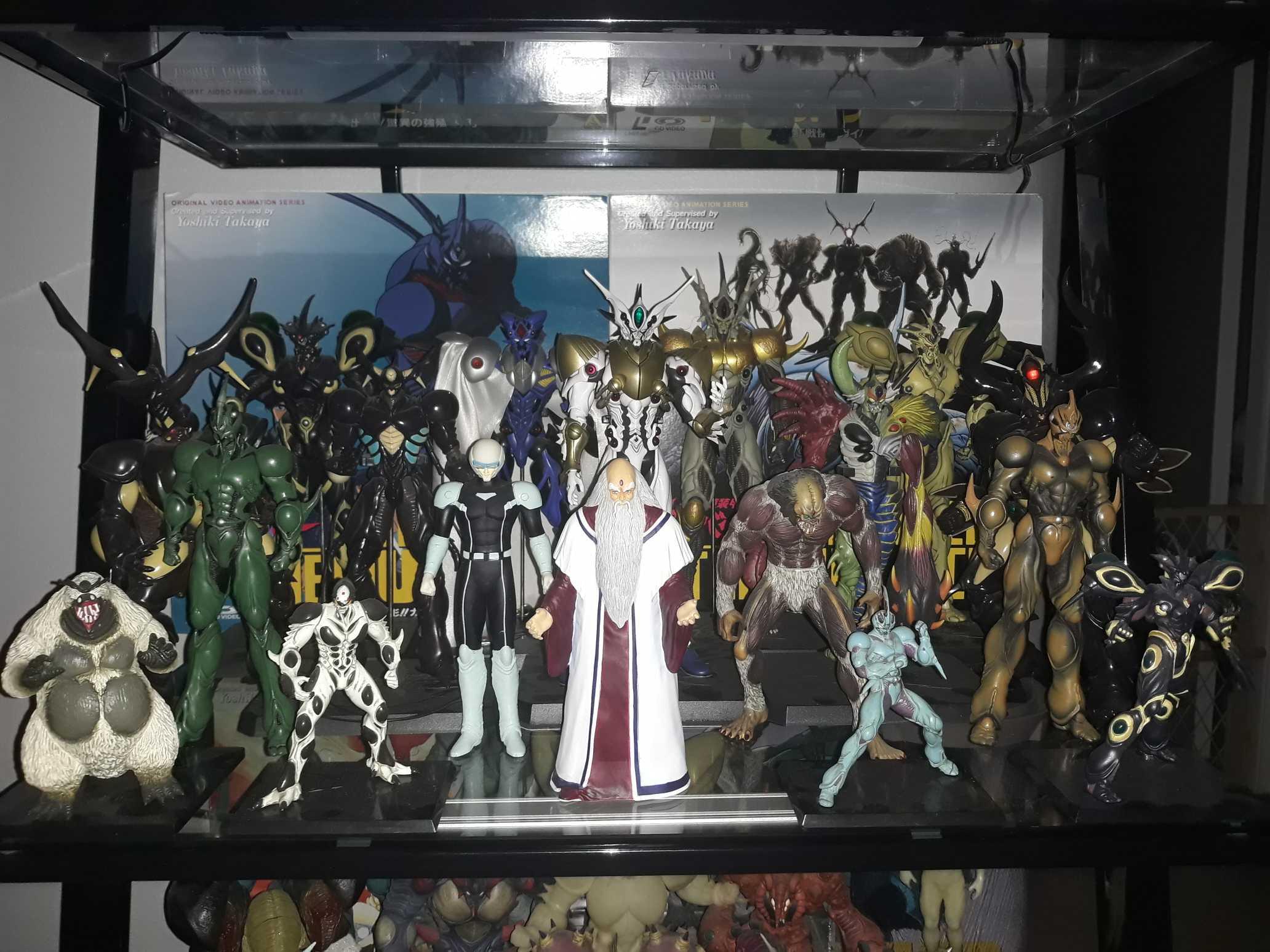
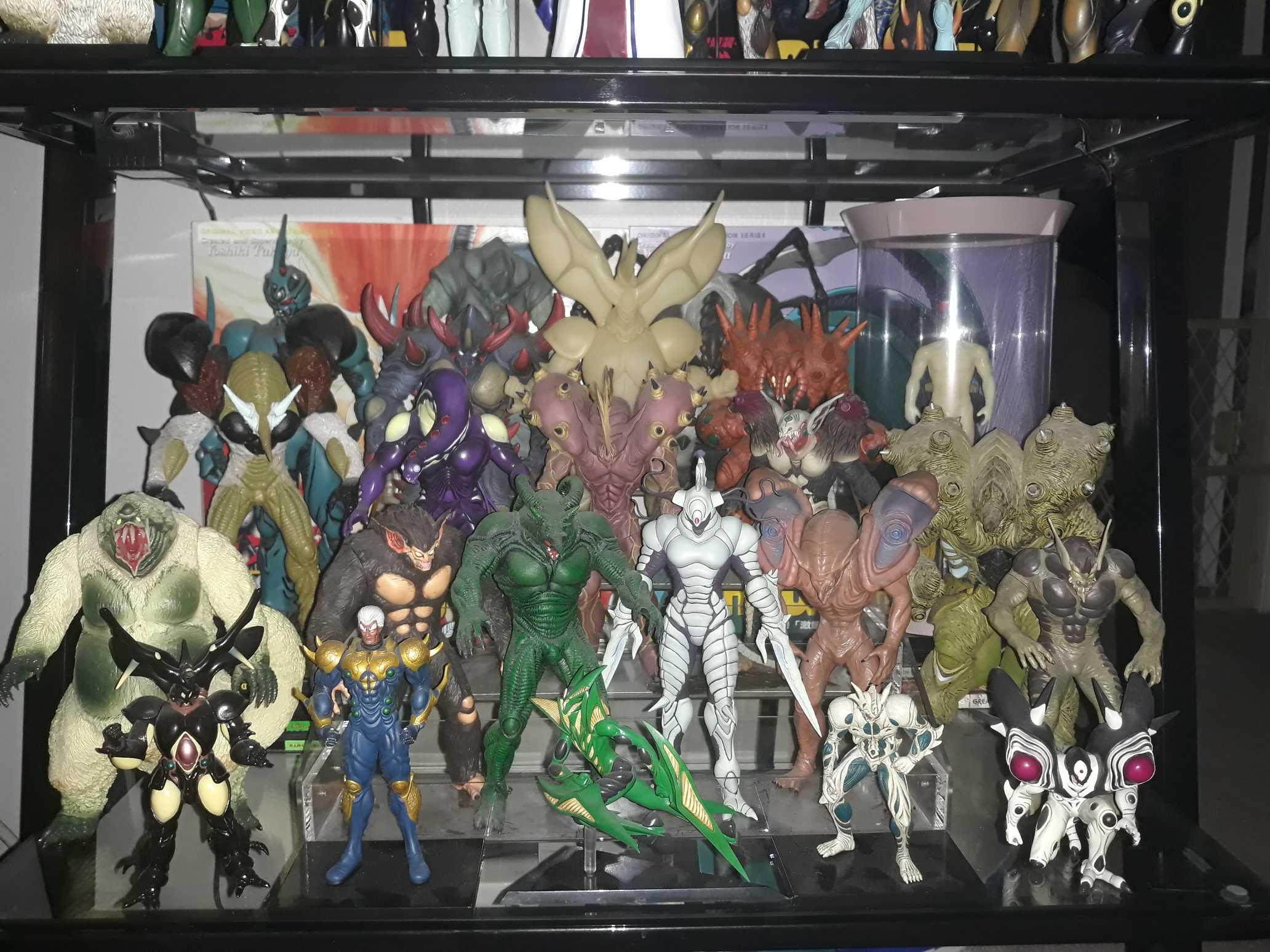
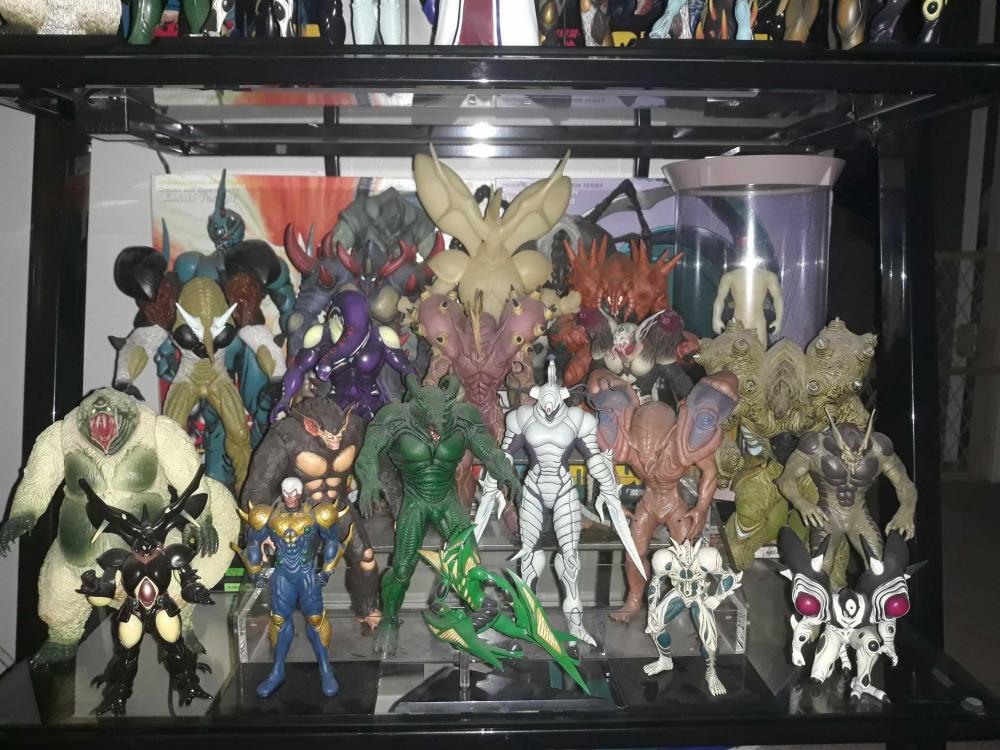
So we painted the wall behind the shelf and I had to move it. By doing so, I was able to redo the placement of all the greatness...


 1 point
 -
Absolutely awesome! I have Barcas too. Took a long time to get him! I want more figures too. In the worst way!1 point