Leaderboard

Popular Content
Showing content with the highest reputation on 12/09/2016 in all areas
-
Looks like site is back up. Probably just dodgy HK servers Got my tracking number today. Only think i'm disappointing with is that Dark doesn't come with the chrysalis like Gigantic does. Would have been easy to just spray paint it black, but maybe the accessorise were too big and Makishima does have larger blades on his gigantic.1 point
-
Not licensed unfortunately, which is the only bad thing as chances are Takaya-san won't see a yen from the sales. However i'm hoping that they are in talks with Kadokawa about getting rights to do it properly like Prime 1 are trying to do. I got shipping confirmation on my order so can't wait for them to arrive. From what I can tell they are just straight up-scales of the BFC sculpts with LED's installed.1 point
-
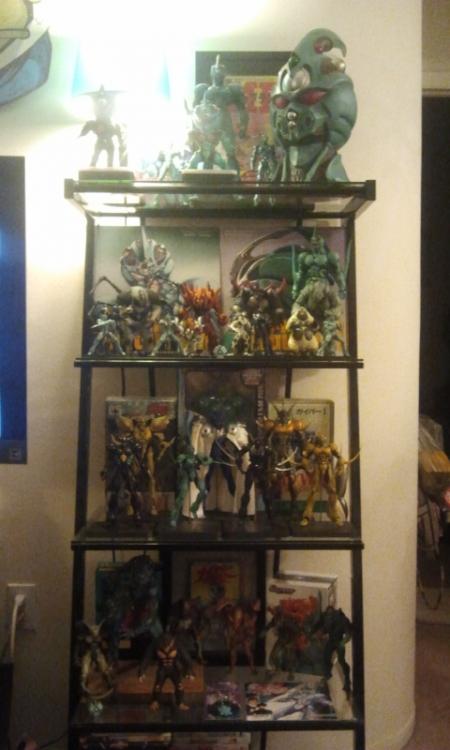
Ok! I just got my stash in last night and here are some pics. I will also have Murakami and ZX Tole come Christmas. SO happy!!!
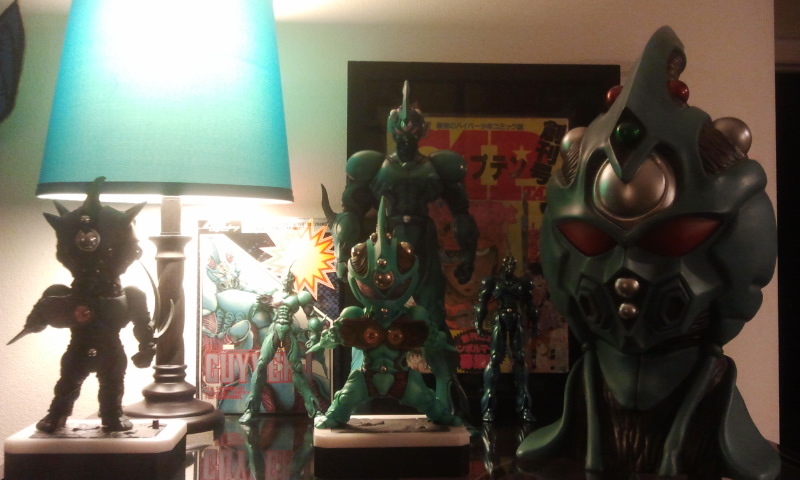
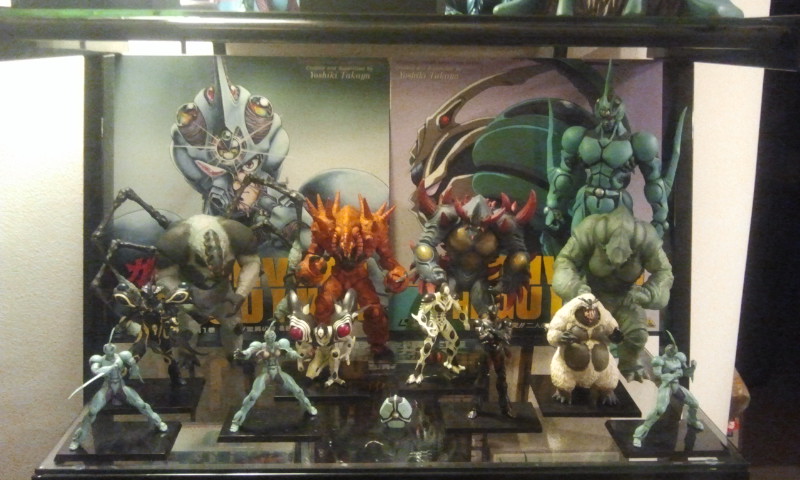
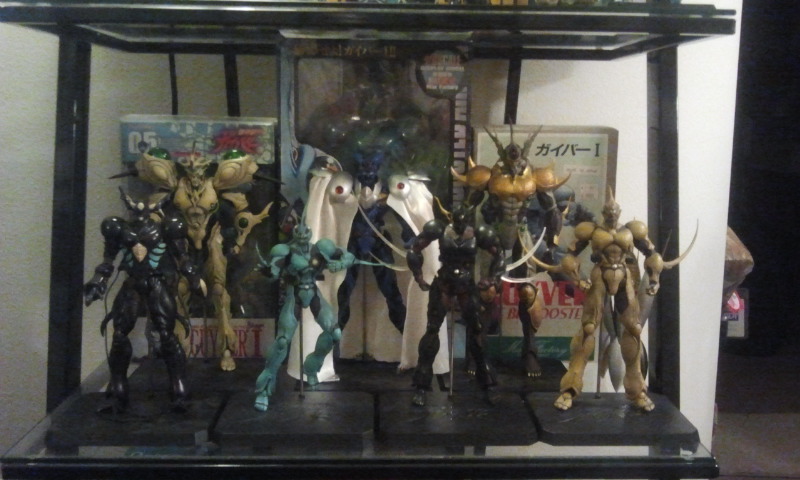
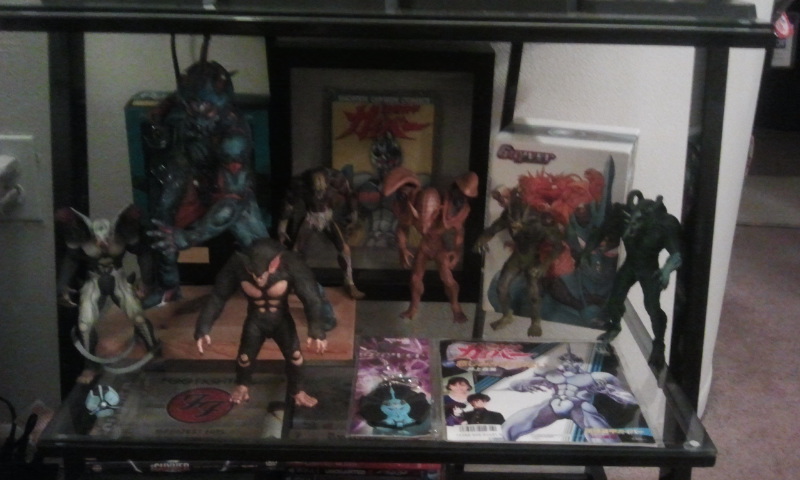 1 point