Leaderboard
-
guyversudo
*VIP member4Points172Posts -
Crimson
Member2Points3Posts -

Sully
Admin1Points2,794Posts -

Shin Mefilas
Member++1Points1,014Posts


Popular Content
Showing content with the highest reputation on 09/24/2016 in Posts
-
1 point
-
1 point
-
1 point
-
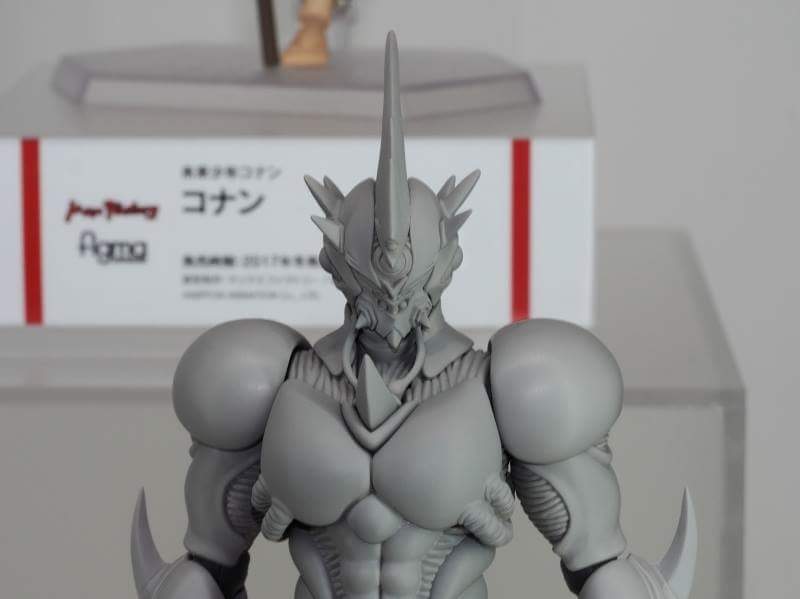
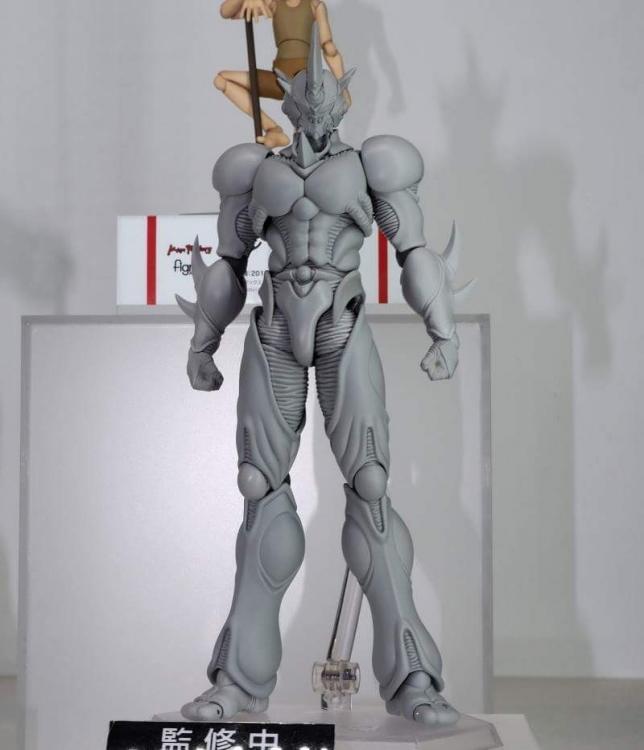
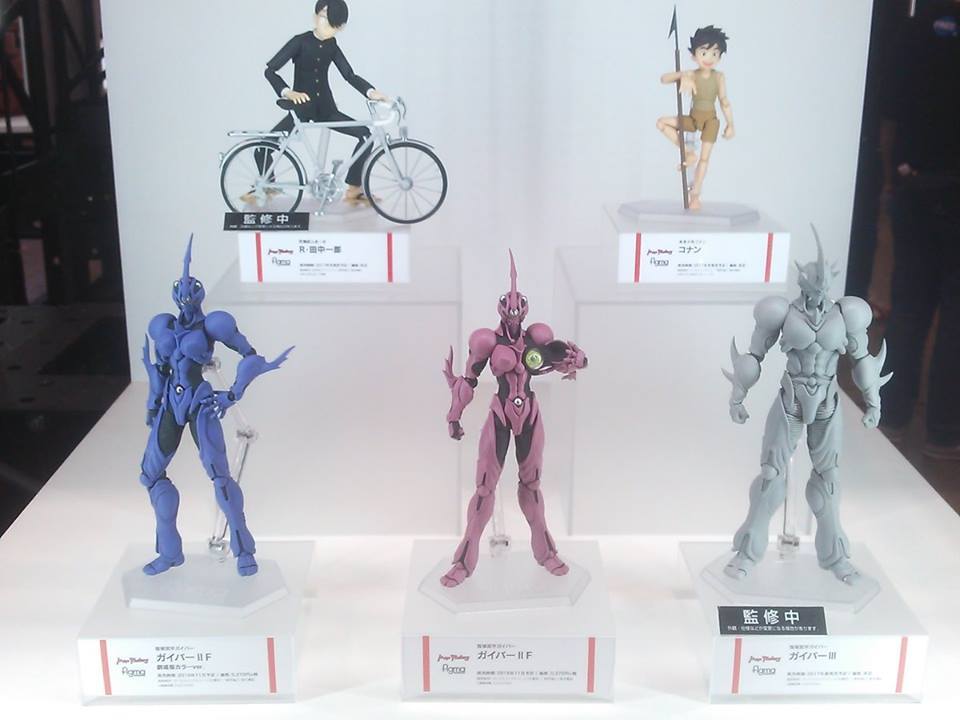
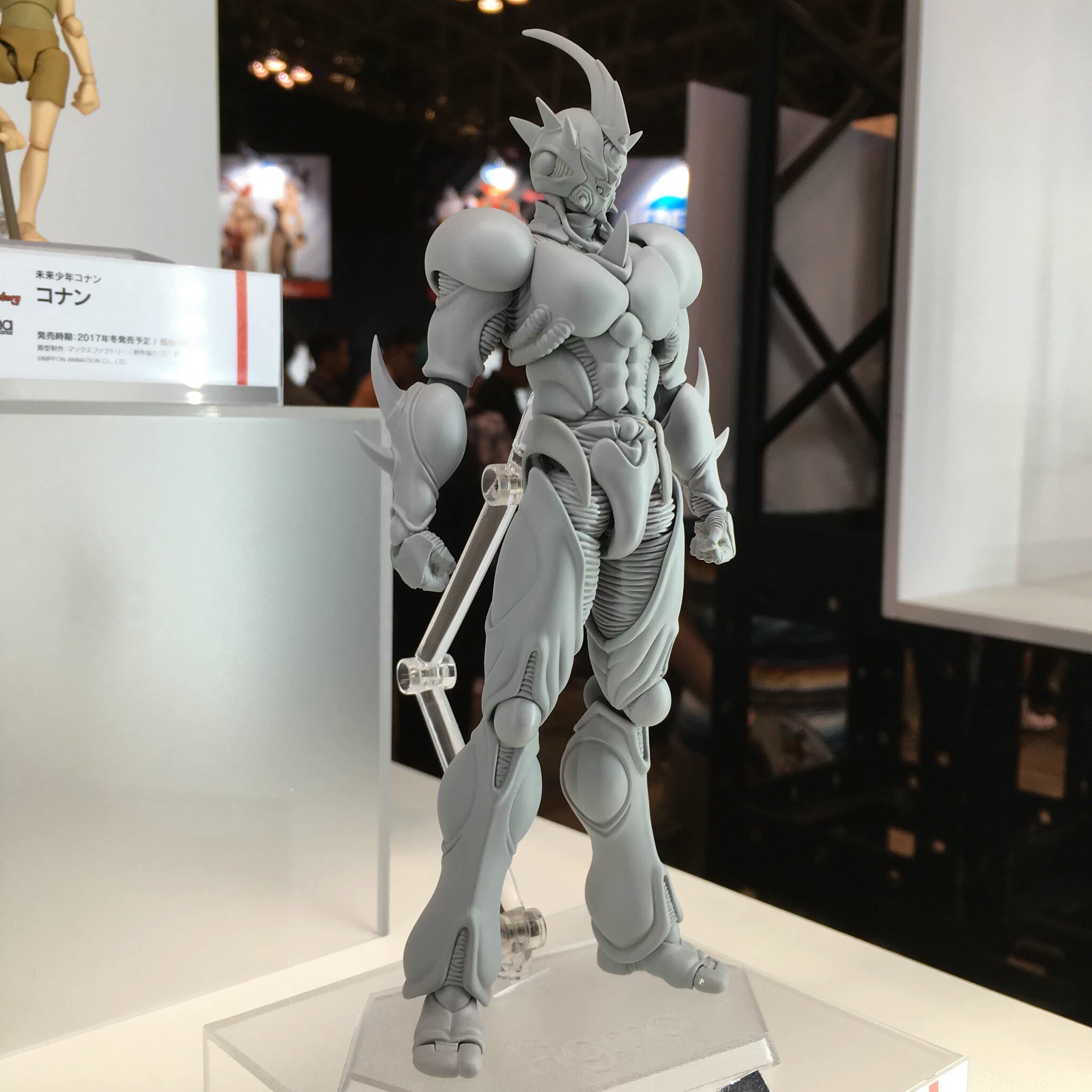
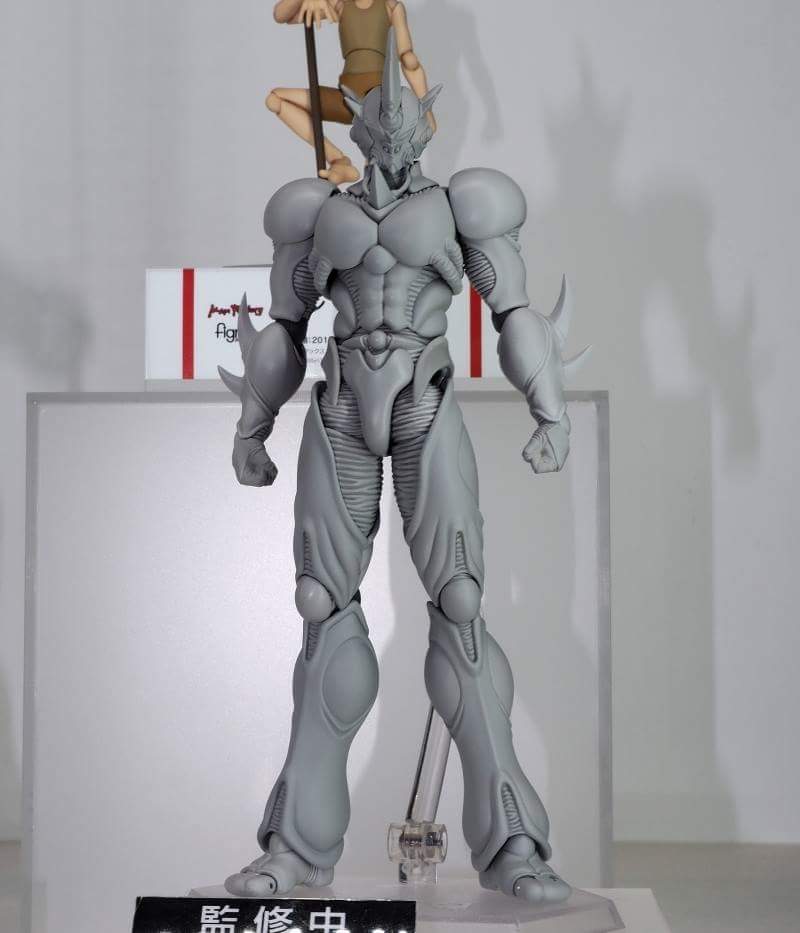
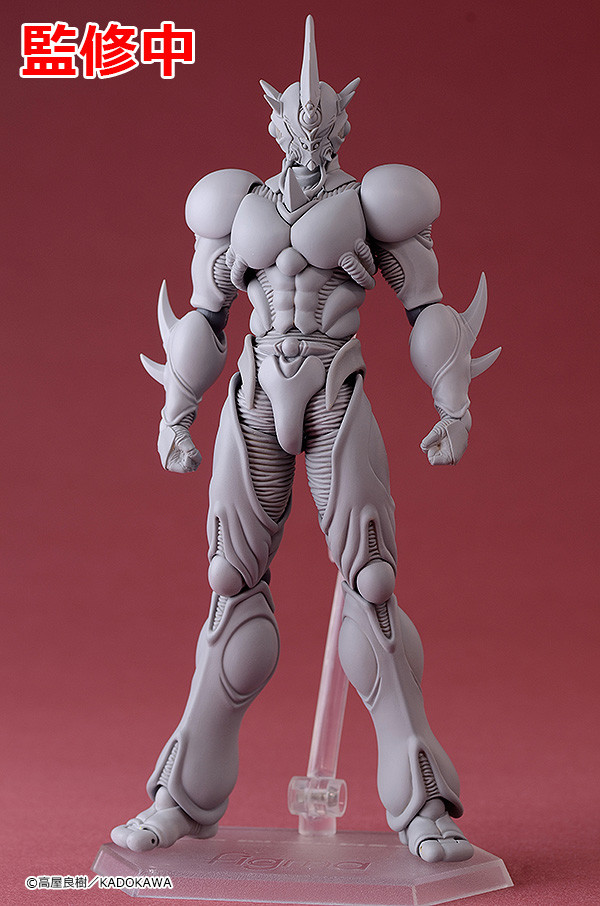
1 pointA couple more images that were shared on the Facebook group. 2017 is all that was said so far.
 1 point
 -
1 pointI'm hoping for Guyver 2 Male and Guyver 0! Then the Movie Line Guyvers in Anime style.1 point
-
1 point
-
1 point
-
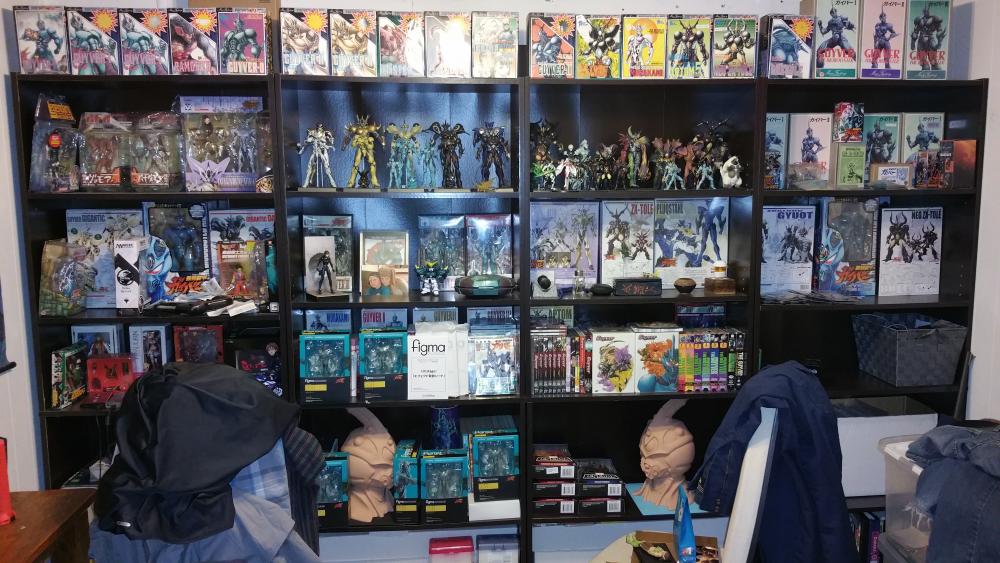
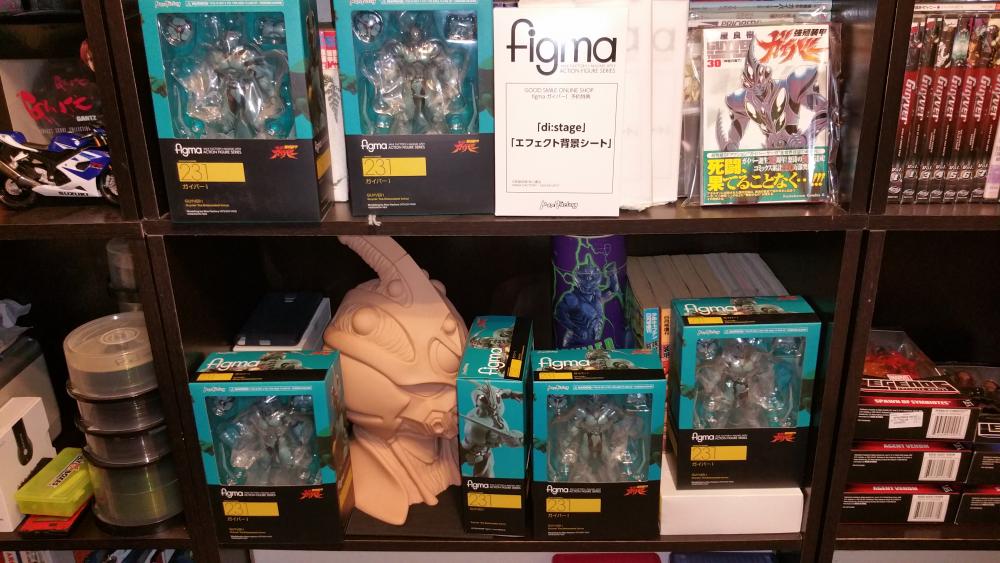
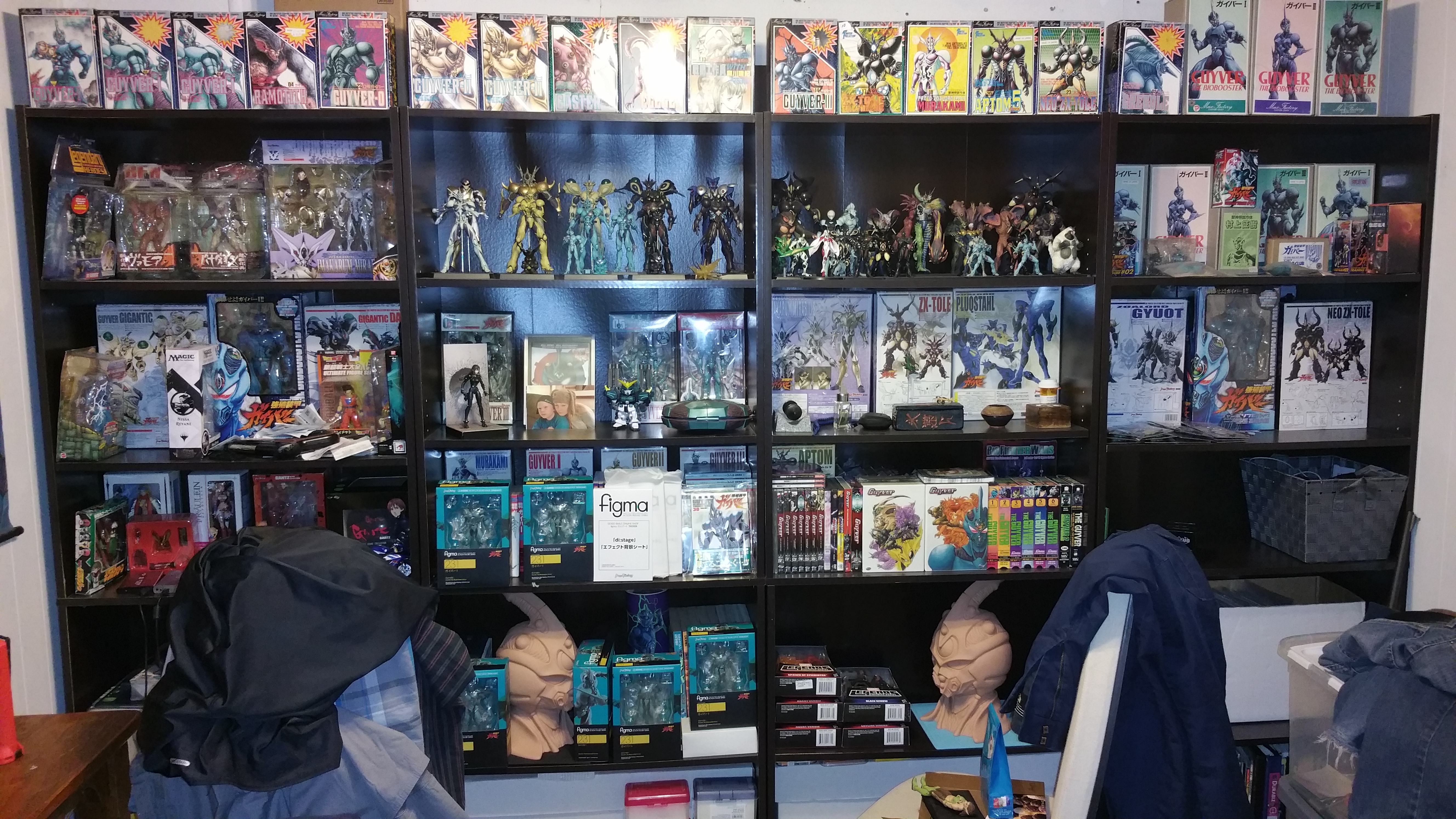
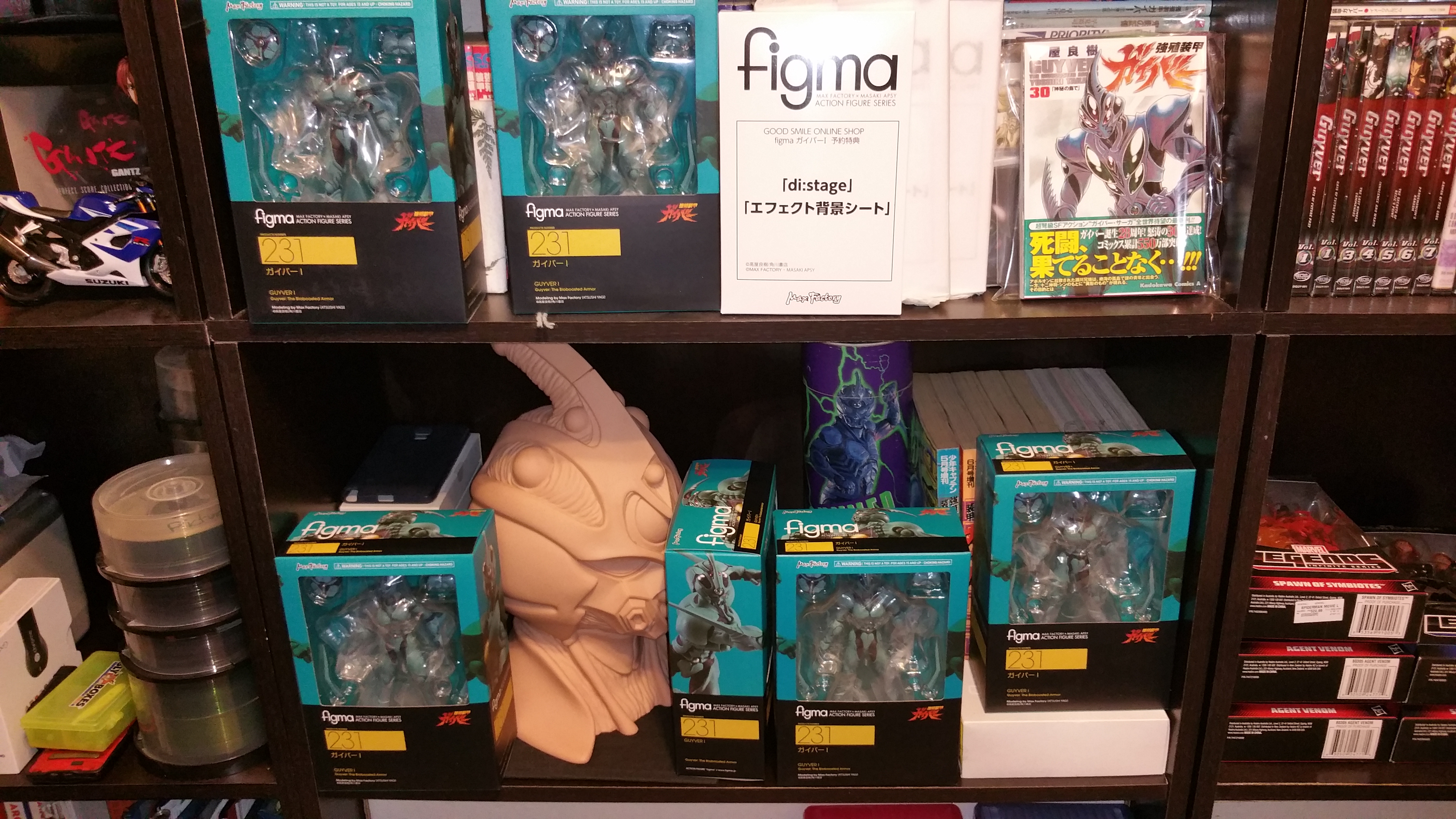
1 pointAlways! But what I really do is custom stuff that's why I buy extra. I have sold alot of Guyver 1 figma's that I fixed the head and the eyes that were flawed. I couldn't stand Guyver 1 looking like he had a visor.
 1 point
 -
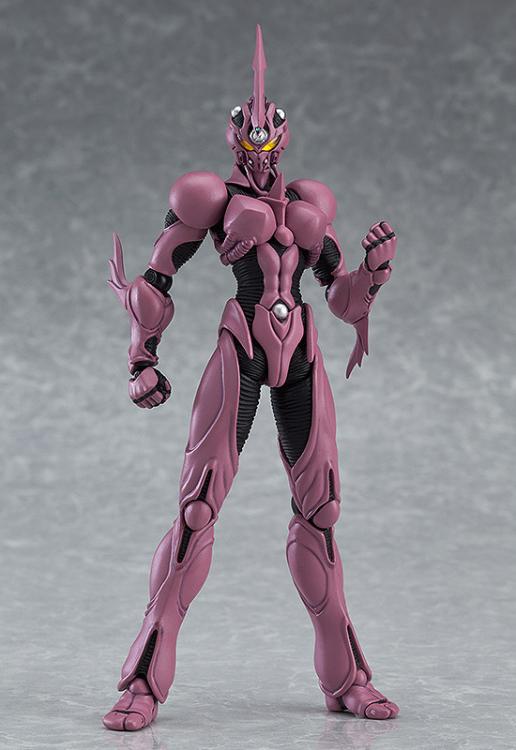
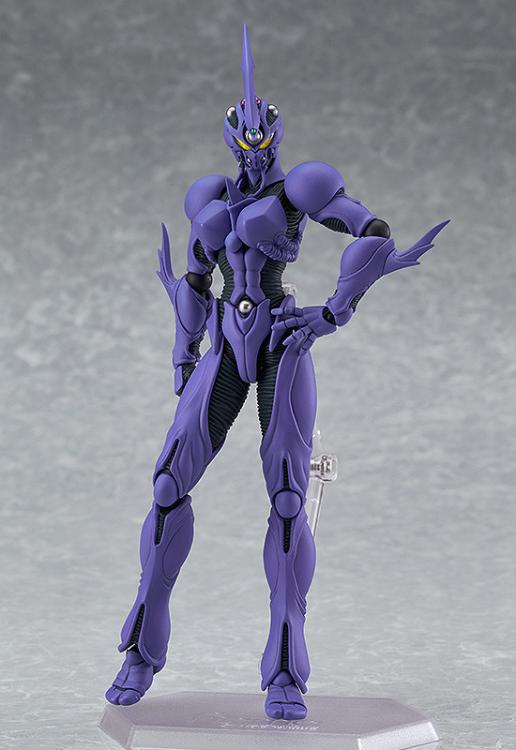
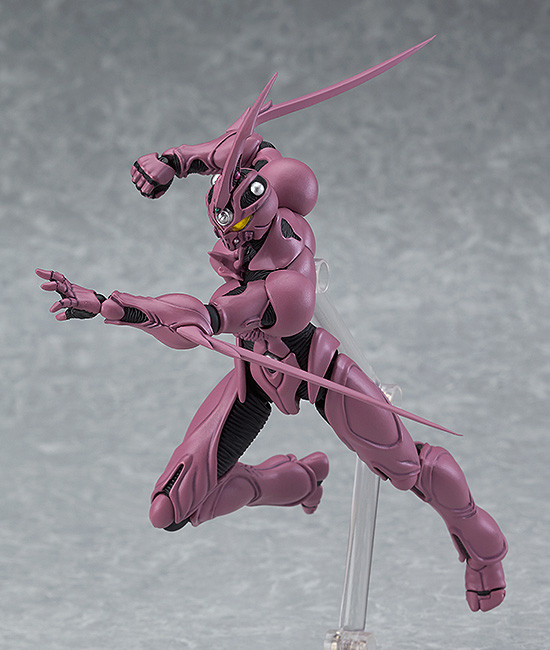
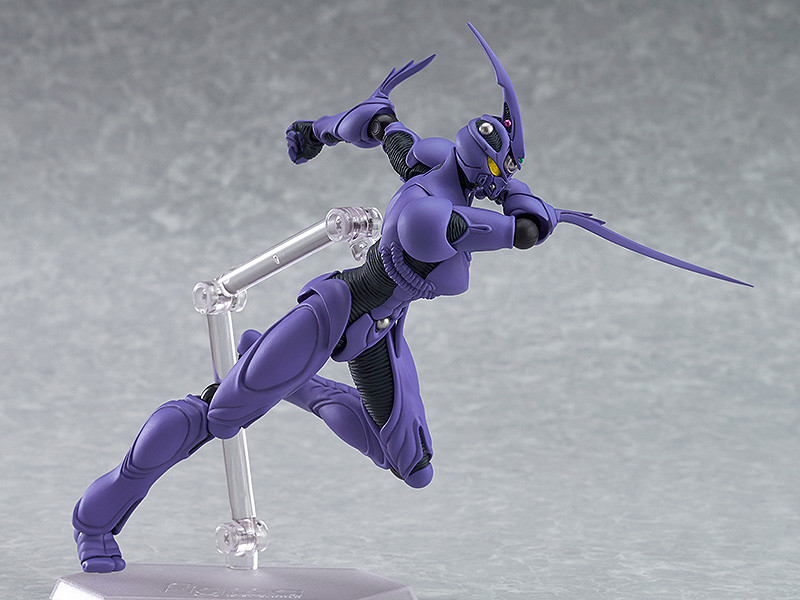
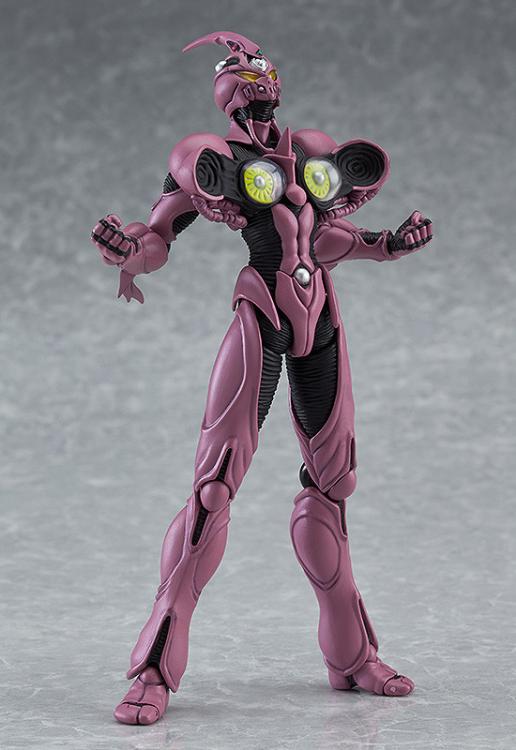
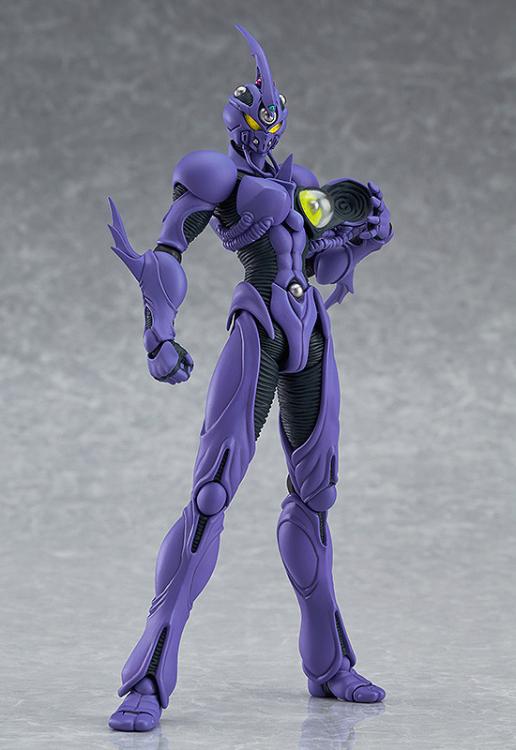
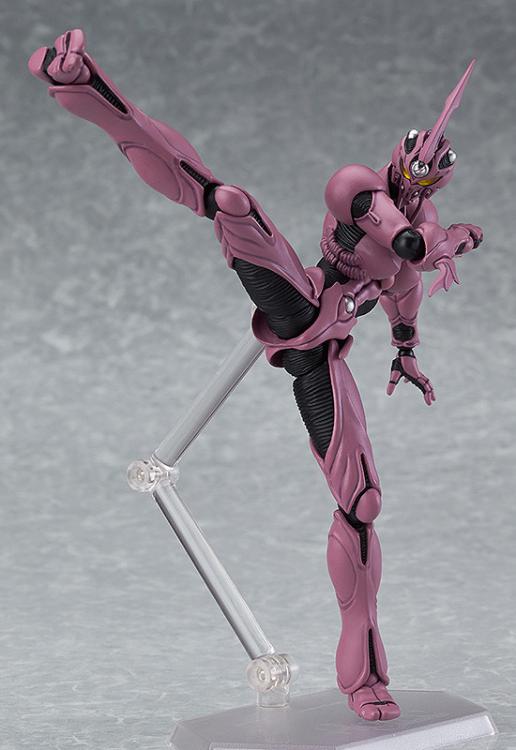
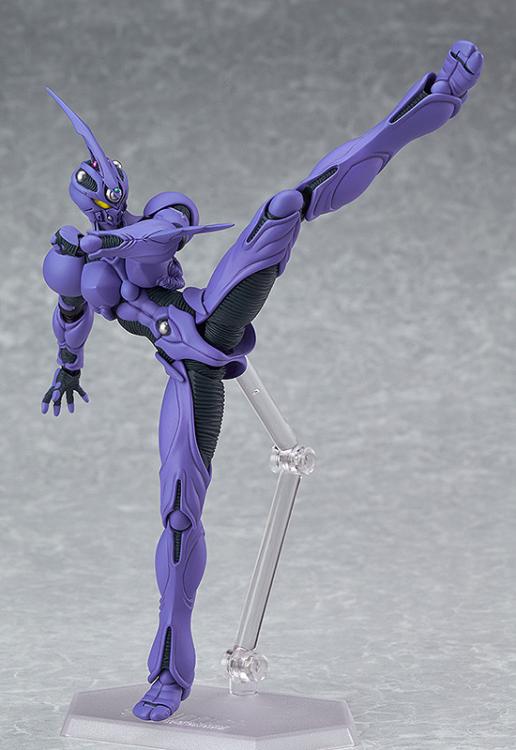
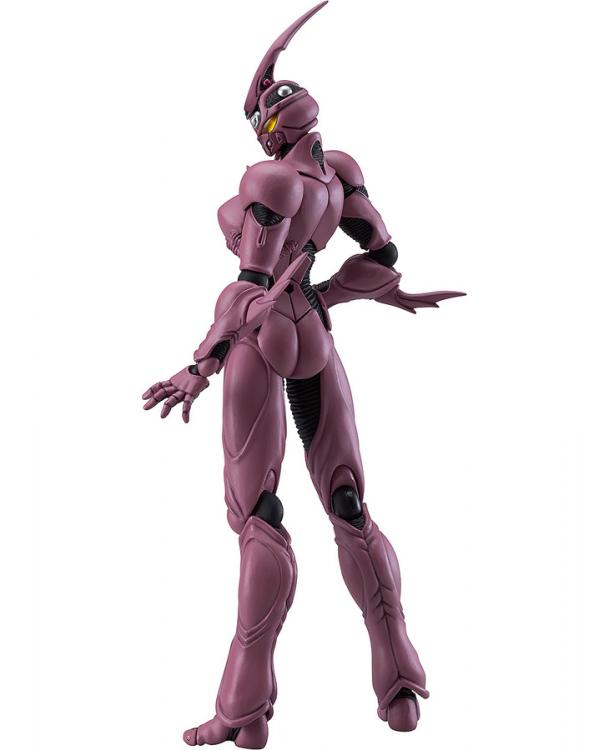
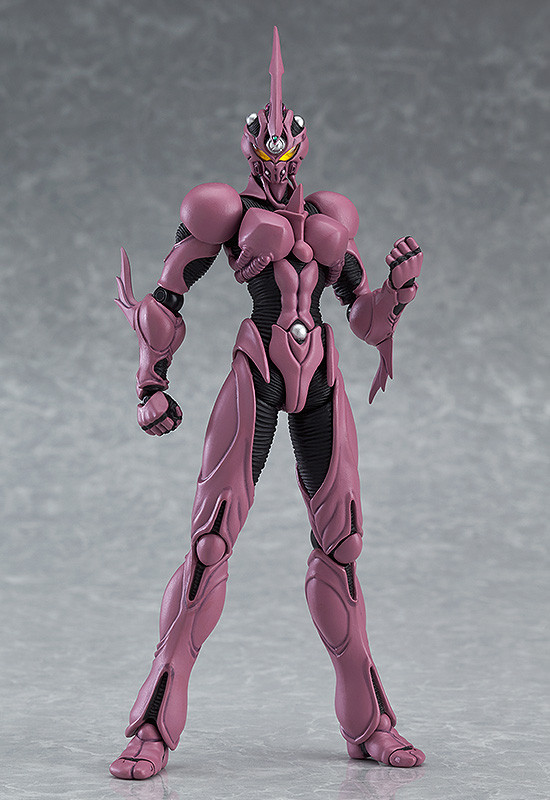
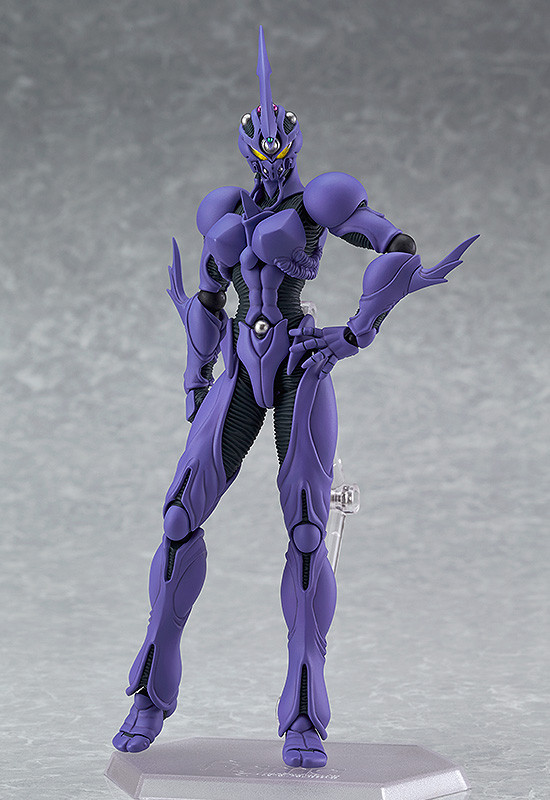
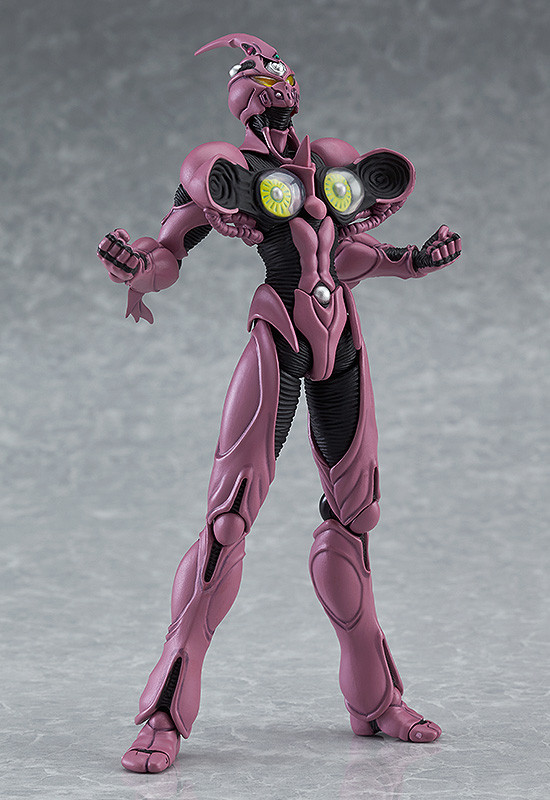
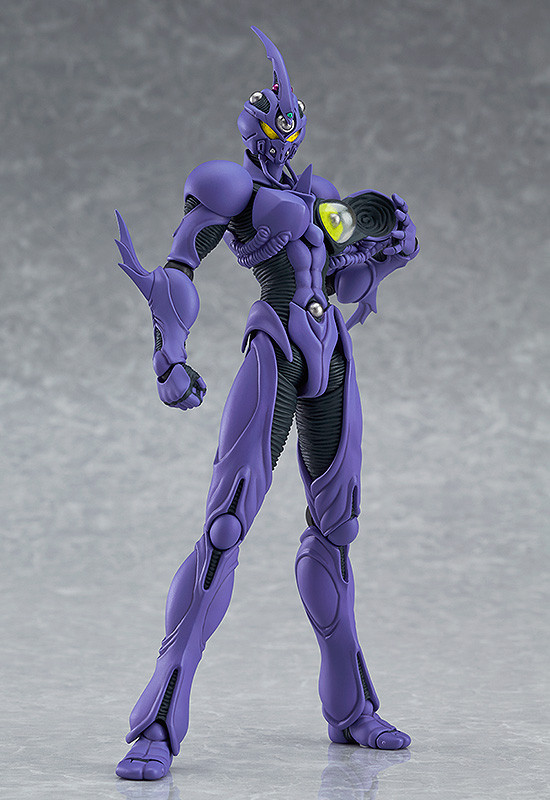
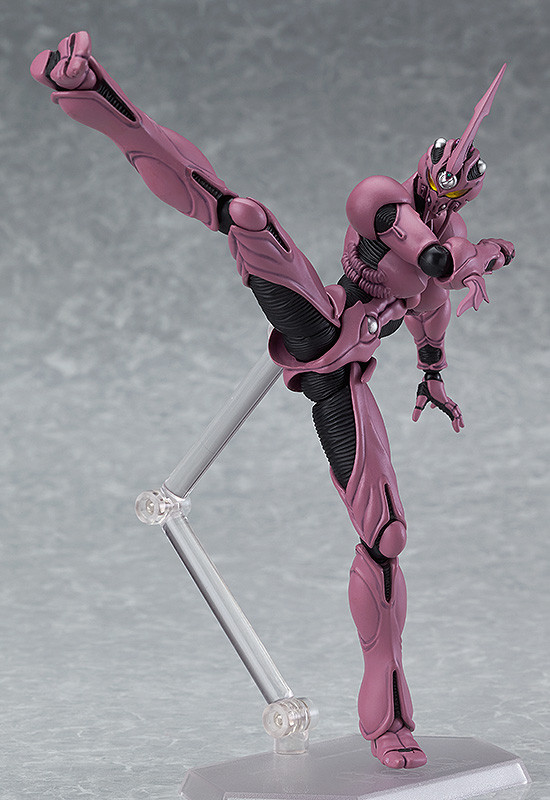
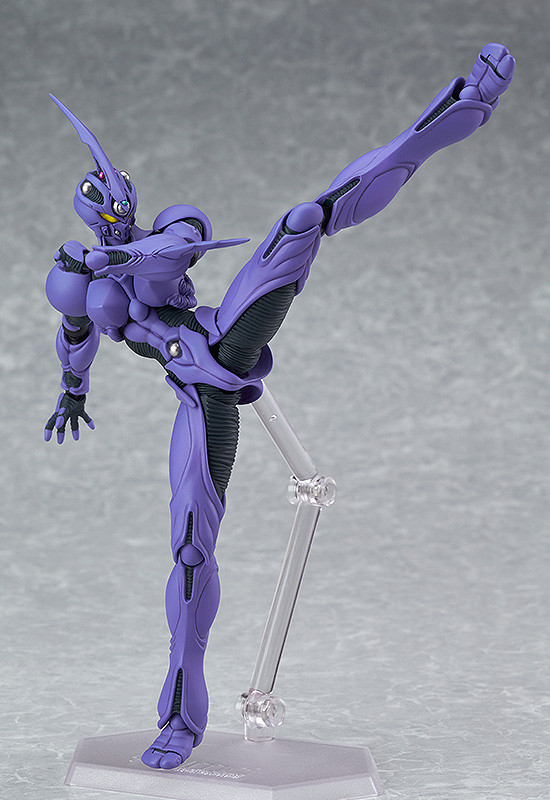
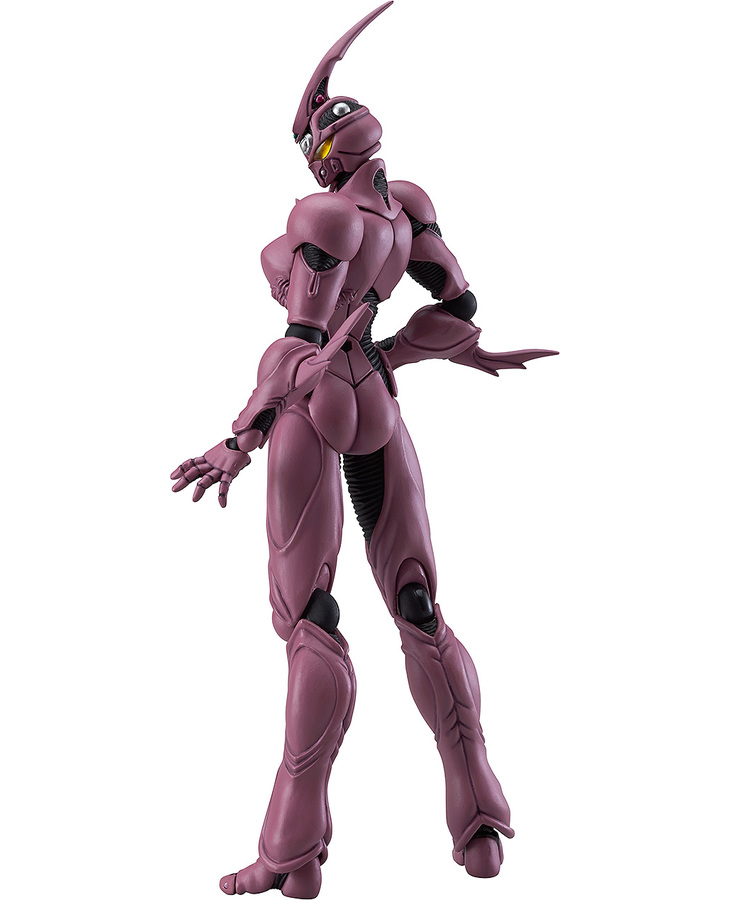
1 pointSweet I pre-ordered the max of both from goodsmile. Now heading over to amiami to order some. Sweet I can't believe so many new Guyver's are being released. Figma's, Prime 1 Studio, and Sanken studio are all releasing Guyver figures. I remember the last time Guyver figures started popping up because shortly after we got 26 anime episodes. Hey I can dream can't I...
.thumb.jpg.f2ce471eb23b0a85be6c529bd273a2ba.jpg) 1 point
1 point -
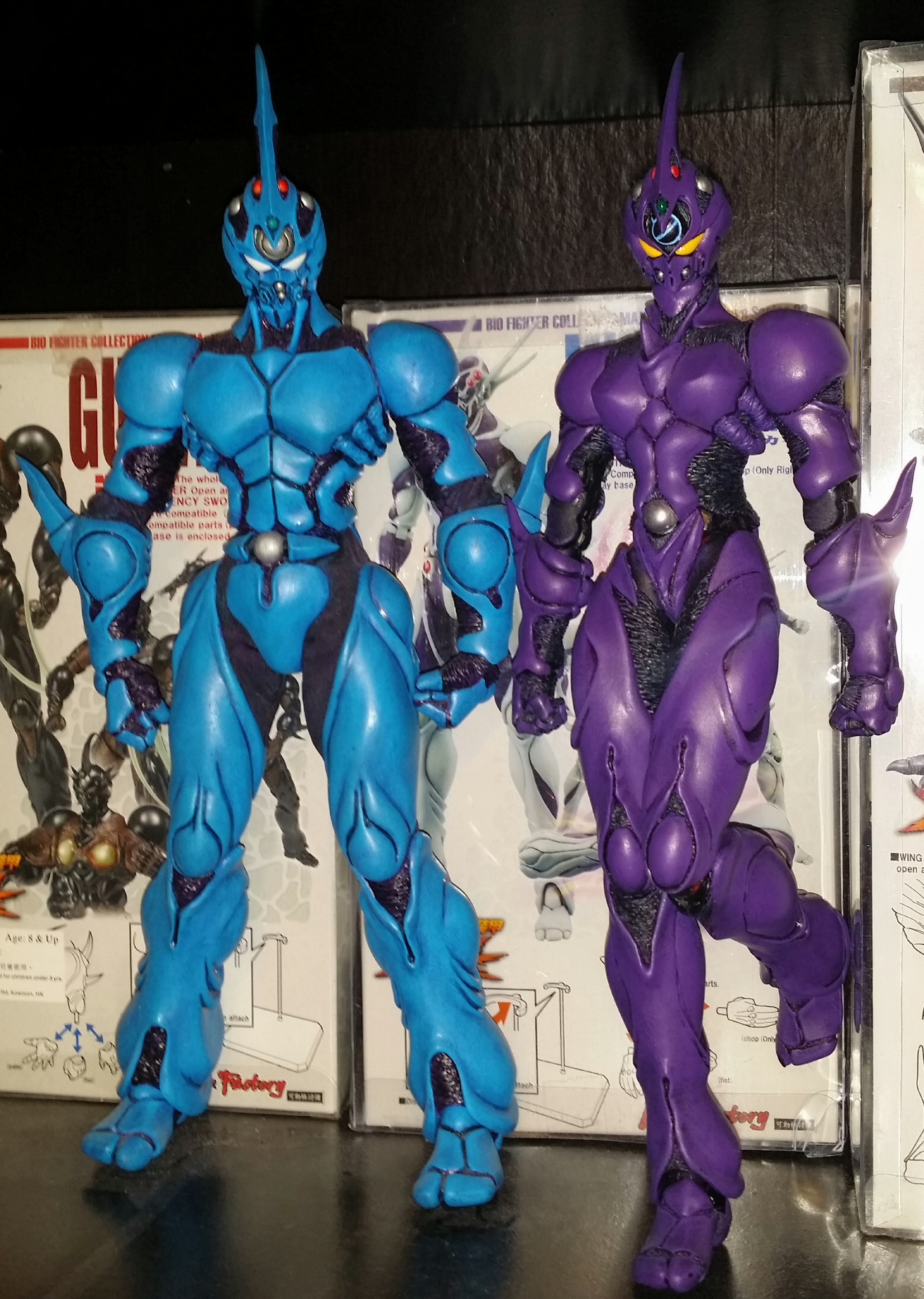
1 pointHoly crap!! I think I just creamed myself!! Can't believe i'm a day late to the party and just saw this!! Edit: OK, Pre-ordered regular edition from amiami for 4,590 JPY!! and breath........................................... Looks like Movie Ver. is a Goodsmile webshop exclusive. Pre-orders don't close until 6th July so I have a bit of time to pull the trigger on that one. I actually prefer the purple one, just shame it's gonna be more expensive.1 point
-
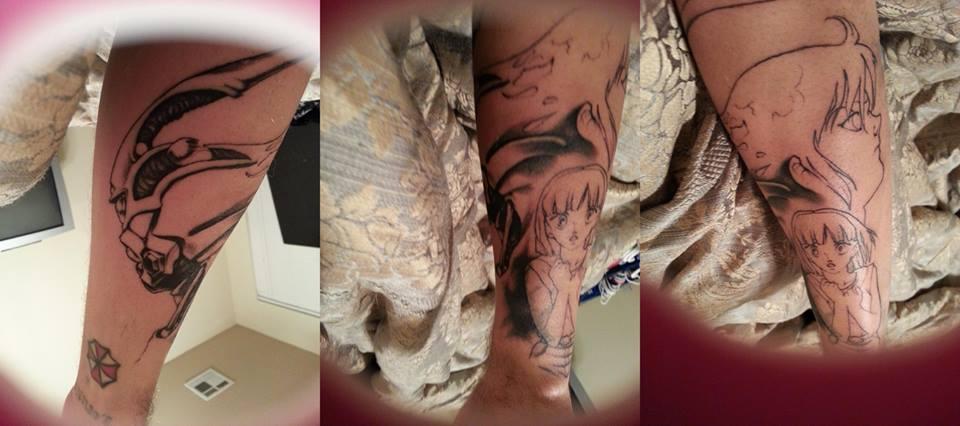
2nd session ! love it so far!!1 point
-
<p>new tattoo! first session! i'll update in 2 weeks!</p>
 1 point



.jpg.13bf86f60c6e8279a4071ace57dc6248.jpg)