
Leaderboard
-
mutronix
Member+1Points22Posts -

PrimalNemesis
*VIP member1Points578Posts -

Sully
Admin1Points2,794Posts -
Gazham
Member++1Points529Posts



Popular Content
Showing content with the highest reputation on 09/12/2016 in Posts
-
1 pointHi guys i've just joined and wanted to show some pictures of a statue i made. I'm in the process of painting it up at the moment and adding the clear lenses. I'm going to finish this one in the Dark Hero colours. This statue also appeared in the recent special edition bluray release recently, which freaked me out when i sat down to watch the extras. Thanks for looking Pete
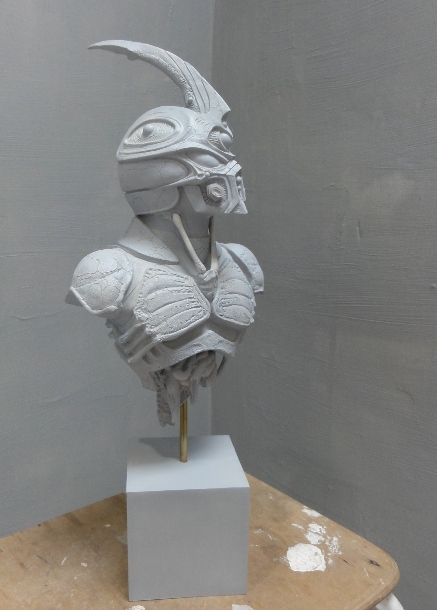
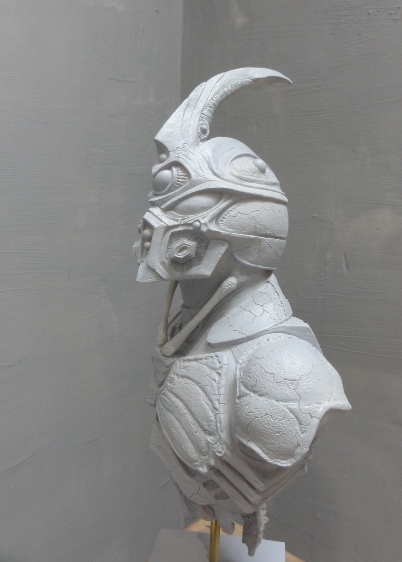
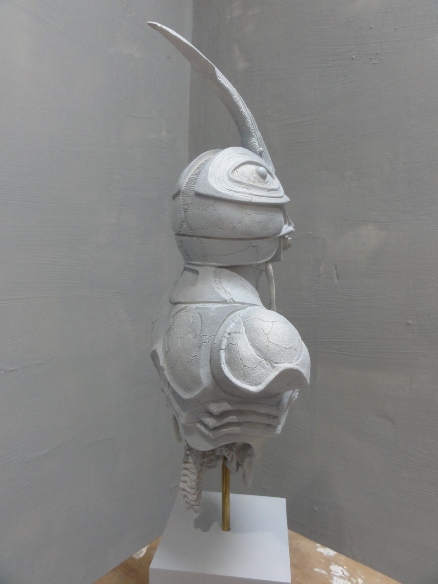
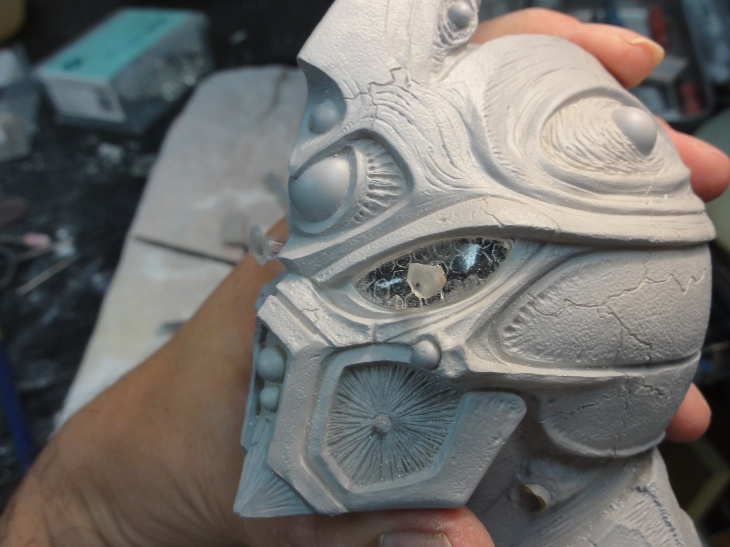 1 point
 -
1 pointhttp://buyee.jp/item/yahoo/auction/l362355349 The holy grail has appeared on buyee guys. Aptom and Dr Barcus. .... only thing is it cannot be bid on through buyee because the seller has has a low rating. This, close to never comes up, I would bid myself, but have no money to do so. There must be a way to bid other than buyee. Posting just in case anyone is interested1 point
-
1 pointGoing off of your prediction if Zamasu wished to become Goku Black do you think he's physically a Saiyan? It's all still speculative, but I like where you're going with this. Also, going off of the preview for the next episode it looks like Zamasu might poison Gowasu's tea. If this is the case do you think it's possible that Zamasu will become a supreme Kai, or do you think he'll wind up just being a rogue?1 point
-
1 point