Leaderboard
-

Shin Mefilas
Member++3Points1,014Posts -

Matt Bellamy
Admin1Points1,477Posts -

LordSpleach
Member++1Points1,737Posts


Popular Content
Showing content with the highest reputation on 06/12/2016 in all areas
-
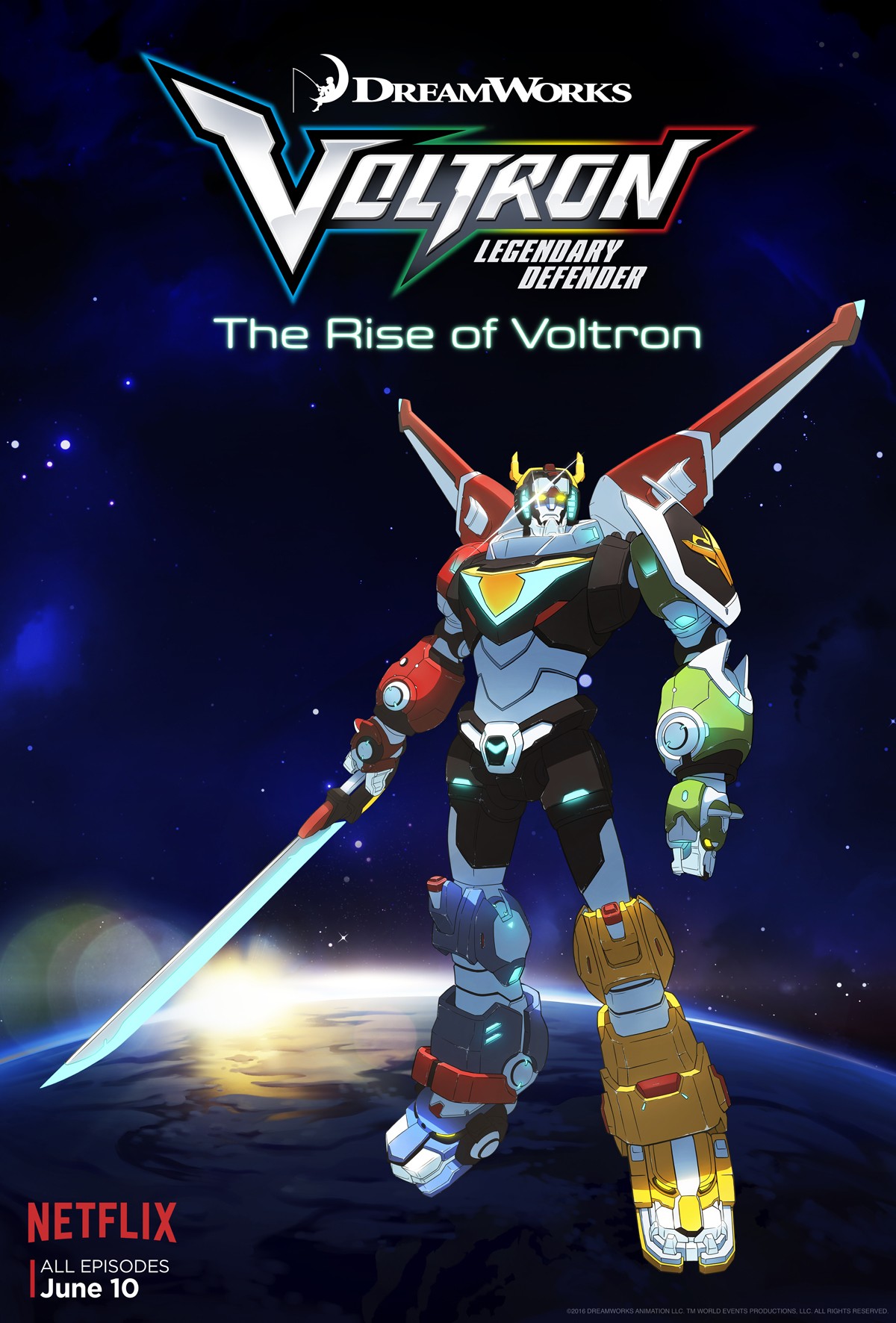
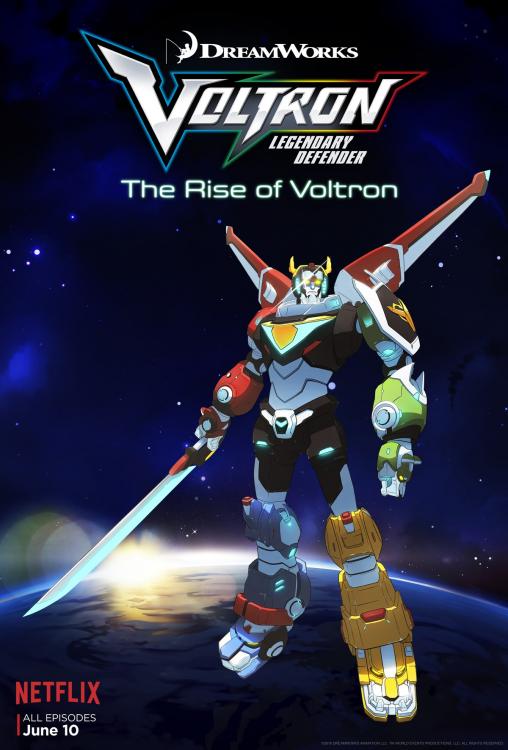
1 pointEntire first season is out on Netflix! I just finished the first episode ( which was the length of 3 episodes) and really liked it. If i didn't have to work tomorrow I'd plow through the entire series right now.
 1 point
 -
I would also point out that Sho put the death of his father all on himself and the guyver. He blamed himself for what happened and he hated the guyver for ever bonding with him. That self loathing was likely the single hardest thing Sho ever had to overcome but even to this day I believe he still blames himself not Barcus.1 point
-
1 pointSpoilers Ahead - You have been warned! All I can say is that escalated quickly, I mean that really got out of hand. Episode 47 is bay far one of the darkest dragon ball episodes I have ever seen. Future is in ruins, in fact its possible that Trunk, Bulma and Mai are the only people left alive in this world. And then stuff like this happens! Yea Black Goku has just brutally murdered Bulma! But wait the worst day in Trunks already depressing life is about to get even better! So his mother and girlfriend are now dead in a world that has no dragon balls and Black Goku is looking to push the score to 3/0. All in all this was one of the best, also darkest and depressing episodes I have ever watched 10/101 point
-
1 point1 point1 pointOk ladies, gentleman and invertebrates today's the day. Since the live stream isent till 01:00 in the morning UK time I'll be staying up to watch it. You will get my report in the morning or when ever I wake up. To tie you all over watch this video at 2:541 point