Leaderboard



Popular Content
Showing content with the highest reputation on 03/31/2016 in all areas
-
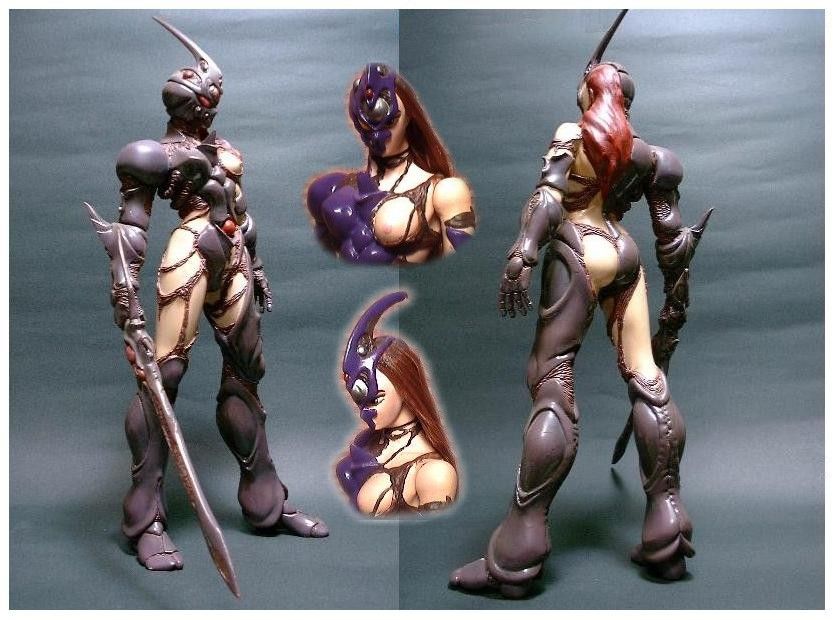
1 pointYeah i got this kit, still in pieces havent got round to doing it yet, as my skin tones are poor went it comes to painting them. Still a nice addition to my collection. http://gulfan.blog24.fc2.com/blog-entry-34.html

 1 point
 -
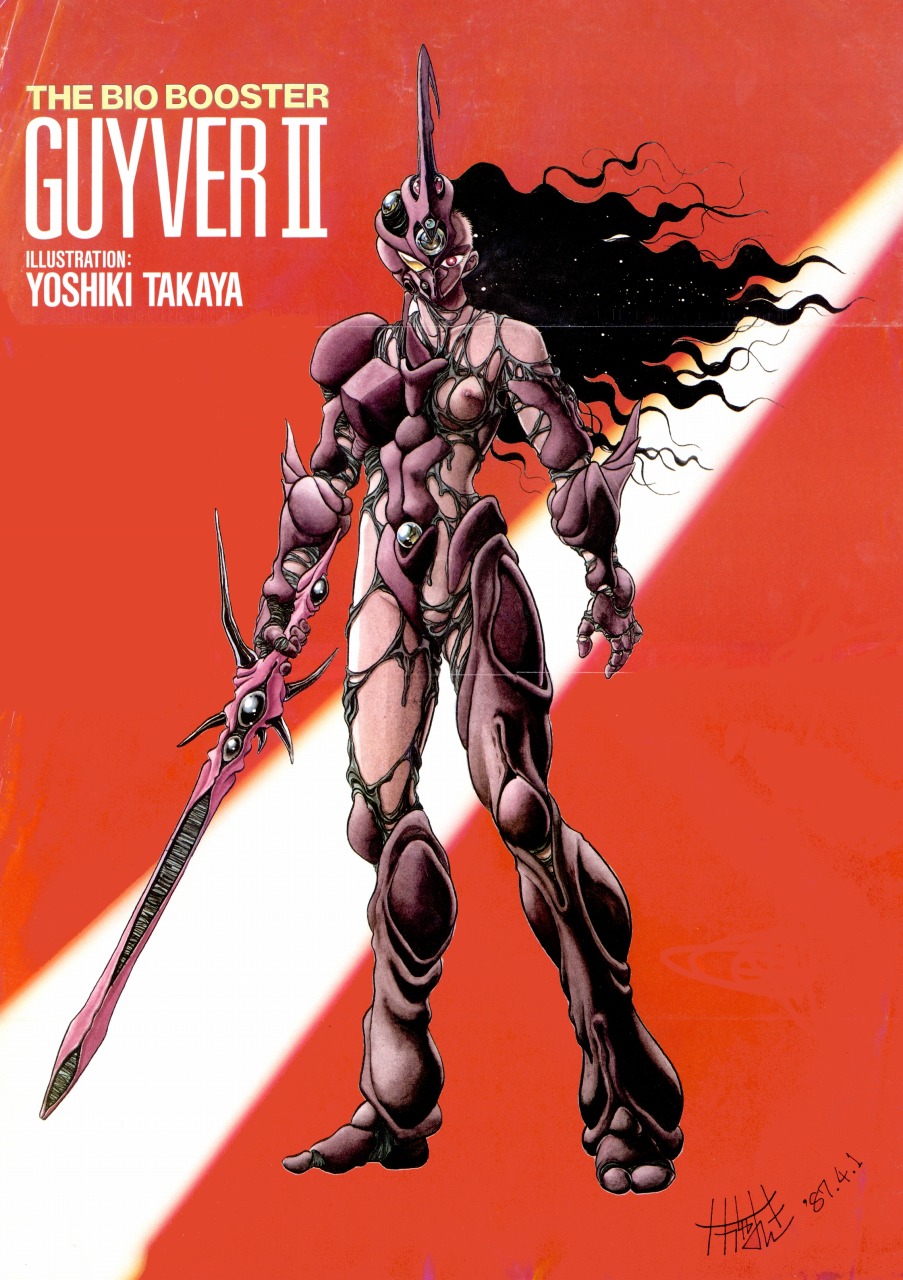
Another Guyver game that I thought was plausible would be a free roam similar to Prototype, but when you level up you don't unlock weapons and abilities of the Guyver because that would become available during progressive key events in the main story, but rather level up your effectiveness with the weapons and abilities. Example: Faster regenerative powers Less energy consumption Combo Tiers for High Frequency Sword Attacks Faster Charge Times for attacks like the Mega Smasher or Pressure Cannon. Of course disengage the armor to hide or lower awareness of Chronos. This would most likely take place post X-Day.1 point