Skip to content
View in the app

A better way to browse. Learn more.

Japan Legend / Guyver Forum

A full-screen app on your home screen with push notifications, badges and more.

To install this app on iOS and iPadOS
  1. Tap the Share icon in Safari
  2. Scroll the menu and tap Add to Home Screen.
  3. Tap Add in the top-right corner.
To install this app on Android
  1. Tap the 3-dot menu (⋮) in the top-right corner of the browser.
  2. Tap Add to Home screen or Install app.
  3. Confirm by tapping Install.

Leaderboard

Popular Content

Showing content with the highest reputation on 03/20/2016 in all areas

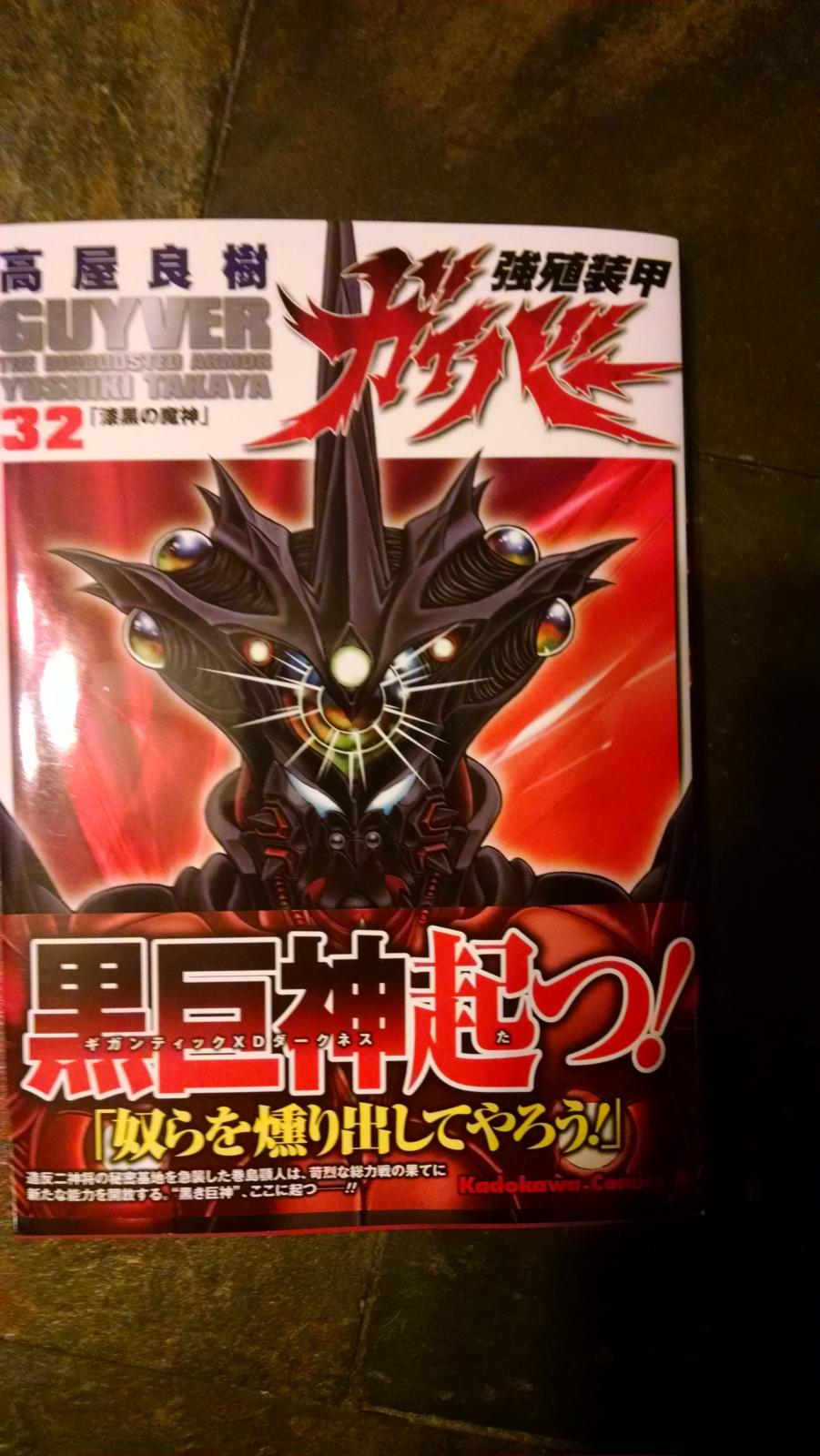
  1. Here it is! Vol 32! Loving every page!
  2. Book 32 just arrived today! When I can find someone with a smartphone to take a photo I'll post the proof ASAP!
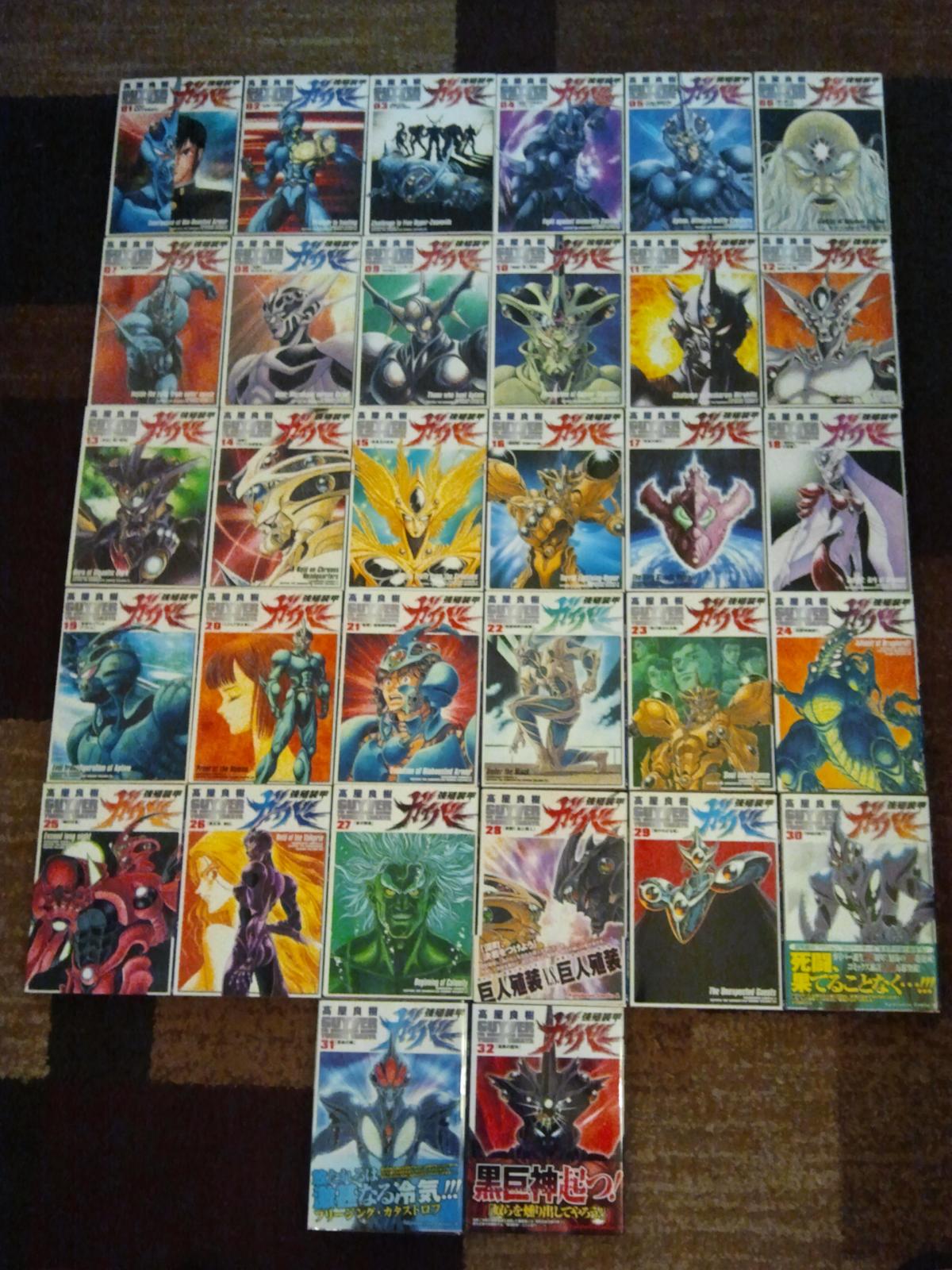
  3. Hello all, Just an update. I have received not only my volume 32 but the rest as well to make a nice uniform set. Nothing like being completely caught up!!
  4. or how about this. stop. now i've told you to stop writing them. what can you say?

Account

Navigation

Search

Search

Configure browser push notifications

Chrome (Android)
  1. Tap the lock icon next to the address bar.
  2. Tap Permissions → Notifications.
  3. Adjust your preference.
Chrome (Desktop)
  1. Click the padlock icon in the address bar.
  2. Select Site settings.
  3. Find Notifications and adjust your preference.