Leaderboard
-

Guyver1
Member++6Points534Posts -
Hyper_Guyvantic
Member++2Points83Posts -
H222G981
Member++1Points1,167Posts -

PrimalNemesis
*VIP member1Points578Posts




Popular Content
Showing content with the highest reputation on 03/18/2016 in Posts
-
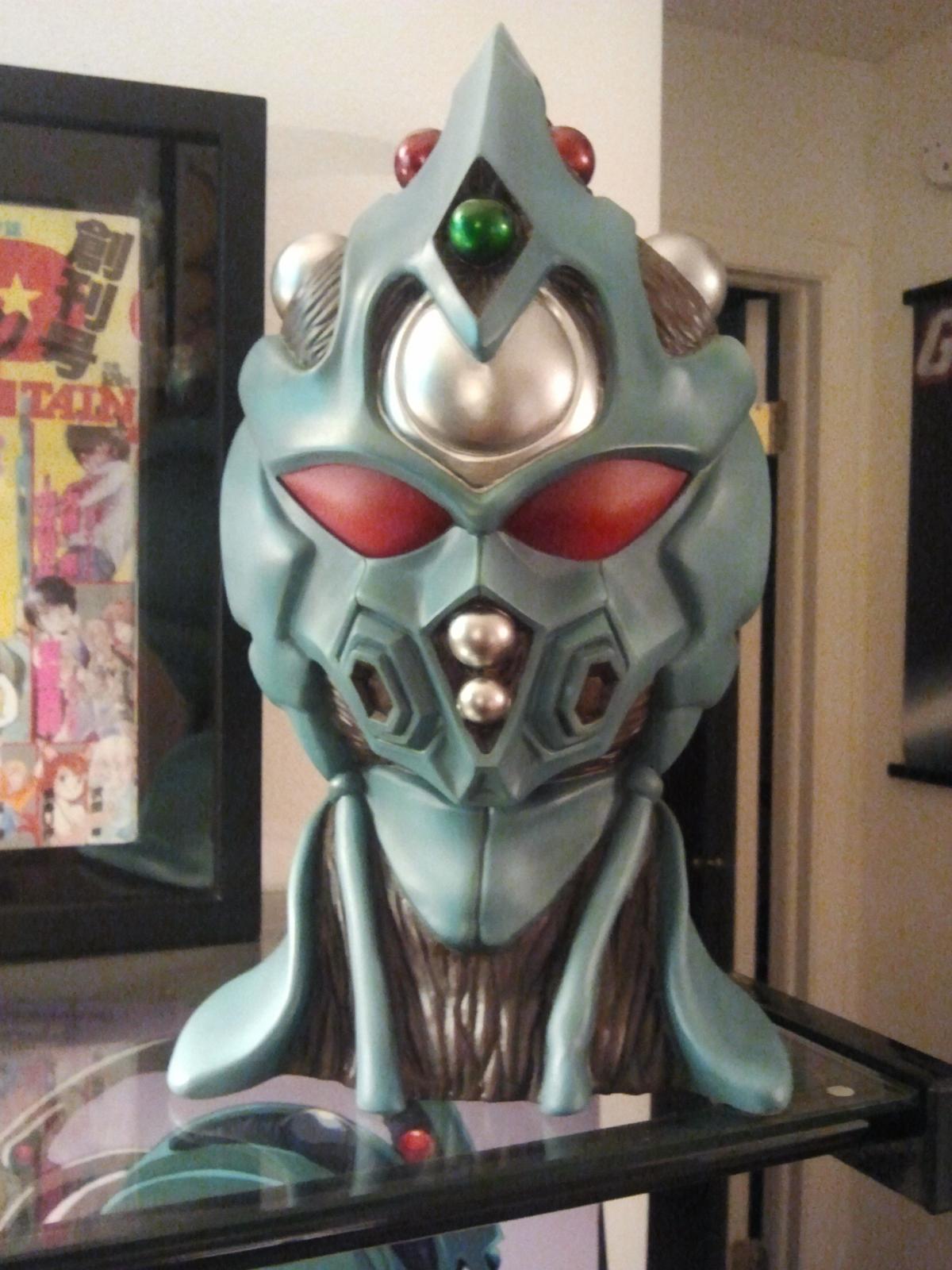
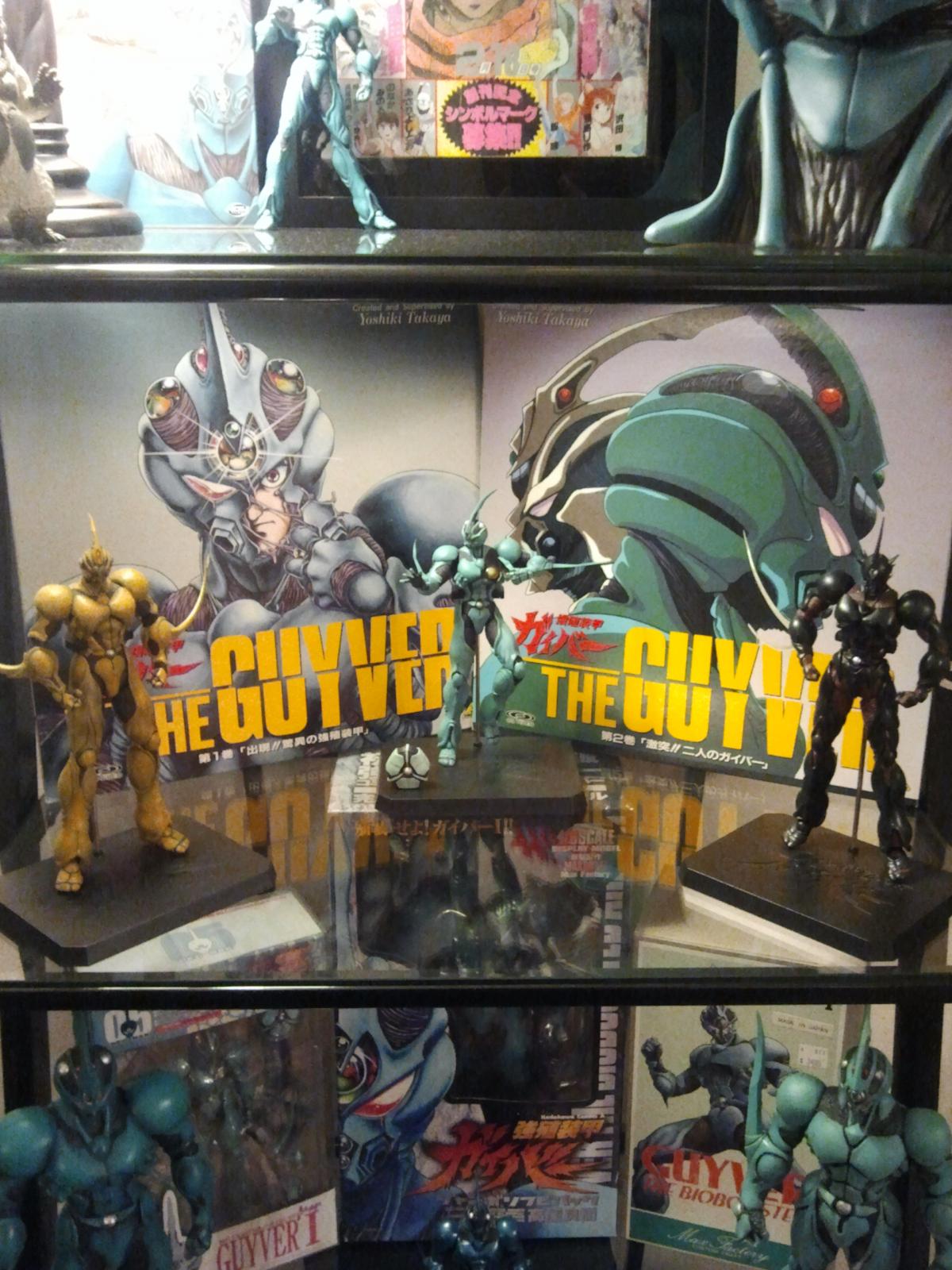
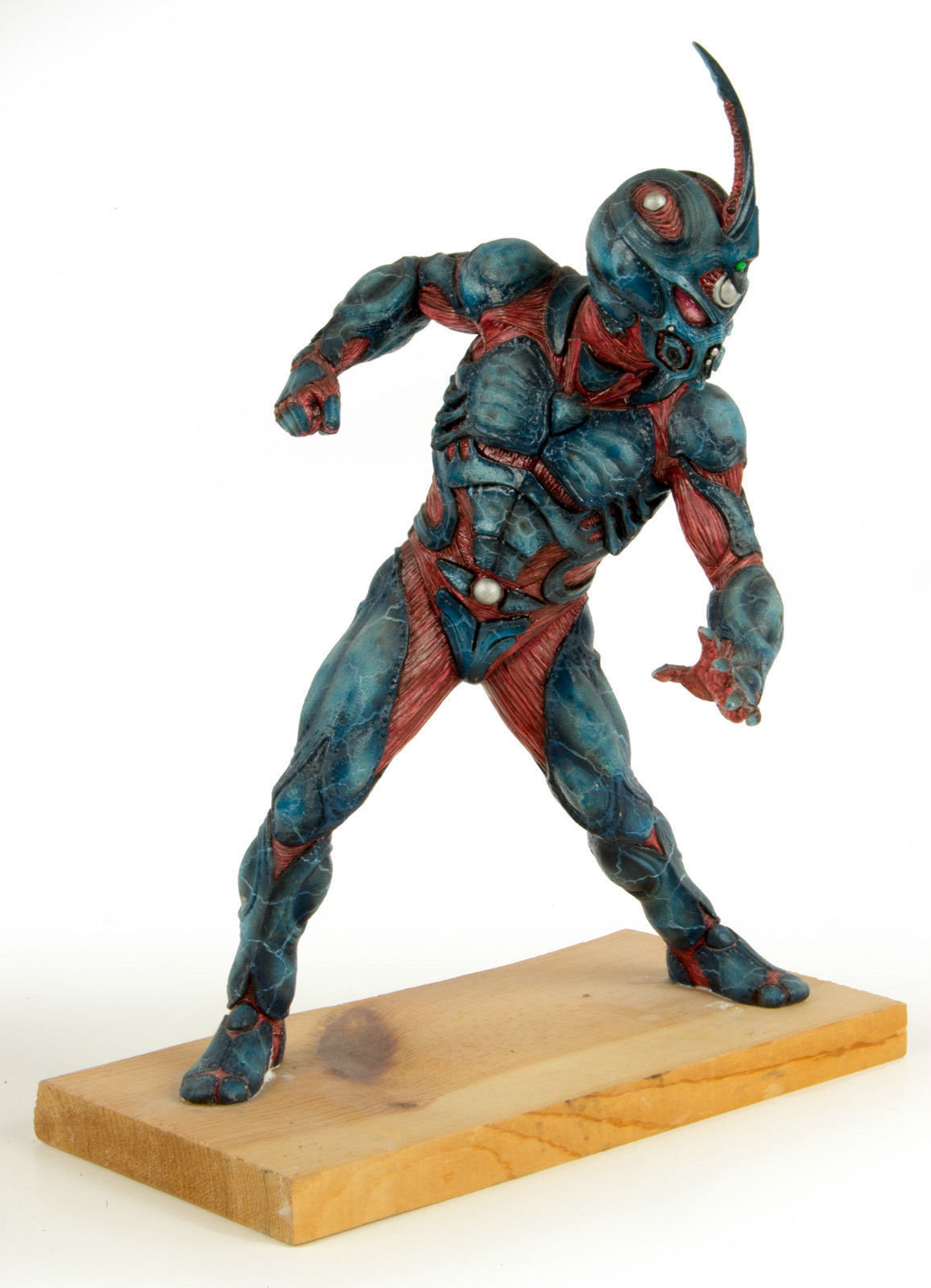
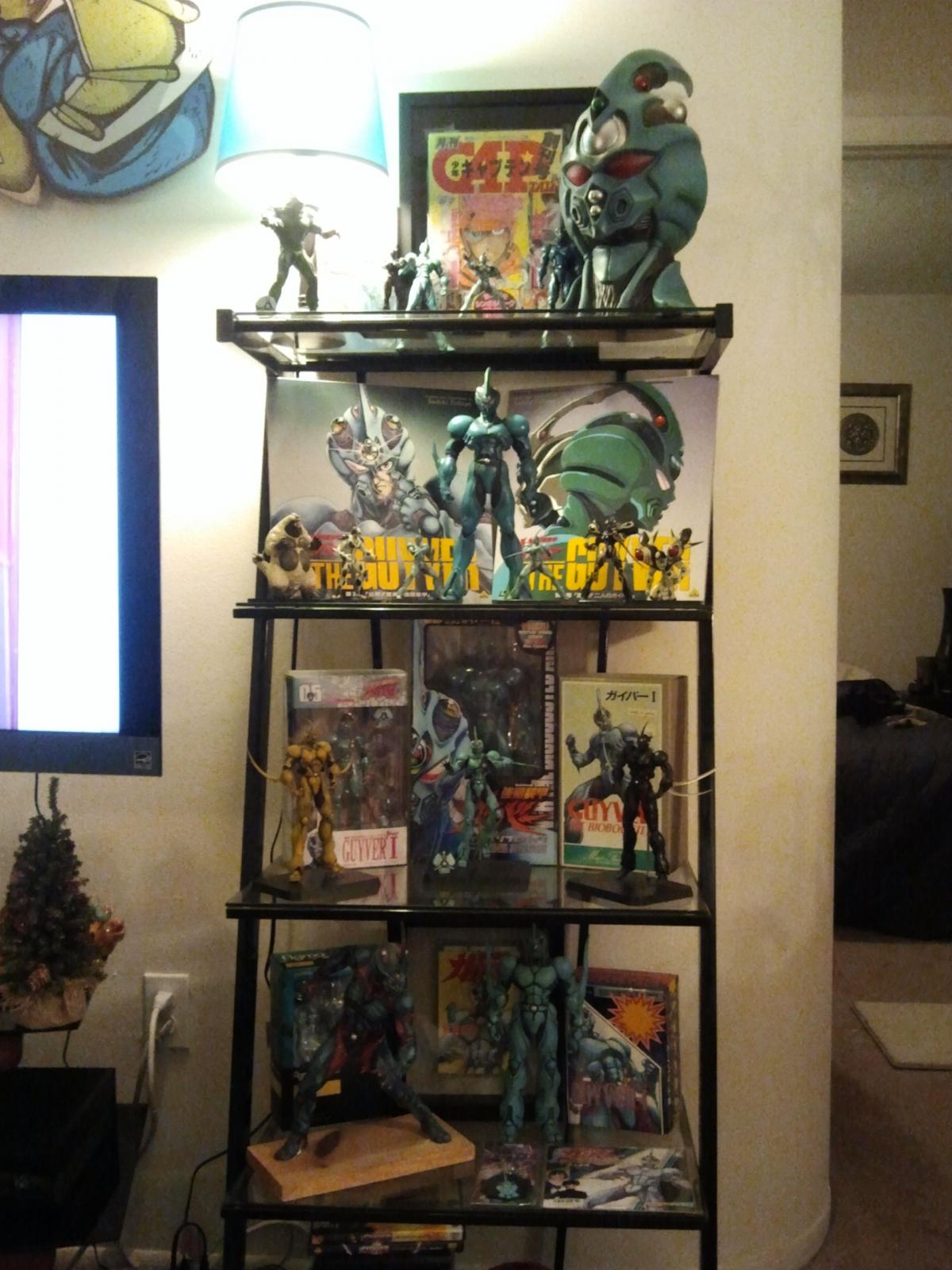
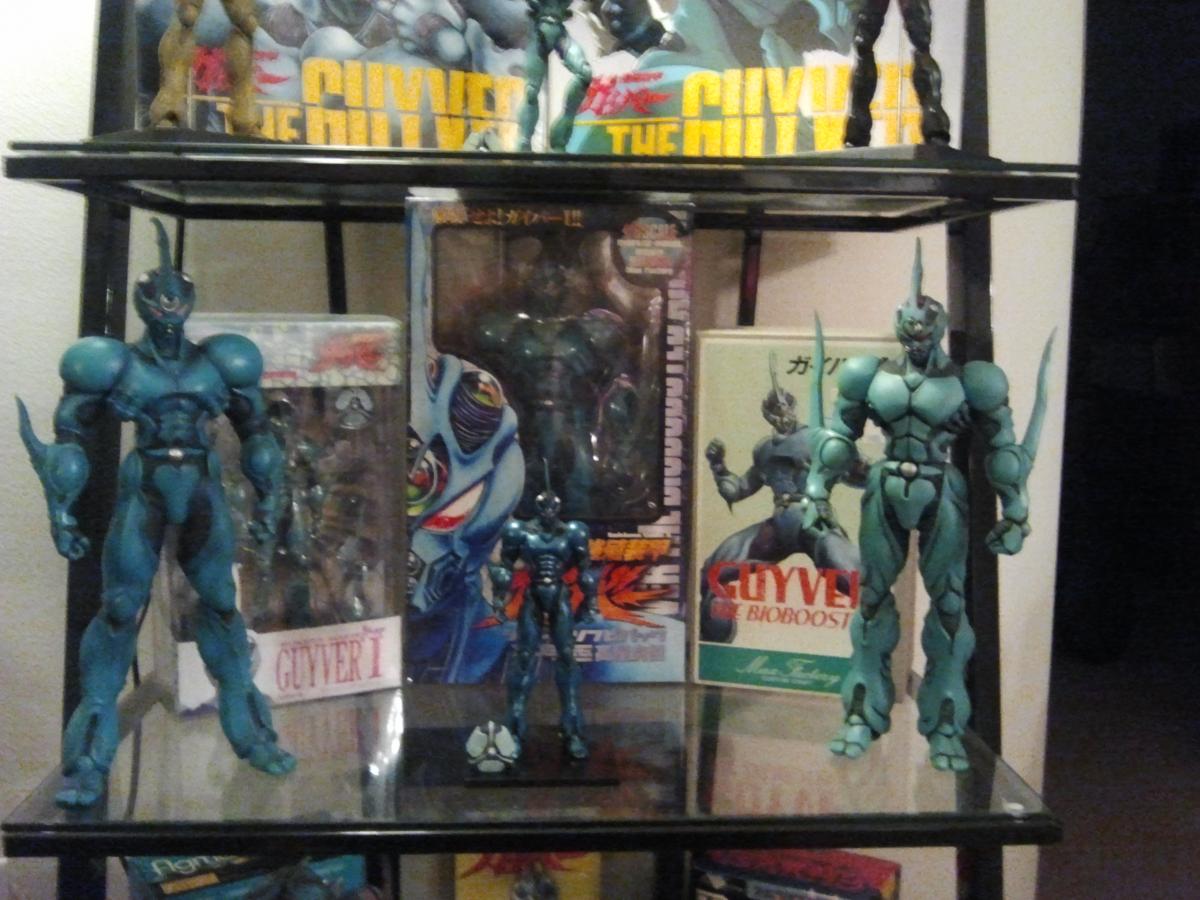
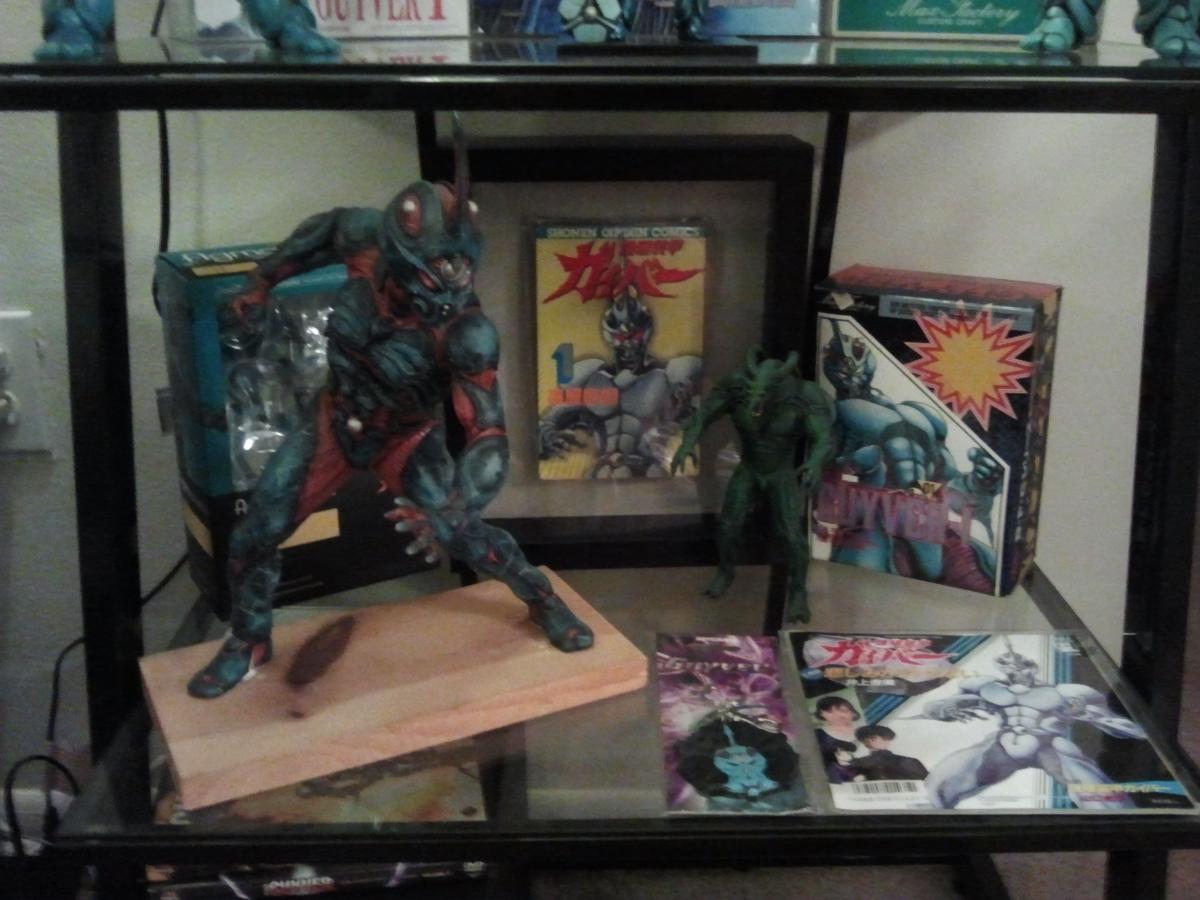
Hello all, I thought I would start this collections thread so everyone can share the goodness. I don't have all of my pics with me right now so I will update later.


 1 point
 -
All I have are the two Figmas, aim to buy two more later on.1 point
-
That is pretty awesome!!! Those figures are sweet and the box set is amazing!!1 point
-
If you are able to see this video, this is half of my collection. I have the Collect500 and 600 figures boxed up waiting for my "Kaiju Cave" to be set up. Also missing are my dvds, both Guyver-1 figma figures, the soundtracks, my only comic book and anime magazine. https://www.facebook.com/julius.archibaldiv/videos/vb.100000890257586/884023944970606/?type=3&theater1 point
-
This is the kind of collection Guyver fans can only dream of! I am in absolute awe!1 point
-
Wow. My Guyver collection is so...... pathetic compared to yours. lol1 point
-
1 pointI always thought when the Exceed grows.....he's more of a passenger. Much like Rahxephon or Gundam. Just my thoughts though.1 point
-
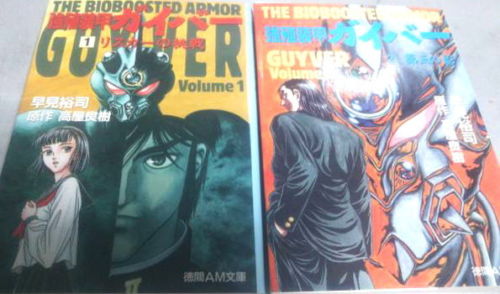
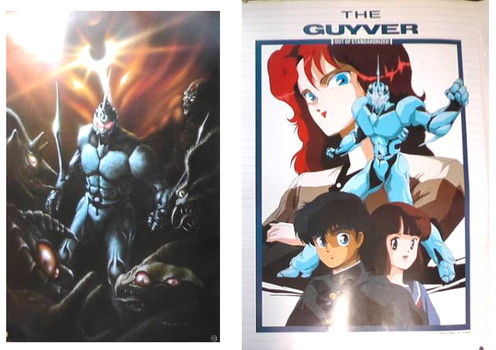
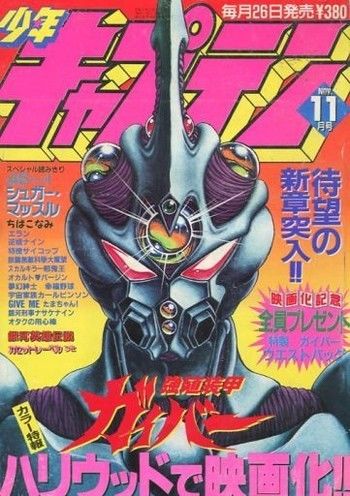
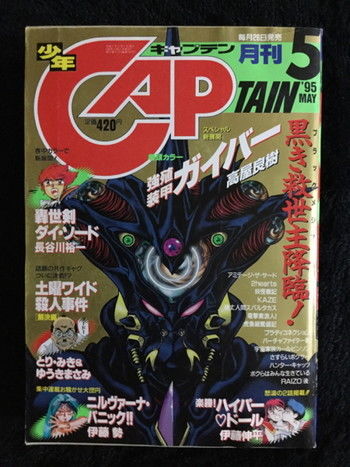
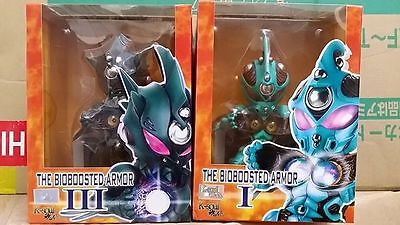
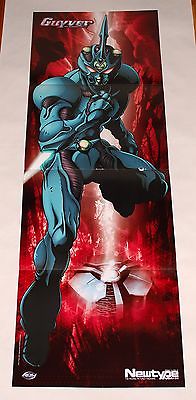
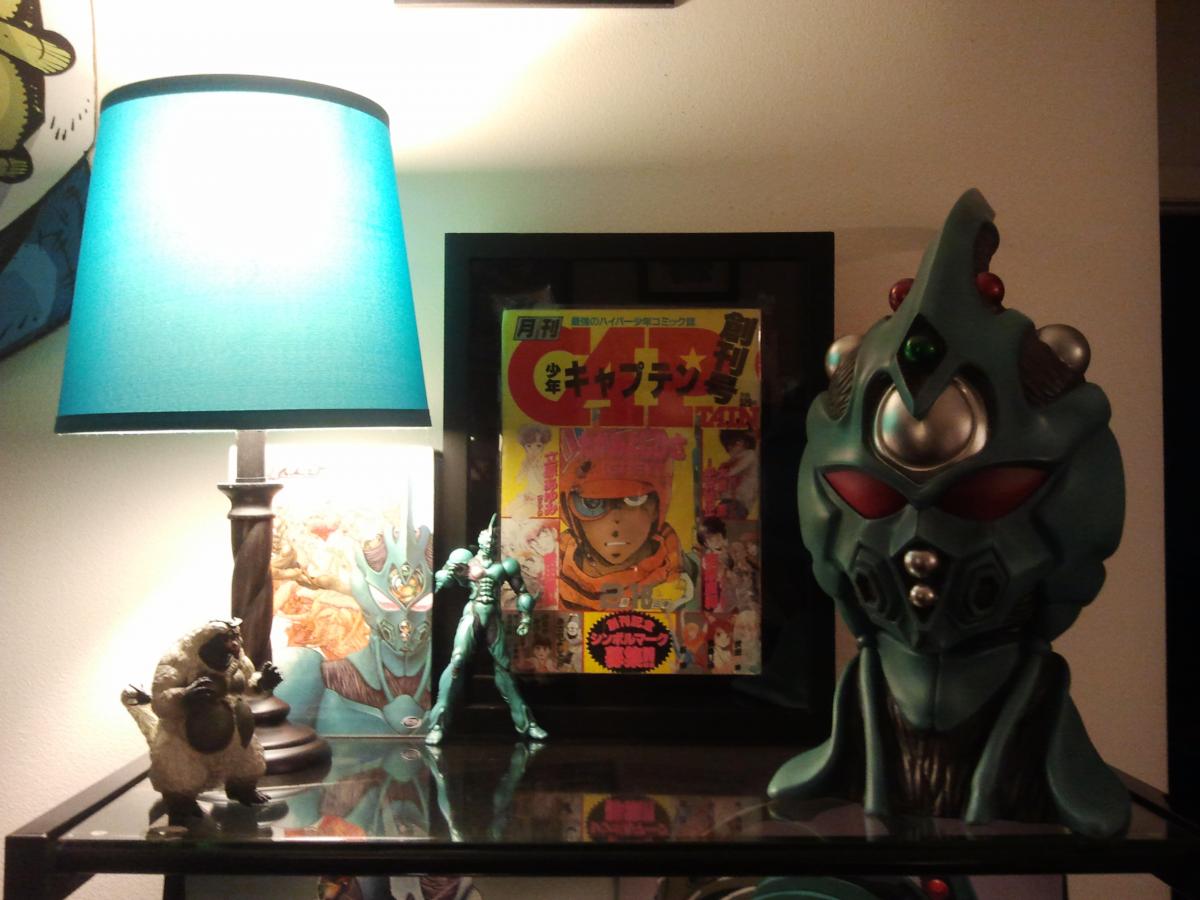
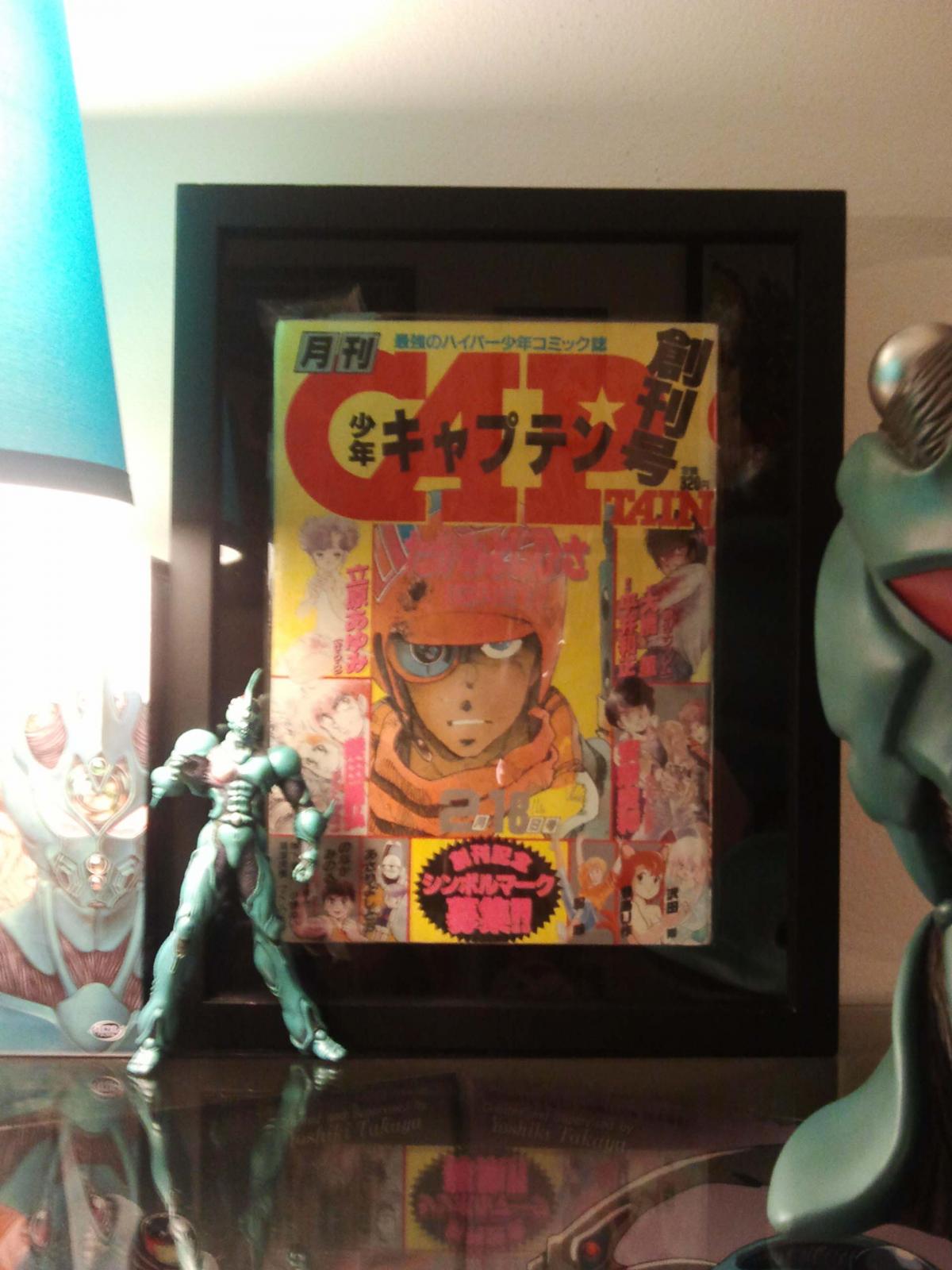
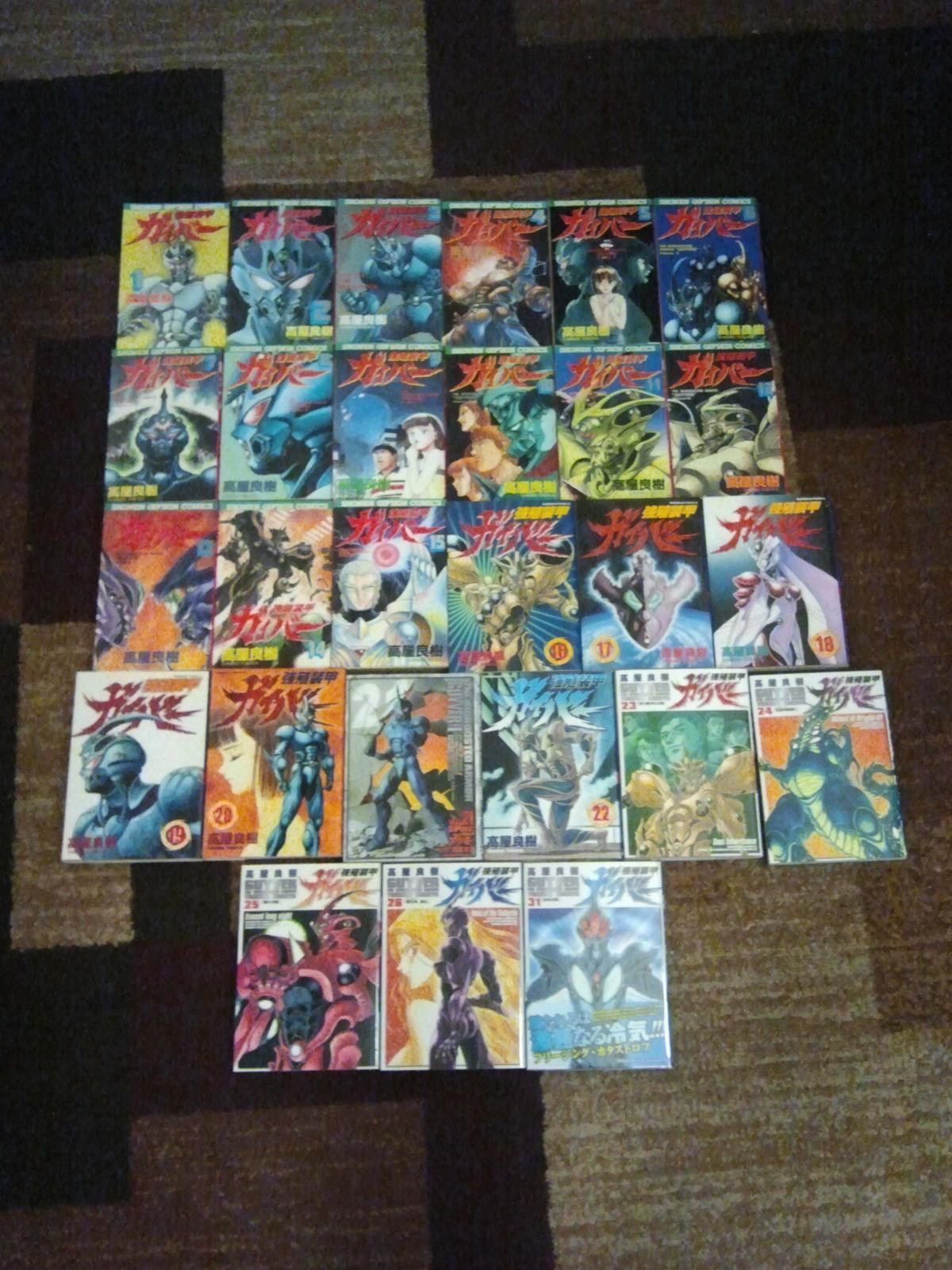
Ok all, I have LOTS more coming for my collection. Pics attached. I will be getting all 3 of the novels, all of the newest versions of the tanks from 1-32 (most of which I had previously, but I wanted a matching set for the shelf) 2 posters and the 2 K soul figures. Also, check out the 2 Monthly Shonen Captains... both with AWESOME covers!! I also placed a pic of my soon to be upgraded shelf to include the mini figures I also have recently gotten. More to come as I get it! Thanks!
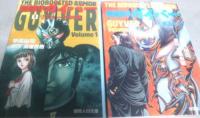
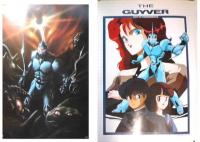

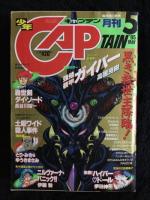
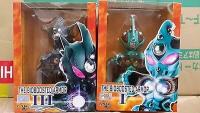
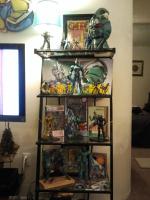
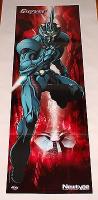 1 point
 -
You have to show some pics when all is in order! I love to see others collections. I try not to be jealous and all... LOL1 point
-
1 point
-
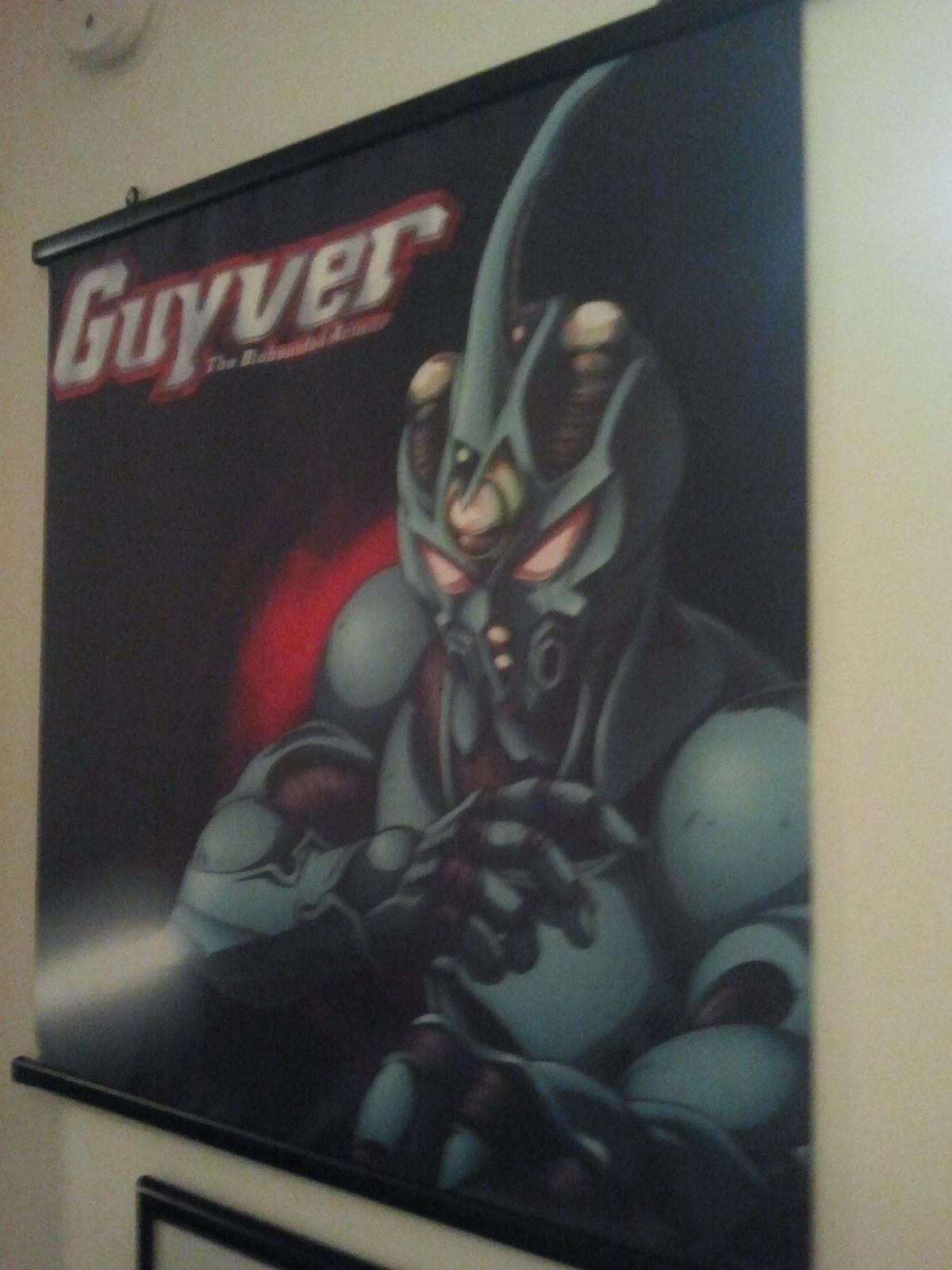
Here are my tanks (the majority) and my wall scroll. More to come!
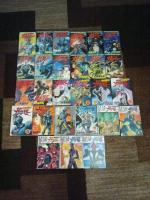
 1 point