Leaderboard




Popular Content
Showing content with the highest reputation on 05/26/2014 in all areas
-
Well, I like girls kinda like that, such as Lia from Liana. In my experiences (we were only friends--she lived/lives in Holland) with her, she's been very nice and she's very family oriented. After all, her sister is in her band Liana, which is where the band's name came from. And Lia got made fun of because of how she dressed and did her make up, but I always found her to be attractive and nice once you got to know her a little bit. And Lia's extremely feminine in my opinion. It's like Shizu and Natsuki. Shizu is a girly girl who by proxy is a bit of a tomboy (being aggressive and brave as a fighter, not easily freighted, being in a position of power), while Natsuki is someone who I find to be pretty feminine but is a classed as a bit of a tomboy because of her hairstyle and her interests in sci-fi stuff. I guess what Yuki was trying to get as is do you think the way that you look and act represent who or what you think you are? A "are you comfortable in your own skin" deal.1 point
-
can't help myself lately and i've been listening to the robotech soundtrack. got the 20th anniversary ost loaded in the car and been listening to it while commuting, really loud too. been getting strange looks from people in vehicles next to me.1 point
-
 1 point
 -
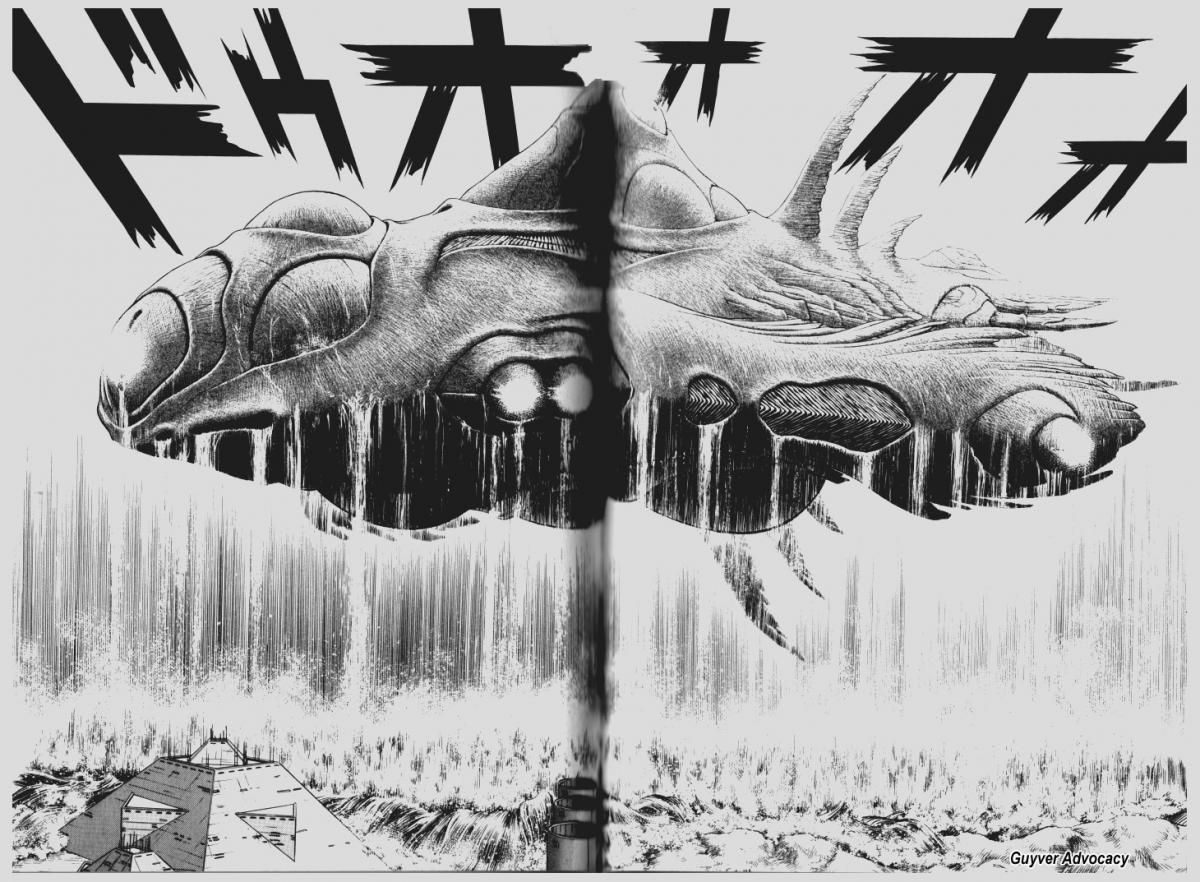
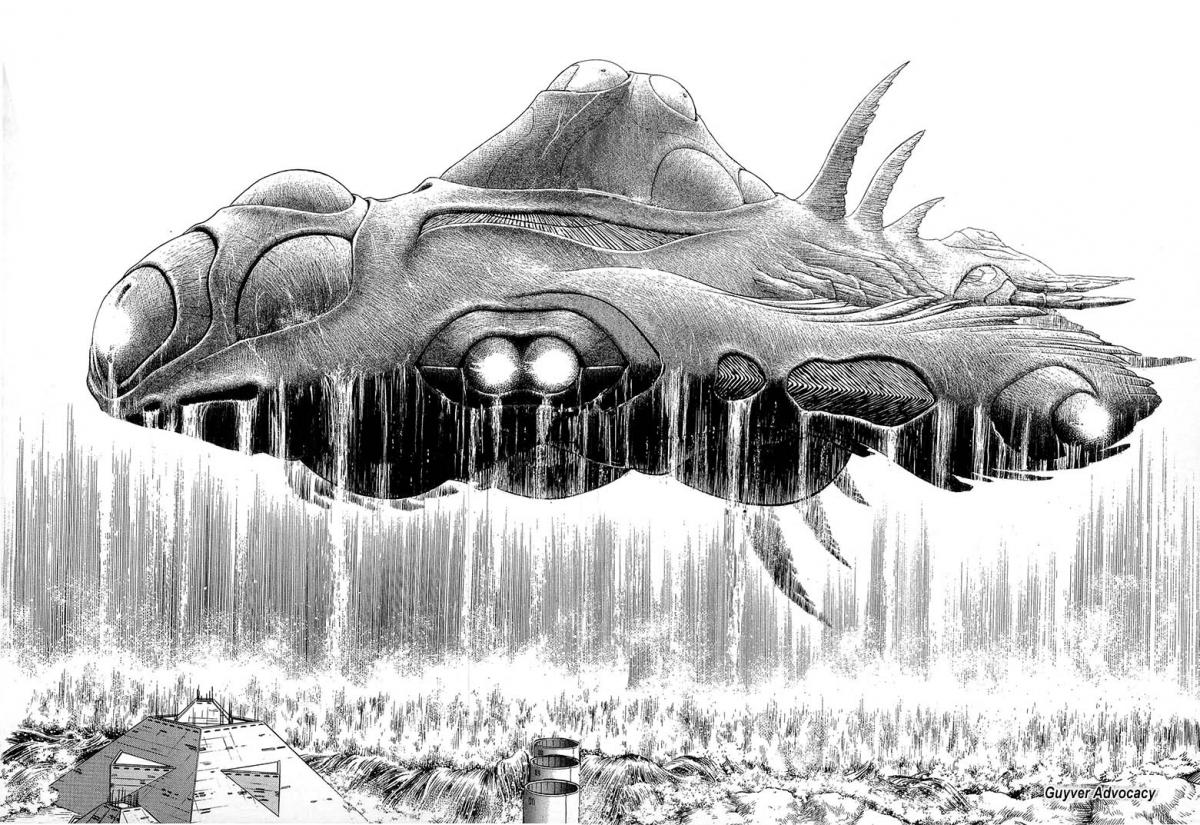
1 pointhi guys just show my latest work of the ark from book 11. Didn't take too long about an hour happy with my result.
 1 point