Leaderboard
-

Jess♥
*Queen2Points6,201Posts -
Johnleprekan
Member+2Points33Posts -
Mirabilis
Member++1Points770Posts


Popular Content
Showing content with the highest reputation on 01/03/2014 in all areas
-
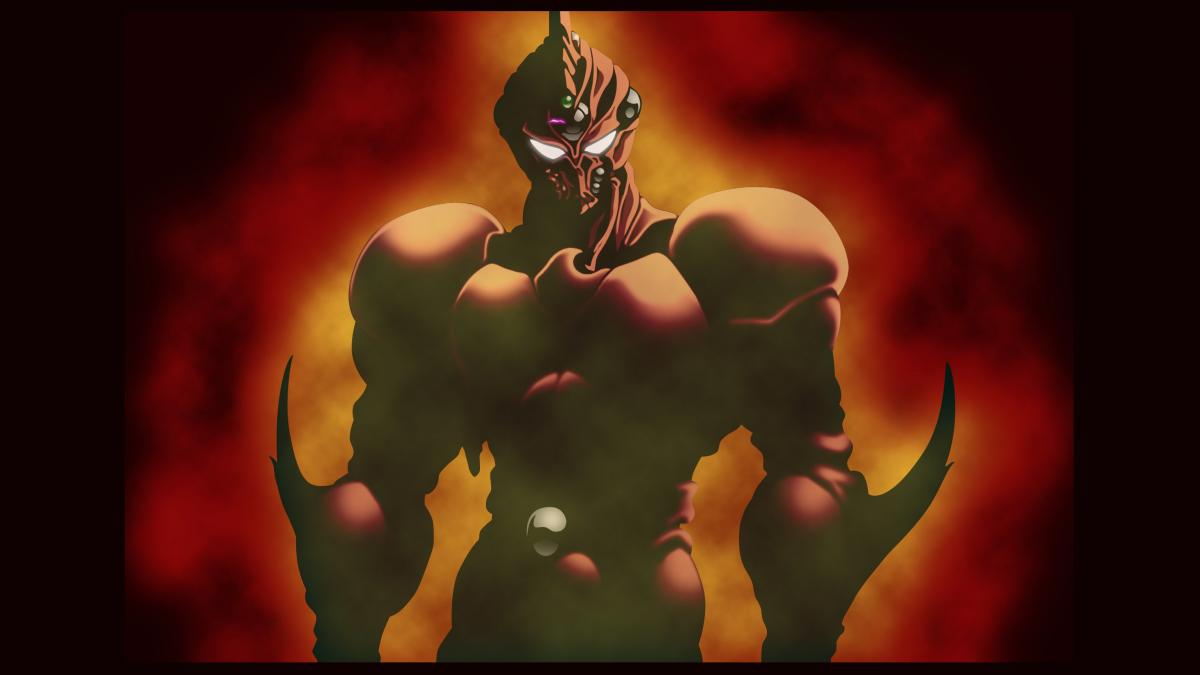
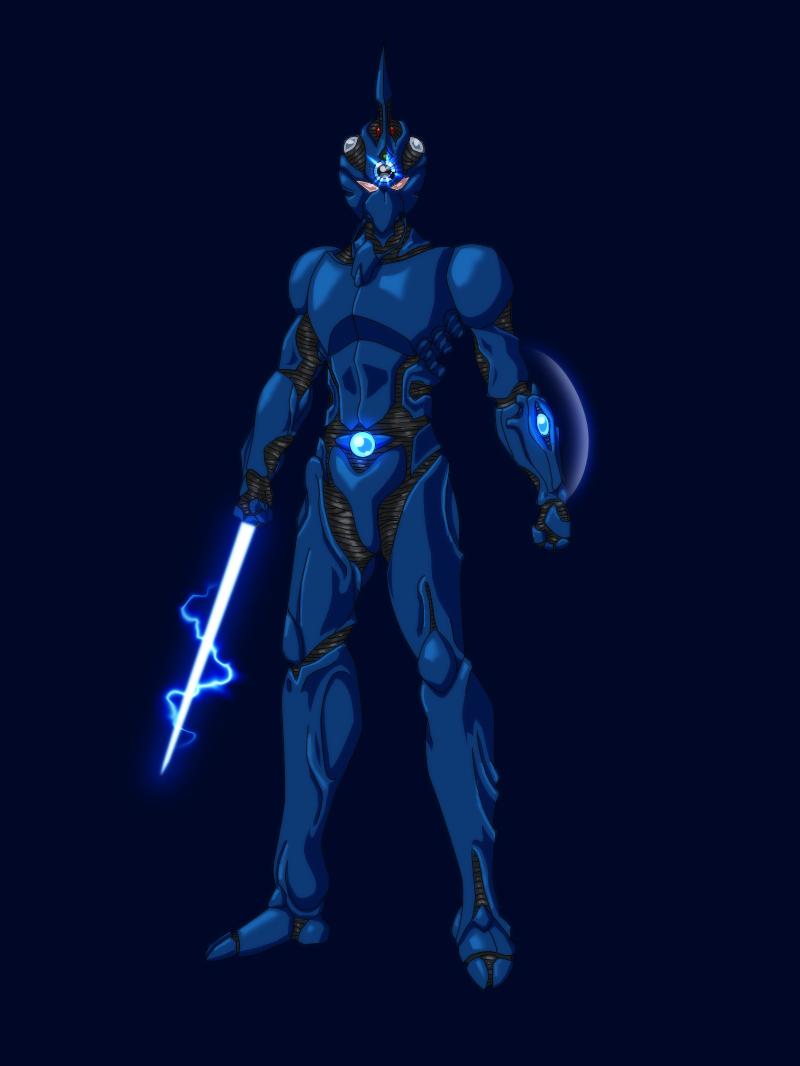
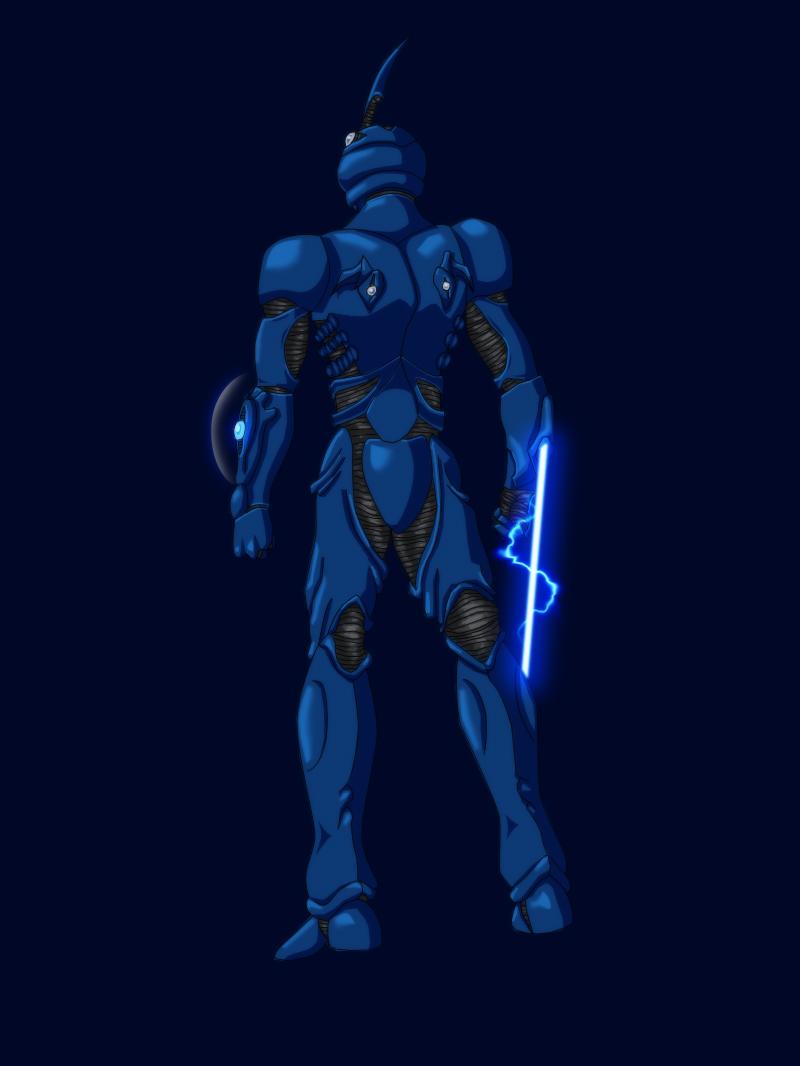
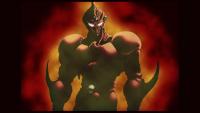
2 pointswanted to get this done ever since valkyrias backstory presented a rather moody image of lisker. finally finished it!! I'm pretty happy with it myself, has a nice solid feel and is very moody and atmospheric.
 2 points
 -
2 points
-
1 pointA series on youtube that takes an in depth look into the original Warcraft history/lore and the altered history/lore that Blizzard used for WoW. It exposes some inconsistency within the story. You'll see some of the old history that was changed for the Expansion sets for WoW as well as altering of creature statuses. The new 'altered' history is now the official cannon for WoW so anything that is revealed in the series is merely for educational purposes and is no longer considered to be accurate in the Warcraft history and lore. Hope you guys enjoy. Episode 1- The Creation1 point