Razell
Member++
-
Joined
-
Last visited
Everything posted by Razell
-
SPACE COWBOY



-
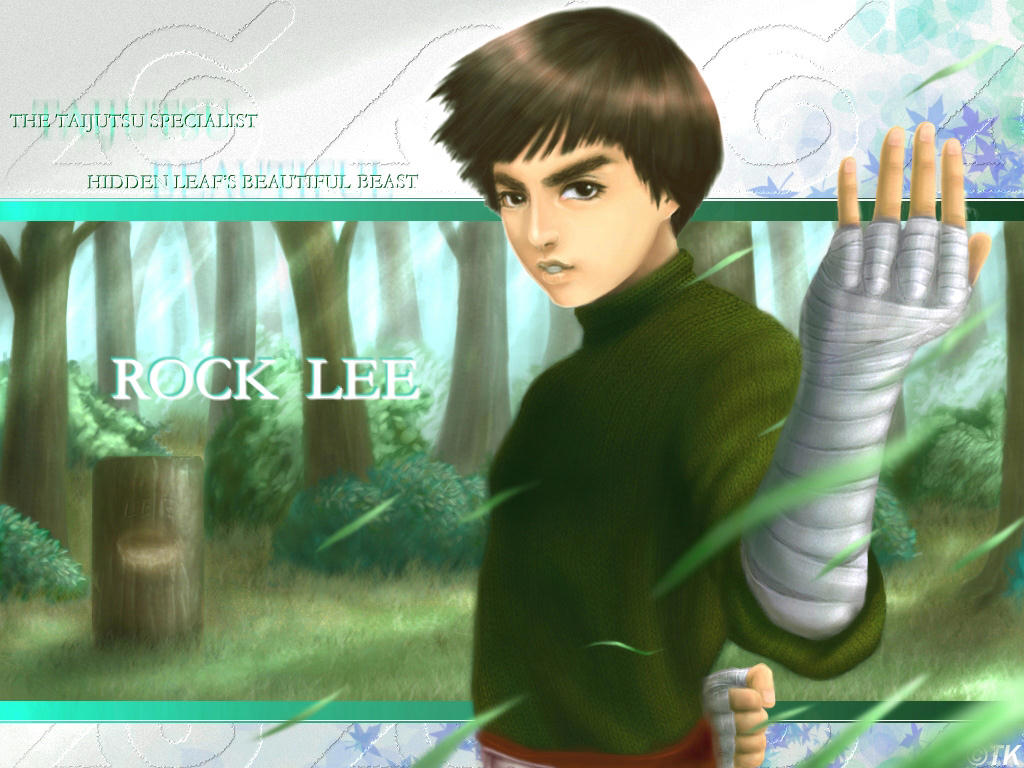
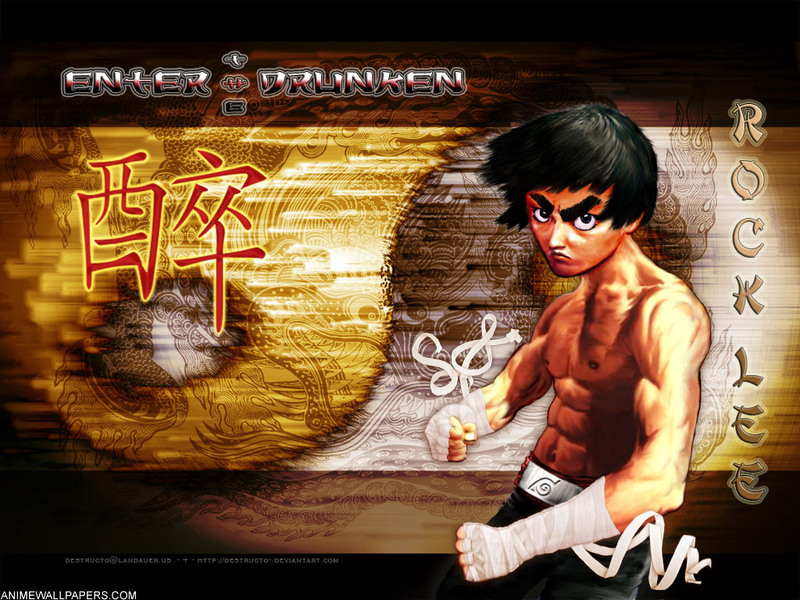
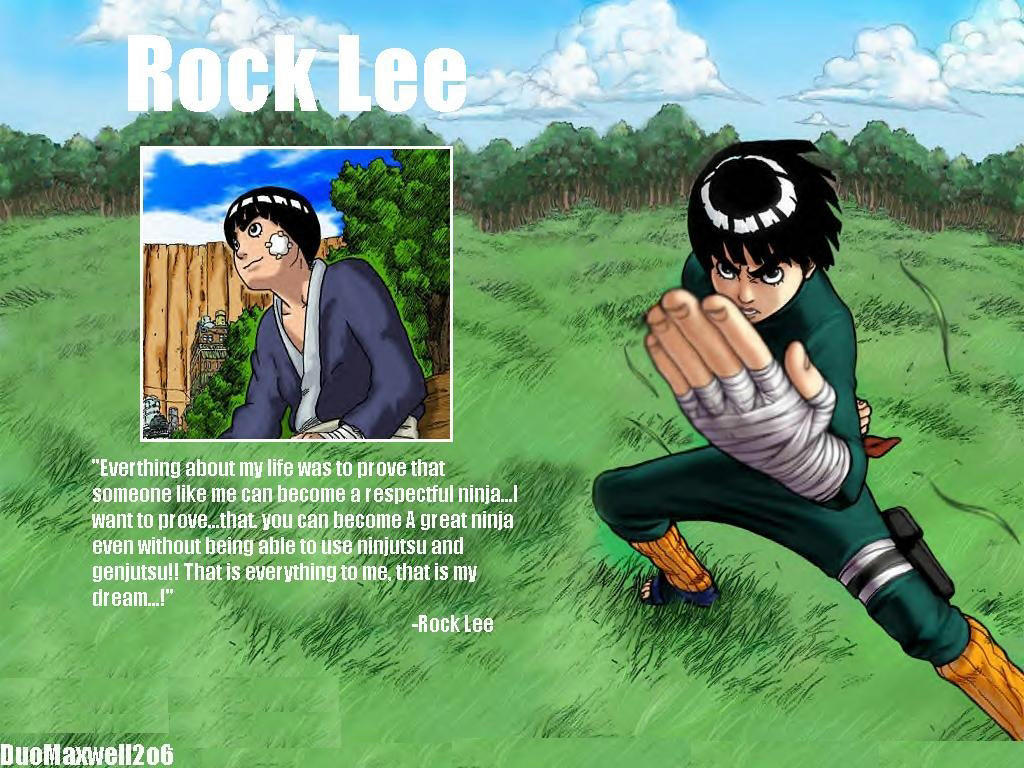
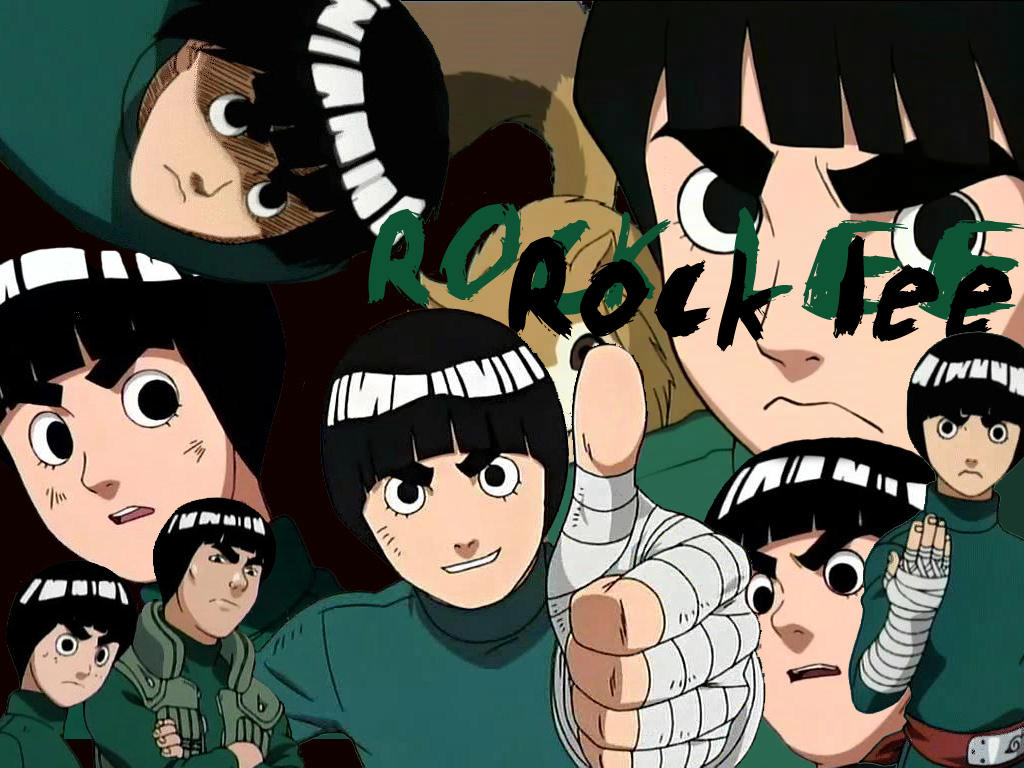
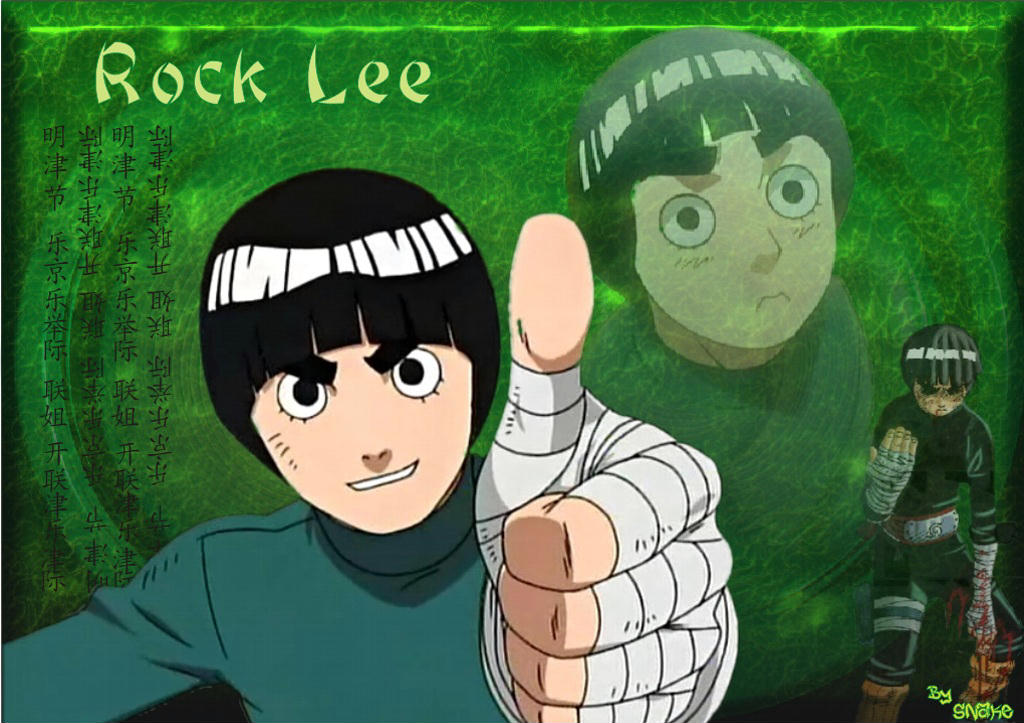
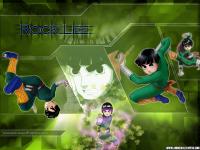
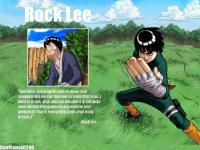
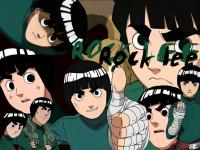
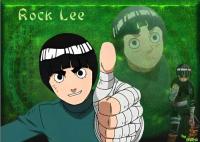
Rock Lee
-
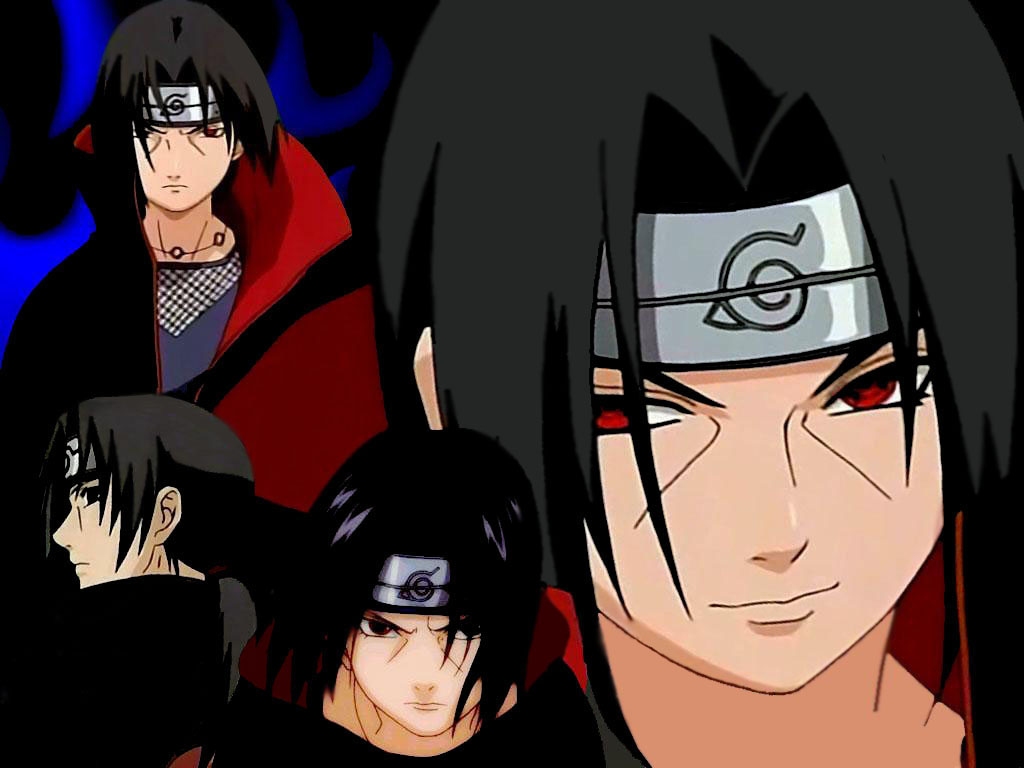
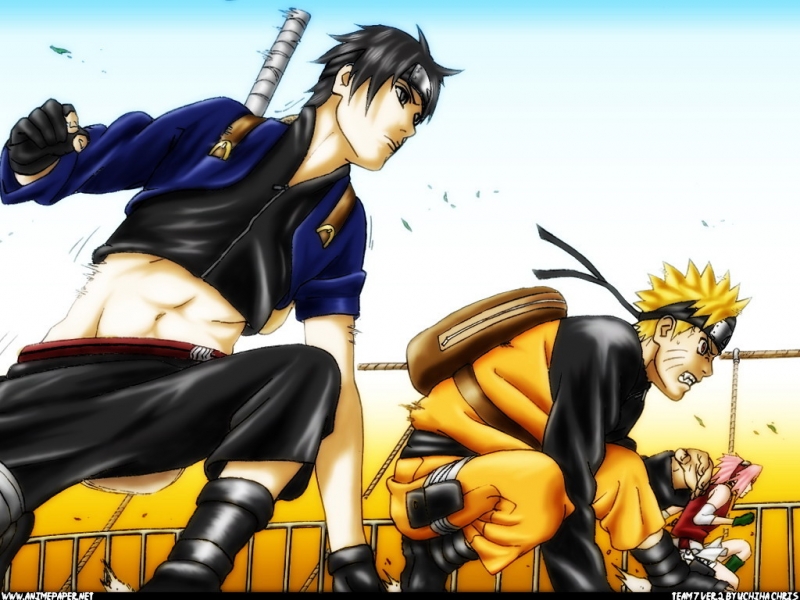
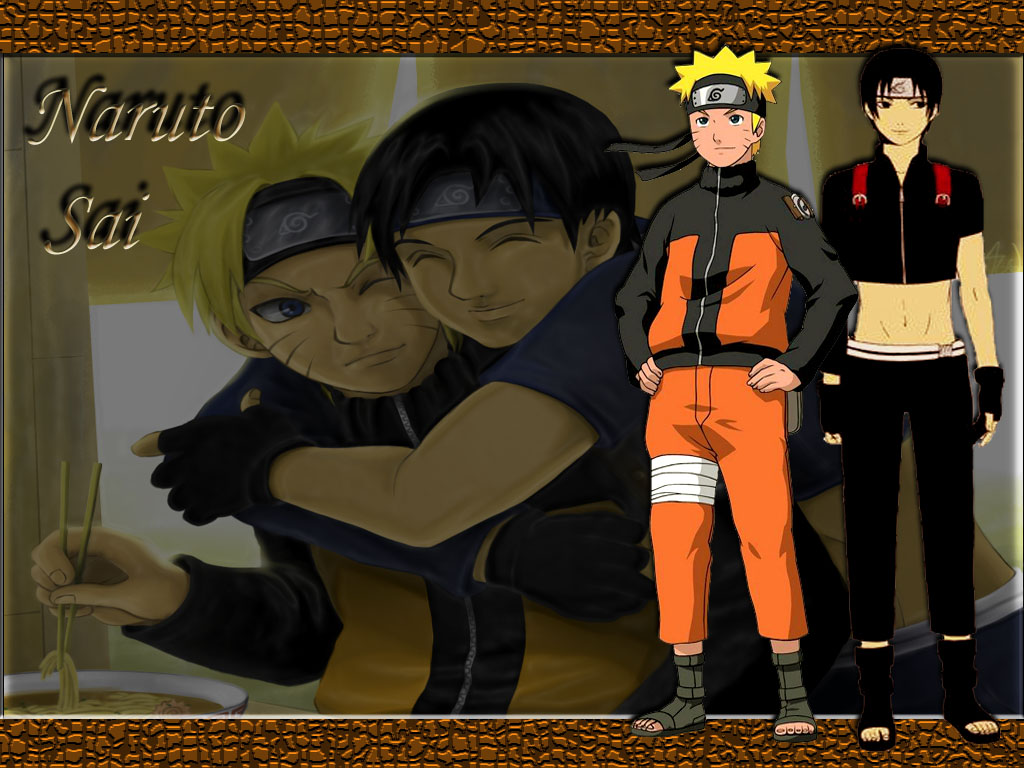
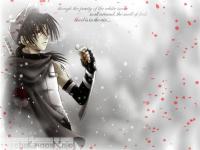
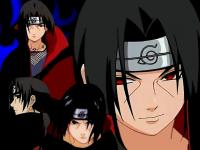
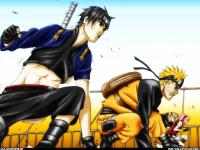
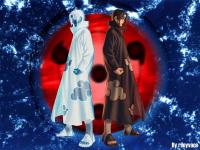
Itachi, Sai, Naruto
-
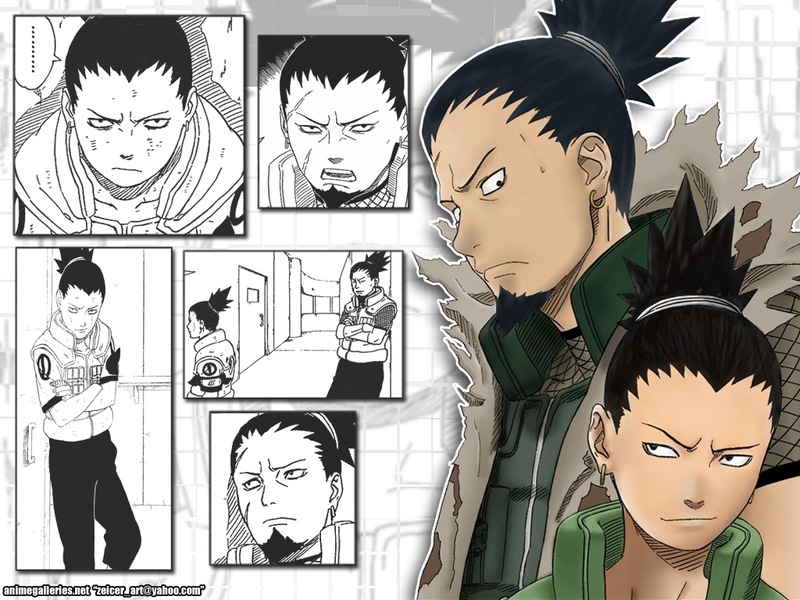
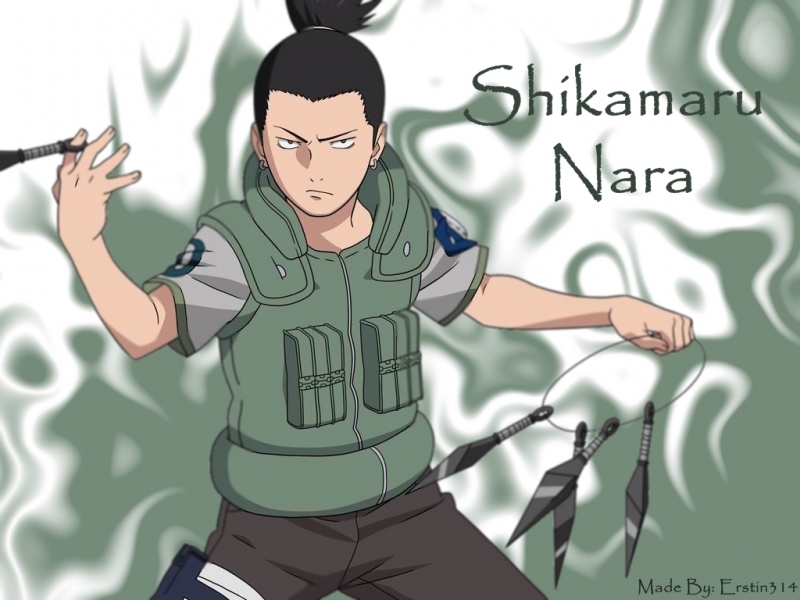
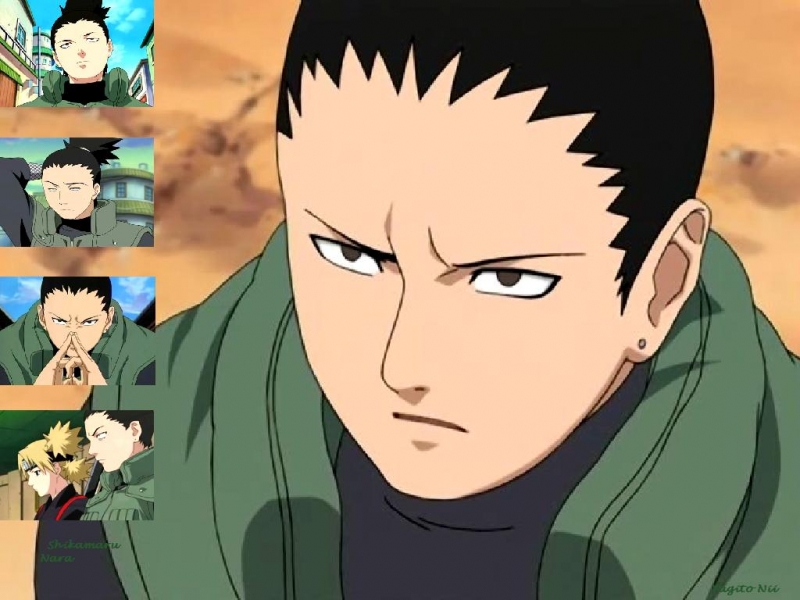
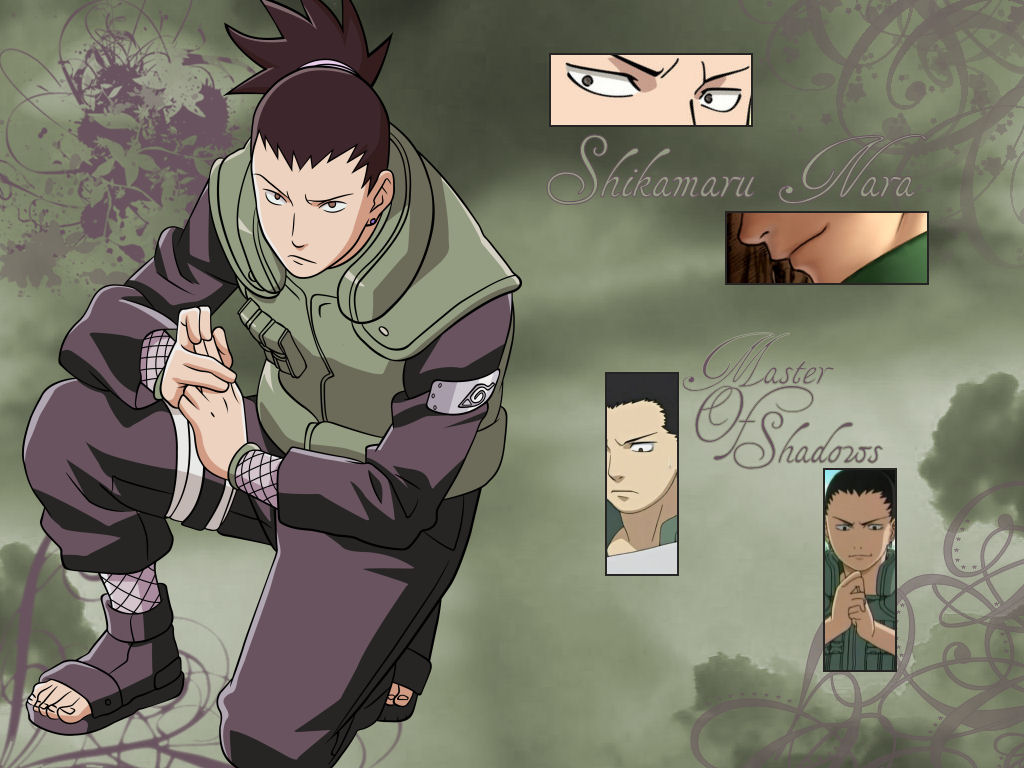
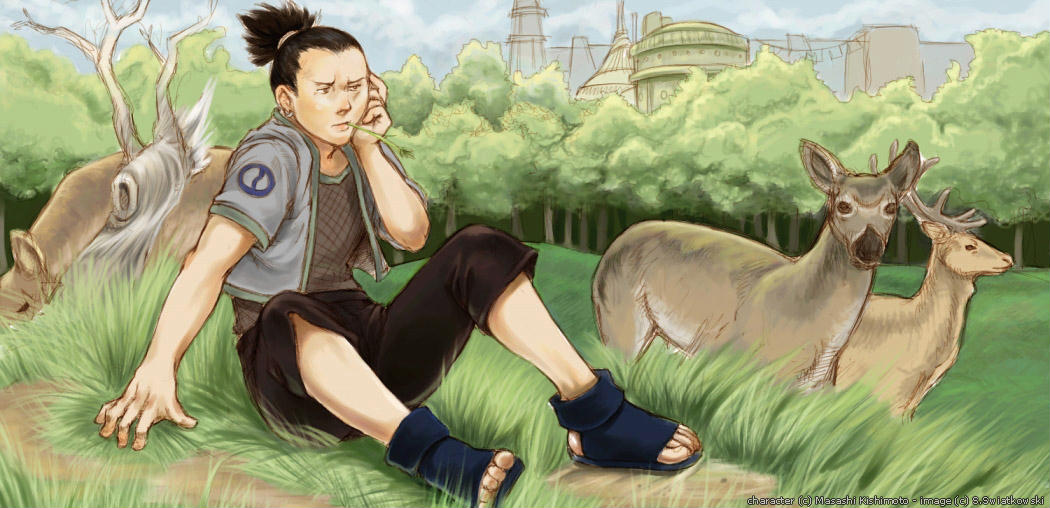
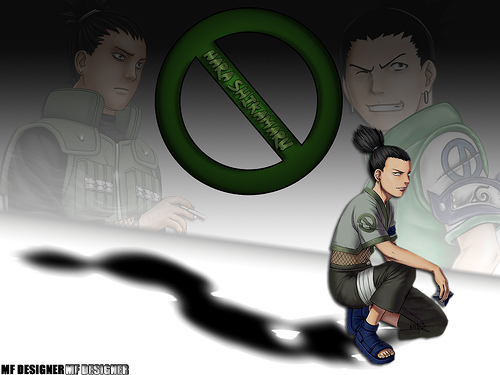
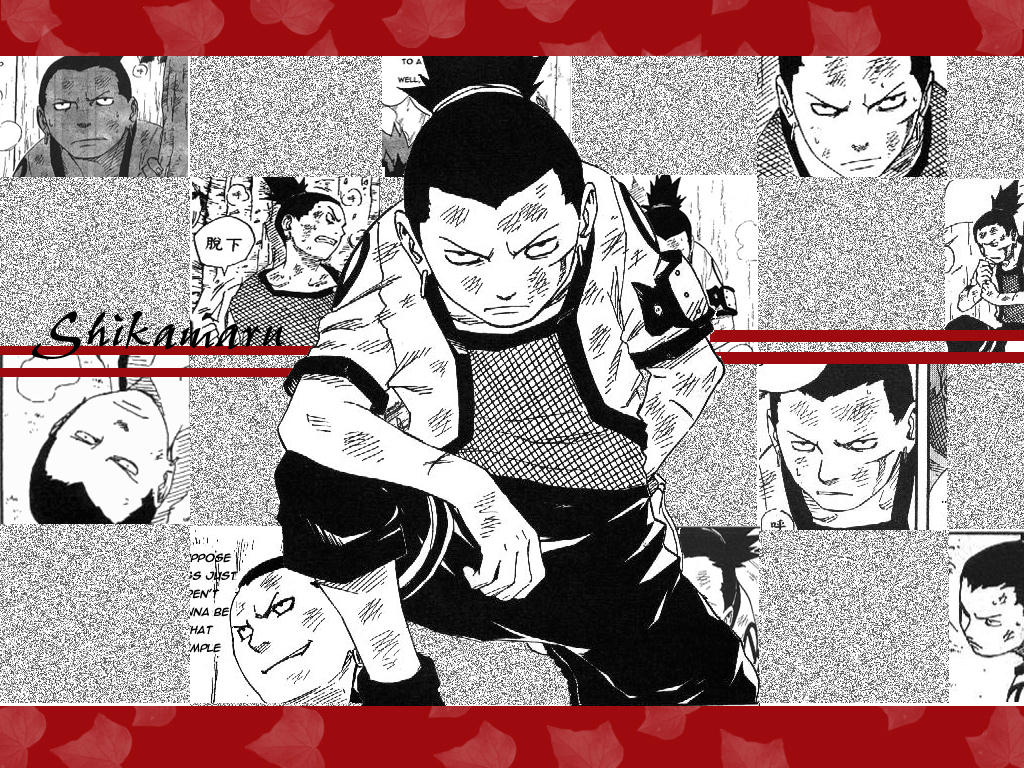
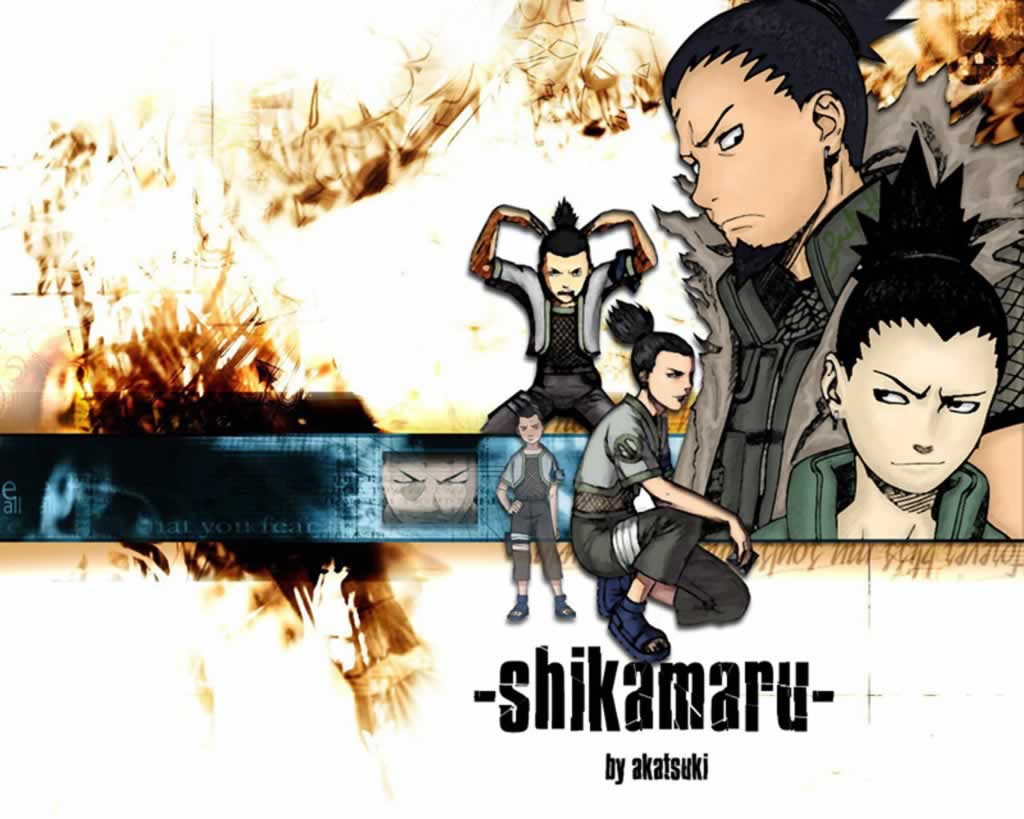
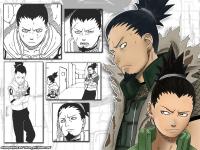
Shikamaru and Itachi

-
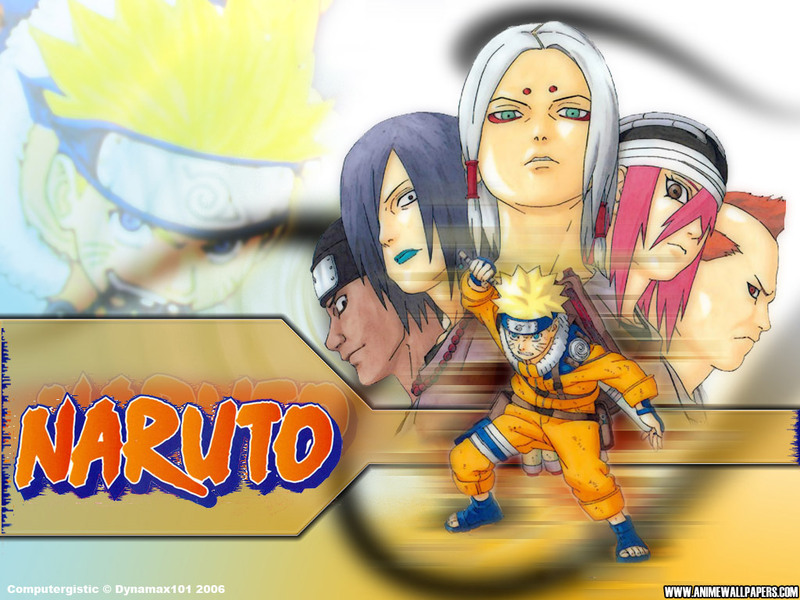
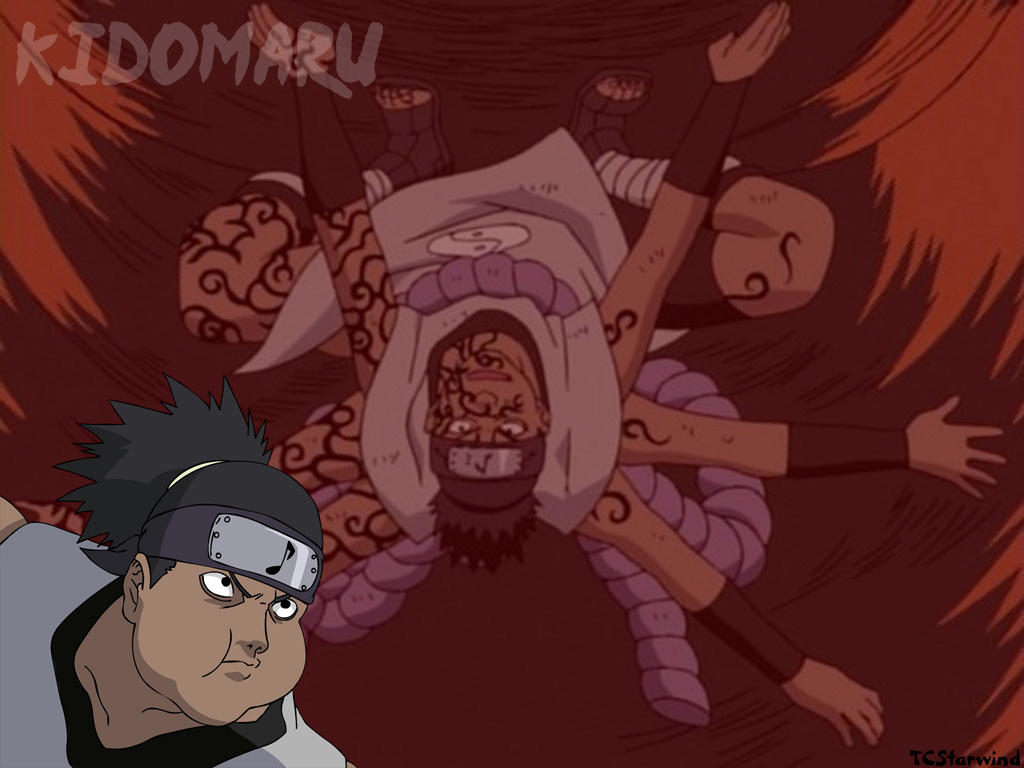
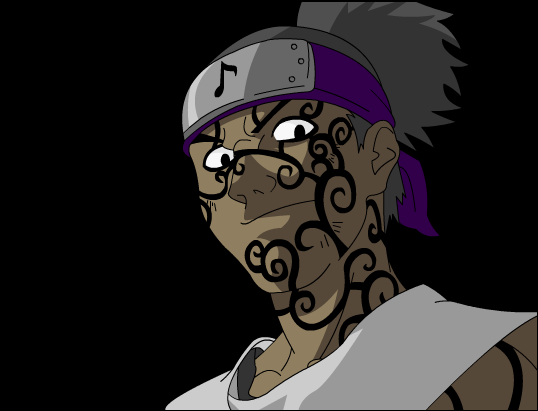
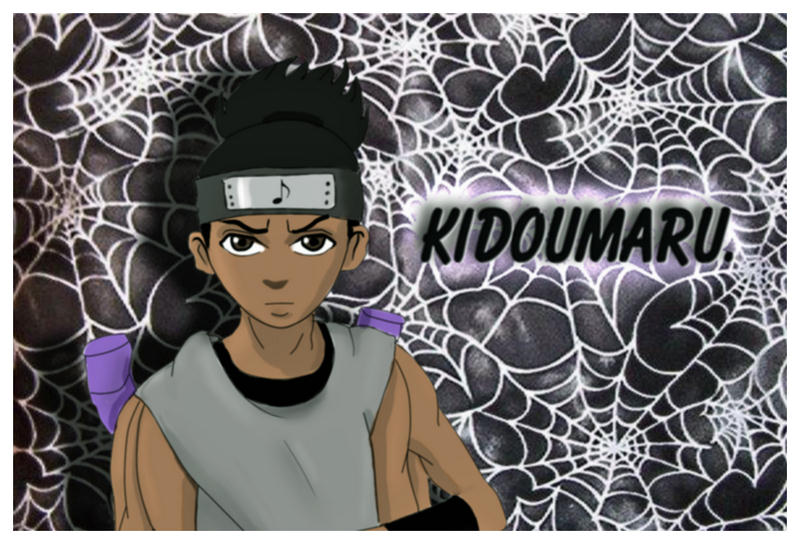
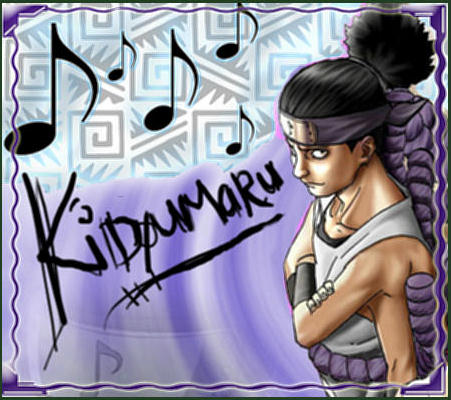
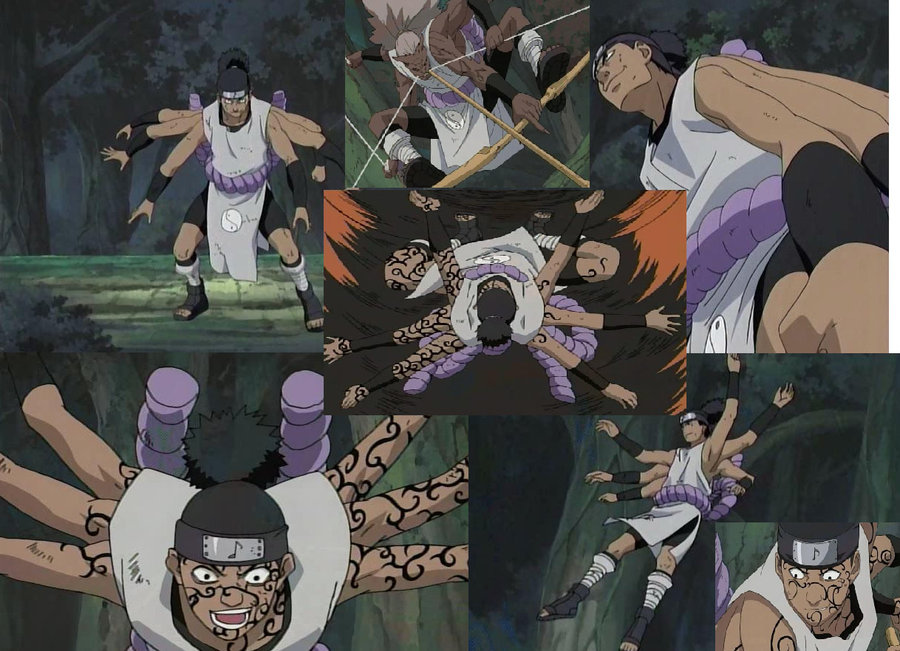
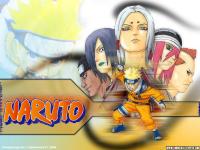
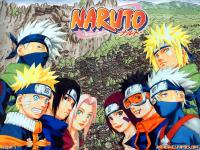
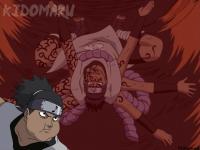
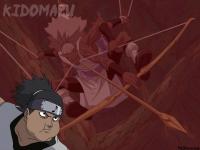
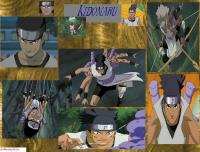
More Kidoumaru, it's so hard to find wallpaper of him! If anyone has any wallpaper of Kidoumaru other than these, please post!
-
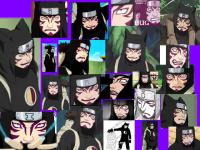
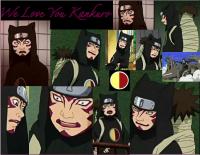
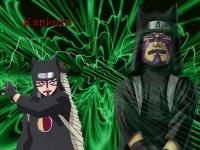
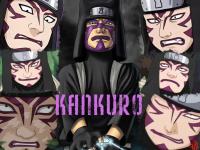
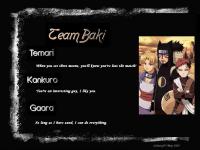
And more of my favorite ninja
-
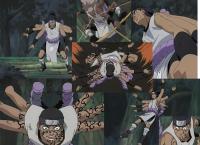
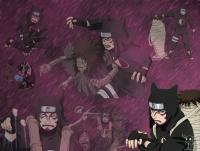
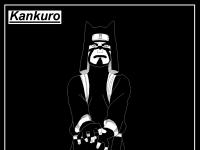
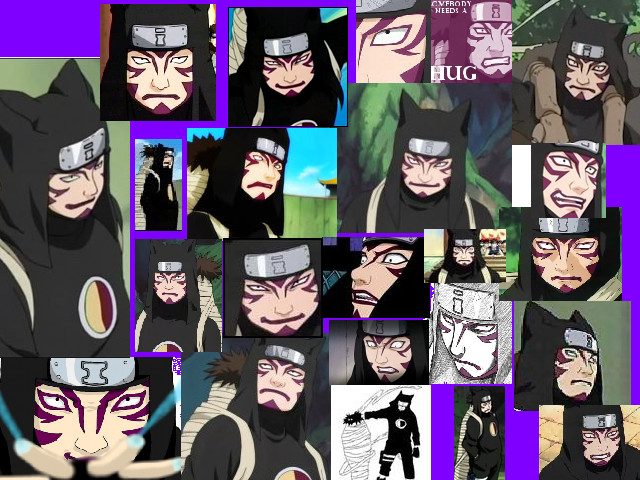
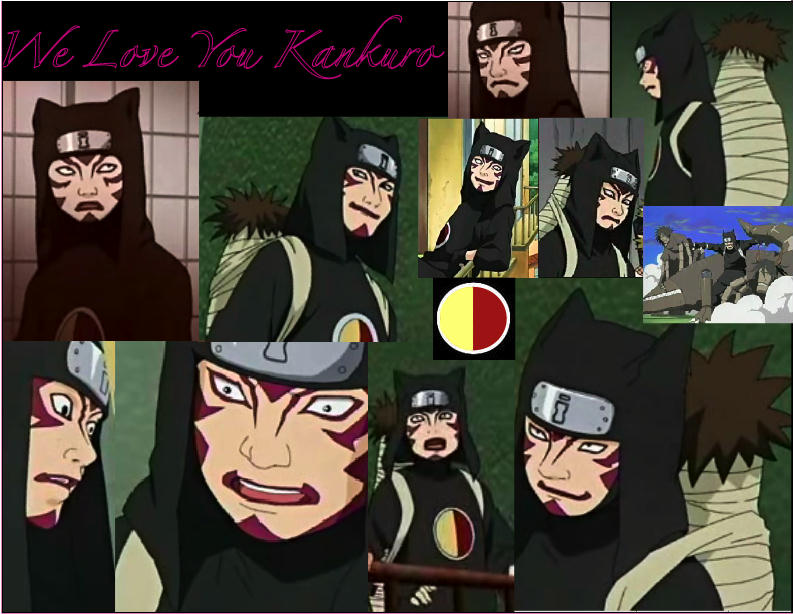
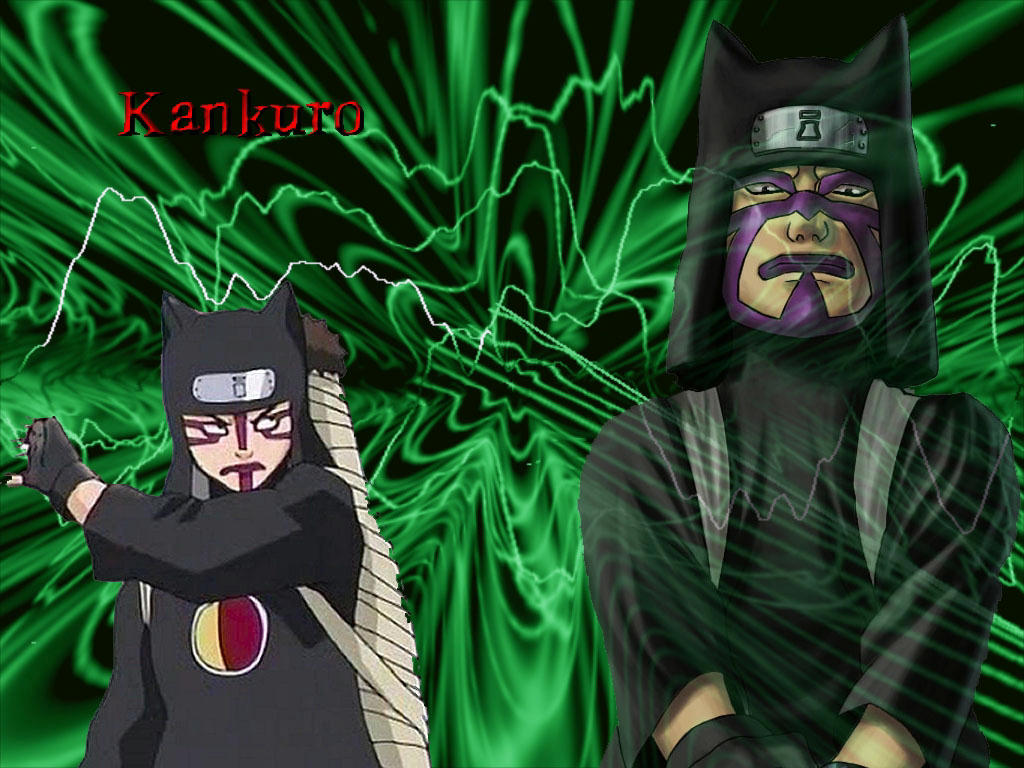
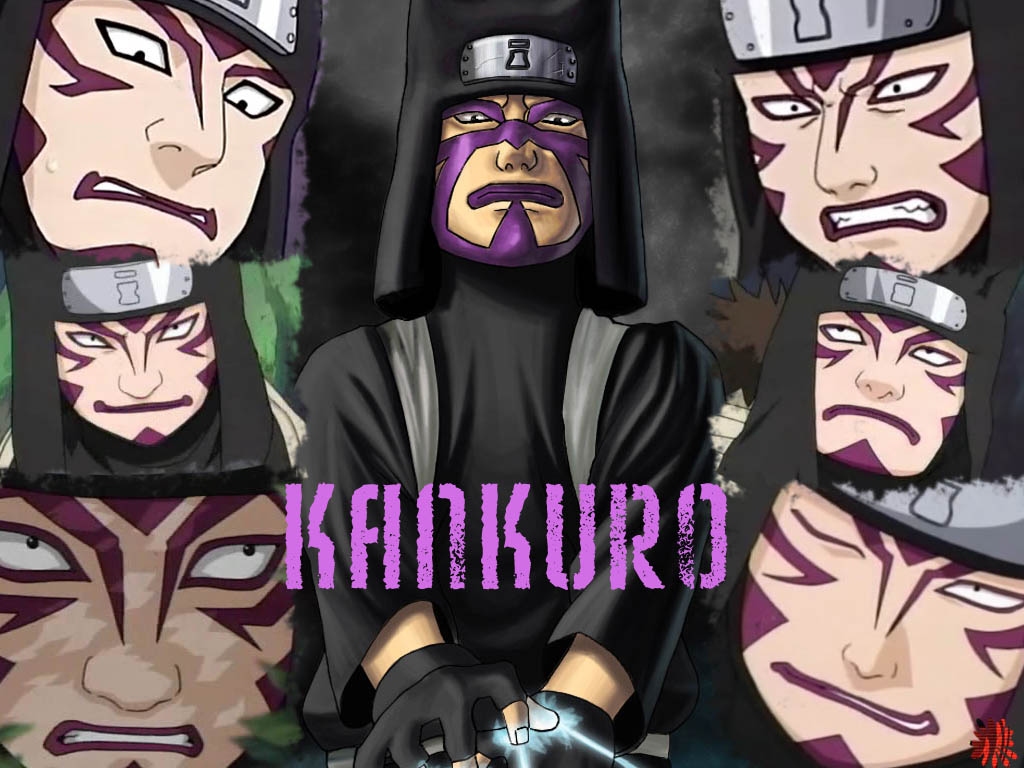
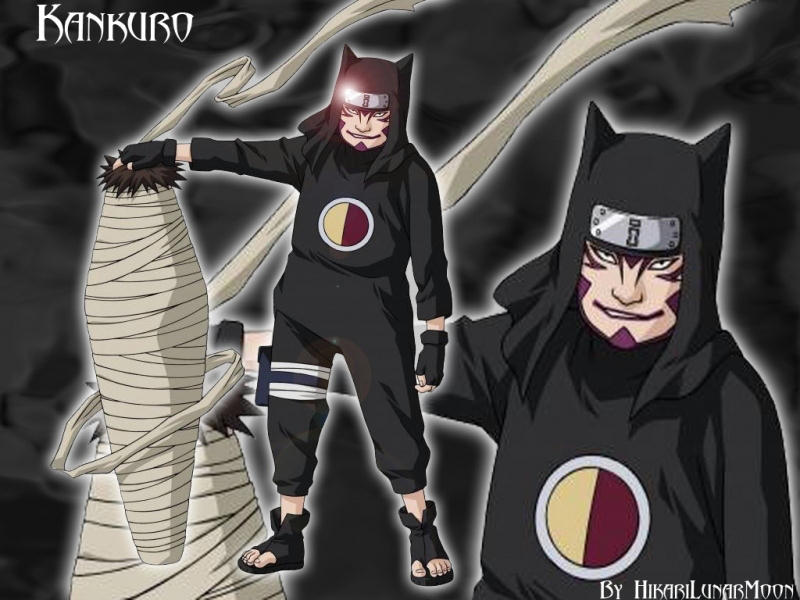
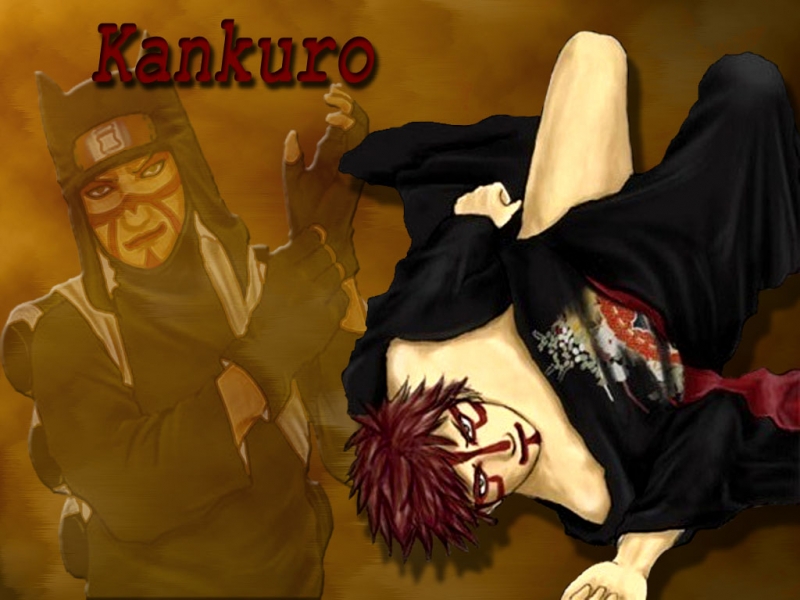
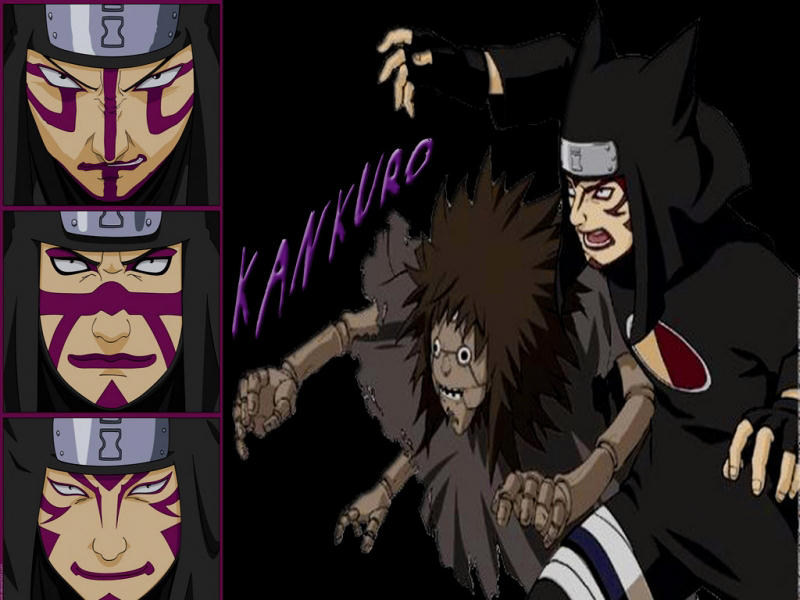
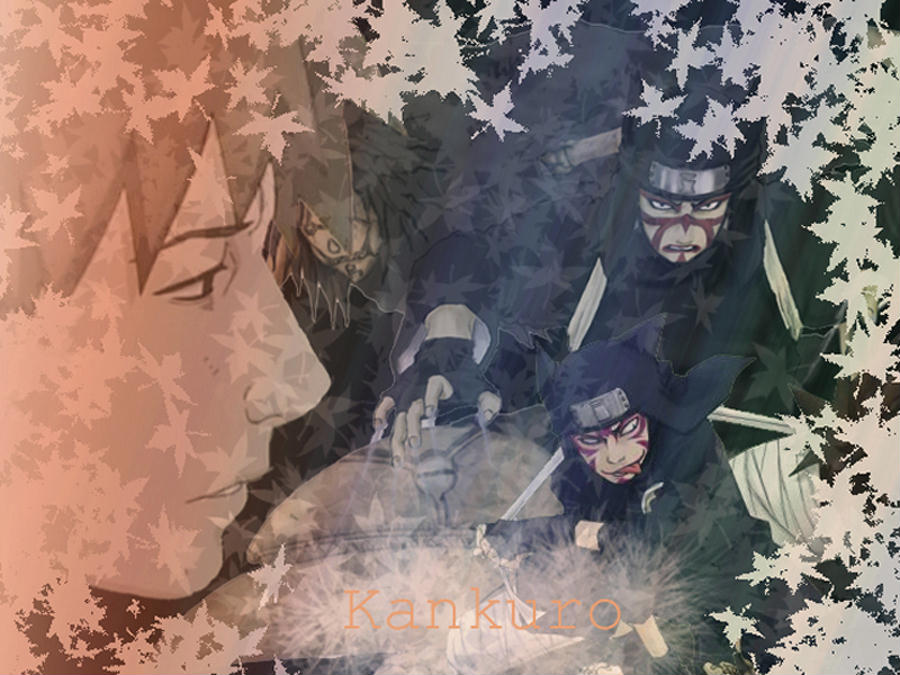
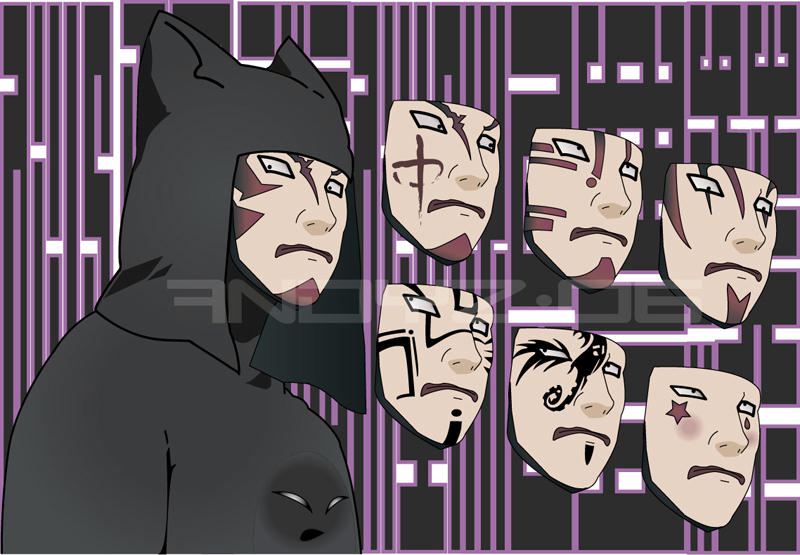
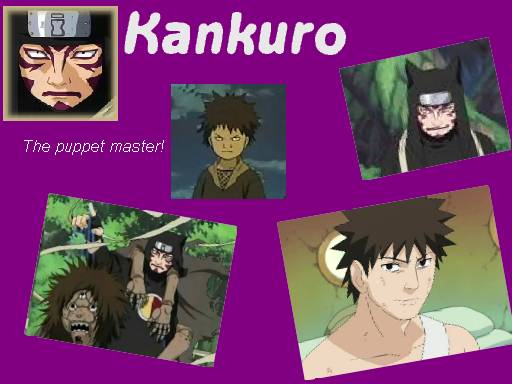
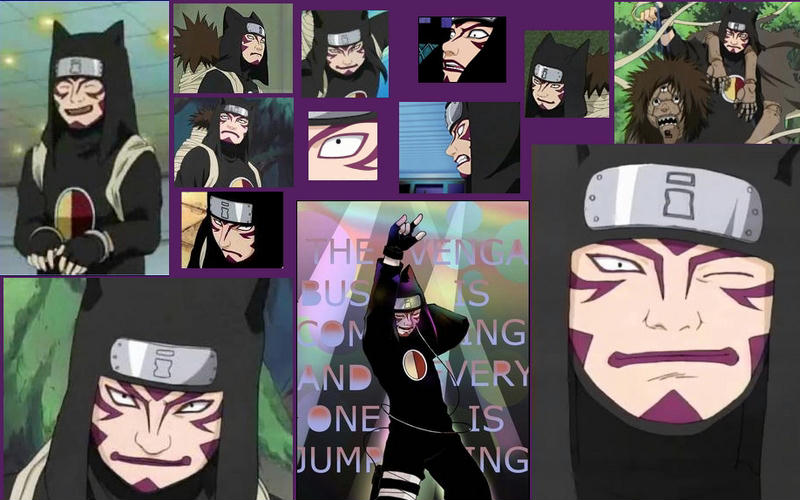
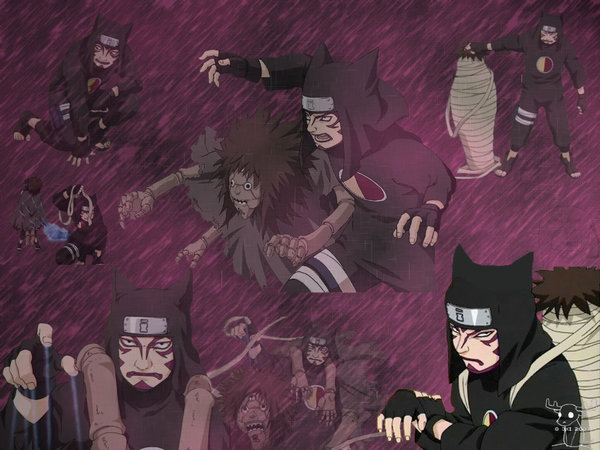
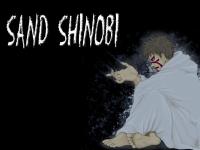
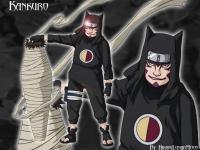
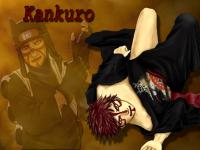
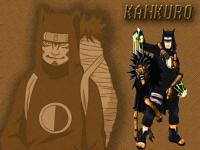
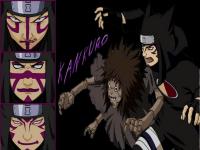
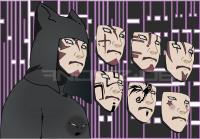
Kankurou again!
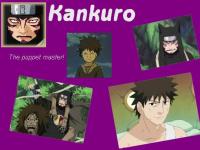
-
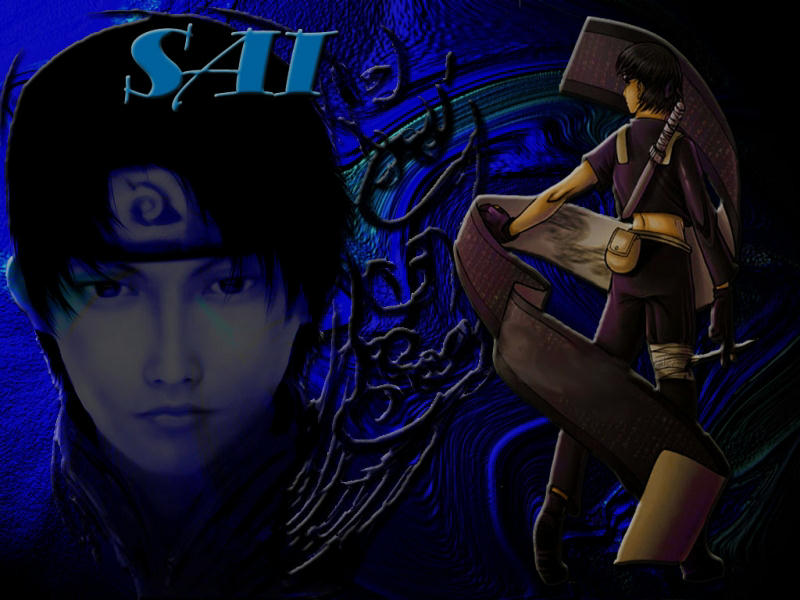
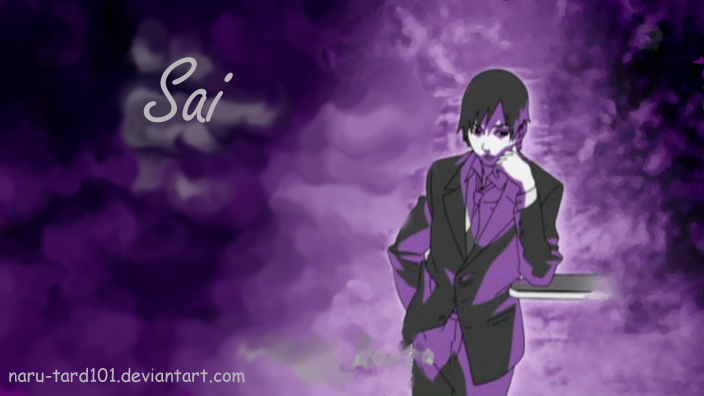
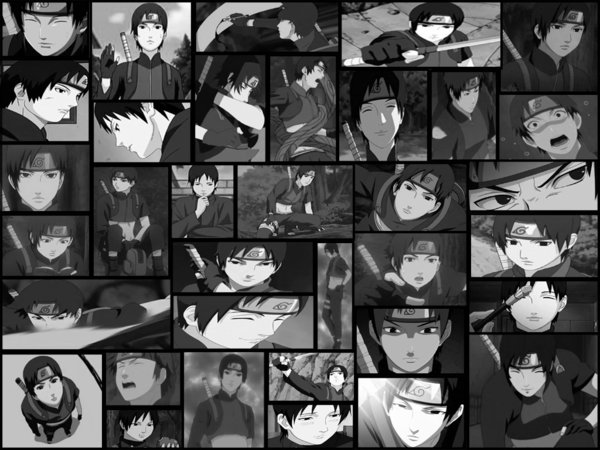
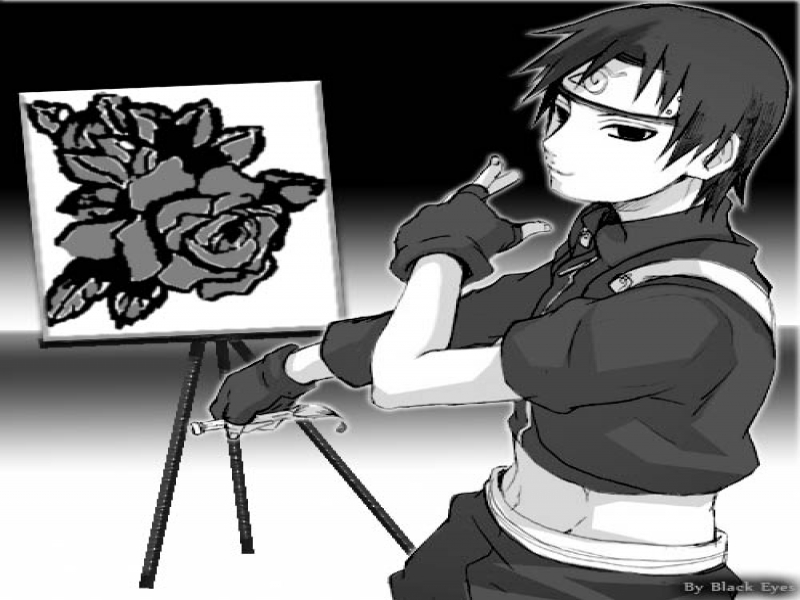
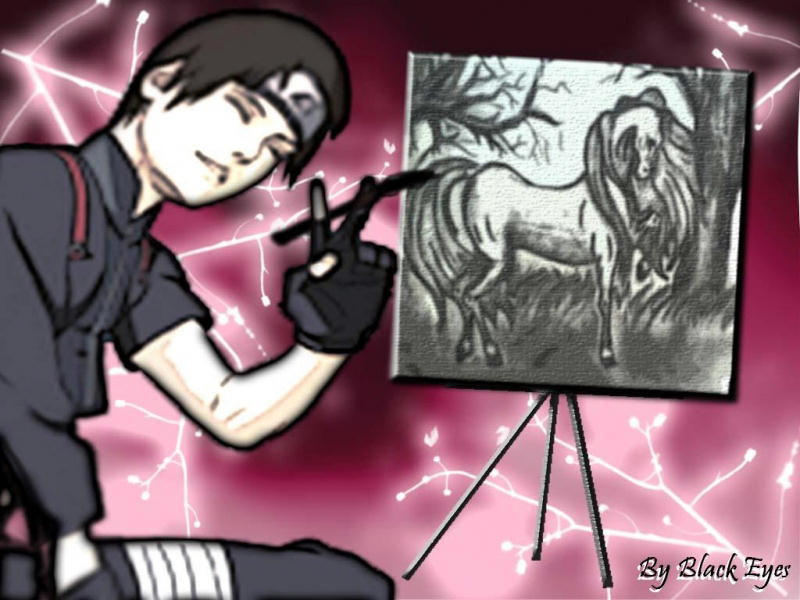
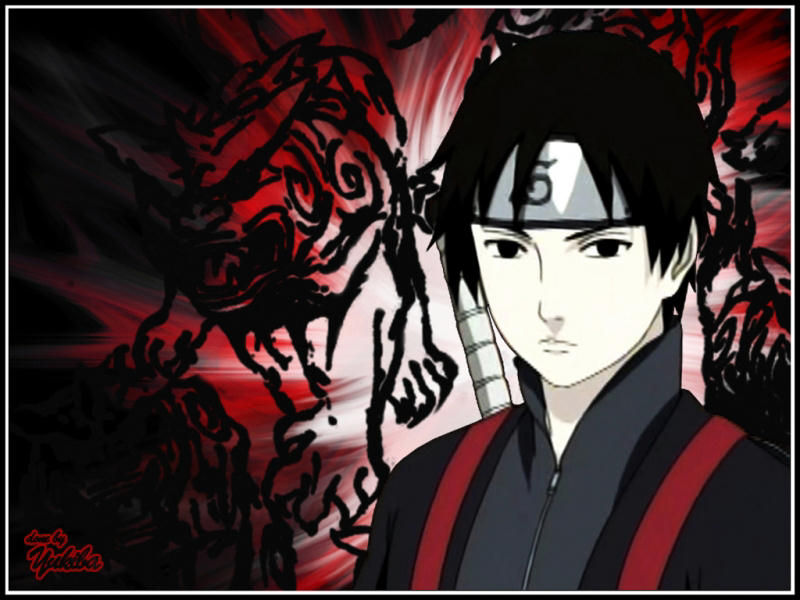
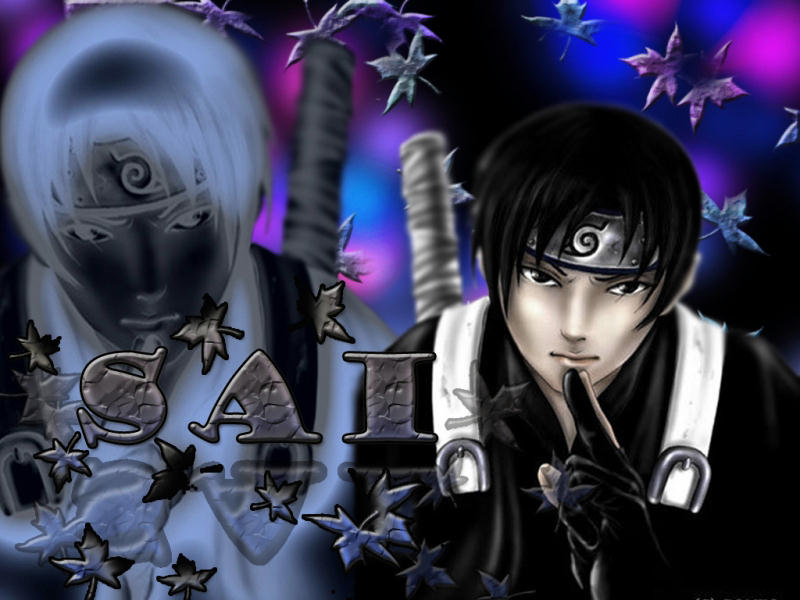
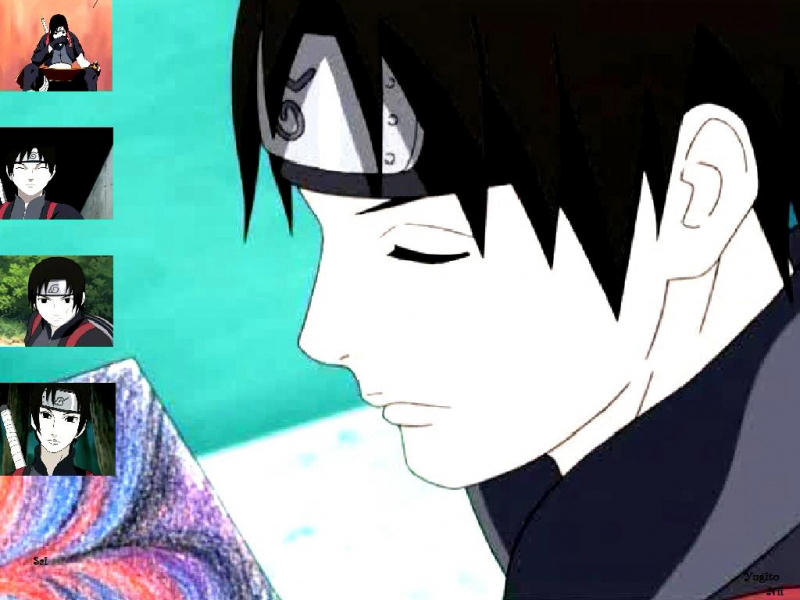
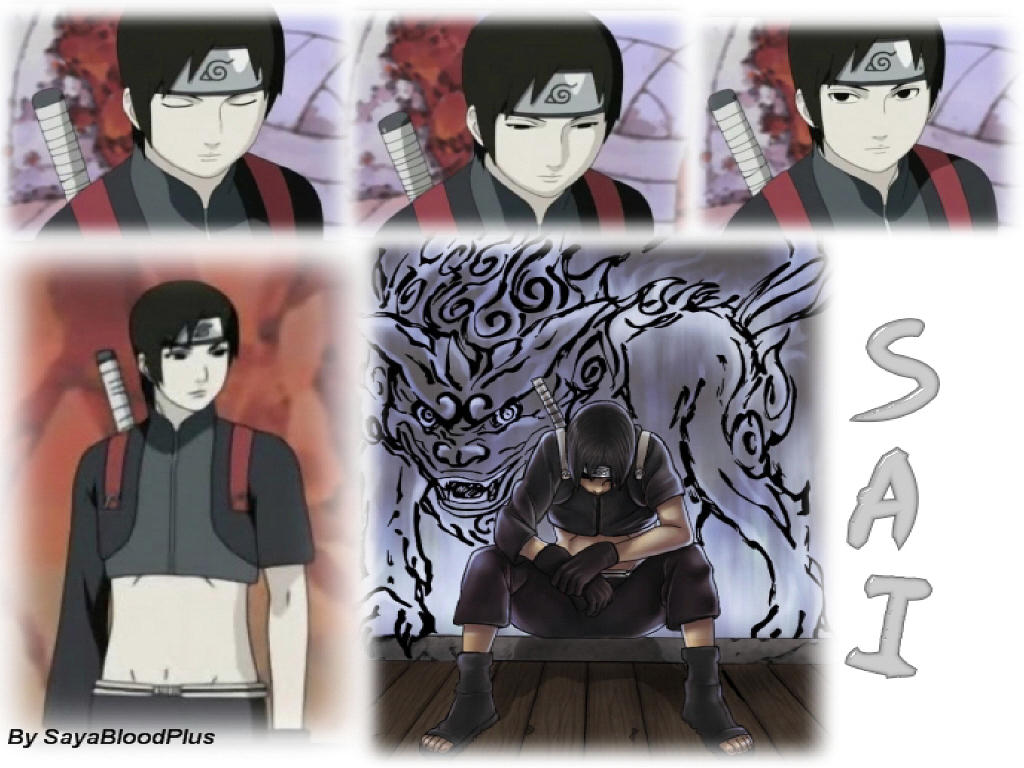
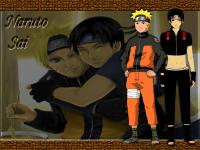
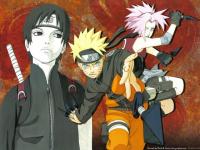
Sai again


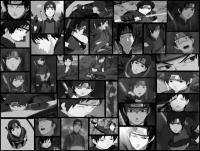
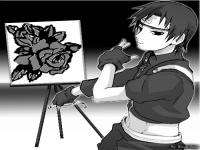
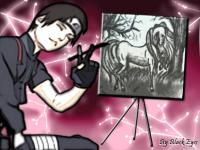
-
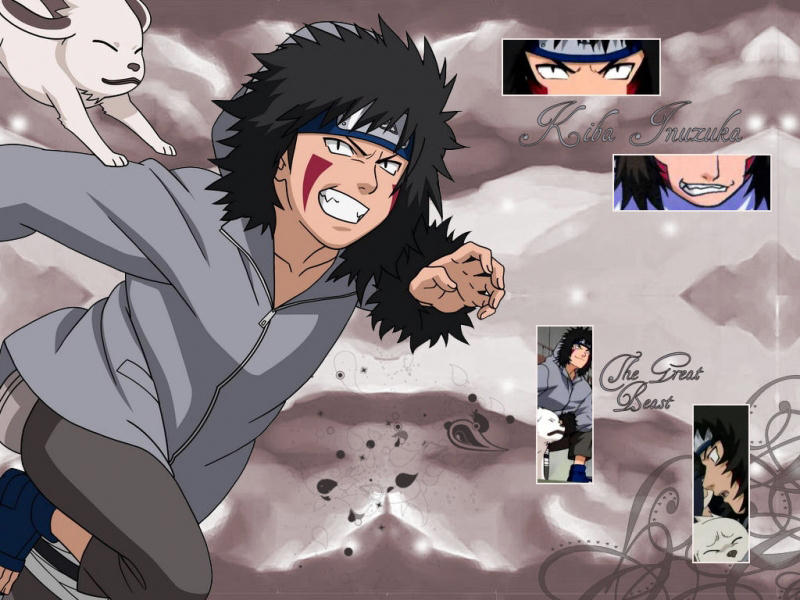
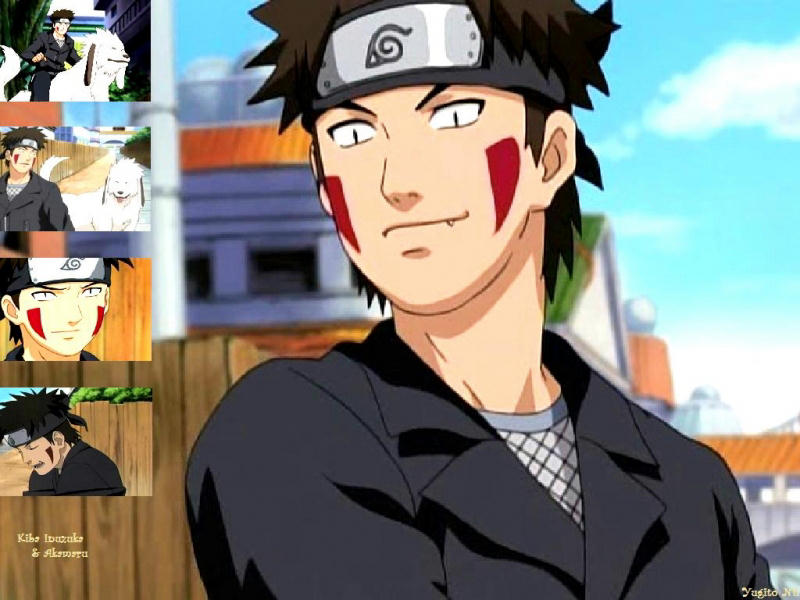
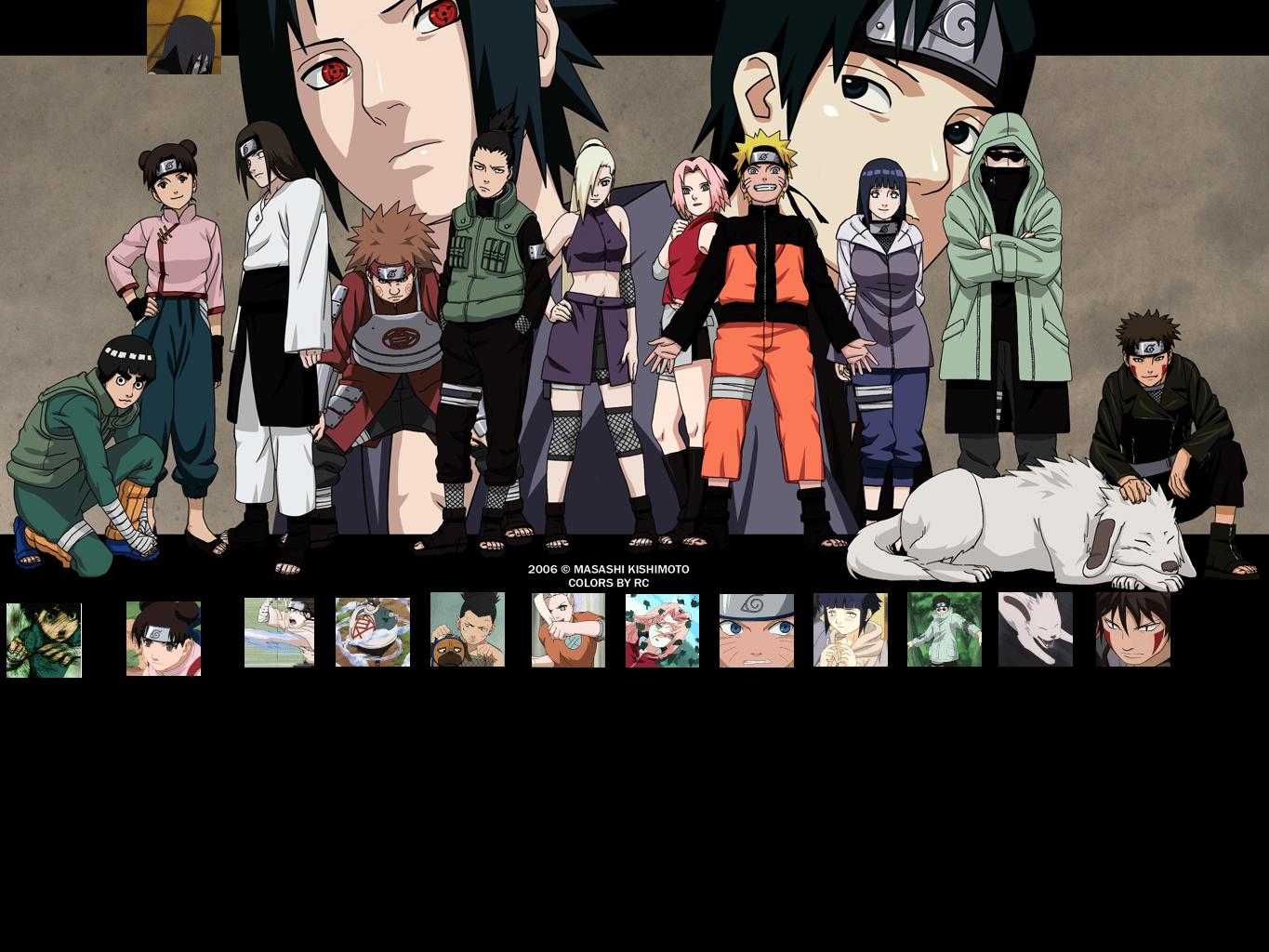
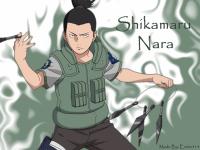
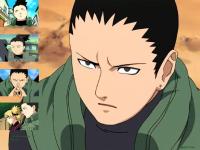
Shikamaru and Kiba
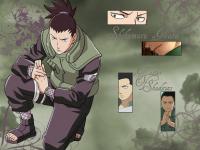

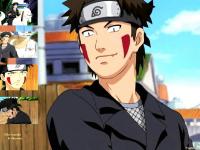
-
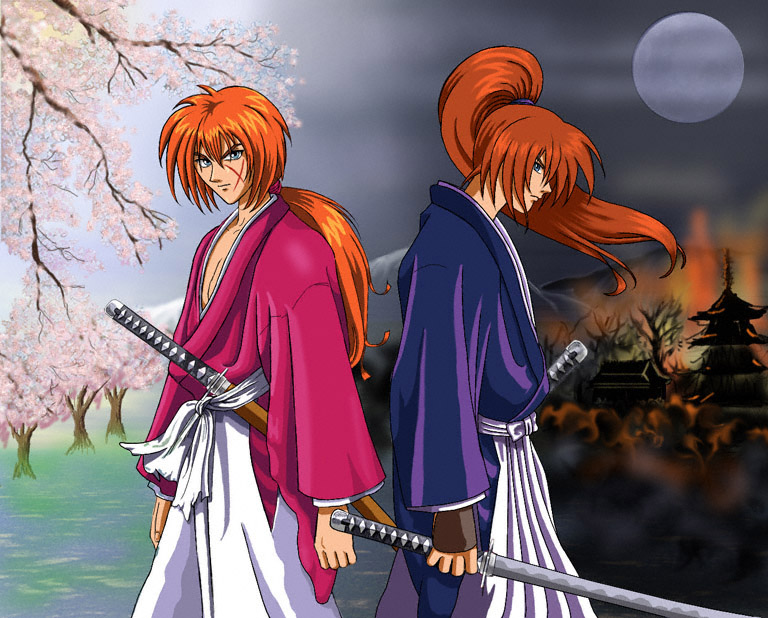
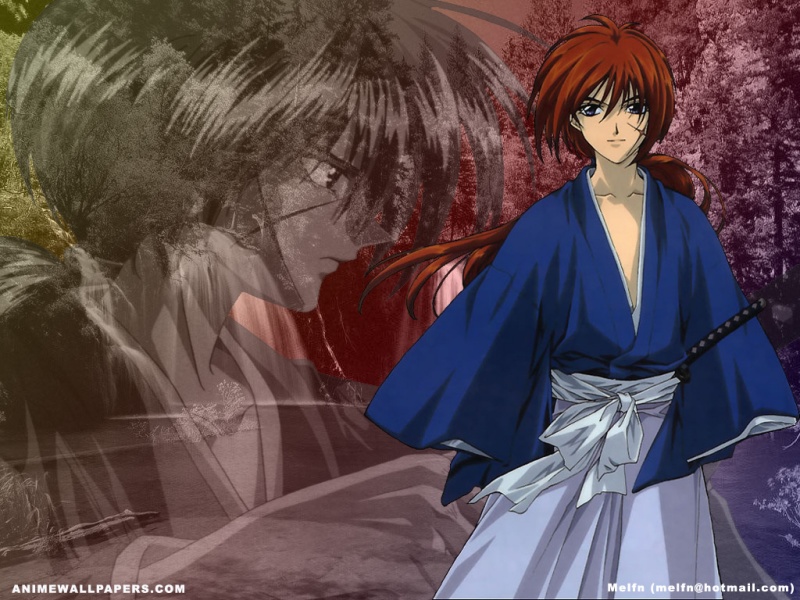
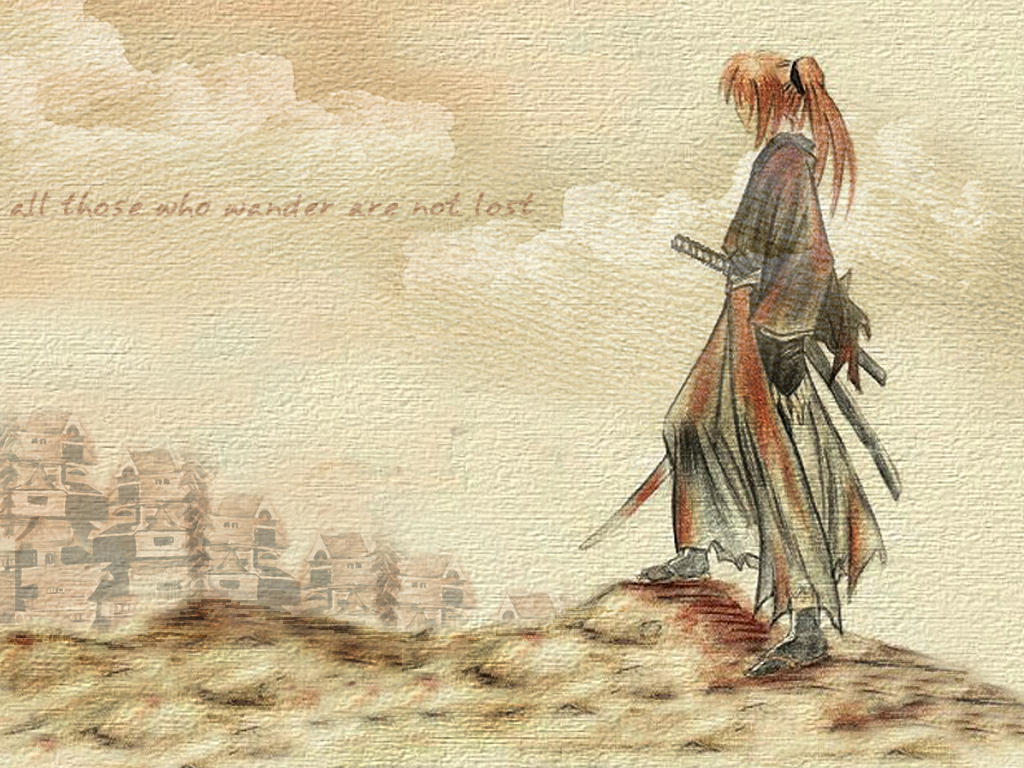
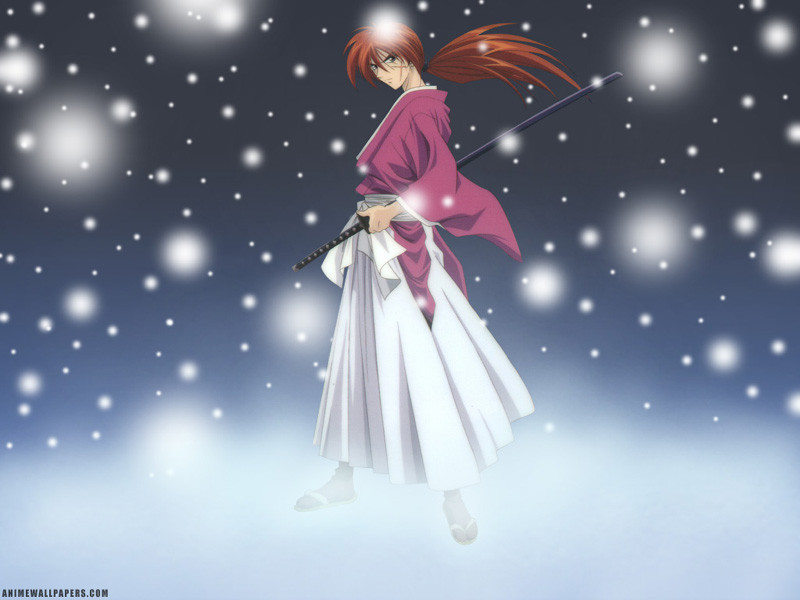
Rurouni Kenshin

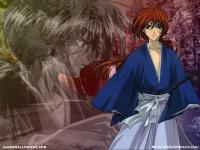

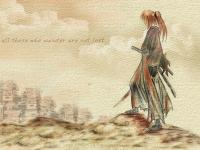

-
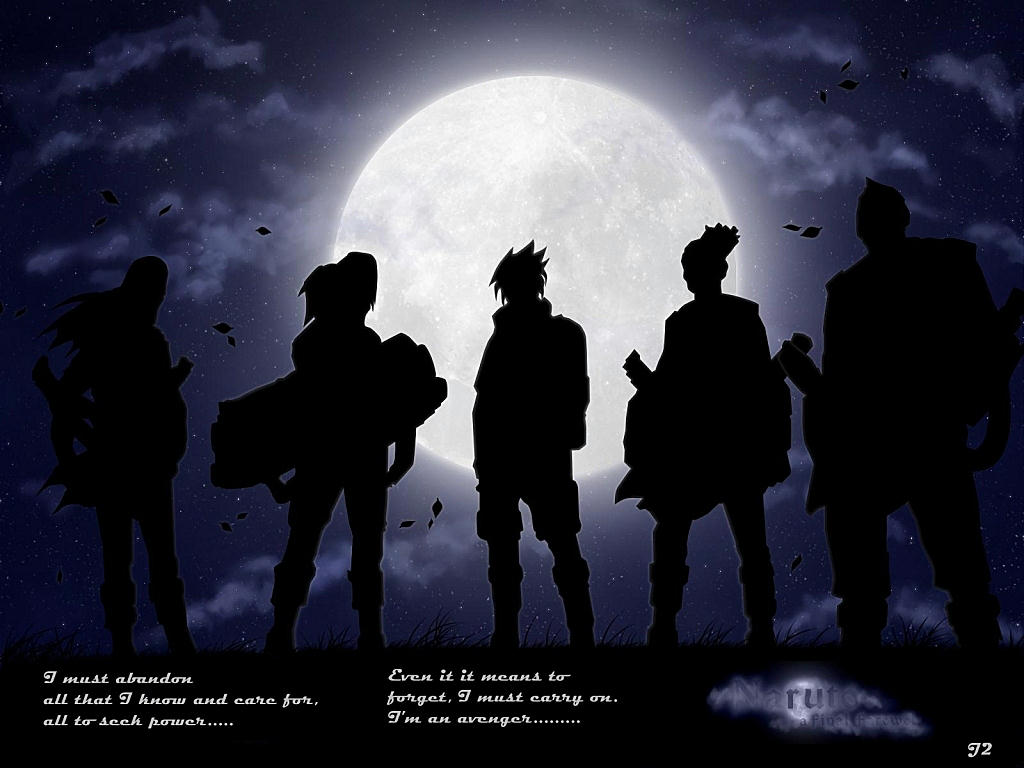
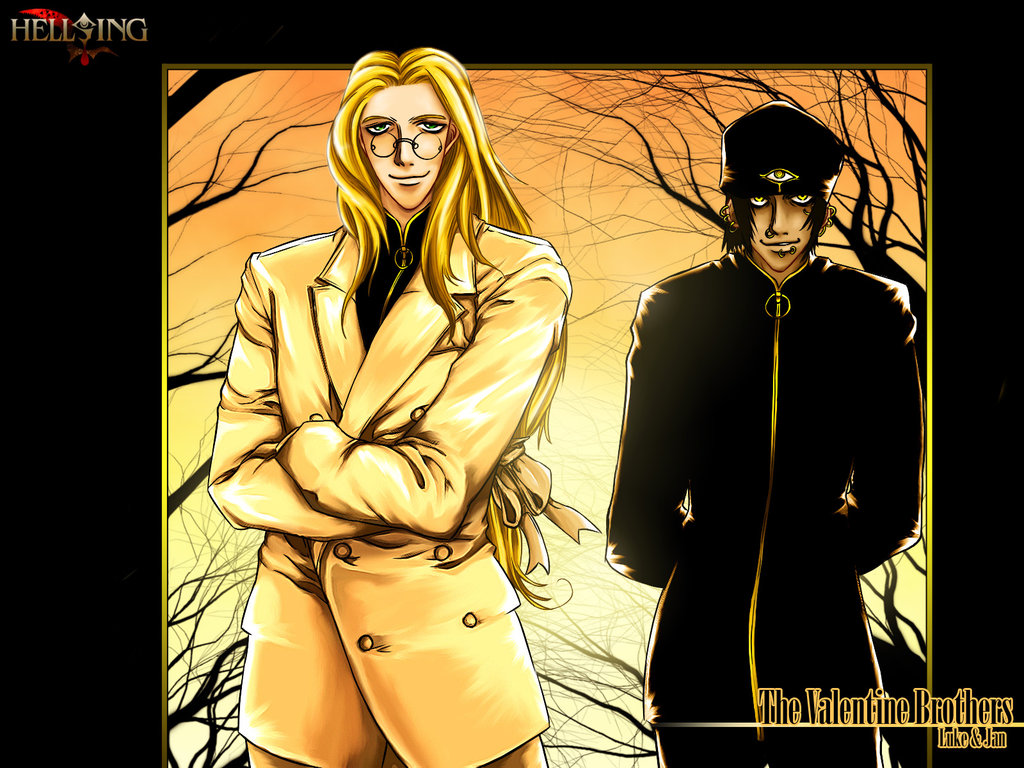
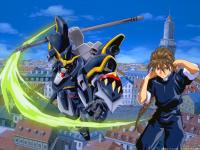
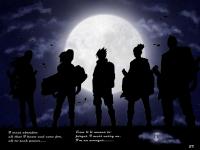
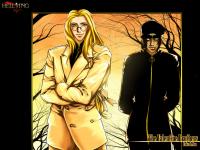
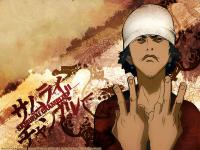
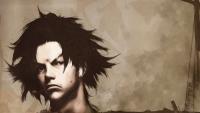
Aaaaaaaaaaaannnnndddd Duo. Sound Ninja , Valentine Brothers , Viral Mugen

-
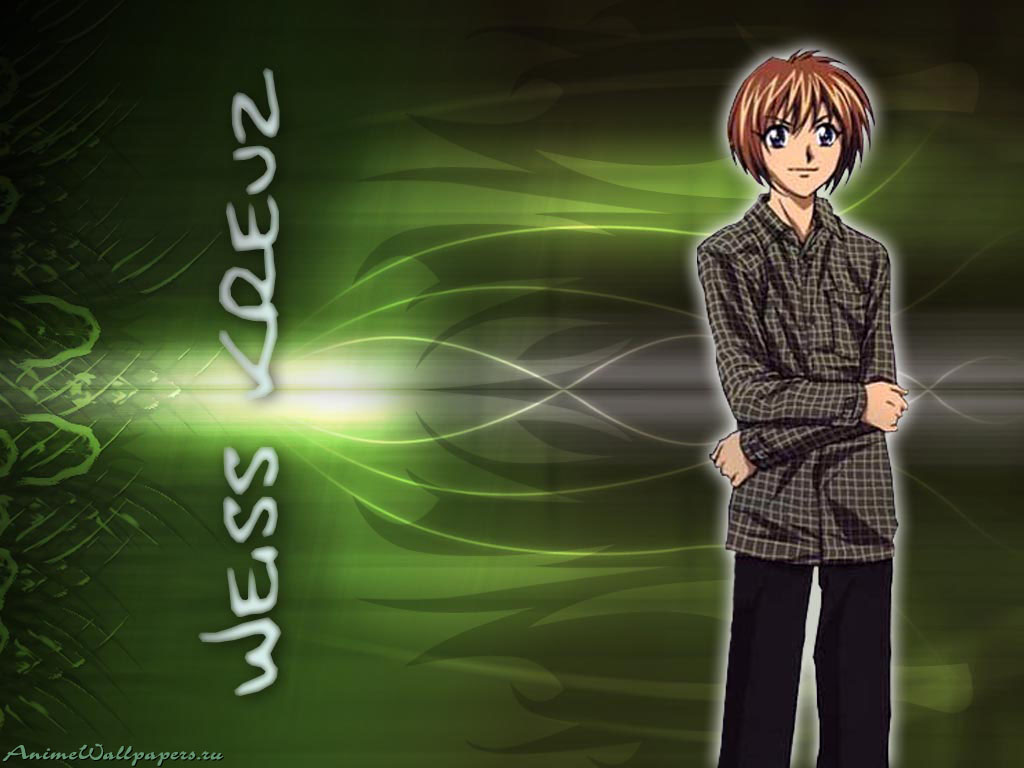
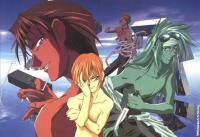
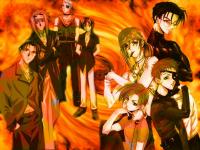
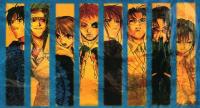
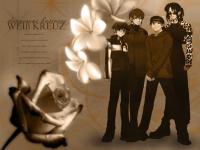
Weiss Kreuz/Schwartz

-
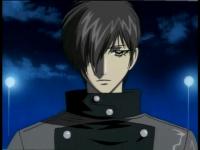
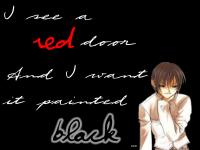
and Prodigy (Nagi Naoe)


-
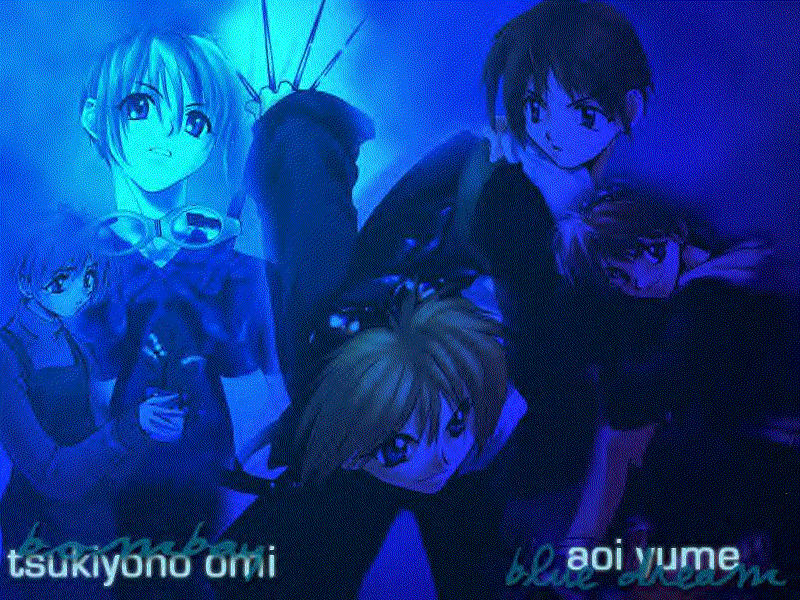
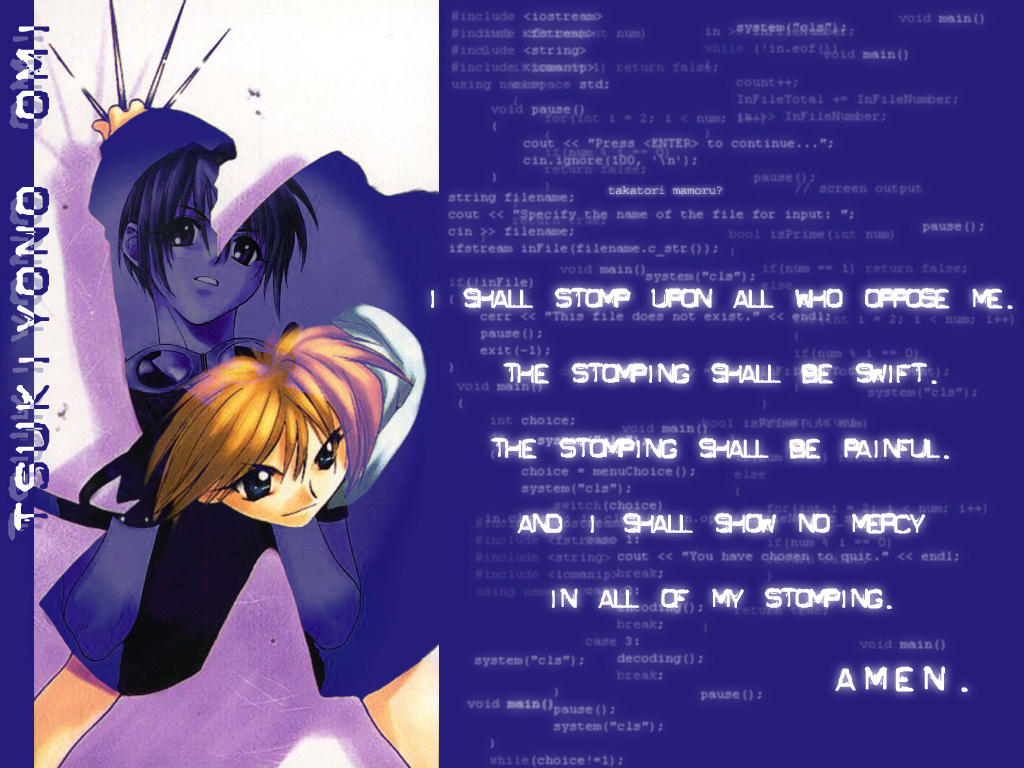
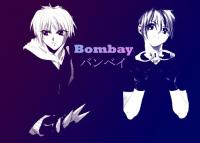
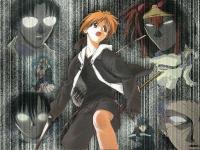
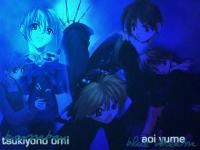
Bombay Omi




-
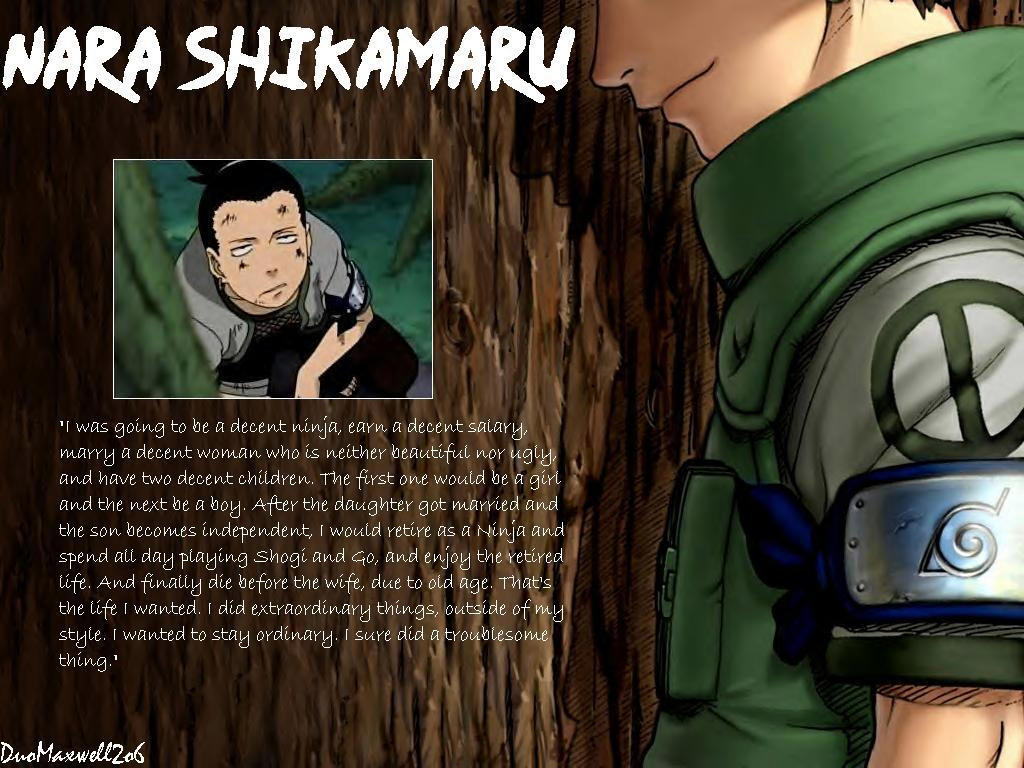
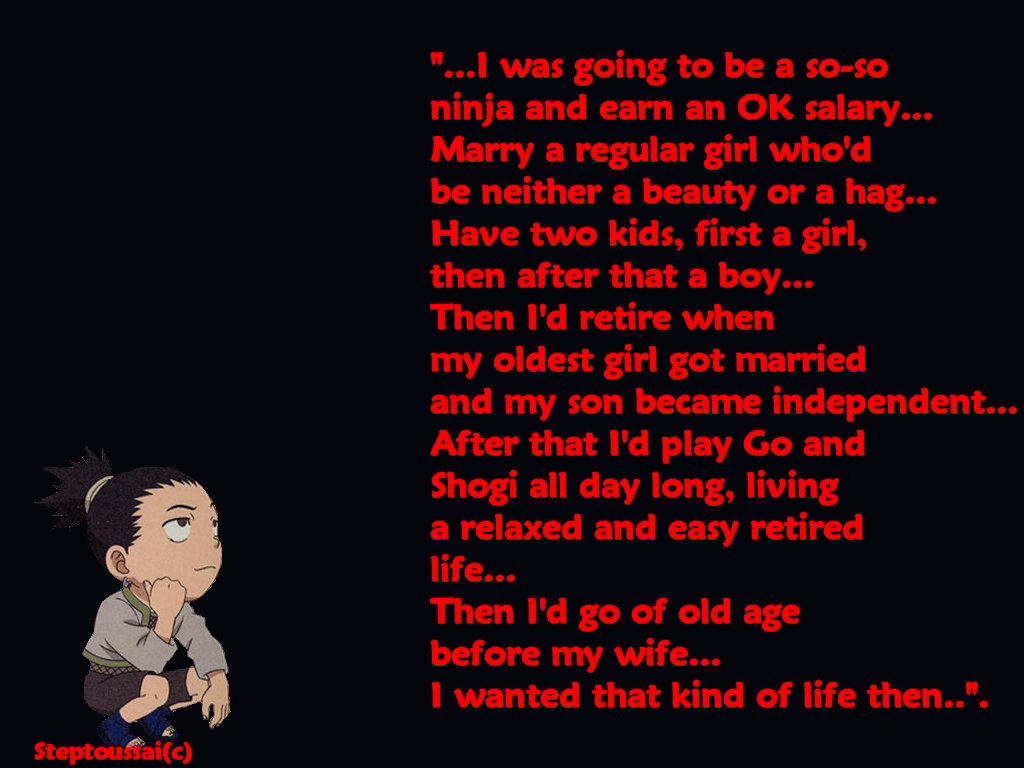
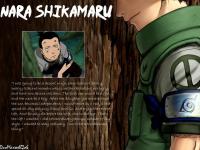
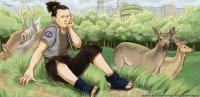
Everyone's favorite lazy bones

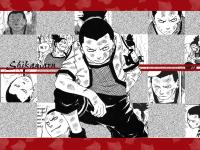
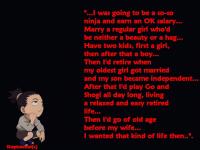
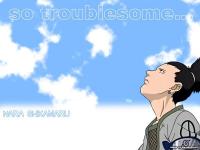

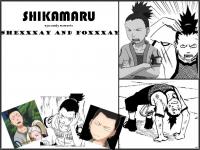
-
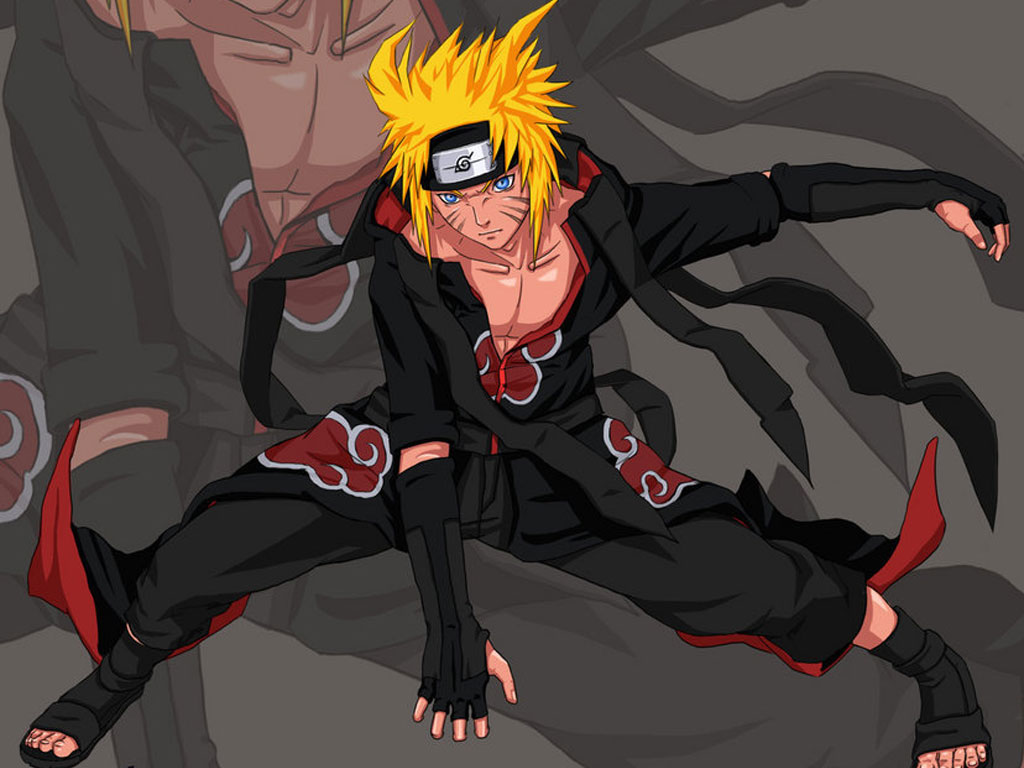
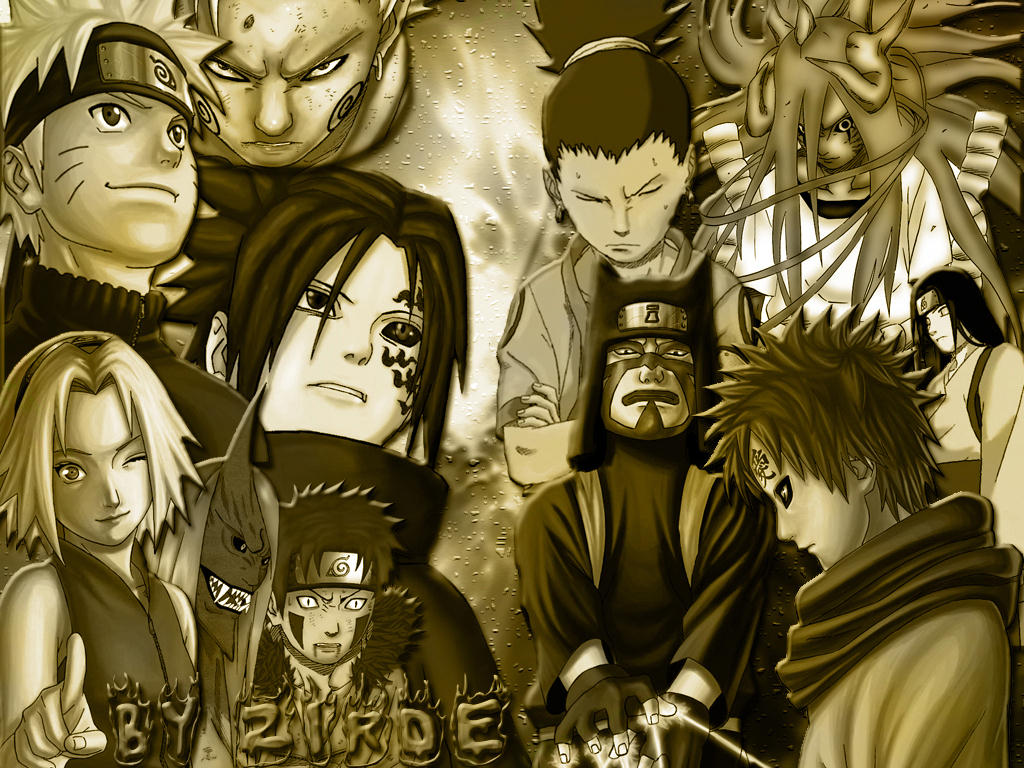
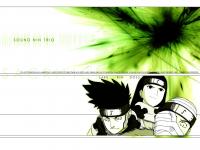
More Naruto

-
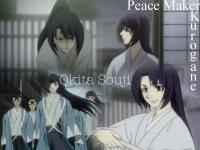
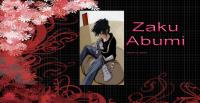
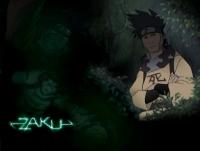
Okita and Zaku
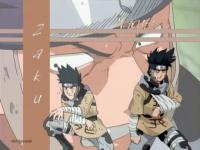
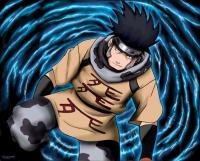
-
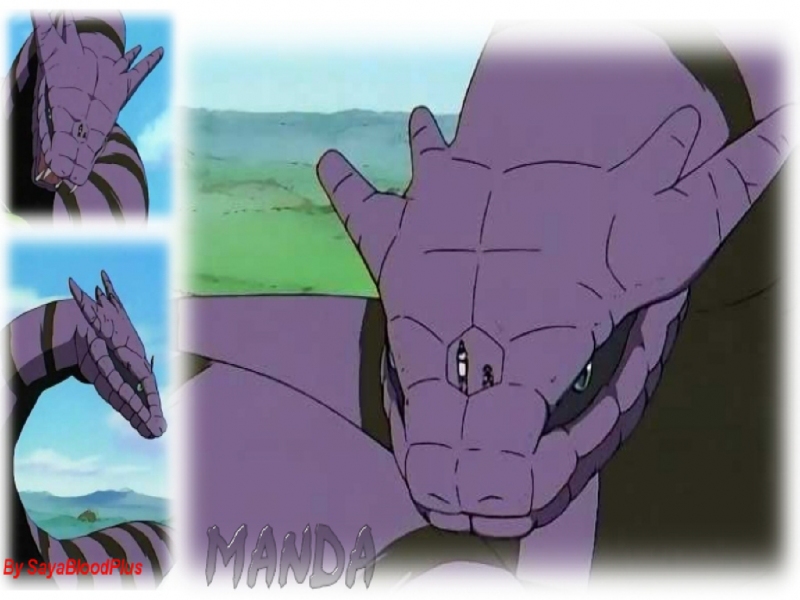
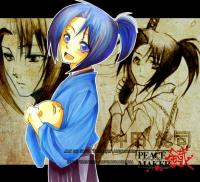
Kidoumaru and Manda from Naruto Okita Souji-Taicho? (Whats the proper title? He was a real person, after all, and I don't want to disrespect him) from Peacemaker Kurogane

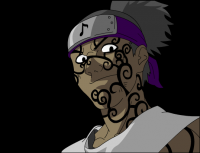
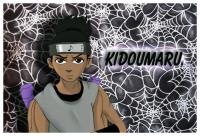

-
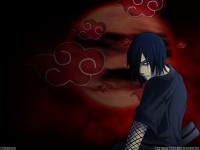
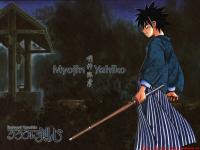
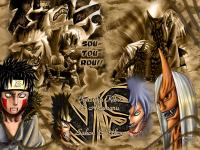
Nagato from Naruto Yahiko from Rurouni Kenshin Sakon, Ukon, Kiba from Naruto
-
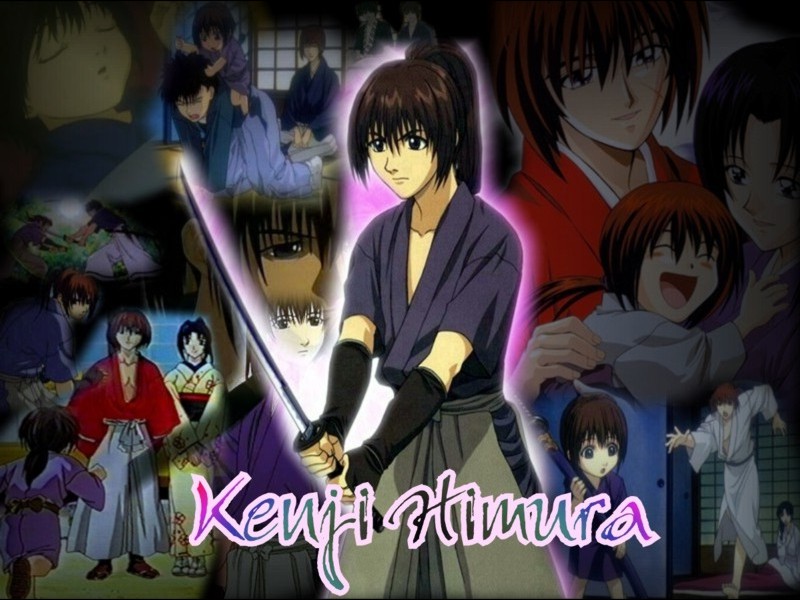
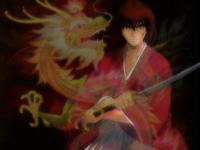
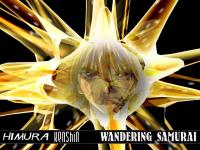
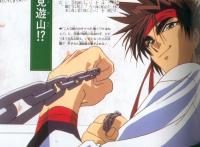
More of Rurouni Kenshin Oro! The name of his son is Kenji!



-
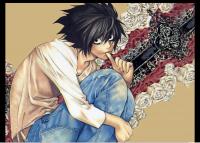
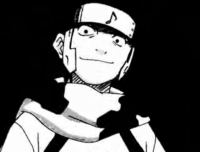
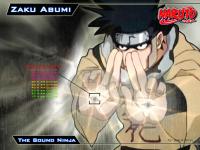
More L, I liked him and he died . . . Abumi Zaku, another character I like who died

-
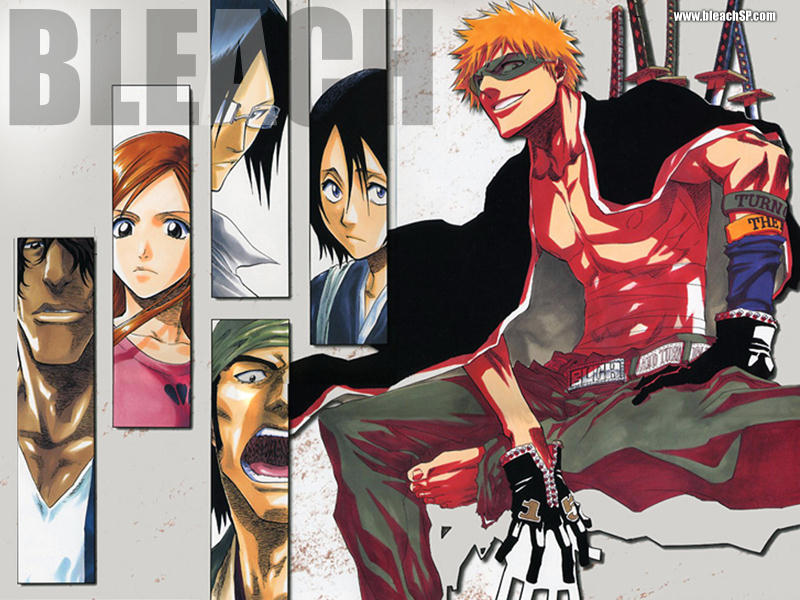
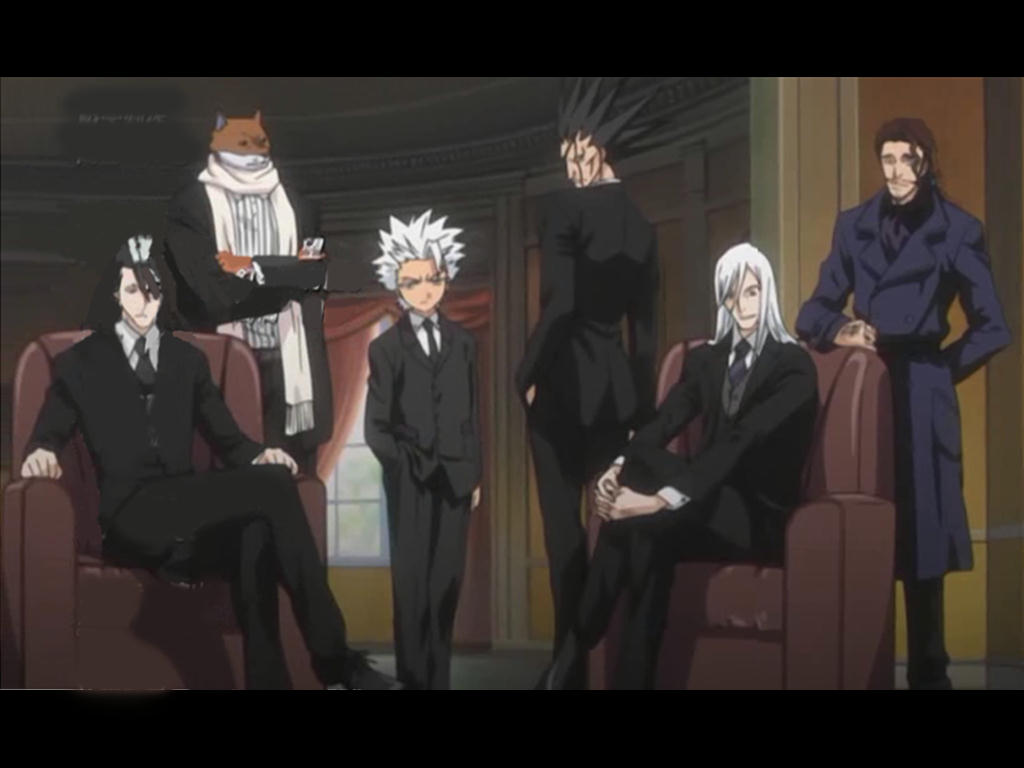
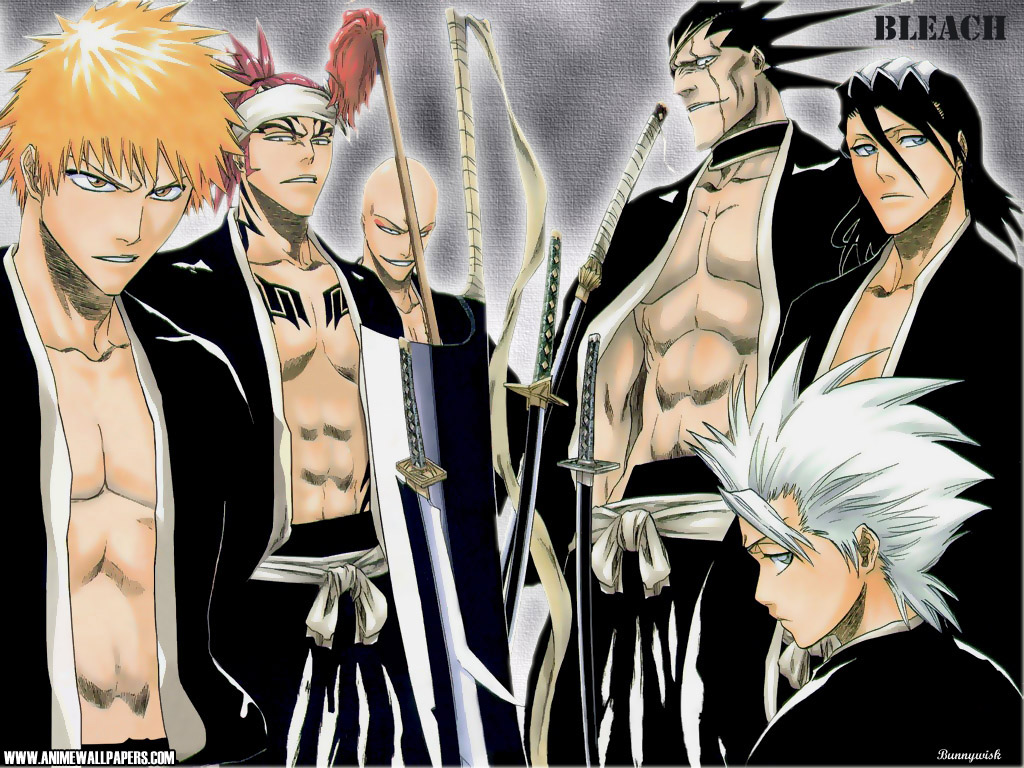
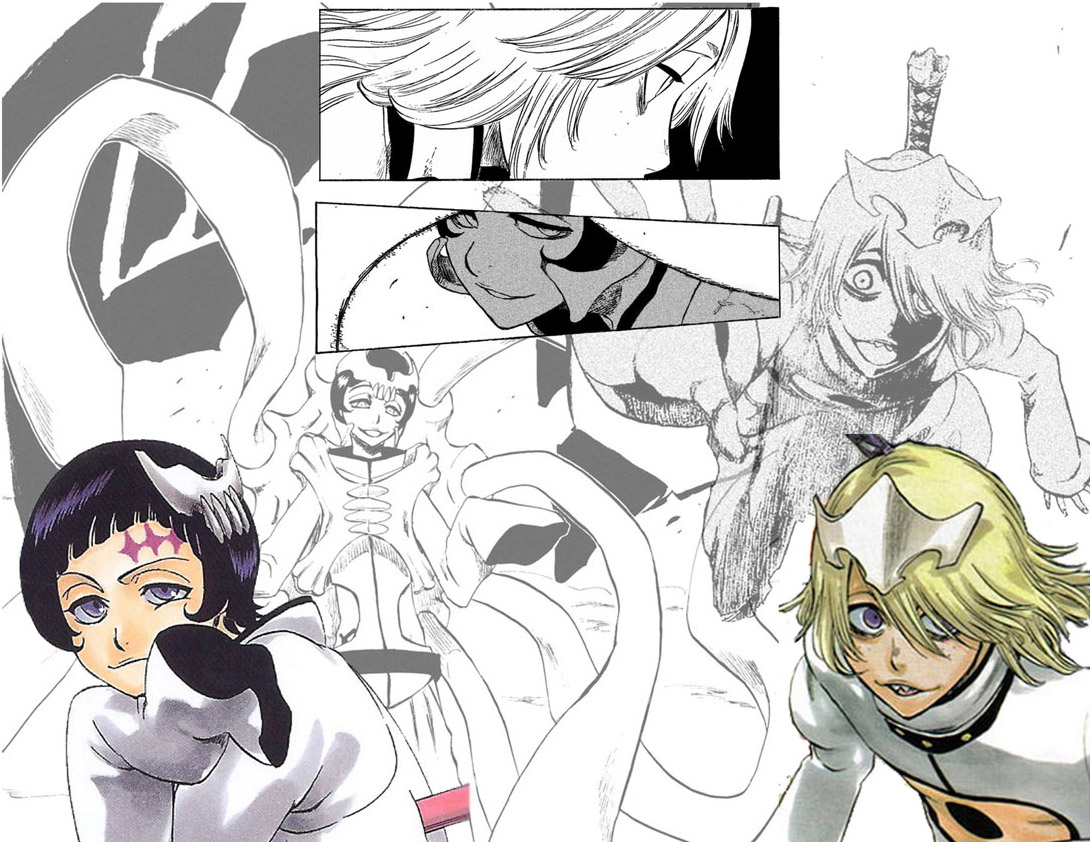
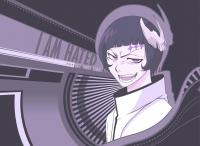
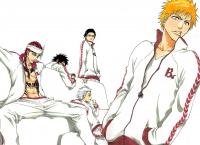
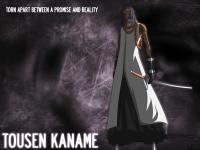
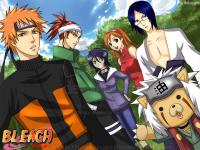
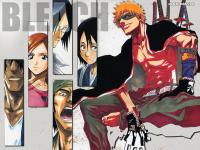
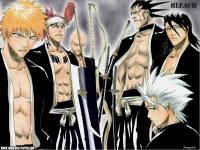
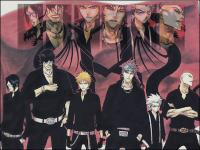
More Bleach

-
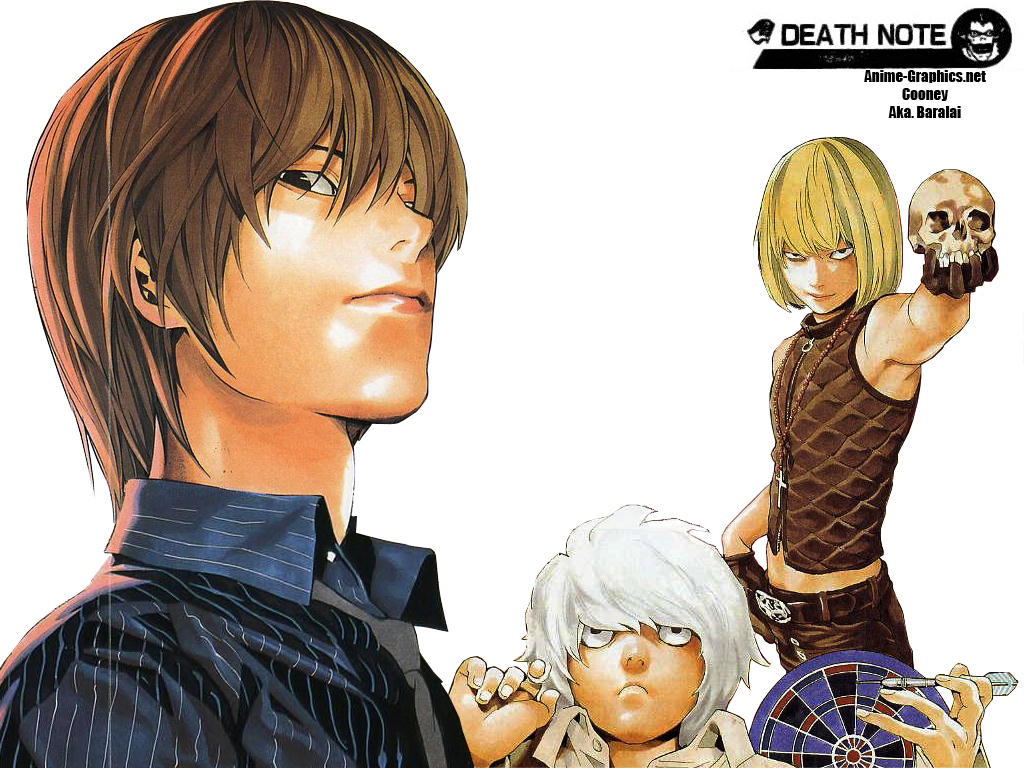
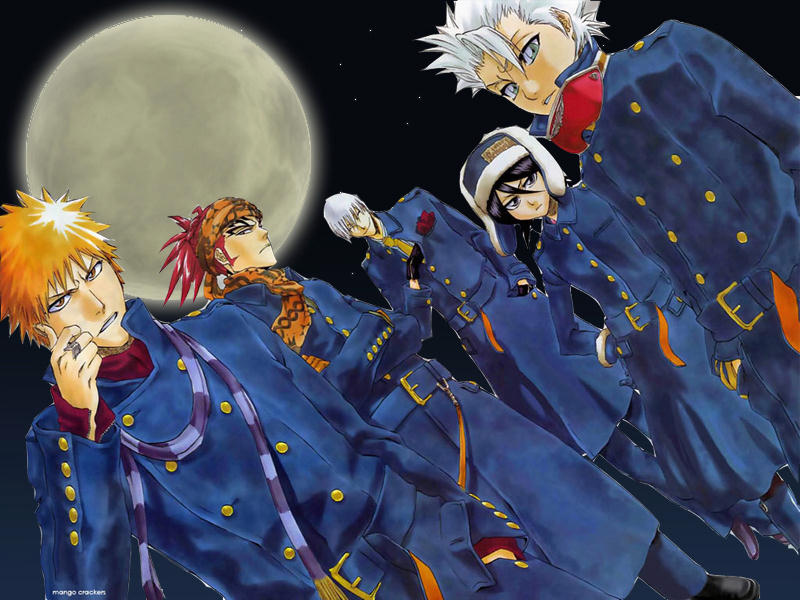
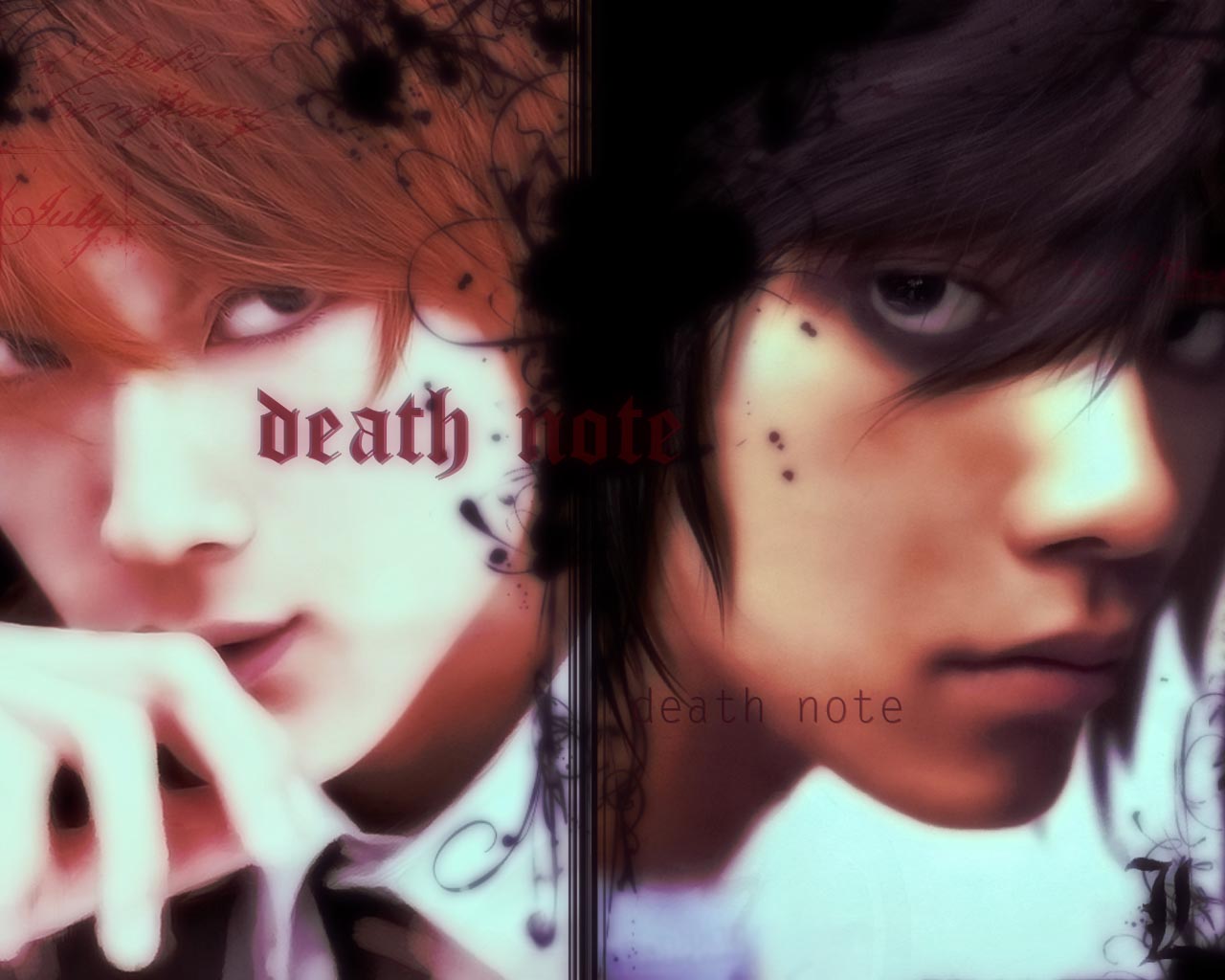
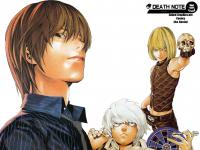
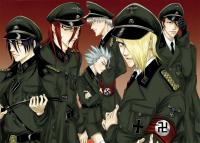
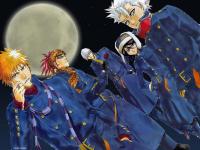
Death Note and Bleach Why is Nazi imagery so popular?
-
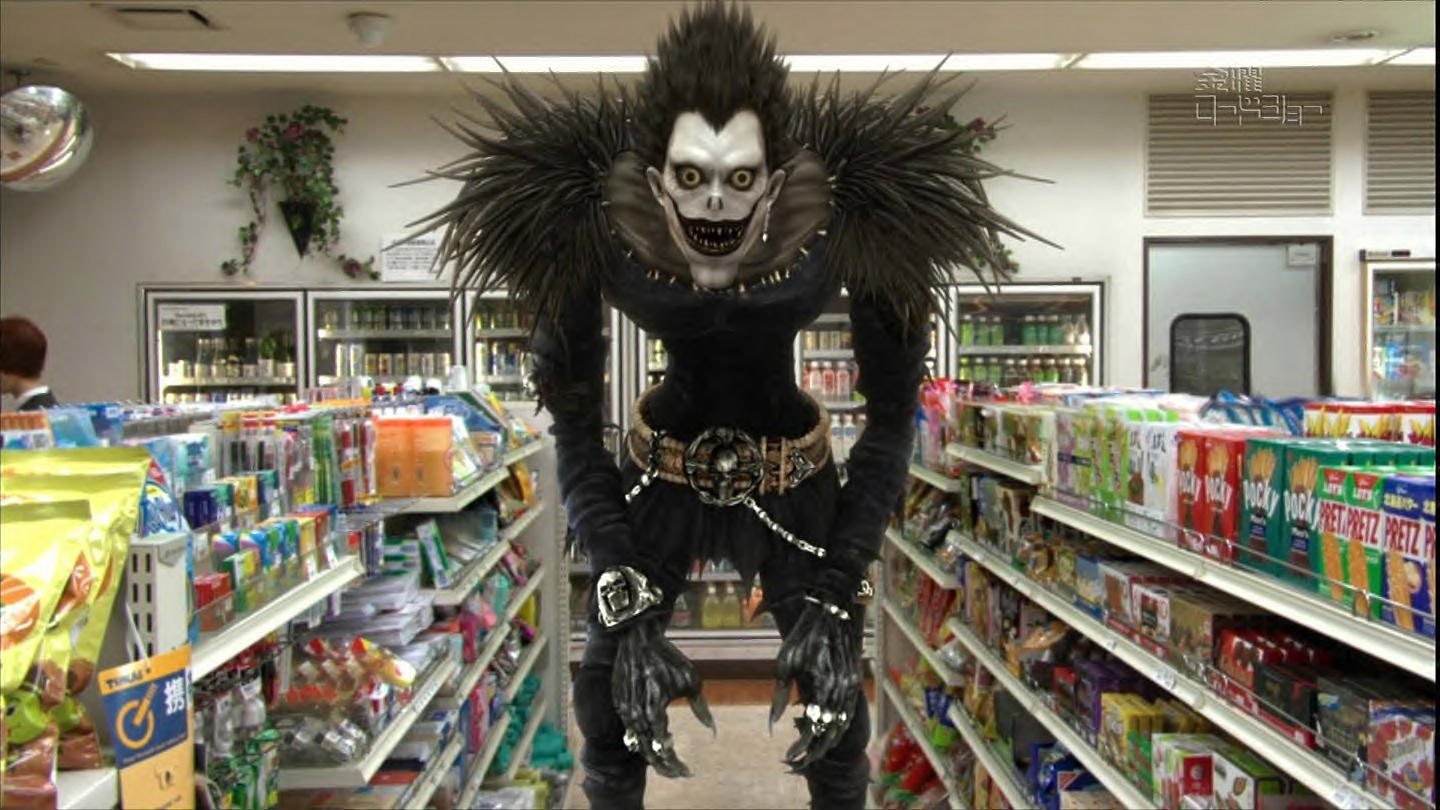
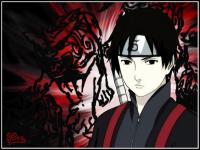
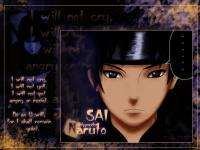
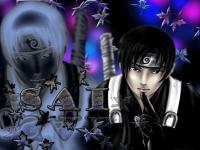
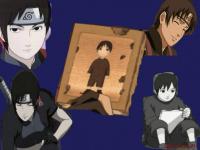
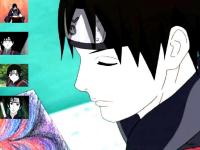
Here's more Sai! Death Note!



-
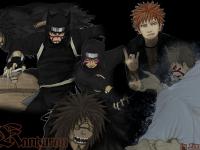
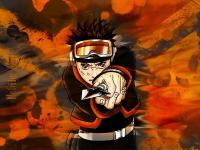
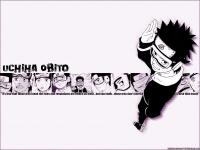
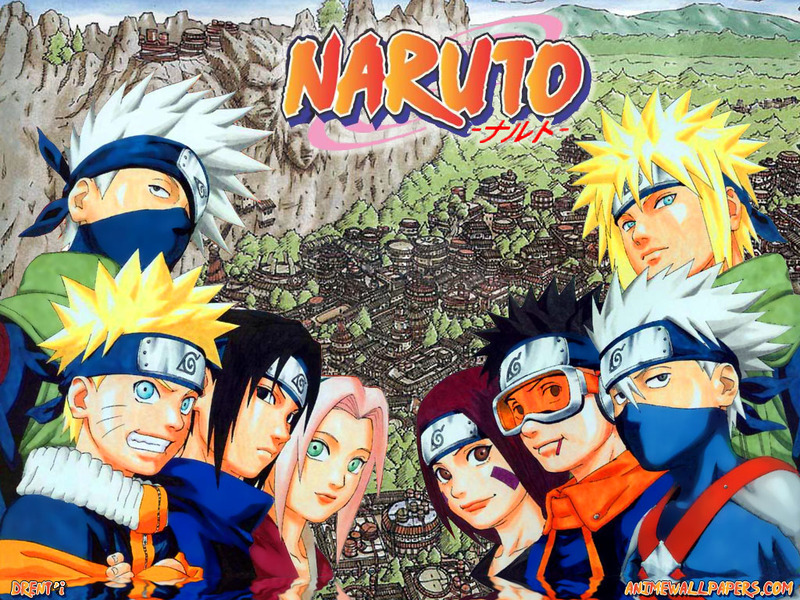
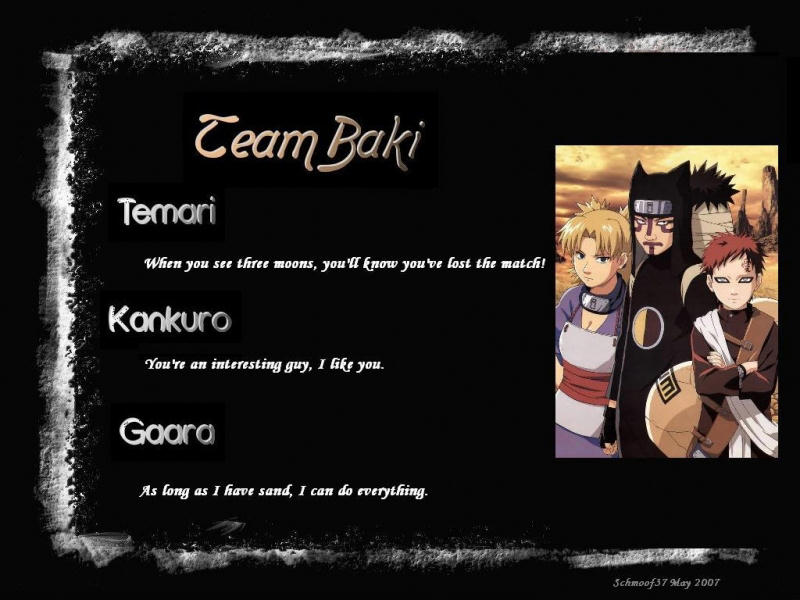
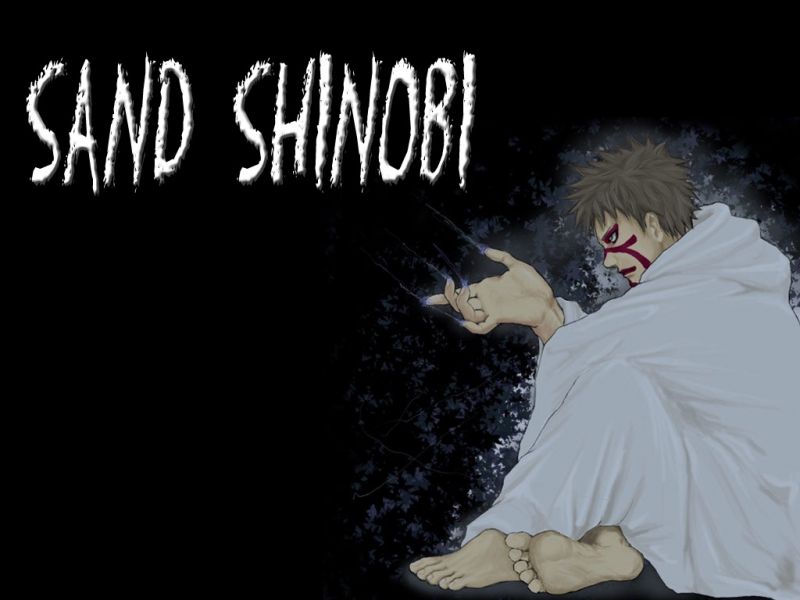
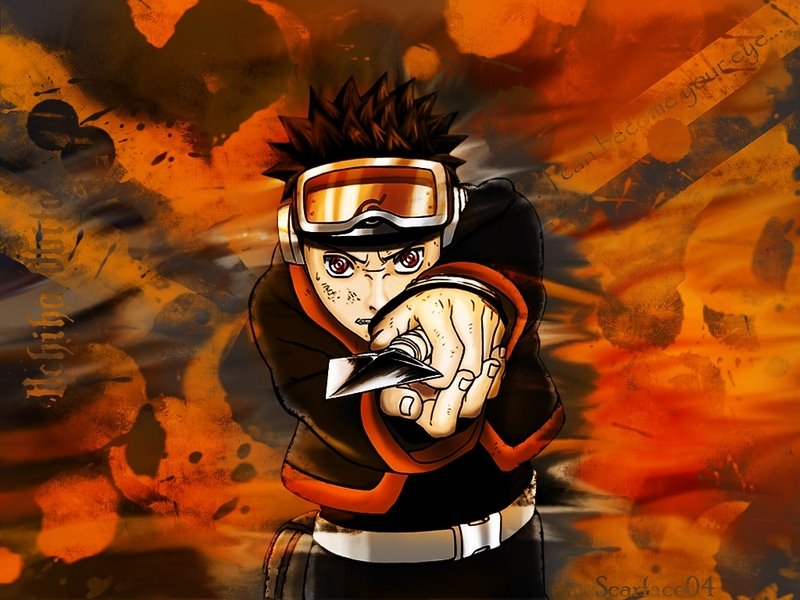
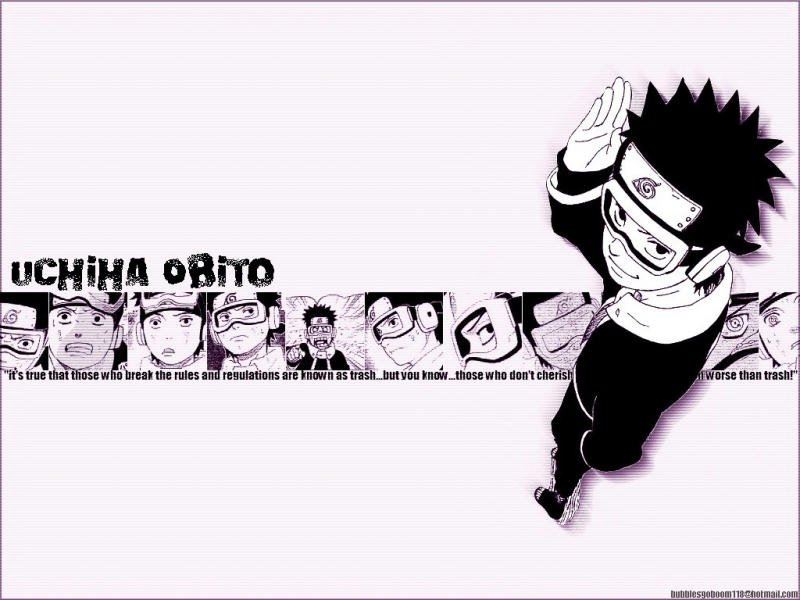
I like the Rurouni Kenshin wallpaper, I've always considered that one of the best Anime/Manga ever. And the ones of Guyot and Murakami are incredible! Have some Naruto, I hate the story, but I like these characters. Kidoumaru, Kankurou and Uchiha Obito