
Razell
Member++
-
Joined
-
Last visited
Everything posted by Razell
-
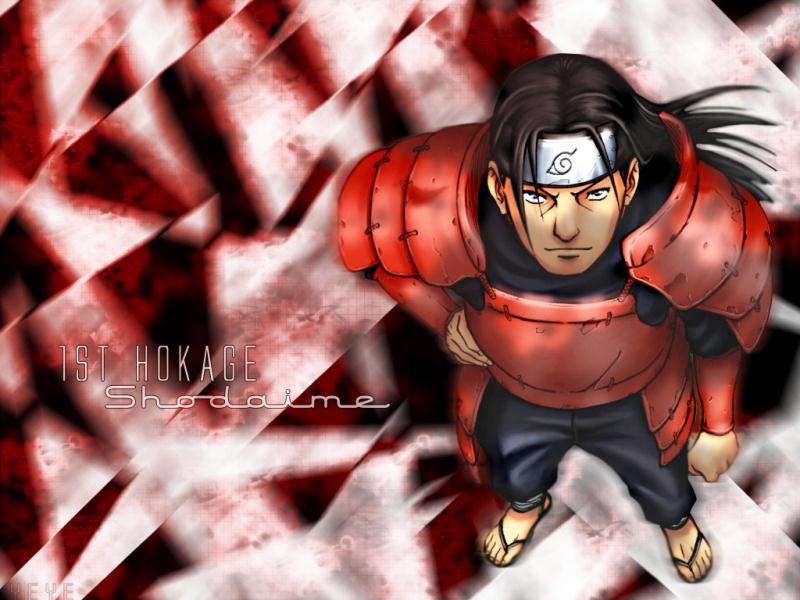
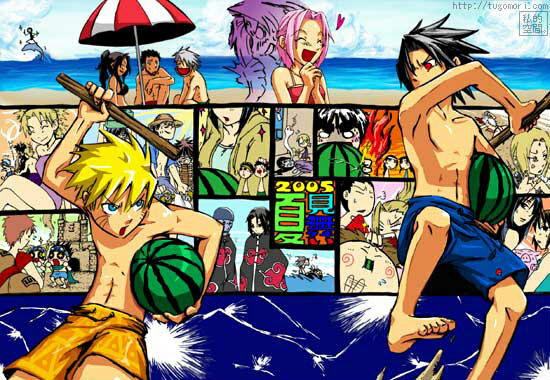
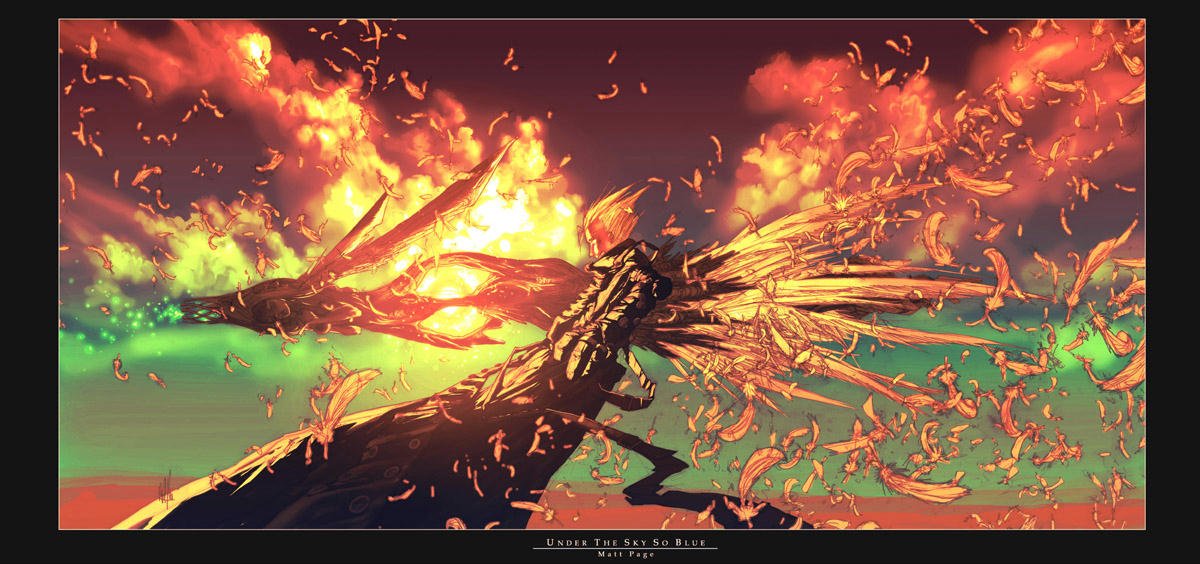
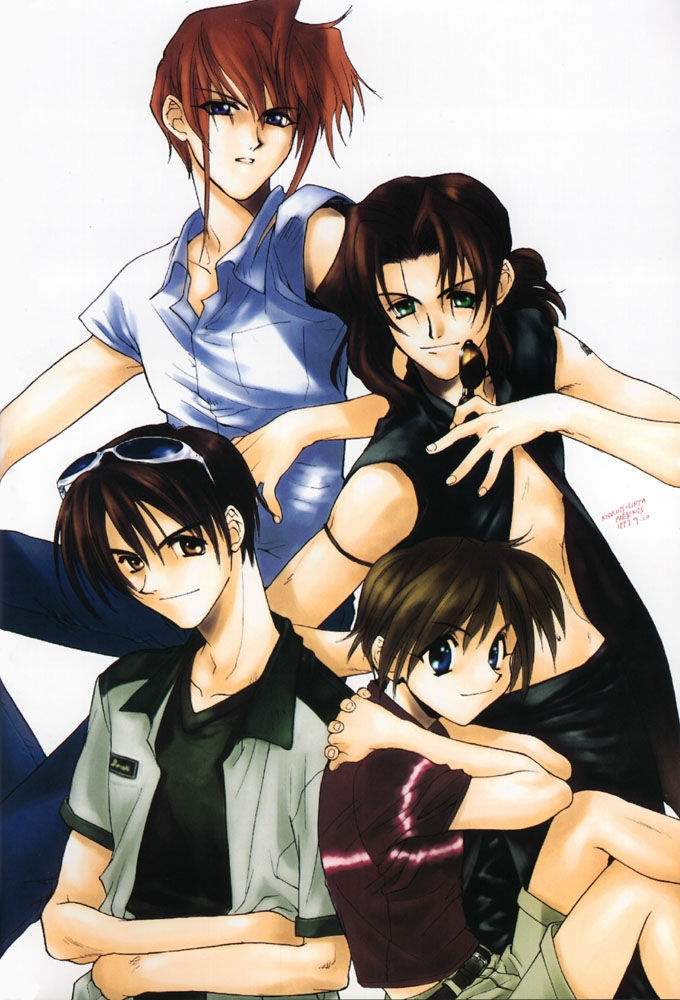
Naruto and one Trigun wall.



-
I don't know if this counts as Anime or not . . .




-
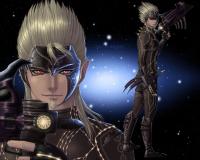
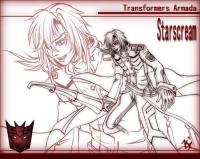
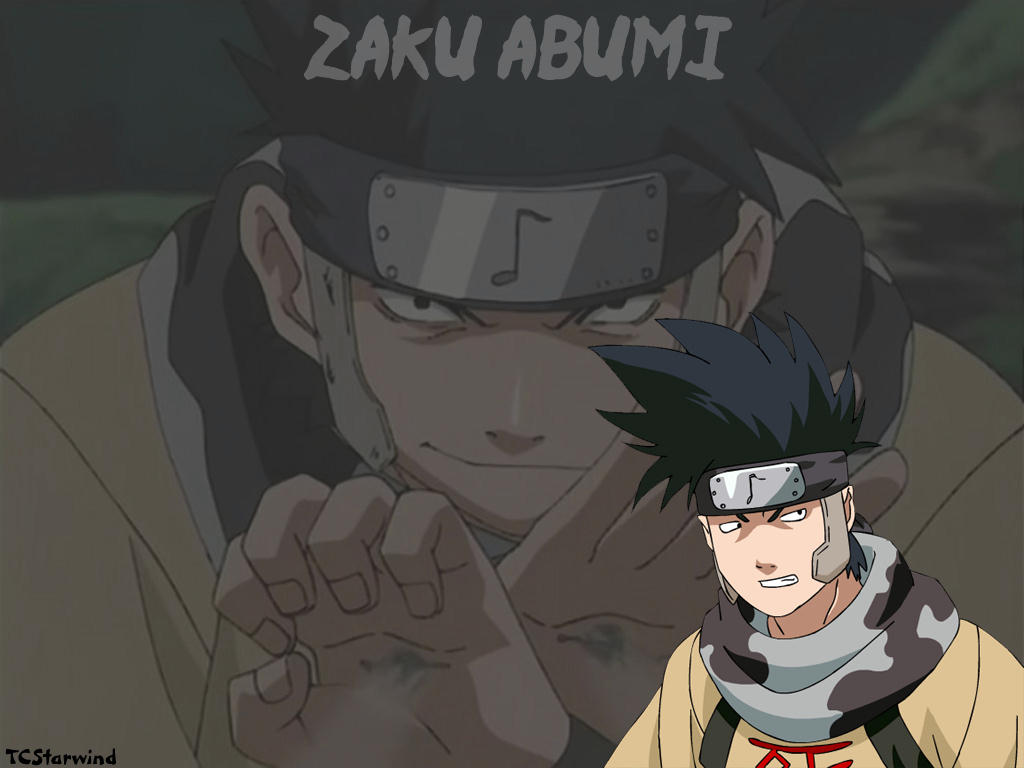
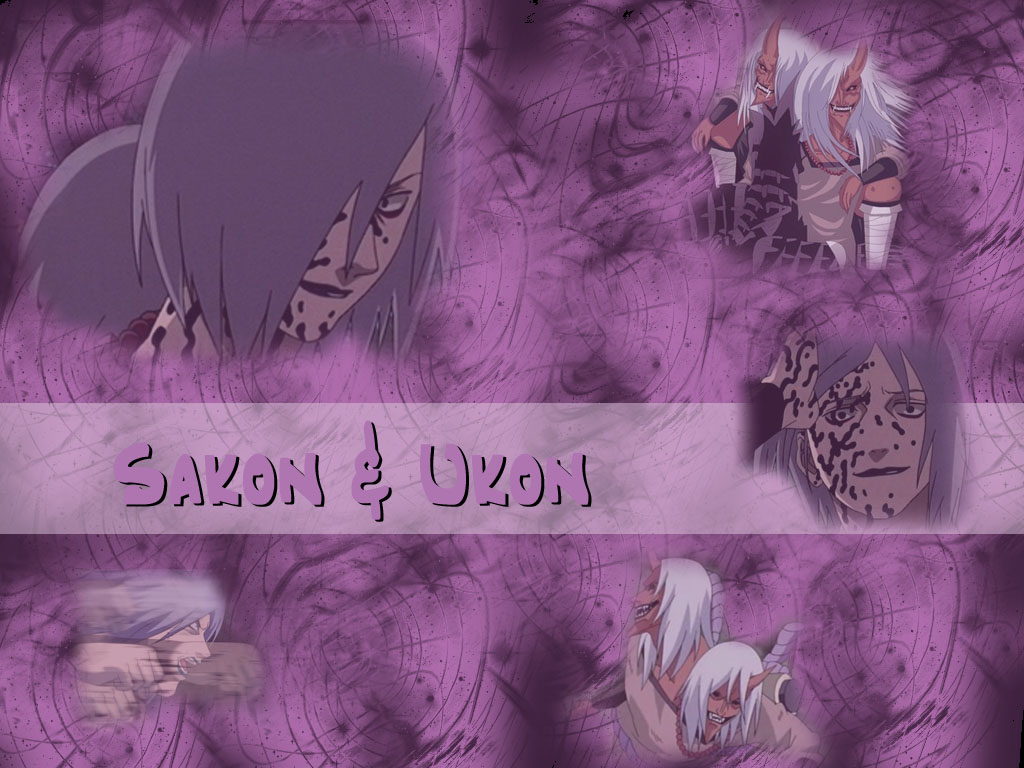
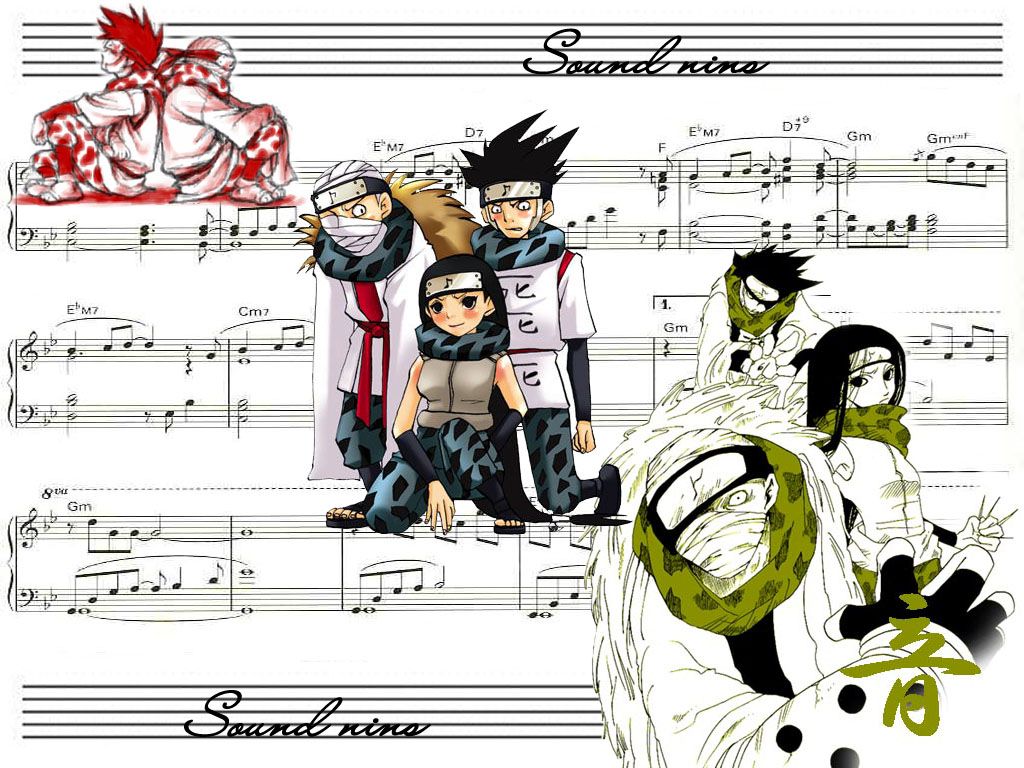
I should have said before that I found most of these on the Otaku.com, some of my wallpapers are from Deviantart . . . I haven't made any of my own, because I really don't know how . . . It probably takes some special software, right? More Zaku! And some Sakon and Ukon!



-
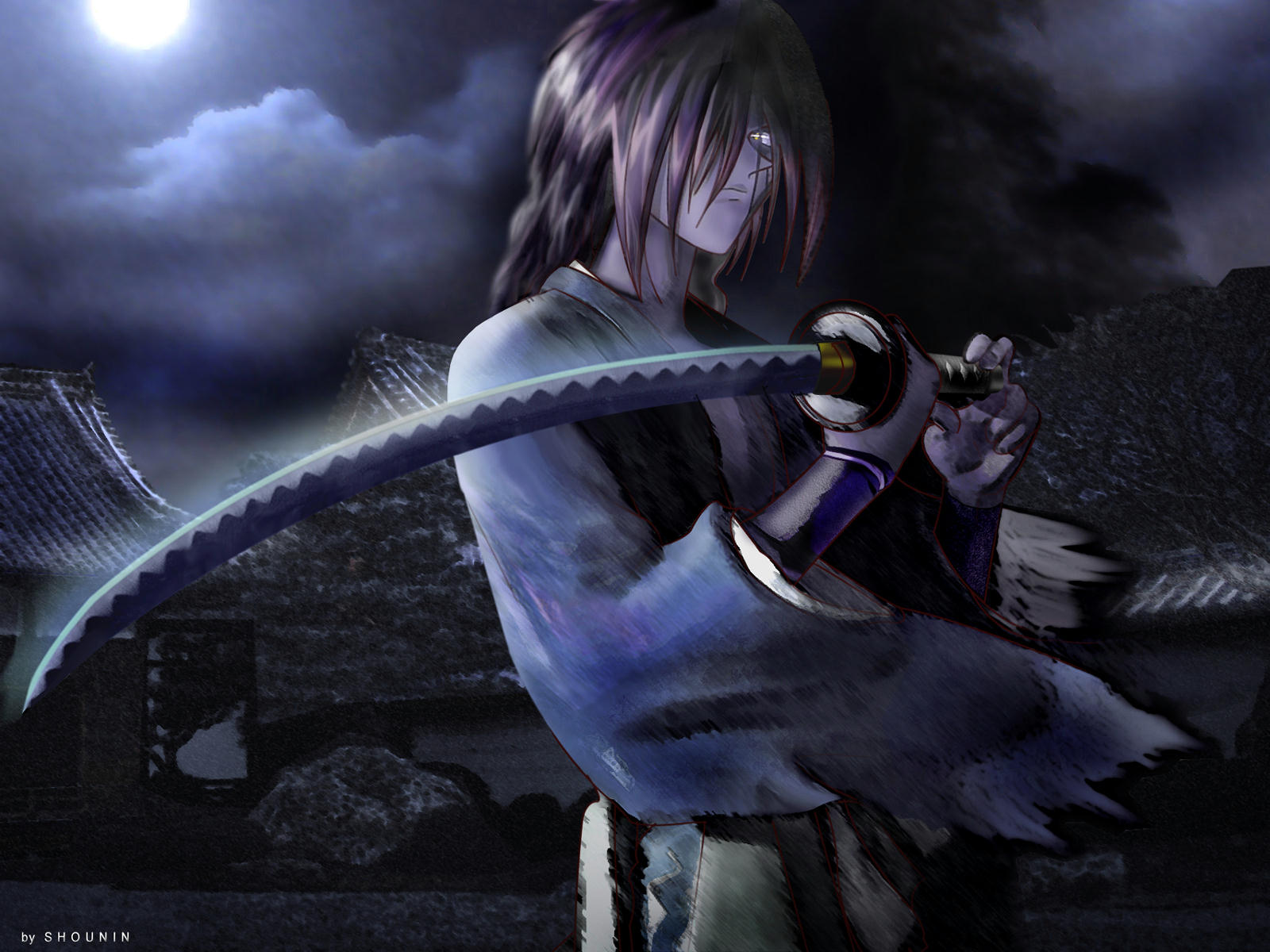
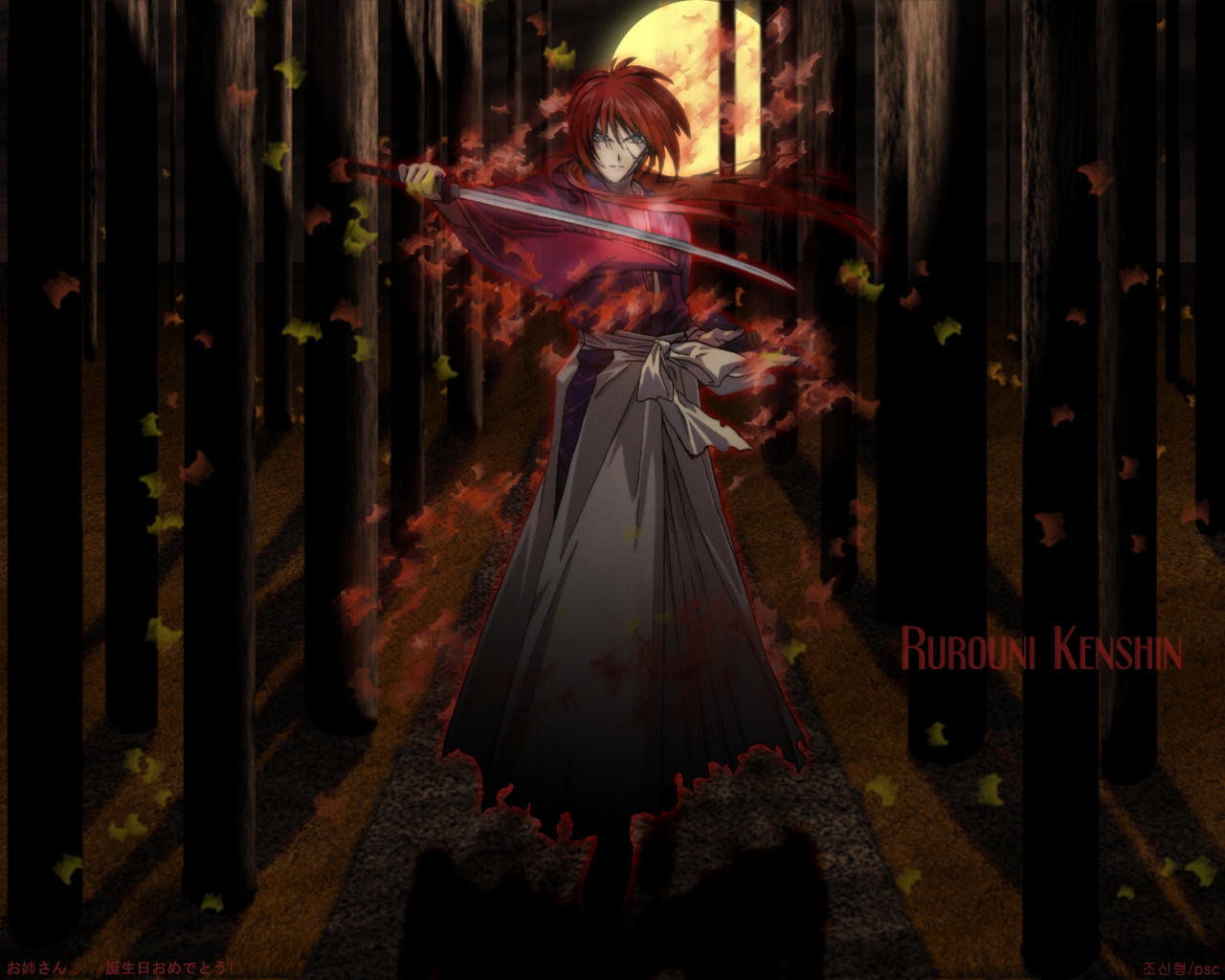
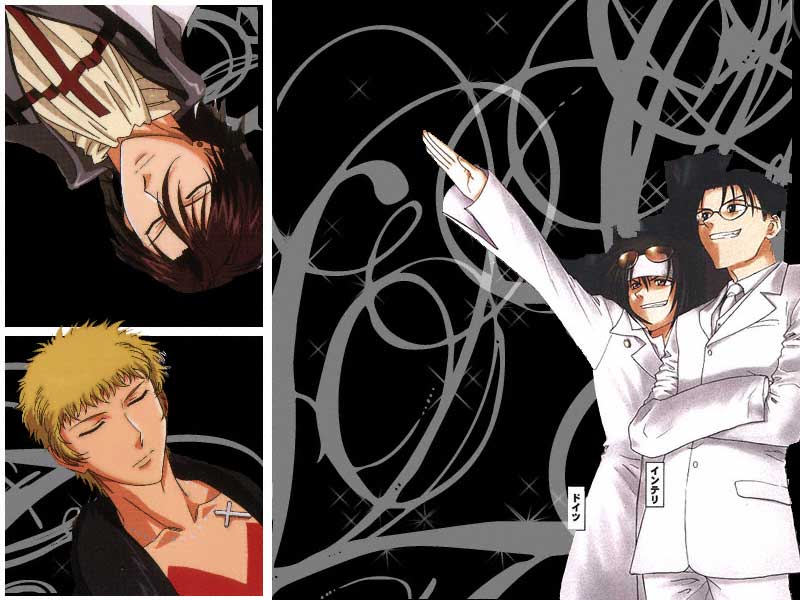
I like the first one , I really like seeing 'minor' characters getting attention. Keigo and Mizuiro, right? Moar Kenshin


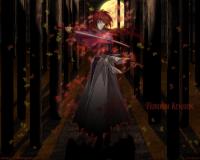
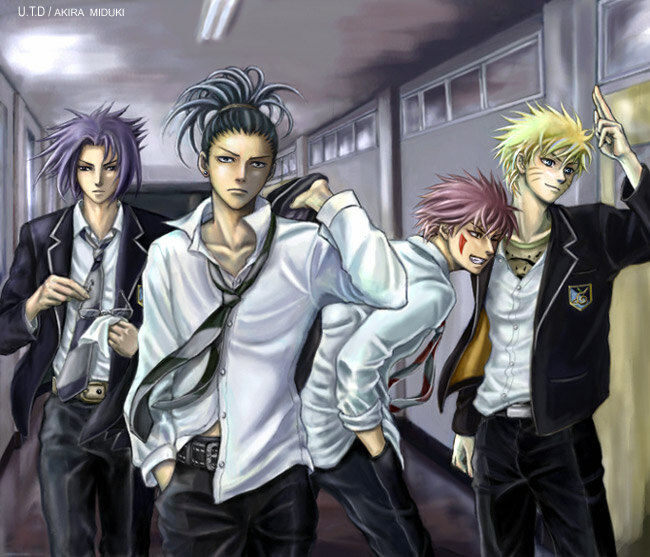
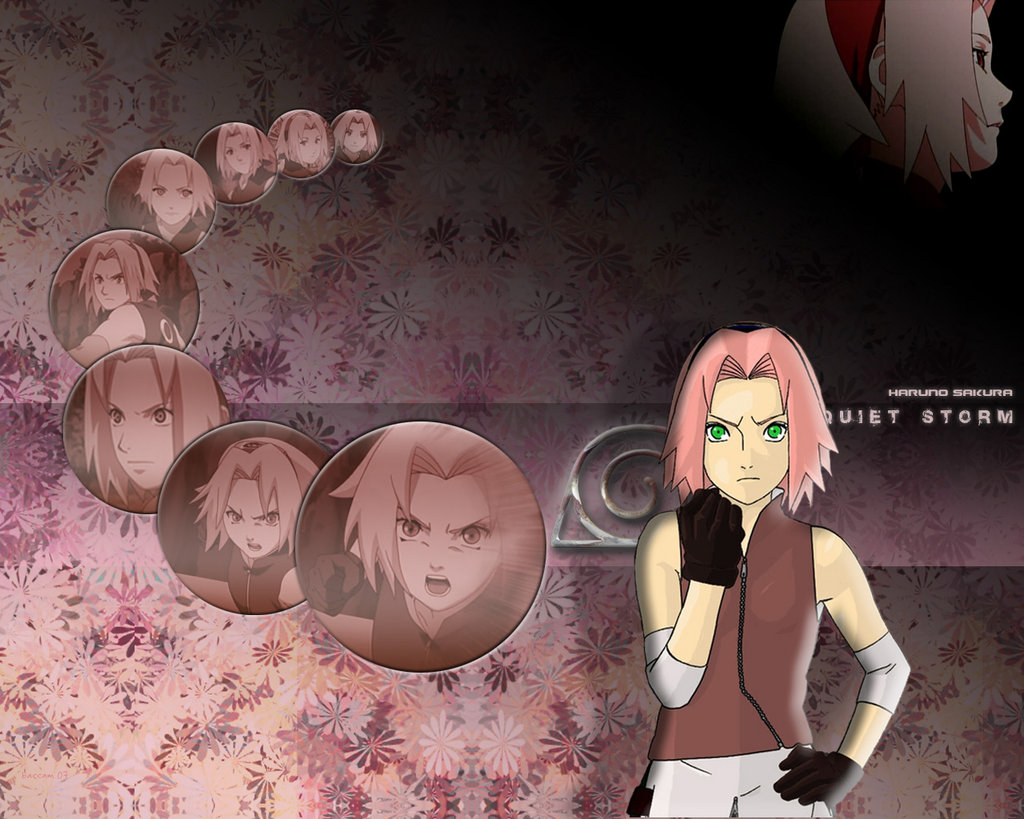
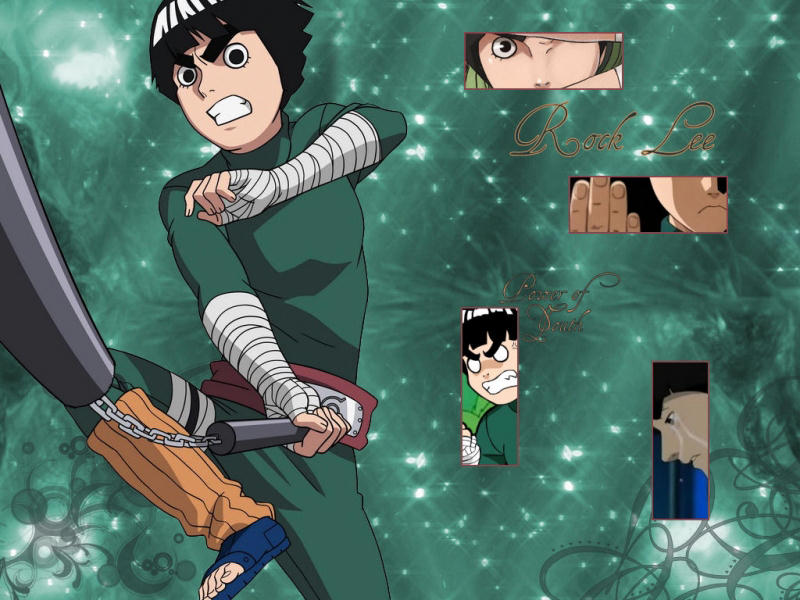
 For someone who hates Naruto, (The story, not the character), I have a lot of Naruto stuff


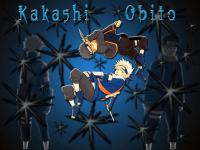

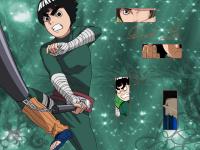
 Cursed Seal Sasuke, I like this look better than regular Sasuke

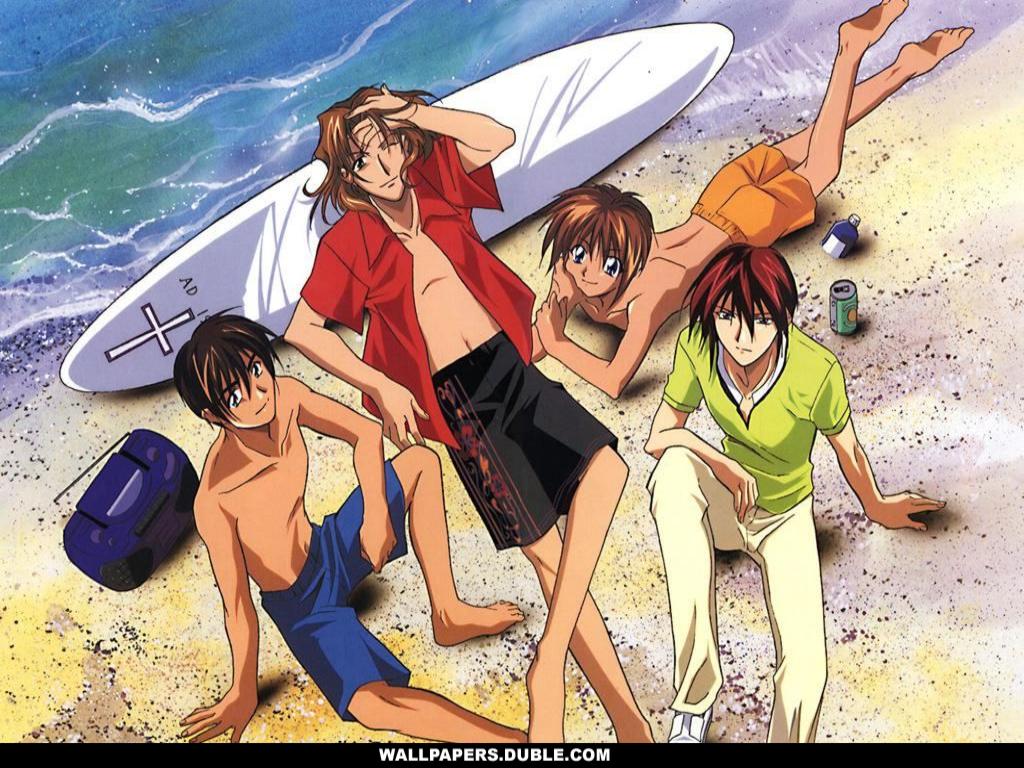
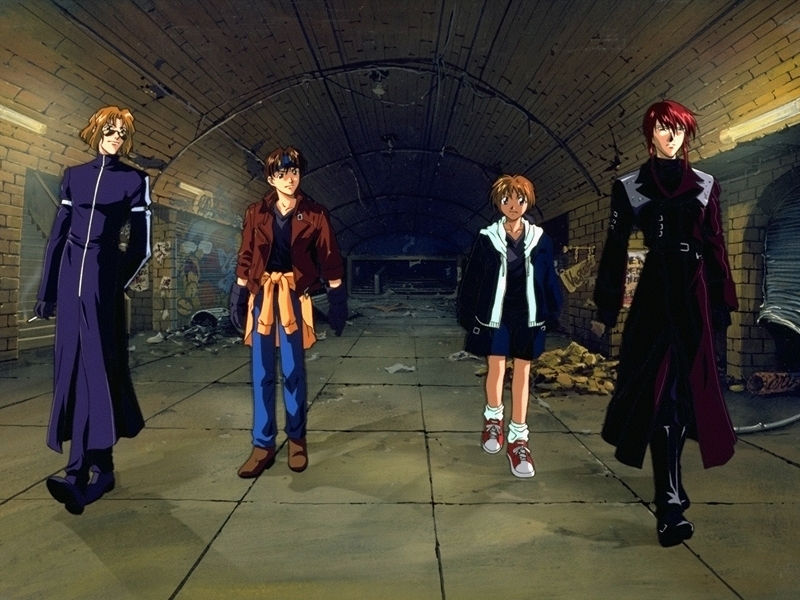
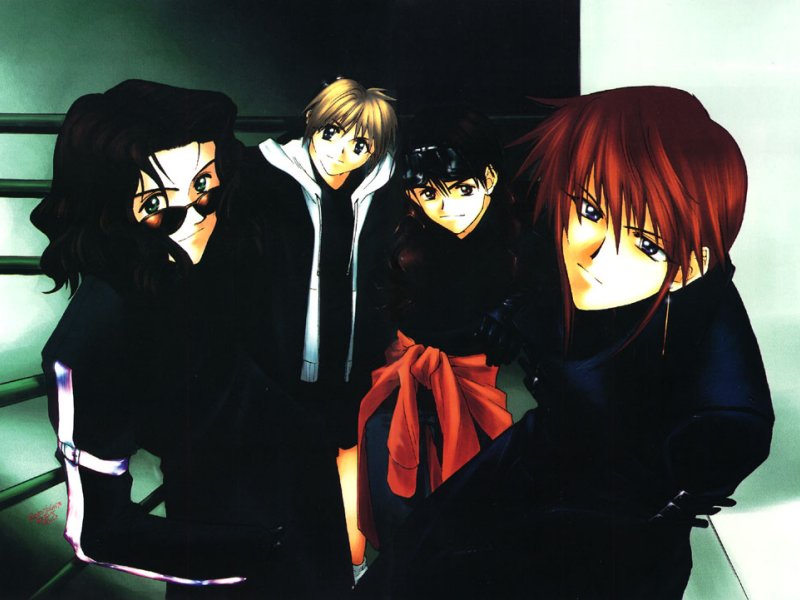
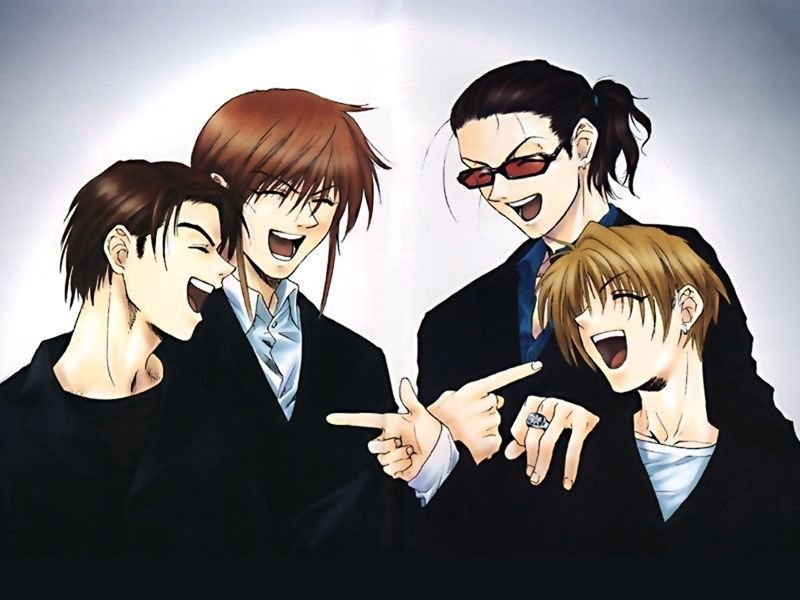
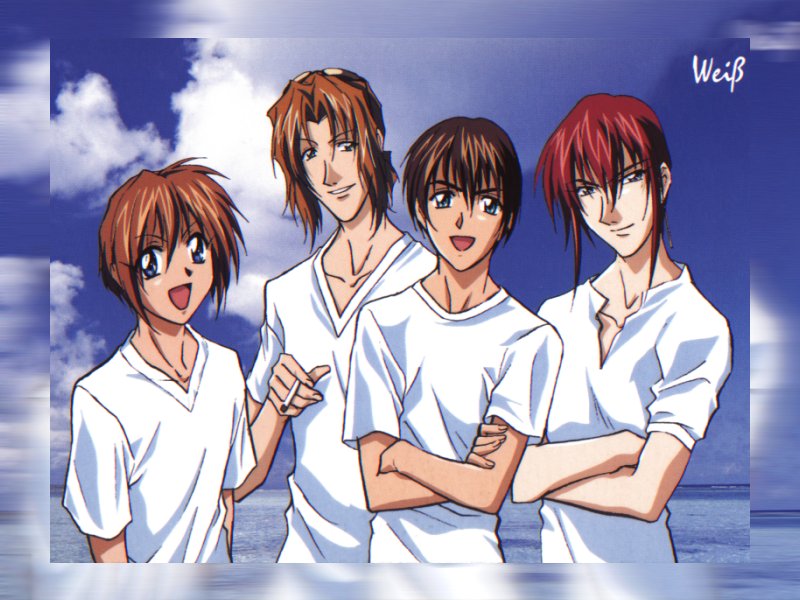
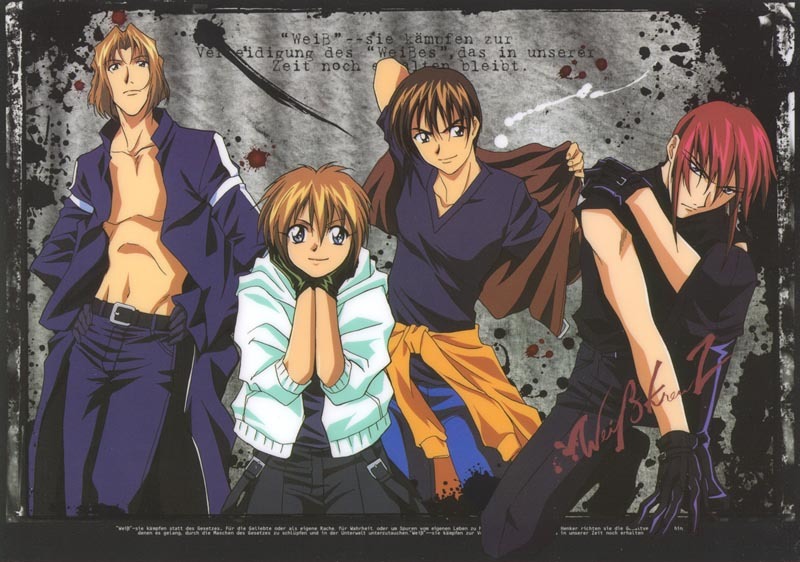
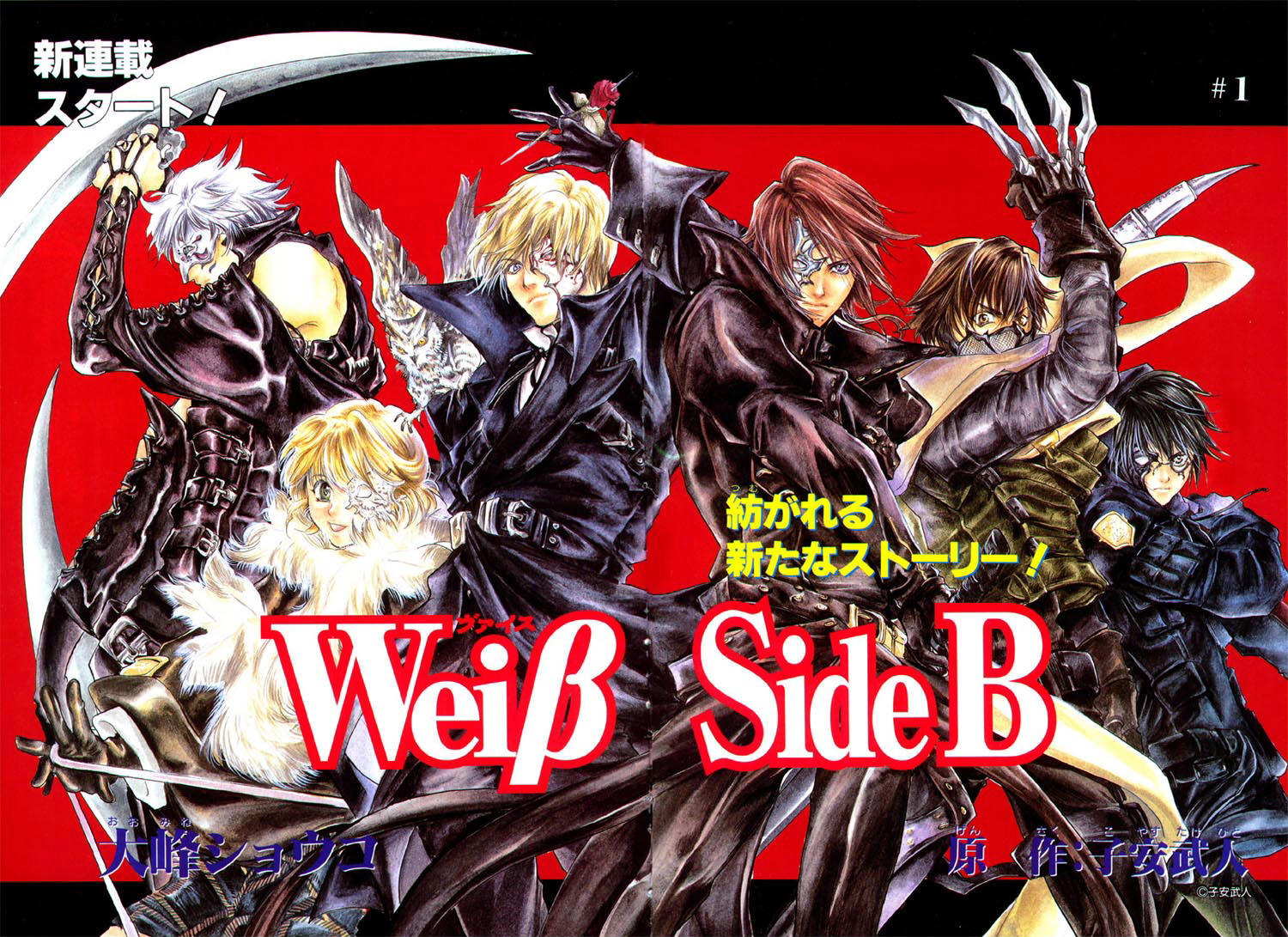
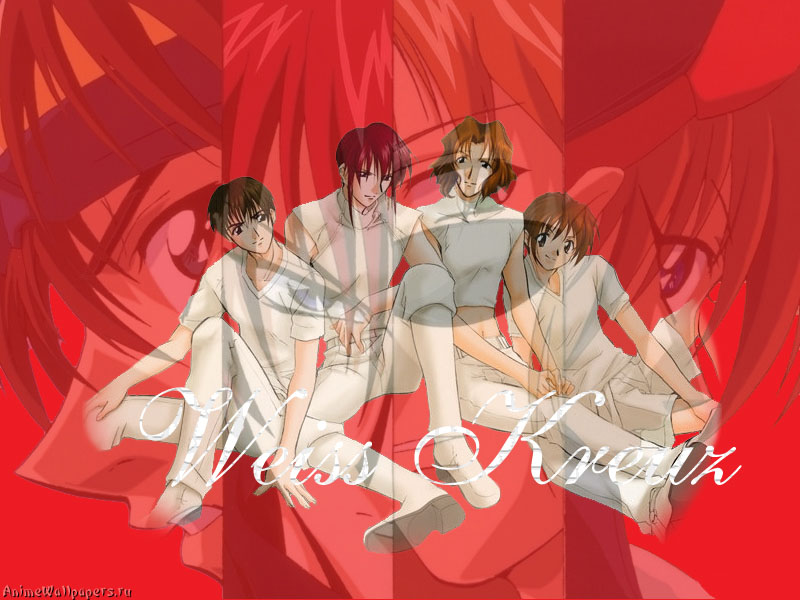
 More Weiss





 More Weiss





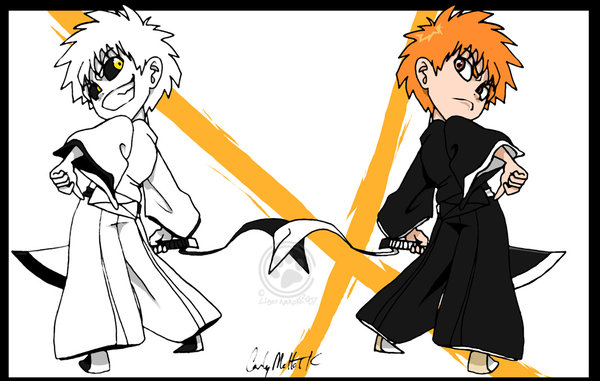
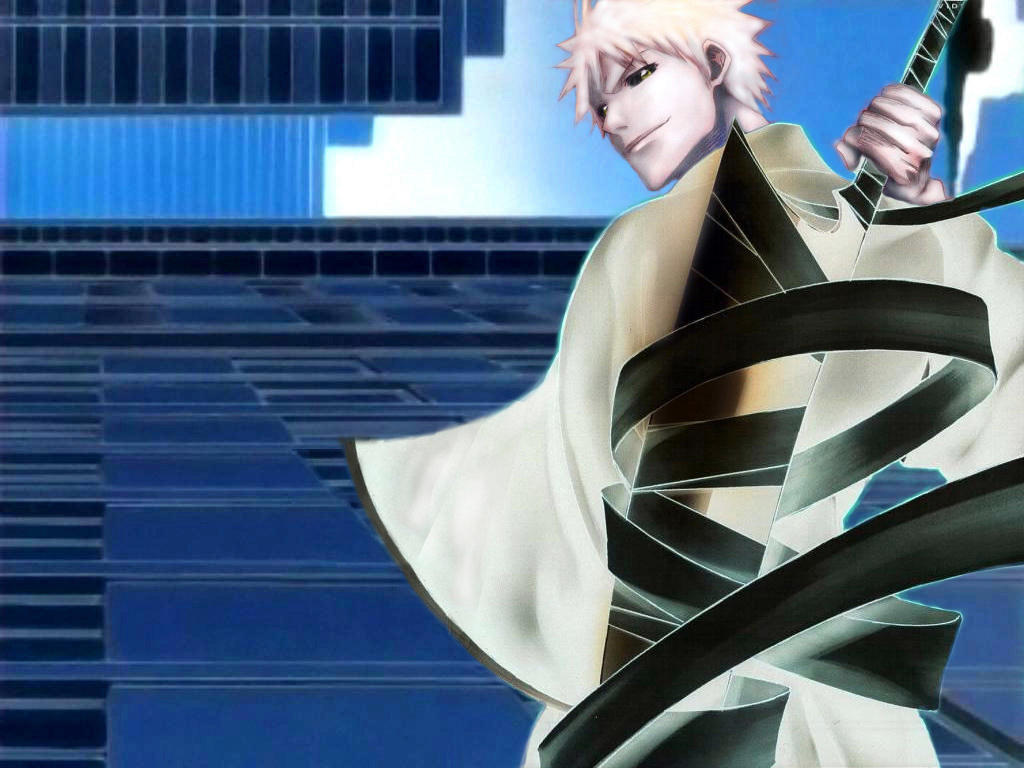
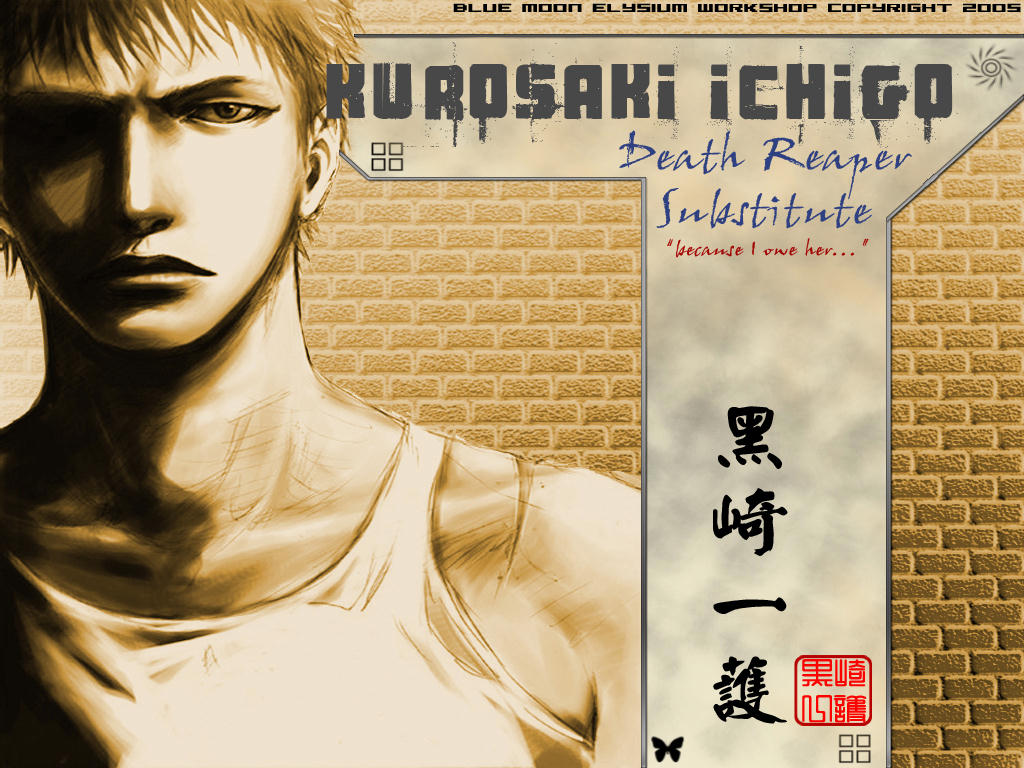
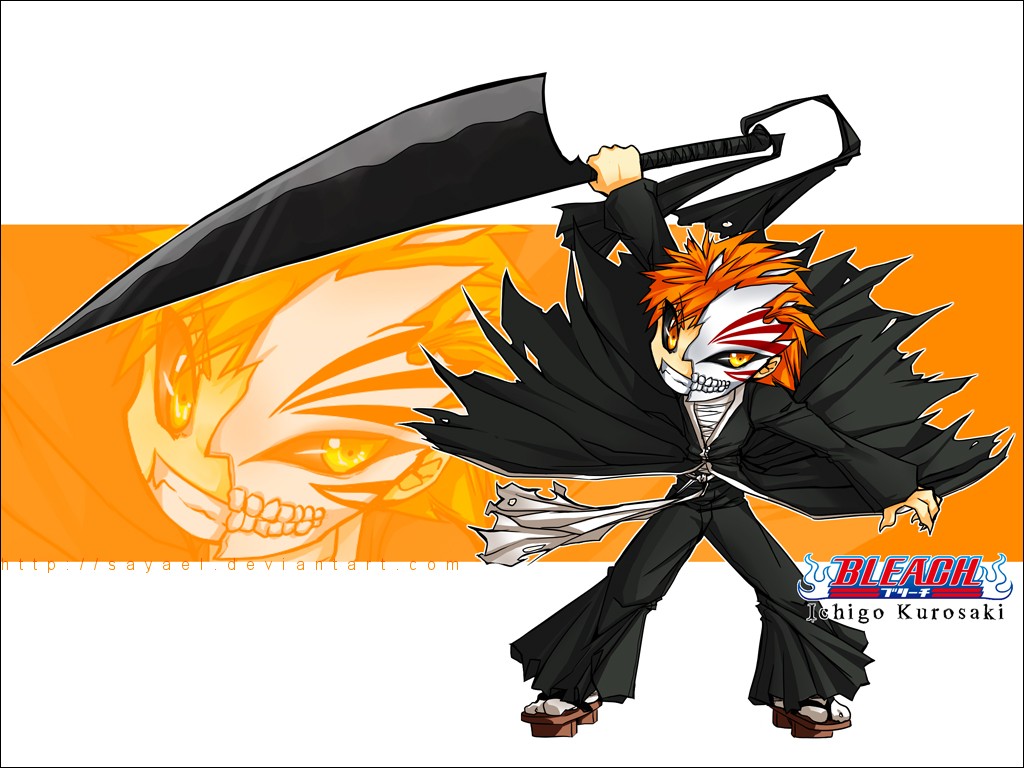
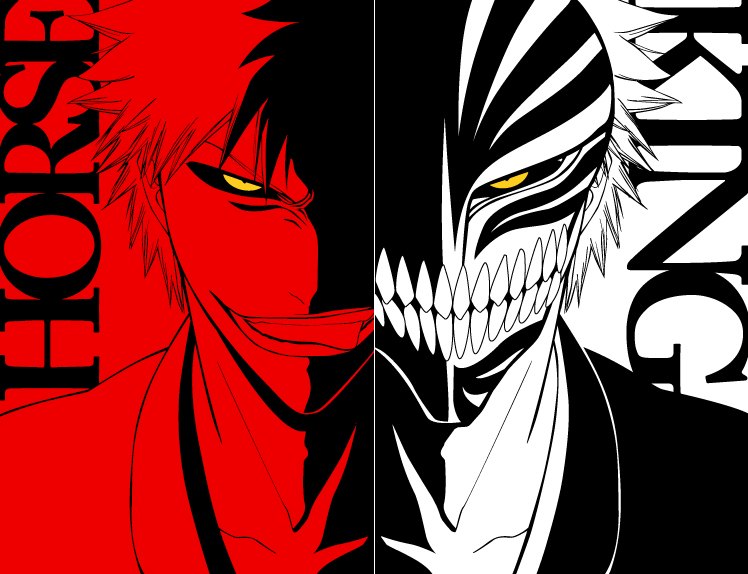
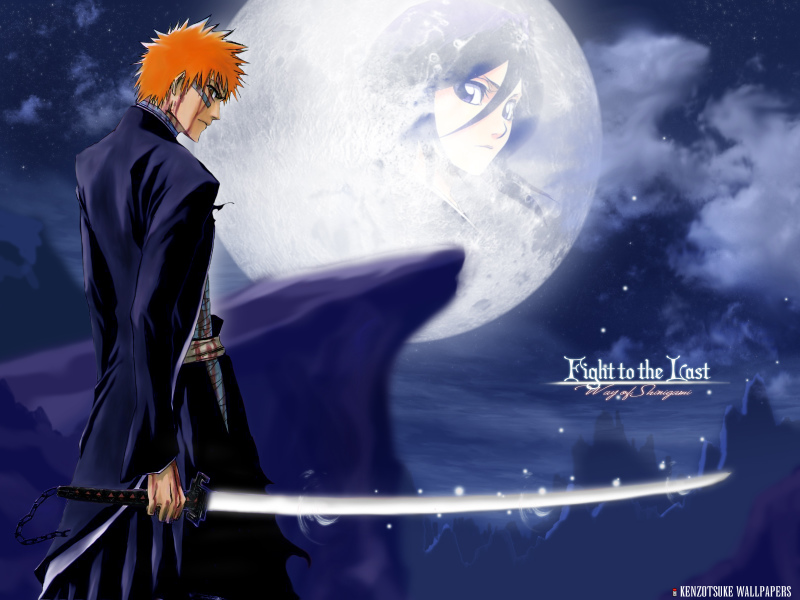
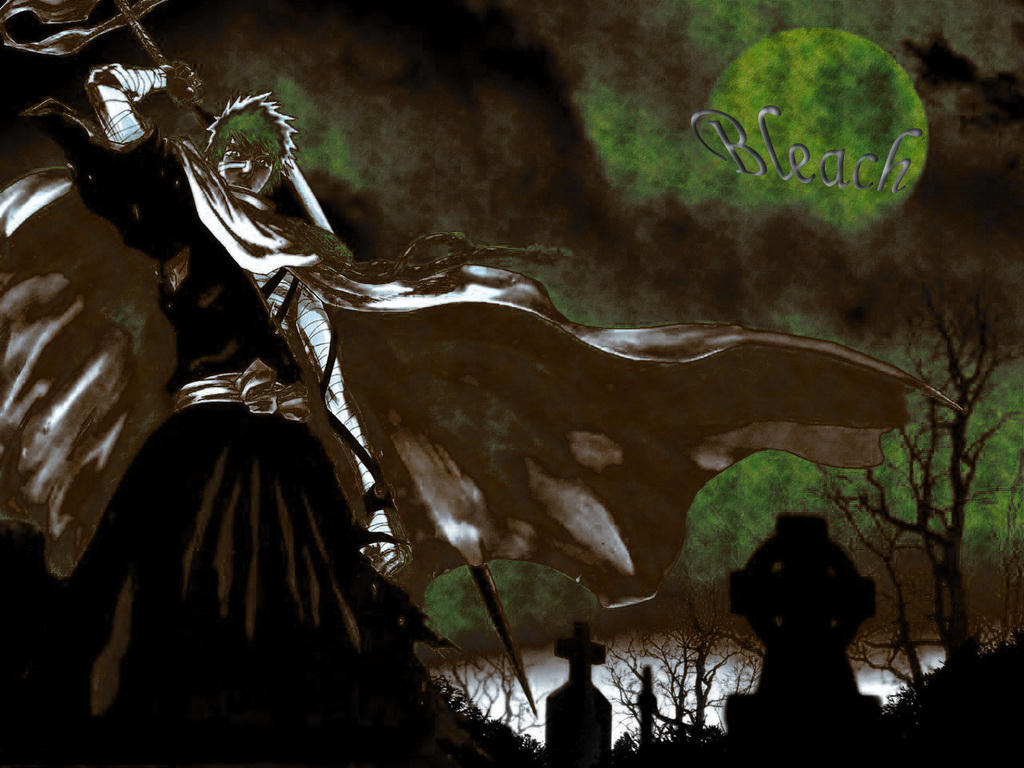
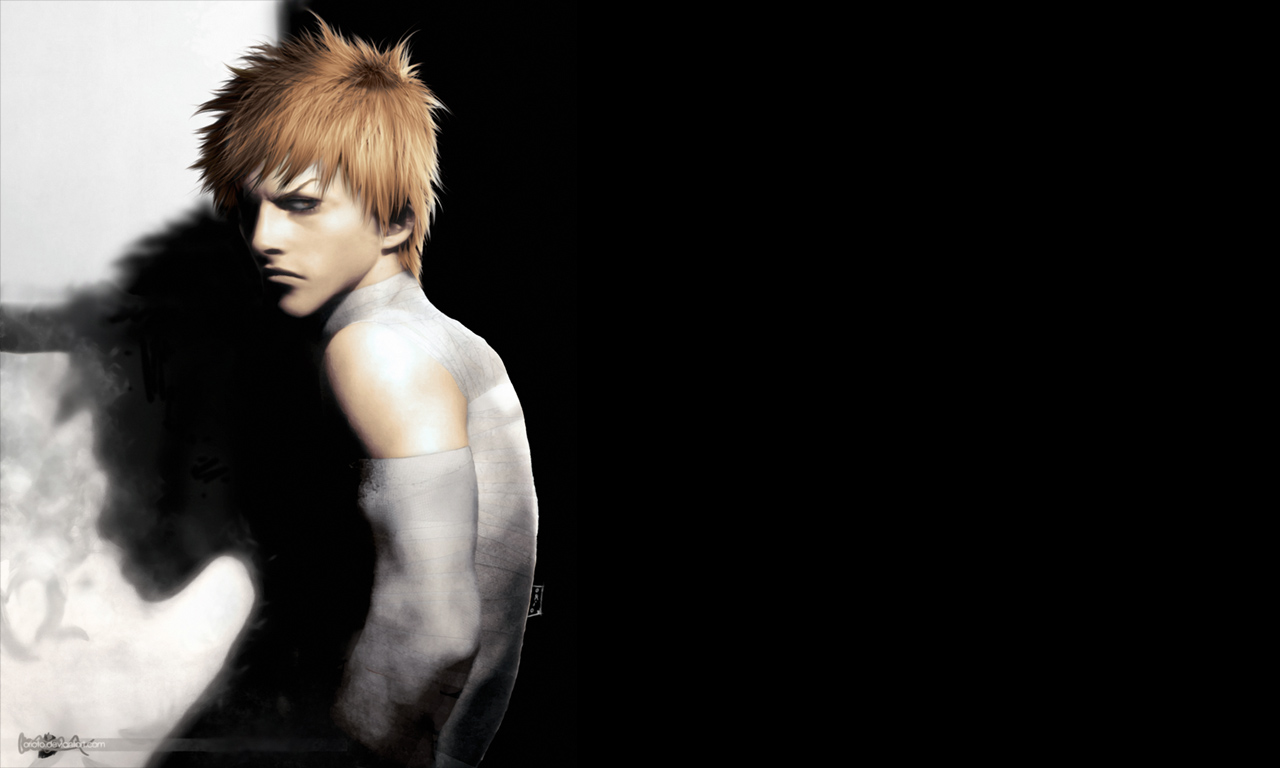
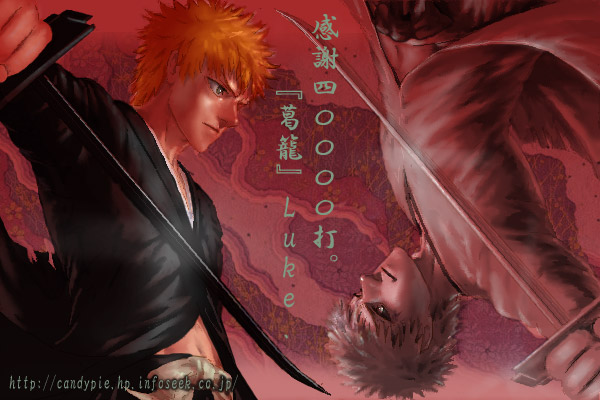
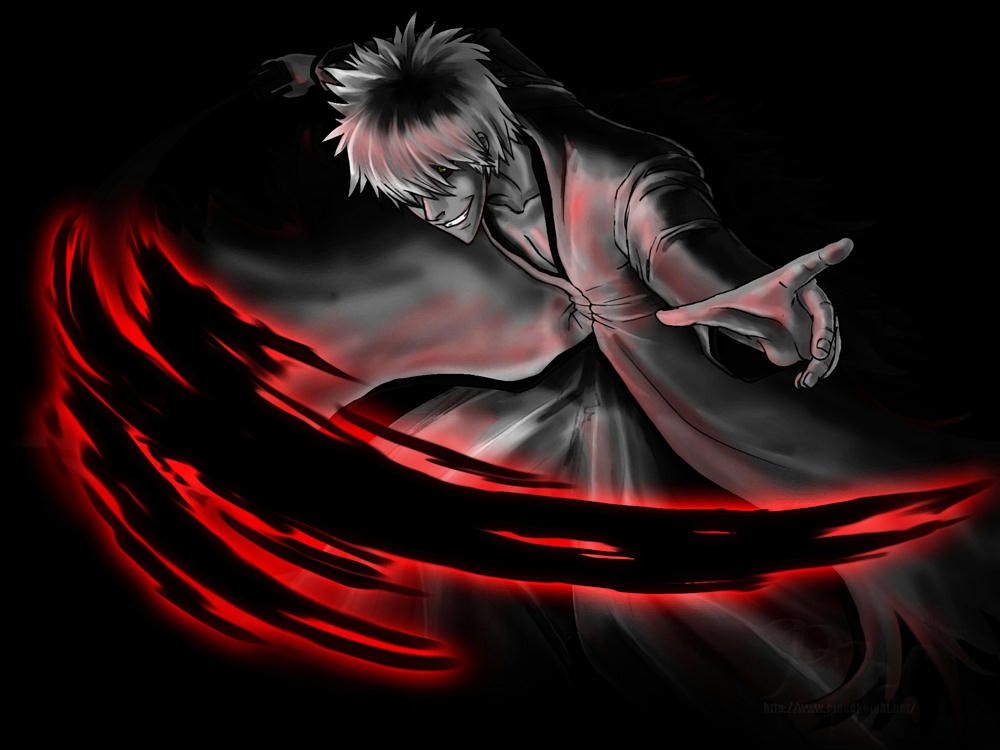
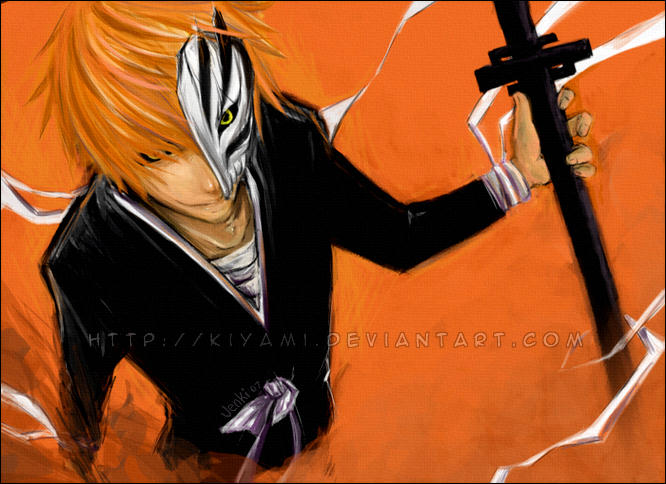
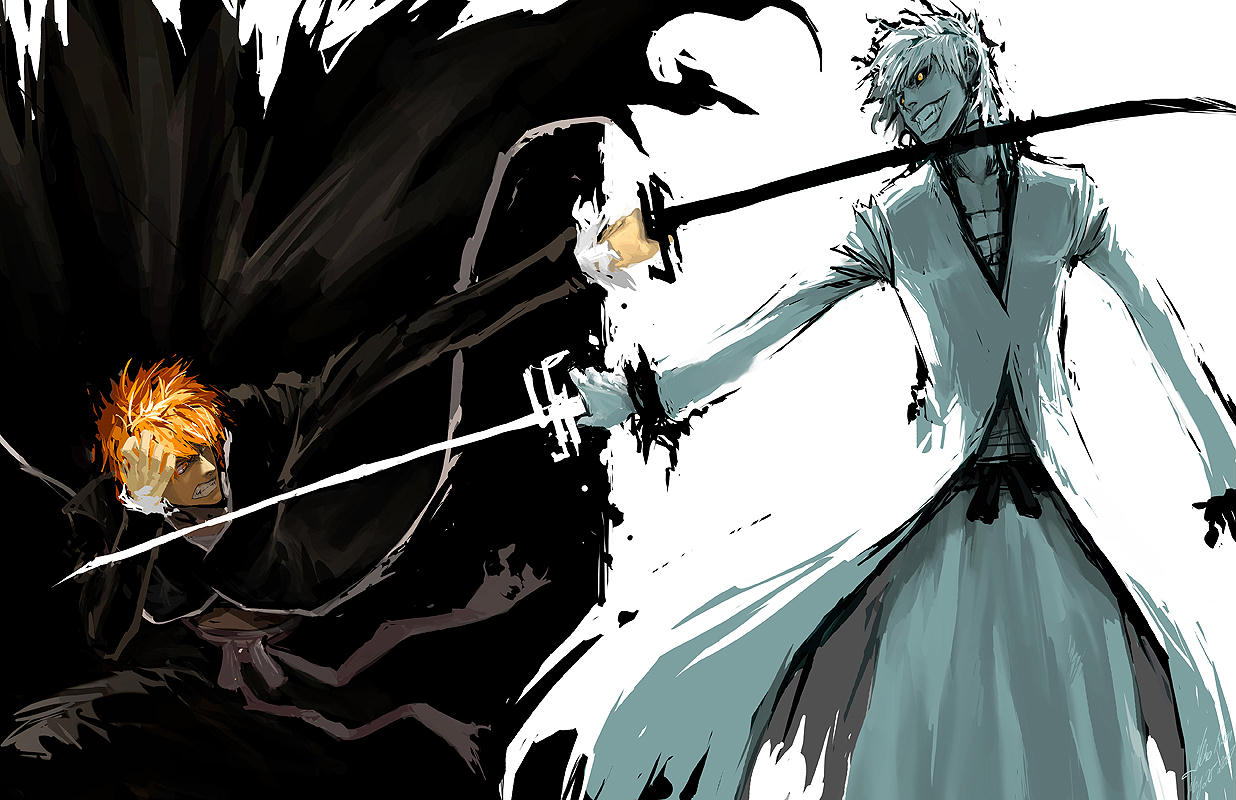
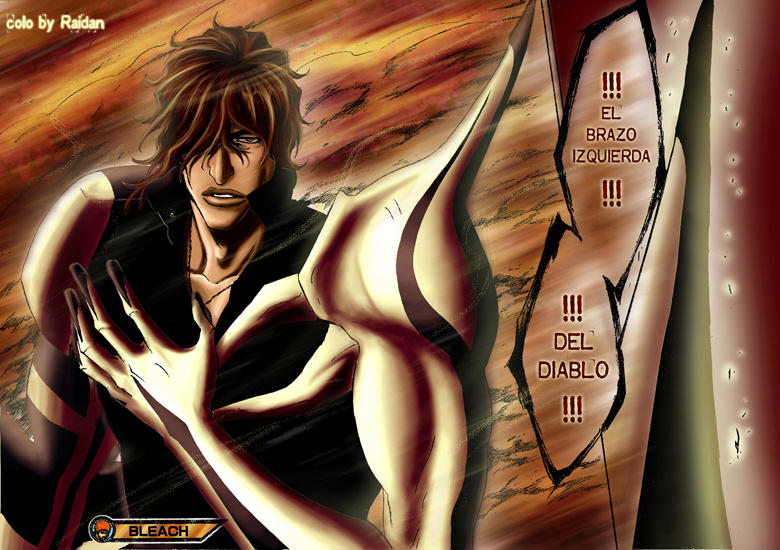
 Ichigo/Hichigo!


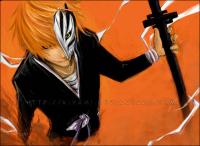

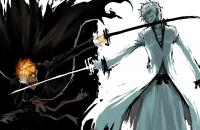
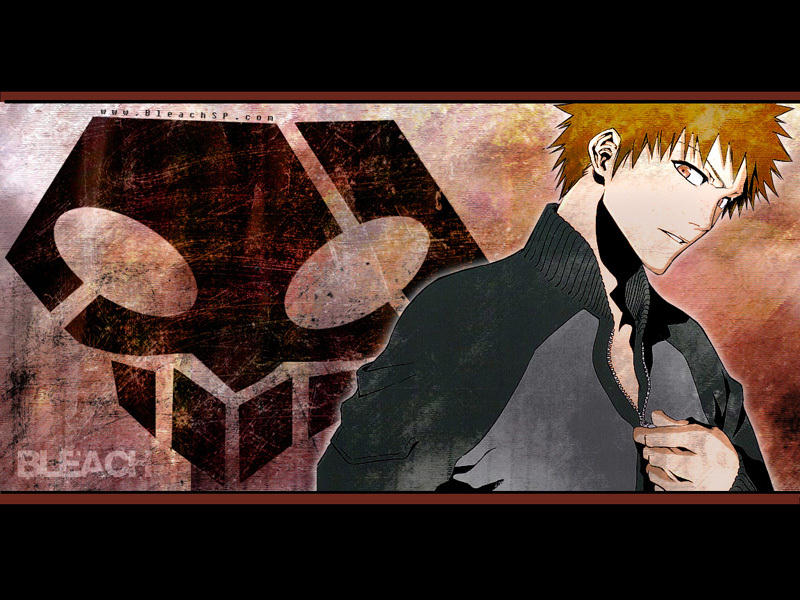
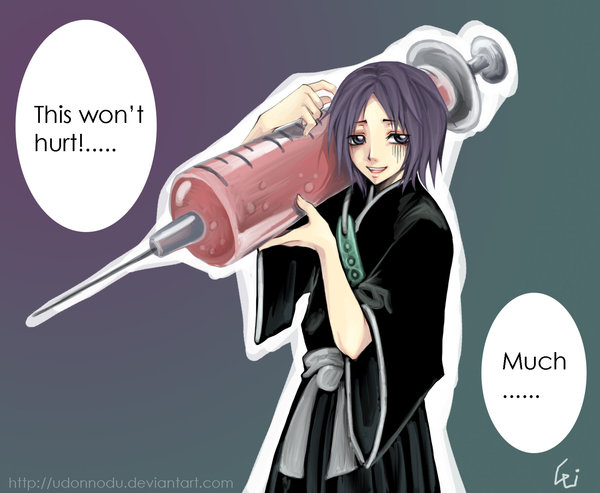
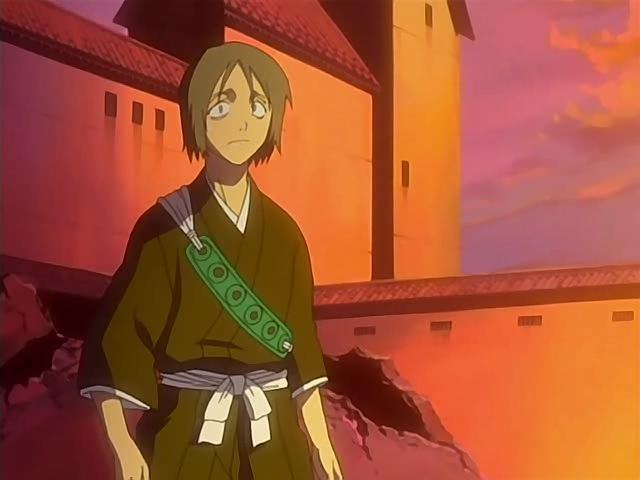
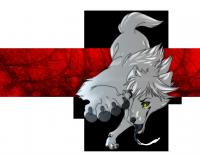 Bleach Yamada Hanataro My favorite on Bleach


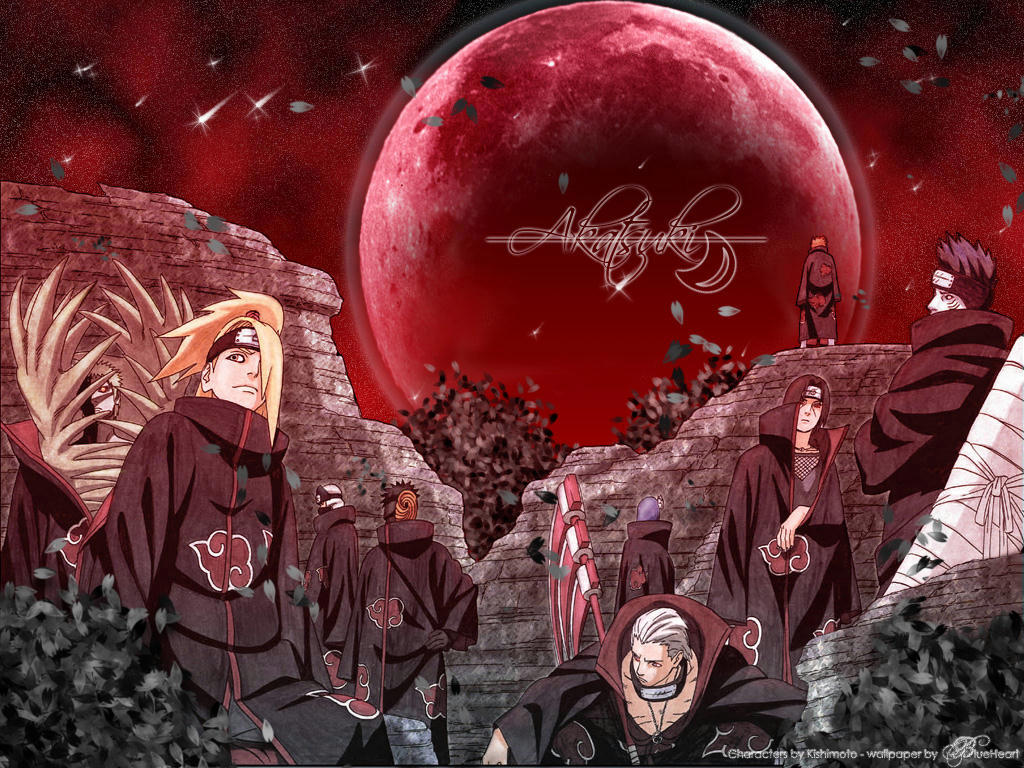
 Akatsuki



 Zaku's equally unfortunate teammates , Kinuta Dosu and Tsuchi Kin. Yes, Kin is a girl!

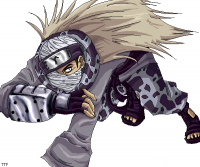


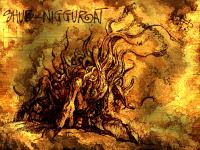
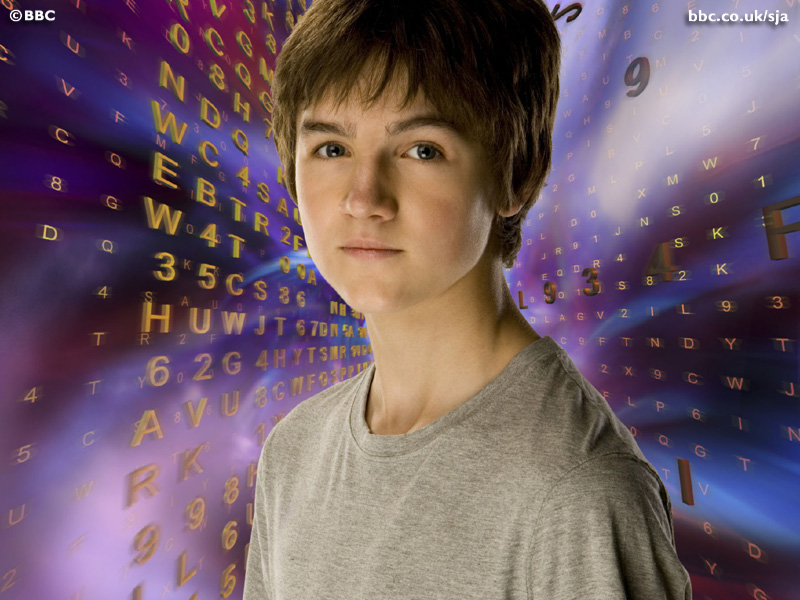
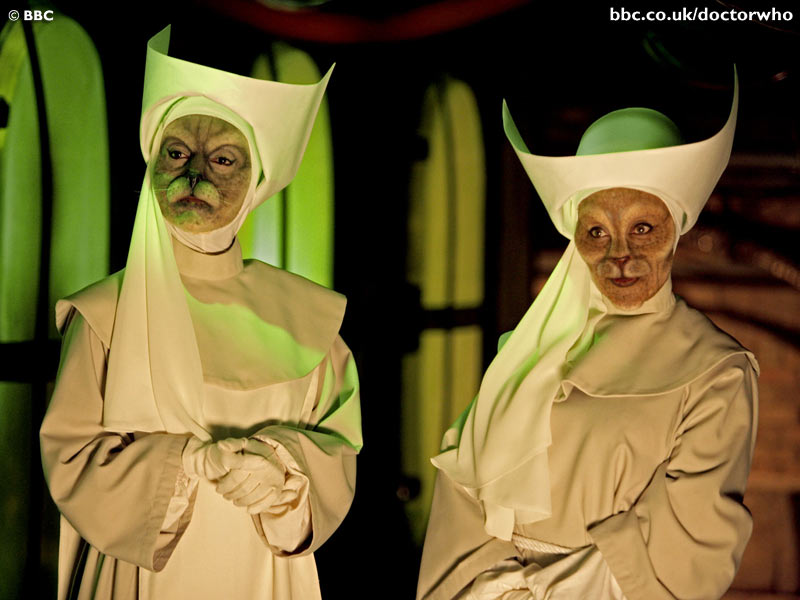
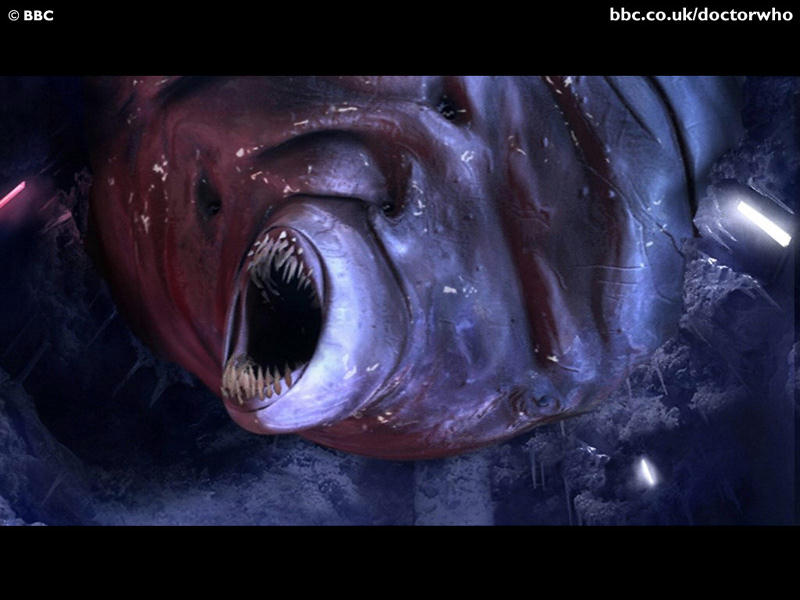
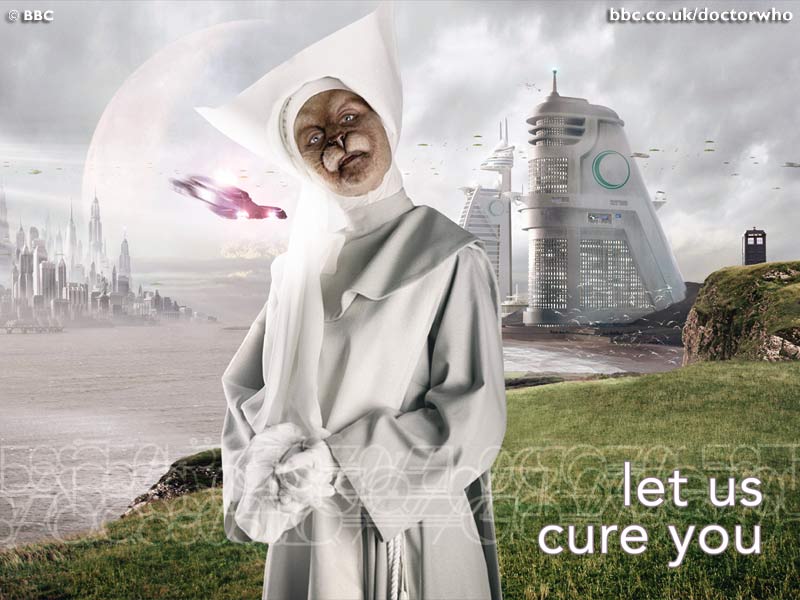
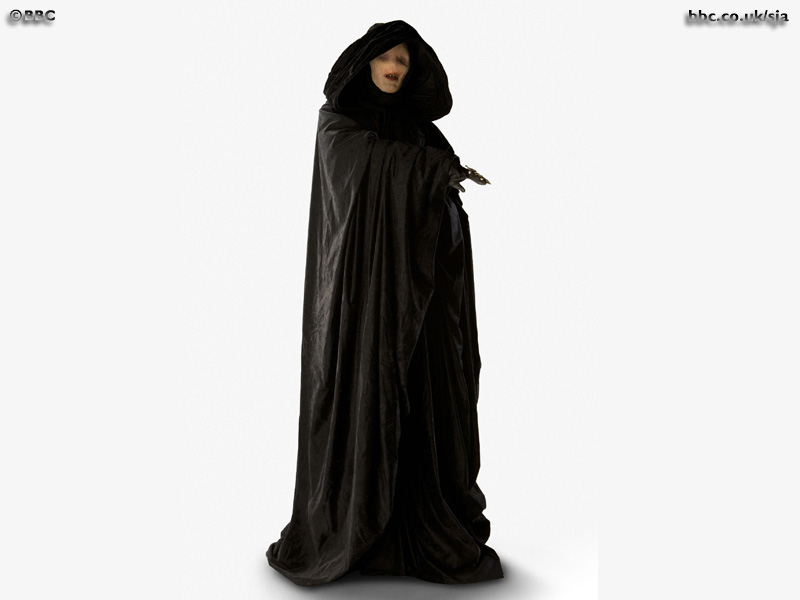
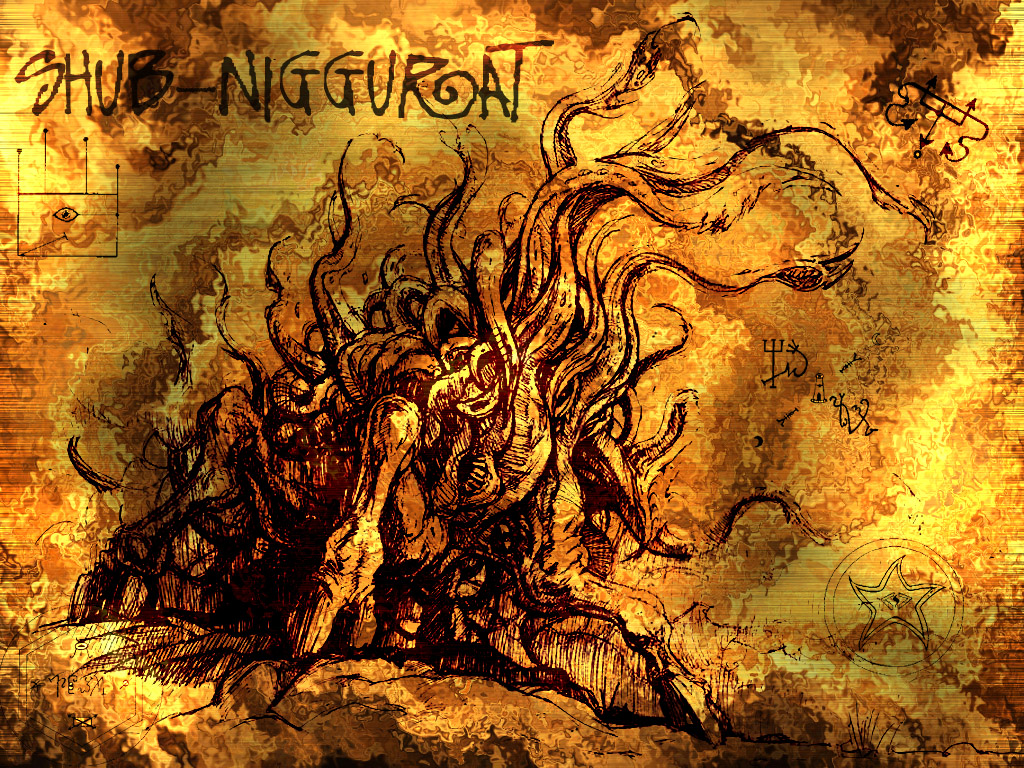
 Catgirls? I'll get back to Anime after these. I thought I had one of Sarah Jane Smith, but I guess I was wrong . . . I still say the Trickster is Nyarlathotep! There were several books saying the Nestene Consciousness was one of the Thousand Young of Shub-Niggurath yes, I'm a geek


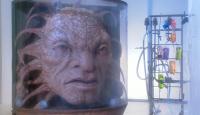
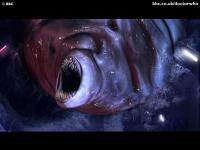

 Everything is an addiction for me That's right, I have wallpaper from other things, too.


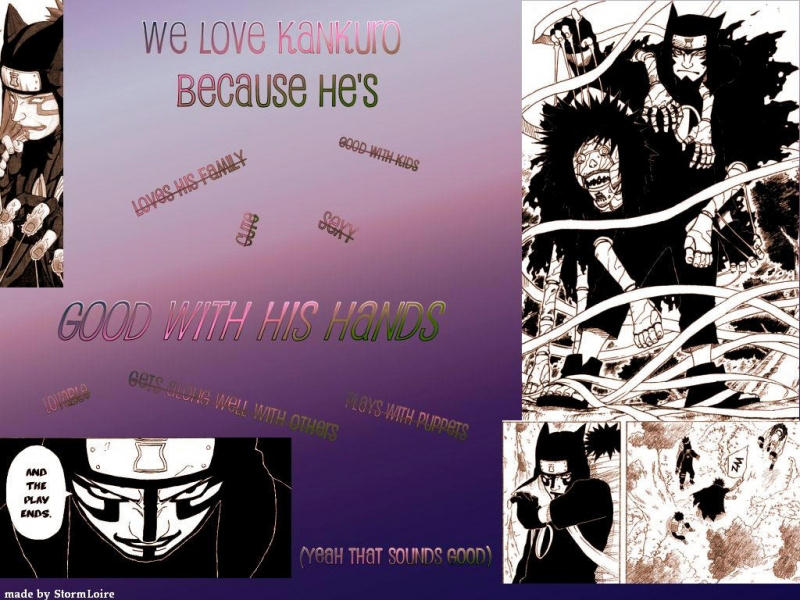
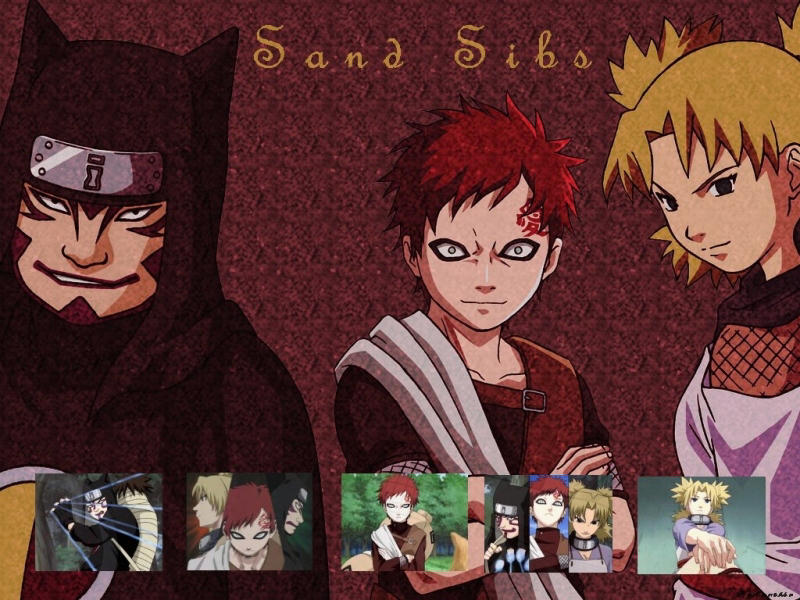
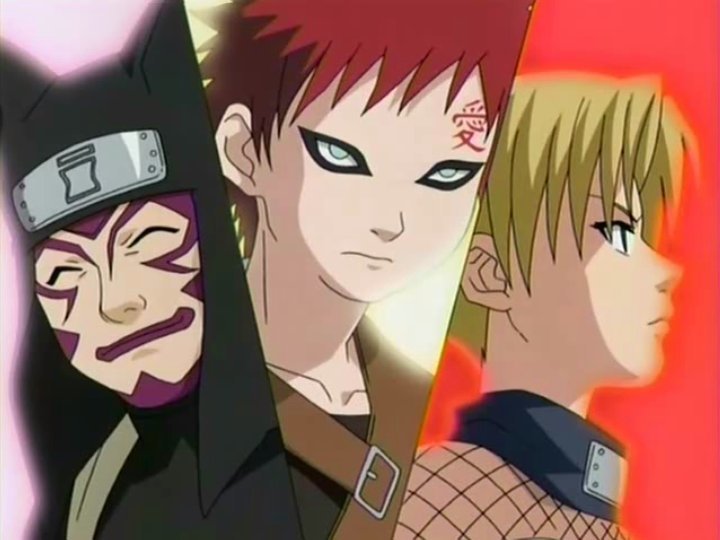
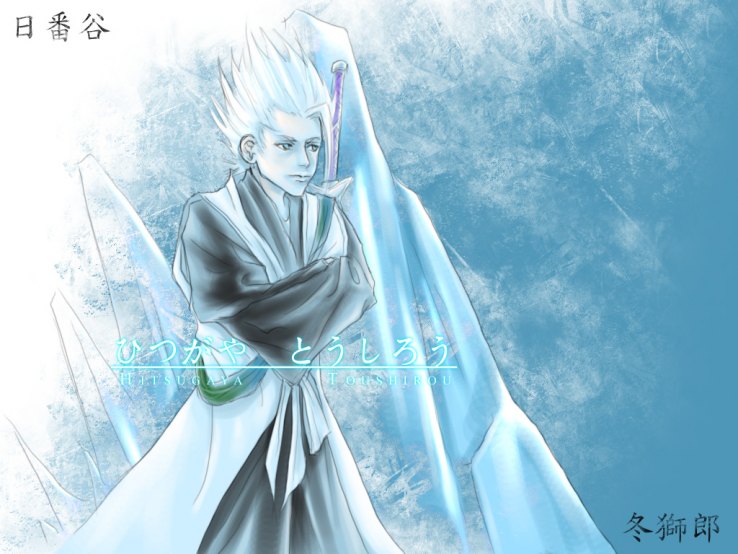
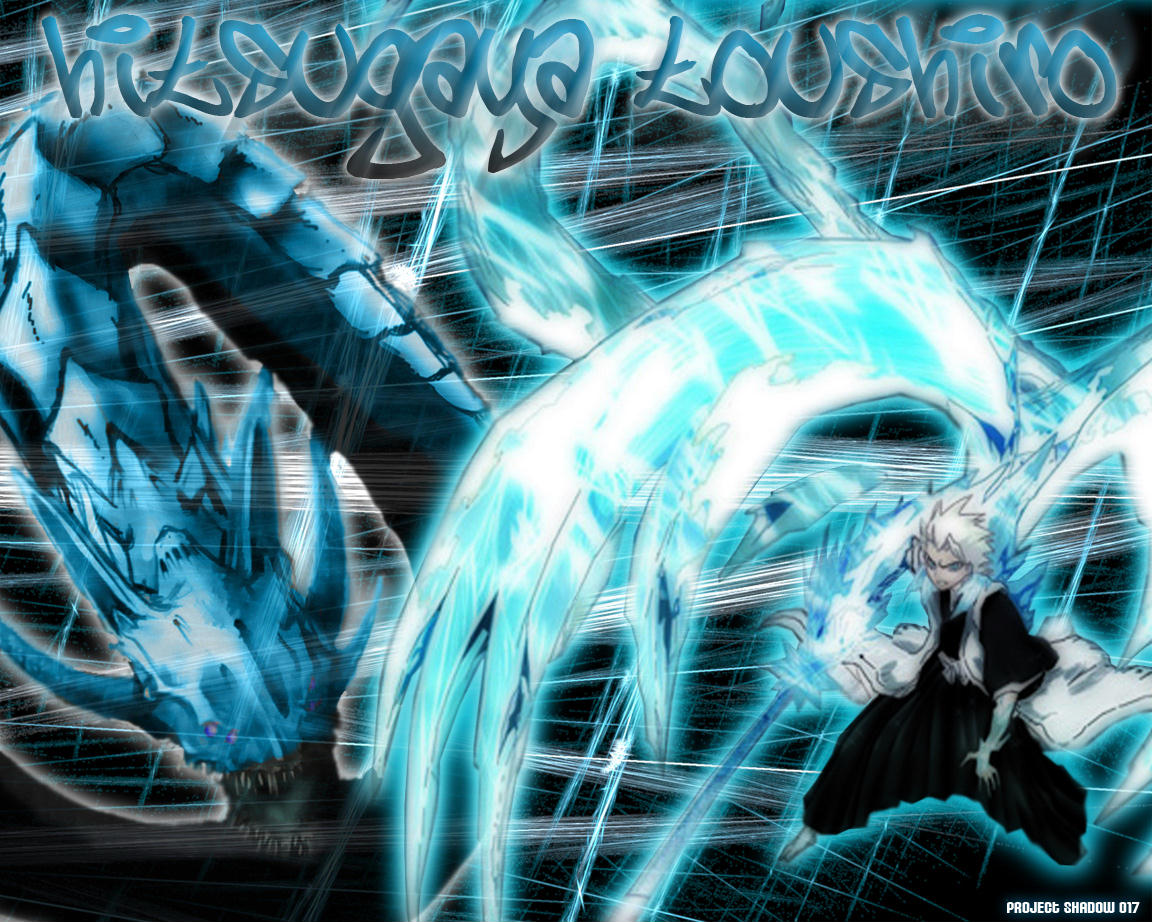
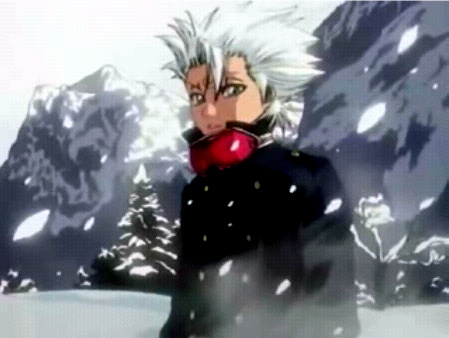
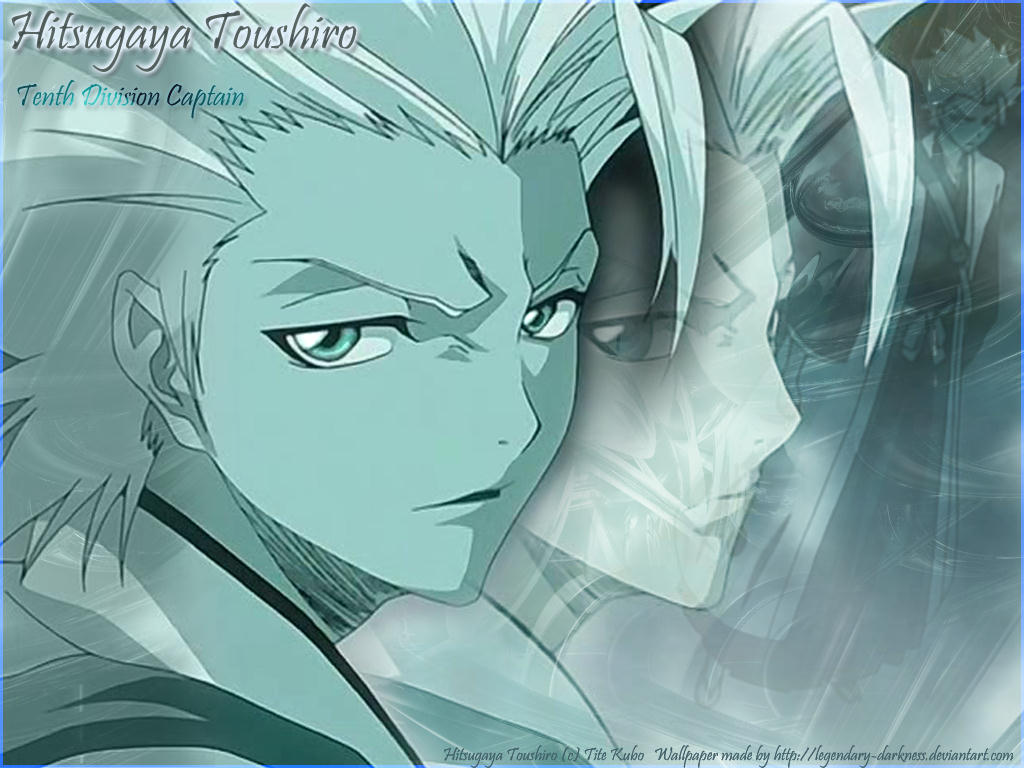
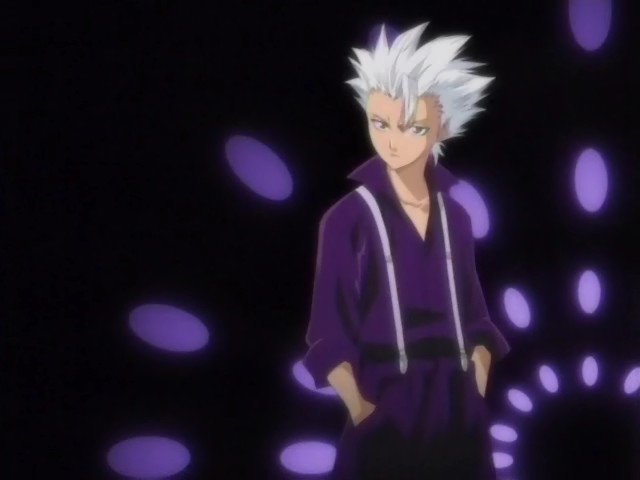
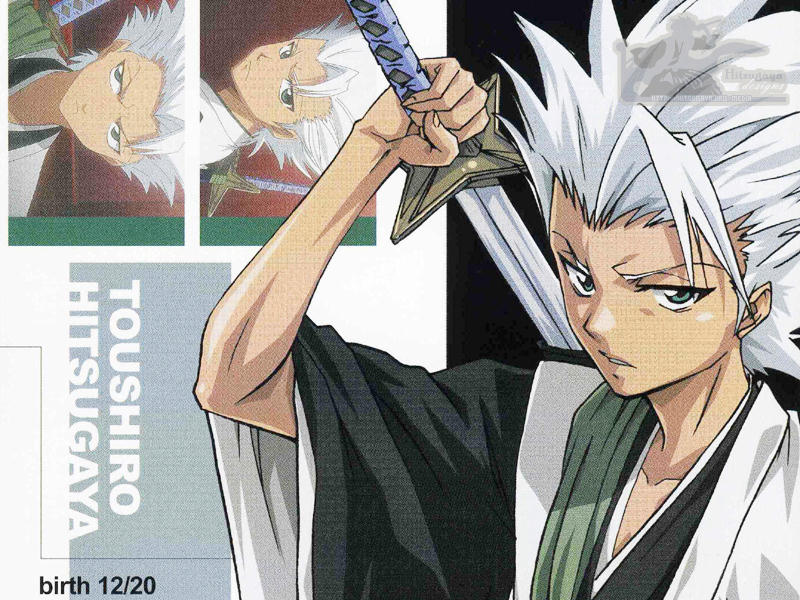
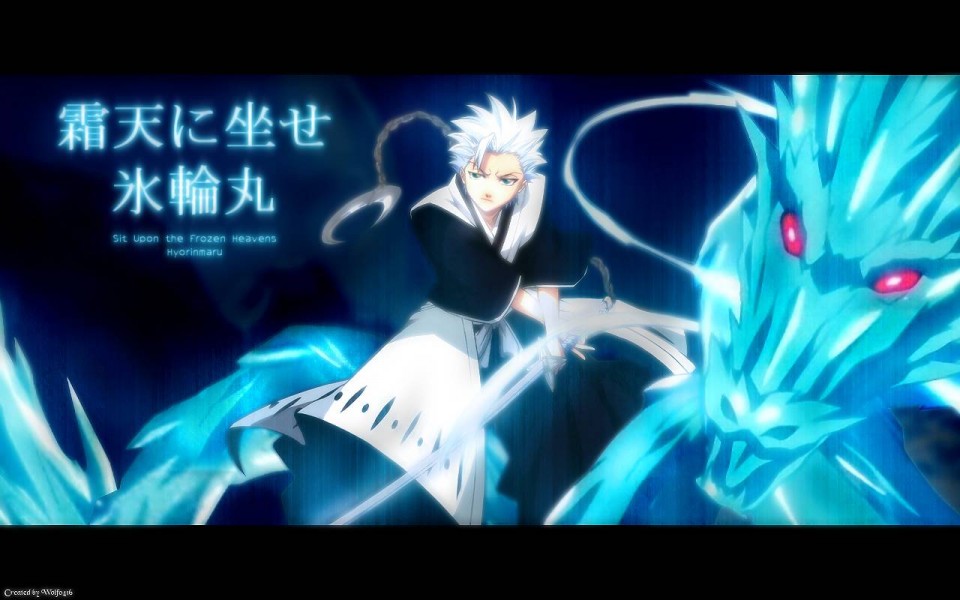
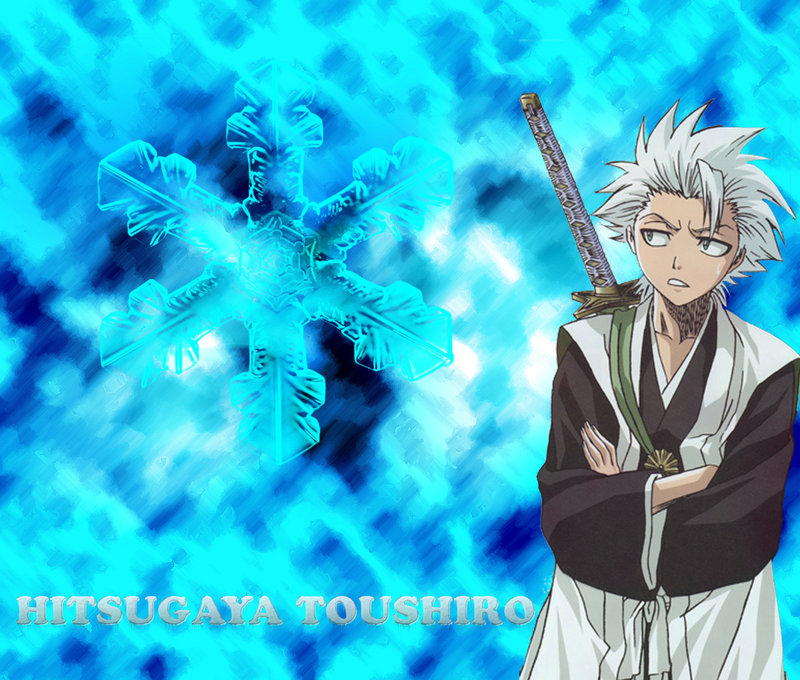
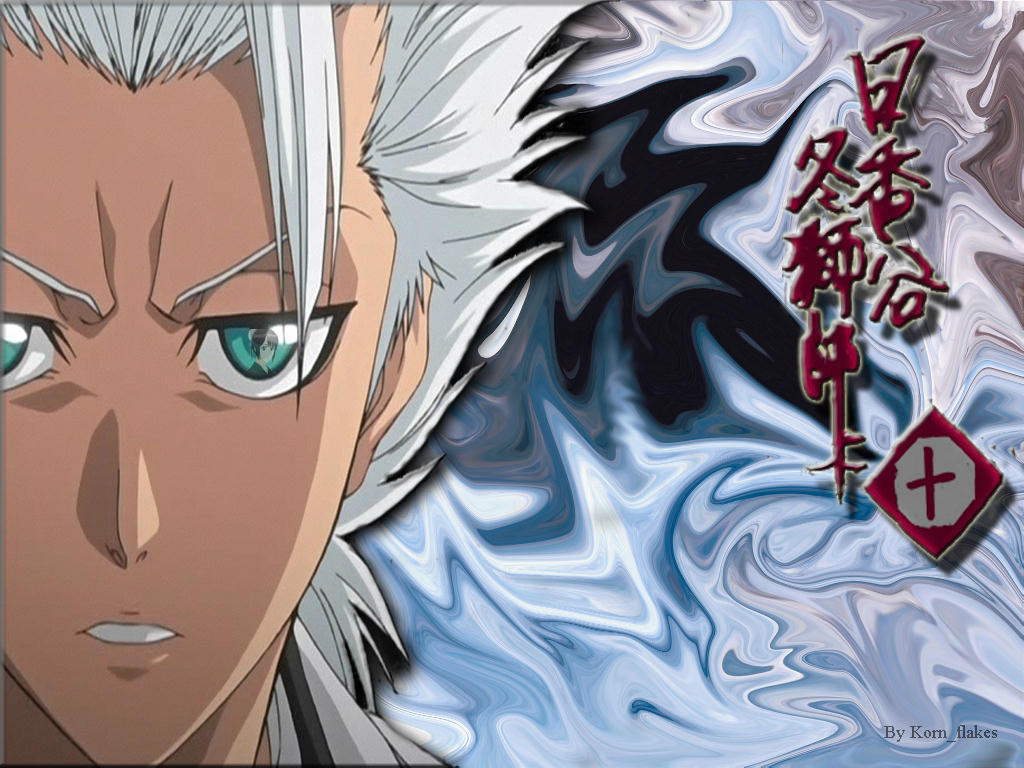
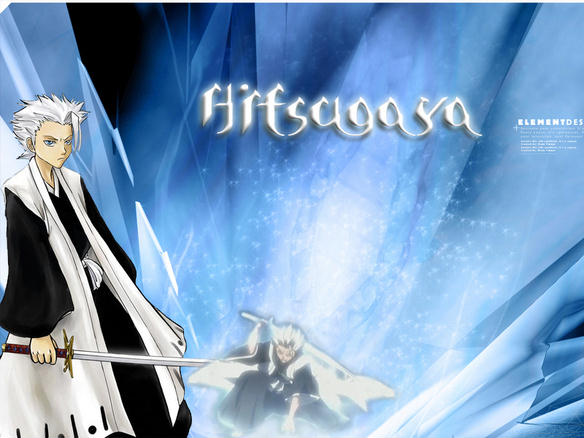
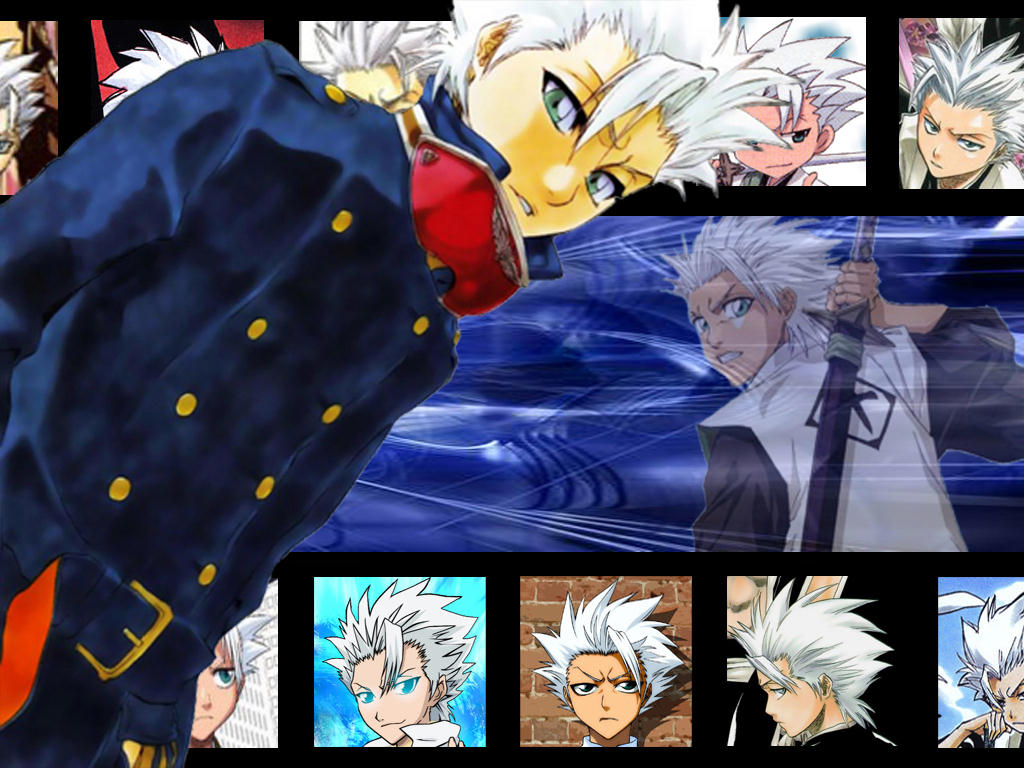
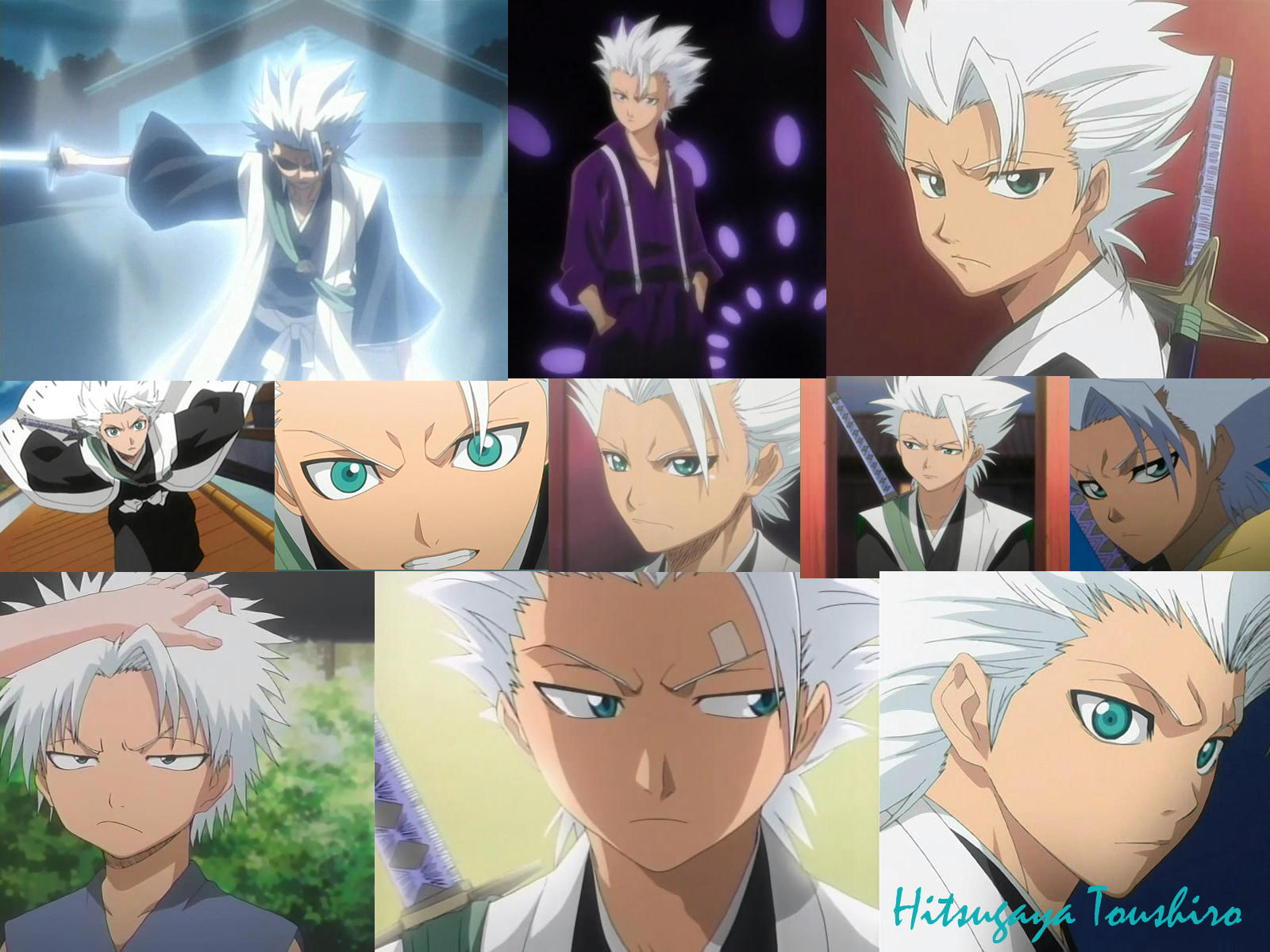
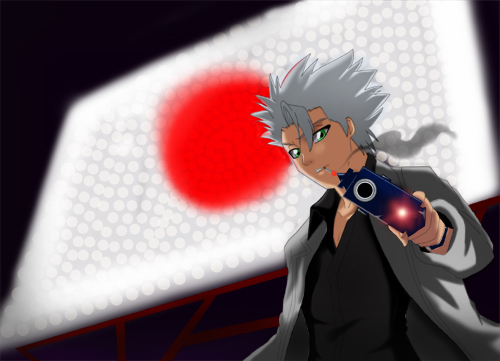
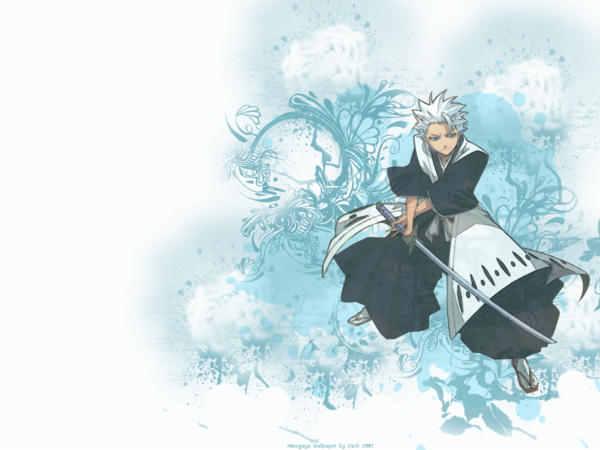
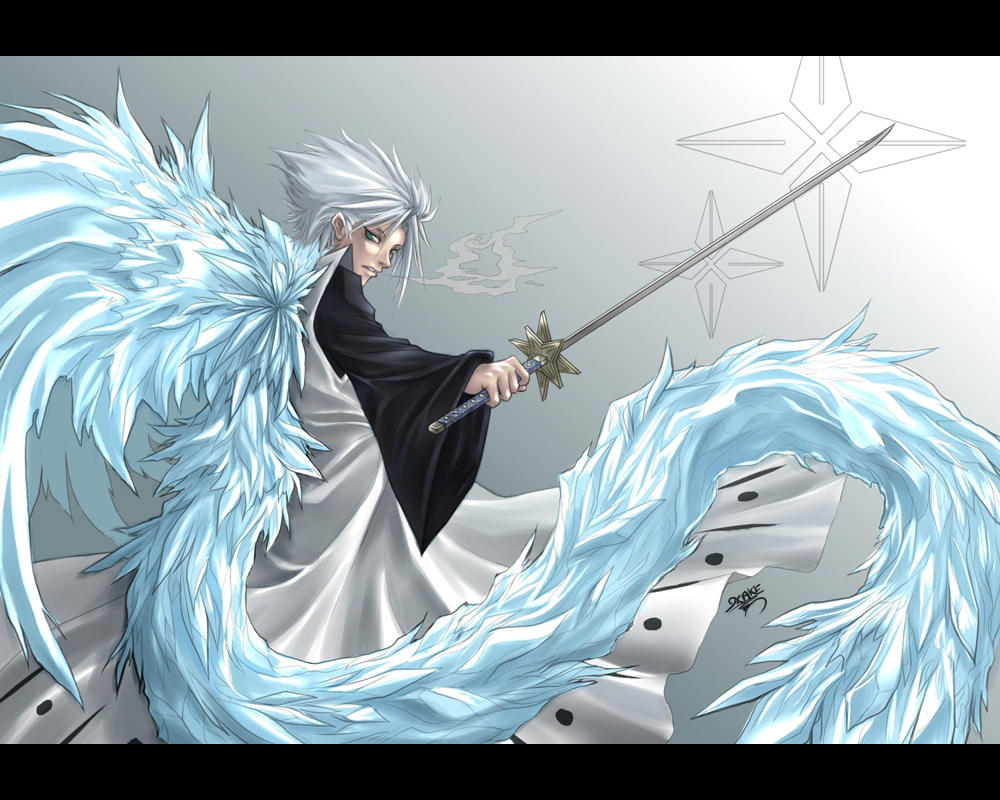
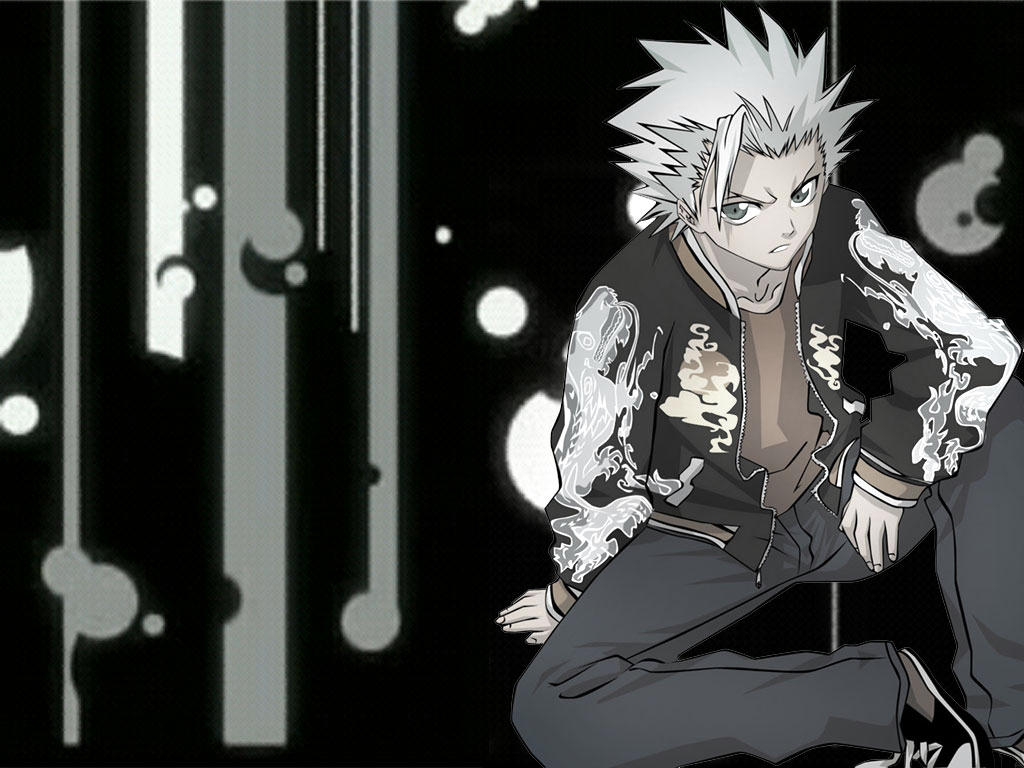
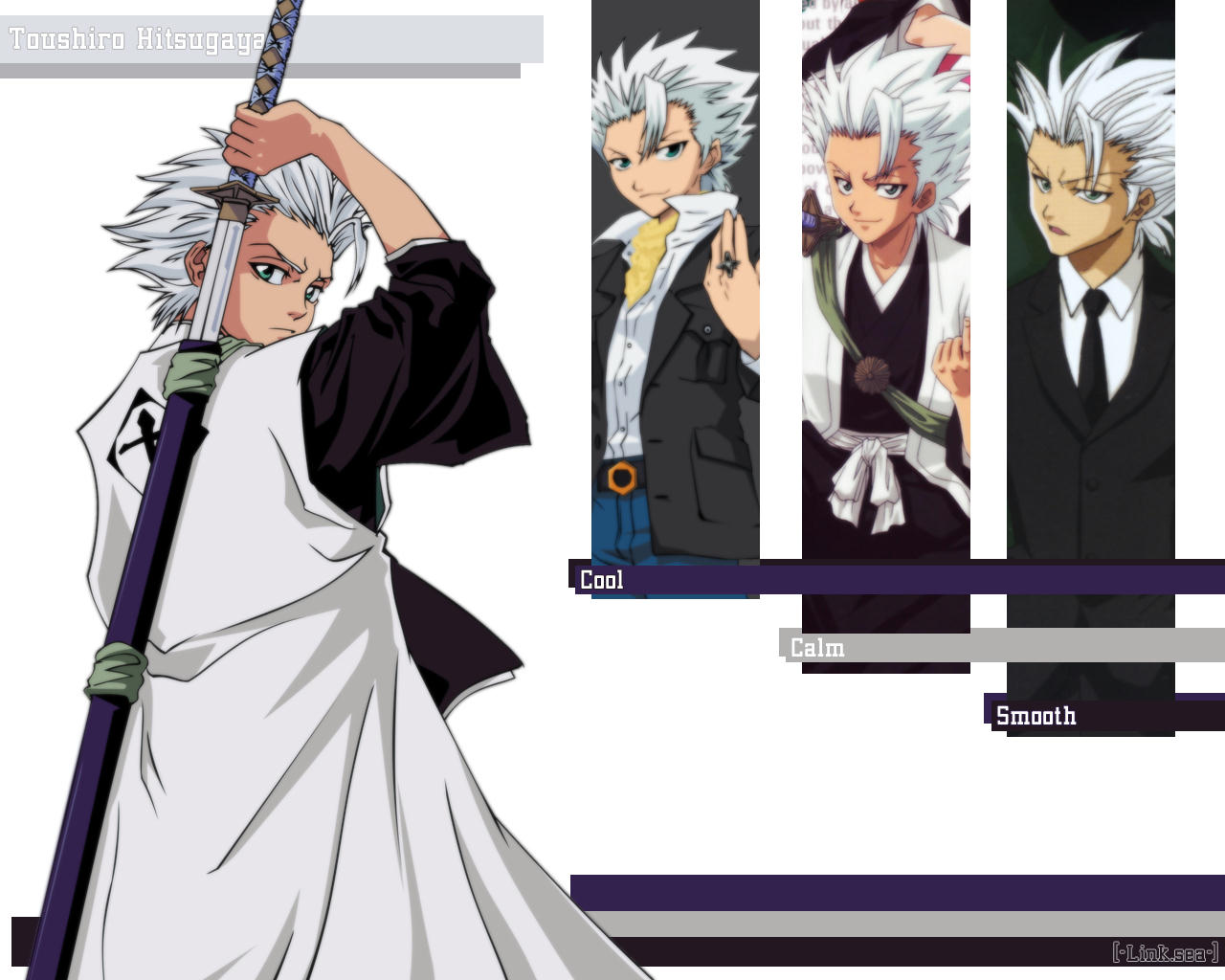
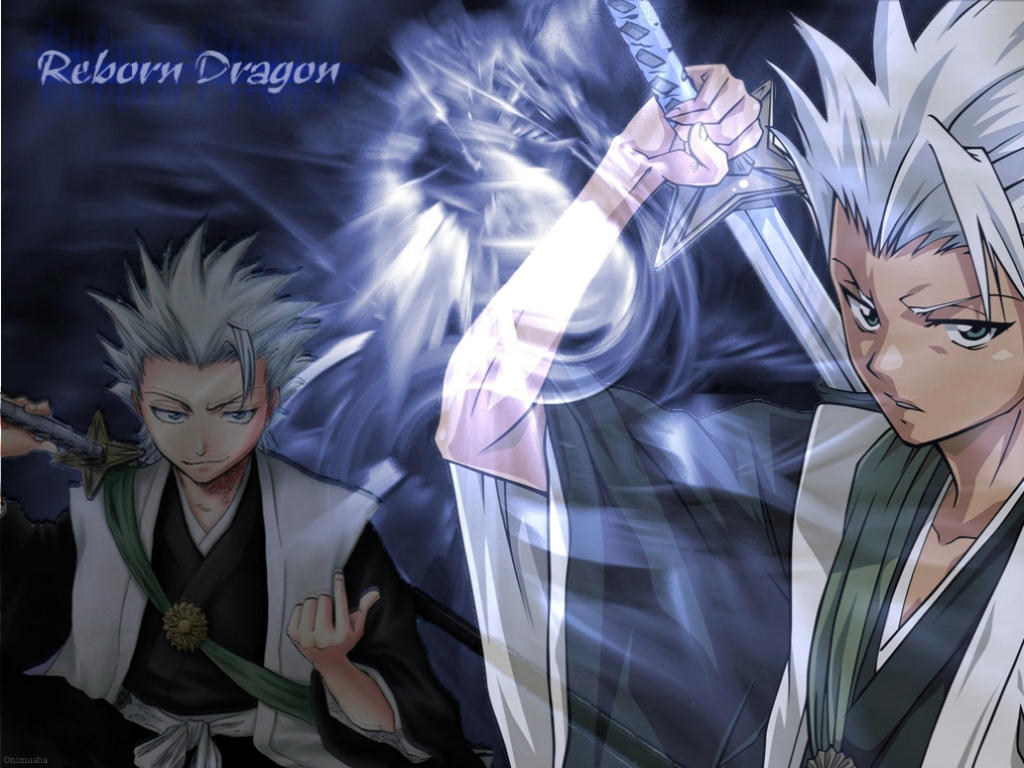
 And yet more, I think I actually have more of Hitsugaya than of Kankurou!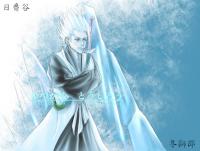

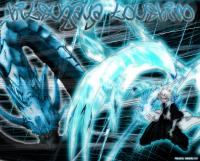

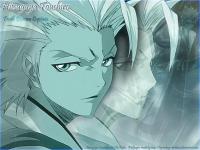 But wait! There's more!



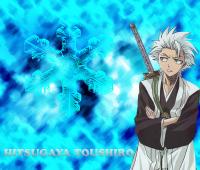
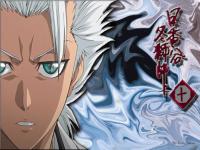
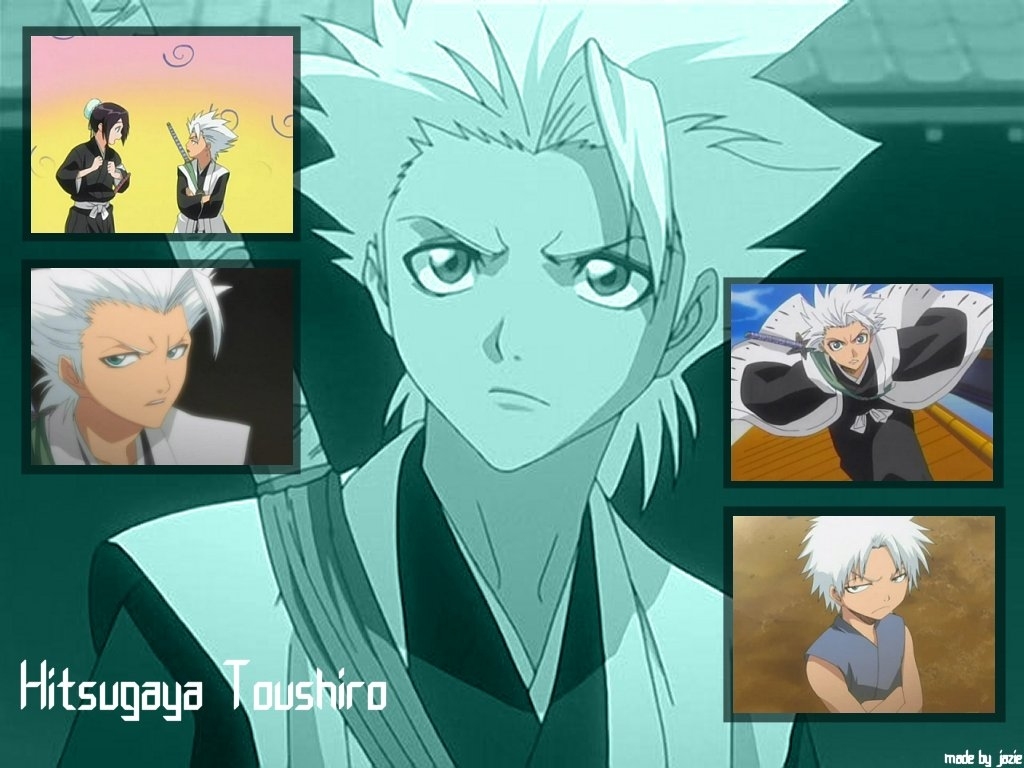
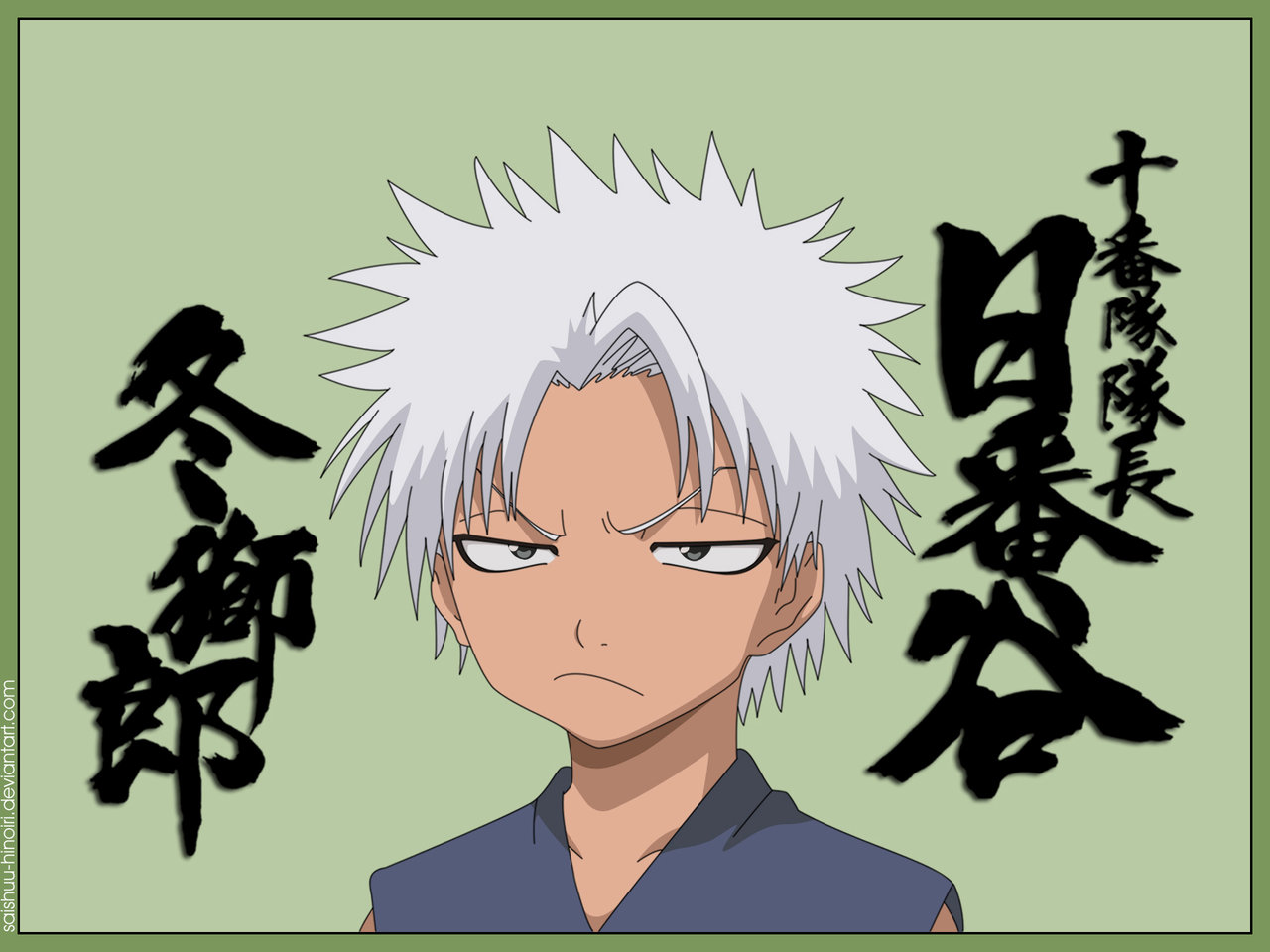
 More of the Chibi Taicho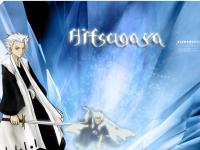

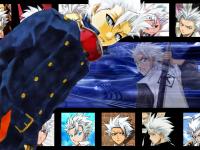
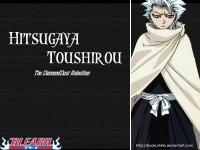
 Toushirou Hitsugaya Who knew death could be adorable?


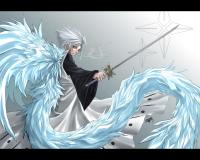
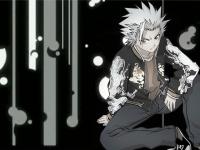
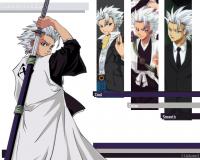
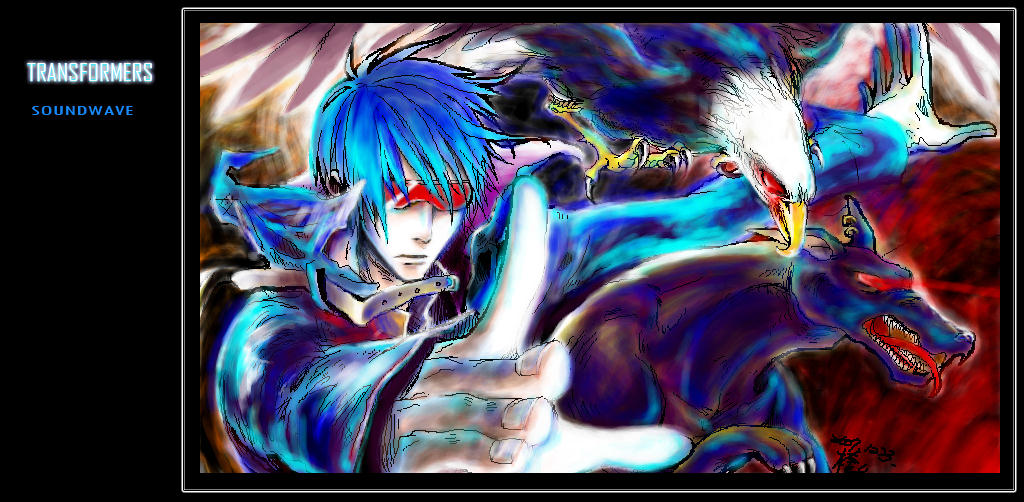
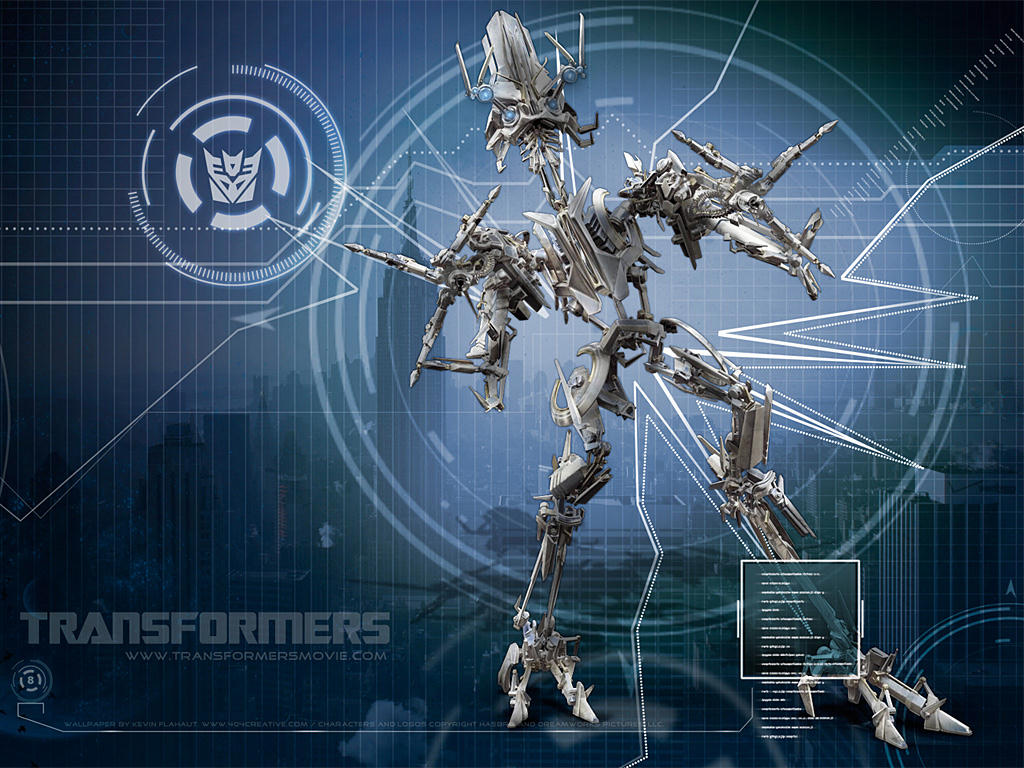
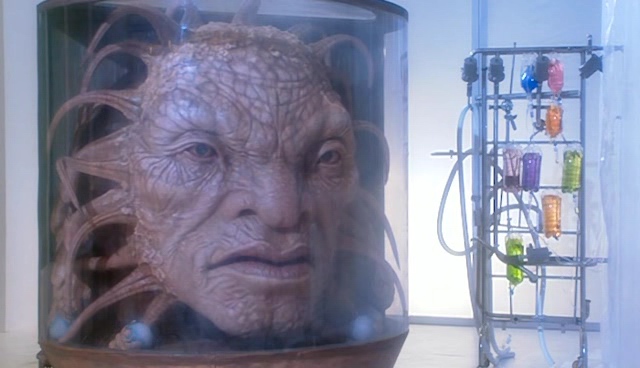
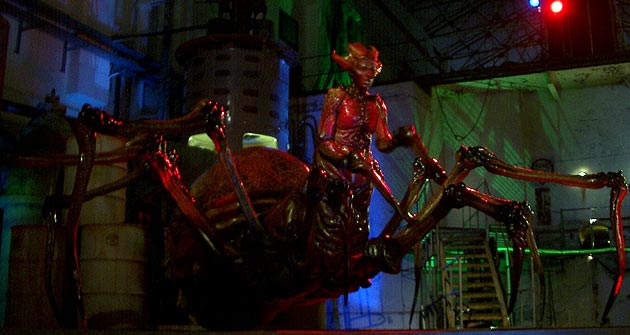
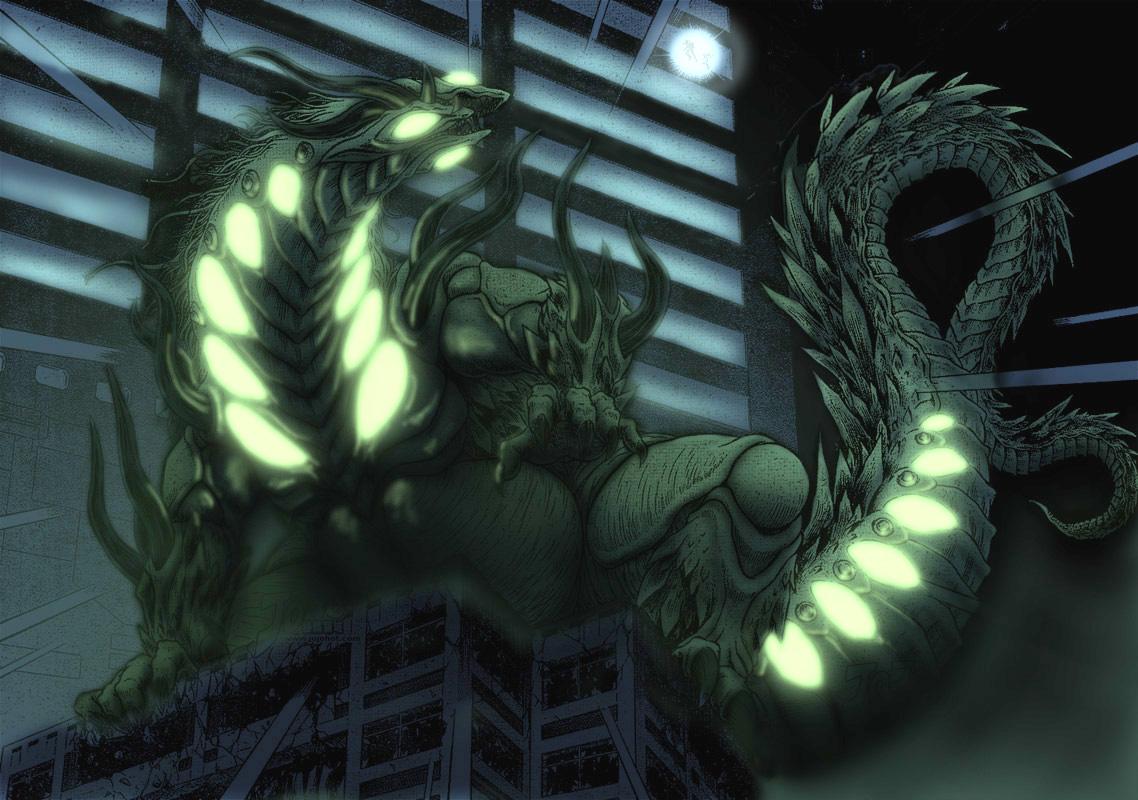
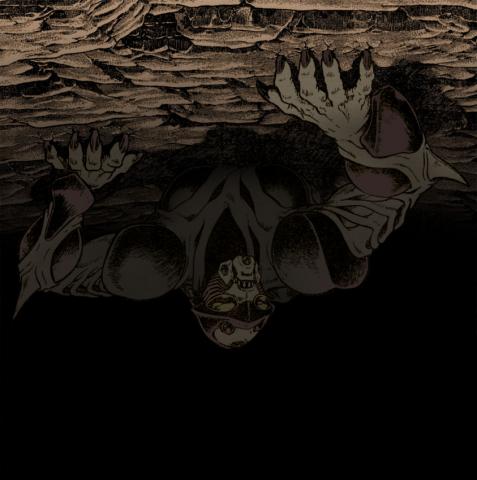
 I save just about everything, which is why my computer is down to about 43% memory . . . I think Ryuk did these. As much as I despise Khan, I have to admit he has some awesome forms. I like the tendril heads, that's pretty cool.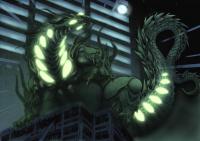
 Which picture are you referring too? I sometimes have probles with saved images, especially GIFS. GIFs end up looking washed out, so I always try to convert them as soon as I get them.





















































Account
Navigation
Search
Configure browser push notifications
Chrome (Android)
- Tap the lock icon next to the address bar.
- Tap Permissions → Notifications.
- Adjust your preference.
Chrome (Desktop)
- Click the padlock icon in the address bar.
- Select Site settings.
- Find Notifications and adjust your preference.
Safari (iOS 16.4+)
- Ensure the site is installed via Add to Home Screen.
- Open Settings App → Notifications.
- Find your app name and adjust your preference.
Safari (macOS)
- Go to Safari → Preferences.
- Click the Websites tab.
- Select Notifications in the sidebar.
- Find this website and adjust your preference.
Edge (Android)
- Tap the lock icon next to the address bar.
- Tap Permissions.
- Find Notifications and adjust your preference.
Edge (Desktop)
- Click the padlock icon in the address bar.
- Click Permissions for this site.
- Find Notifications and adjust your preference.
Firefox (Android)
- Go to Settings → Site permissions.
- Tap Notifications.
- Find this site in the list and adjust your preference.
Firefox (Desktop)
- Open Firefox Settings.
- Search for Notifications.
- Find this site in the list and adjust your preference.