Leaderboard




Popular Content
Showing content with the highest reputation on 03/25/2026 in all areas
-
1 point
-
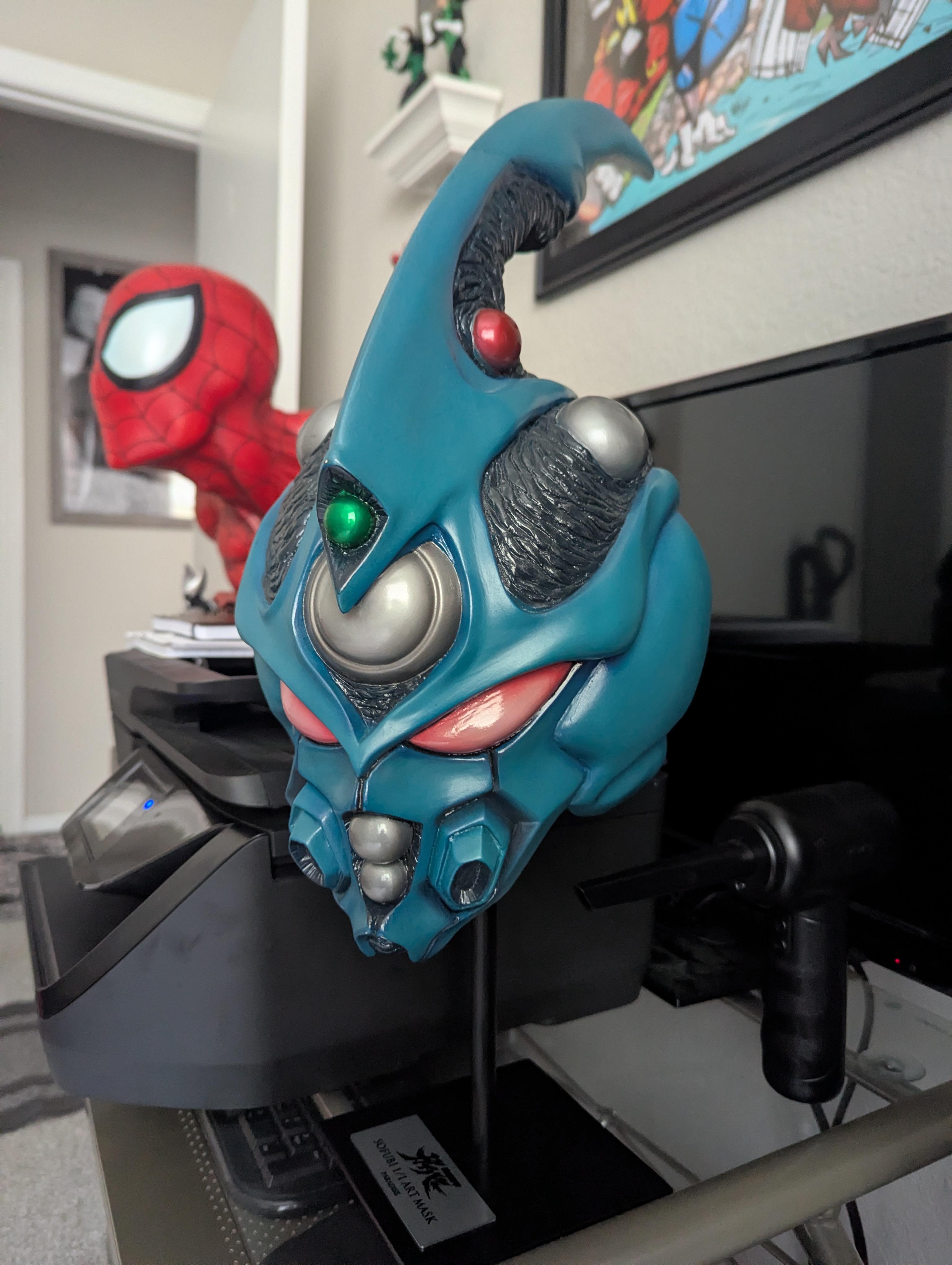
Got me one! It's pretty cool actually...
 1 point
 -
1 pointNot really, this is because it's totally different software now. When I took over the site, a 10 odd years ago, it was on version 3. I'd updated to version 4 very early on as version 3 went out of date (in other words, web servers update like the OS on your computer and phone, the different versions of the software time out). Last weekend I discovered that the board wouldn't work on the latest version of the webserver, and the software had moved to version 5. The main thing now is to learn how to use it and its options. Just there, I've updated the front page of the site. This will hopefully start making it easier to use. But yeah, I'm not a huge fan of those images and so on, especially the size, but most of the images are the wrong size at the moment. I'll play around with it some more this weekend. I most likely will be removing the Chatbox from above the fourms to reduce clutter now that it's on the front page.1 point