Leaderboard
-

Matt Bellamy
Admin1Points1,477Posts

Popular Content
Showing content with the highest reputation on 12/24/2022 in all areas
-
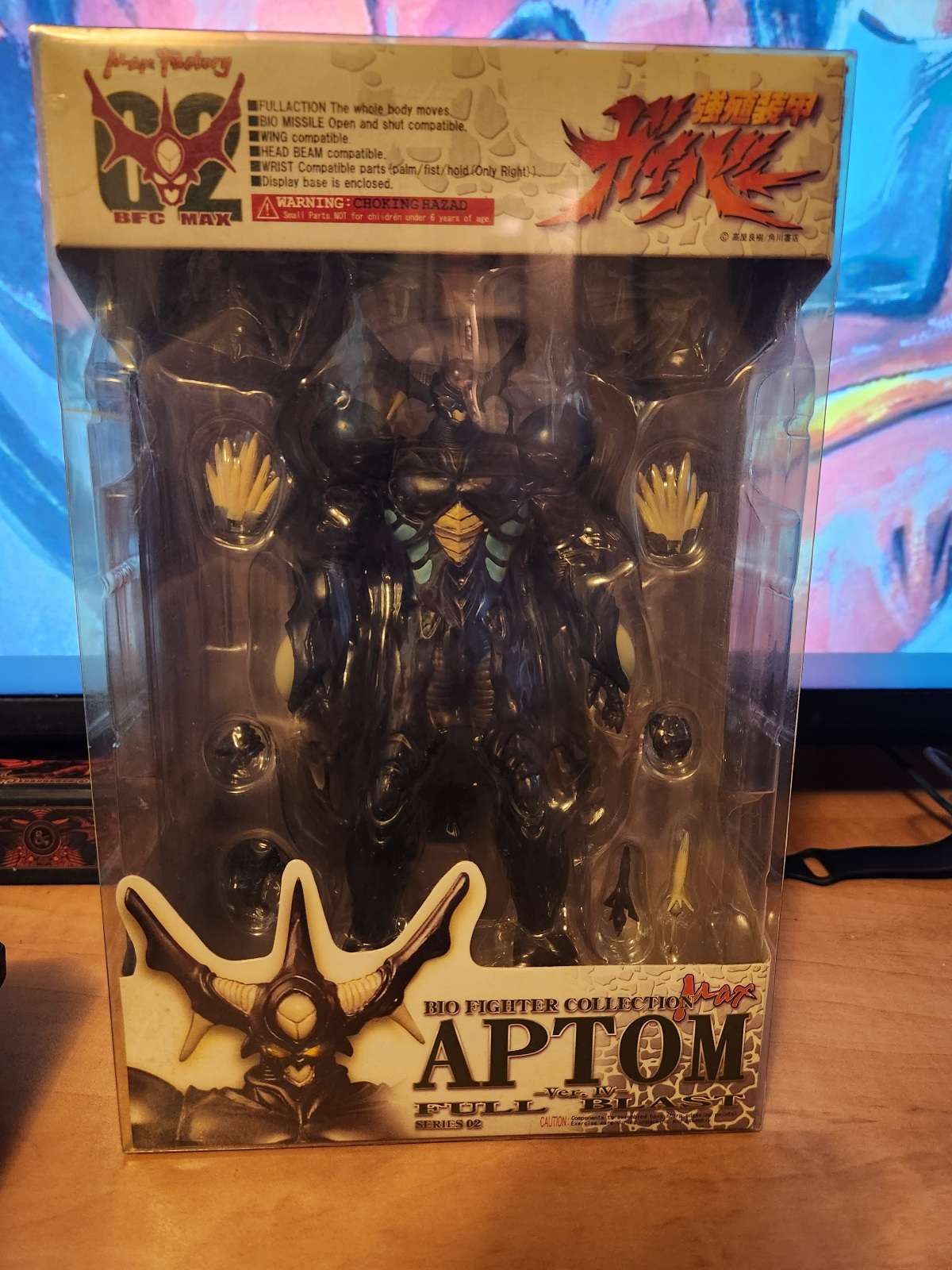
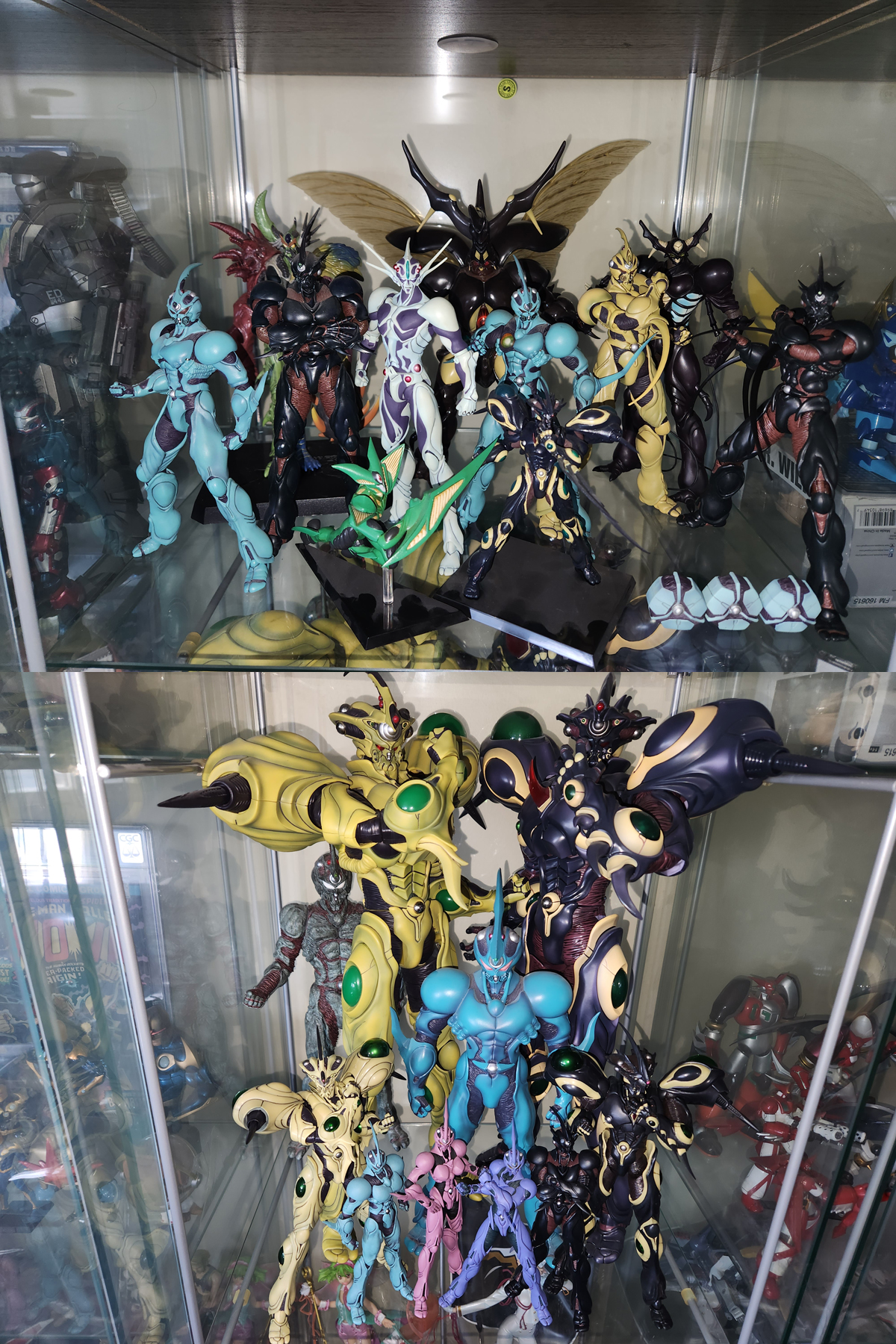
Just got Aptom ver IV.... And Updated the shelves... for now. So, as for the full collection itself... Added Zxtole, Guyver Gigantic, Gigantic Dark, Proto-Zoalord Murakami and now Aptom Ver IV since the last picture from August. I will be breaking these guys up eventually when I get more shelves. It's a bit cramped in there right now. I will always love how the BFC Gigantic Guyvers are basically in scale with the Figma Guyvers. Like it is almost done on purpose. At this point, if I do not get any other Bio Fighter Collection figures, I would be fine with that. I still new Neo-Zxtole, Guyot, Purgstall and Imakarum... But they are either too expensive or not a character I care too much about to spend the prices they are at anyway. IF I can find good deals on them, I'll still pick them up, but I am not hunting for them. I got the "good" guys, and that is good enough for me right now.
 1 point