Leaderboard
-

Matt Bellamy
Admin1Points1,477Posts

Popular Content
Showing content with the highest reputation on 07/08/2022 in all areas
-
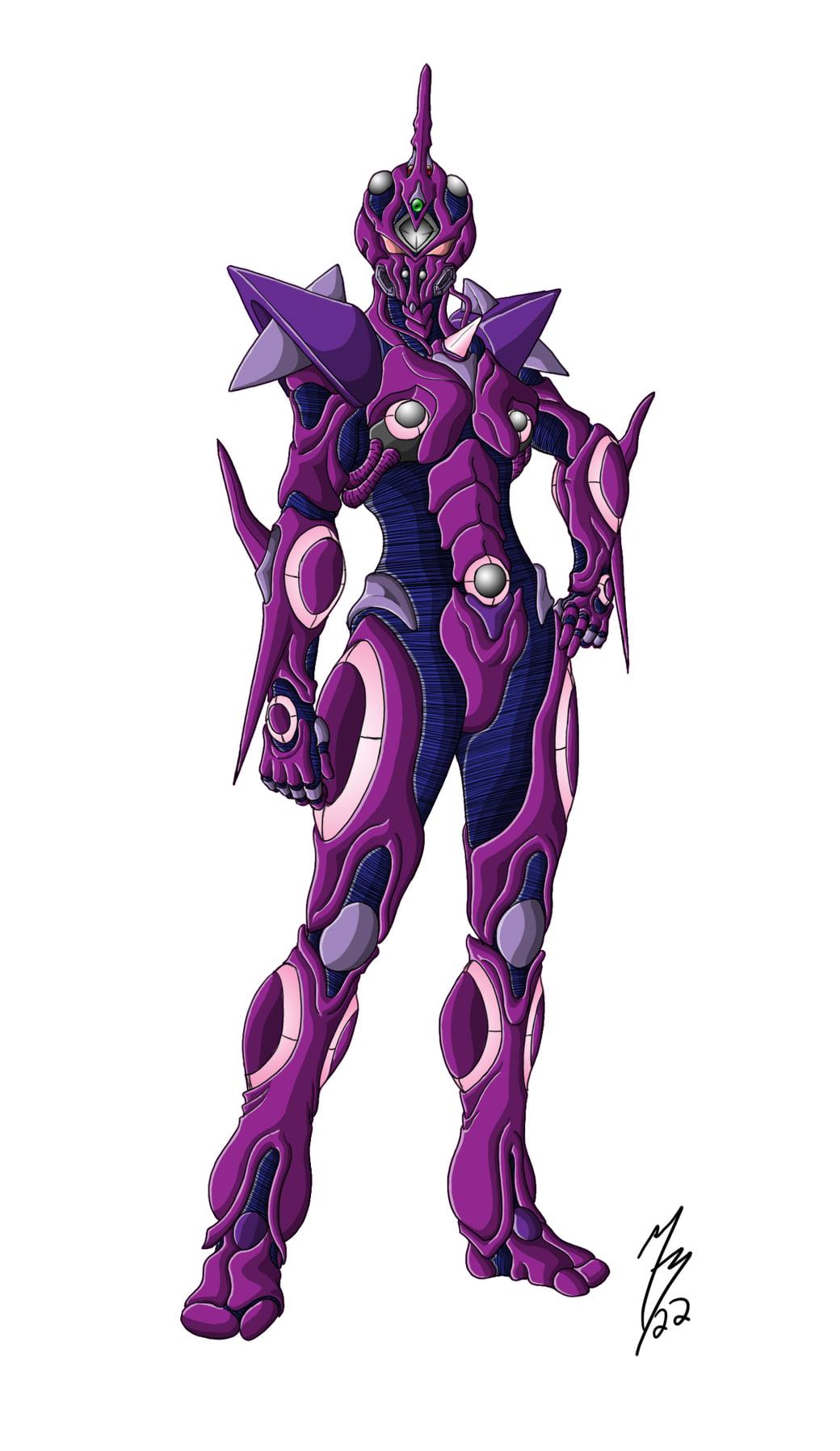
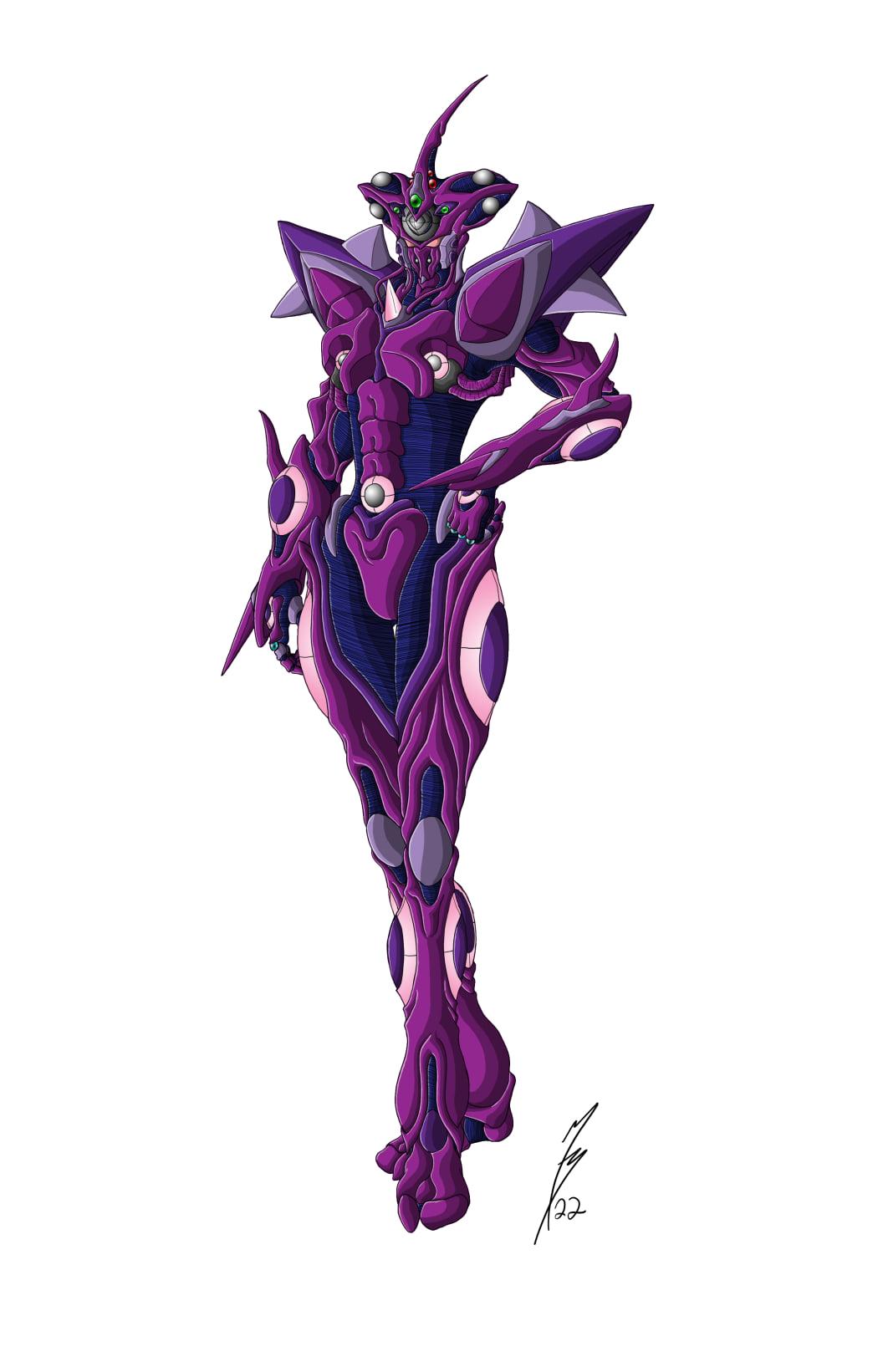
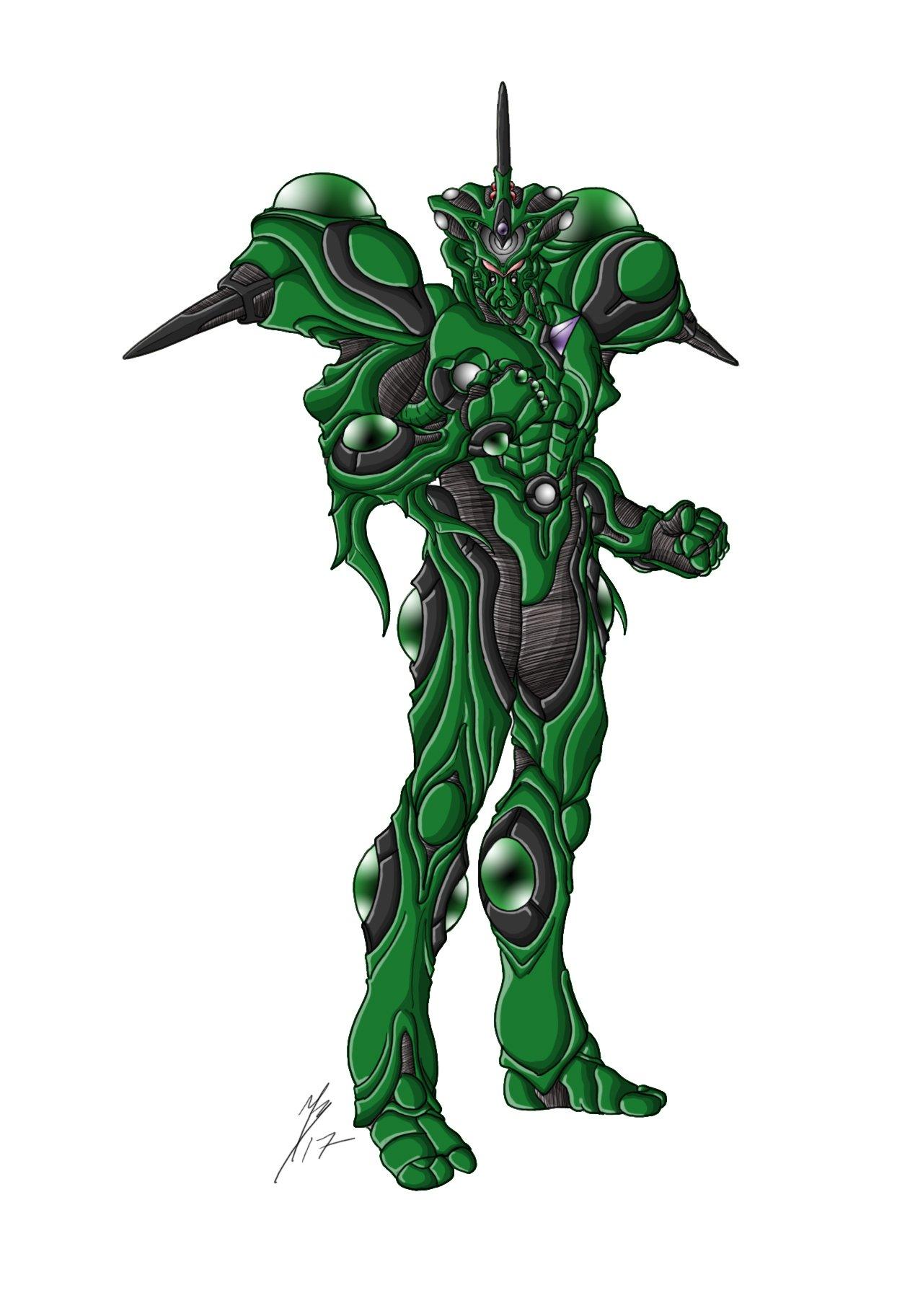
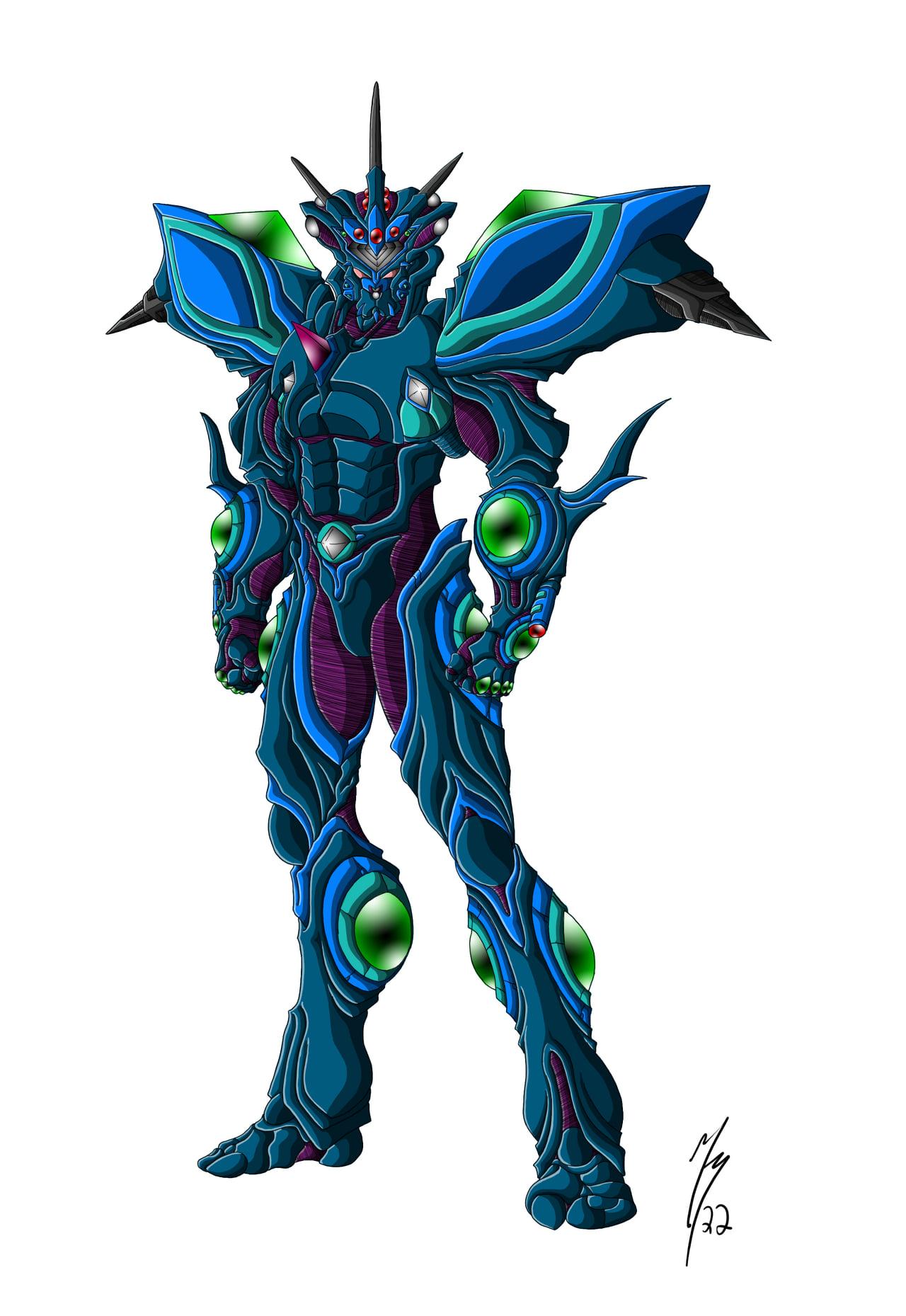
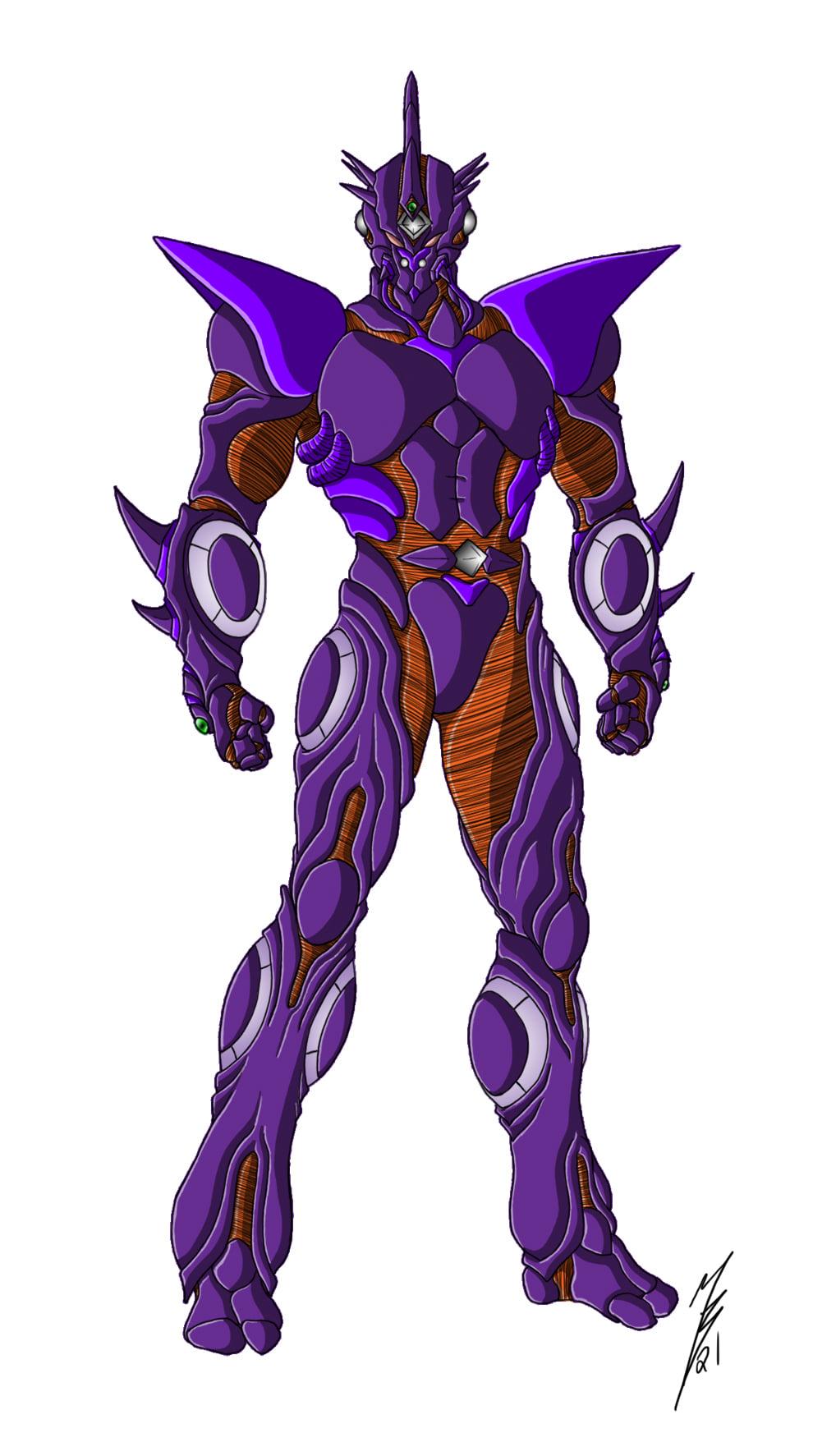
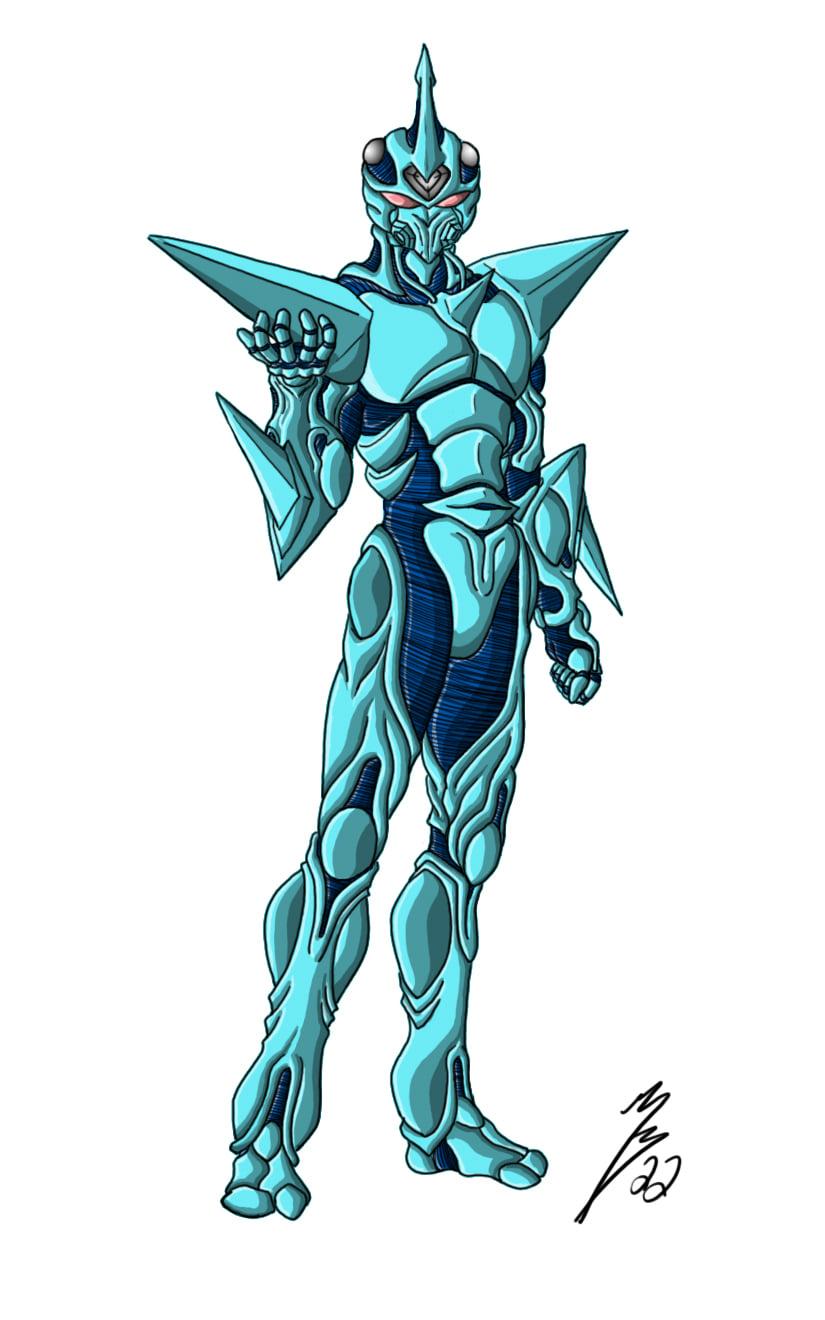
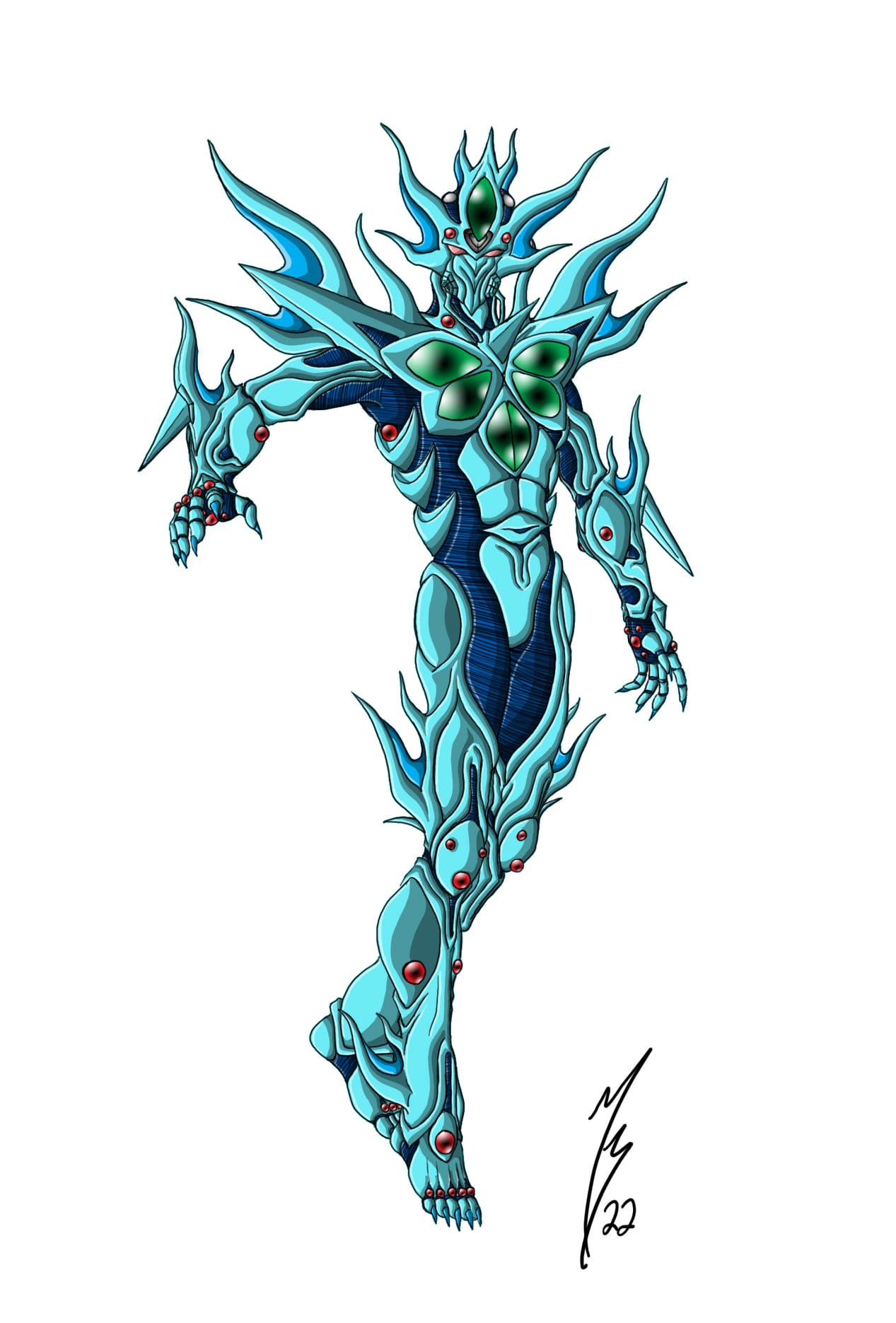
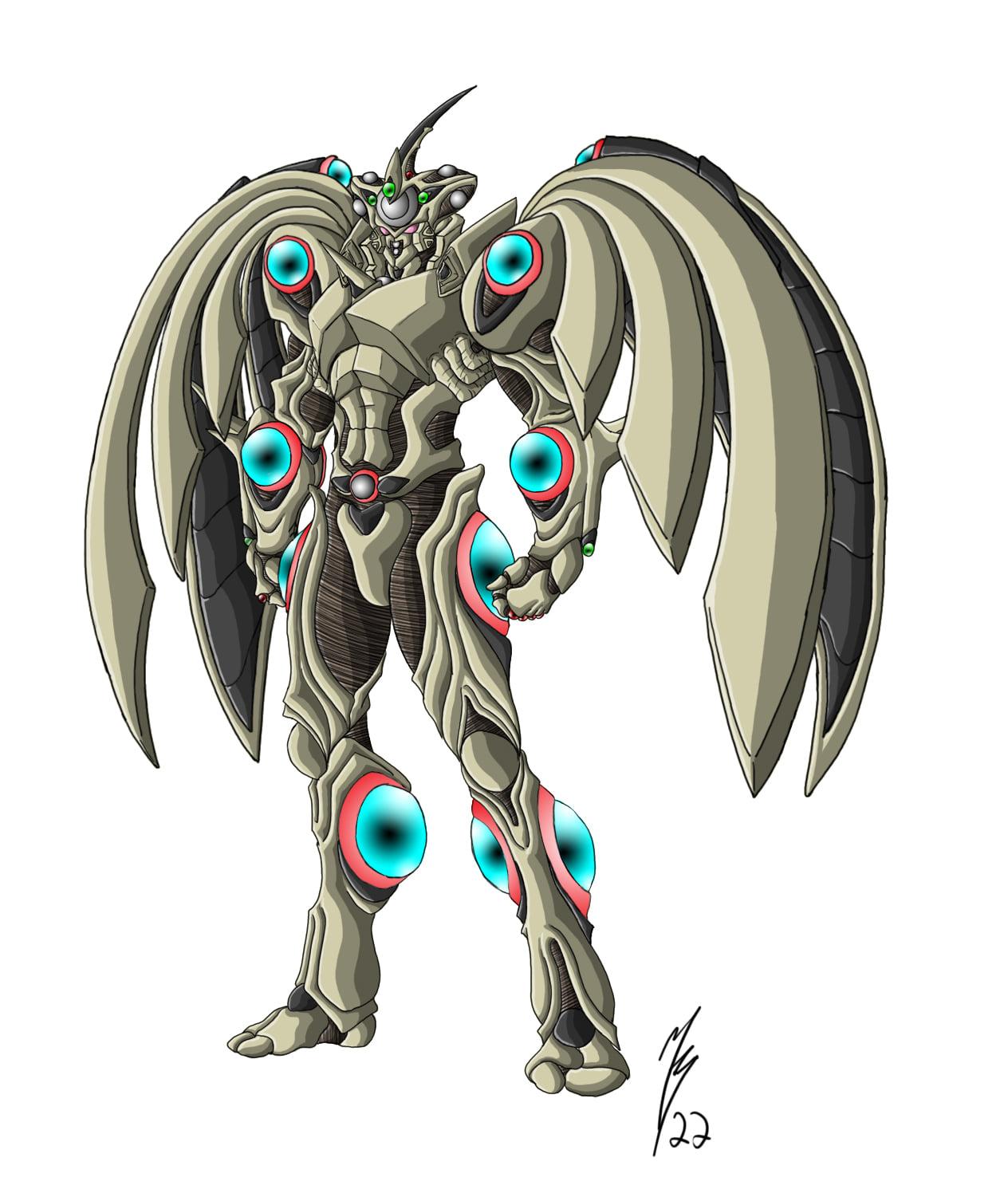
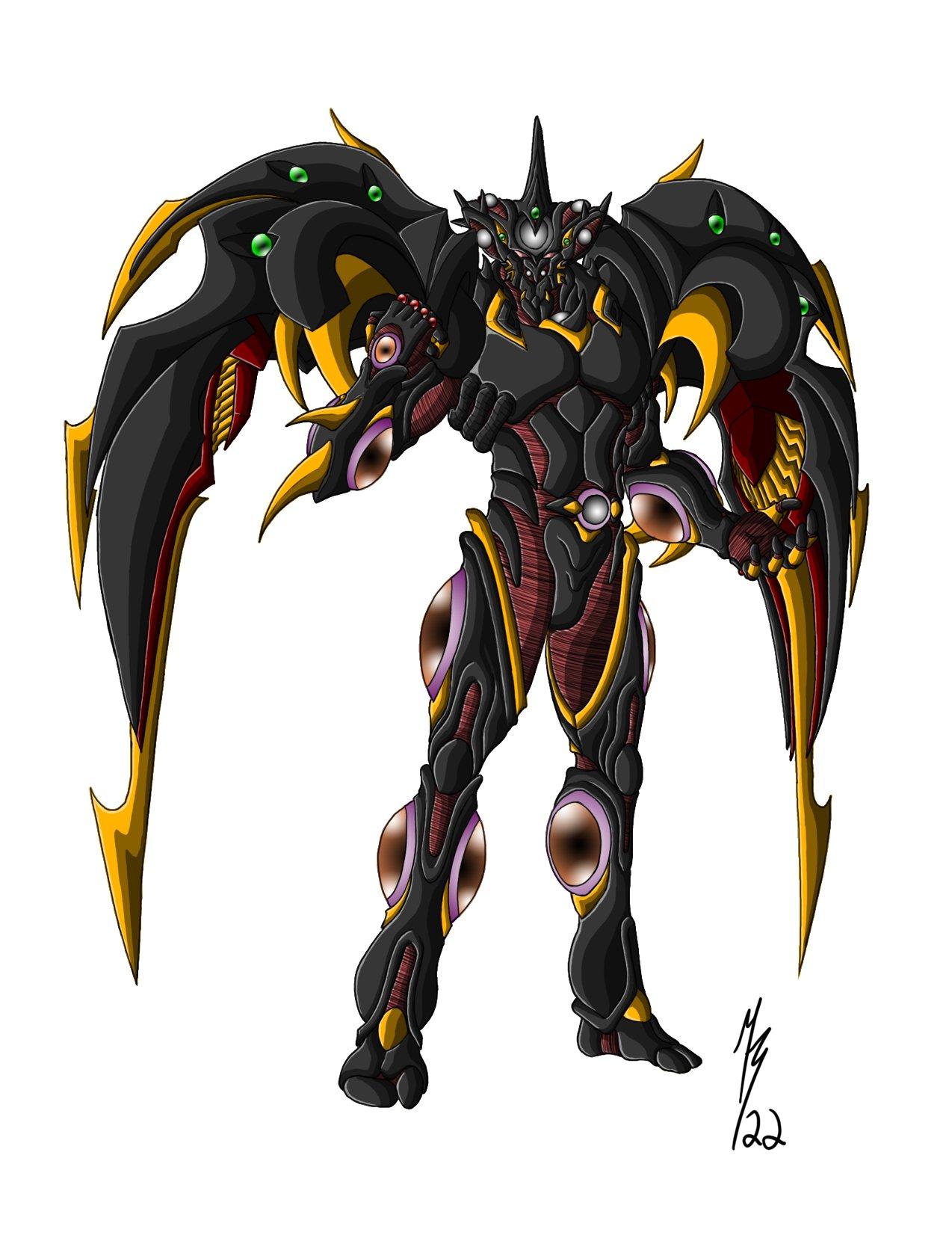
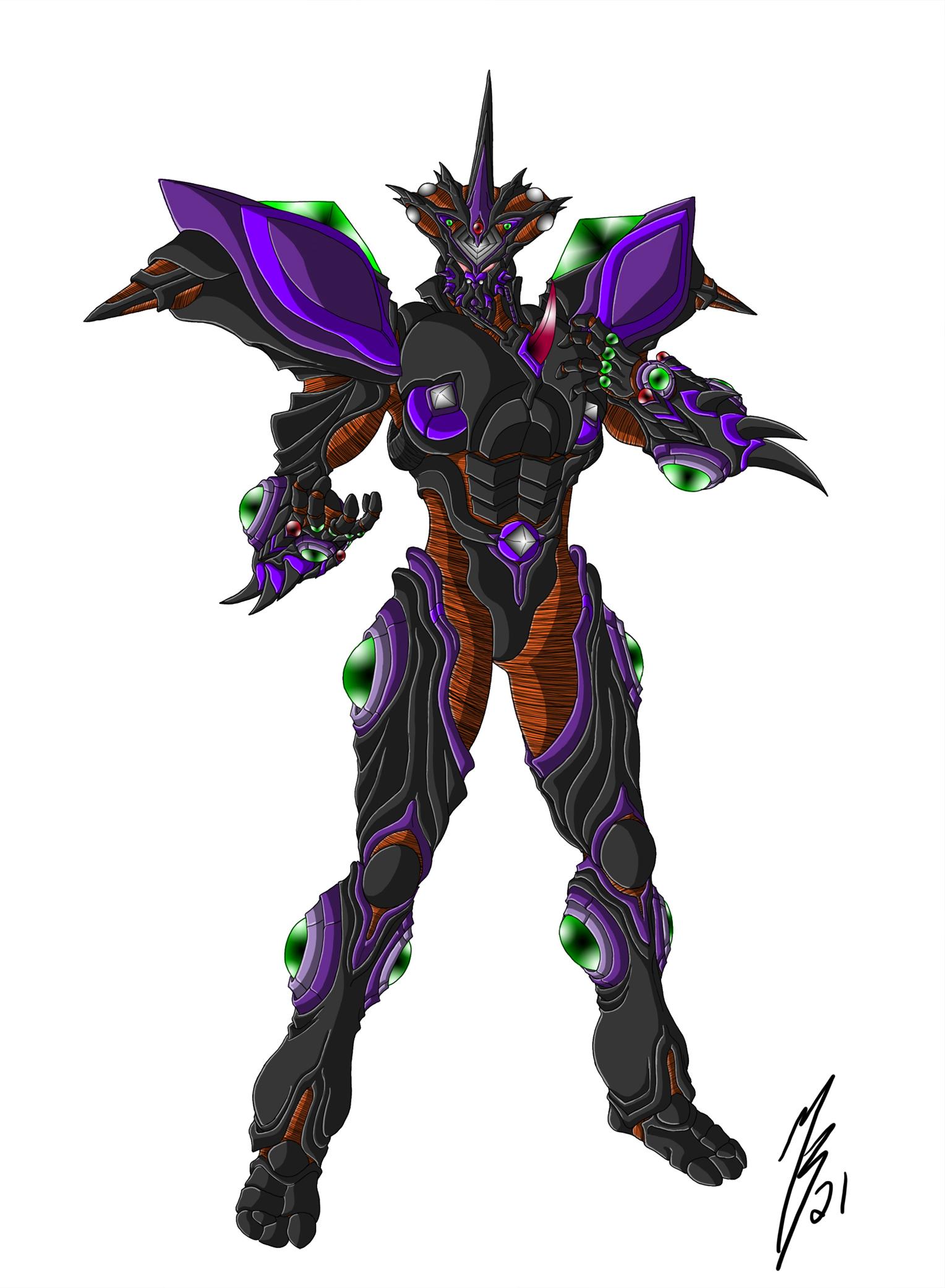
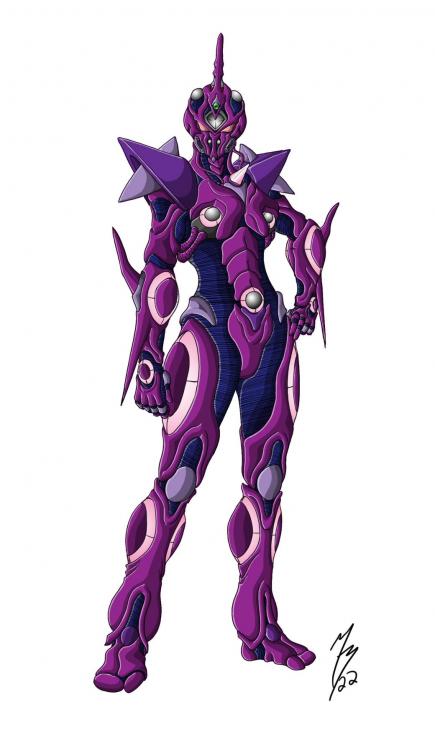
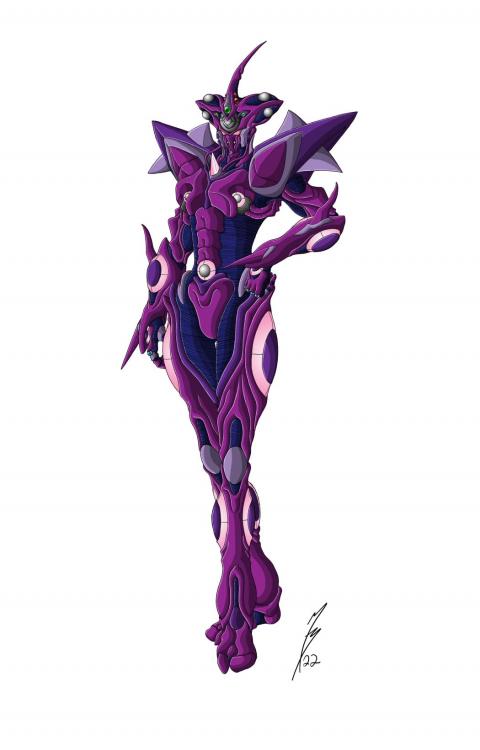
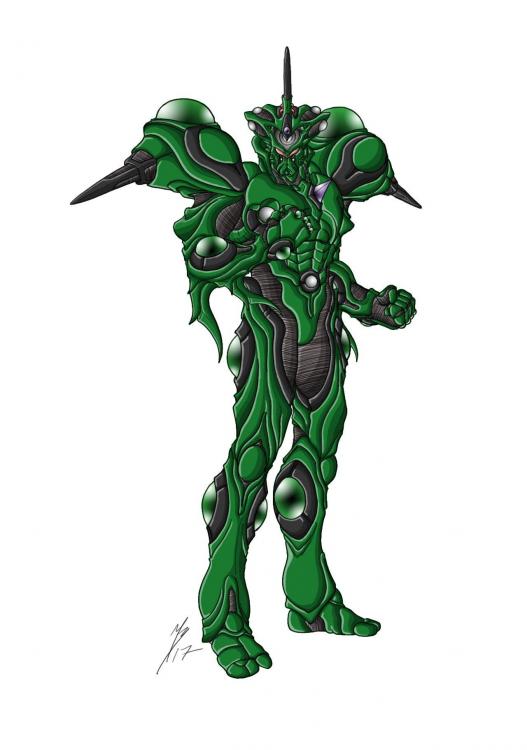
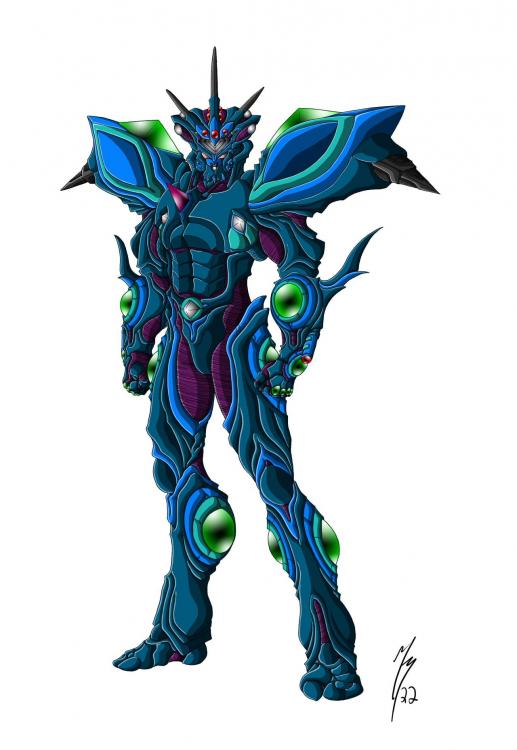
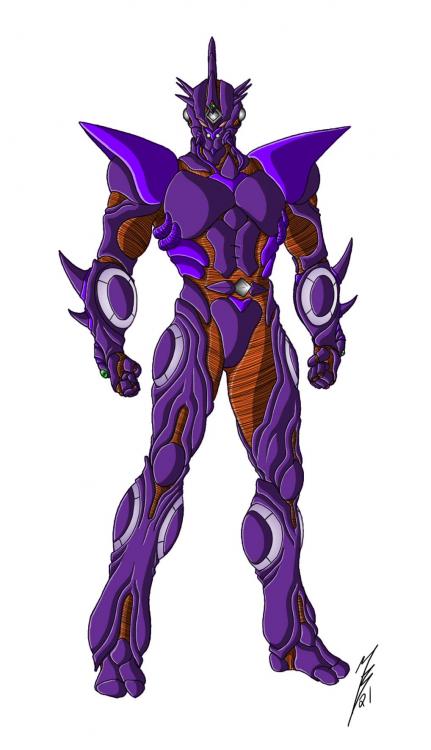
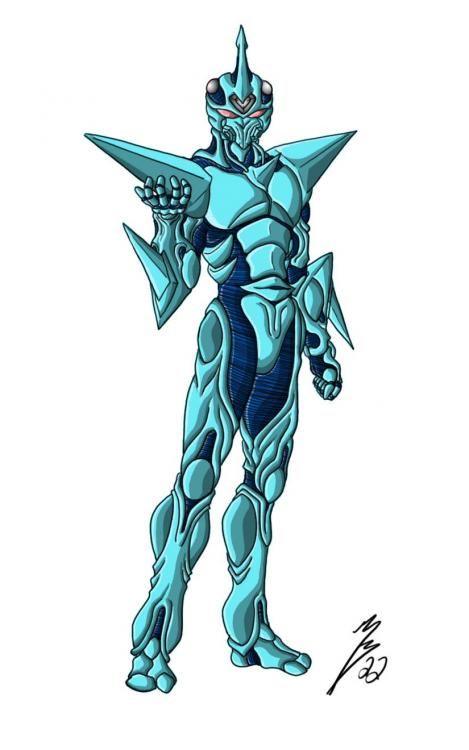
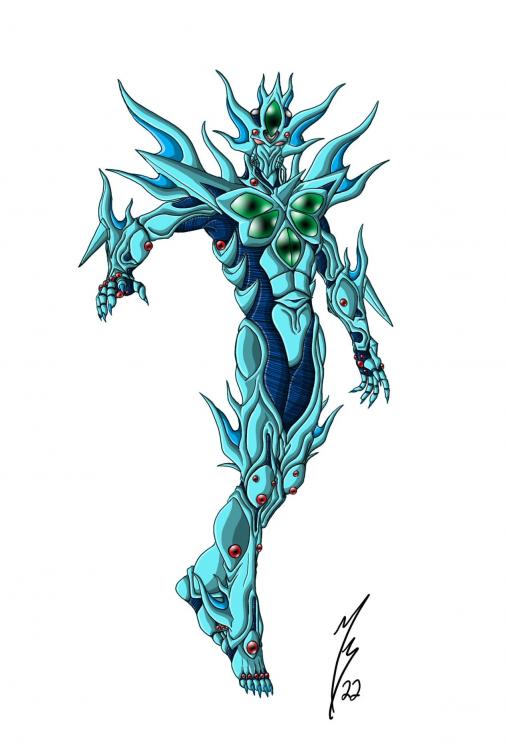
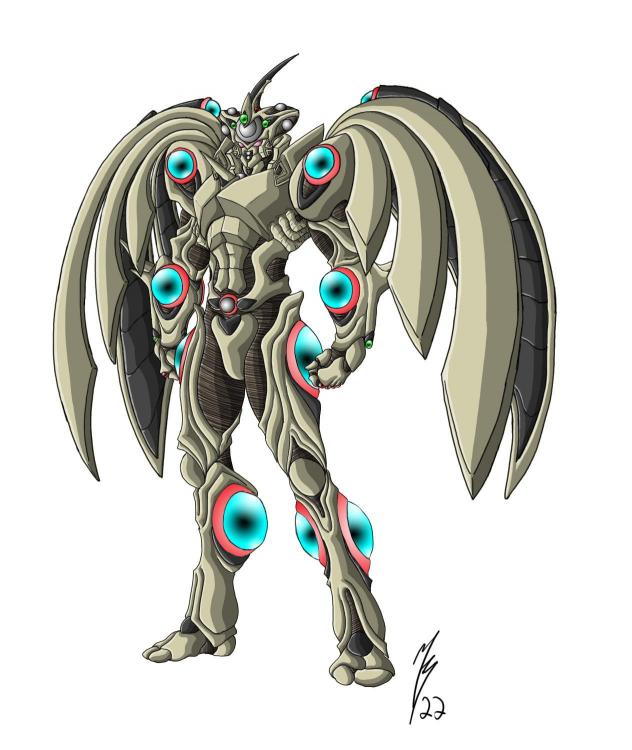
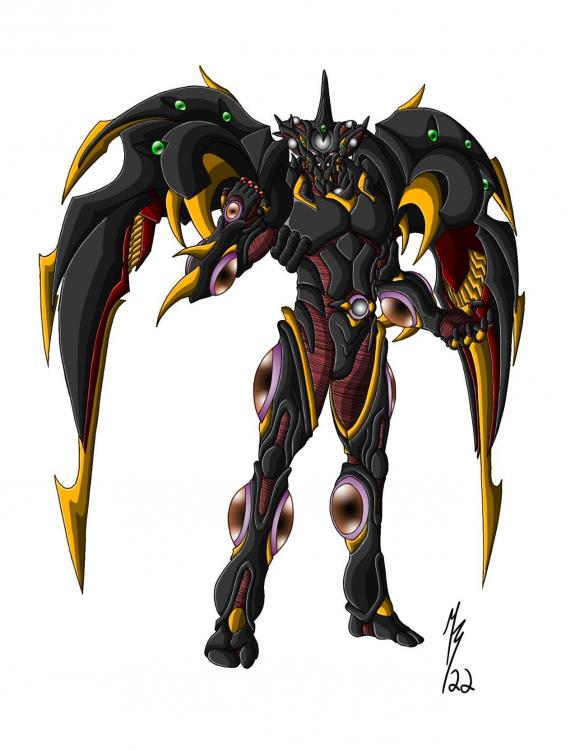
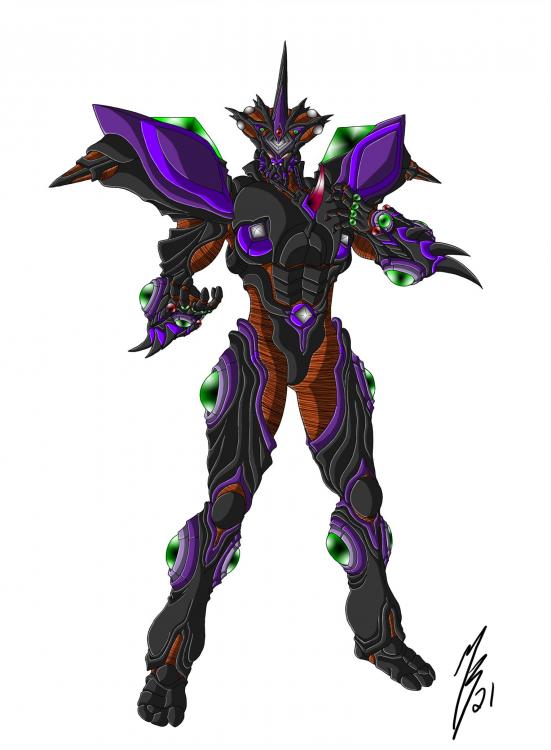
Some of you may have seen some of these if not all already if you were on certain Facebook groups or following me on Deviant art... but here is a dumps of artwork I have recently completed. GuyverC Gigantic - Originally just did the head and cropped out the body, since I just reused my Guyver Gigantic pic... But recently decided just to finish it off. Female Warrior GuyverC Giant Female GuyverC - Artemis Gigantic Warrior Guyver 2 - Juggernaught Warrior Guyver 3 Gigantic Warrior Guyver 3 - Zeus Warrior Proto-G Archanphel Warrior Proto-G Archanphel Battle mode W'Kar Sho Fukamachi - Deus W'Kar Agito Makishima - Ares
 1 point