Leaderboard
-
lost unit
Member++1Points435Posts -

Matt Bellamy
Admin1Points1,477Posts


Popular Content
Showing content with the highest reputation on 01/15/2017 in all areas
-
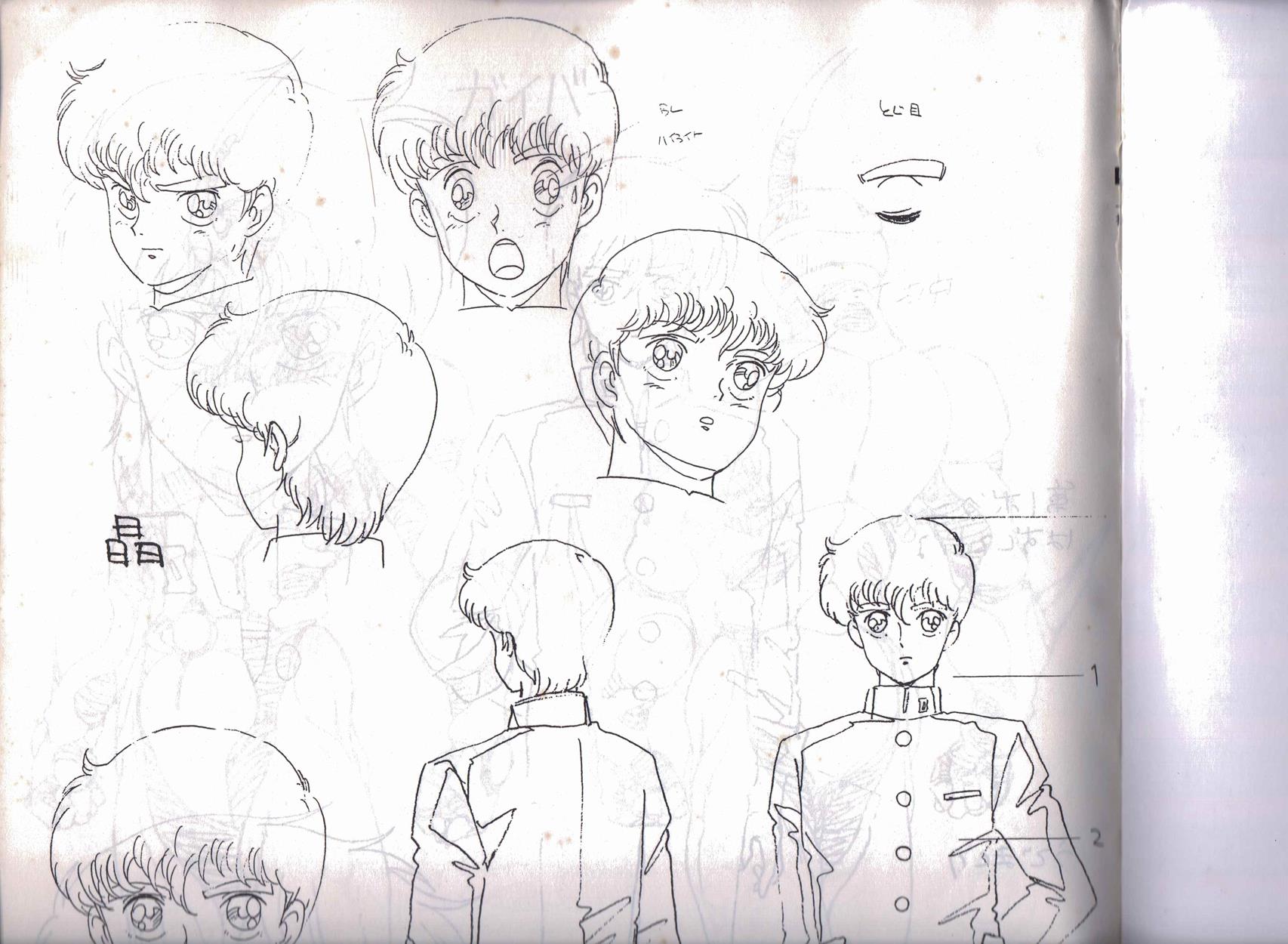
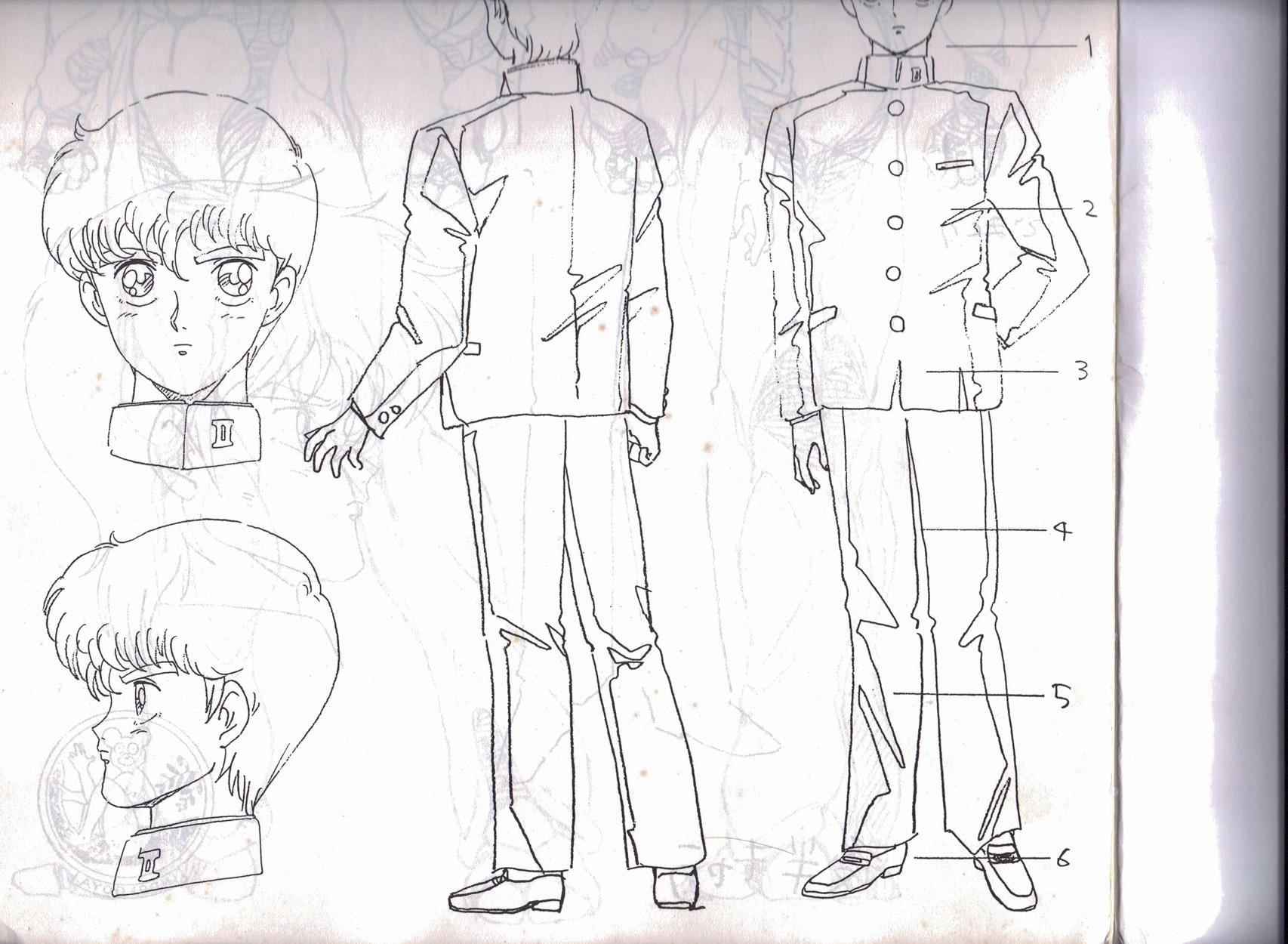
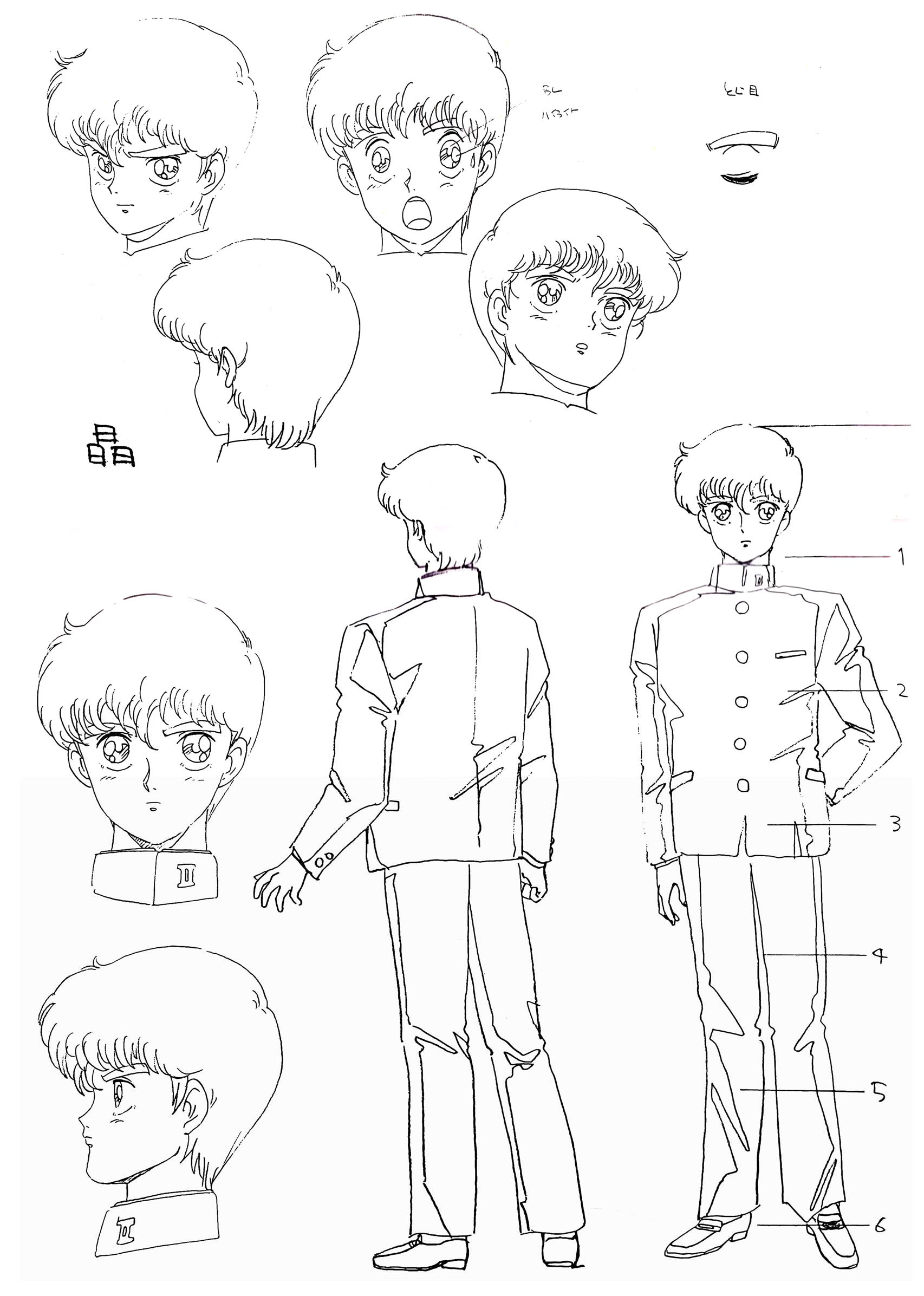
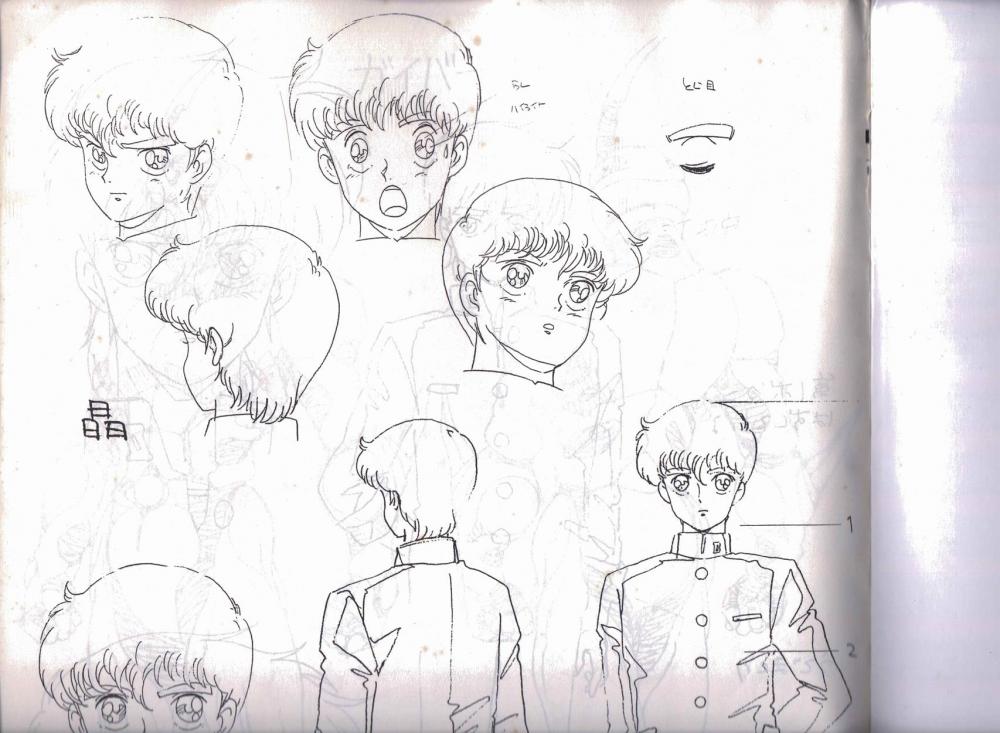
I have bought the book and impressed with its footage . This project is gonna take me a bit of time guys the book is that big it wont fit on my scanner i have to do half at a time and then join them. Then the hard work of cleaning them up. The sample images took a few hours just to get them right. Any tips or help would be good at this time. Once the book is done it will be passed on too Sully to decide how he wants to show it. This book has cost me a lot of money and your getting it for free. What with a shortage of chapters to work on this is the guyver buzz i have been waiting for. After these samples no more will be uploaded so stay tuned in thanks..
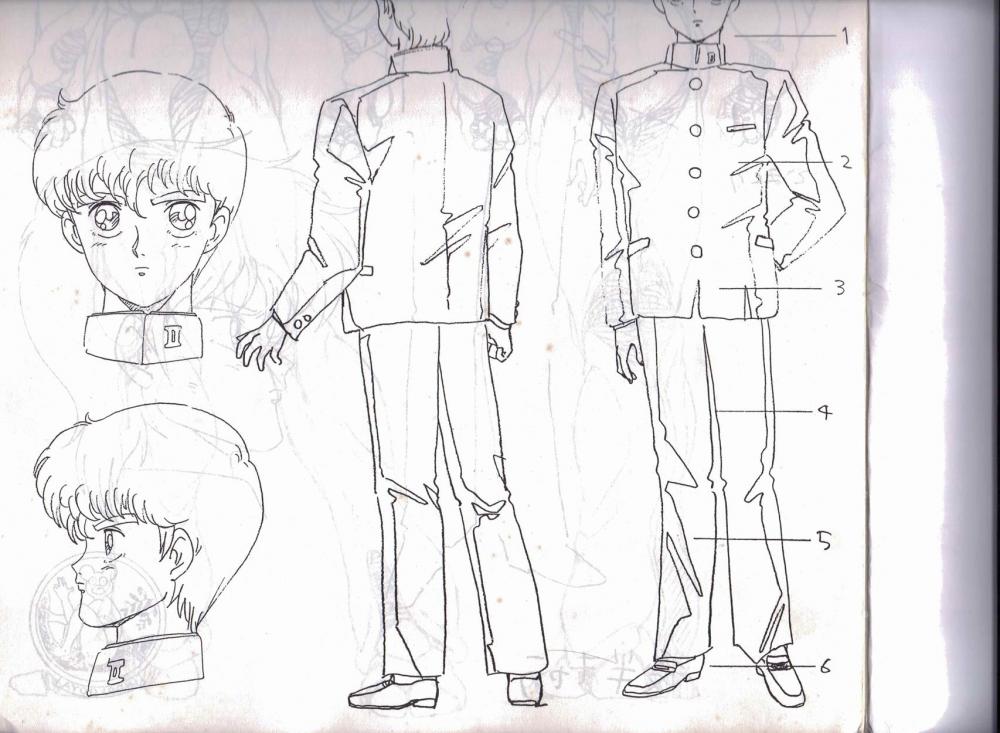
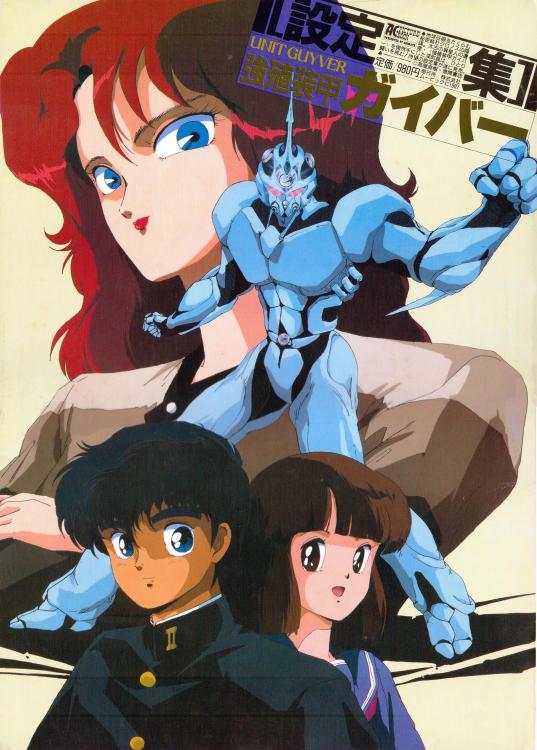
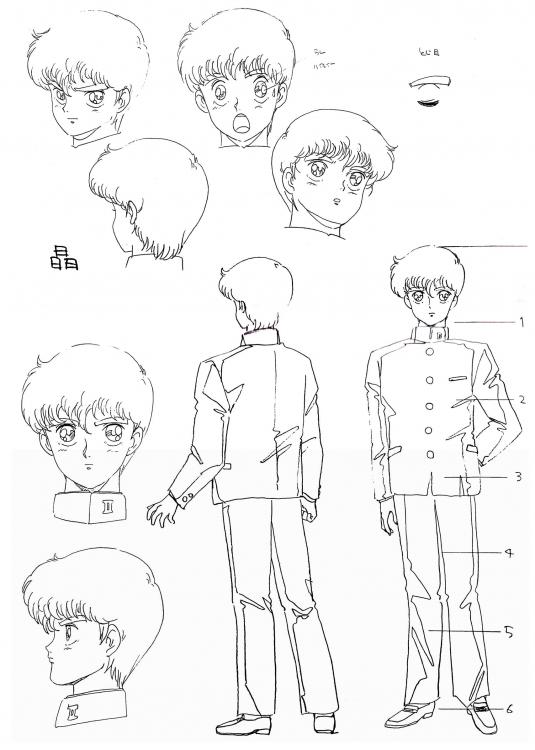 1 point
 -
1 pointConsidering the collection of DVDs I have amassed, yes, yes I do still use them. I am buying physical things less nowadays, but when I do buy movies/anime, I try to go Blue ray now... But I bought so much during the high times that replacing it all is impossible.1 point