Leaderboard
-

Gray5
Member++2Points355Posts -
jedi-guyver
Member++1Points253Posts -
UnitG
Member+1Points49Posts


Popular Content
Showing content with the highest reputation on 09/23/2016 in all areas
-
1 point
-
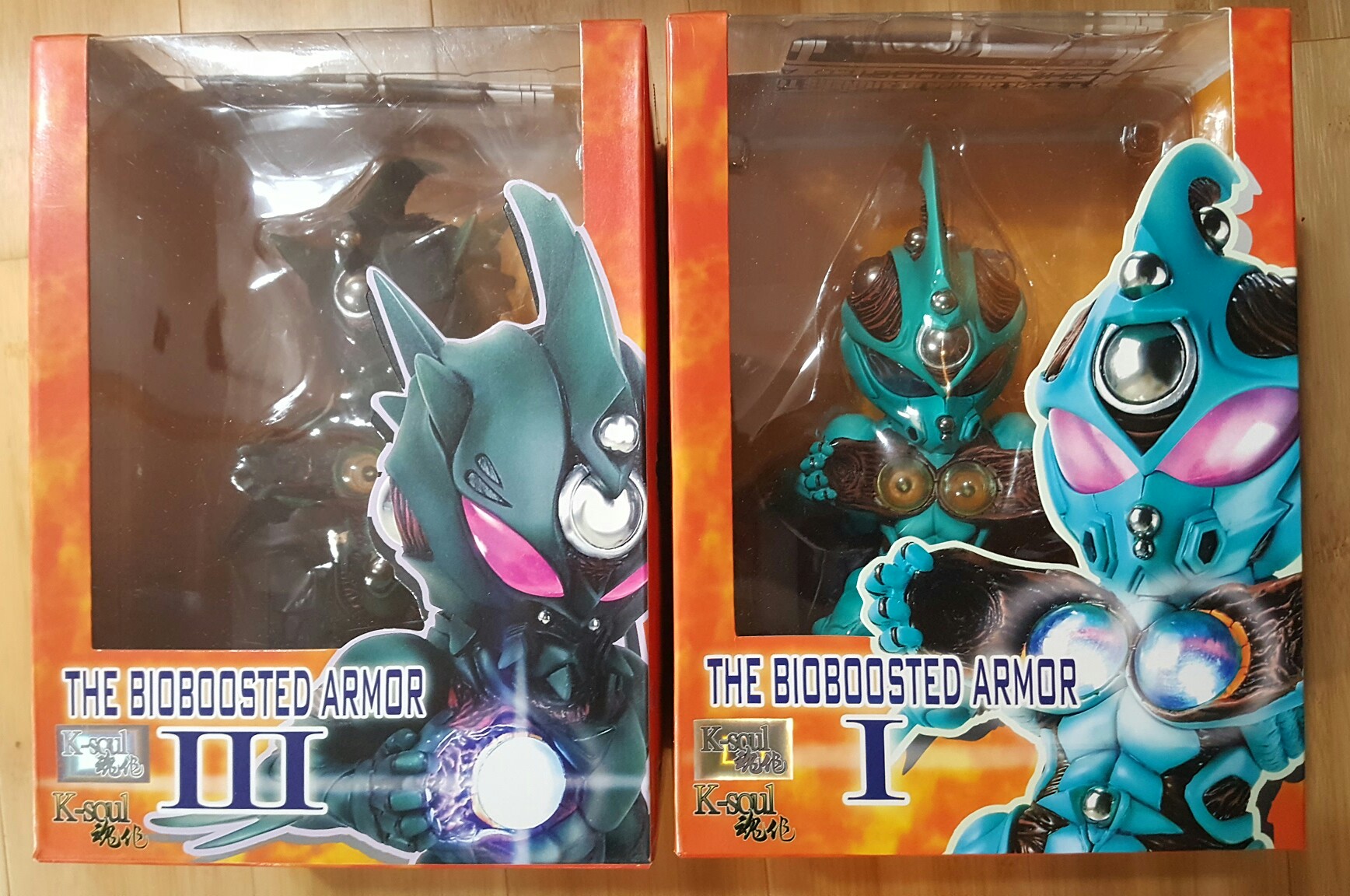
yes it comes with the dvd case and i think is the smalles figure i have of guyver 1, yes i will build it the zx-tole, grats onyour daughter!!1 point
-
1 point
-
1 pointI hadn't check on the site in a about a month or two. Then I look this morning and there have been more updates in the last month then in the last five years!!!!! TheGuyver.net and Japan-legend are both part of WarriorGuyver now?!?! So ready for this! Bring it on! 2016 is the year WarriorGuyver.com comes roaring back! *Slight side note. Brian, Thank you for keeping the site going for all these years. This site has meant a lot to me over the years. I discovered WarriorGuyver.com almost 15 years ago as an awkward teenager from America who thought he was weird for being a huge fan of this strange little Japanese cartoon. Through Warriorguyver.com I not only found a place where I belonged as a fan; I also was introduced to the idea of fan-fiction and the idea that anyone can become a storyteller. Watching your writing style evolve over the years has helped shaped my thoughts on what it means to be a storyteller and has contributed to my own writing style. Please know that this site and your commitment to continue to write Jason's story means a lot; not only for Guyver and anime fans, but for YOUR fans and the fans of YOUR story. So Brian, on behalf of all of your fans and anyone who has ever read a WarriorGuyver story, thank you. -Zach (aka Jedi-Guyver)1 point