Leaderboard



Popular Content
Showing content with the highest reputation on 09/13/2016 in Posts
-
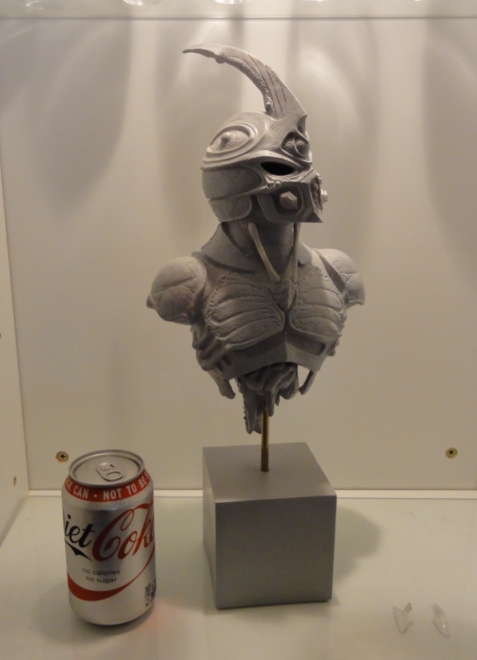
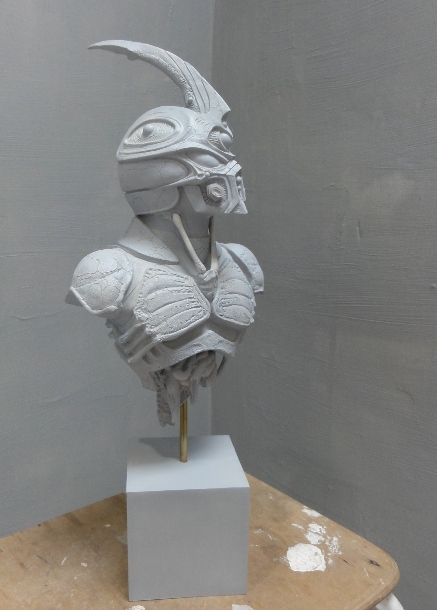
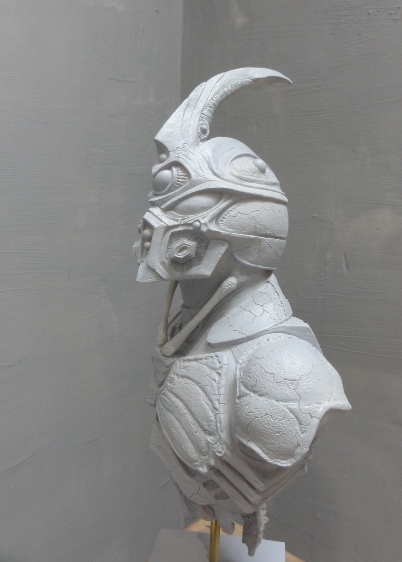
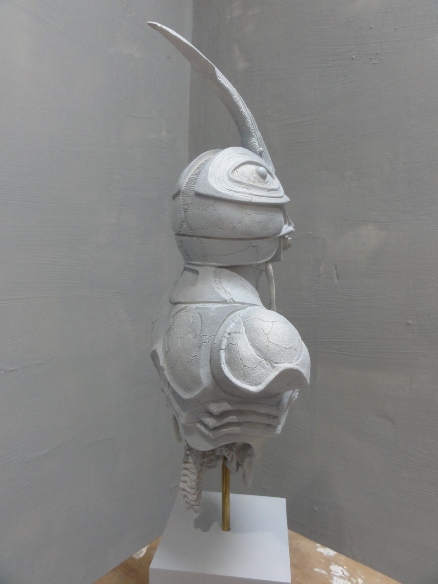
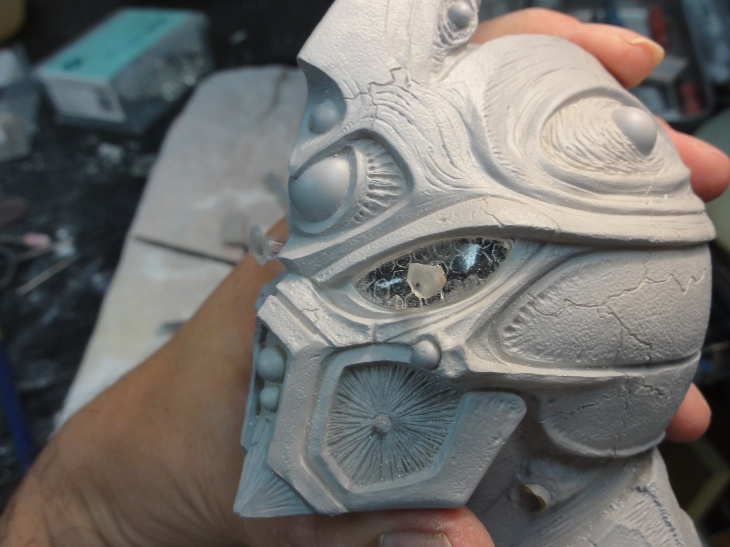
3 pointsHi guys i've just joined and wanted to show some pictures of a statue i made. I'm in the process of painting it up at the moment and adding the clear lenses. I'm going to finish this one in the Dark Hero colours. This statue also appeared in the recent special edition bluray release recently, which freaked me out when i sat down to watch the extras. Thanks for looking Pete
 3 points
 -
2 points
-
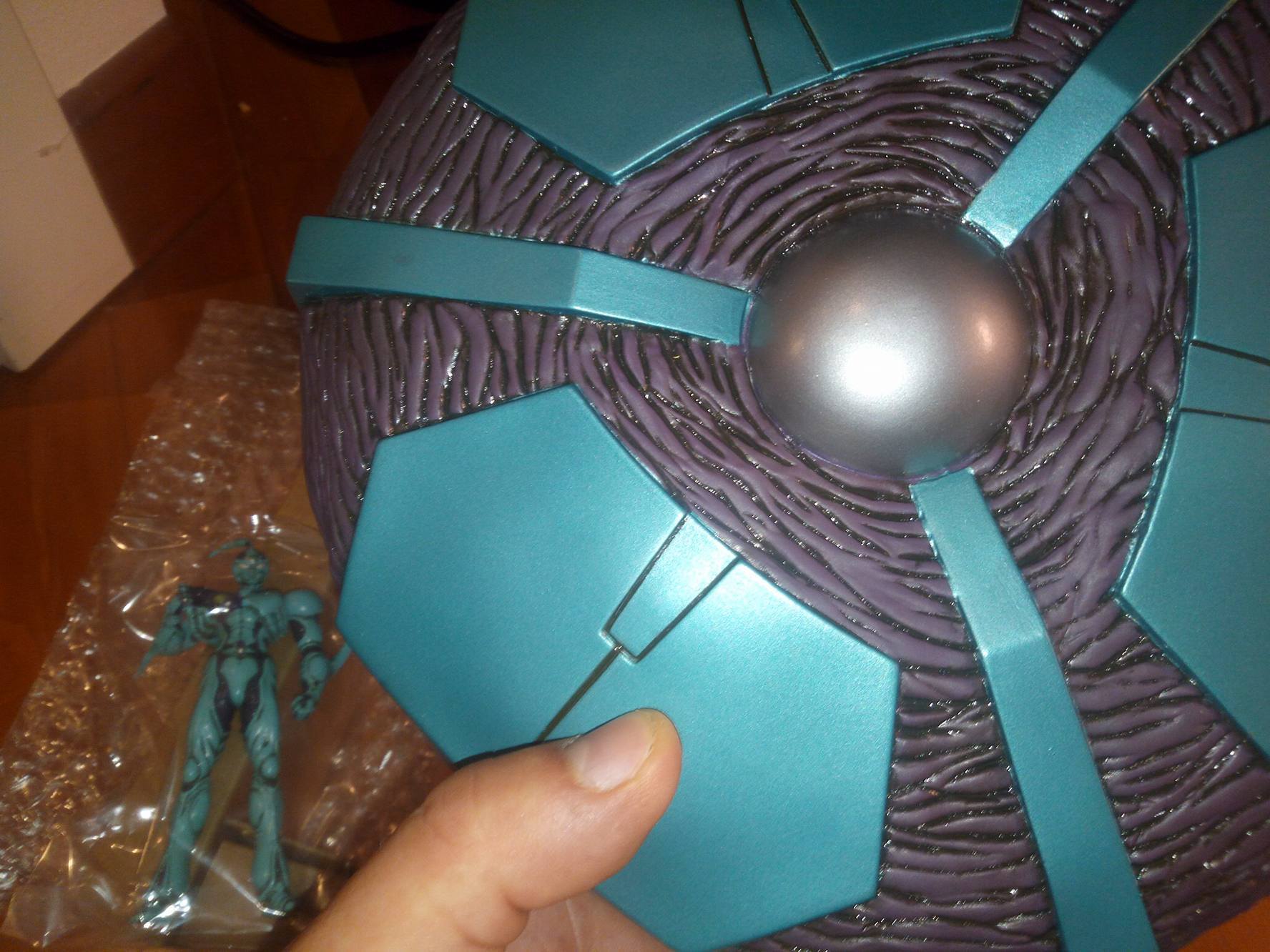
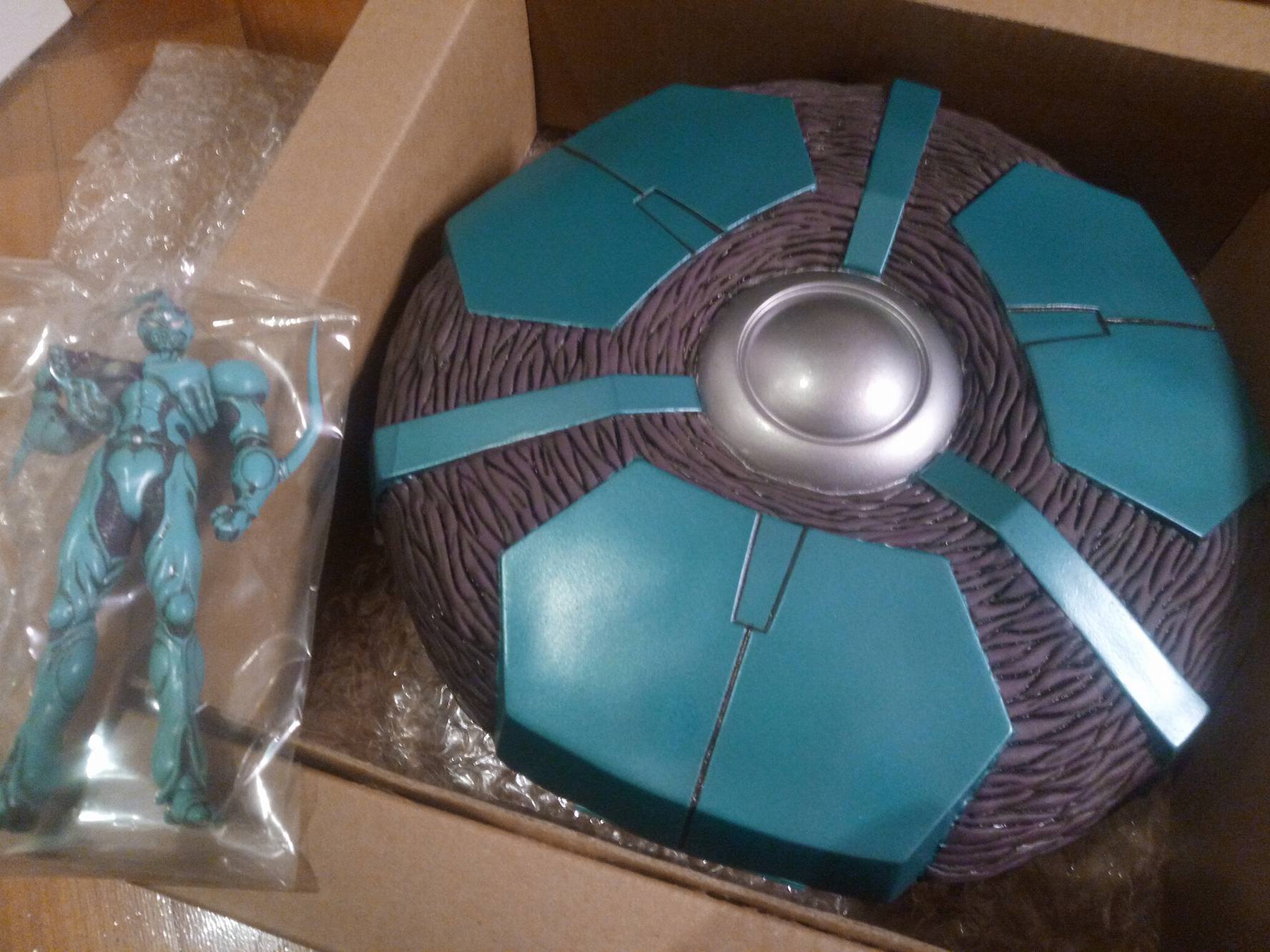
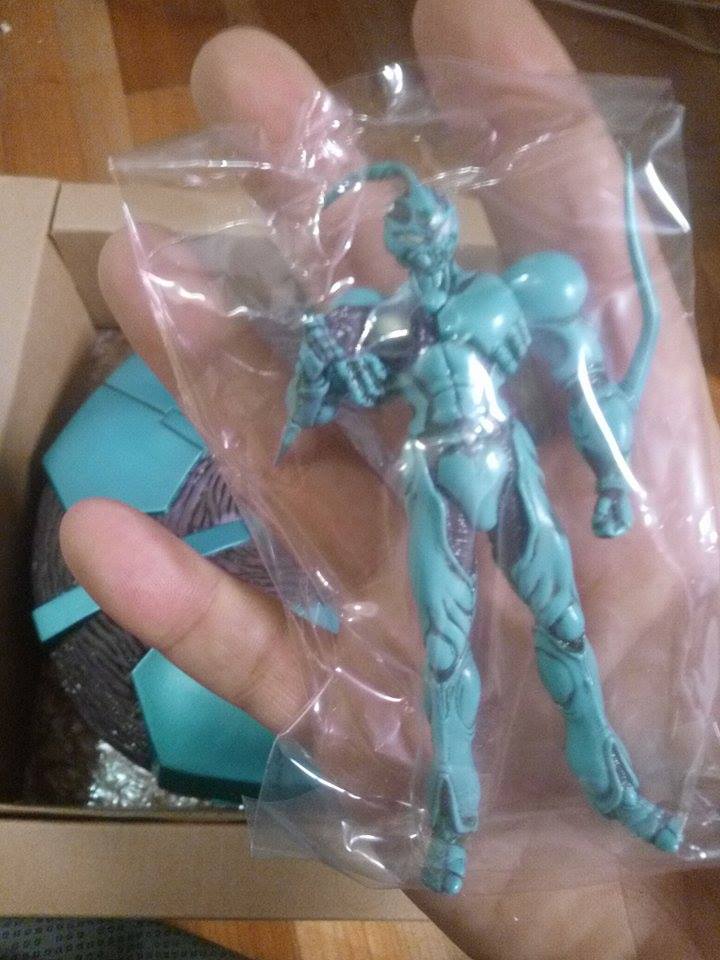
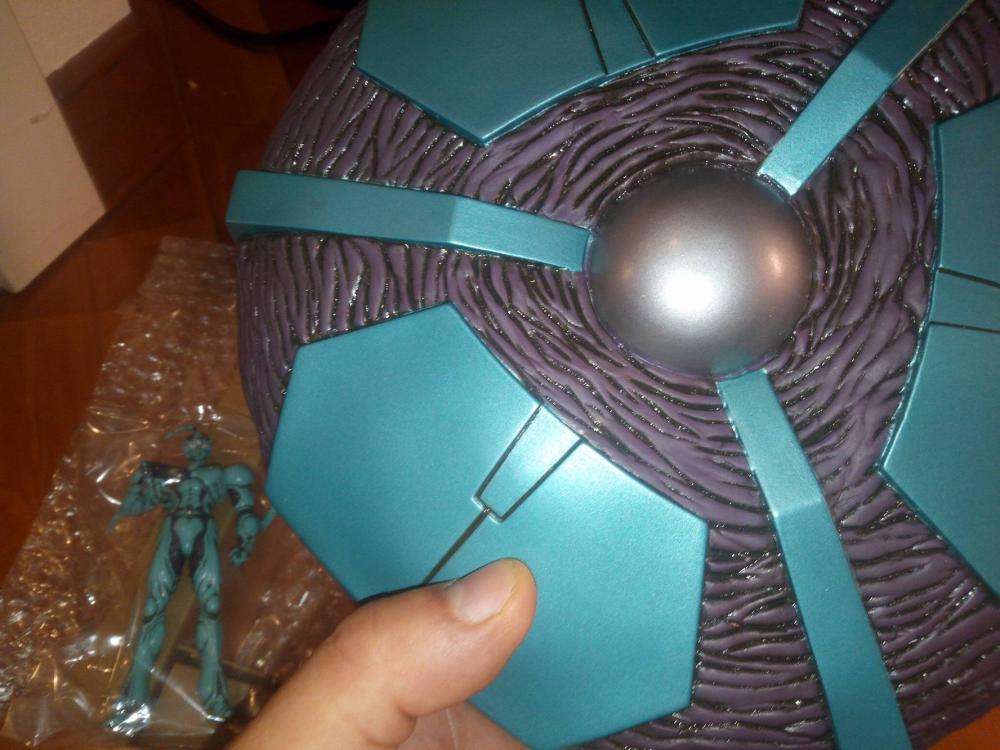
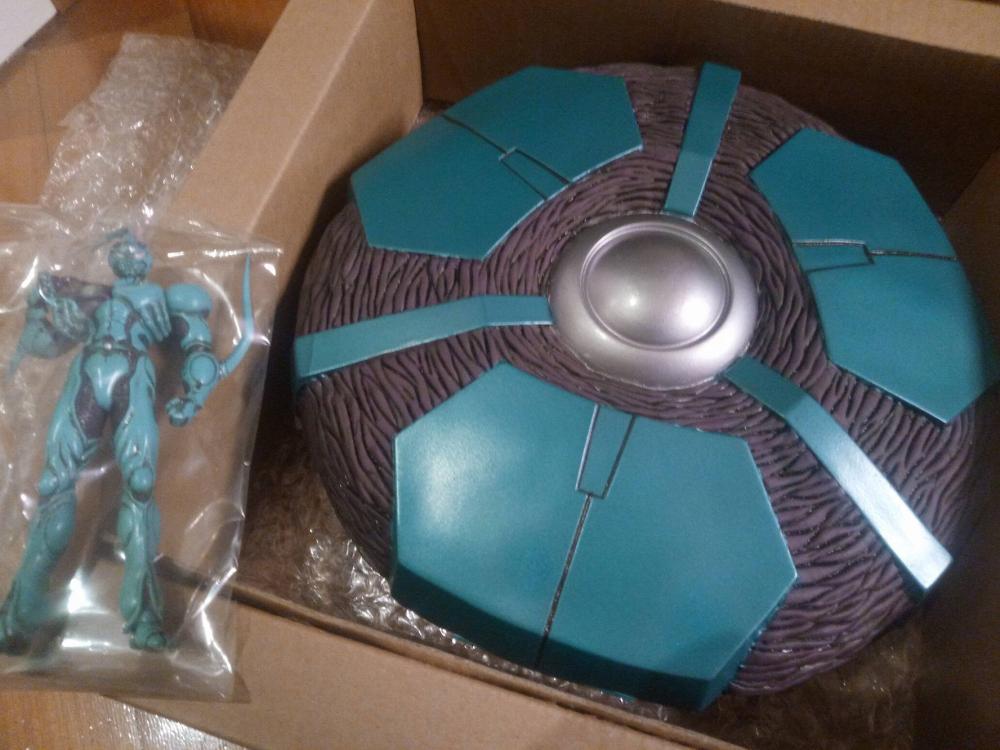
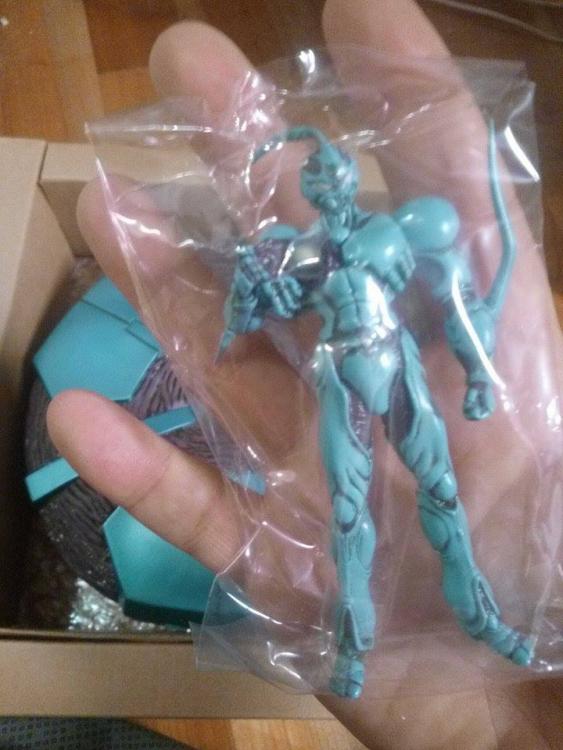
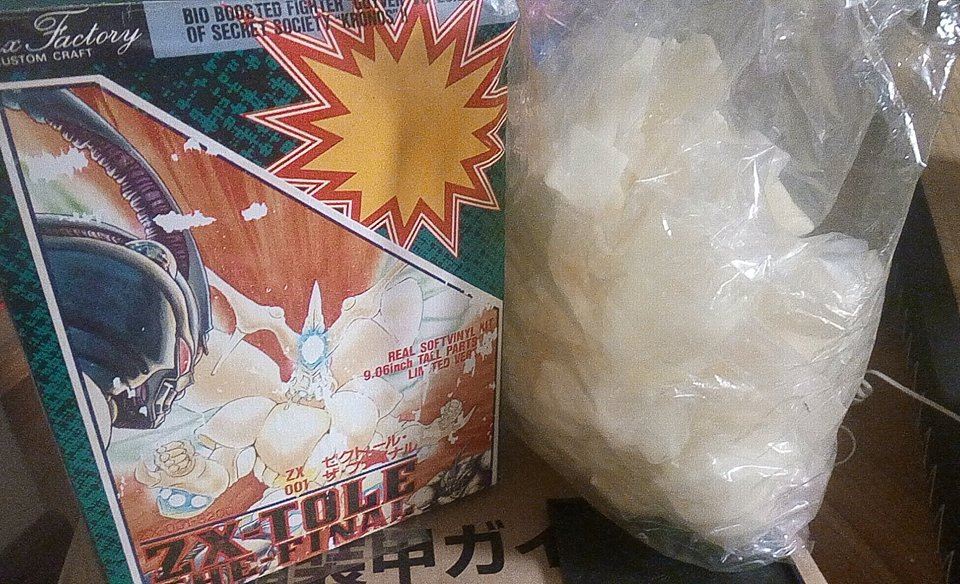
so many years of searching finally it arrived also found ZT-TOLE limited fluo
 1 point
 -
1 point
-
1 pointI dont remember where i found them...on the web mybe was winmx or napster who remember...lol, yeah i talked to steve too, i'm looking for the LD anywhere in japan, but no luck...check this out i have mount this display today :-)
 1 point