Leaderboard
-

Jess♥
*Queen2Points6,201Posts -
Salkafar
Member++2Points1,339Posts -

LordSpleach
Member++1Points1,737Posts



Popular Content
Showing content with the highest reputation on 12/05/2015 in Posts
-
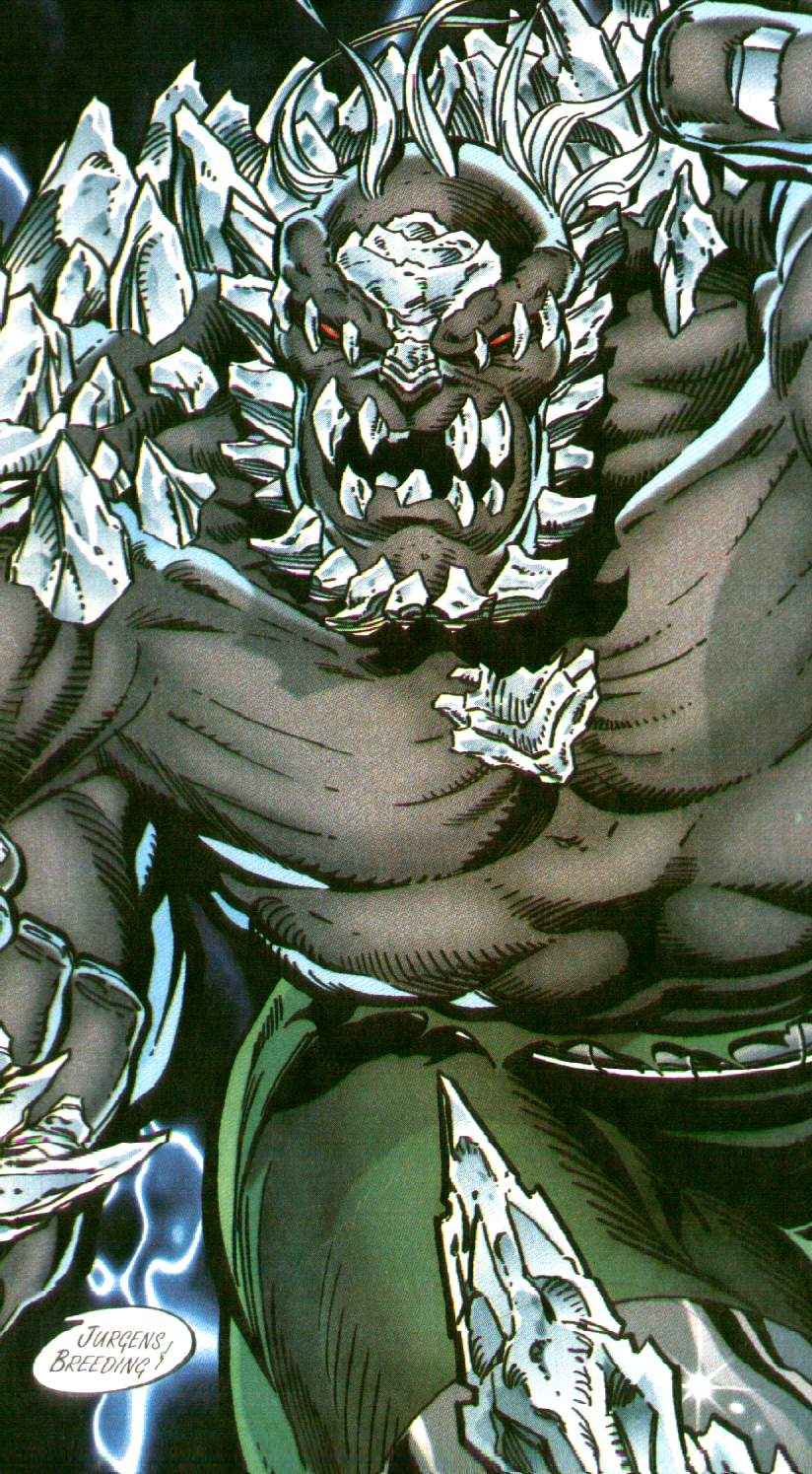
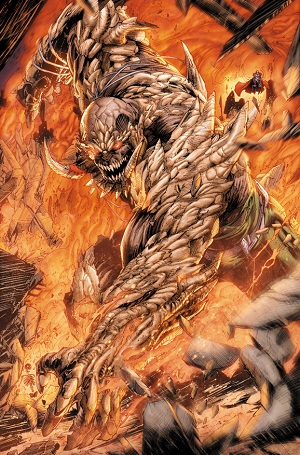
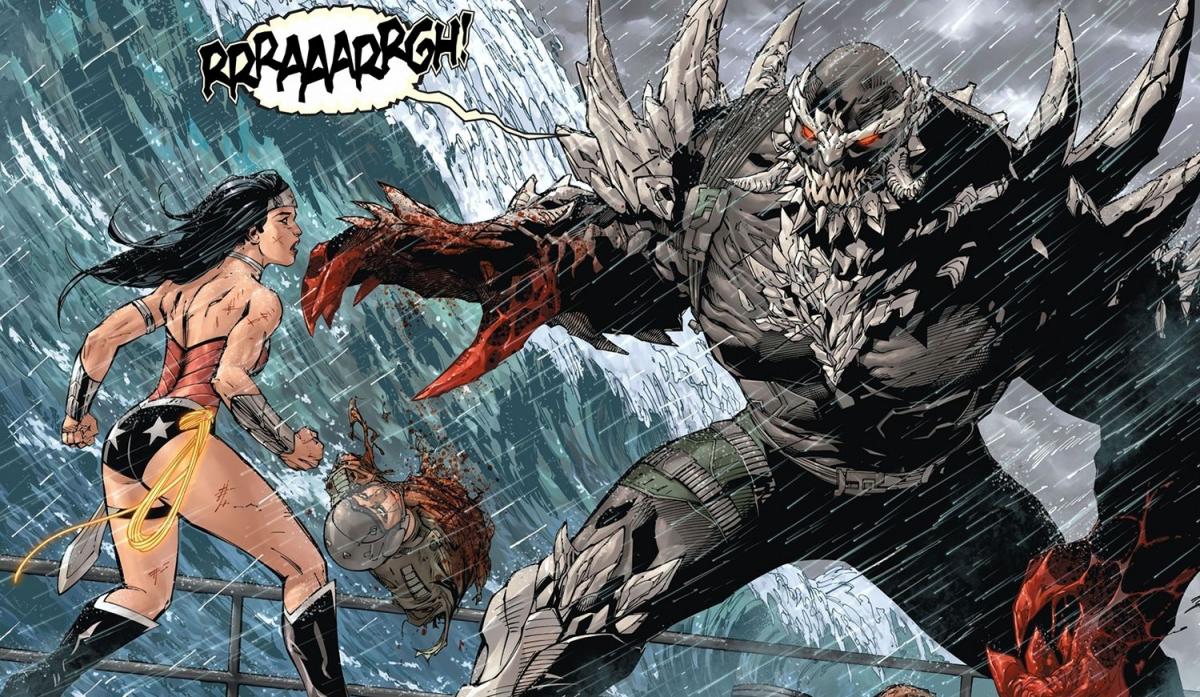
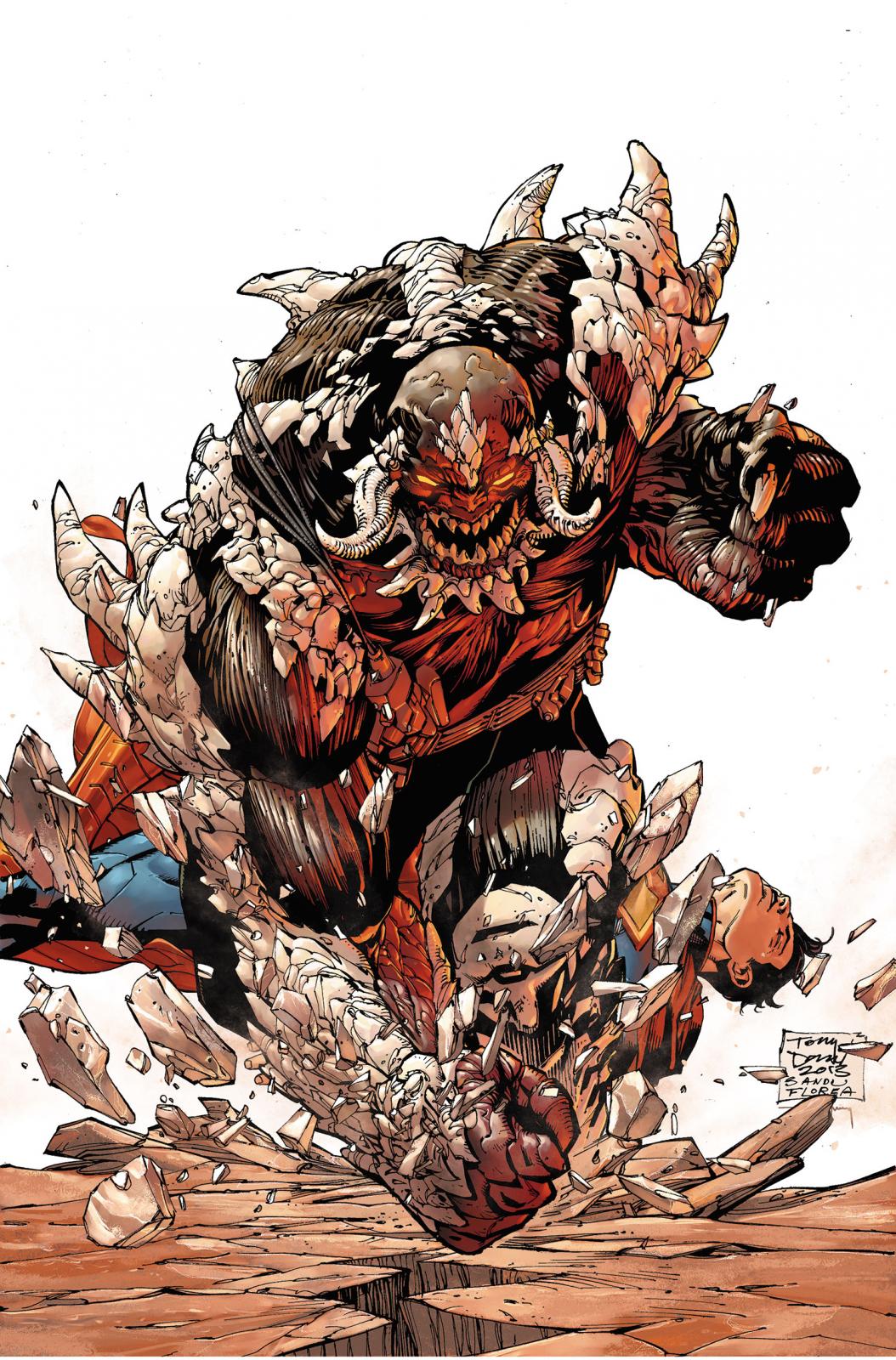
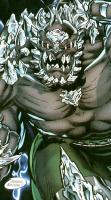
1 pointperhaps not 'bizarro superman' but something akin to it. because i may not know much about comics, but I know that doomsday was made on krypton by scientists in ancient times. and the process took decades. I read that comic book, one of the very few I have read. he wasn't made from a modern kryptonian, certainly not one of the calibre of zod, which is what we are led to believe is used as the basis for this thing. also, when we look at doomsday in the comic books, I find it hard to believe that they would do such a terrible job of designing him. I mean yeah there is bone protrusions... but doomsday is freakin crazy looking.


 1 point
 -
1 pointGuys. This is Doomsday. If it were Bizarro, it would wear a uniform. And be less feral. It even has the bone spurs sticking out. The original Bizarro was not created from or by Zod - that story was from 1982 - but was an imperfect copy of Superboy. In 1958. Unngh. Seriously, guys?1 point
-
1 pointquick google research on bizarro, agrees with you Spleach original bizarro was created from zod, and later versions were created by lex luthor.1 point
-
1 pointI'm pretty sure that's Bizarro. It's has laser eyes and doesn't look cool enough to be Doomsday.1 point
-
1 point