

Skip to content
View in the app

A better way to browse. Learn more.

Japan Legend / Guyver Forum

A full-screen app on your home screen with push notifications, badges and more.

To install this app on iOS and iPadOS
  1. Tap the Share icon in Safari
  2. Scroll the menu and tap Add to Home Screen.
  3. Tap Add in the top-right corner.
To install this app on Android
  1. Tap the 3-dot menu (⋮) in the top-right corner of the browser.
  2. Tap Add to Home screen or Install app.
  3. Confirm by tapping Install.

Leaderboard

Popular Content

Showing content with the highest reputation on 12/23/2014 in all areas

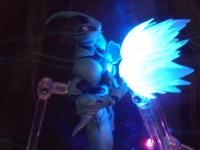
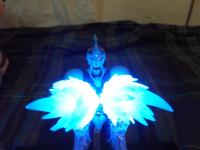
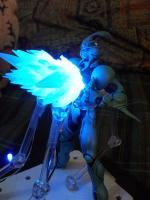
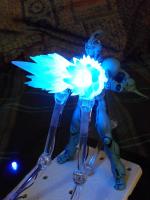
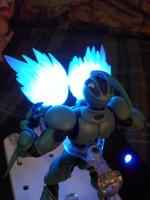
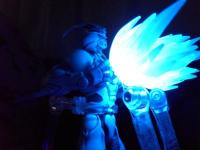
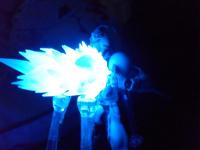
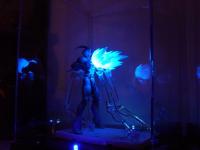
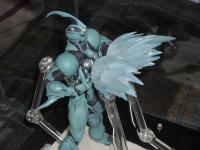
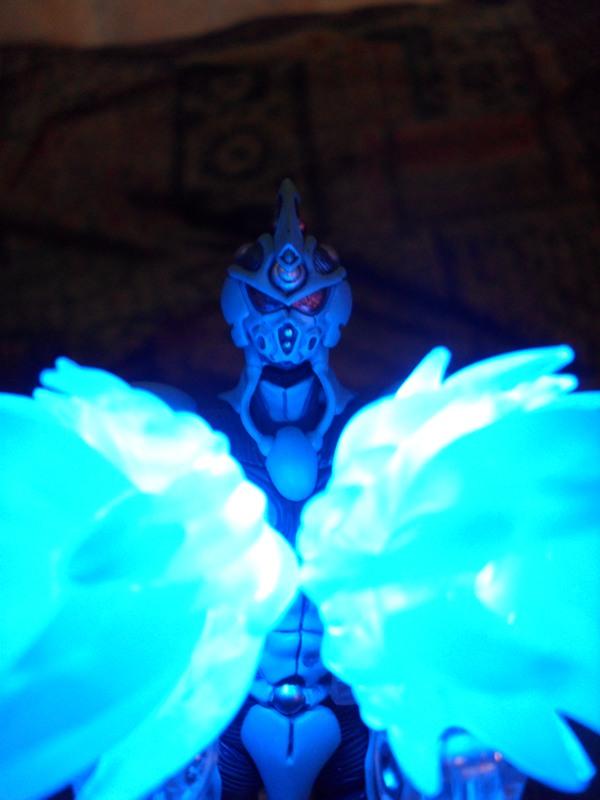
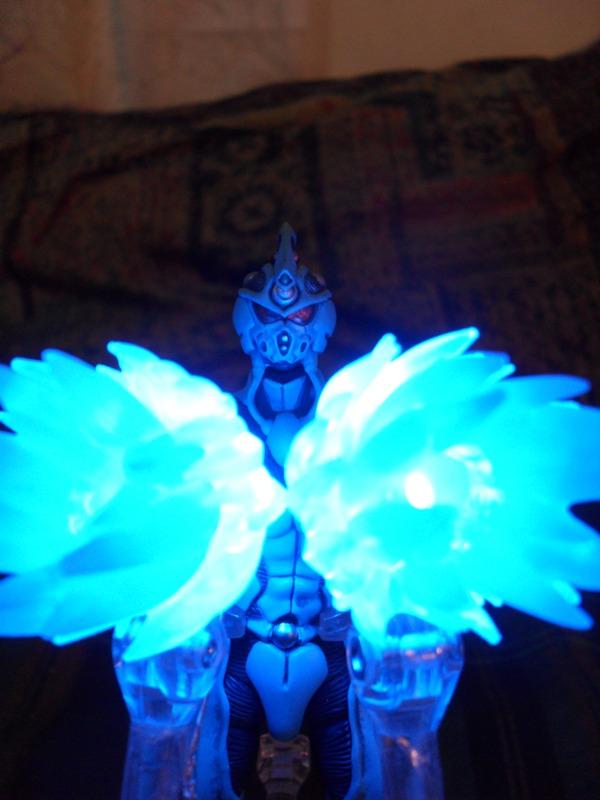
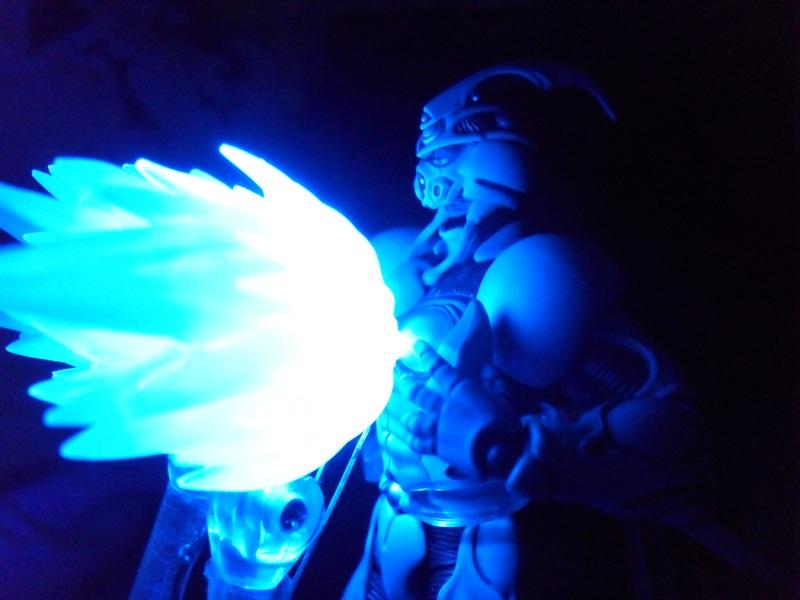
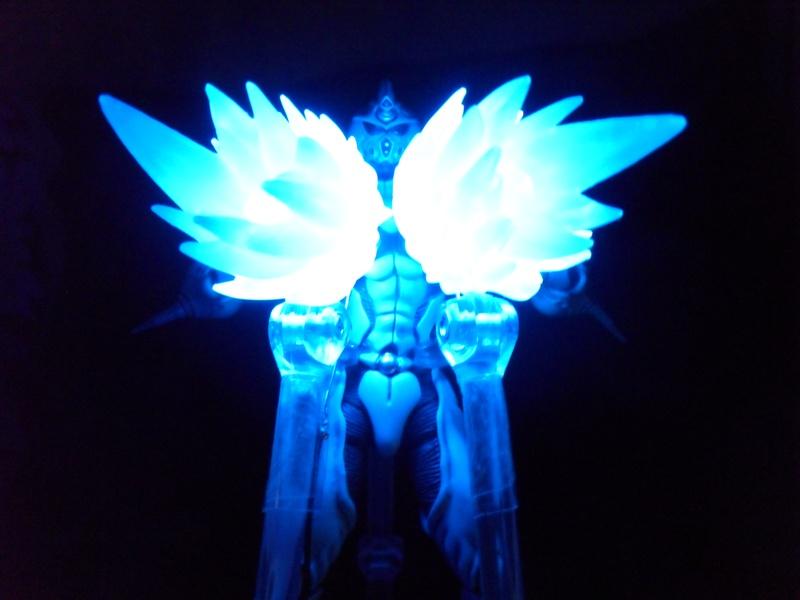
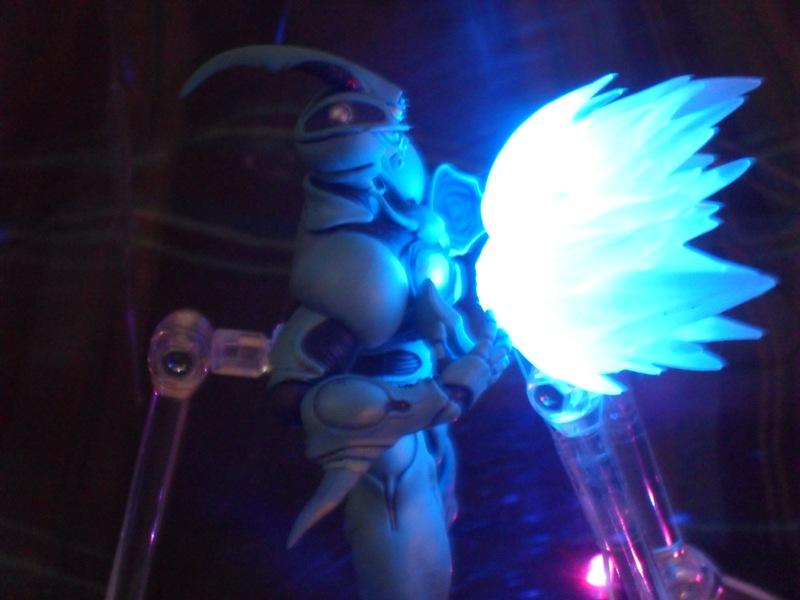
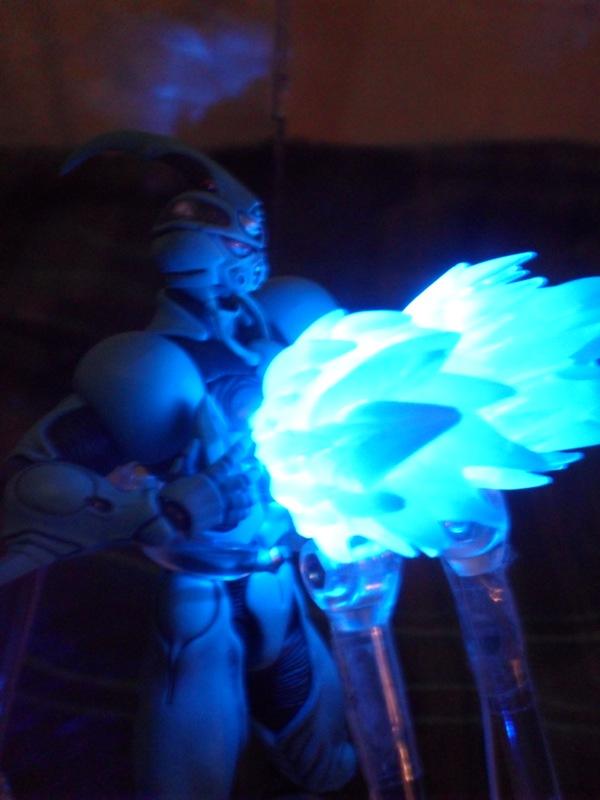
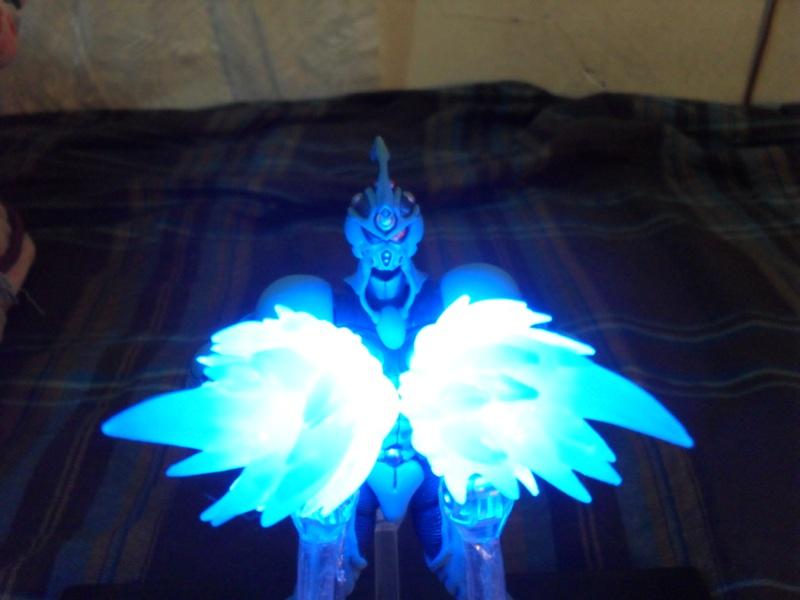
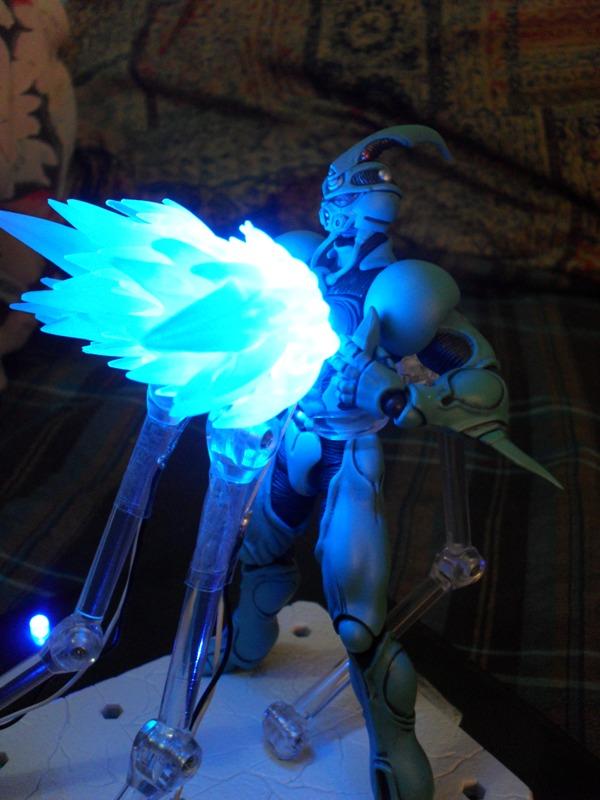
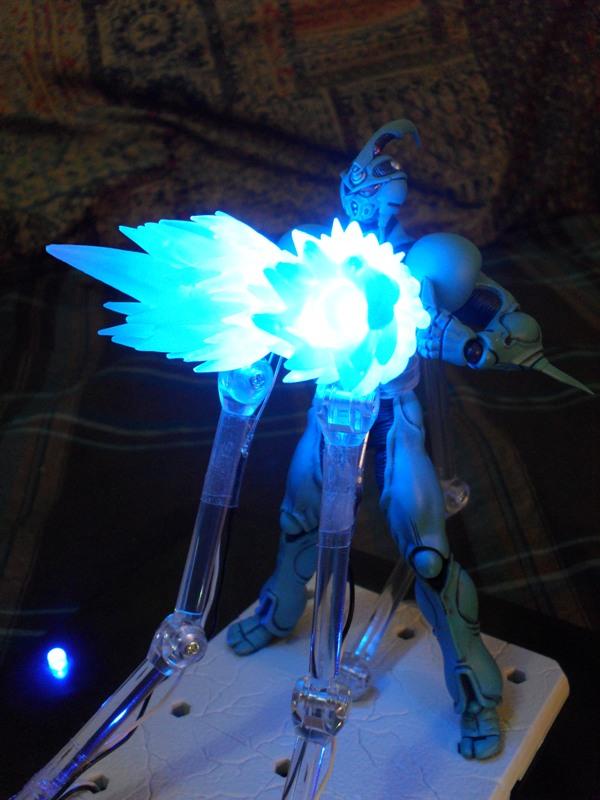
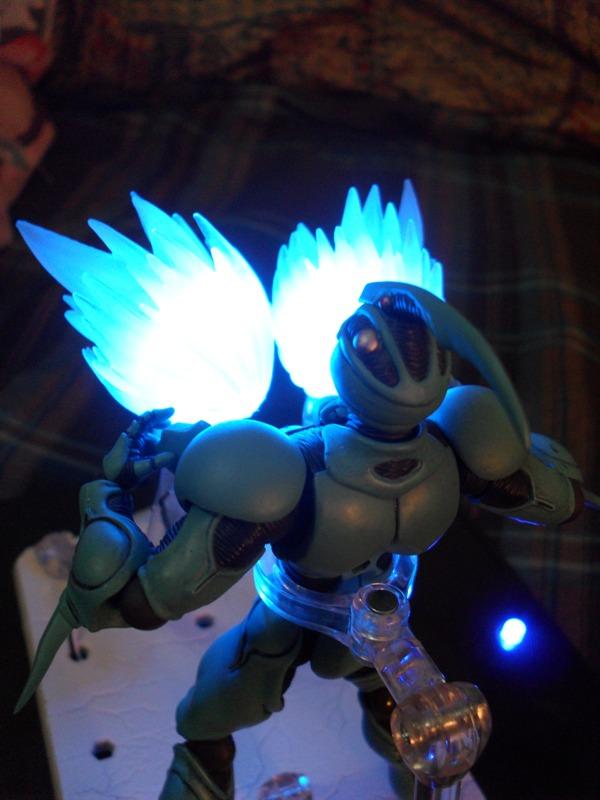
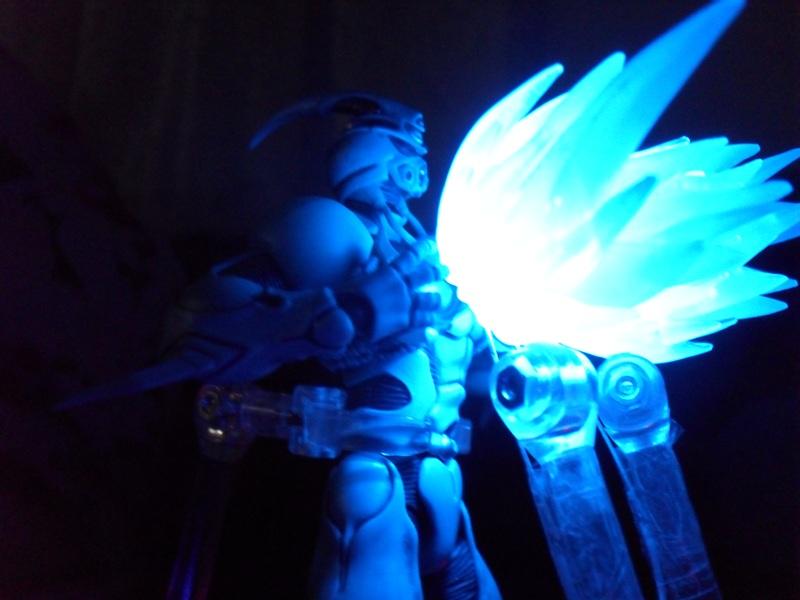
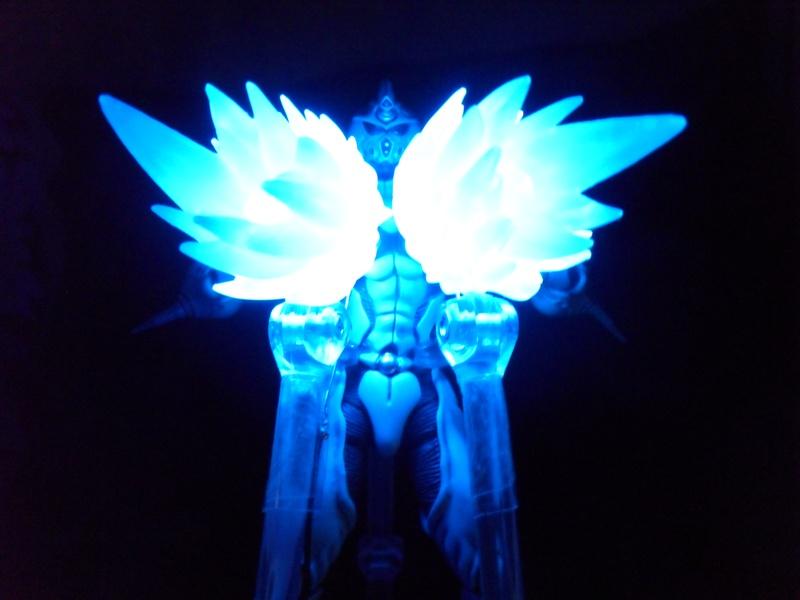
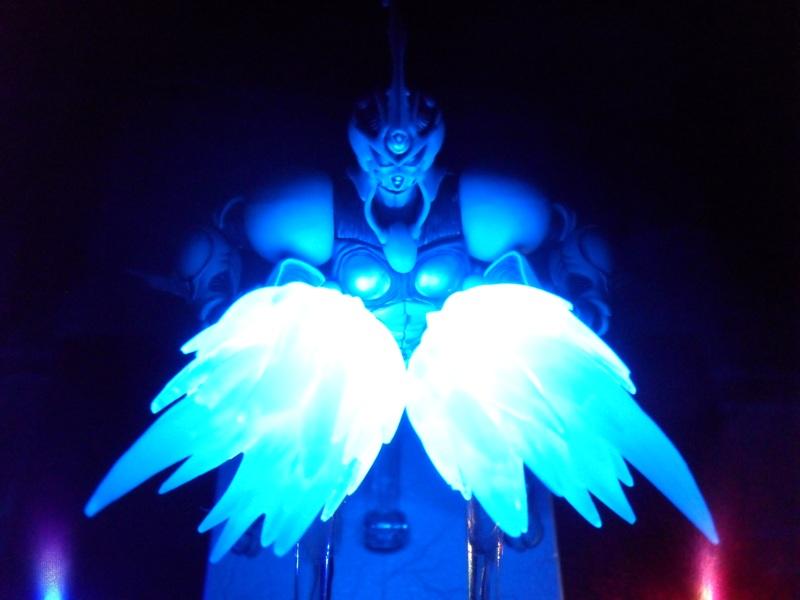
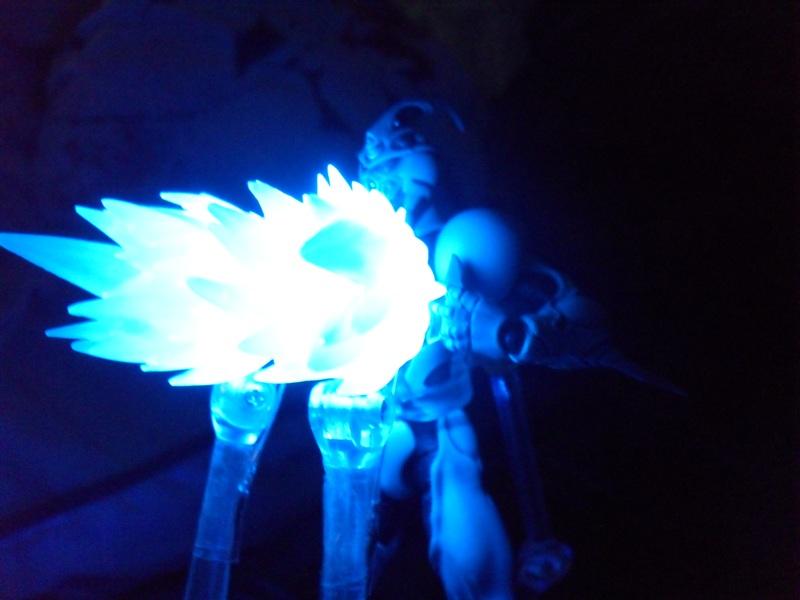
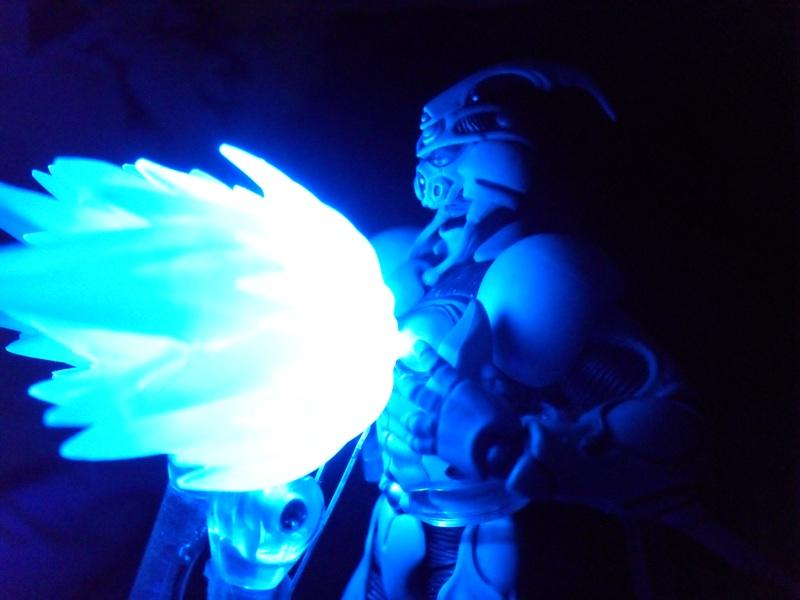
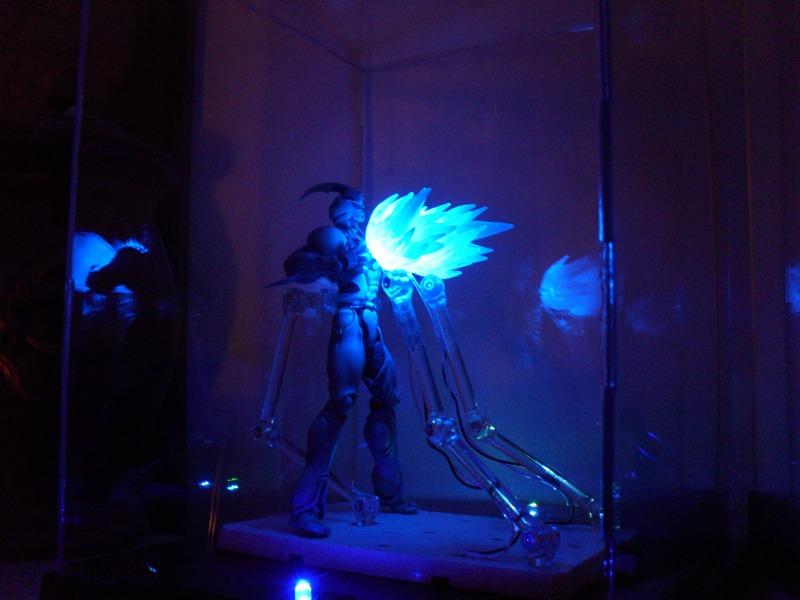
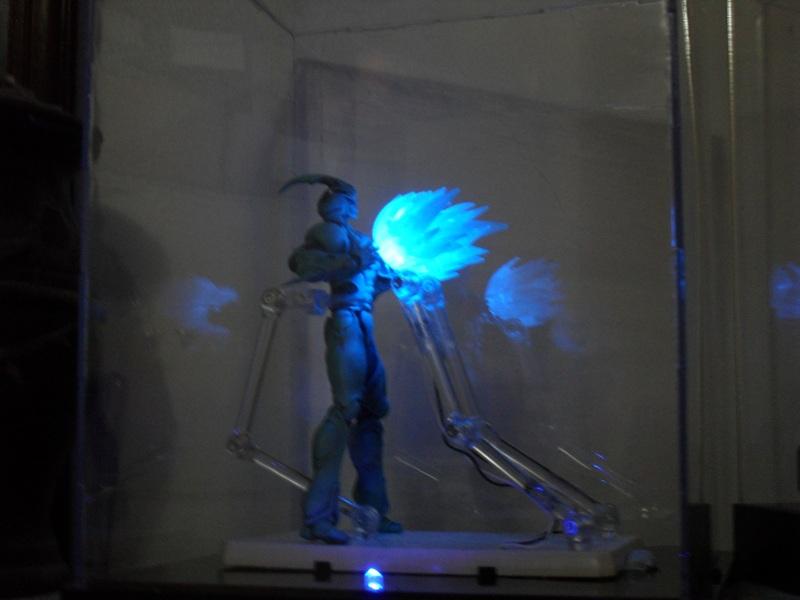
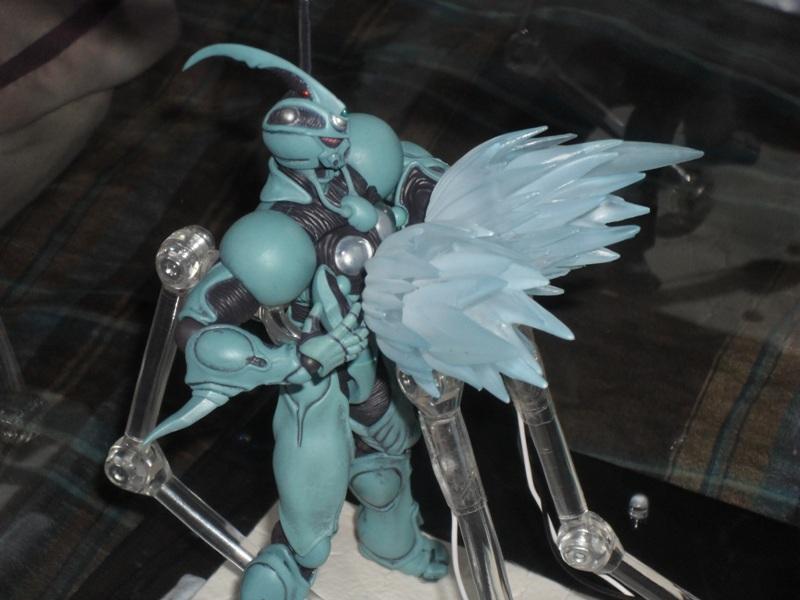
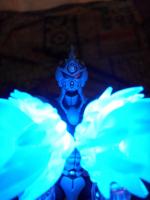
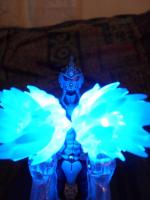
  1. Well, the new figma is smaller than i thought. he's so fragile to pose, and that peg stand that presses into his back gave me the sh1t's so bad. i was just about to throw him into a bonfire, 'cause the hole in his back is so shallow that he comes loose and falls off when you try to adjust him. but after heating up my soldering iron and acouple of JD's, who cares? here's some pics.
Account

Navigation

Search

Search

Configure browser push notifications

Chrome (Android)
  1. Tap the lock icon next to the address bar.
  2. Tap Permissions → Notifications.
  3. Adjust your preference.
Chrome (Desktop)
  1. Click the padlock icon in the address bar.
  2. Select Site settings.
  3. Find Notifications and adjust your preference.