Leaderboard
-

Jess♥
*Queen1Points6,201Posts -
guyverfan
*VIP member1Points596Posts -
Darksenshi
Member+1Points45Posts



Popular Content
Showing content with the highest reputation on 01/13/2014 in all areas
-
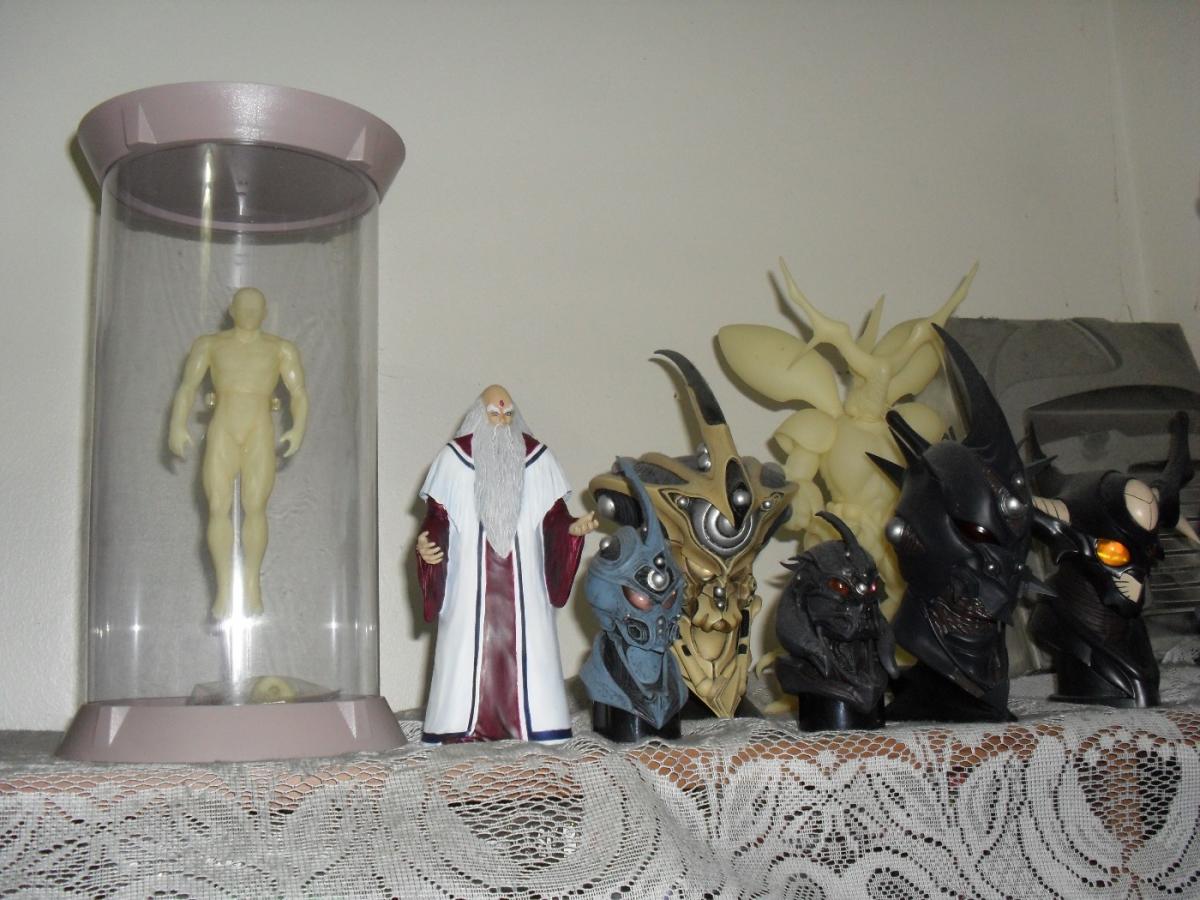
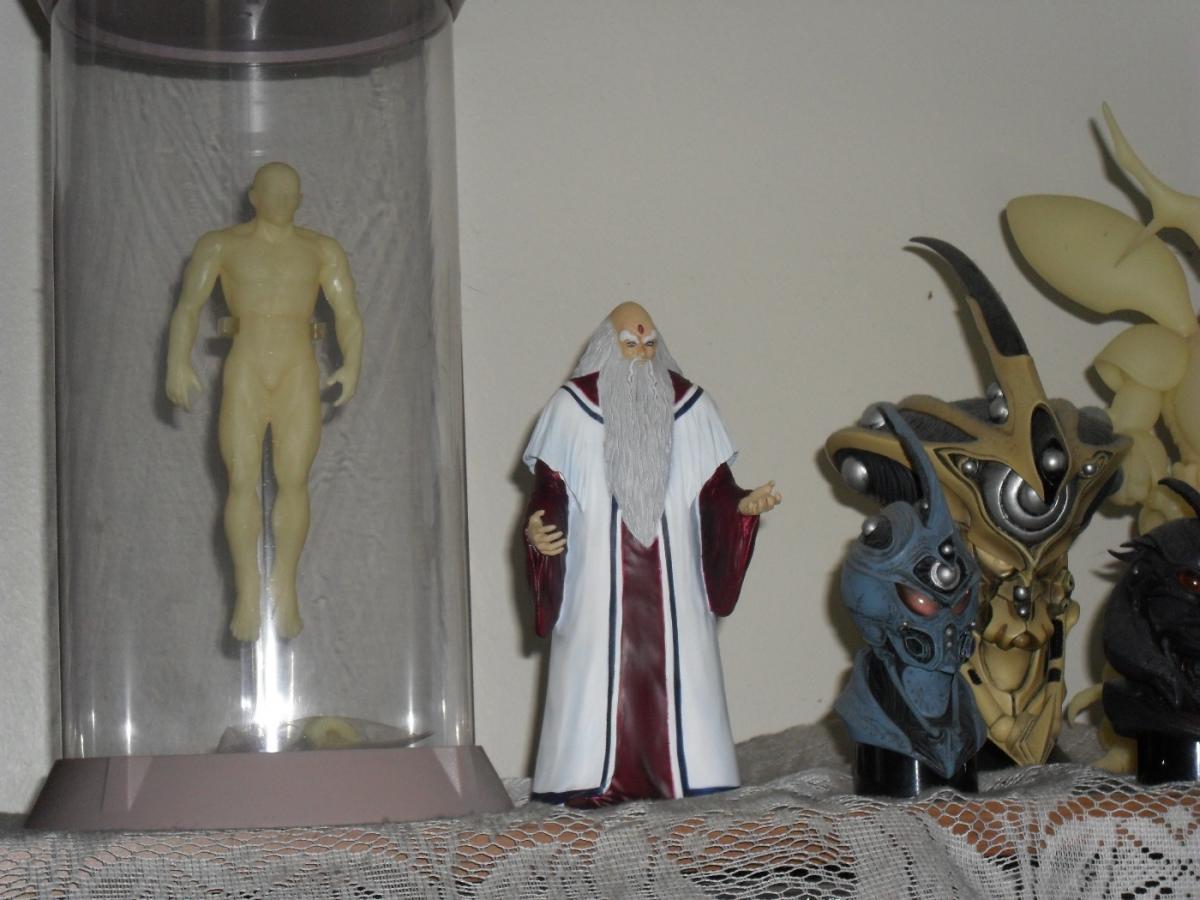
I've decided to make a thread dedicated to showing off your Guyver collections. Feel free to post pics of your Guyver collections whether it be Manga,Figures or anything. And lets discuss them as well. Lets have fun with it! Be sure to check out the old collection thread for more great Guyver collections http://www.japan-leg...er-collections/ I'll start..... I didnt know whether taking these pics with the flash on looked better or without so I'll post both. Im not too good at taking pictures. But I try. Maxfactory Guyver 1, Guyver Gigantic, Murakami, Aptom, Guyver Gigantic Dark and Guyver 3 Imakarum, Gyuot, Guyver 2 and Guyver F model ] Hyper Zoanoid Team 5 Zoanoid shelf Comparison shots of the BFC Guyver with the BFW Zoanoids and prepainted kits The scale is not perfect but honestly they dont look bad at all together. Thanks for looking guys. I cant wait to see everyone's collections!1 point
-
1 pointIt's possible and highly likely that Archanfel recognised the energy signature of the remover being activated that time in doctor shirai's lab. He was already in the vicinity after getting Barcas' report relayed via Shin and Purgstal. He's used one before so I am sure he would recognise it.1 point
-
AT LAST! the search for my holy grail is finally over. drbarcus and the lab set are mine.
 1 point