

Skip to content
View in the app

A better way to browse. Learn more.

Japan Legend / Guyver Forum

A full-screen app on your home screen with push notifications, badges and more.

To install this app on iOS and iPadOS
  1. Tap the Share icon in Safari
  2. Scroll the menu and tap Add to Home Screen.
  3. Tap Add in the top-right corner.
To install this app on Android
  1. Tap the 3-dot menu (⋮) in the top-right corner of the browser.
  2. Tap Add to Home screen or Install app.
  3. Confirm by tapping Install.

Leaderboard

Popular Content

Showing content with the highest reputation on 12/15/2013 in all areas

  1. 1 point
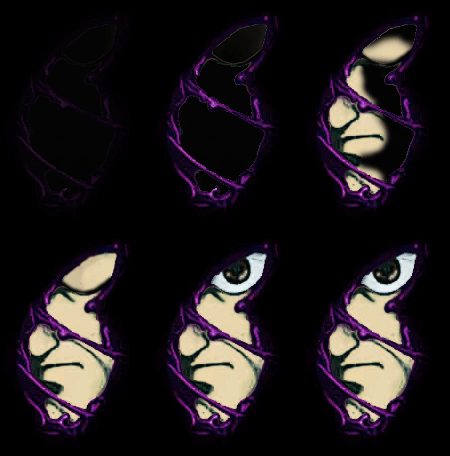
    I always love looking at peoples art on Guyver, even the zoanoids. And btw, i love your enzyme 1. I never could get the face/nose/jaw thing angled right.
  2. 1 point
    Also, leaked pages of one of the scripts (dunno if it's the current one or not) have popped up. Since it's copyrighted material and stuff, we could get into some legal troubles if they get posted here. So if you run into it, please don't post it here.
  3. That first season was my favorite growing up. And i just realized, Kimberly was already in the megazord cockpit even before her zord had docked.
  4. it give me goosebumps all over multiple times and bring tears to my eyes. that is the best sequence in the world.

Account

Navigation

Search

Search

Configure browser push notifications

Chrome (Android)
  1. Tap the lock icon next to the address bar.
  2. Tap Permissions → Notifications.
  3. Adjust your preference.
Chrome (Desktop)
  1. Click the padlock icon in the address bar.
  2. Select Site settings.
  3. Find Notifications and adjust your preference.