Leaderboard


Popular Content
Showing content with the highest reputation on 07/08/2013 in all areas
-
What about altering, or remixing the music from the various Guyver installments.? you'd be amazed how awesome the music sounds just from altering it's speed or warping it. http://www.dailymotion.com/video/x11mxqw_music-tragedy-of-enzyme-ii-slow-redux_music#.Udp_GfmSrNk1 point
-
1 pointOn the whole keep it in the family thing with Cronos and their hidden normal ''humanity '' i have wondered for a time about this... actually.. forget it. it'll take too long to type. i'll mention it another time in a new topic!! its a second marriage, seemingly enforced by Cronos. i think it will be that or looking at the last page something changed the whole cutesy relationship.... so i think its that she went after Sho for killing Oswald or maybe Cronos itself for ruining their relationship in the first place. this chapter was cool but also frustrating!1 point
-
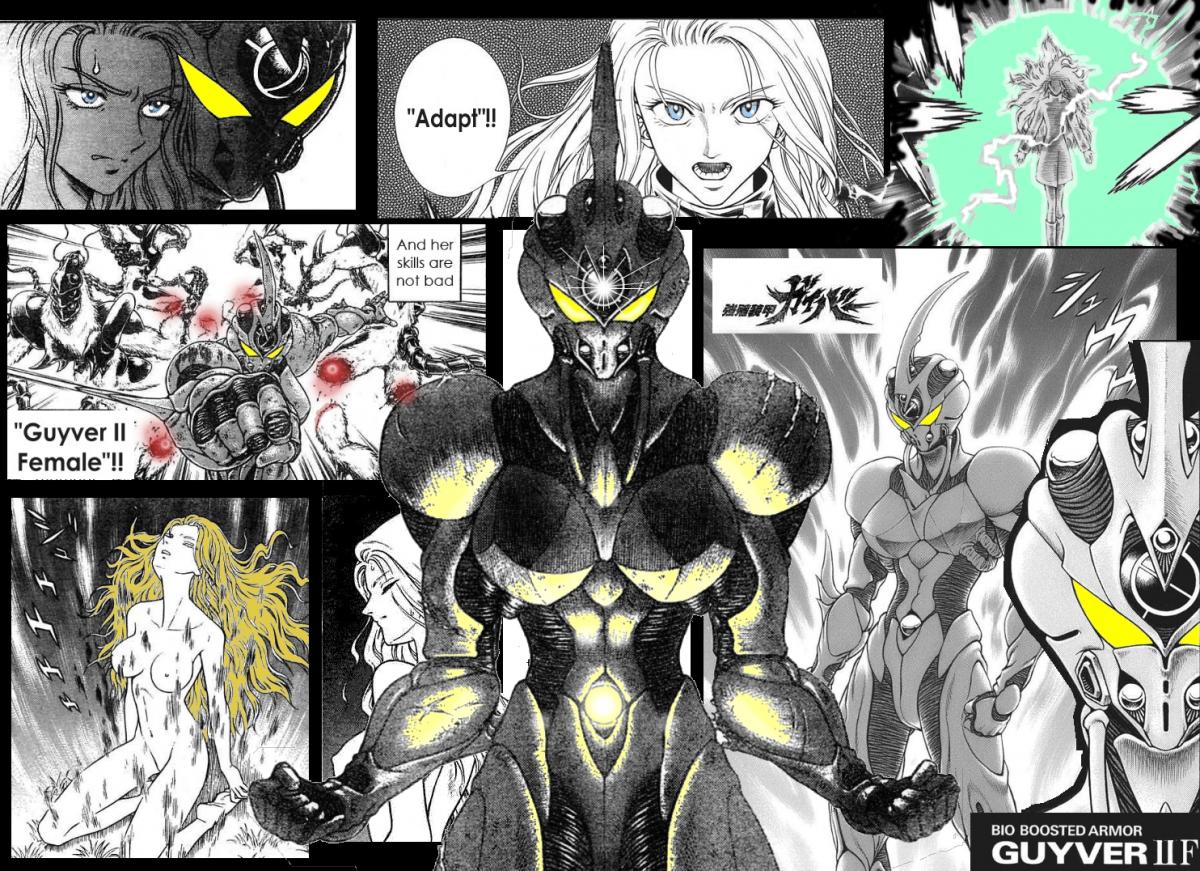
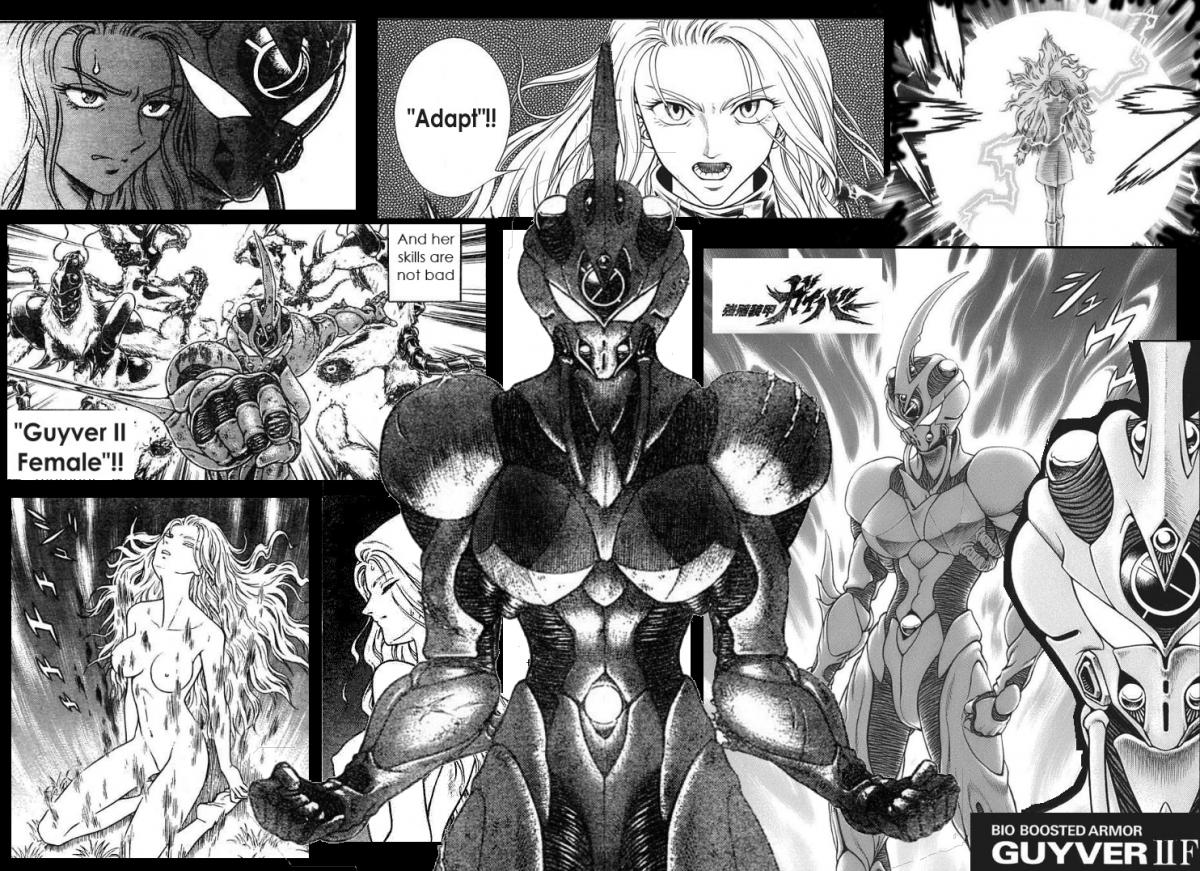
good work Lost Unit! the first effort really did need tweaking to bring back the shape of Valkyria... brings home to me the skill of drawing manga or bodies an odd line here or thee can really throw things off! Also good work Ryuki! a nice montage there! This reminds me of an old competion we had on here... it was a colouring comp but i kind of cheated and did F all colouring ... i spent most of my time on the composition!! my colouring effort original if anyone wants a play with colour
 1 point