mistajase
Member+
-
Joined
-
Last visited
-
Looks interesting! https://www.instagram.com/p/DAqohhyPnWT/?igsh=MWZnNGdiZnRnbTM2NQ== On picture 12 - looking in the background to right hand side - there's part of an guyver costume! 🥳 🕵️♂️
-
I'm not usually one to copy/paste content, but I just came across this on another site.... Original post: https://www.reddit.com/r/Guyver/s/ZxD1i0Ce3M
-
Just a thought... how many chapters were printed after book 32? if there is any available, how can we get them?
-
mistajase changed their profile photo
-
Wasn't there a couple chapters released after book 32? Is there any chance of getting them posted on this forum.... just to wet our appetites - 3 years with nothing is too long!
-
With the series still on hiatus after 3 years and no new information about whats going on, does anyone else think that this might be the end? I've just come across some new information - i'd thought i pass on, nothing confirmed - and could just be hearsay: https://www.reddit.com/r/Guyver/comments/bd5gjw/was_anyone_else_aware_that_guyver_is_over/ According to the post - Yoshiki Takaya also had a partner who was helping him with Guyver who unfortunately died in 2016, after his passing Takaya gave up and is now more focused on his dentistry practice. Like everyone on this forum - i hope this isn't true... and the Guyver will return someday.
-
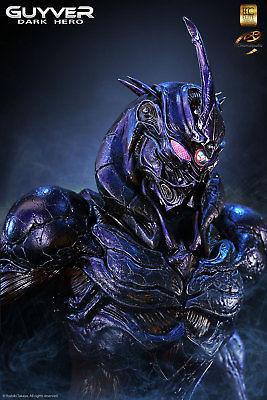
Just came across this on eBay.... if only I had the cash (and an understanding girlfriend!) Even signed by Steve Wang eBay link