Leaderboard
-
Larz Zahn
Member++4Points1,098Posts
Popular Content
Showing content with the highest reputation on 04/05/2020 in all areas
-
1 point
-
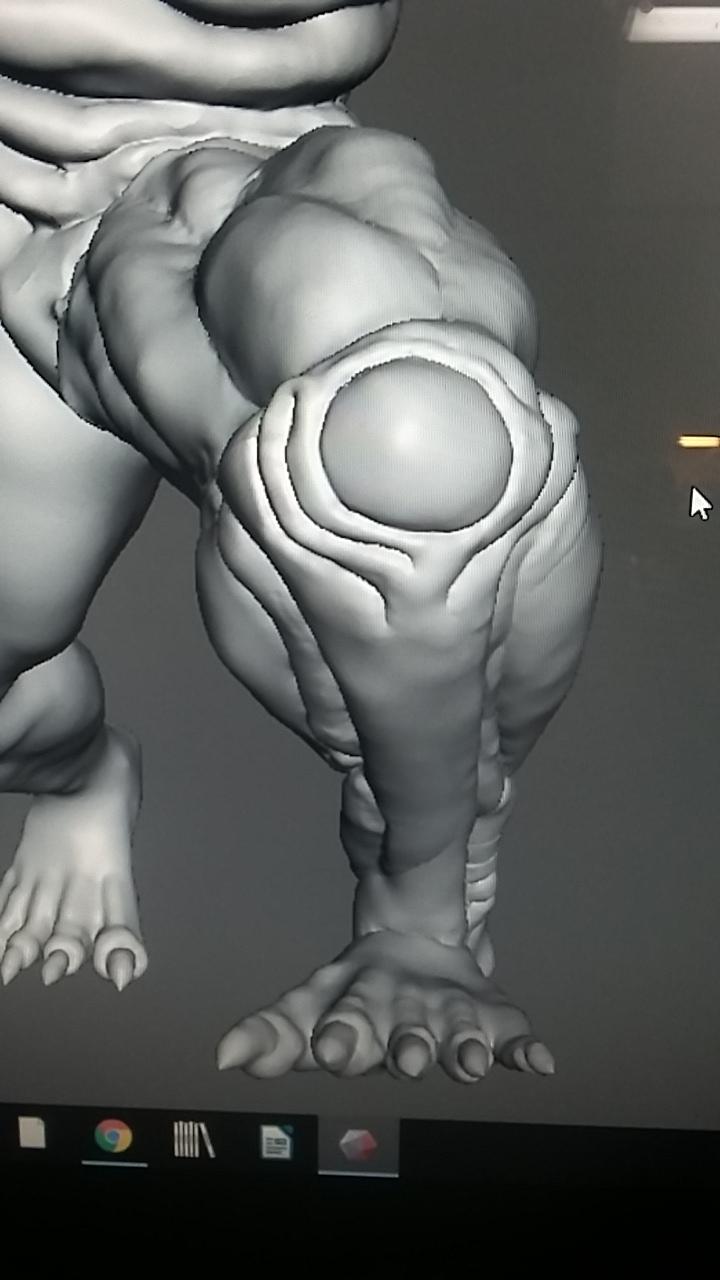
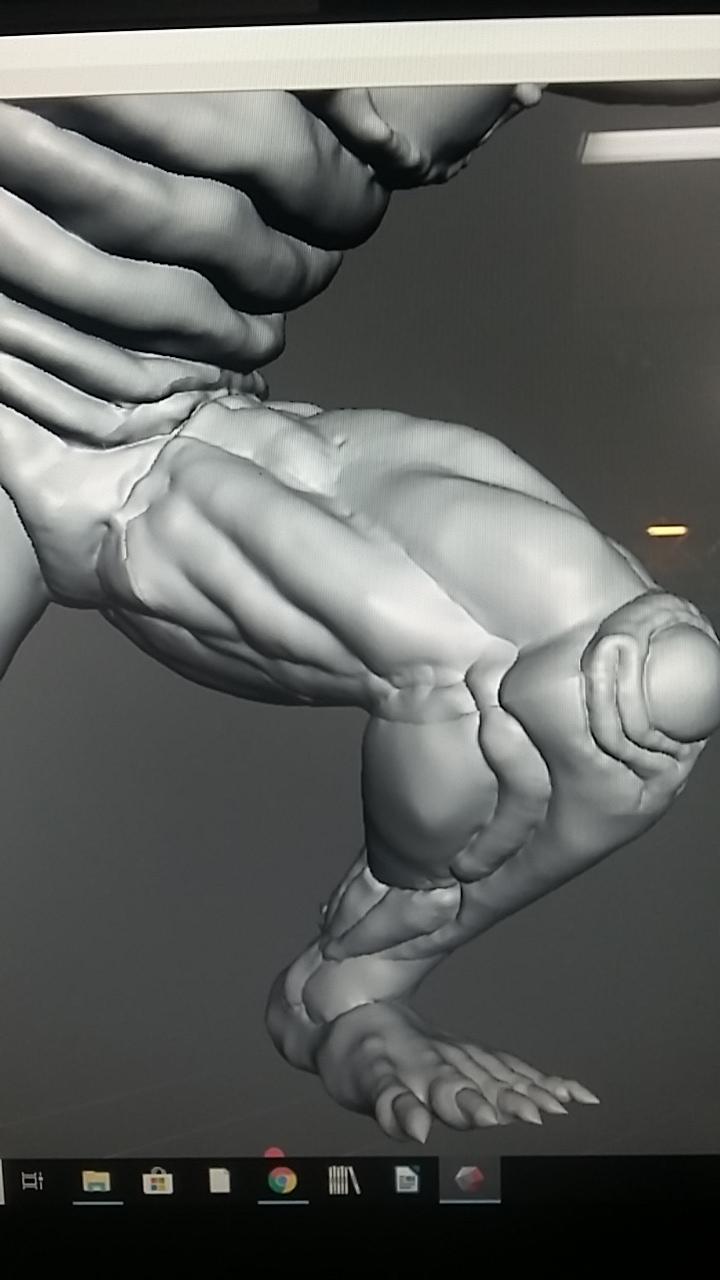
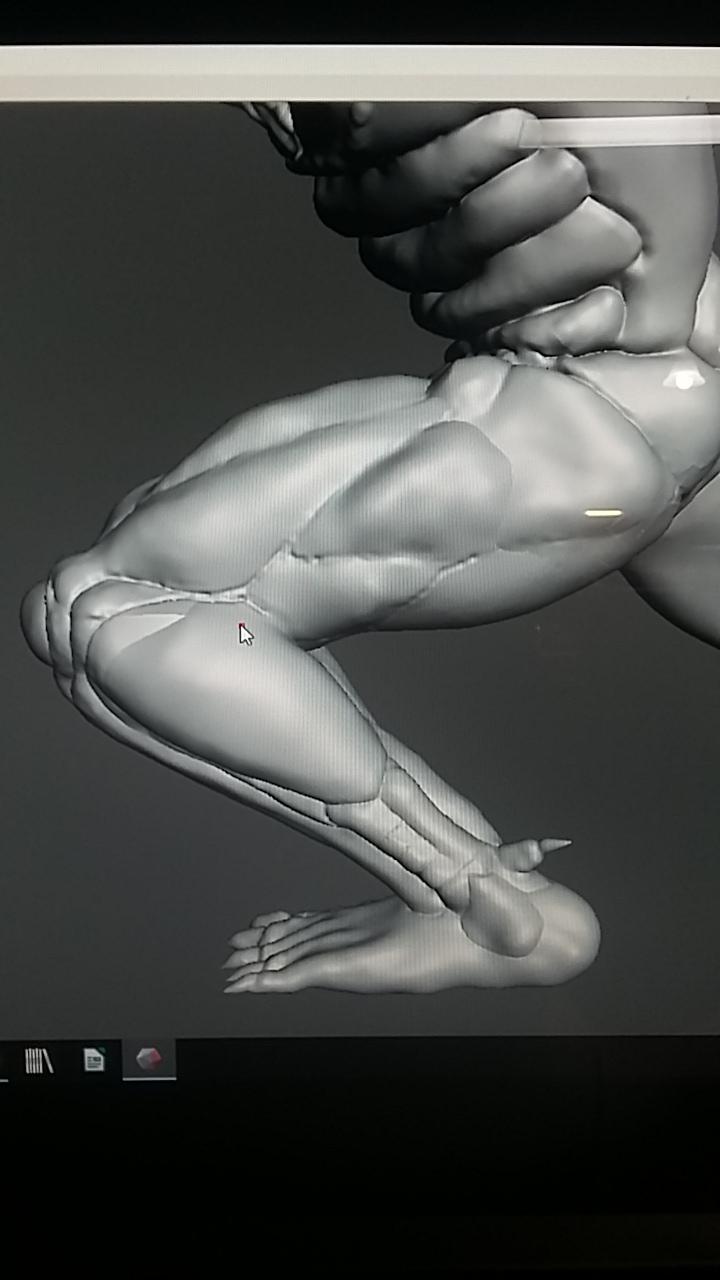
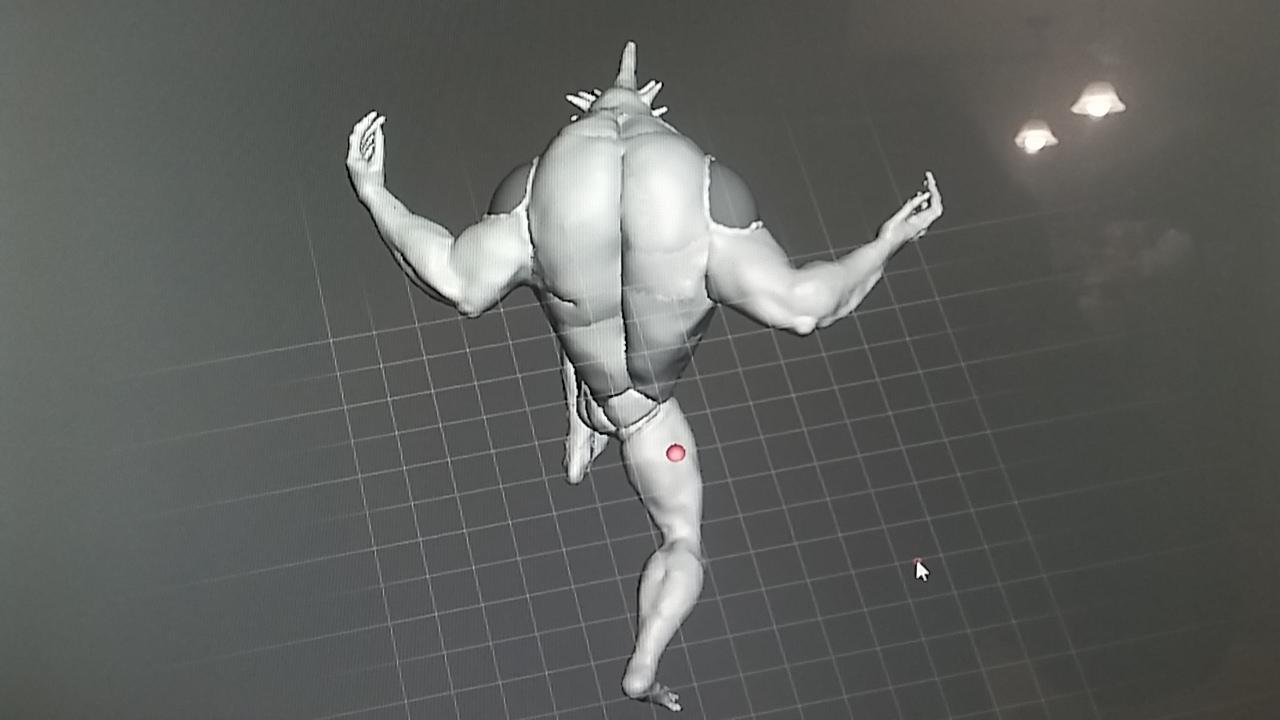
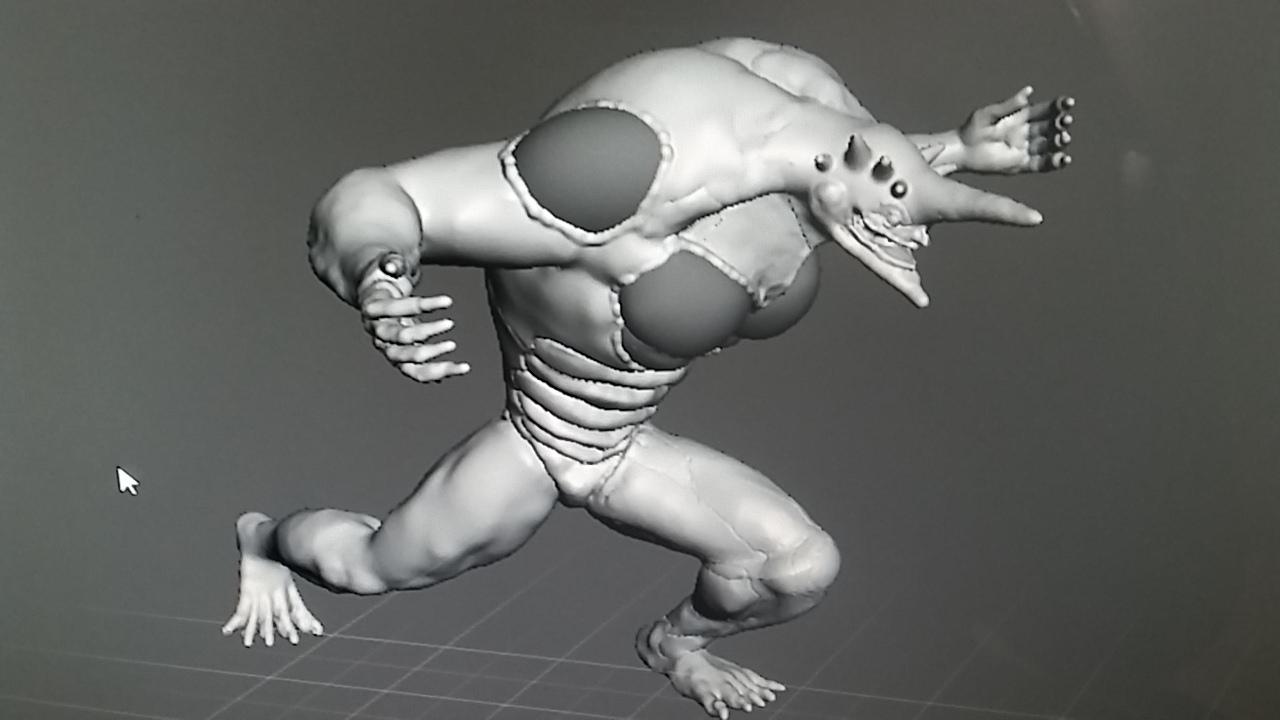
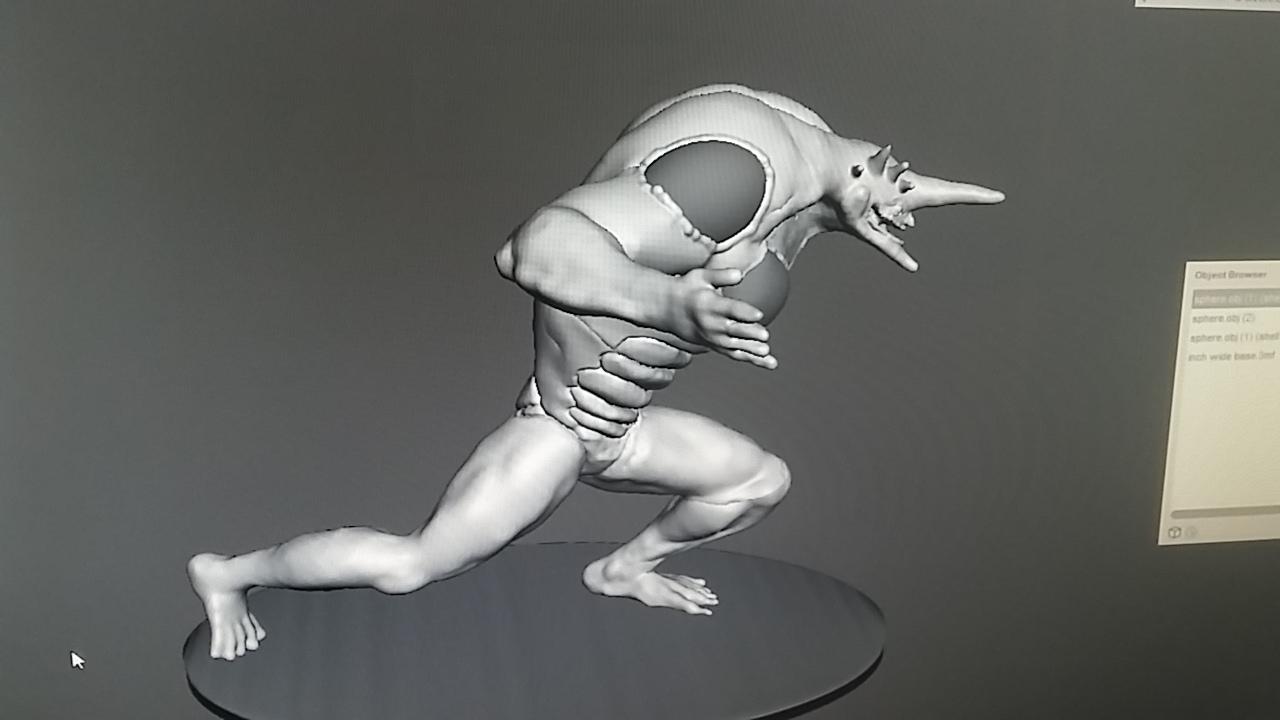
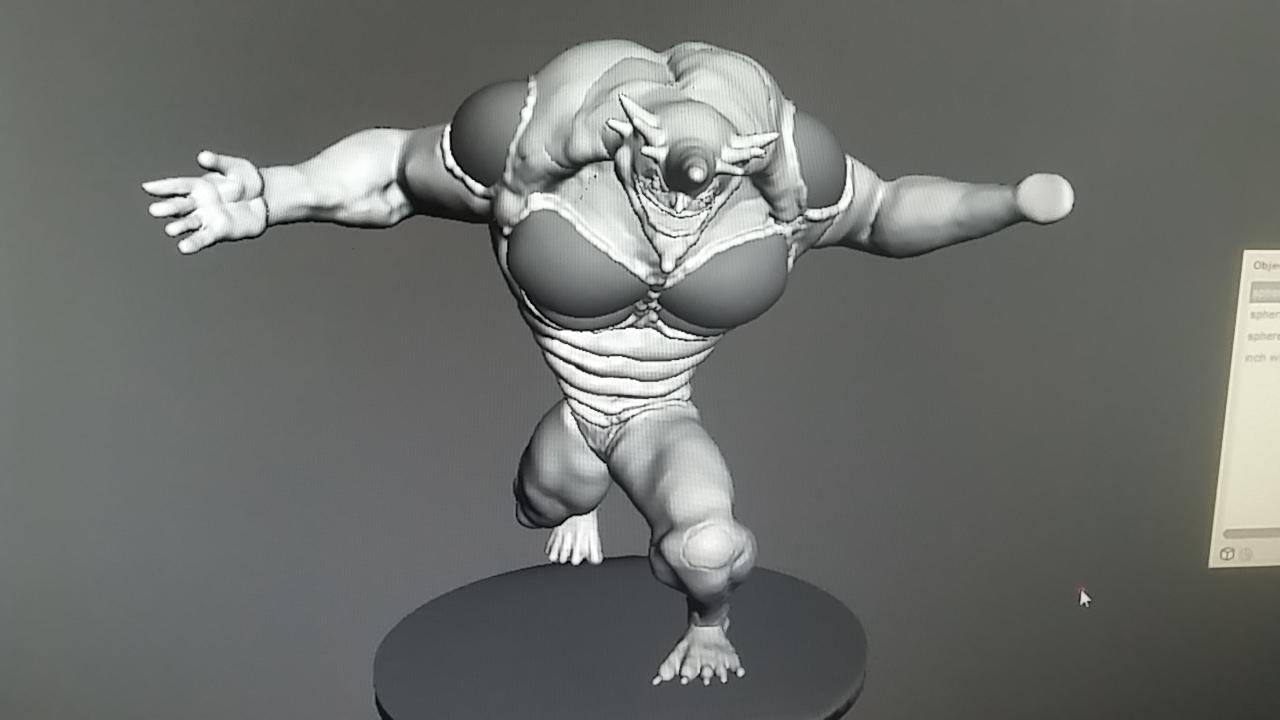
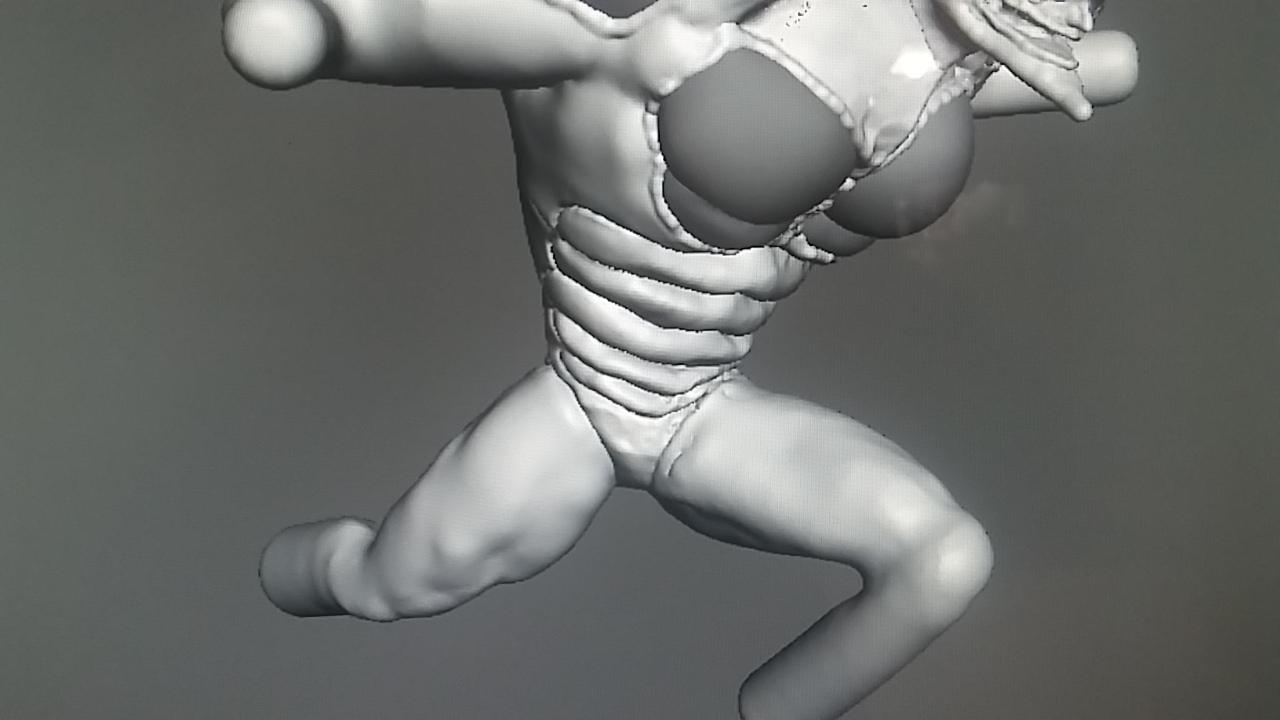
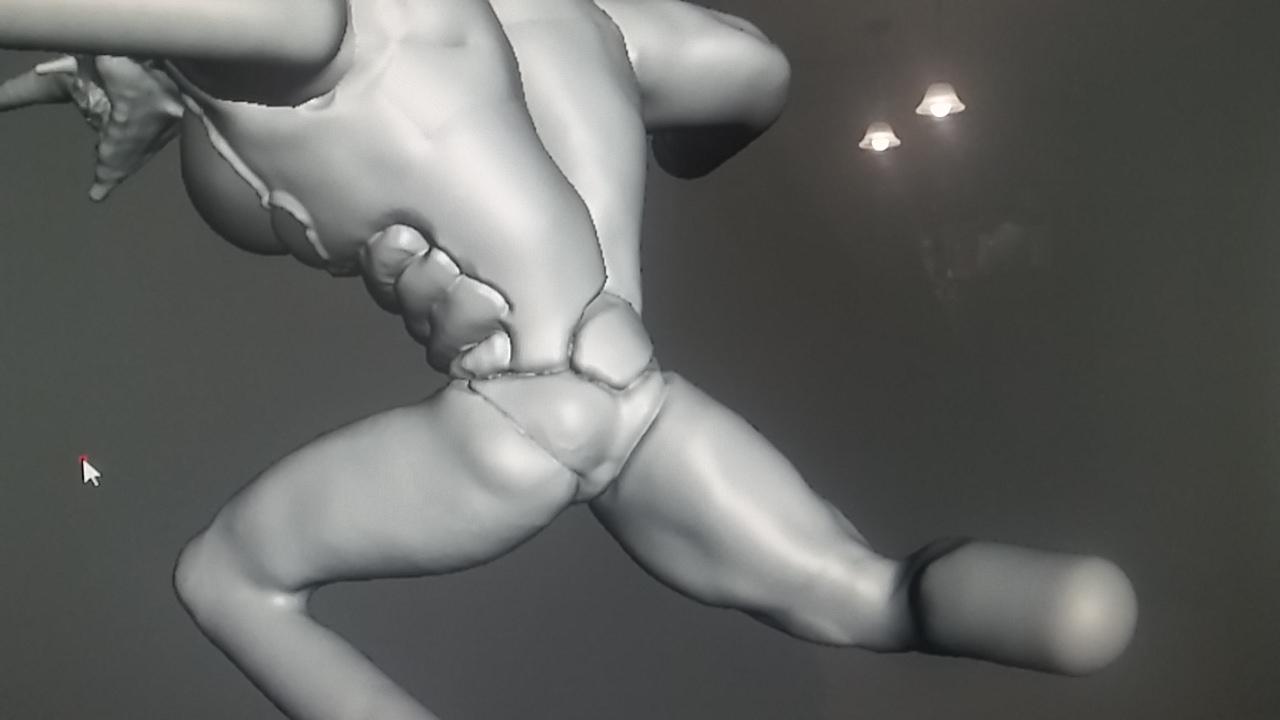
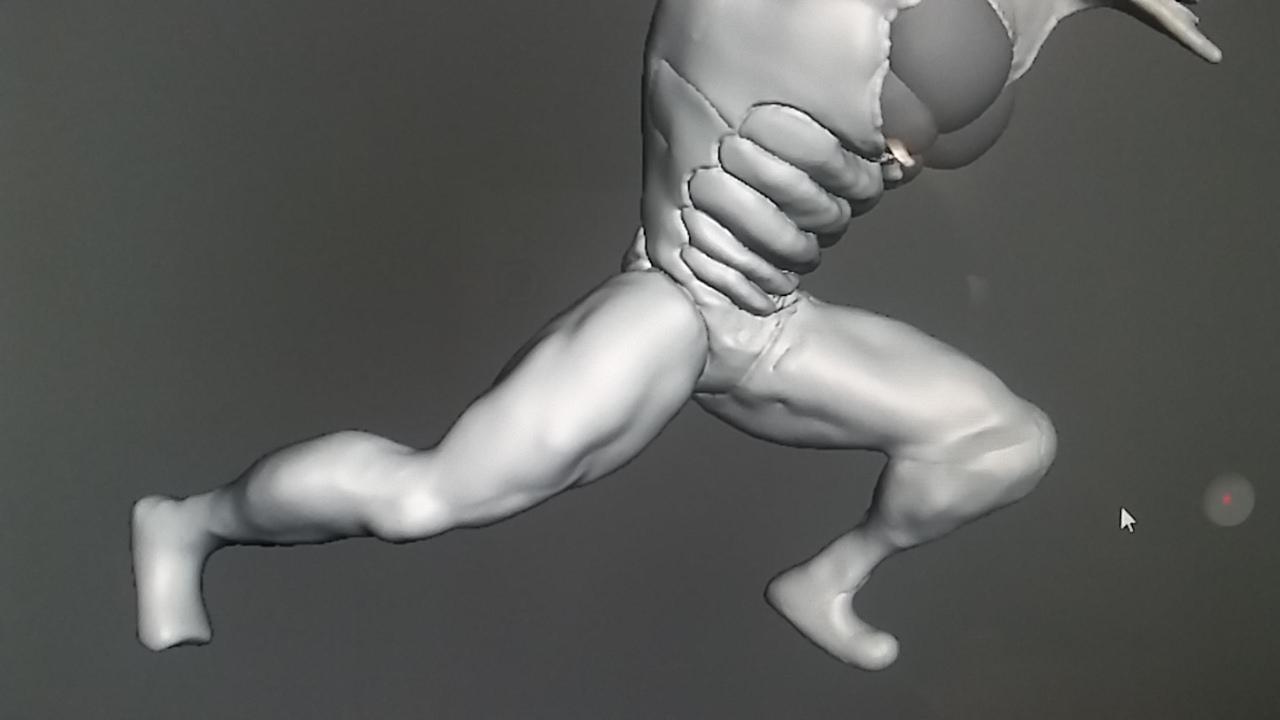
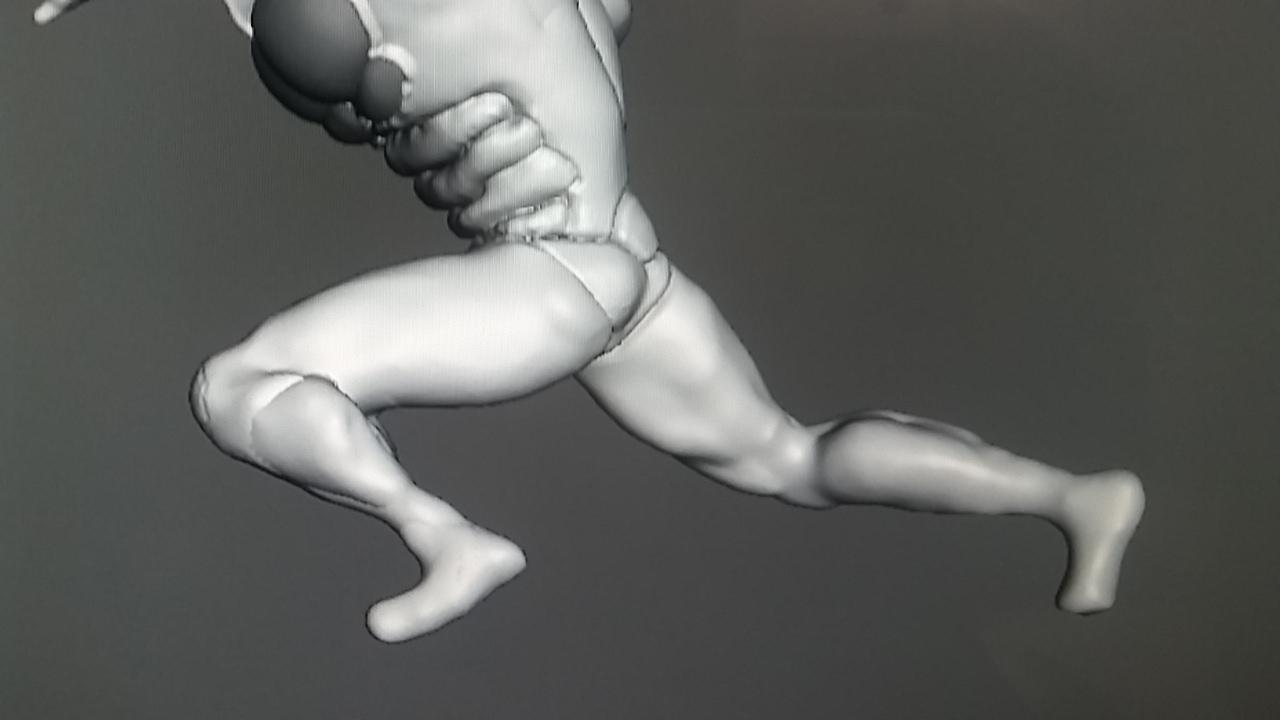
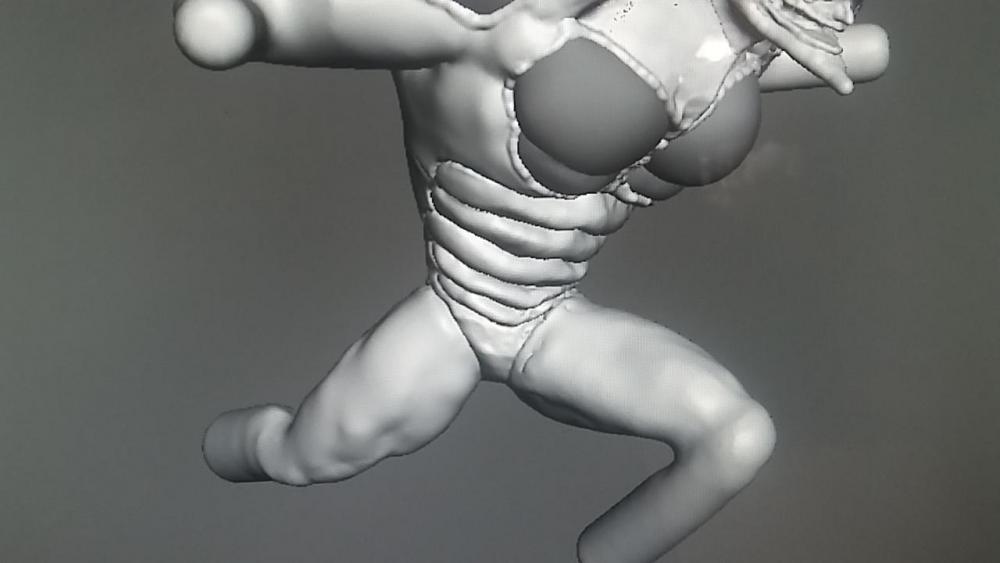
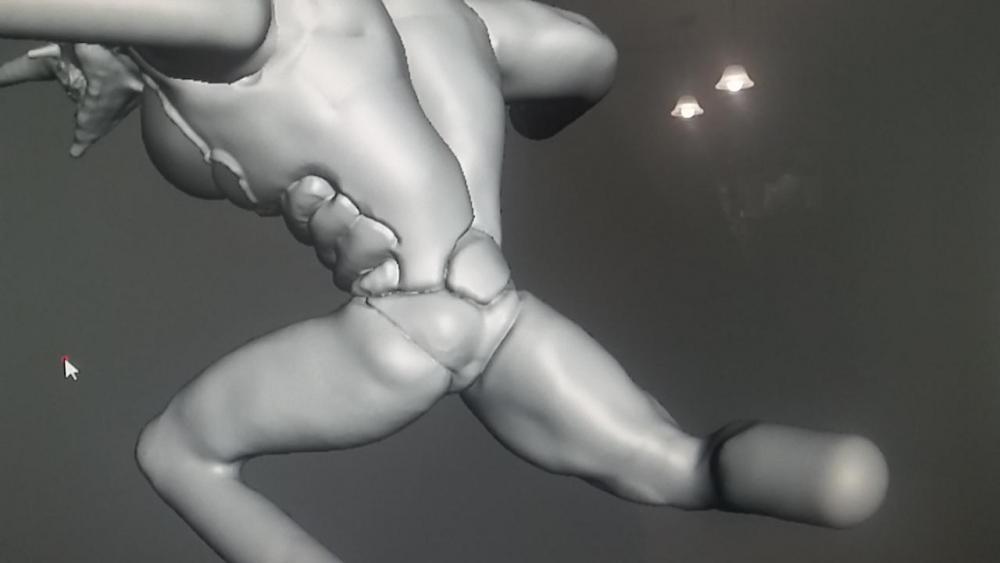
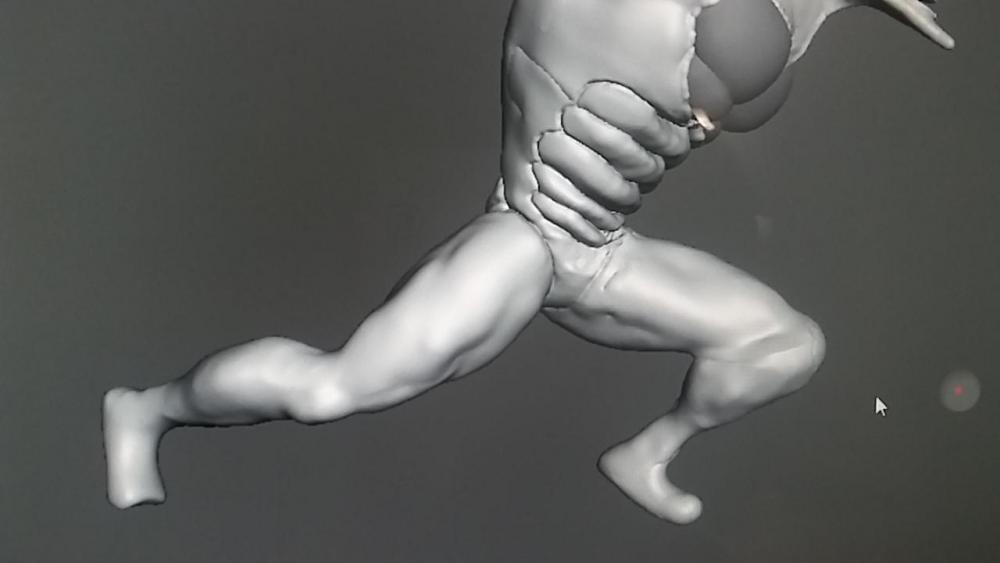
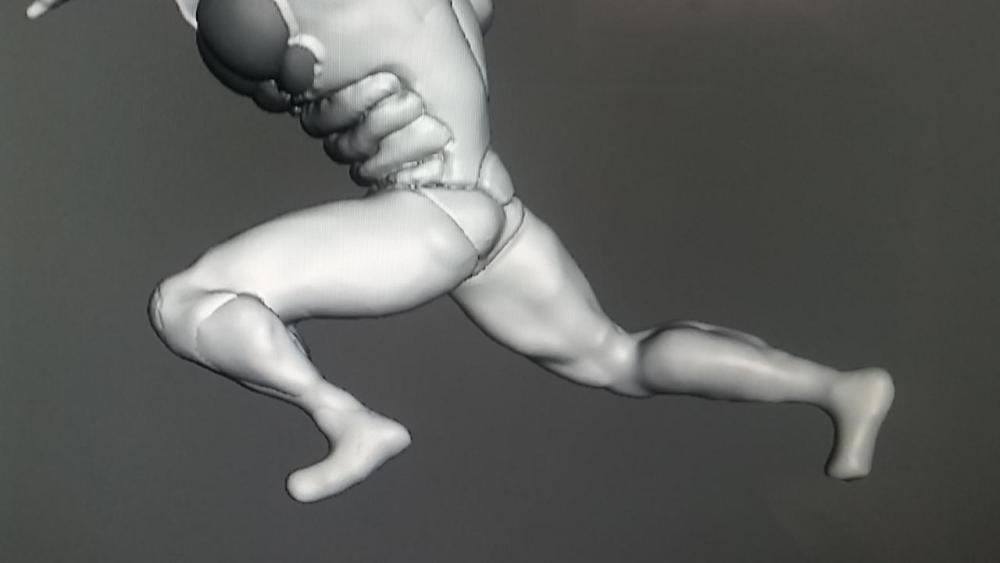
Here's the new update. Finished the hands and starting the muscles and fine details. Still skittish about the tentacle weight balances. Is it wrong that I'm getting real excited about this?
 1 point
 -
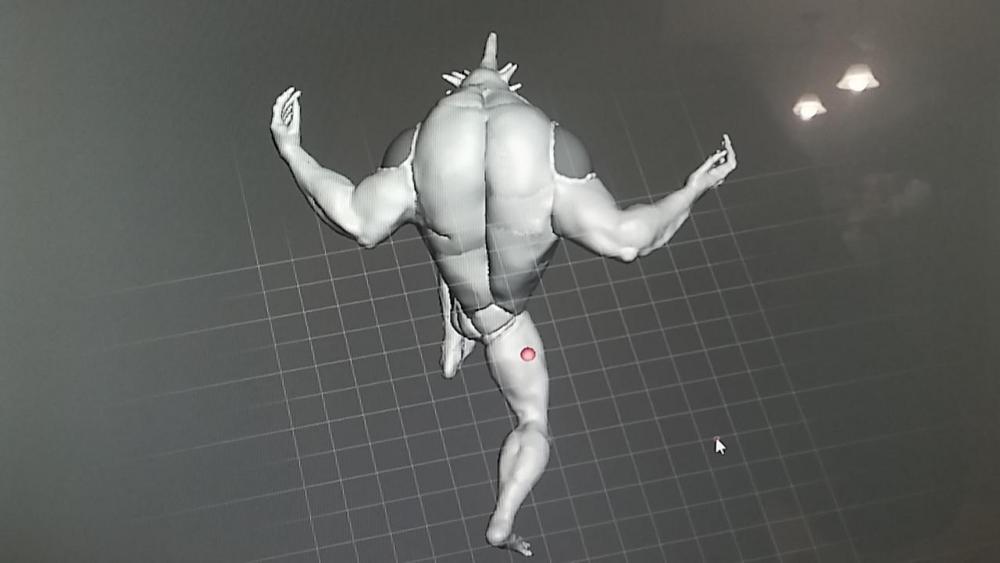
So right now its basically body forming. One I do that I'll go back and shape up the muscles, then add in the small time detail.
 1 point
 -
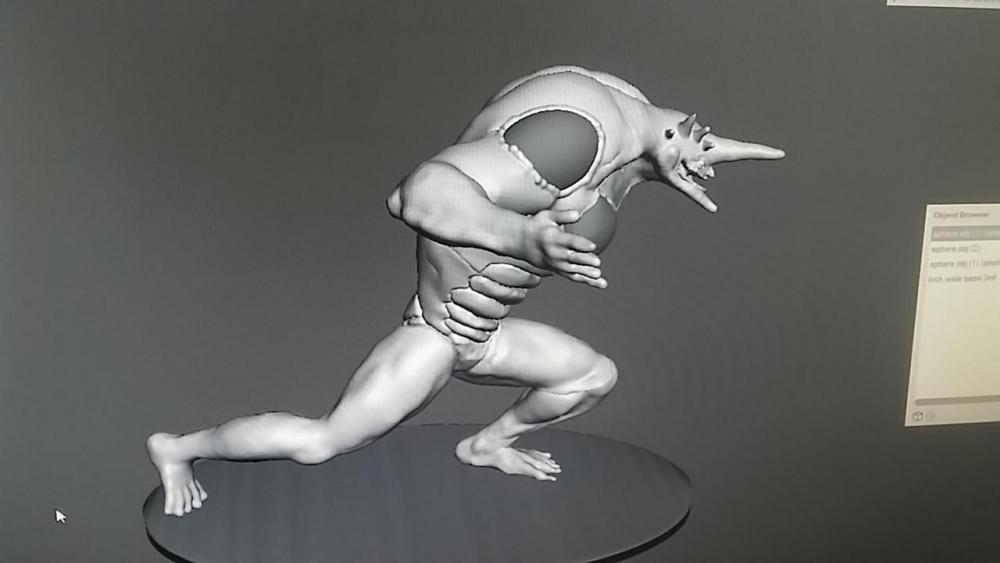
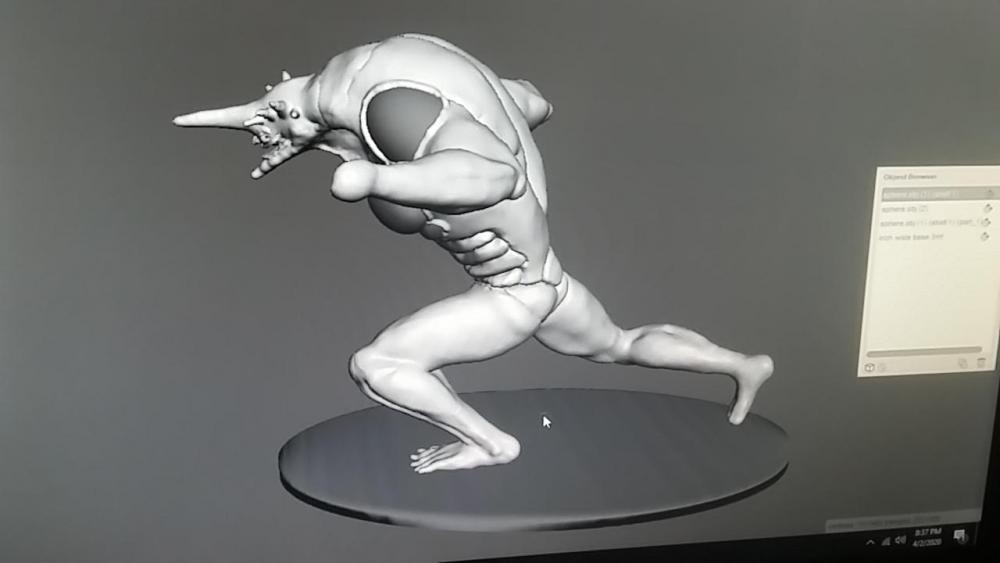
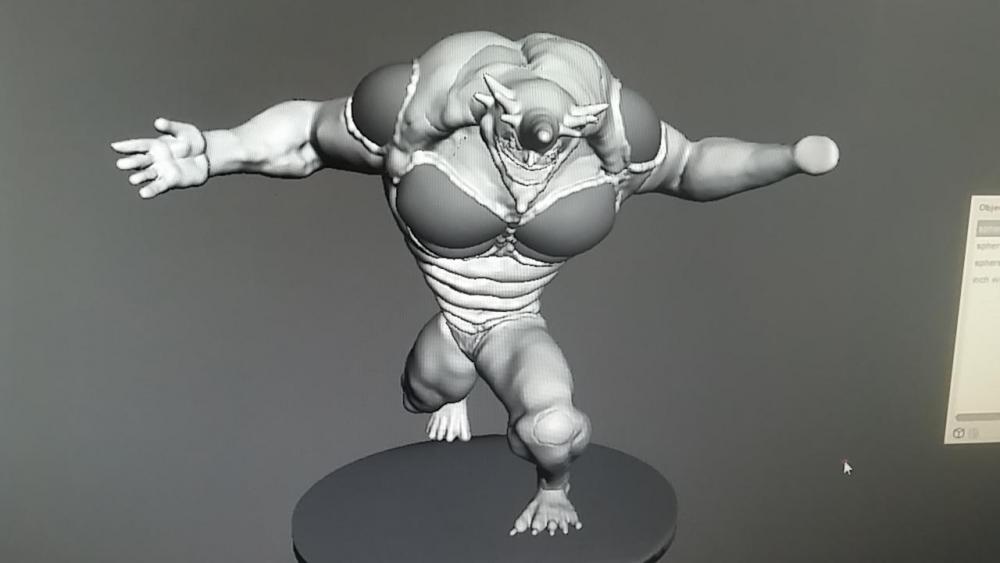
Adding some more pics. Trying to upload in order. I'm a bit nervous to add in the weight balancers, but i have to say, its coming together so much easier than I thought it would. I was really worried about the feet and toes but... It came out much much easier than I was thinking. Its no where near as complicated as I been thinking.
 1 point