Leaderboard


Popular Content
Showing content with the highest reputation on 07/15/2017 in all areas
-
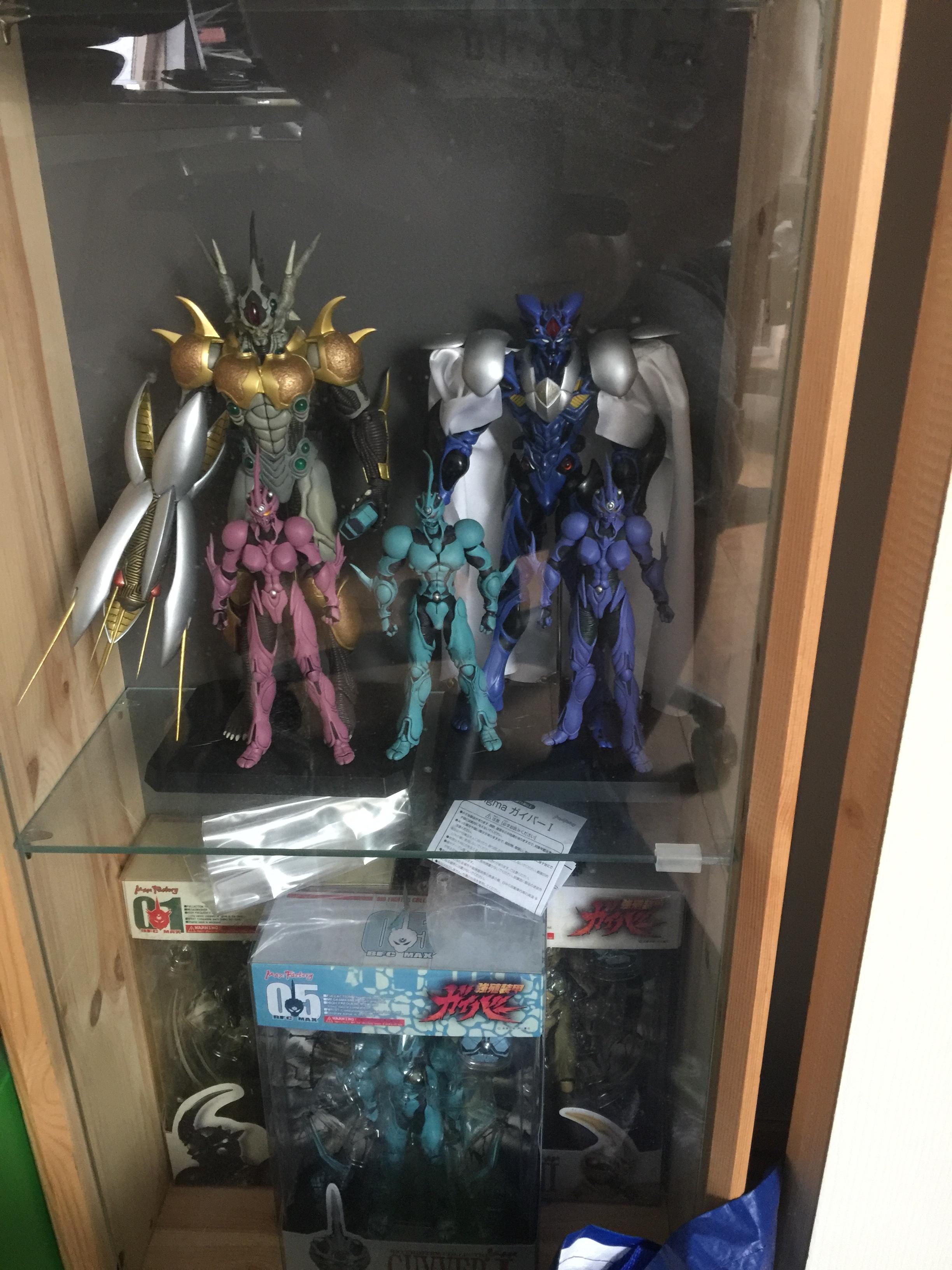
2 pointsFinally got my hands on Prugstall and the two versions of Female Guyver 2 / Guyver 2F
 2 points
 -
2 pointsHey all, sorry real life has sucked lately for me being unemployed so I've not being with it to visit and keep things up to date. Started back work this week and finished the template I'm going to use for TheGuyver.Net. I'm currently working on the menu system so should hopefully get a working version of the site up soon.2 points
-
Guyver was my first and only comic book hero that i attached to. But over the years and the lack of content being released across the pond, no new movie or 2nd season to the 2005 series on the horizon and now the chapters being on hiatus for quite a while. Rather than just stress over that i attached my self to DC Comics and that's been keeping me occupied and not thinking about Guyver. I really want to see it come to a close and i want to see a new updated movie with big budget special effects like Ghost in the Shell got and i want to see a continuation of the 2005 anime, i don't want to see another reboot in 5-10 years time. But i have feeling that is what we will get because i think 12 years is too long of a gap to continue a series. But i wouldn't complain if they did reboot it unless they actually followed through and continued it beyond.1 point
-
1 pointBooks 30 and 31 are back on-line. For access see the Access Reqest section of the board (note you need to be a member to see that section of the board).1 point