Leaderboard
-

guyversudo
*VIP member2Points172Posts -
TricoBren
Member++1Points169Posts


Popular Content
Showing content with the highest reputation on 05/01/2017 in all areas
-
1 point
-
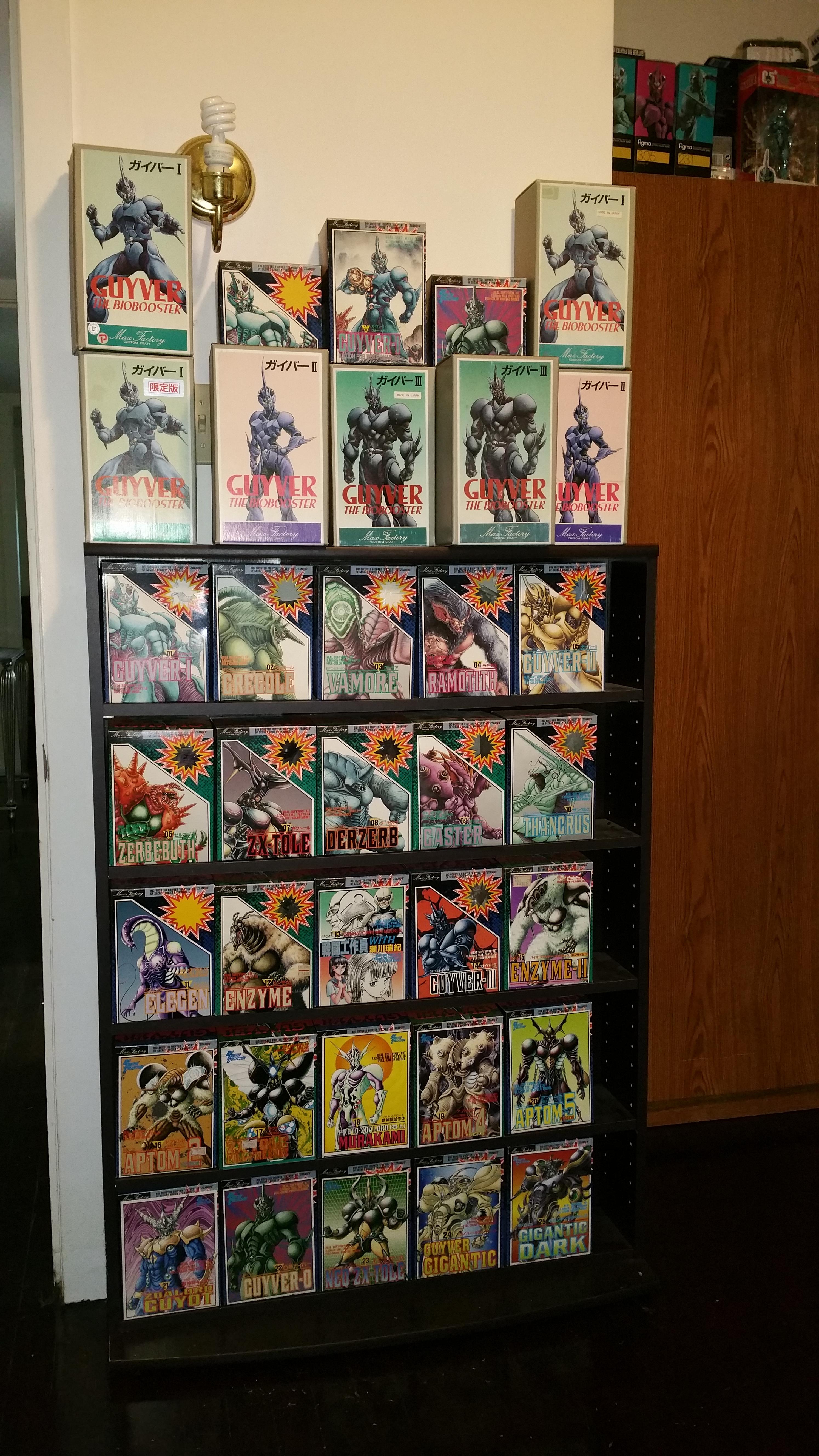
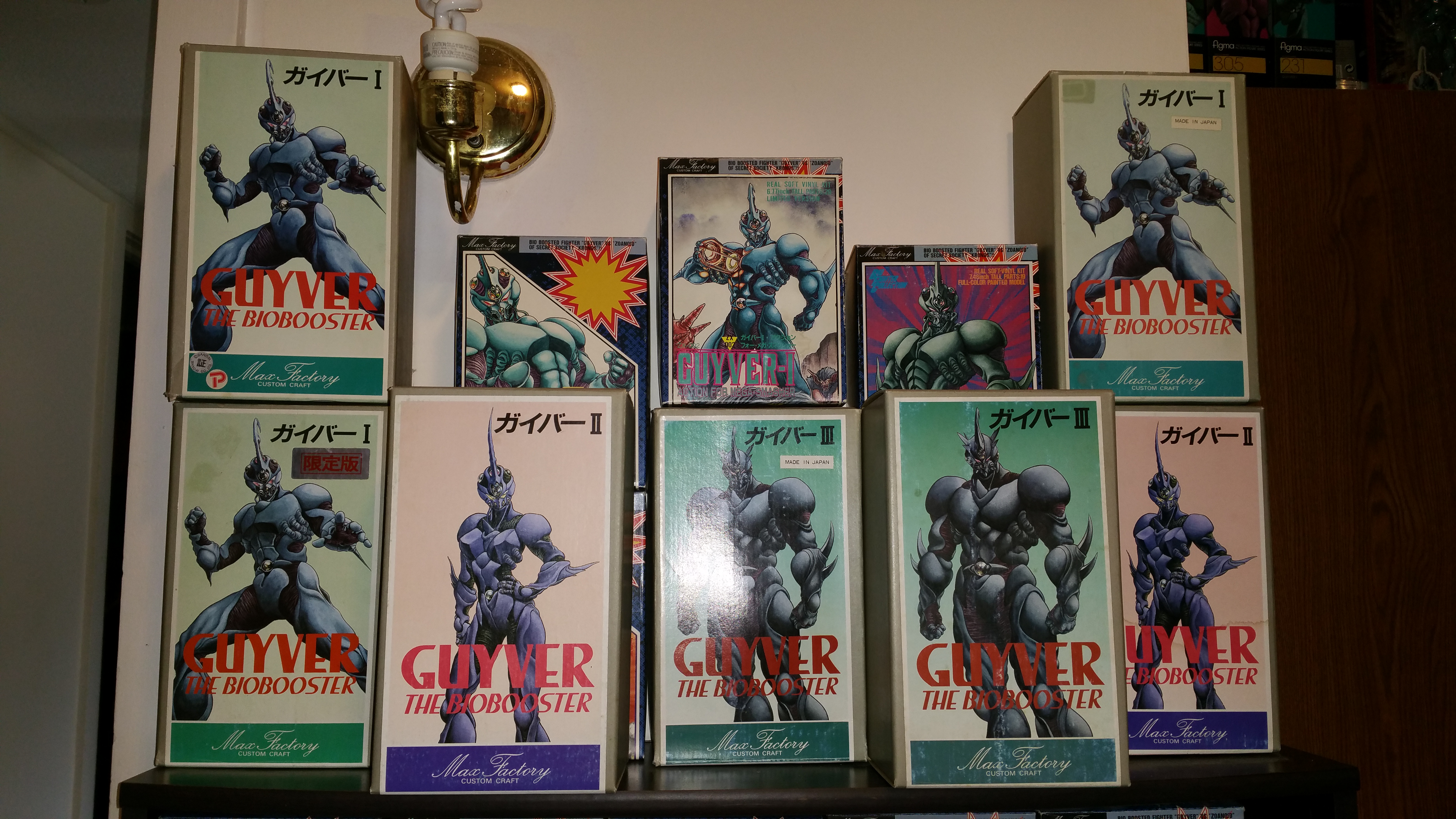
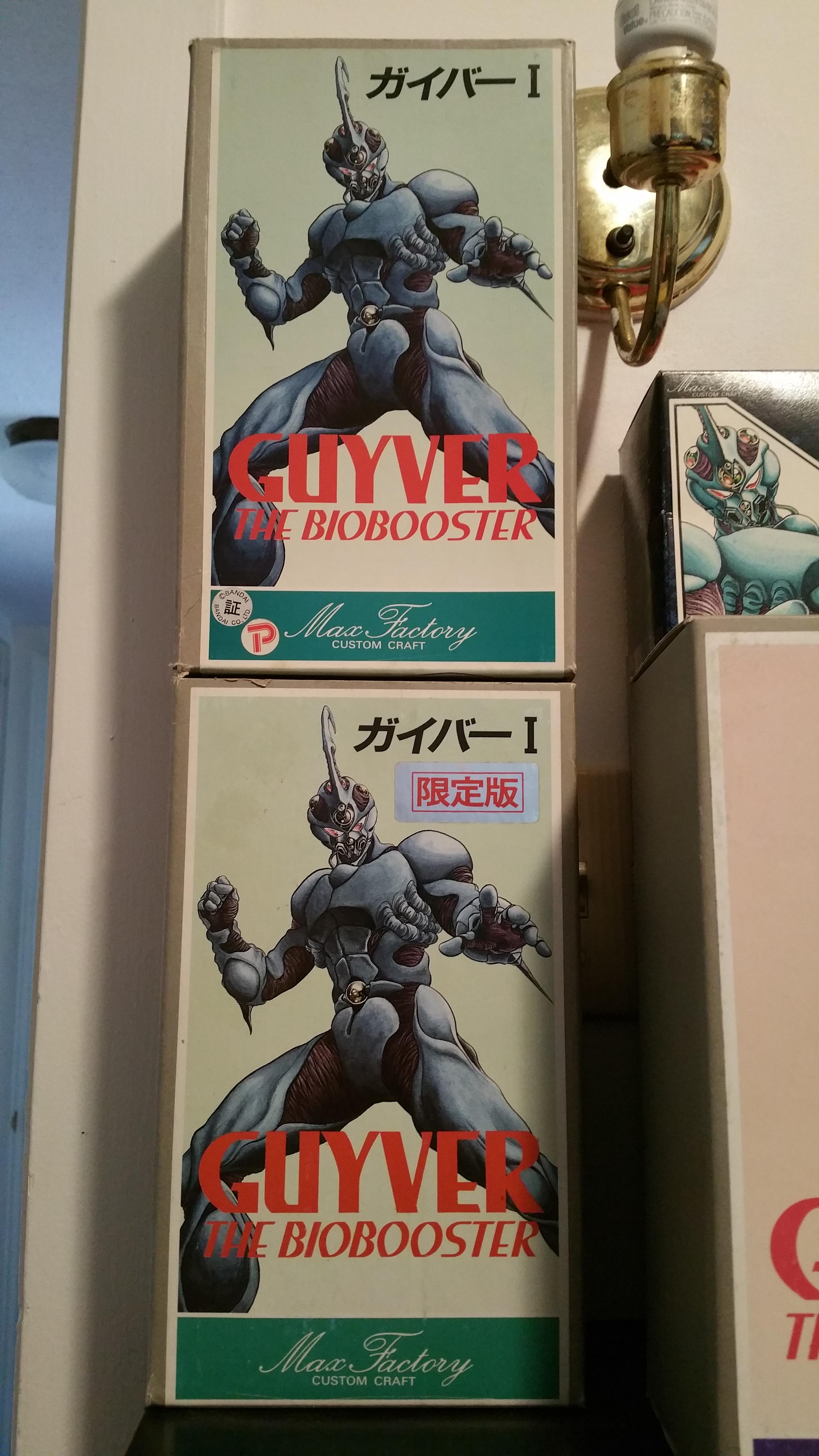
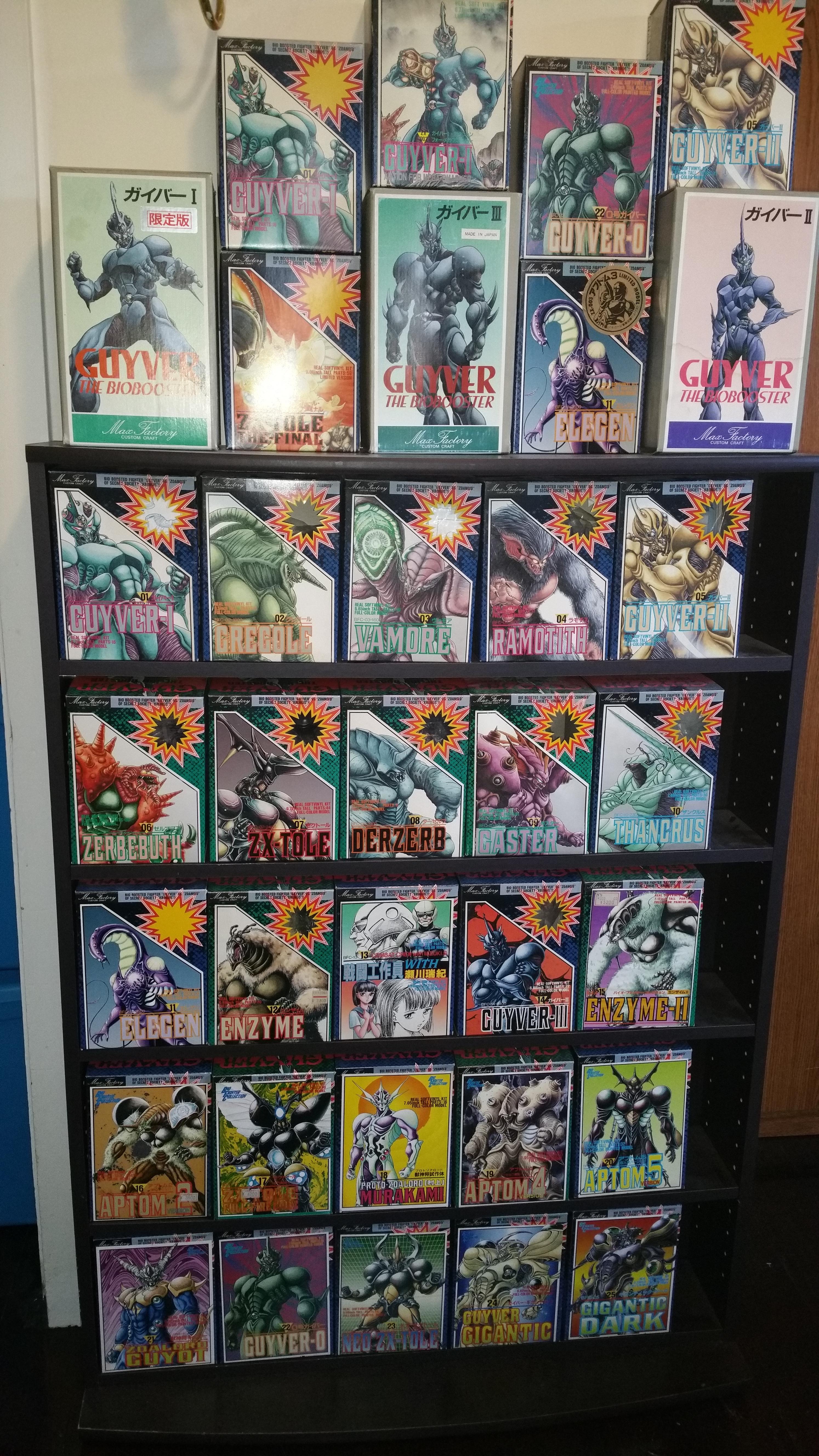
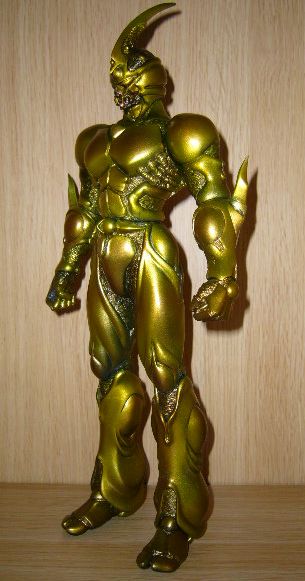
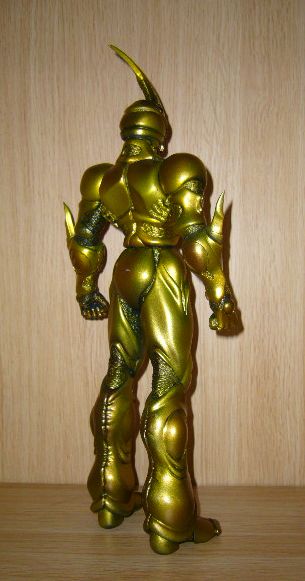
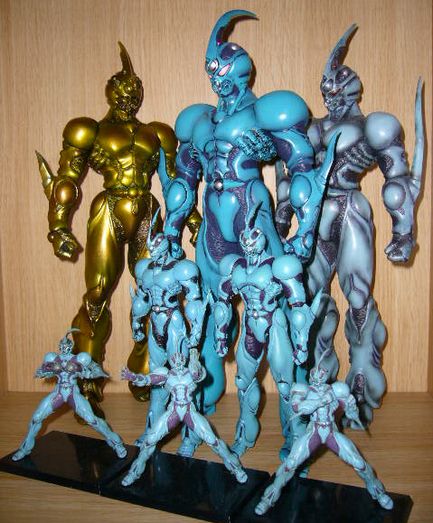
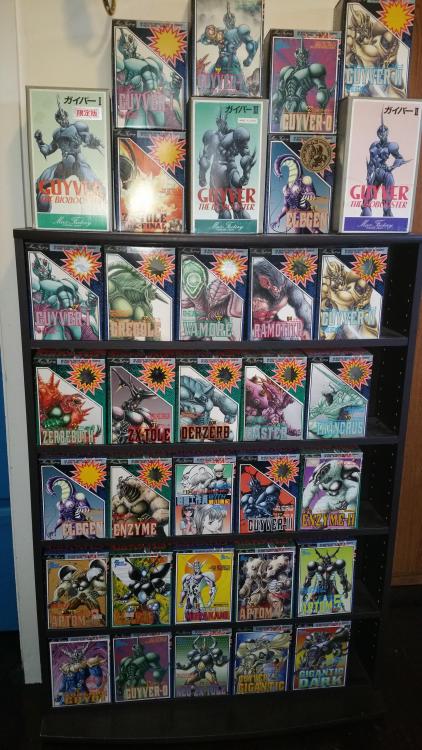
1 pointPulled from doing a search in Japanese. I have one but mine is not assembled and in the box.
 1 point
 -
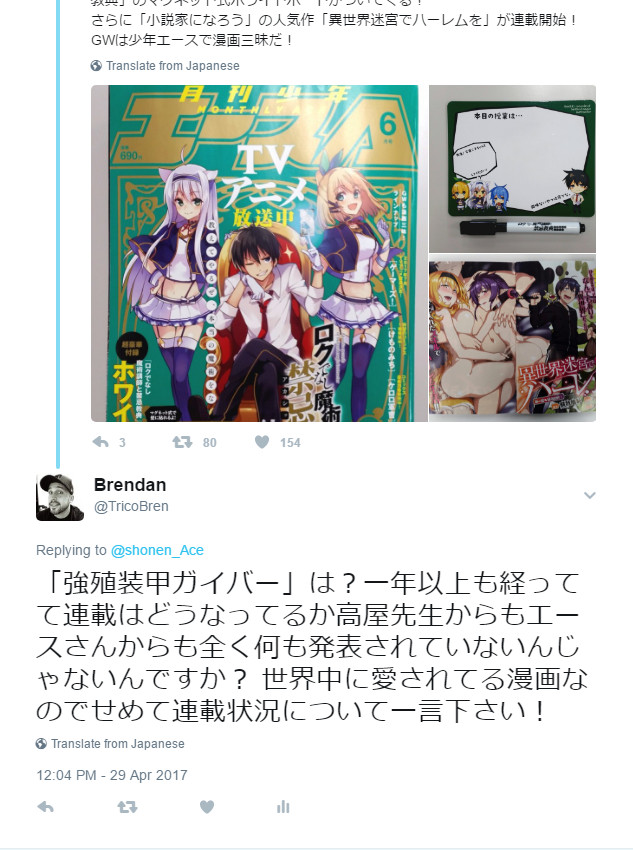
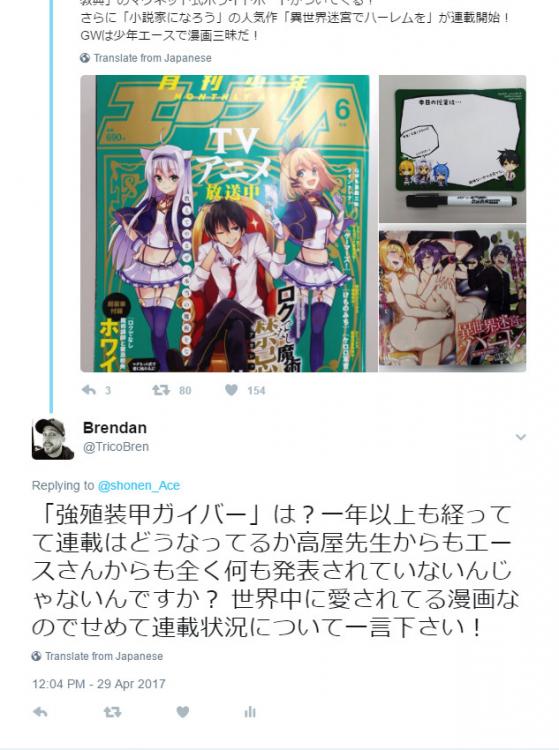
1 pointDone! I said "And what about Guyver? It's been more than a year and we've heard nothing about the status of the serialization from either you or Takaya. This manga is loved by many all around the world so at the very least you could give us an update on what's going on!" I doubt they'll reply but I feel better for saying it at least. Feel free to retweet my comment so they get the message!
 1 point