Leaderboard
-
guyversudo
*VIP member1Points172Posts -
Kanji
Member++1Points231Posts -
lyrz
Member+1Points18Posts


Popular Content
Showing content with the highest reputation on 12/01/2016 in Posts
-
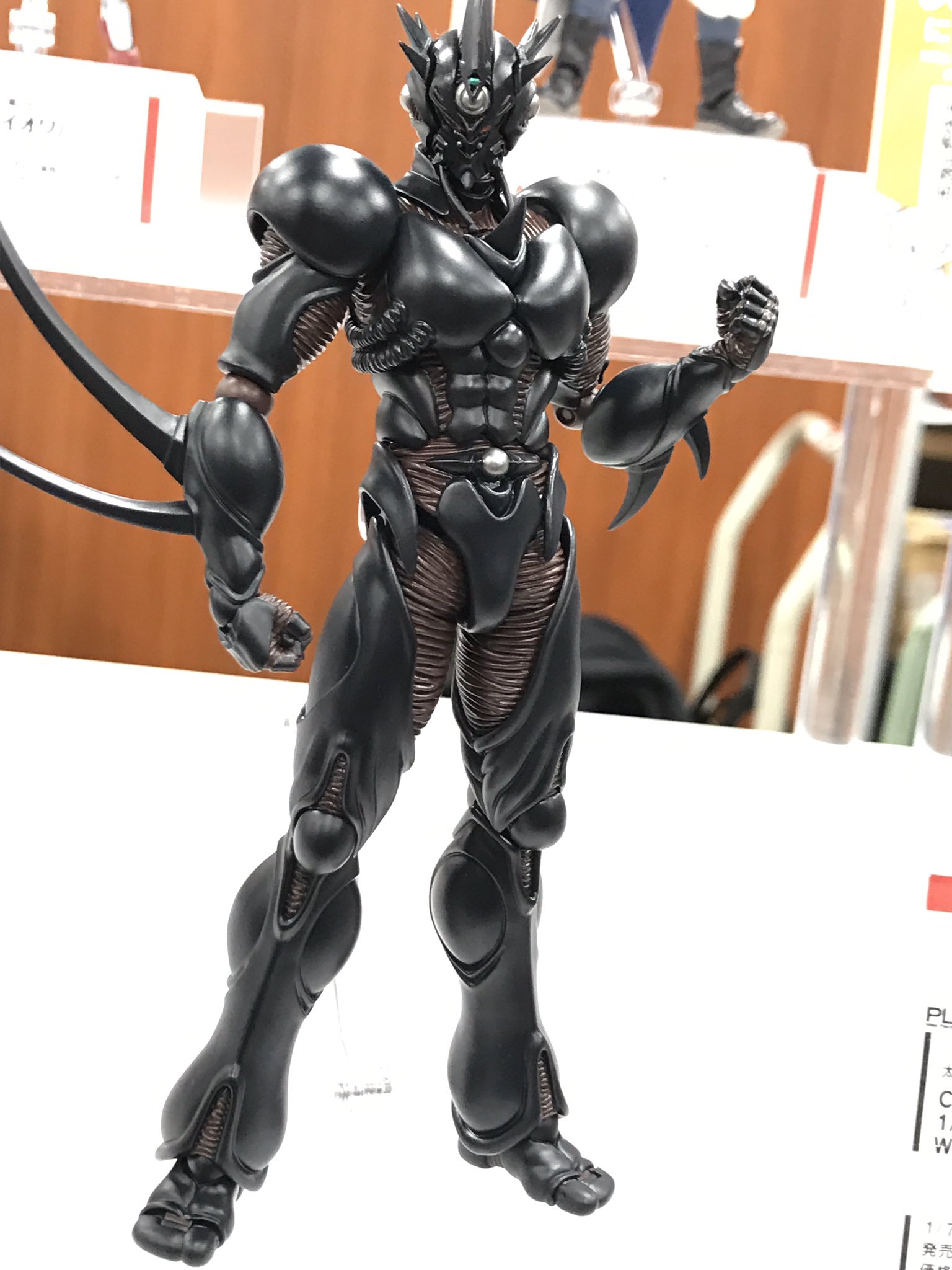
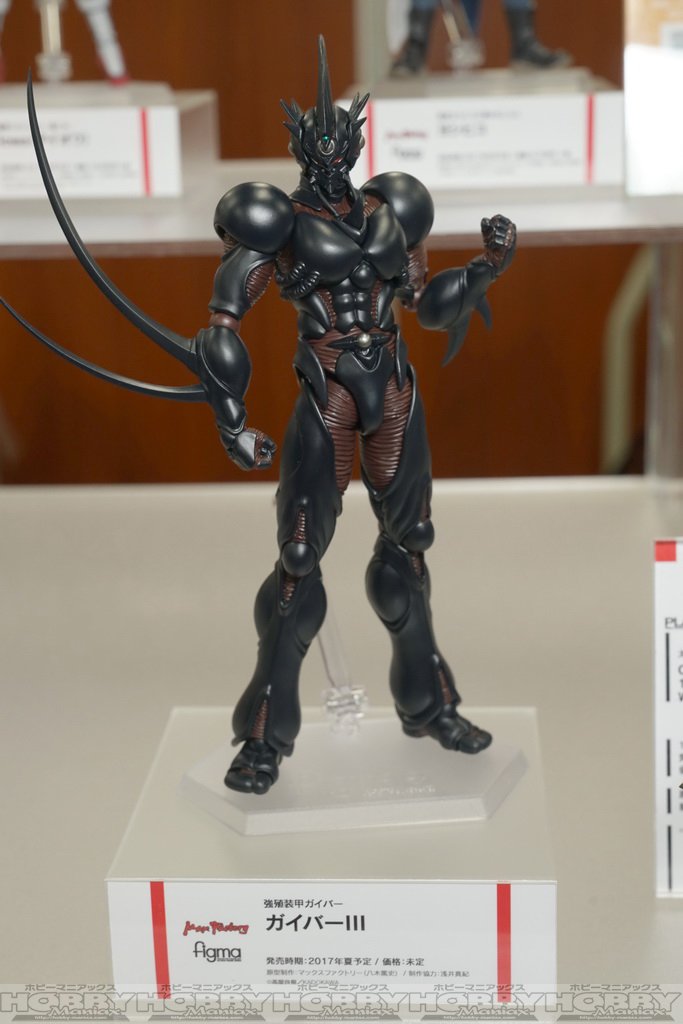
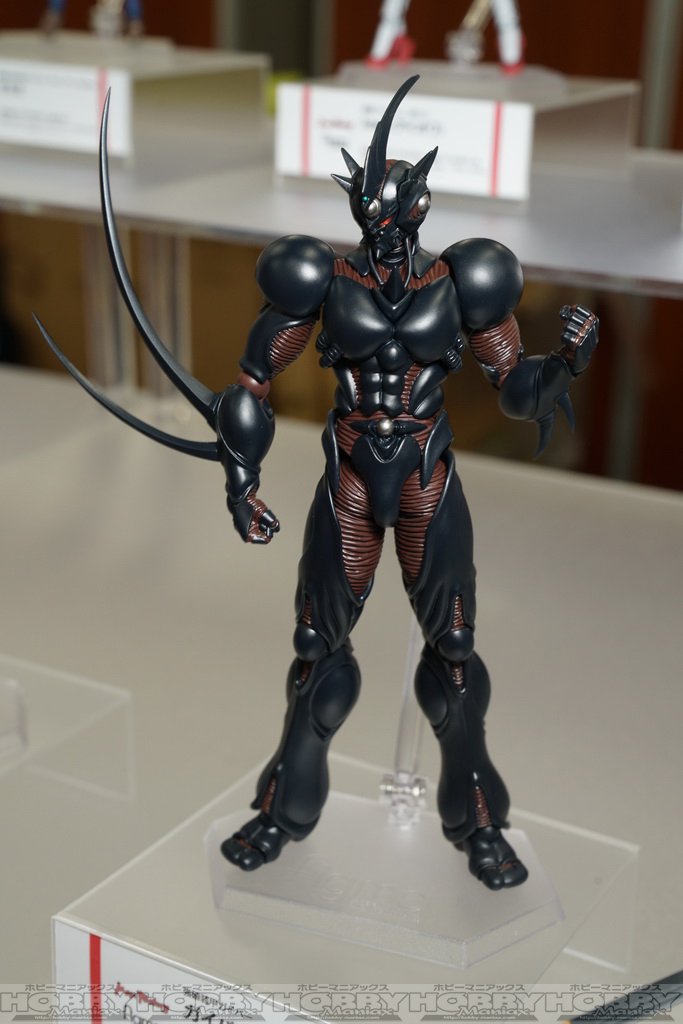
1 pointGuyver III painted at last! I expect pre-orders to open sometime this month.
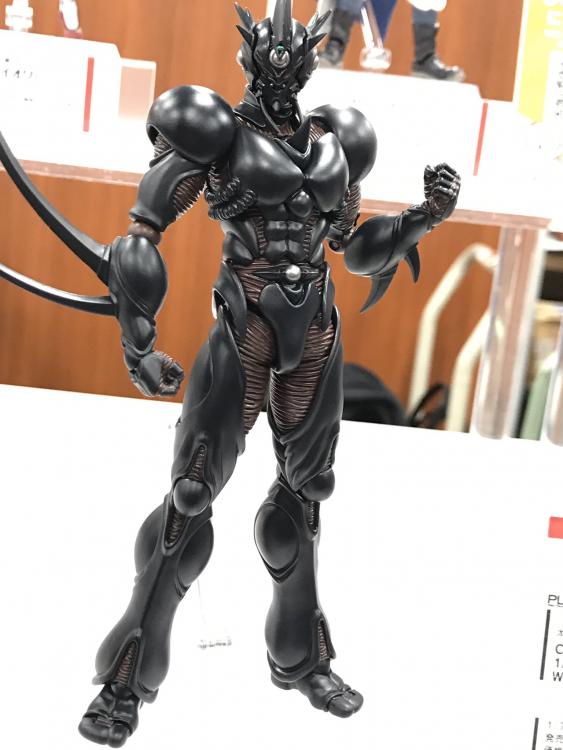
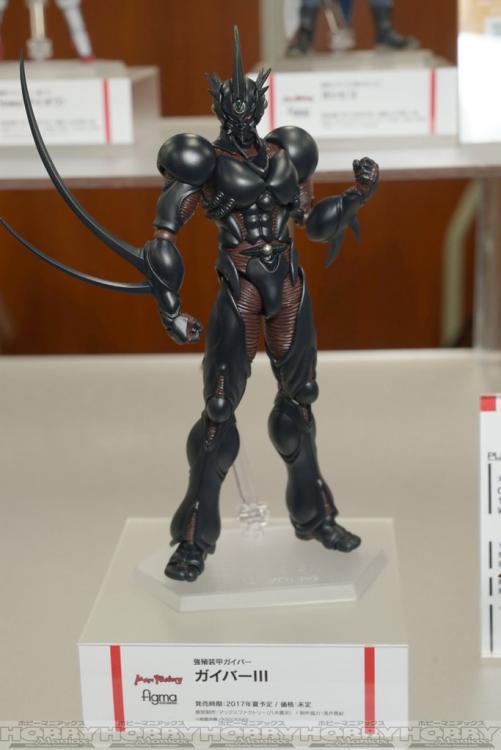
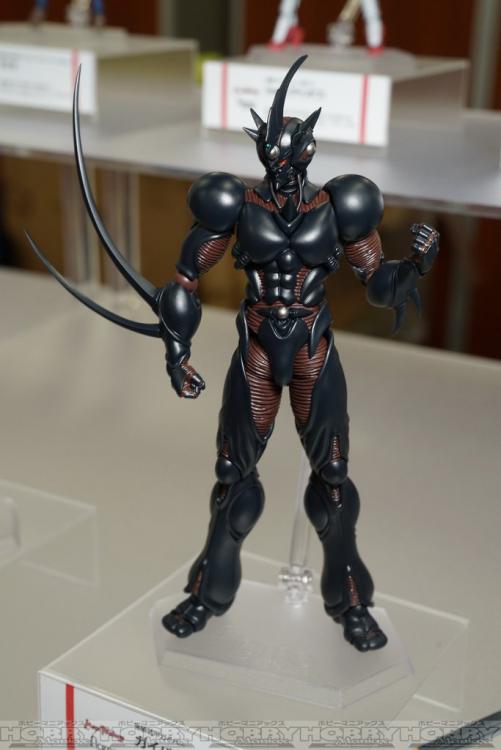 1 point
 -
1 pointAmazing! The two I opened aside from the neck piece on the manga Guyver IIf not being pushed all the way into the body, they both look bad ass amazing.

 1 point
 -
1 pointGood Smile Guidance page updated today: http://www.goodsmile.info/ja/post/4429/2016年11月出荷予定商品および発売月変更のご案内.html Both confirmed for release on 28th November. I can't wait!! Max Factory " figma Guyver ⅱF " JAN: 4545784064412 Max Factory " figma Guyver ⅱF theater version color ver. " JAN: 4545784064429 I hope they confirm Guyver III for PO soon! If we have to wait until WonFes we may not get him until September! Hopefully there's a new chapter by then!!1 point