
Skip to content
View in the app

A better way to browse. Learn more.

Japan Legend / Guyver Forum

A full-screen app on your home screen with push notifications, badges and more.

To install this app on iOS and iPadOS
  1. Tap the Share icon in Safari
  2. Scroll the menu and tap Add to Home Screen.
  3. Tap Add in the top-right corner.
To install this app on Android
  1. Tap the 3-dot menu (⋮) in the top-right corner of the browser.
  2. Tap Add to Home screen or Install app.
  3. Confirm by tapping Install.

Leaderboard

Popular Content

Showing content with the highest reputation on 04/04/2016 in Posts

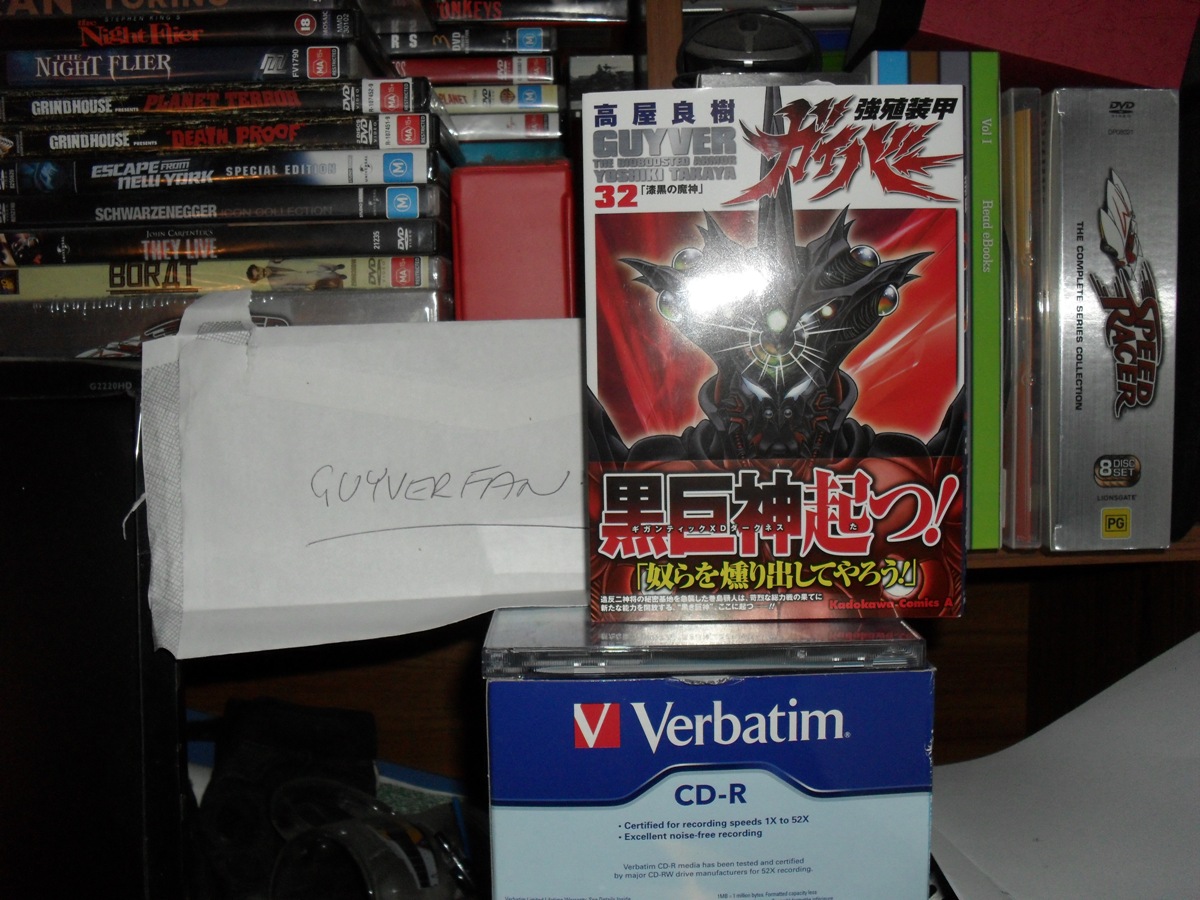
  1. Some pics from my brother's collection.
  2. That's is an awesome figure. What is the quality like? I didn't realise the casing was in the shape of the crystalis the gigantic was born from. It looks like a very well designed product
  3. unfortunately, had to buy my copy off an amazon seller, can't believe it took a month to arrive! next time, i'll be waiting for my regular to get it in stock. anyway, interesting to see that shizu has shield abilities, although it looked like she was struggling to hold such a small field. anyone have any idea's as to what was wrapped in plastic in a box, placed infront of takaya and max? i was kind of excited in thinking 'prototypes'.
Account

Navigation

Search

Search

Configure browser push notifications

Chrome (Android)
  1. Tap the lock icon next to the address bar.
  2. Tap Permissions → Notifications.
  3. Adjust your preference.
Chrome (Desktop)
  1. Click the padlock icon in the address bar.
  2. Select Site settings.
  3. Find Notifications and adjust your preference.