


Skip to content
View in the app

A better way to browse. Learn more.

Japan Legend / Guyver Forum

A full-screen app on your home screen with push notifications, badges and more.

To install this app on iOS and iPadOS
  1. Tap the Share icon in Safari
  2. Scroll the menu and tap Add to Home Screen.
  3. Tap Add in the top-right corner.
To install this app on Android
  1. Tap the 3-dot menu (⋮) in the top-right corner of the browser.
  2. Tap Add to Home screen or Install app.
  3. Confirm by tapping Install.

Leaderboard

Popular Content

Showing content with the highest reputation on 12/22/2014 in Posts

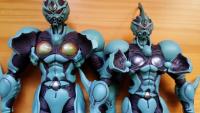
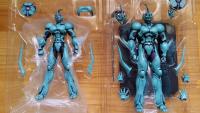
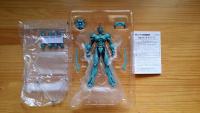
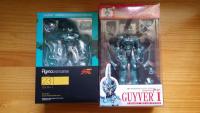
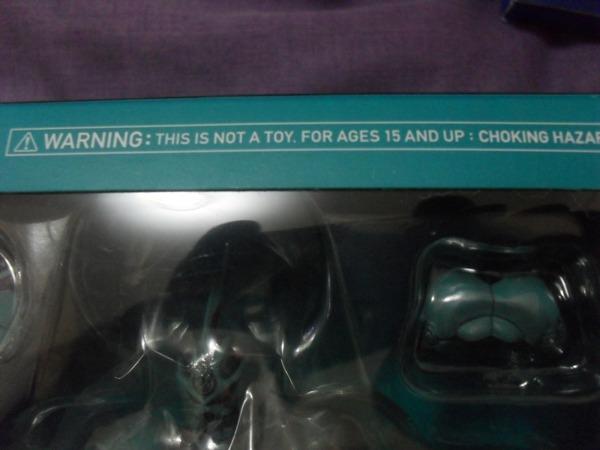
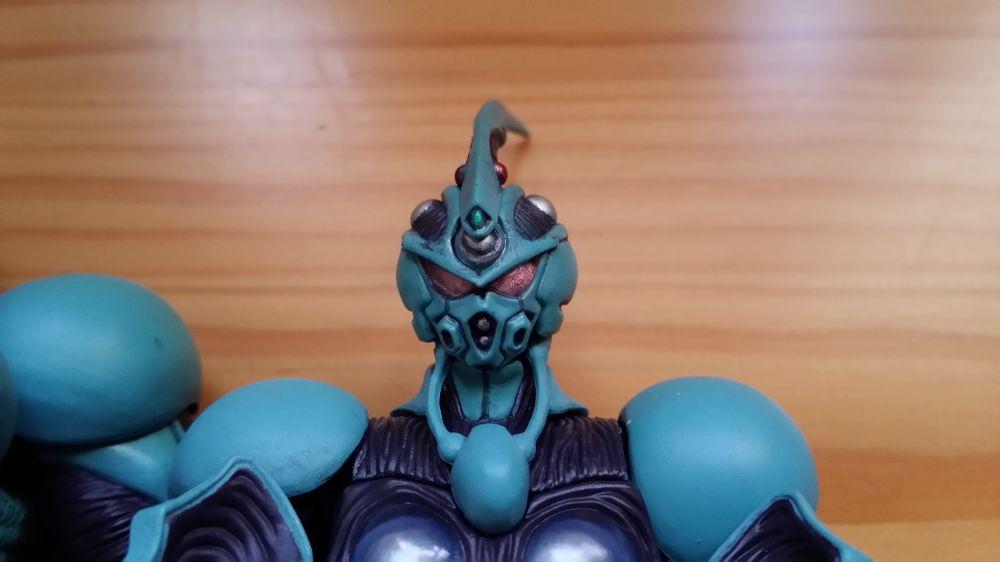
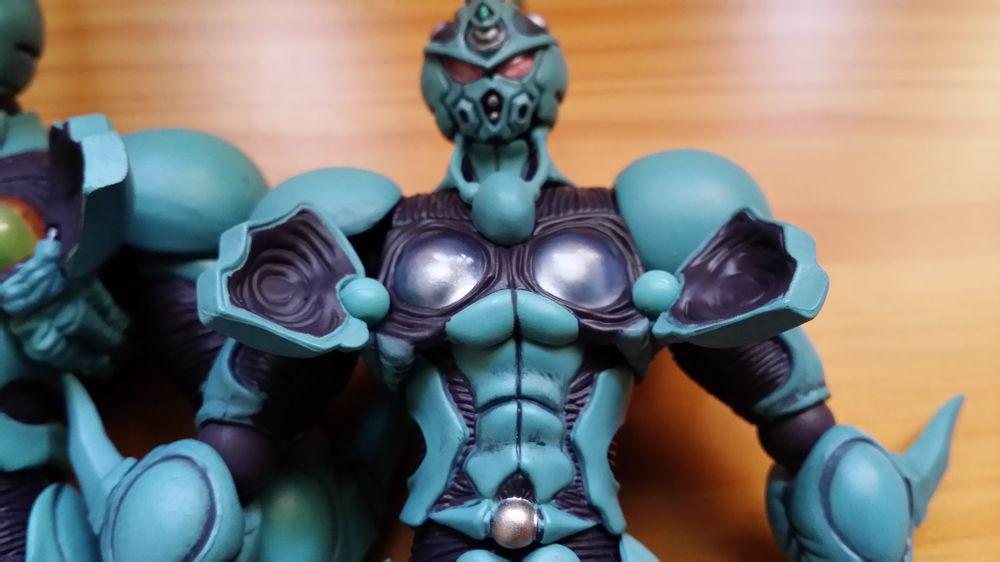
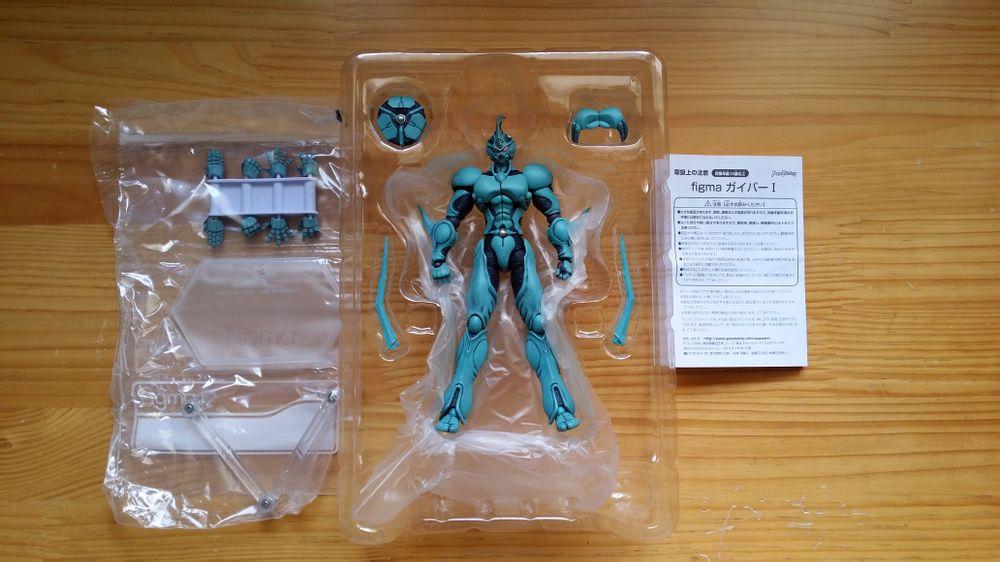
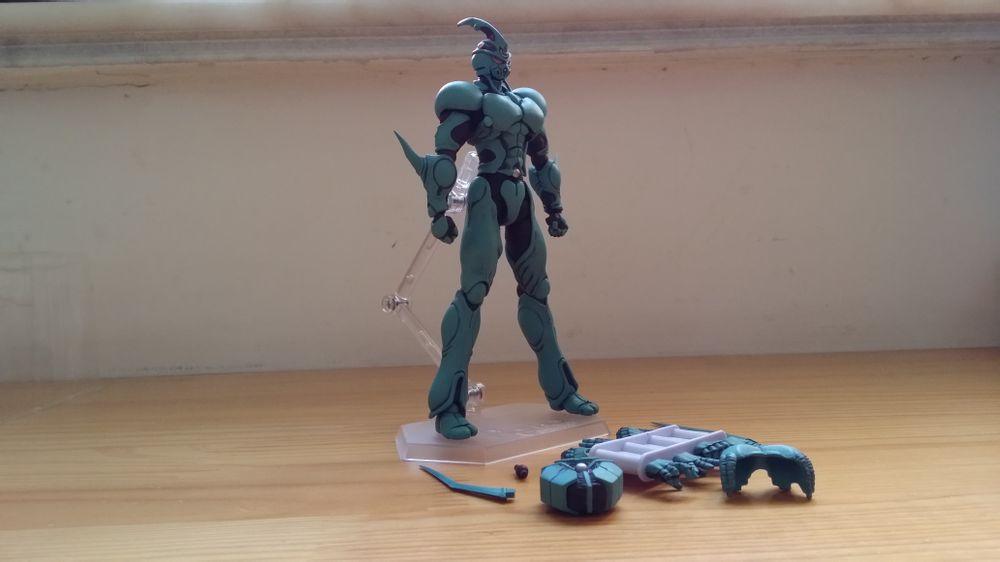
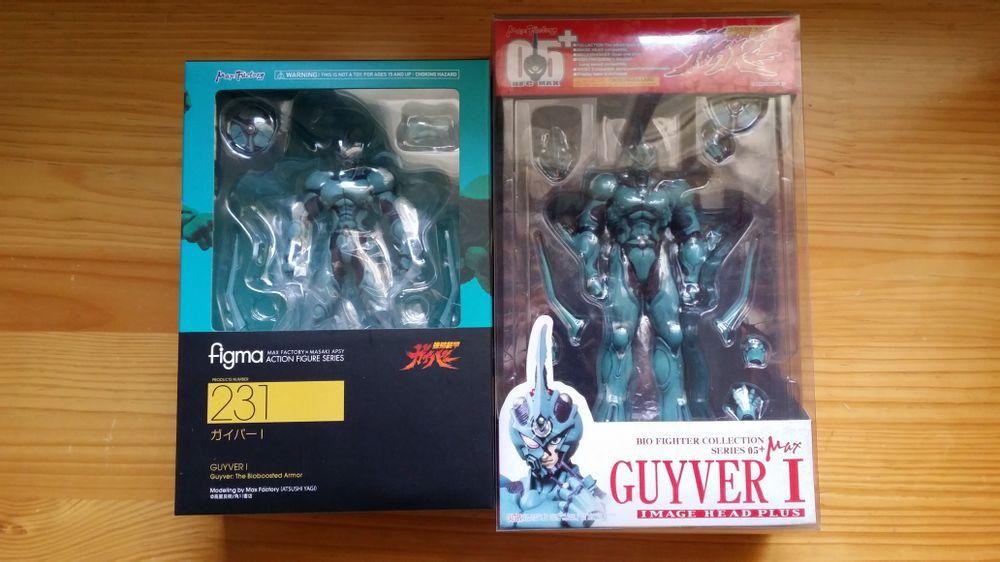
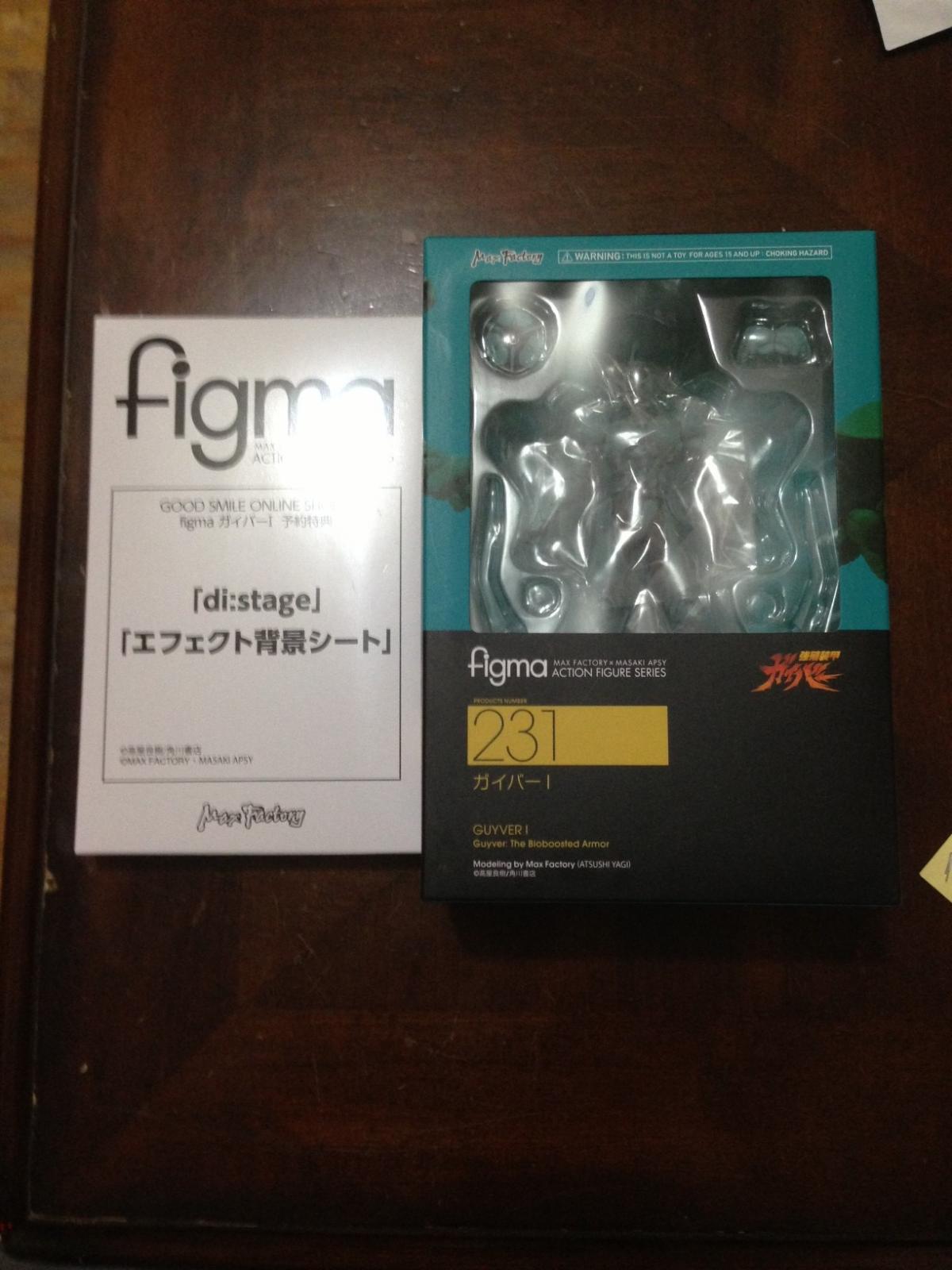
  1. well, guess i was wrong, just got mine this morning. talking about express postage! thanks goodsmile, looks like i'll be having a very merry christmas this year. ........now i've just got to make a display for this one. i've always told people, they're not toys, they're collectables!

  2. 1 point
    Tiere werden sterben wie die Zeit vergeht. That's humanity for you. Ain't it a bitch?
  3. 1 point
    It's horrible. Humans suck.
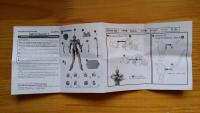
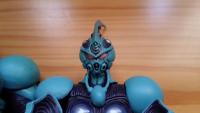
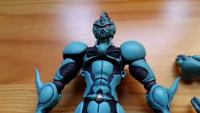
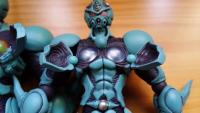
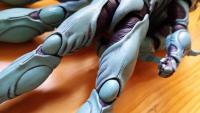
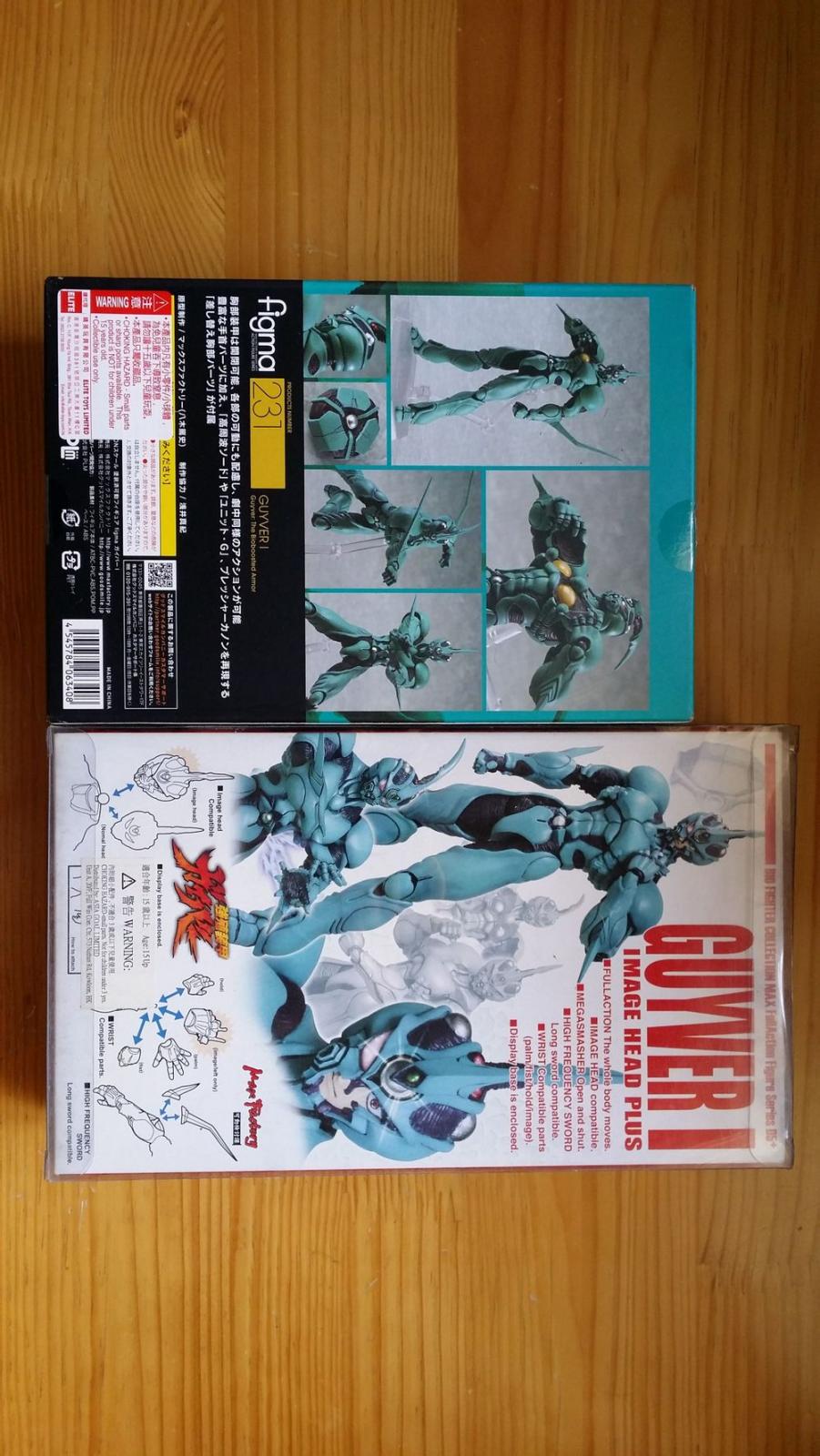
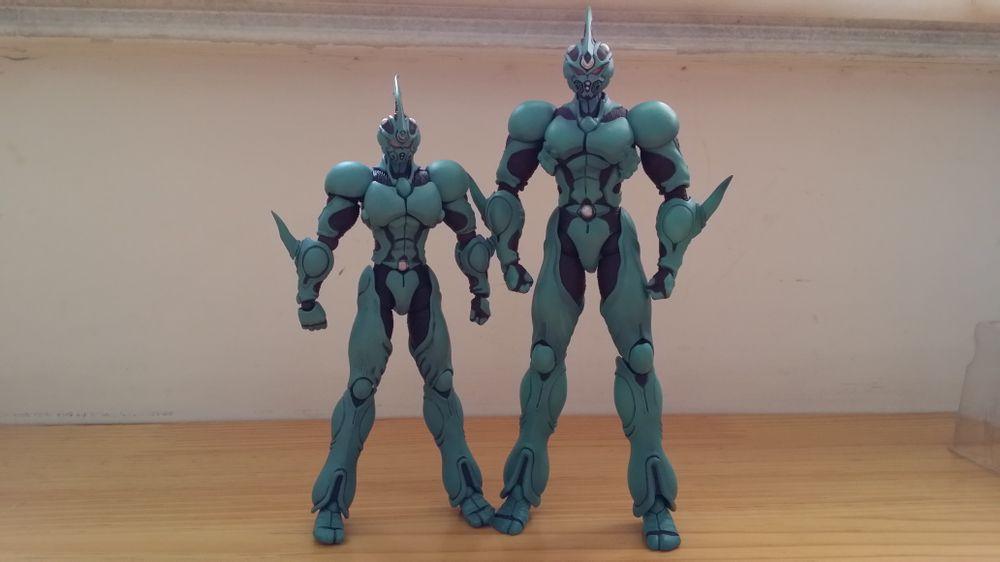
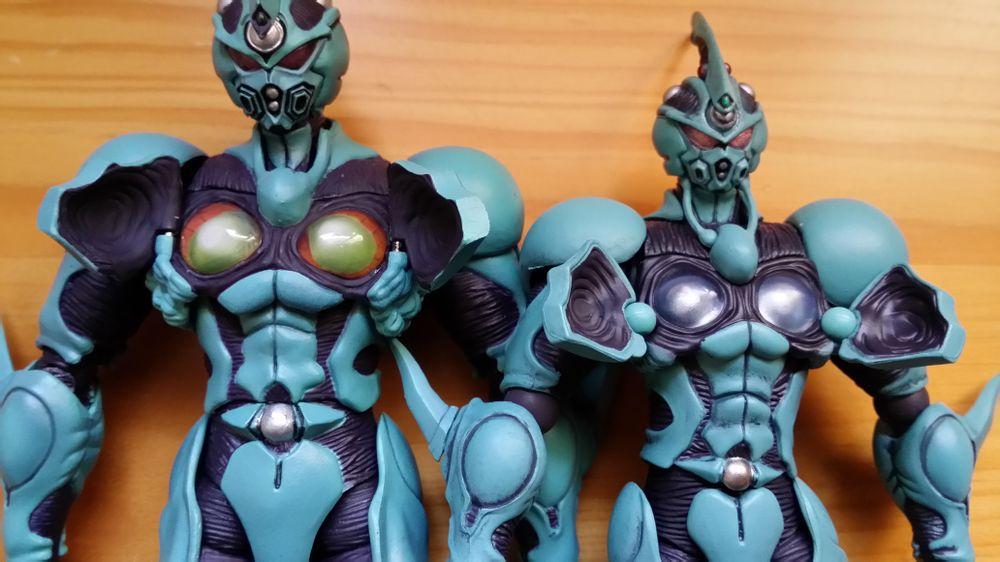
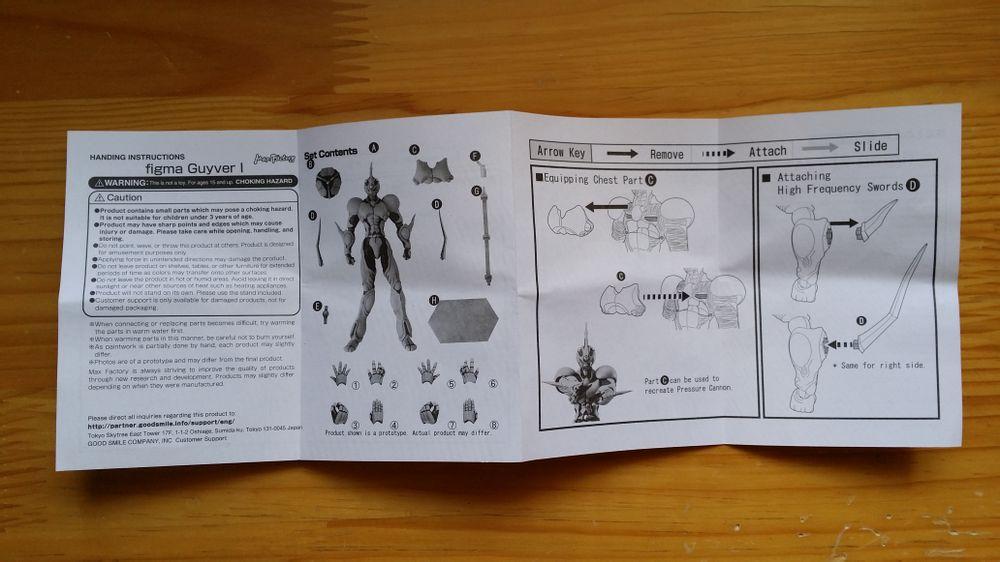
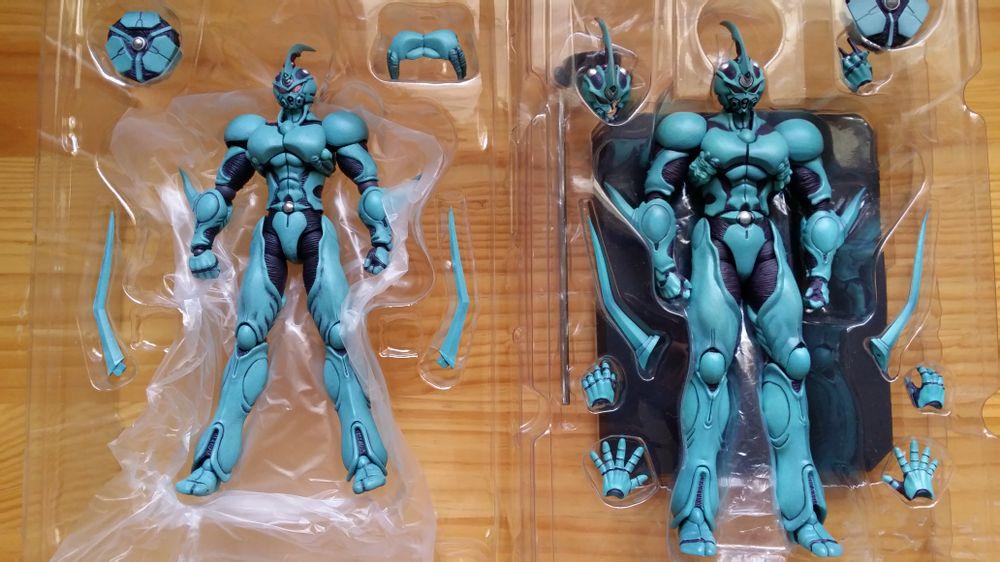
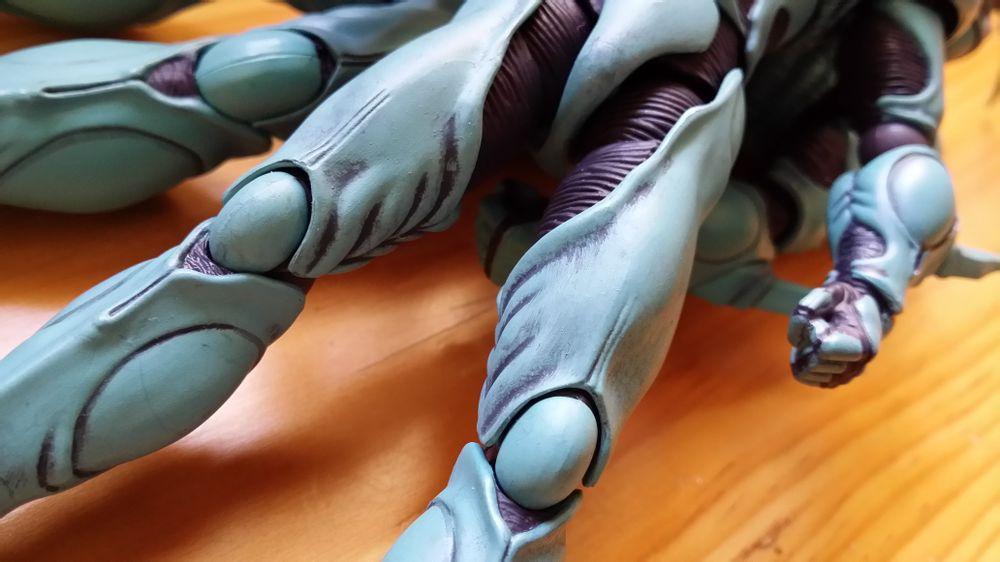
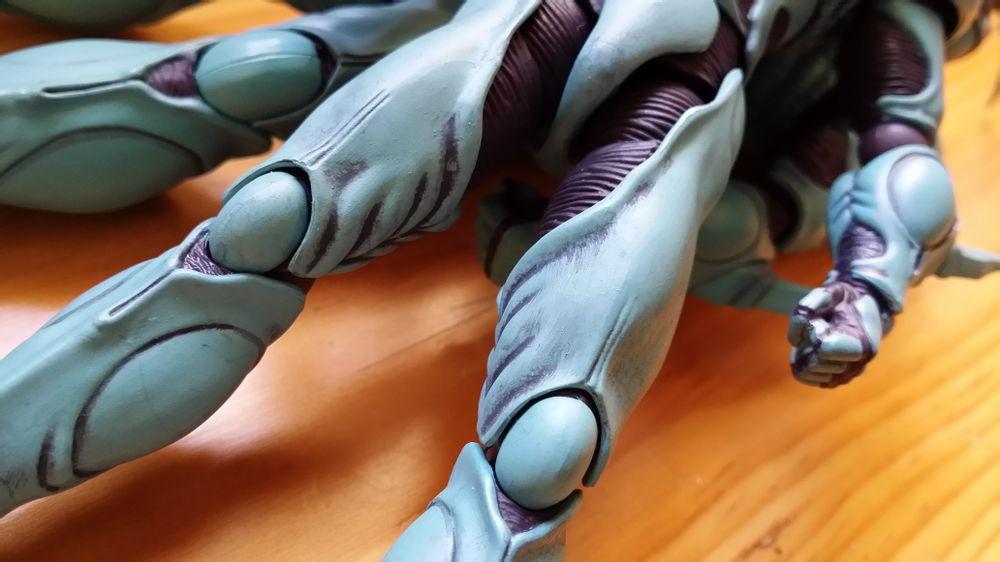
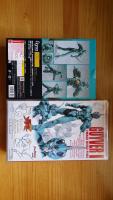
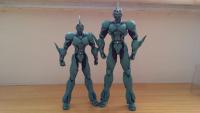
  4. hello guys... sorry for disappearing for so long... lol... i also just ordered this figma guyver 1 online... here are some of the photos that i found... posted at one of the Chinese guyver forum...
Account

Navigation

Search

Search

Configure browser push notifications

Chrome (Android)
  1. Tap the lock icon next to the address bar.
  2. Tap Permissions → Notifications.
  3. Adjust your preference.
Chrome (Desktop)
  1. Click the padlock icon in the address bar.
  2. Select Site settings.
  3. Find Notifications and adjust your preference.