Leaderboard
-

Jess♥
*Queen1Points6,201Posts

Popular Content
Showing content with the highest reputation on 06/21/2014 in all areas
-
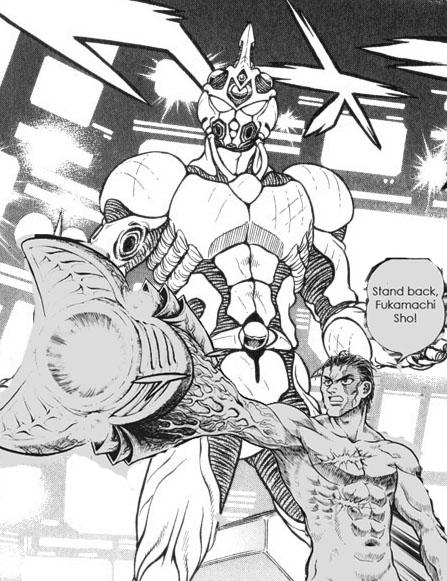
 1 pointWould you say that the Gigantic would be an upgraded version of the Lesser Unit or just an add on? I would say it would be like being a rifleman in the army, and then getting promote to drive a tank. Well, that makes sense. The Gigantic does seem alot like a tank. It's even light brown like an army tank now that you say that.1 point
 -