Leaderboard
-
Toku Warrior
Staff1Points2,055Posts -
odin
Member++1Points935Posts


Popular Content
Showing content with the highest reputation on 08/16/2013 in all areas
-
1 point
-
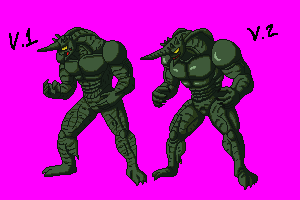
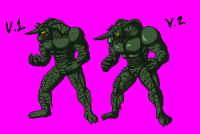
Well guys, I have finally finished moving and settling in on my new home so now I can focus more on the development of this game, I really apologize for taking so long but some times there are stuff that get in the way that we can't control. Anyways UPDATE TIME!! I have been working on the engine of the game mostly so not many artwork has been done, I have been teaching myself to use game maker studio and everything is going great so far, I got most of the movement done and currently working on the camera as well as the games size. as for artwork I will be updating today a few sprites little by little so to start off here is an updated version of Gregole since I thought that my previous one looked too flat and not intimidating enough, opinions are welcomed as always.
 1 point