Toku Warrior
Staff
-
Joined
-
Last visited
Everything posted by Toku Warrior
-
Oh crap, forgot to post these and they've bben done for over an hour.
-
I was talking to him about using an oldy but a goody for the base motif....Hopper.
-
Yeah, I actually think i'm gonna remove that one.
-
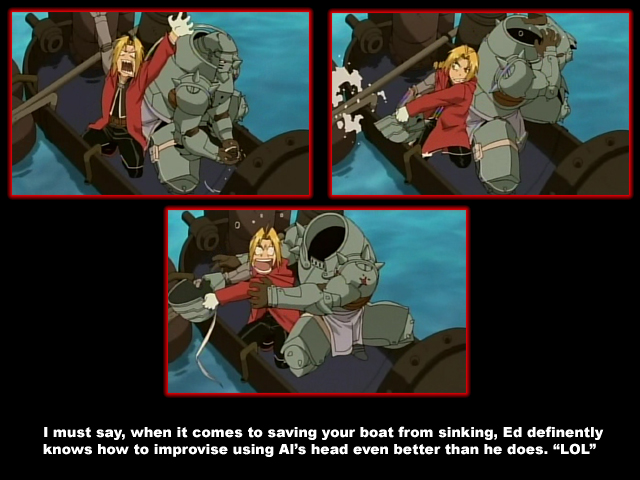
Here, I took a couple screen captures.


-
It's like the romaji version. Usually the word "The" would be pronounced "Za" or "Ze" but some people have pronouonced it as "Di". Just depends on the accent of the person saying it. Not everyone in Japan says everything in the same accent. Different places in Japan have different accents which can usually be told apart if you listen closely enough. Like people from Tokyo may say a word that sounds different is say someone from Kansai or Okinawa said the same word. Same thing in the U.S. Way too many accents but a person can tell where one is from usually by an accent.
-
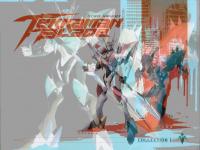
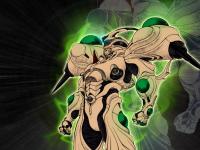
My god, some of these are so old that their file siiiiiize is at the time I didn't know about compression. Meh, I'll mes with them later. That's all i have for now....until I look through more folders.





-
Just about done.






-
And some more. Almost done with what I have so far.




-
A few more that are from around 4-5 years ago.


-
Here's more.




-
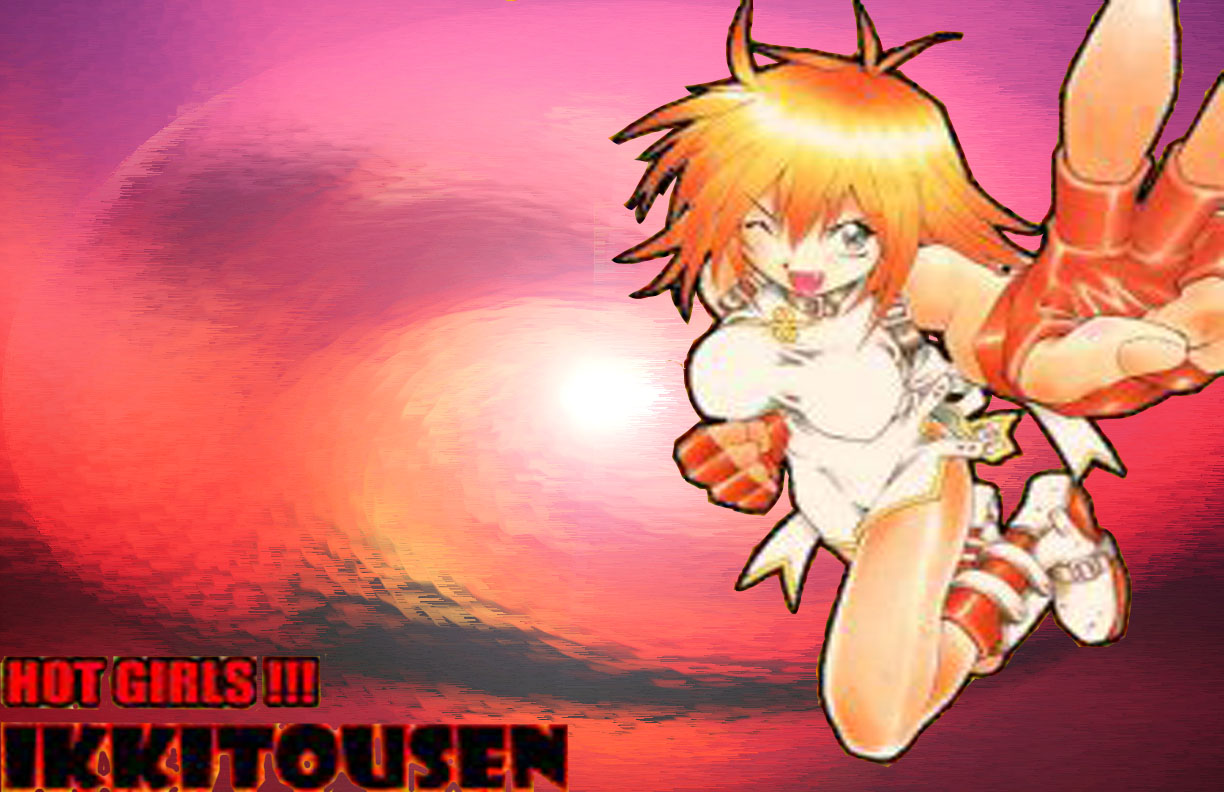
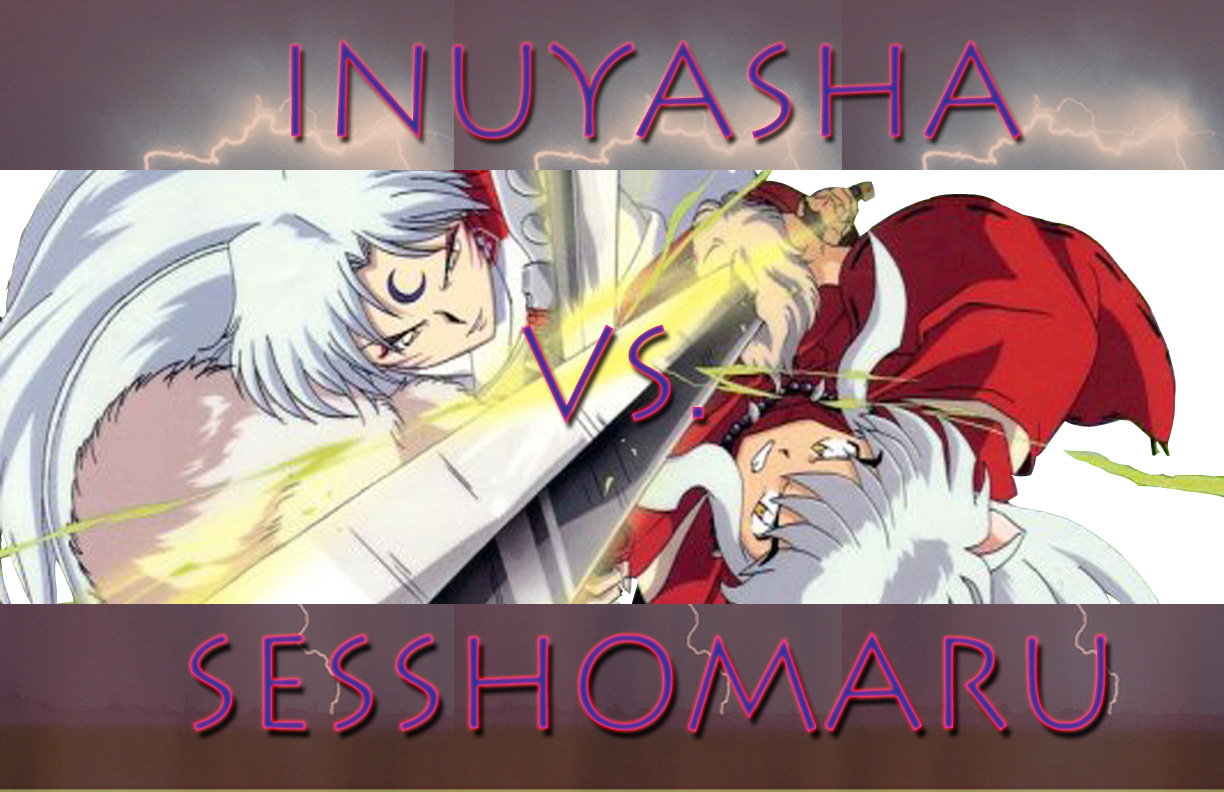
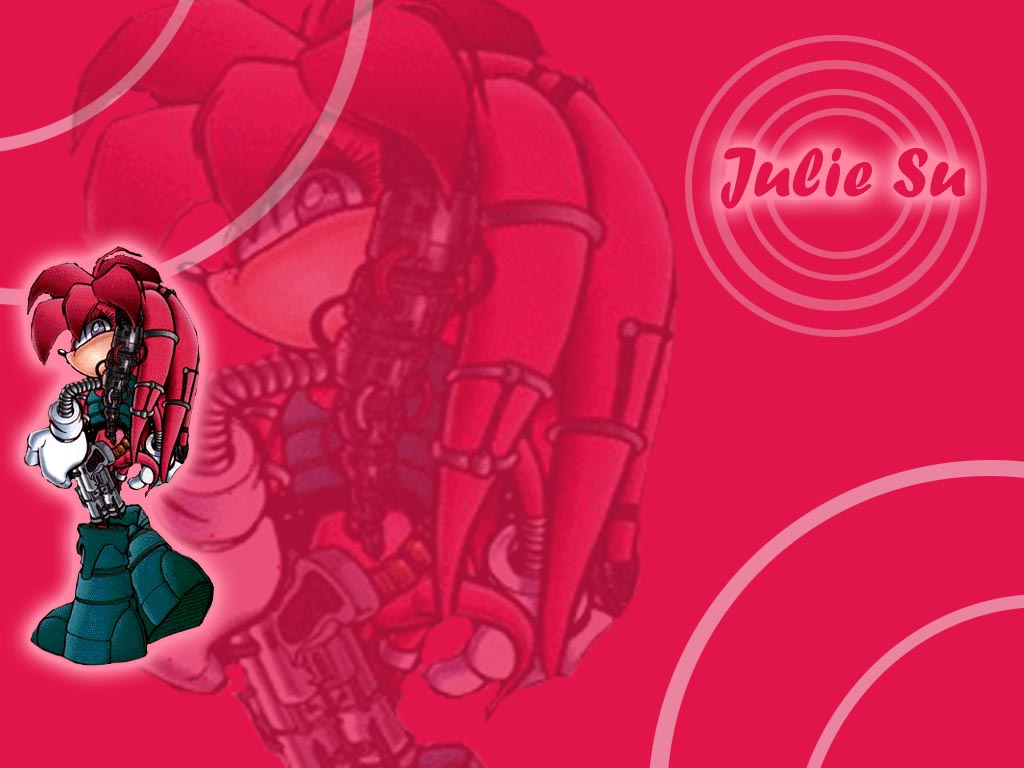
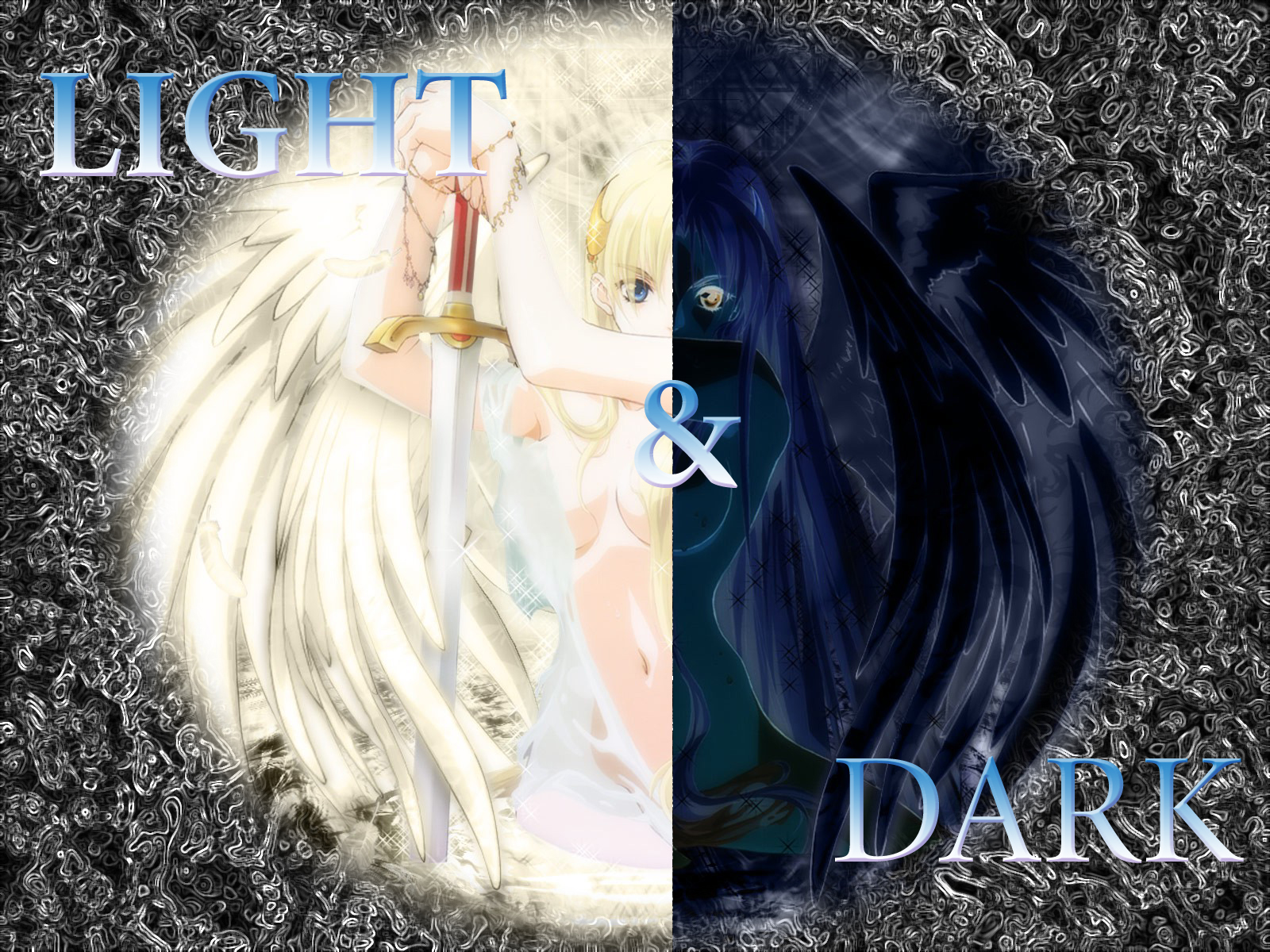
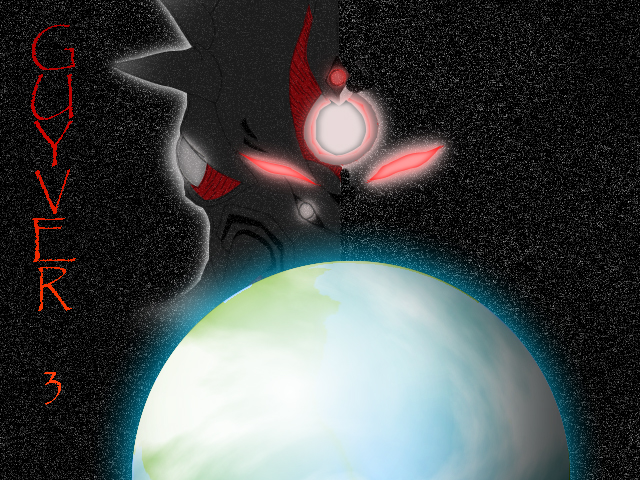
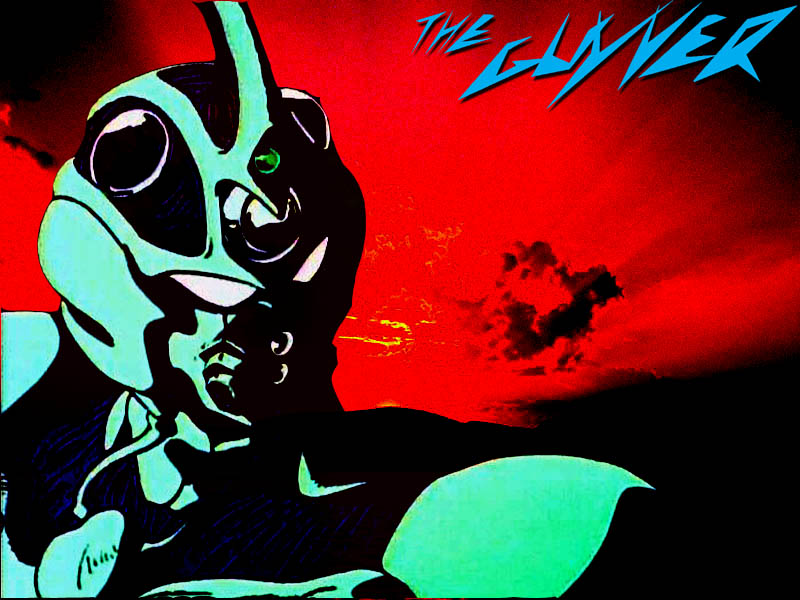
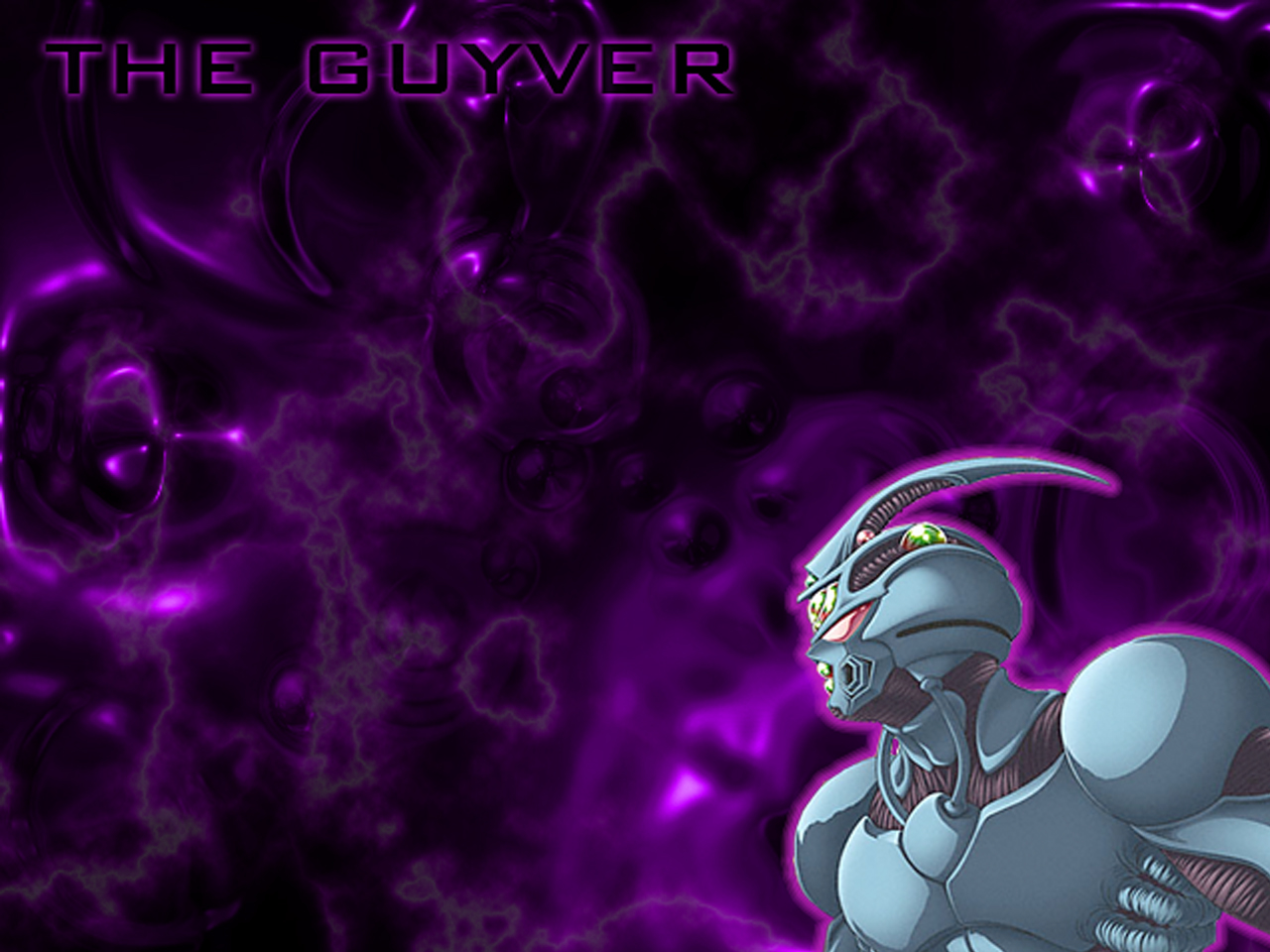
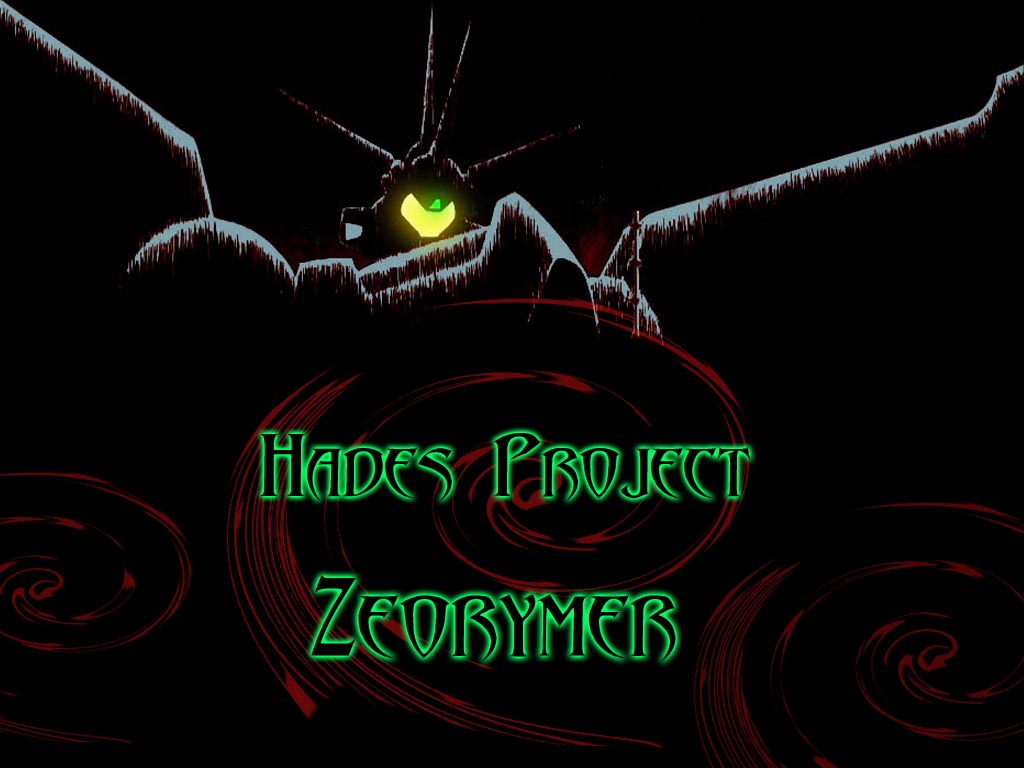
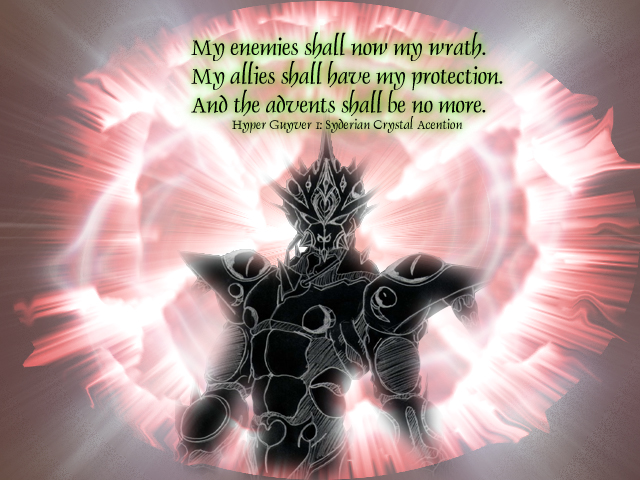
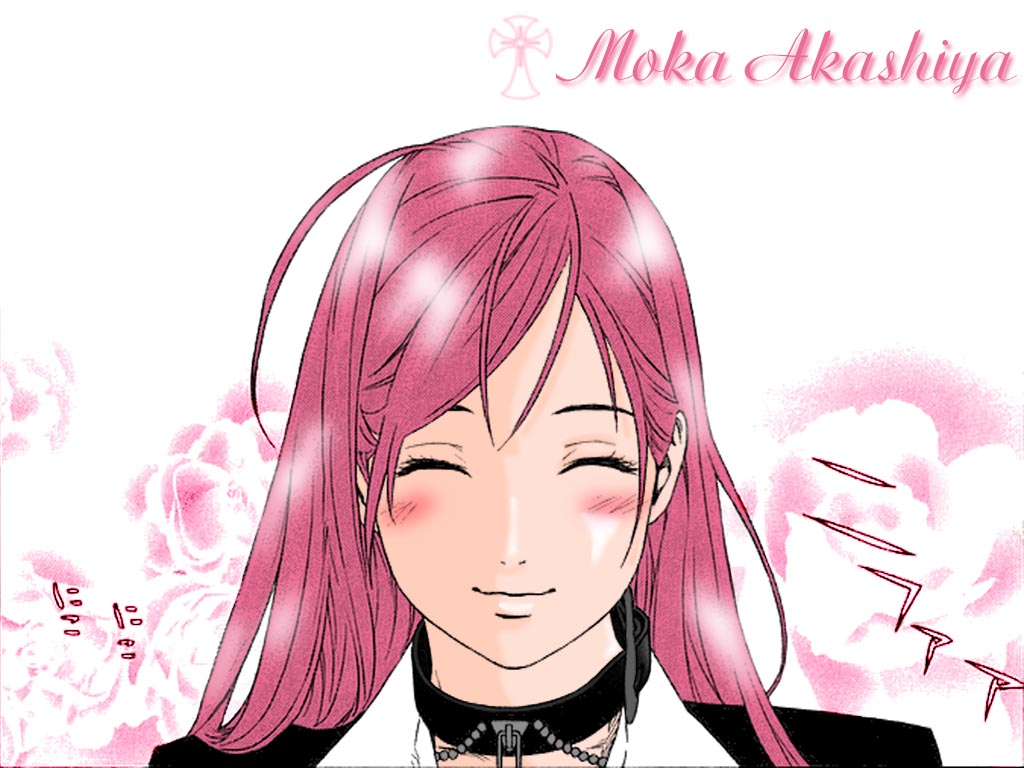
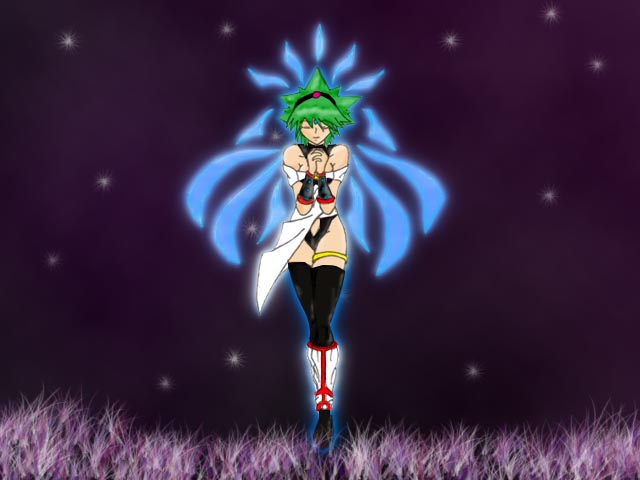
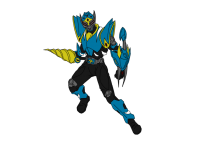
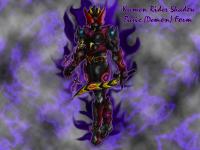
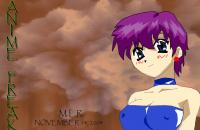
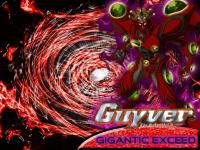
Thanks. I will be posting all of my fan-art that I've made (either scanned adn edited or personally drawn) over the years.




-
I actually like his upgraded form. It reminds me of Blade when he absorbs the 13 Undead cards of the Spade set to become to transform into his King Form.
-
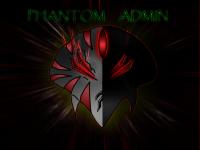
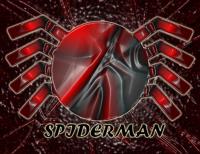
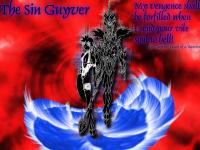
here are some more




-
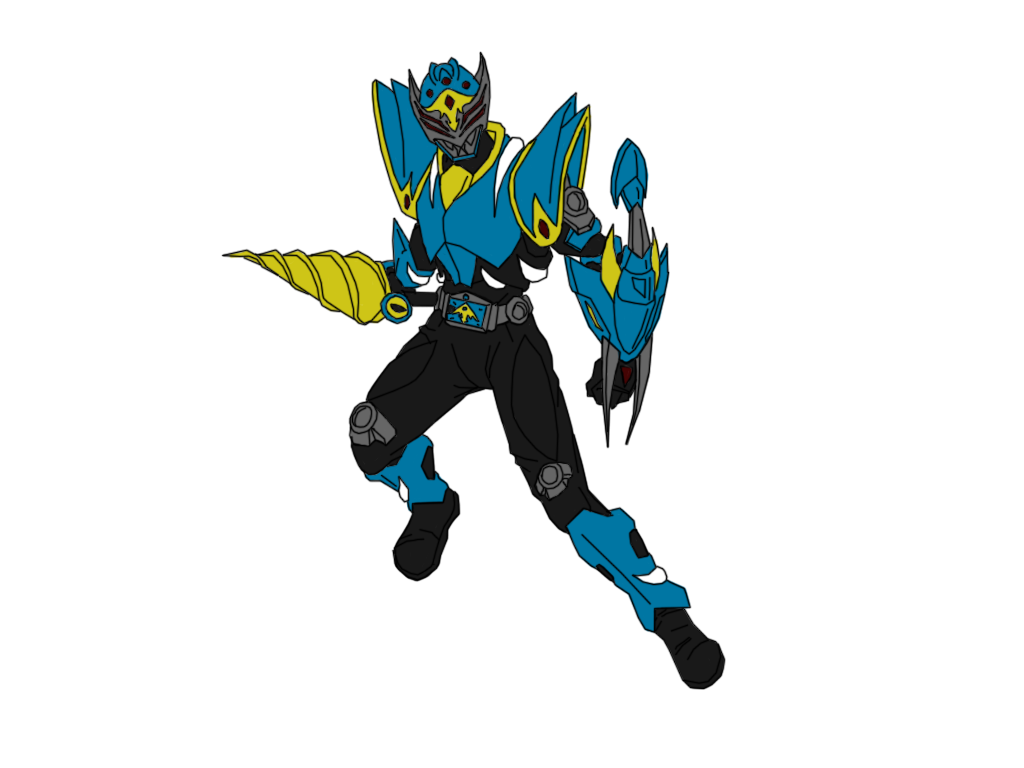
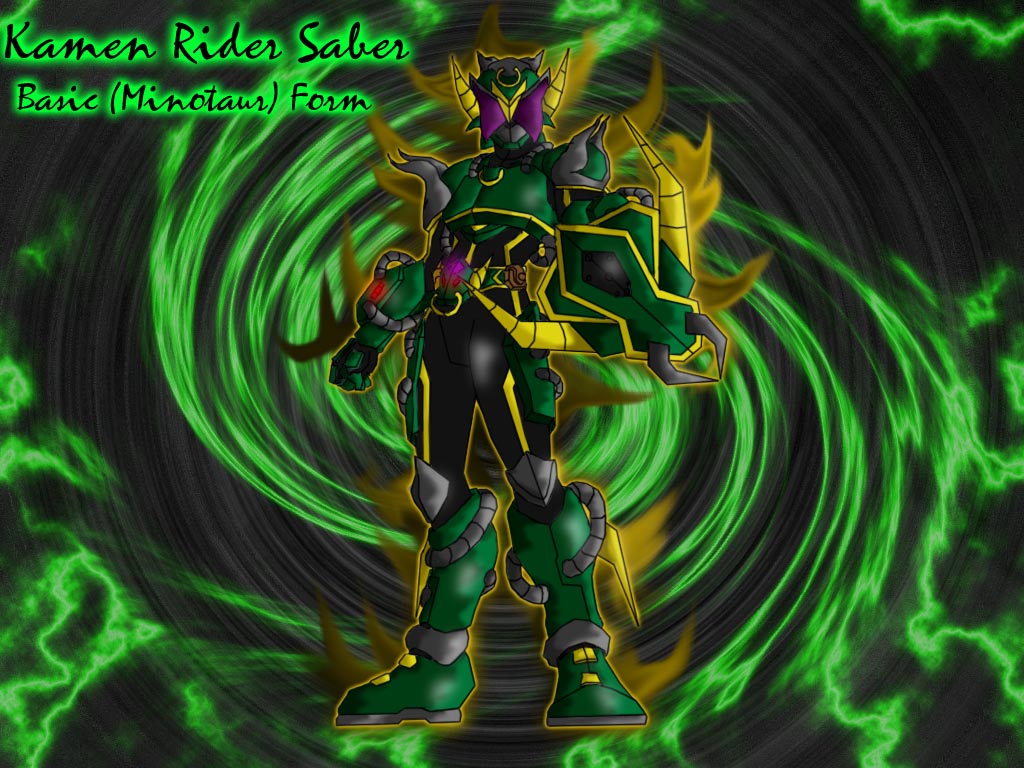
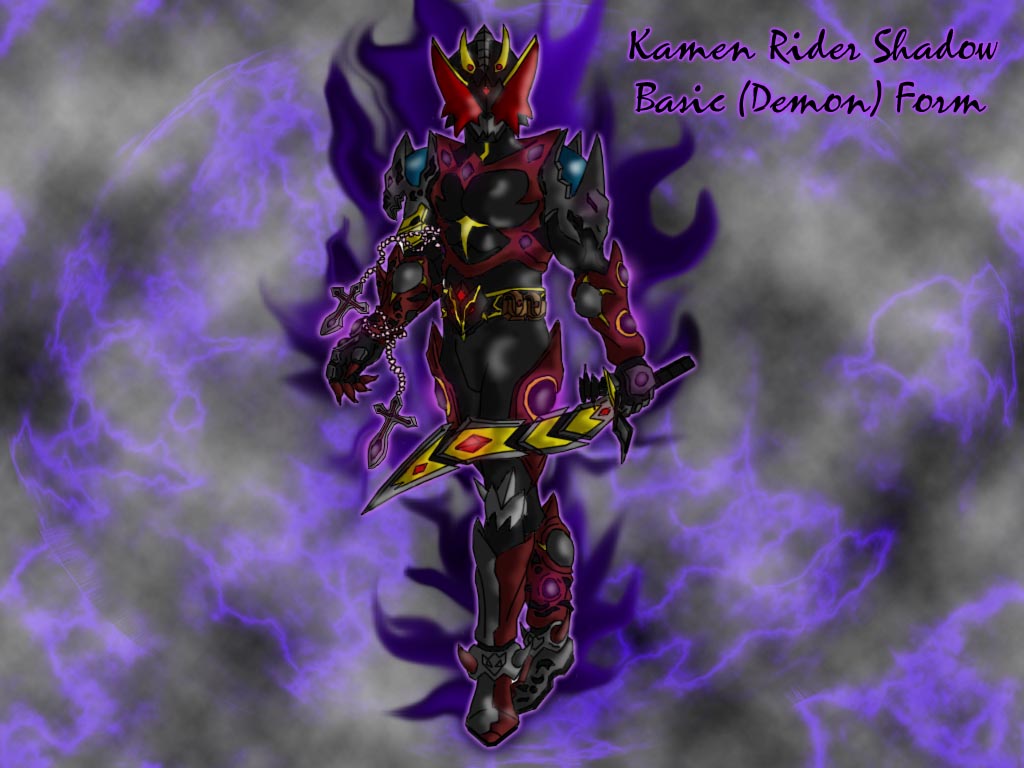
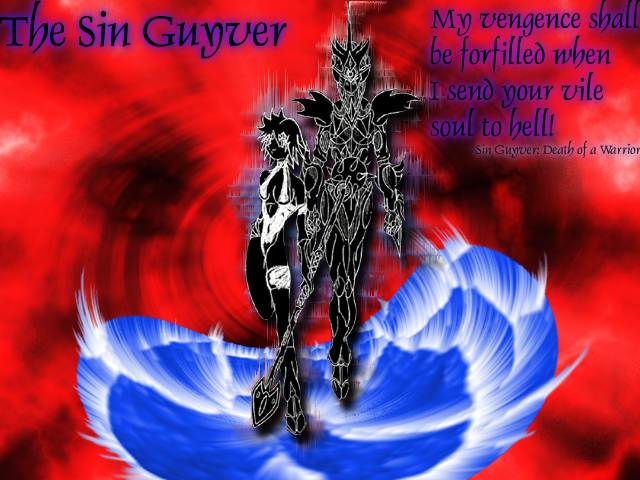
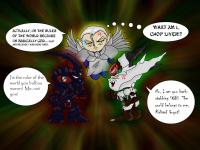
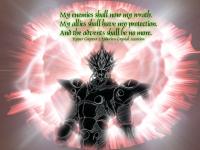
This is a thread where I will post any and all fan-art I make for any series adn any genre whether it be anime, toku, manga, etc.






-
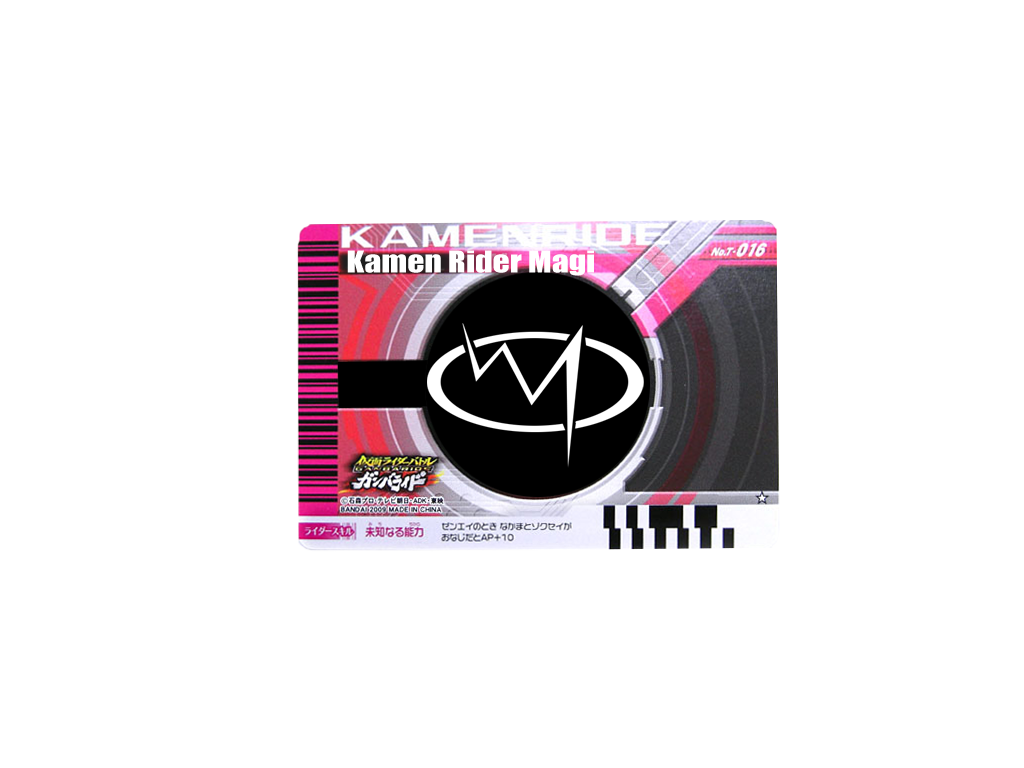
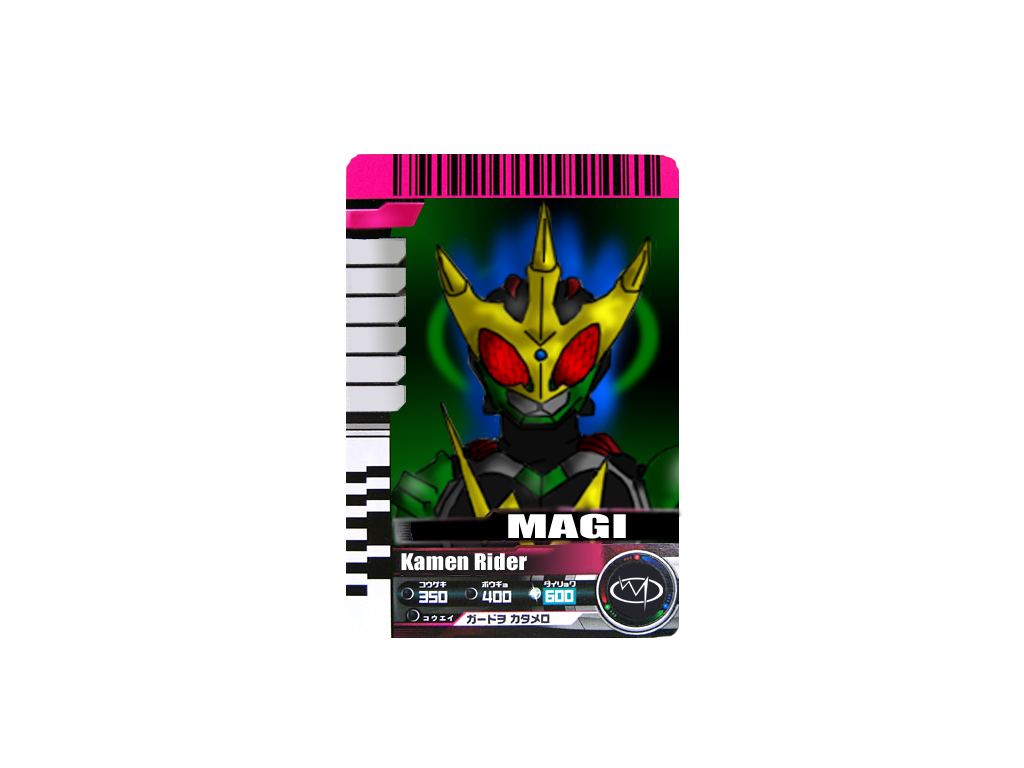
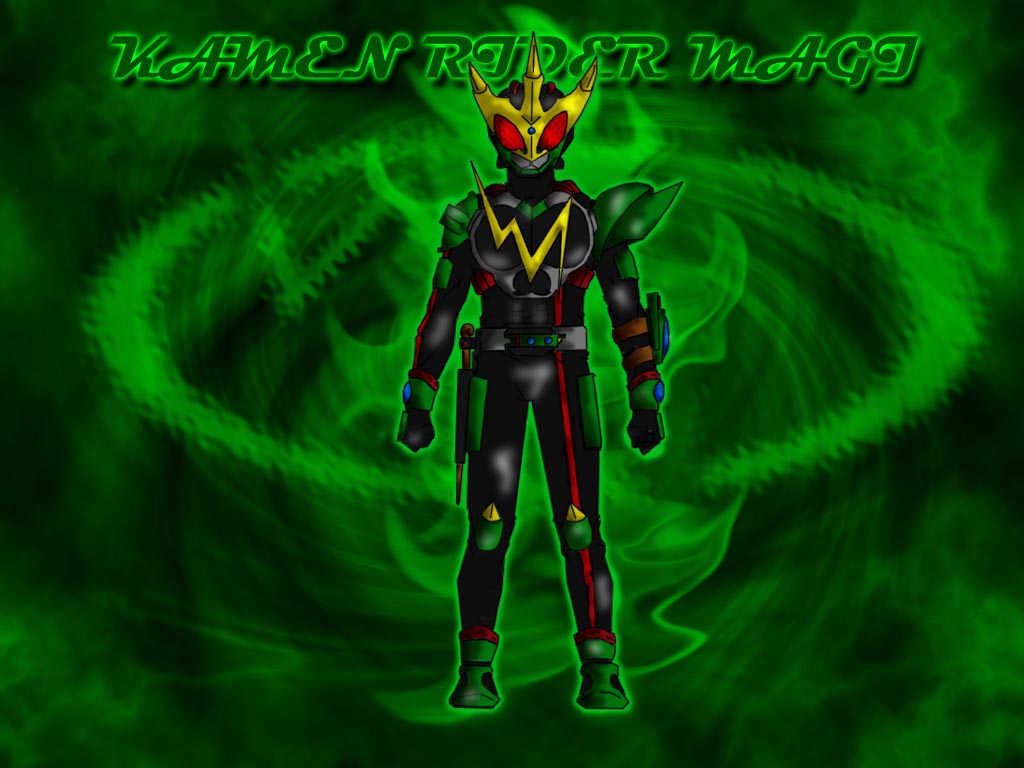
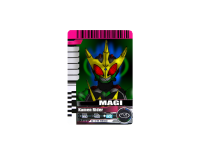
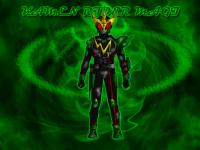
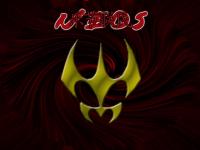
I'm working on Magi now. Once I finish his portrait design (a.k.a. wallpaper) I'll do his card. Bobby, once you figure out the design specs for Medulla let me know and I'll draw him out and colour him. Also need to give me his colour scheme when that time comes. After I finish Magi I'll do Neos. Kero, has Totem sent you a design for Genbu yet?
-
I could make one if ya want.
-
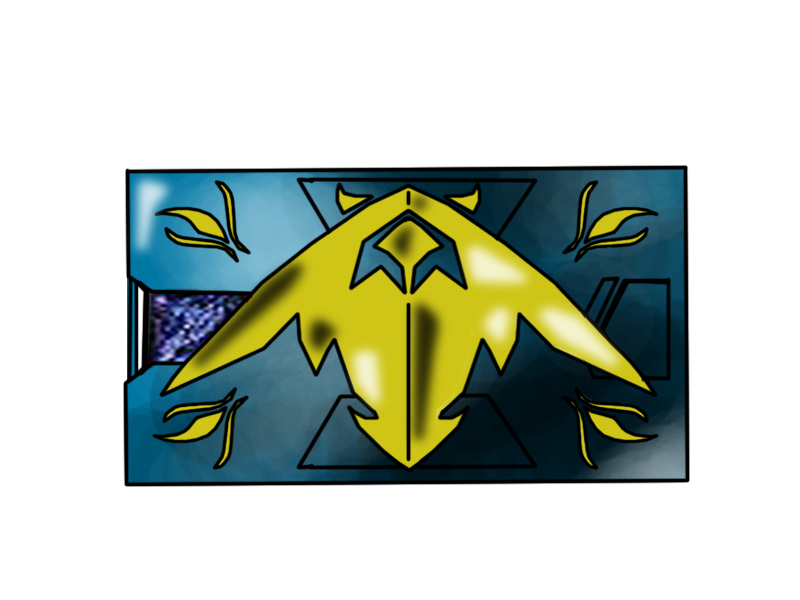
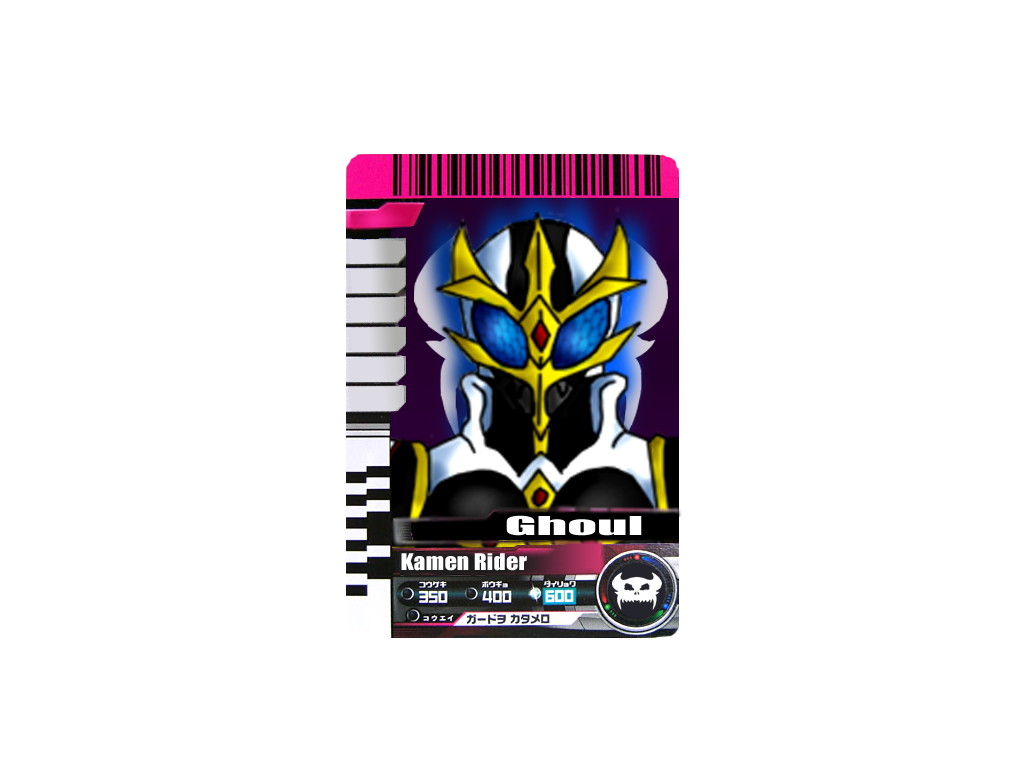
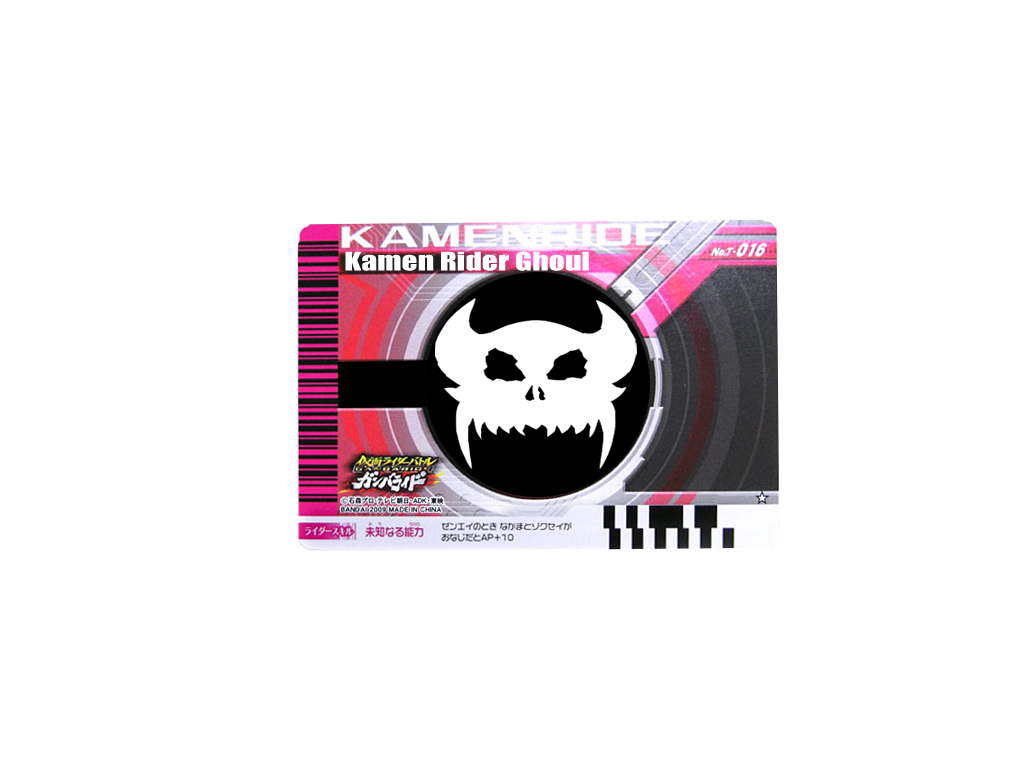
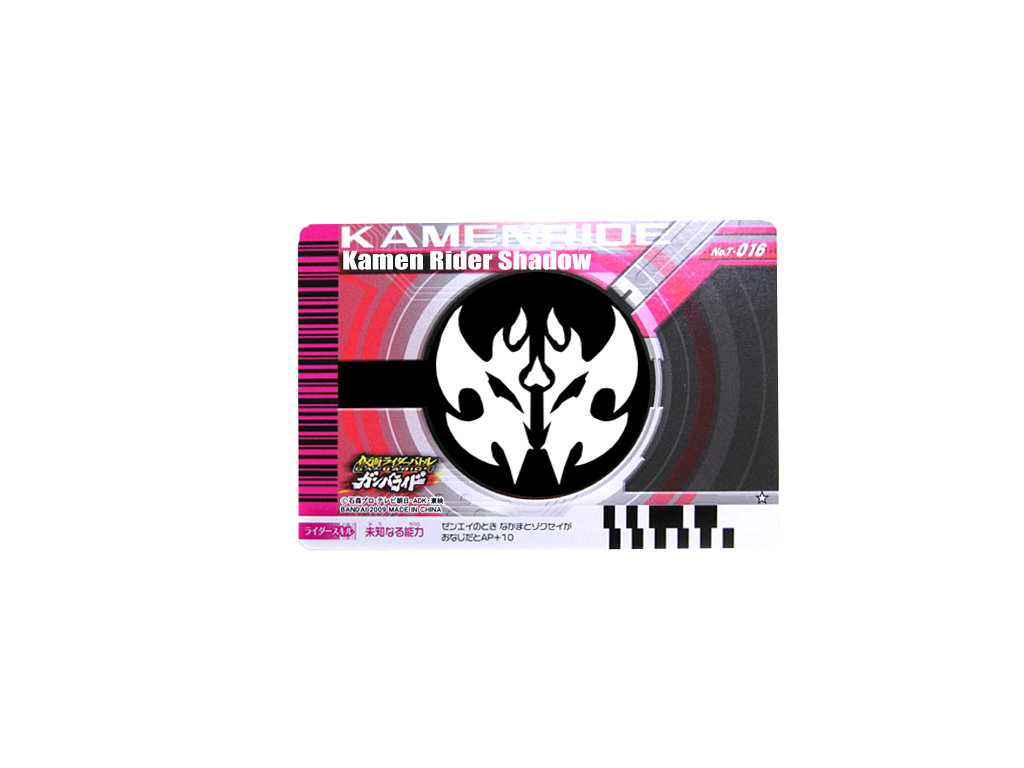
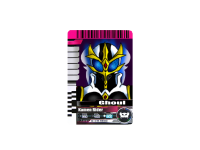
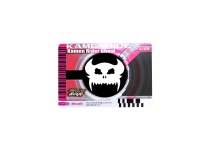
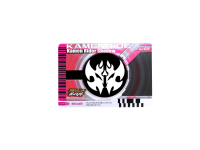
Here's the card for Ghoul. We just need cards for Cosmos, Genbu, Magi, Neos and Medulla...seeing as we now have cards for Ghoul, Hell Rider, Shadow and Kero. 4 down and 5 to go. I'm cranking out a card a night when i have a day off coming up. Neos and Magi should be up within a few days.
-
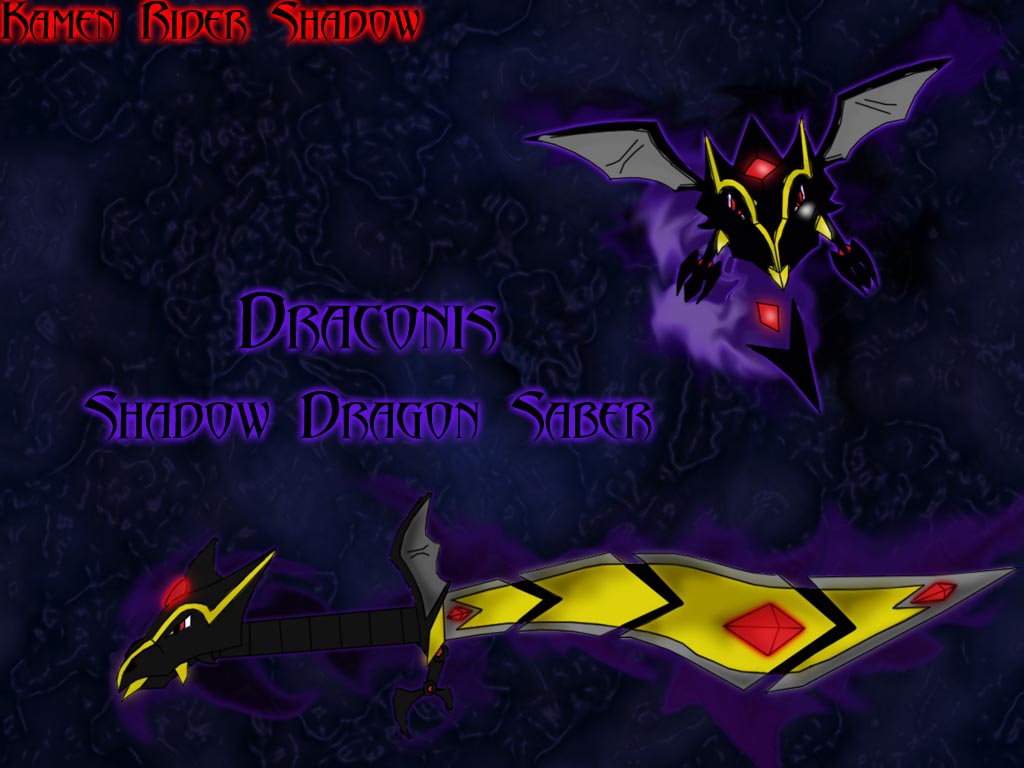
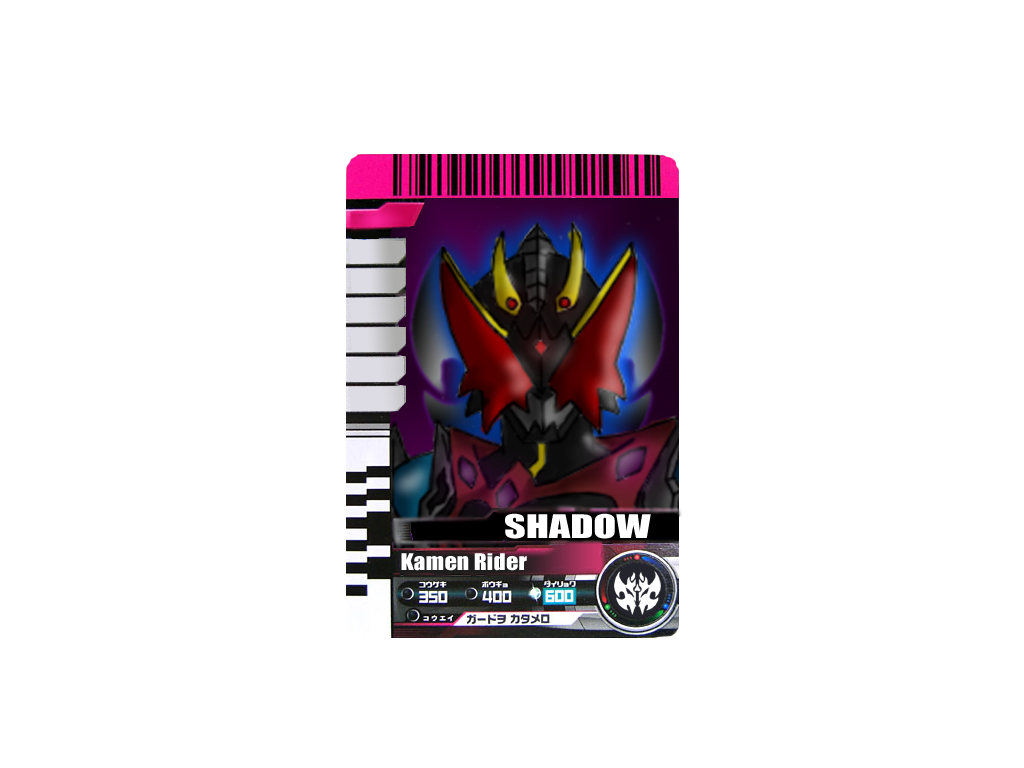
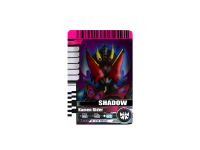
Now posting the updated version for Shadow's card.
-
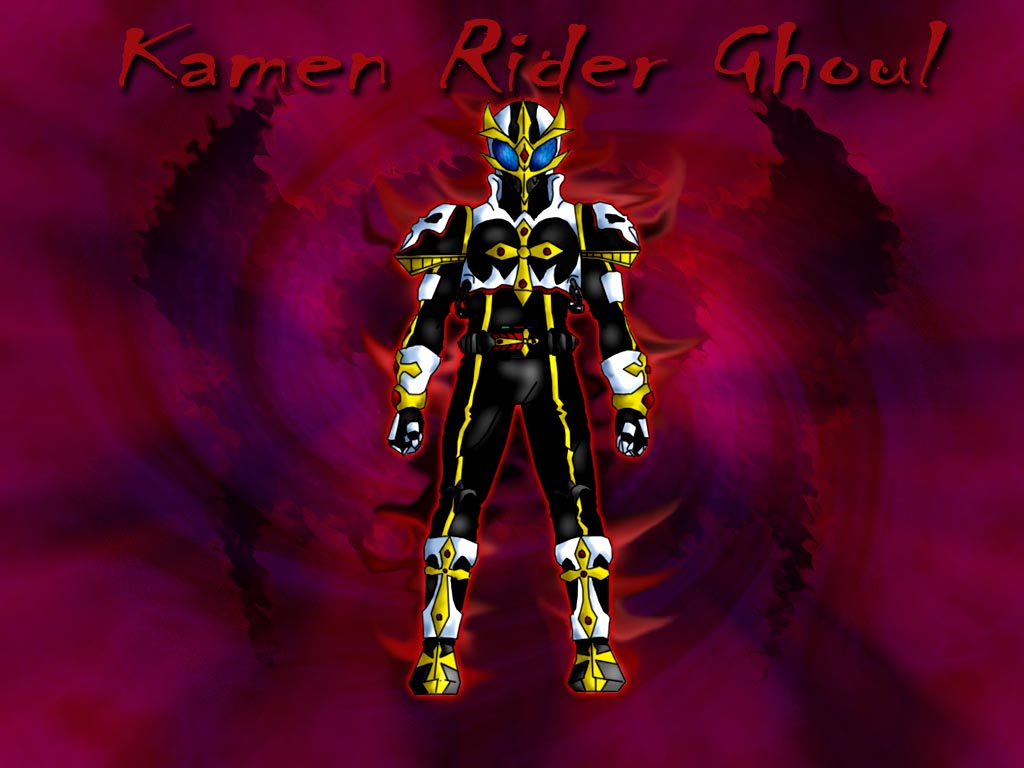
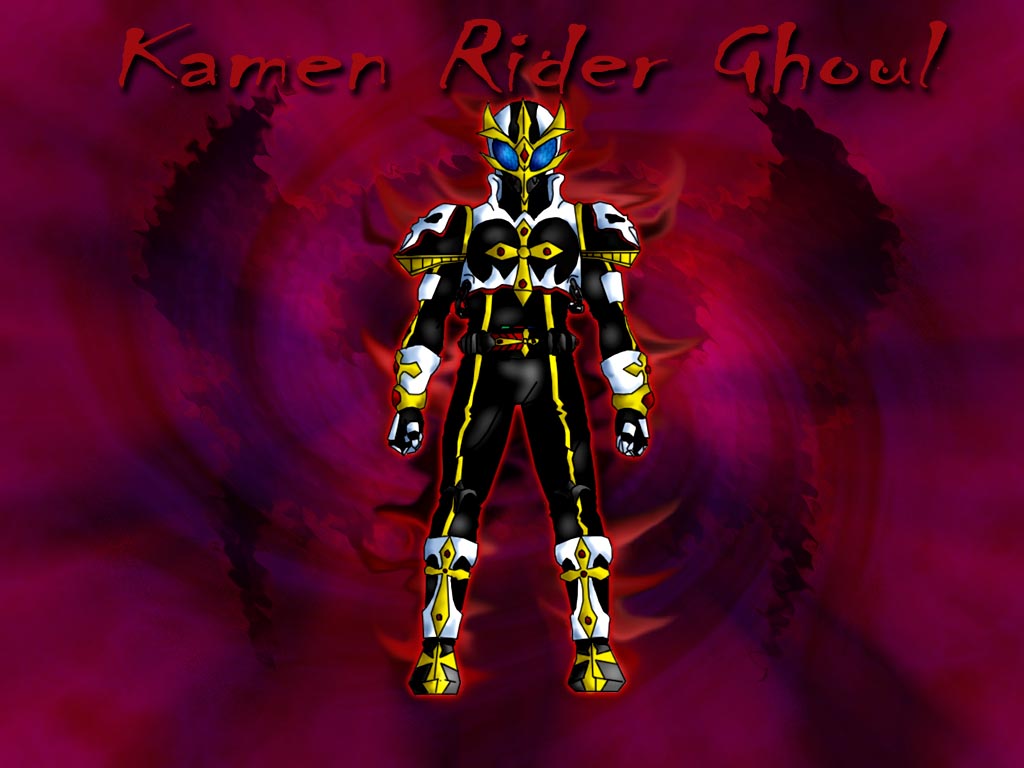
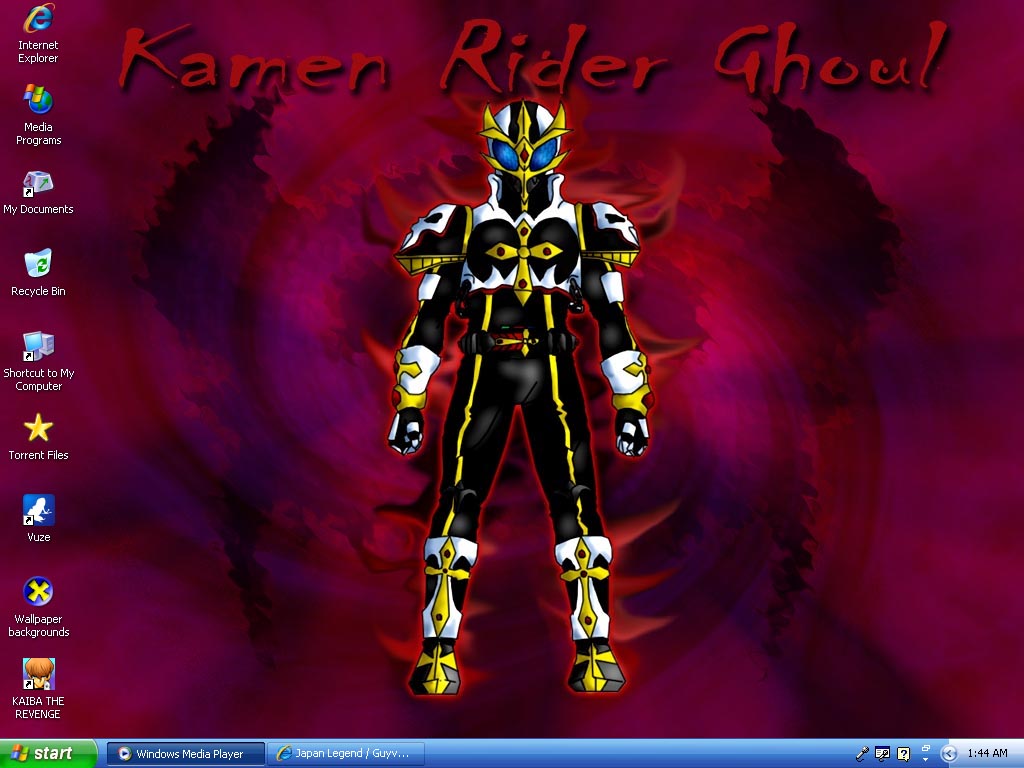
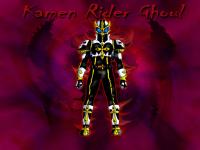
Well, with all the Kamen Rider fanfics starting up around here, I'd thought I'd make a WP based on one of my newest Riders, Ghoul.
-
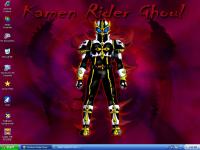
Nah, I have the original link to 'My COmputer' I just chose tyo use the shortcut as it saves time. been awhile since this thread had a post placed in it. Thanks to Kenji for reviving it.
-
Thank you Tiga. Always let me now if you'd like me to make any adjustments to your characters design. Also guys, keep your eyes peeled for Henshin cards featuring Neos and Magi within the week and maybe even updated versions of these current cards. Also, a special note. If anyone here has a Rider, a main Rider, amongst the current 9 being used and needs it drawn up for them let me or Kero know.
-
Really nice man. I'm very impressed. I also like how you made it look somewhat like a painting.
-
Eps.3 was fantastic! They combined both special effects, the right amount of drama and suspens, and good fighting choreography to make a good ending for the 'Kuuga's World' arc. I can't wait for it to be subbed.
-
And it was a good idea. Well, I'll post my next entry for Koujin on Monday. Night all.
-
OOC: Kenji and BK, nice posts. I have Monday off so I'll post then.