Leaderboard
-
odin
Member++2Points934Posts -

jerrygoodman
Member++2Points1,226Posts -
durendal
Member++1Points3,275Posts -

Sully
Admin1Points2,793Posts



Popular Content
Showing content with the highest reputation since 07/25/2026 in Posts
-
2 pointsIt's been years since I have been here, I wanted to see if my login still worked and say hi and perhaps discuss guyver again now that we are seeing more needed exposure from the series, nice to see you all again.2 points
-
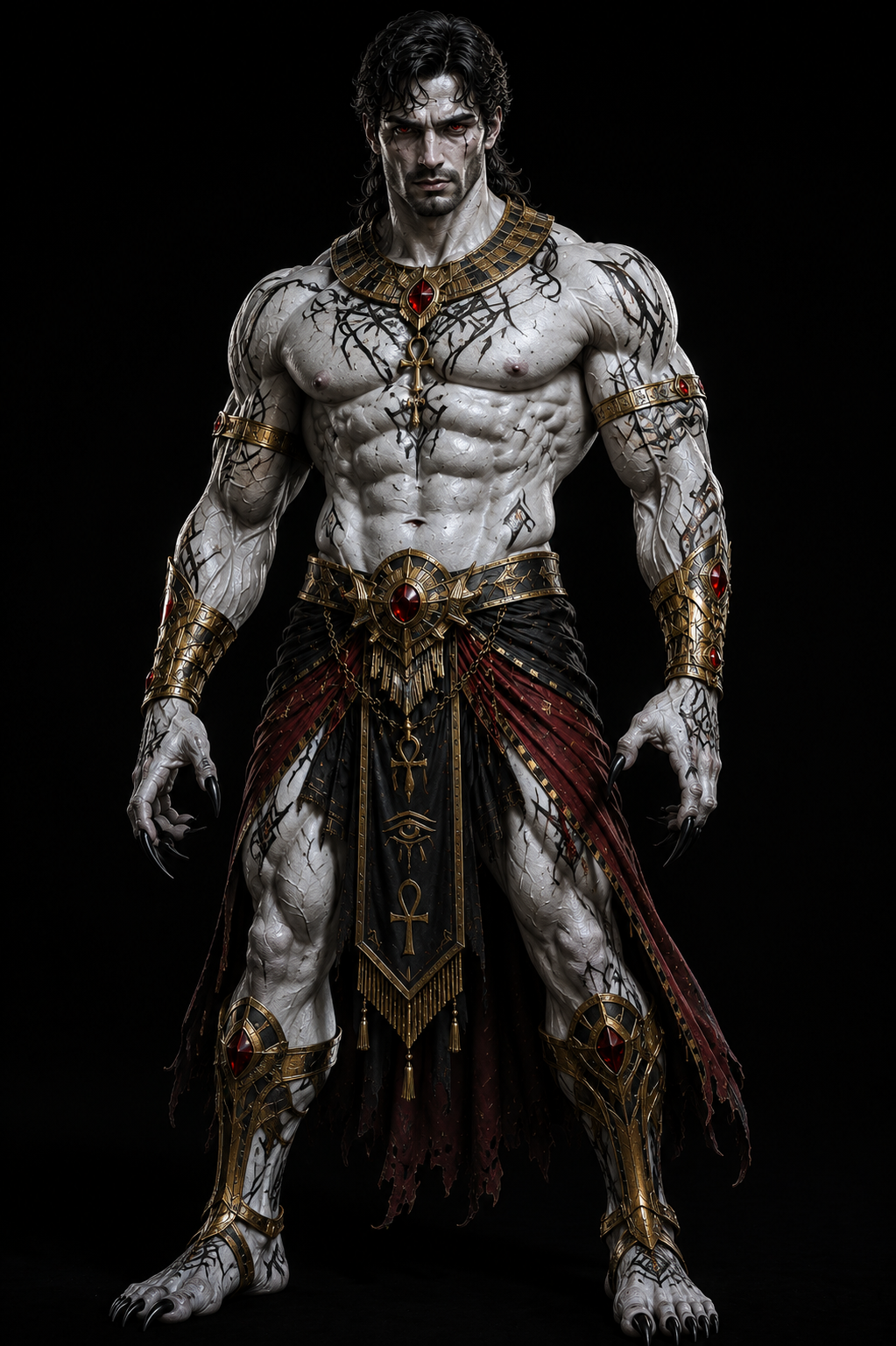
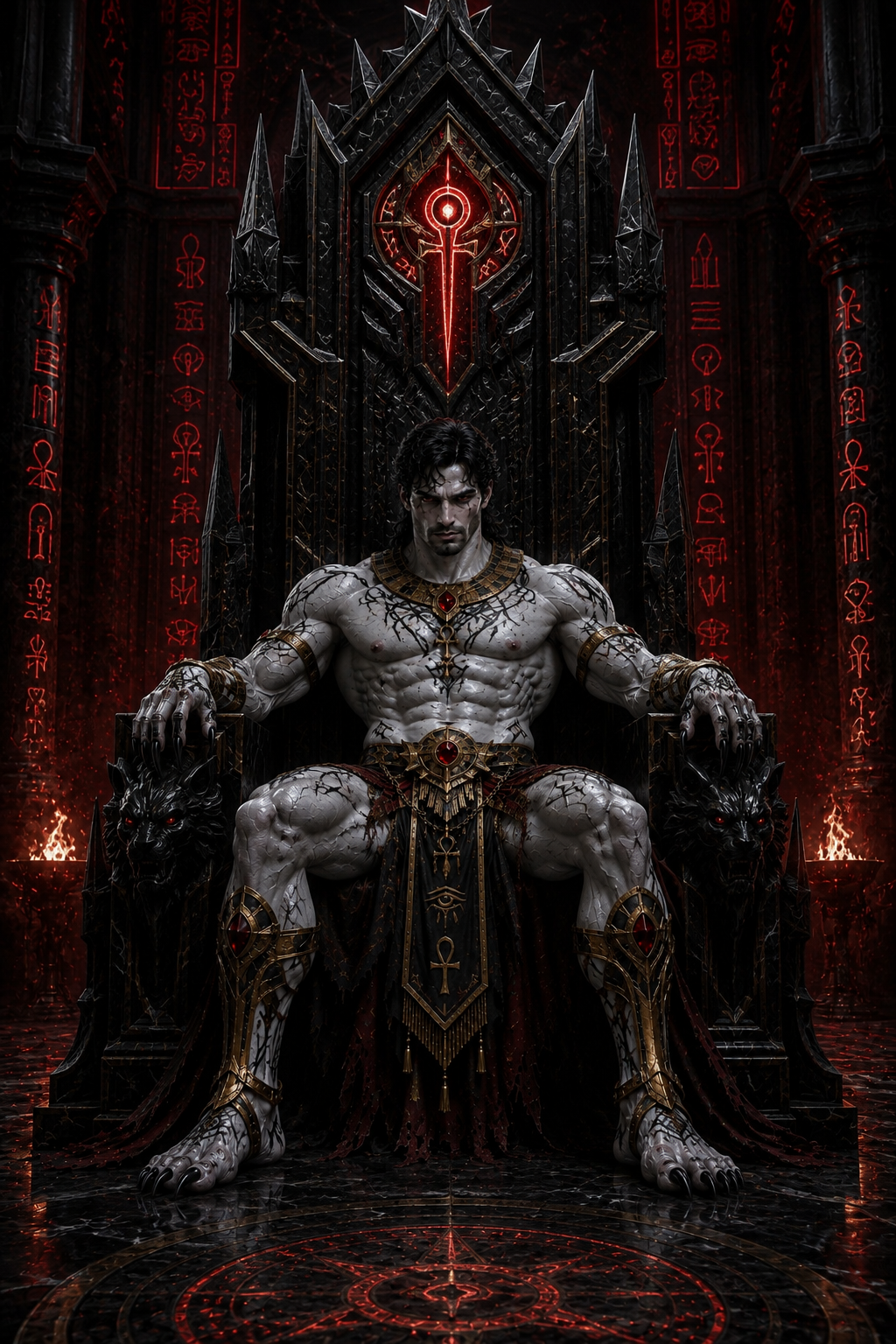
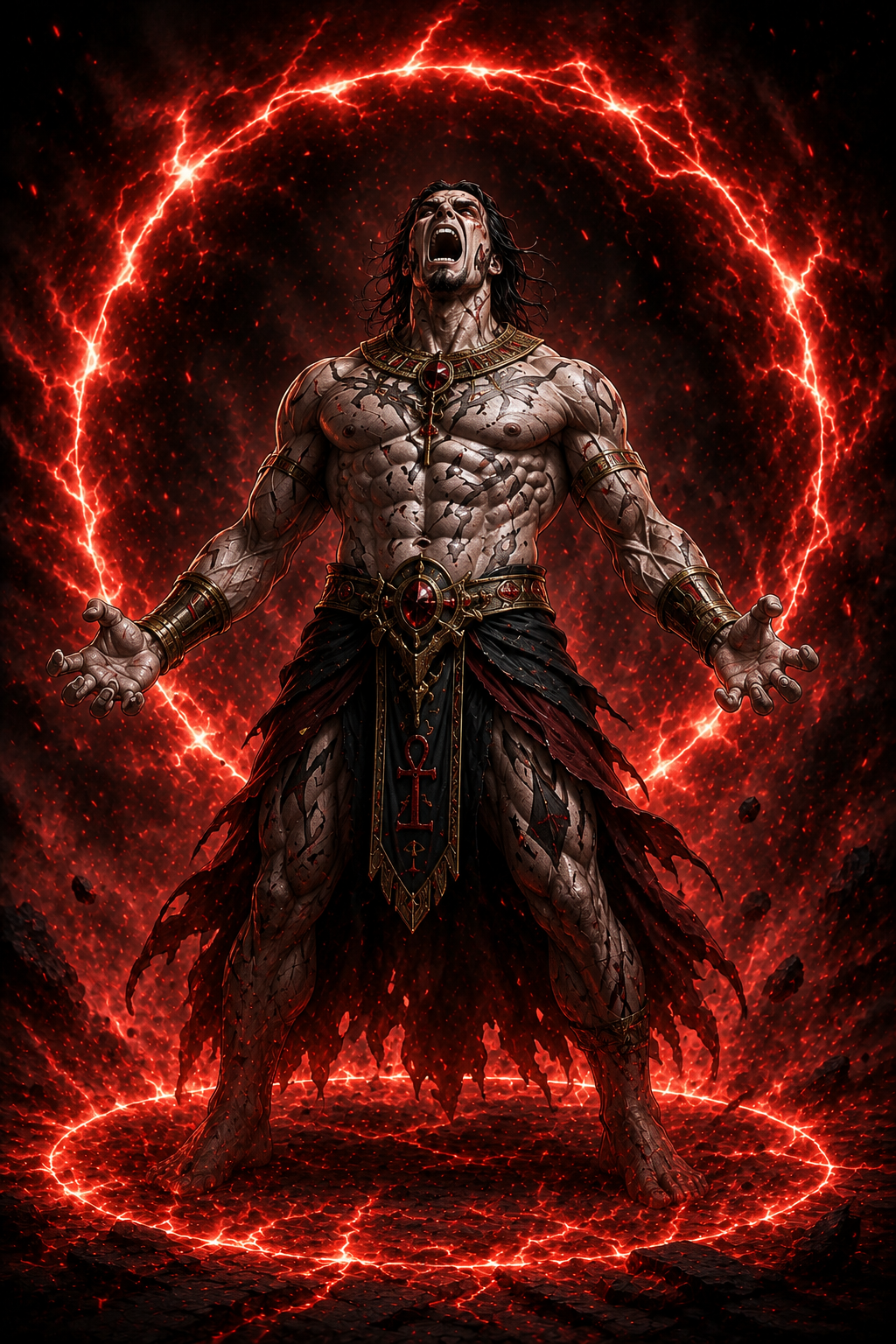
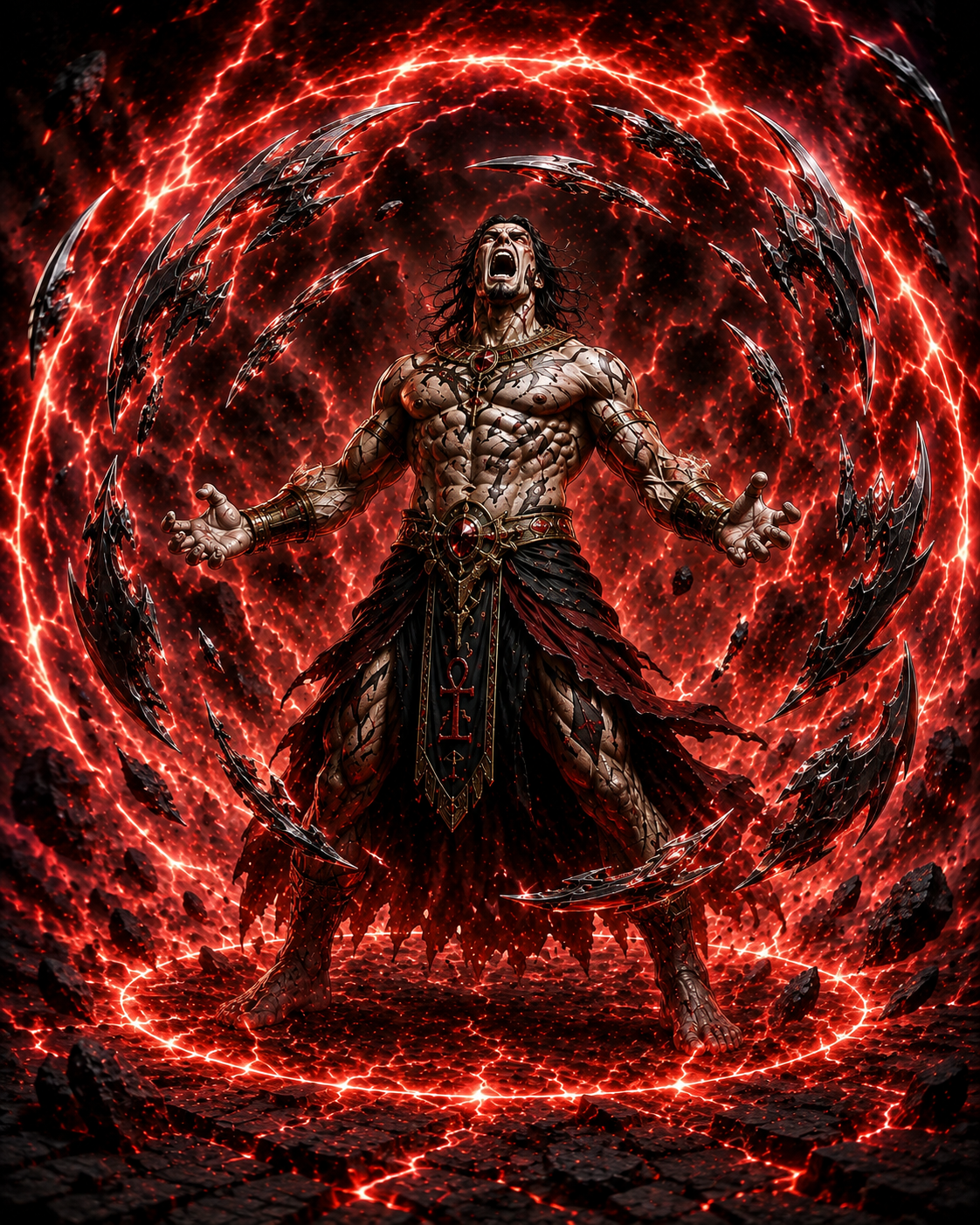
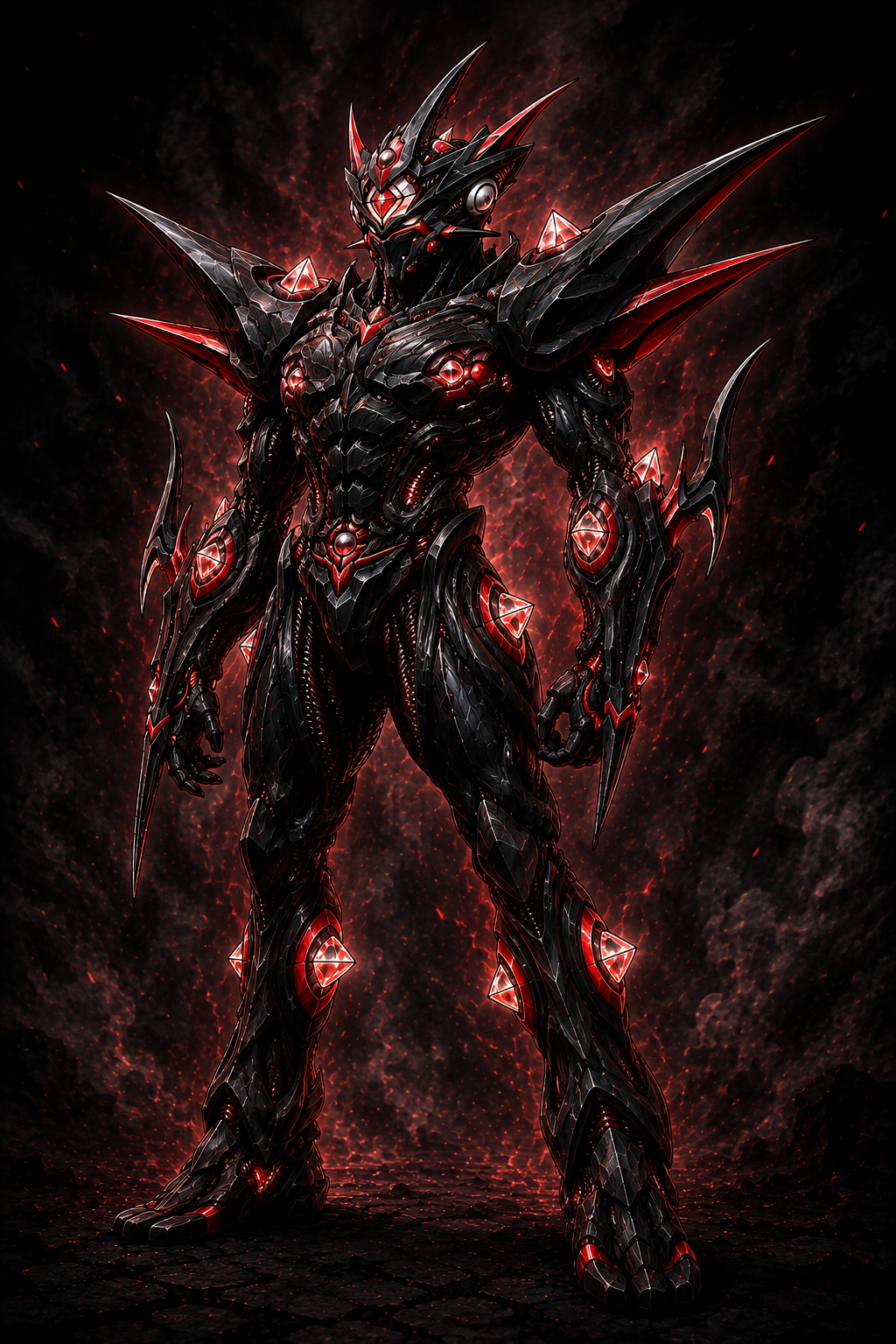
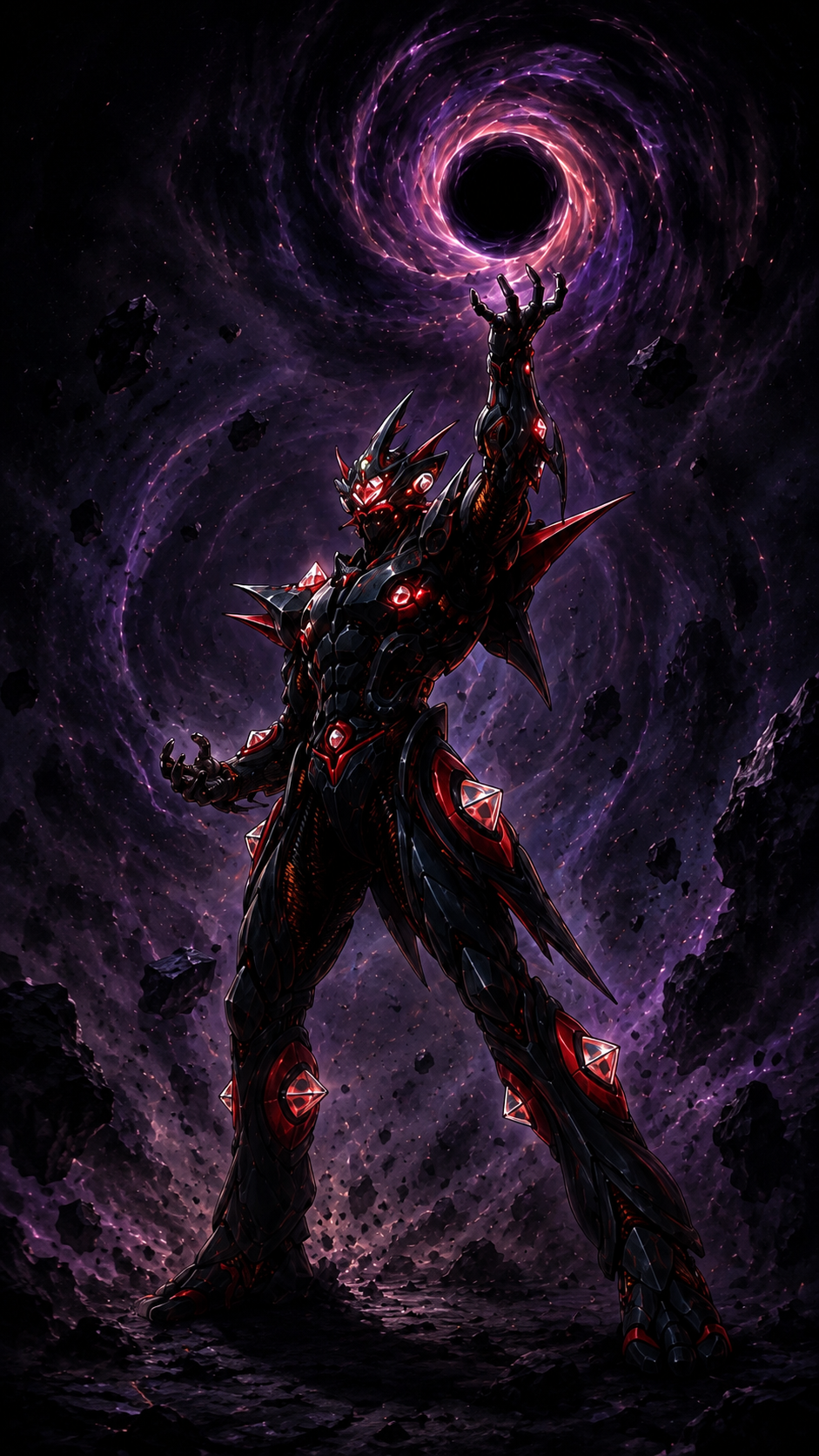
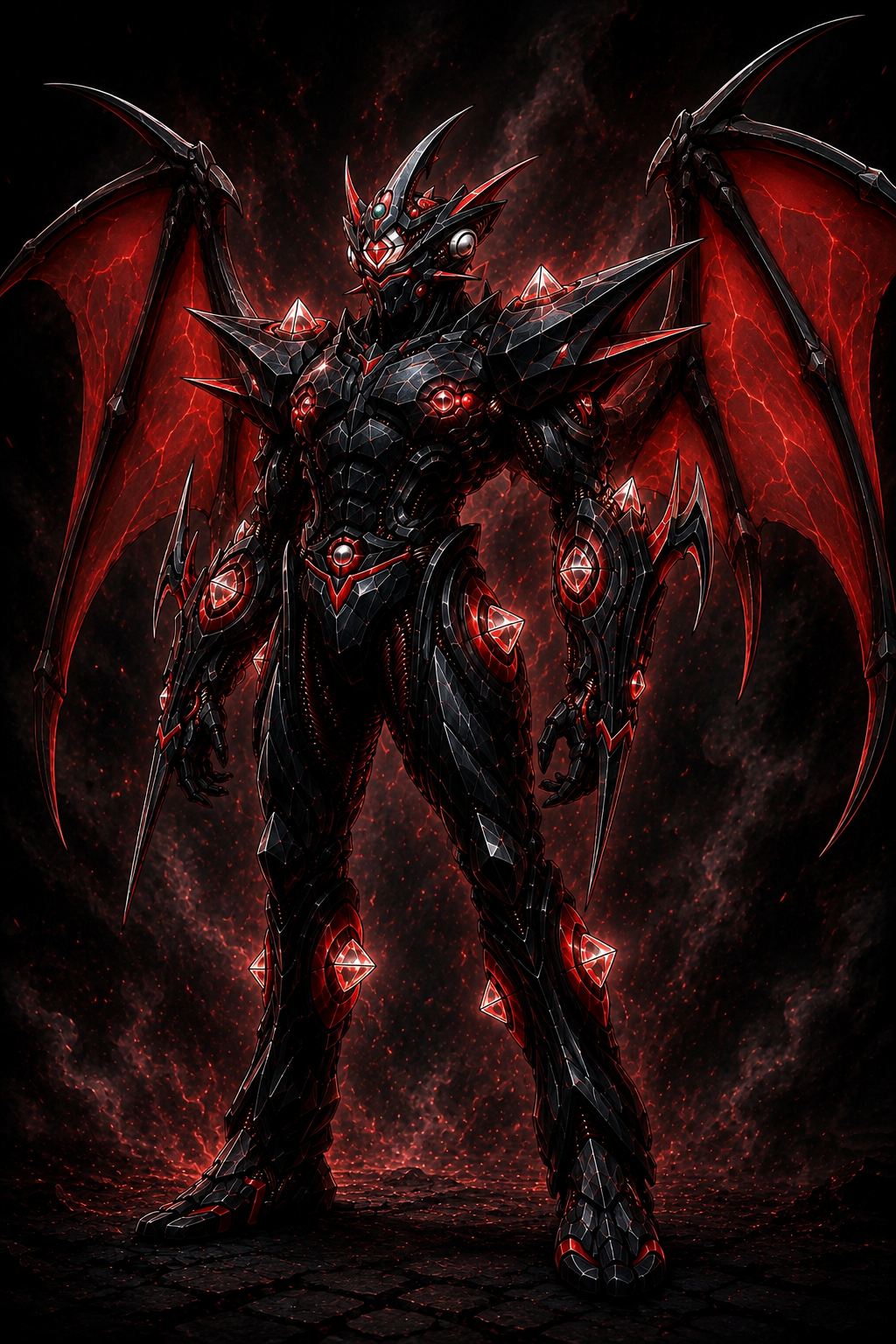
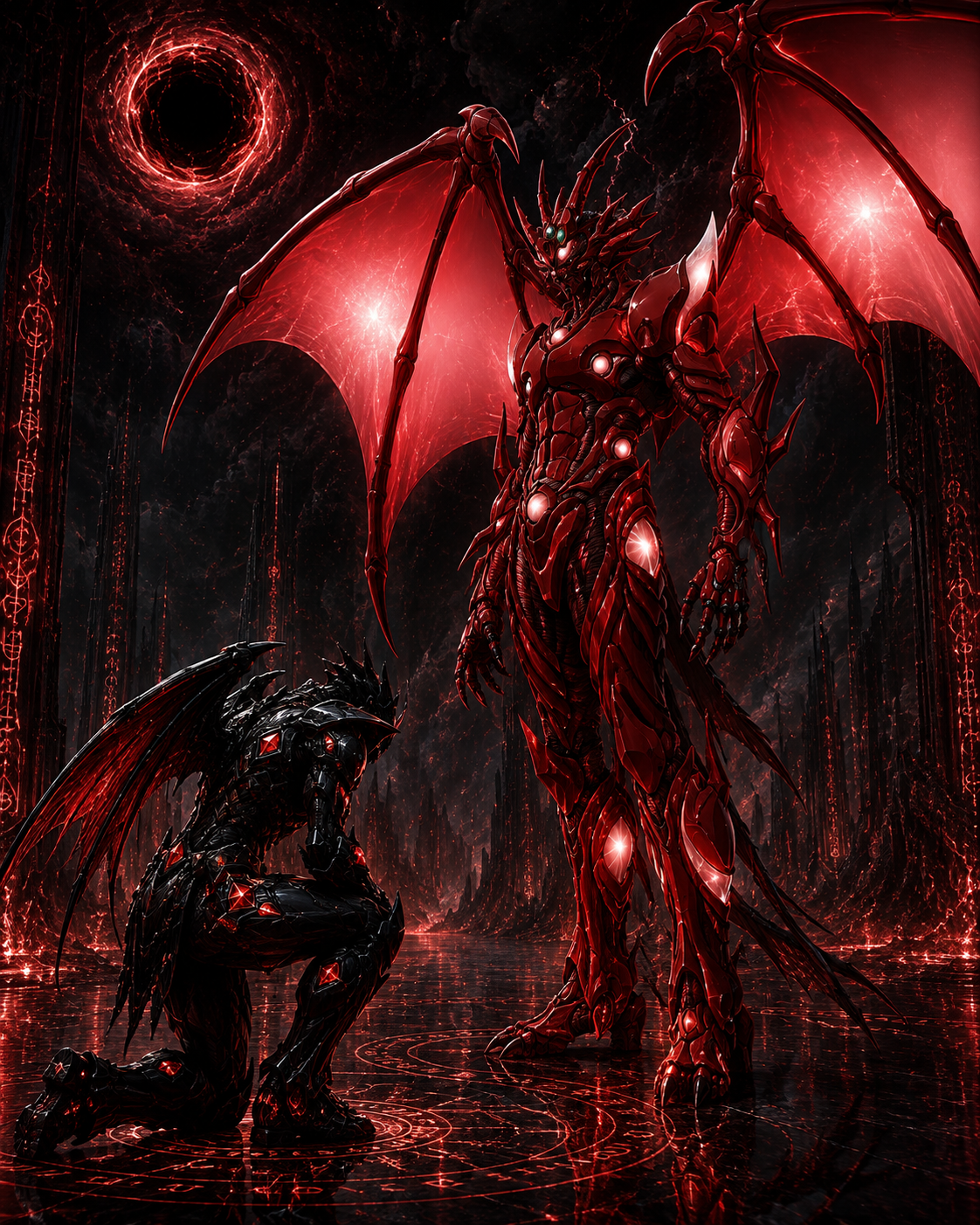
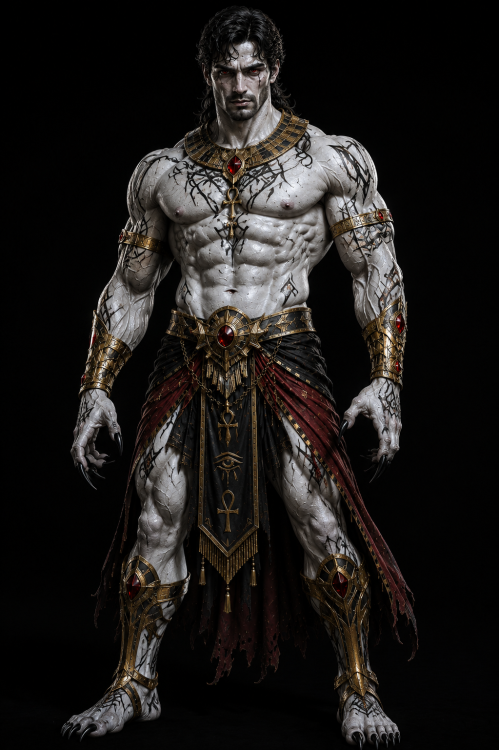
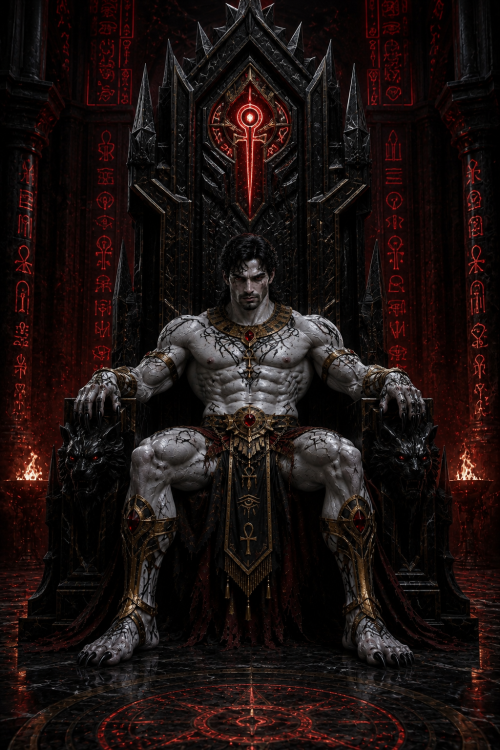
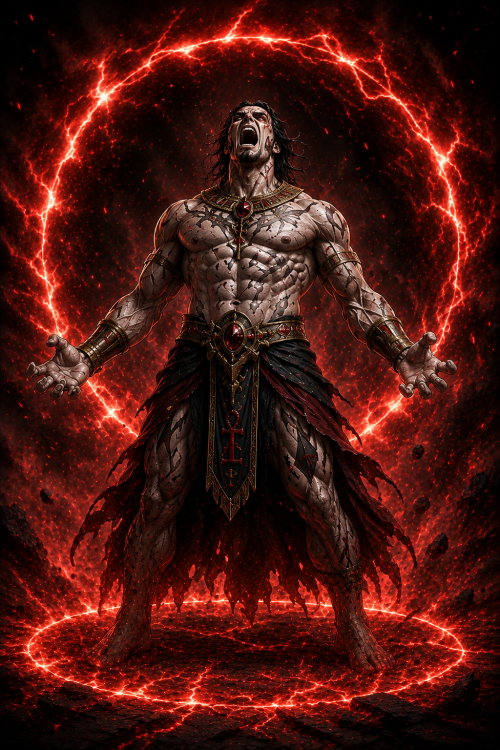
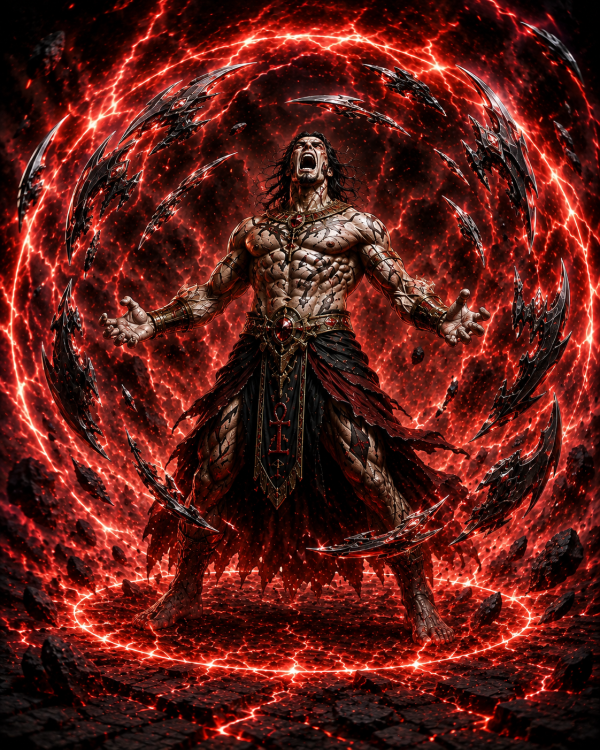
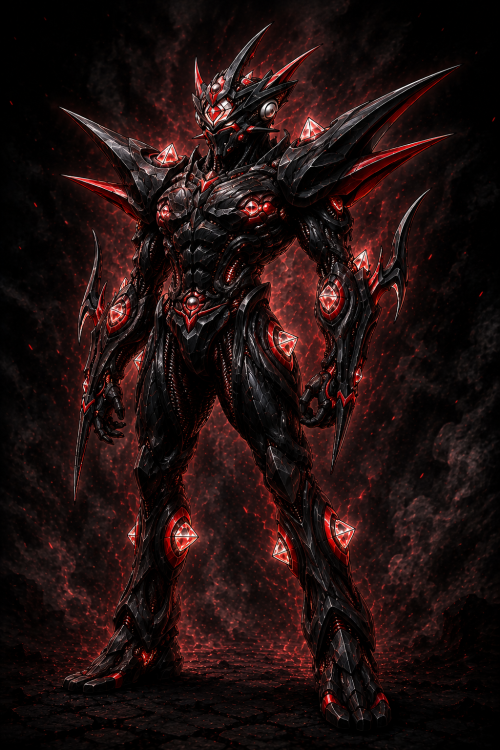
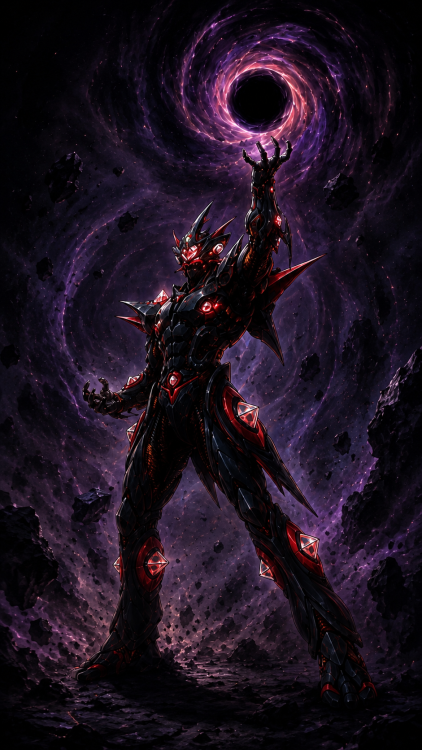
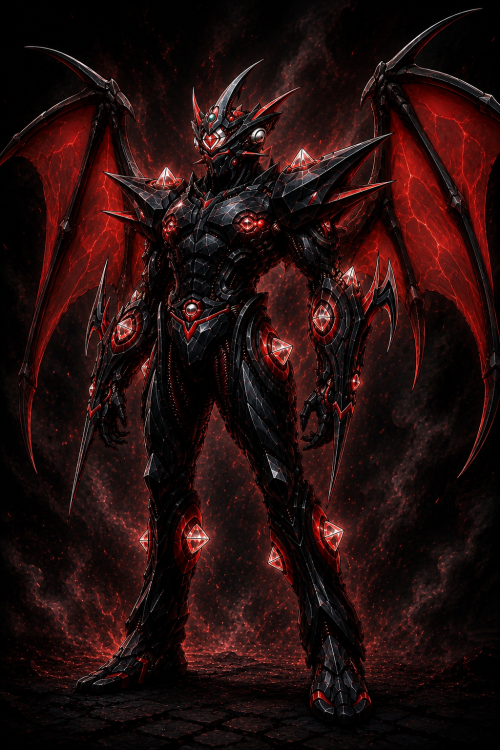
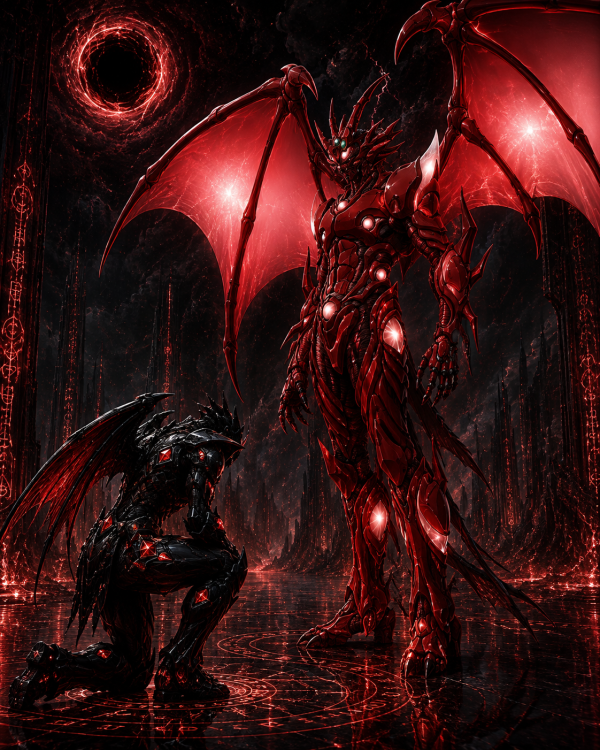
1 point1 point1 point1 pointWelcome back odin! Still been pretty active here. Gotta keep the spirit alive, right?1 point1 pointKickstarter Update! https://www.kickstarter.com/projects/guyvergenesis/guyver-genesis/posts/4774541?ref=ksr_email_mktg_auto_backer_project_update_registered_users1 point1 pointHad some free time so thought I’d play around with AI and make use of my procrastination to bring to life a couple of my favorite characters. Hope you don’t mind Allen! Lord Zagam & Anubis, Lord Zagam: 100% W'kar endowment - matrix bomb Lord Zagam: black hole generation - human form transformation - throne room Lord Zagam - 40% W'kar endowment

 1 point1 pointSo... Who has seen this? I'm upset that some random clip spoiled the final scene for me, lessening the emotional impact. Still a pretty good movie. I really like the action scenes and the relationship dynamics hits really hard. I really do want to watch it again.1 point