Leaderboard
-

Guyver1
Member++2Points534Posts -
Maze247365
Member+1Points46Posts -
Zaxxon55
Member1Points3Posts



Popular Content
Showing content with the highest reputation on 07/29/2018 in Posts
-
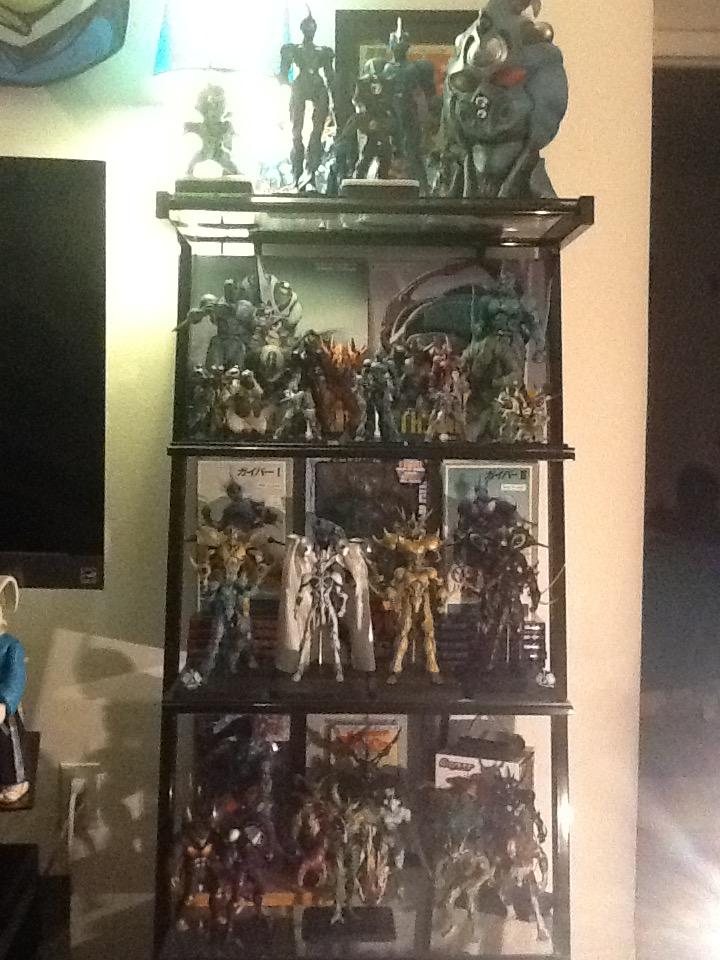
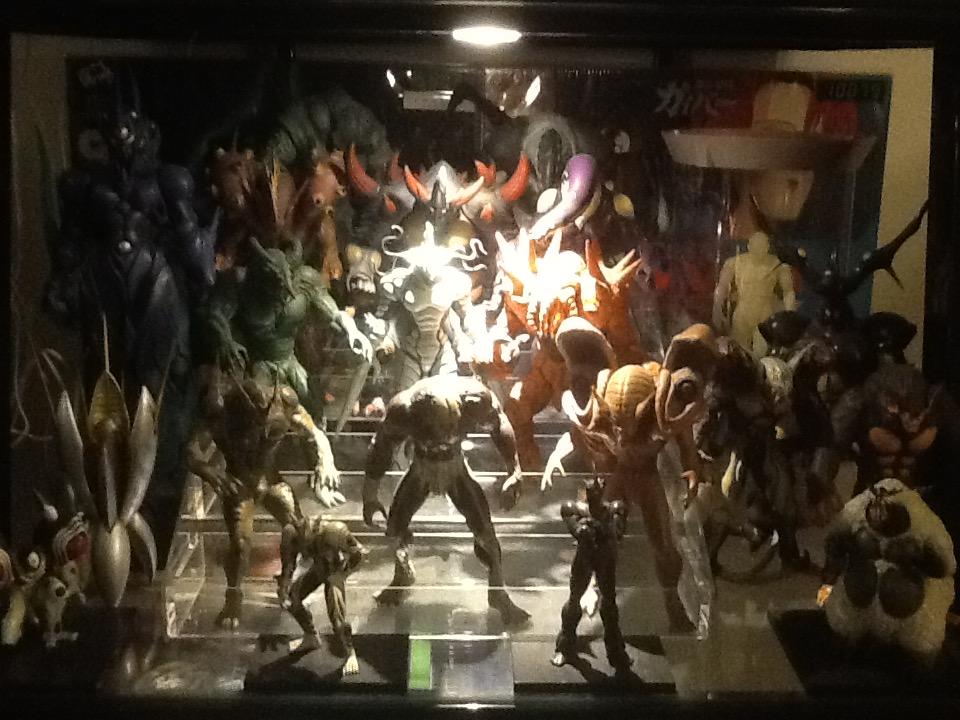
Hey Maze! Thanks for noticing that. I think the scale of the zoalords are decent but the zoanoids are a bit off. Too small. Definitely grab any figure you think is a steal on price as any of them can cost a pretty penny! The main reason I have them set up this way is so you can see more when looking at it leveled. I got a cool shelf off of eBay to add more height too. See below.
 1 point
 -
It took over 20 years, but better late than never right? I finally bought my first Guyver figure, and I told myself as soon as I had at least one figure I would finally call this the beginning of my Guyver collection. The first thing I noticed about the figures the joints are very stiff so I've had to work them slowly until they were loose enough to pose the figure. Overall I really like it. Maybe love it. Except that there's a problem with its waist...
 1 point
 -
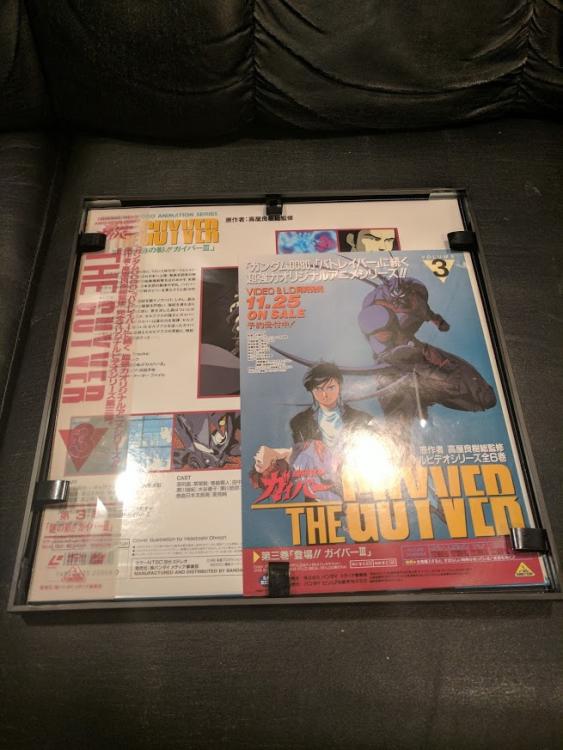
Just joined but figured I would post up my small collection.
.thumb.jpg.2f0e5cea1cc32480bfb9d73f437b03e0.jpg)
.thumb.jpg.90c4425c1cdde544e6f3cc535447fe4c.jpg) 1 point
1 point -
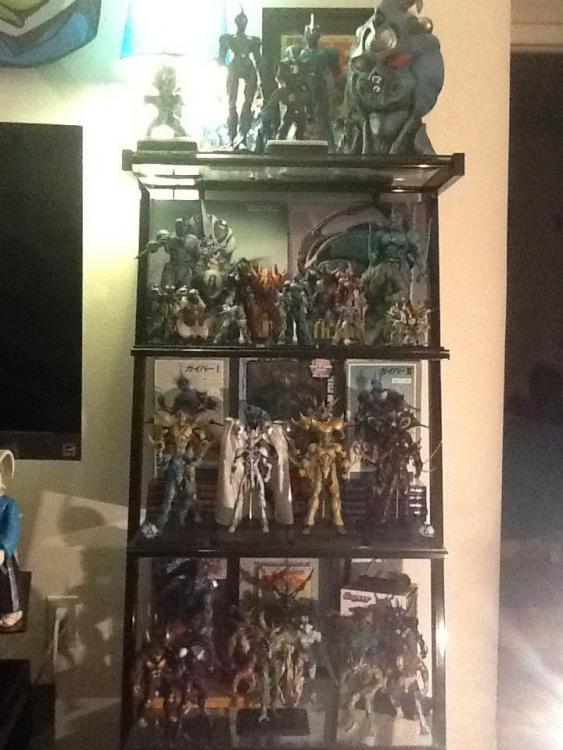
Hello all! Got a few additions to the shelf. Evil Aptom, Guyver 3 figma, Guyver 3 model, Gigantic Dark and I have the movie color version of Guyver IIF on the way. All I am missing from the bfc line is Imakarum, Neo Zx tole and Gaster. Next up is saving for the Guyver 1 statue coming next year!
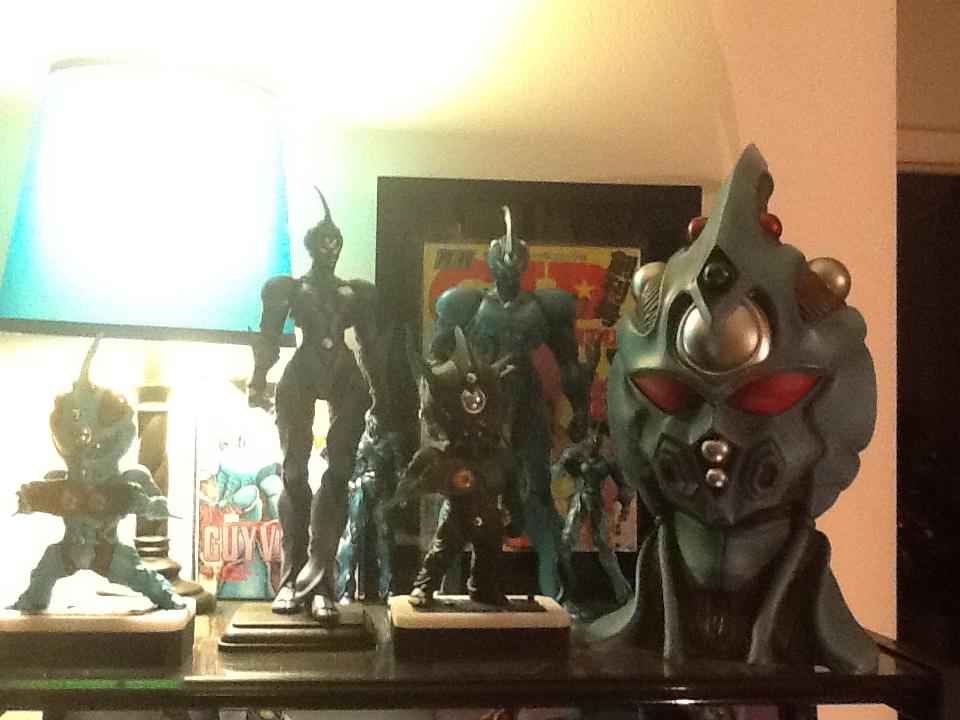


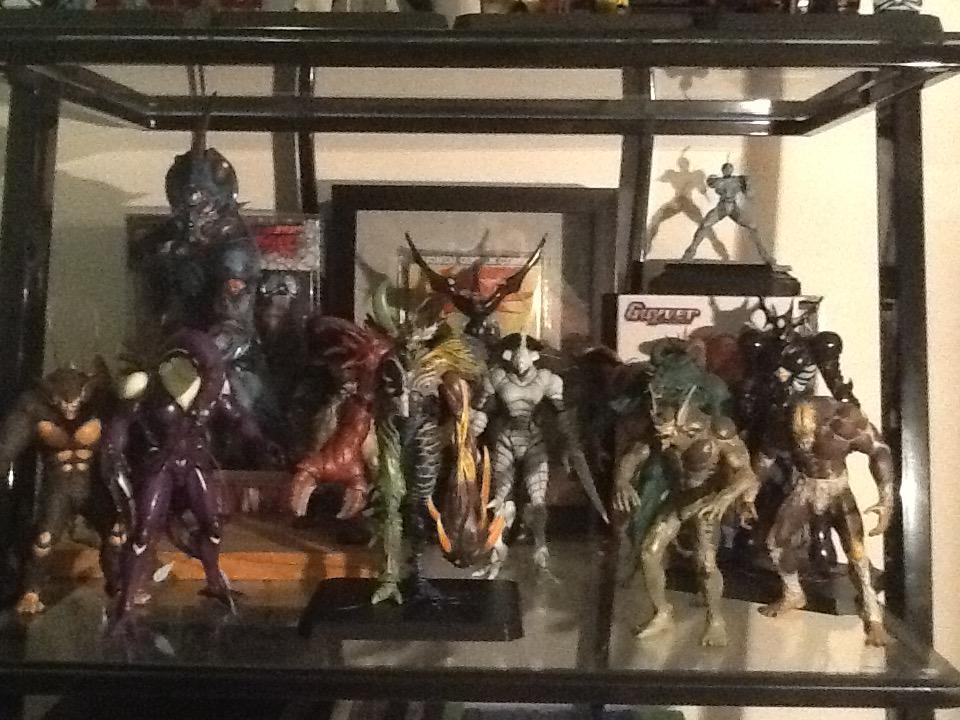 1 point
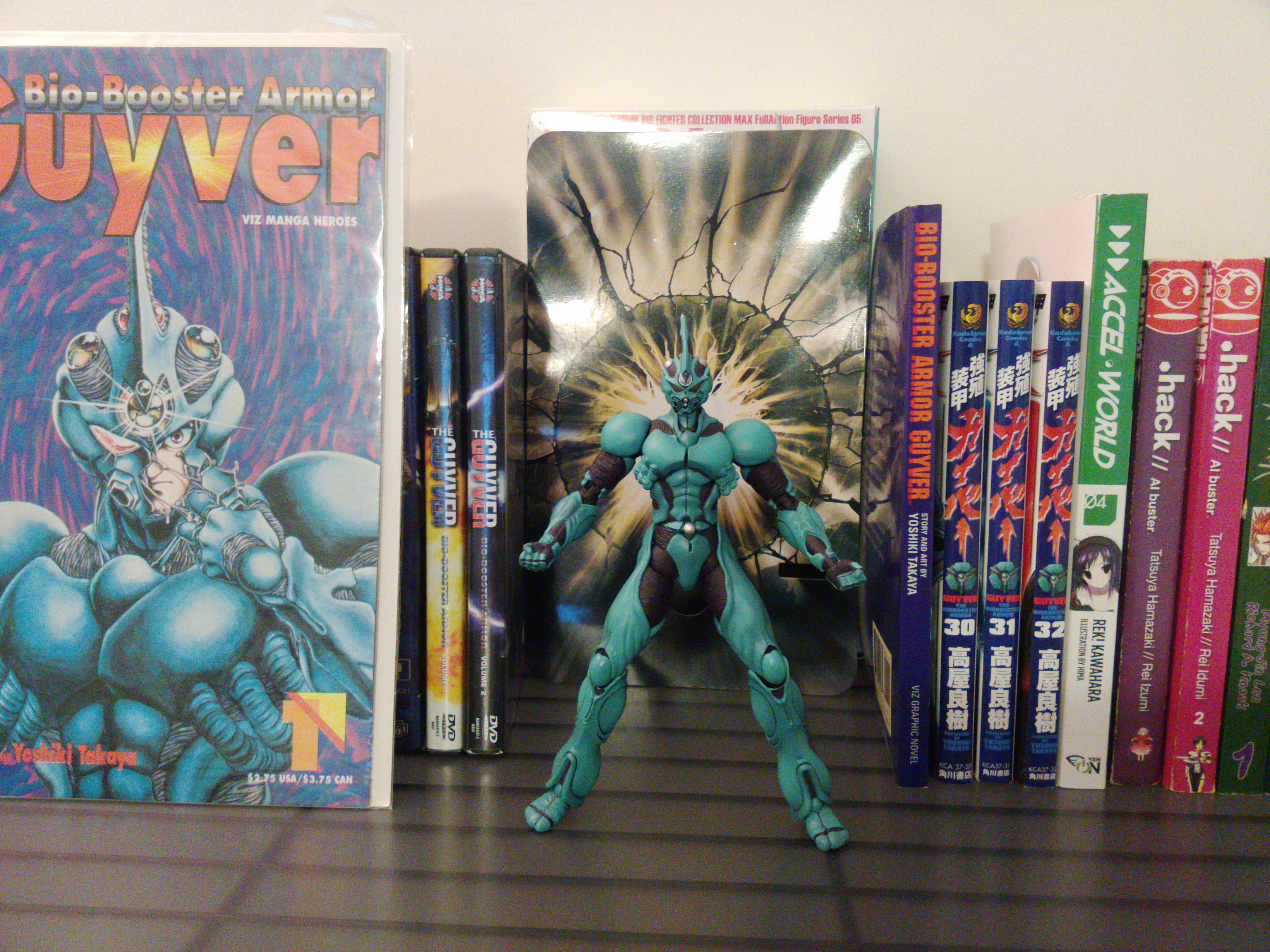
.jpg.0d8477cd4a68d7ce7e67c1b6da56aa69.jpg)
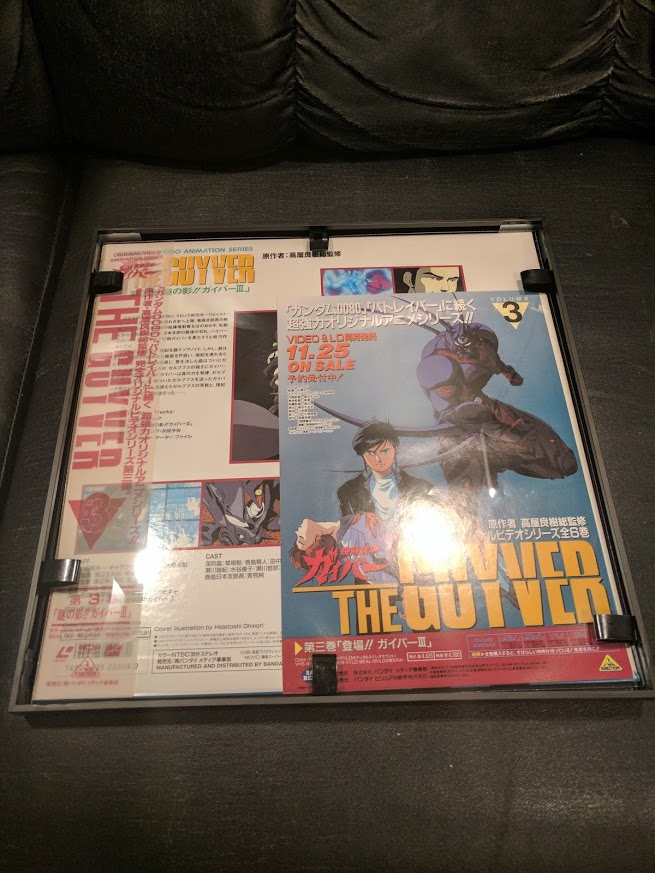
.jpg.3fbb830ec998a52cb27df5371a5b8e80.jpg)