Skip to content
View in the app

A better way to browse. Learn more.

Japan Legend / Guyver Forum

A full-screen app on your home screen with push notifications, badges and more.

To install this app on iOS and iPadOS
  1. Tap the Share icon in Safari
  2. Scroll the menu and tap Add to Home Screen.
  3. Tap Add in the top-right corner.
To install this app on Android
  1. Tap the 3-dot menu (⋮) in the top-right corner of the browser.
  2. Tap Add to Home screen or Install app.
  3. Confirm by tapping Install.

Leaderboard

Popular Content

Showing content with the highest reputation on 02/25/2016 in Posts

  1. 4 points
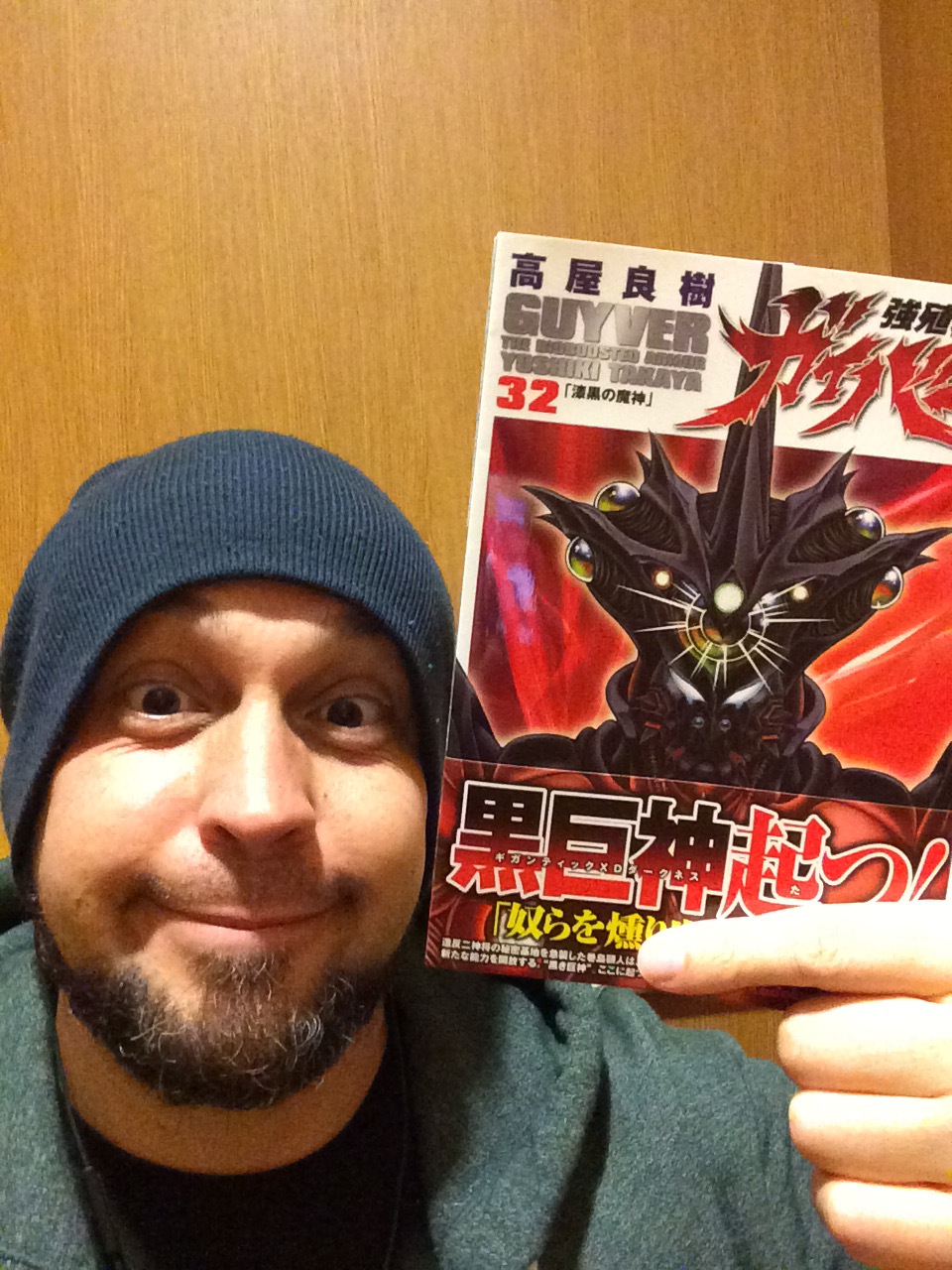
    Just grabbed my copy on my lunch break! There's an interview with Takaya at the back of the book too! Nice!

  2. 2 points
    Preview pages from vol.32: guyver-world.ru/forum/index.php/topic,49.msg118601.html#msg118601 Including datafiles, colour page and an interview with Yoshiki! Some of the pages are available on Bookwalker site: bookwalker.jp/de129c783e-8047-46f4-8517-40cf698ff14d/?sample=1
  3. 1 point
    I'll be picking up shonen ace tomorrow too for a whopping "10 pages after a two month break" bonanza! Can't wait to see what happens to ol' slaphead!
  4. 1 point
    Nice! I ordered mine from amazon.co.jp.

Account

Navigation

Search

Search

Configure browser push notifications

Chrome (Android)
  1. Tap the lock icon next to the address bar.
  2. Tap Permissions → Notifications.
  3. Adjust your preference.
Chrome (Desktop)
  1. Click the padlock icon in the address bar.
  2. Select Site settings.
  3. Find Notifications and adjust your preference.