

Zaxxon55
Member
-
Joined
-
Last visited
Everything posted by Zaxxon55
-
Just an FYI, there is a Guyver LD up for sale on ebay if anyone is looking to start/add to their collection. https://www.ebay.com/itm/THE-GUYVER-Rare-Laserdisc-Japanese-Anime/132533022279?hash=item1edb956e47:g:j4YAAOSwWUlao26K
-
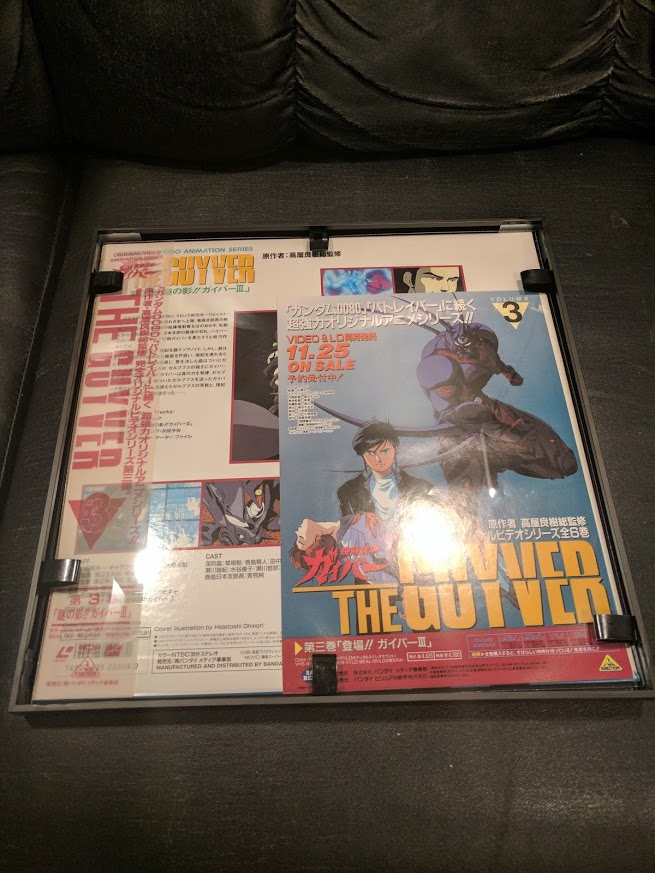
I actually just got more frames in yesterday to frame the 3 second season discs. Just as an FYI, LD's are the exact same size as your standard Record LP, and there are some good options for framing/displaying those (See image). These are the frames I use: https://www.amazon.com/MCS-12-5x12-5-Gallery-Aluminum-65506/dp/B009ARXSXA/ref=sr_1_4?ie=UTF8&qid=1518819080&sr=8-4&keywords=record+frame+6+pack

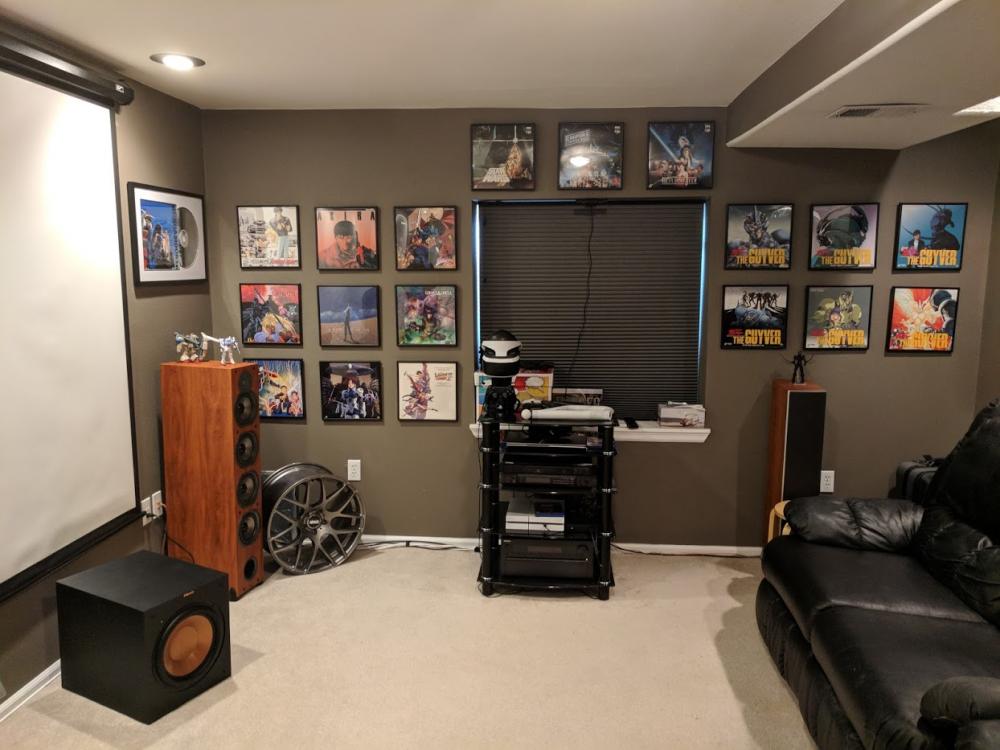
-
Just joined but figured I would post up my small collection.
.thumb.jpg.2f0e5cea1cc32480bfb9d73f437b03e0.jpg)
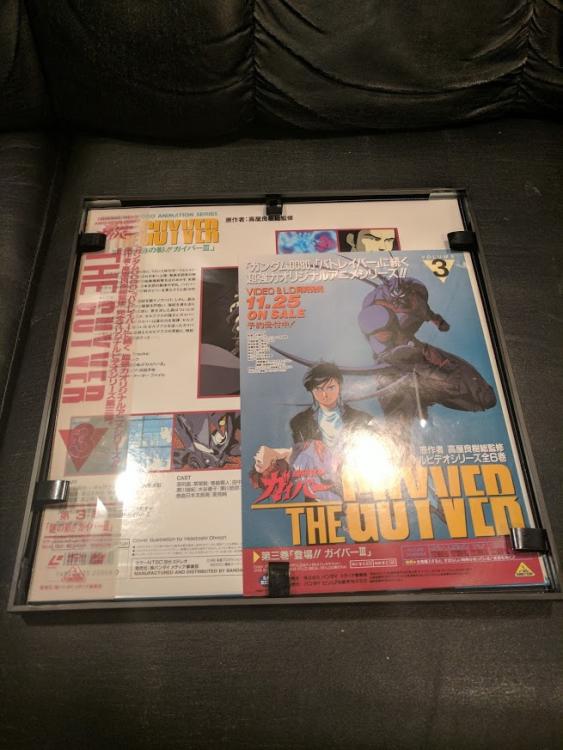
.thumb.jpg.90c4425c1cdde544e6f3cc535447fe4c.jpg)

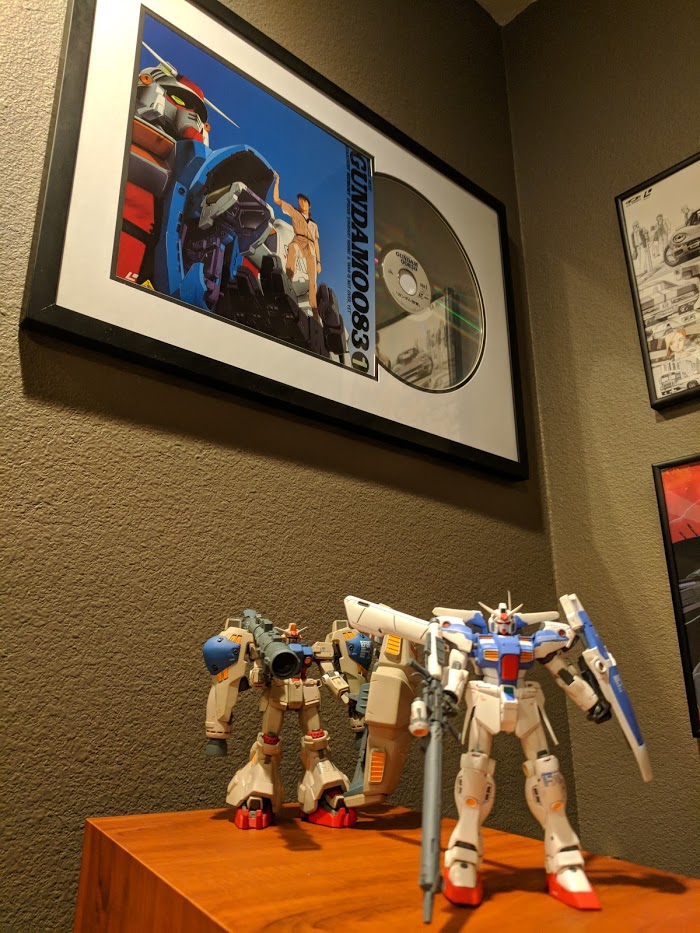
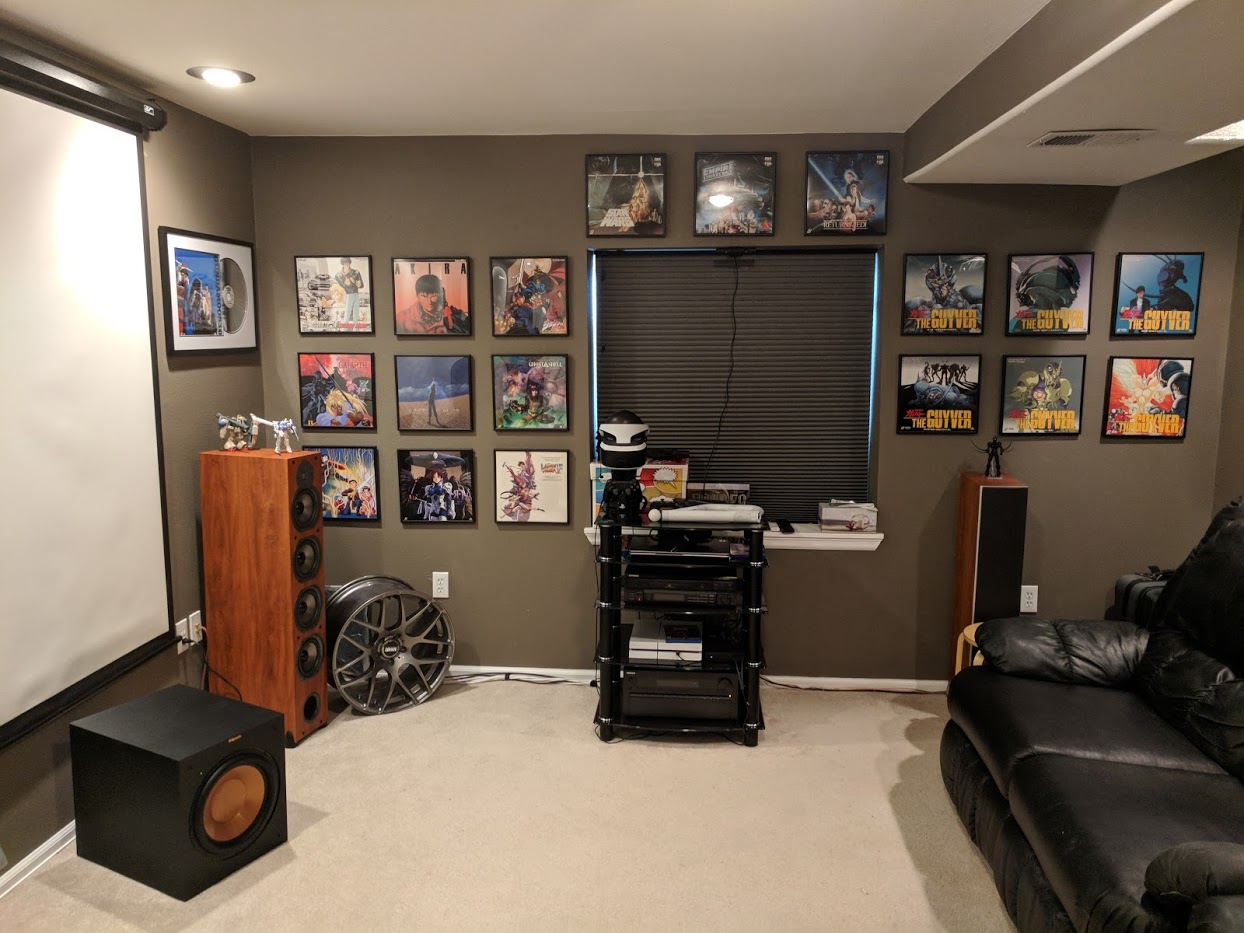

.jpg.0d8477cd4a68d7ce7e67c1b6da56aa69.jpg)
.jpg.3fbb830ec998a52cb27df5371a5b8e80.jpg)